
Monthly visits
1,372
2026-10
Monthly growth +569.3%

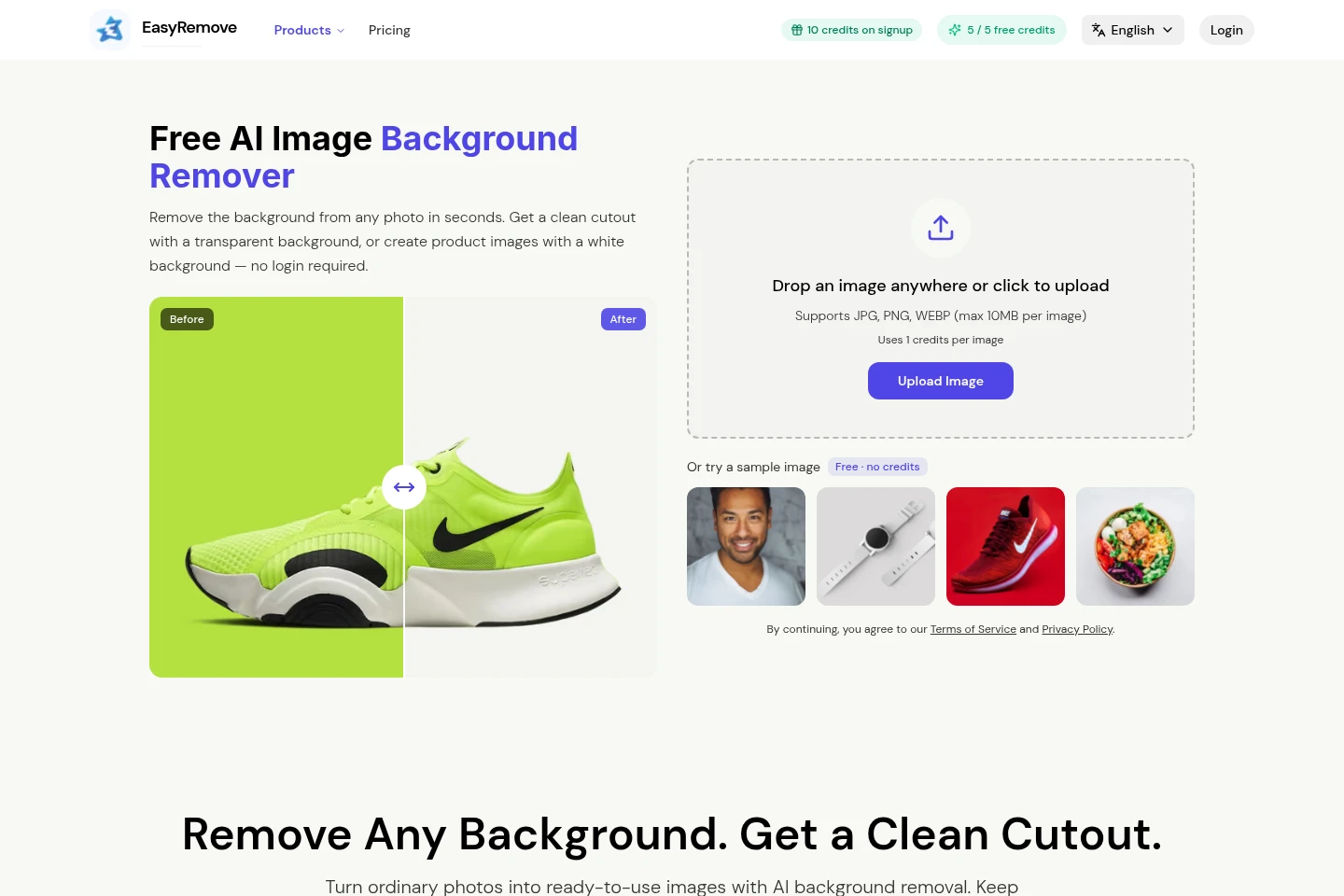
EasyRemove - Remove image backgrounds and edit clean cutouts online

EasyRemove is an online image-editing tool that uses AI to remove photo backgrounds. Upload JPG, PNG, or WEBP images up to 10 MB, preview the cutout, and download a transparent PNG or choose another available background. The editor also supports adding text, resizing, and exporting as PNG or JPG.

Visit WebsiteUpdate this product

0Views

Capabilities

AI background removal

Removes the background from an uploaded image and outputs a cutout for preview and download. Upload JPG, PNG, or WEBP files up to 10 MB; each image uses 1 credit.

Background selection

Replaces a removed background with a white, solid-color, or other available background. Choose the background after removing the original; available choices depend on the editor.

Cutout editing and export

Edits the processed image and exports a PNG or JPG file. After removal, the editor can add text, resize the image, and let the user download the result.

PricingFreemium

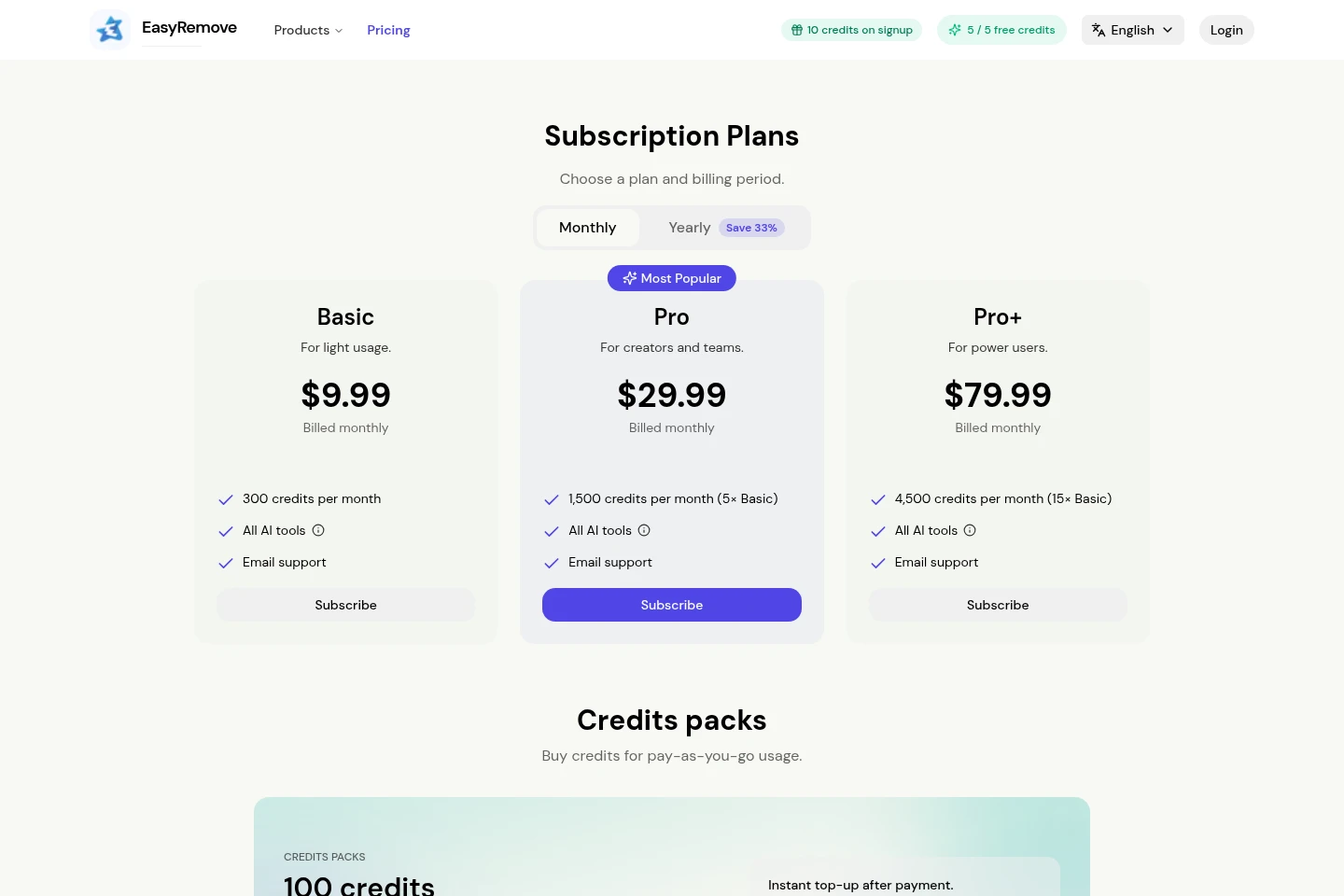
EasyRemove offers free signup credits, recurring subscriptions, and a one-time credit pack. Compare monthly credit allowances and included tools, or choose credits for pay-as-you-go use.

PlanPriceIncluded features and limits
Basic

$9.99, billed monthly

  • 300 credits per month

  • All AI tools included

  • Email support

Pro

$29.99; billing period not stated

  • 1,500 credits per month

  • All AI tools included

  • Email support

Pro+

$79.99; billing period not stated

  • 4,500 credits per month

  • All AI tools included

  • Email support

Credits packs

$4.99 one-time pack

  • 100 credits

  • Instant top-up after payment

  • Pay-as-you-go credit use

The pricing page offers a Monthly or Yearly billing-period selector and advertises 33% savings for yearly billing. It does not specify the Pro or Pro+ price billing period in the supplied page text.

Use cases

Prepare product photos for listings

When a seller needs product imagery for an online store, marketplace, or catalog, upload a product photo and remove its background. Select white or another available background to create a consistent listing image.

Create transparent image cutouts

When an image needs a transparent background for a website, presentation, profile picture, or design, upload it and use background removal. Preview the cutout and download it as a transparent PNG.

Resize and export edited images

When a processed image needs adjustments for another platform, continue in the editor after background removal. Add text or resize the image, then export as PNG or JPG.

Limitations

  • Each background-removal run uses 1 credit, while watermark removal uses 2 credits per run.

  • Uploads are limited to JPG, PNG, and WEBP files up to 10 MB per image.

  • Cutout results can vary with lighting, image quality, and how clearly the subject separates from its background.

  • Uploaded images are sent to a third-party processing provider and may be temporarily stored on its infrastructure.

Alternatives

Retoucher Online

Effortlessly remove backgrounds from images

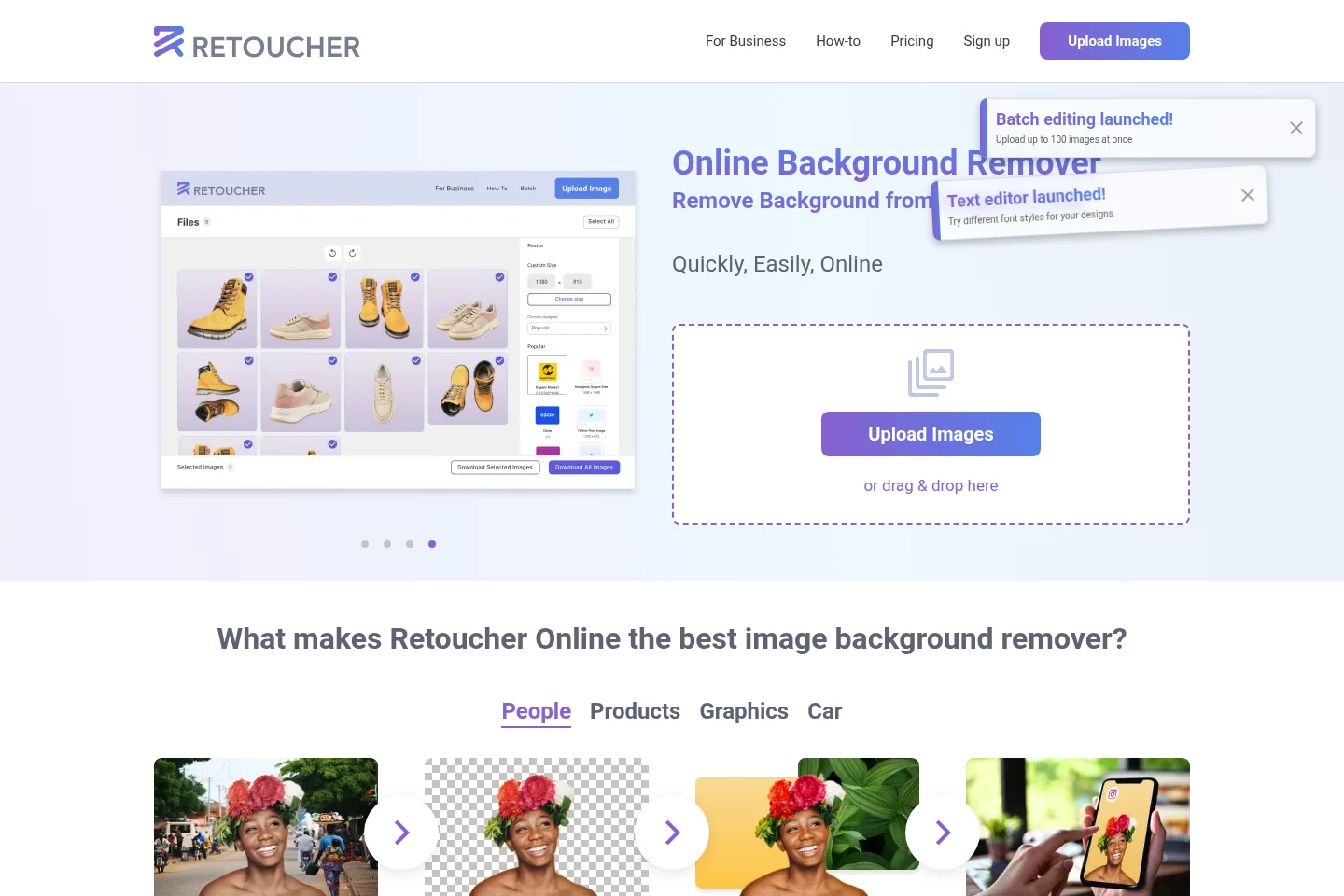
Retoucher Online is an innovative image background remover that leverages AI technology to effortlessly remove backgrounds from images. Users can easily upload photos and achieve high-quality results in seconds. Whether you want to create transparent backgrounds, add new backgrounds, or produce images suitable for online marketplaces, Retoucher Online provides an all-in-one solution. The platform is perfect for businesses, e-commerce sellers, and individuals looking to enhance their photos without the hassle of complicated software. With features like batch processing, high-resolution downloads, and a built-in editing tool, Retoucher Online is designed to save time and money while delivering exceptional results.

  • Freemium
  1. RemovePhotos

    Remove image backgrounds and edit photos online

    Free
  2. Remove.bg

    Remove backgrounds in seconds with AI technology

    Freemium
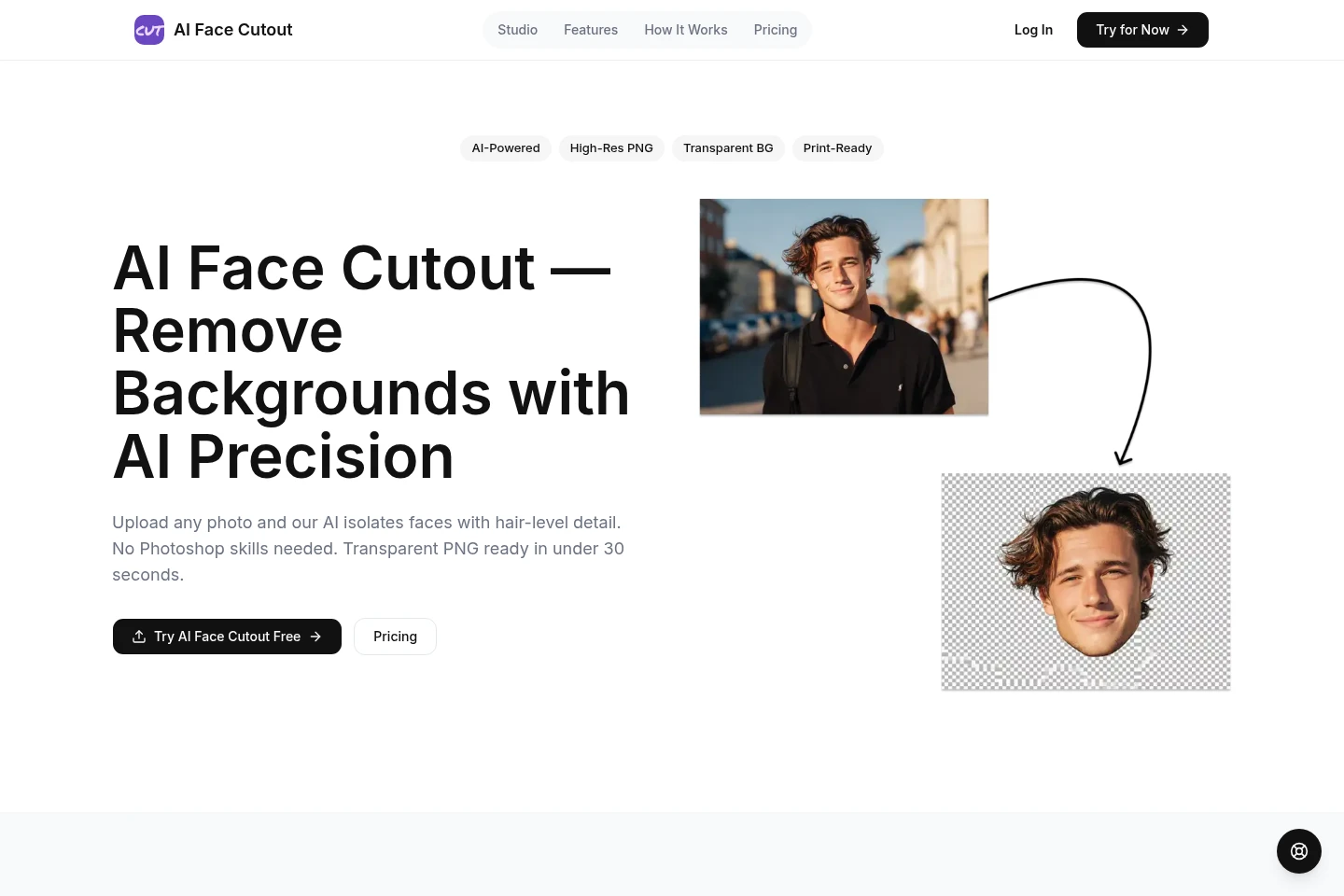
  3. AI Face Cutout

    AI-powered portrait background removal with hair-level precision

    Freemium
  4. 美图设计室 (Designkit)

    Remove image backgrounds and create designs with online AI tools

    Free
  5. Remove Background

    Remove image backgrounds and create new ones with AI

    Monthly plan · $0.50 for 7 days, then $55.99/month

Who it is for

  • Online sellers who need product images for store and marketplace listings

  • Designers who need transparent cutouts or background variations for graphics

  • Social media creators who need to edit and resize images for their posts

FAQ

Does EasyRemove have a free option?

Yes. EasyRemove provides free credits, and the homepage states that 10 credits are given on signup. Background removal uses 1 credit per image; paid subscriptions and credit packs are also listed.

Which image formats and sizes can I upload?

JPG, PNG, and WEBP are supported, up to 10 MB per image. The uploader may show formats and limits available for the current workflow.

Can I download a transparent PNG?

Yes. Choose the transparent export option after removing the background to download a transparent PNG.

Can I replace the background with white?

Yes. After background removal, choose white or another available background in the editor.

Do images get stored after upload?

Images are sent to a third-party provider for AI processing and may be temporarily stored on that provider’s infrastructure. The Privacy Policy provides details about processing, retention, and data handling.

What subscription and credit-pack prices are listed?

Basic is $9.99 billed monthly, Pro is $29.99, and Pro+ is $79.99; the page also offers a 100-credit pack for $4.99. The page provides a monthly or yearly billing-period selector, but does not state the billing period next to the Pro and Pro+ prices in the supplied content.

Comments

Please sign in to leave a comment.
No comments yet. Be the first to share your thoughts!