

- Monthly visits
- 6,037
- 2026-09
- Monthly growth +68%
Draw3D - Turn sketches and 3D blockouts into controlled renders and video
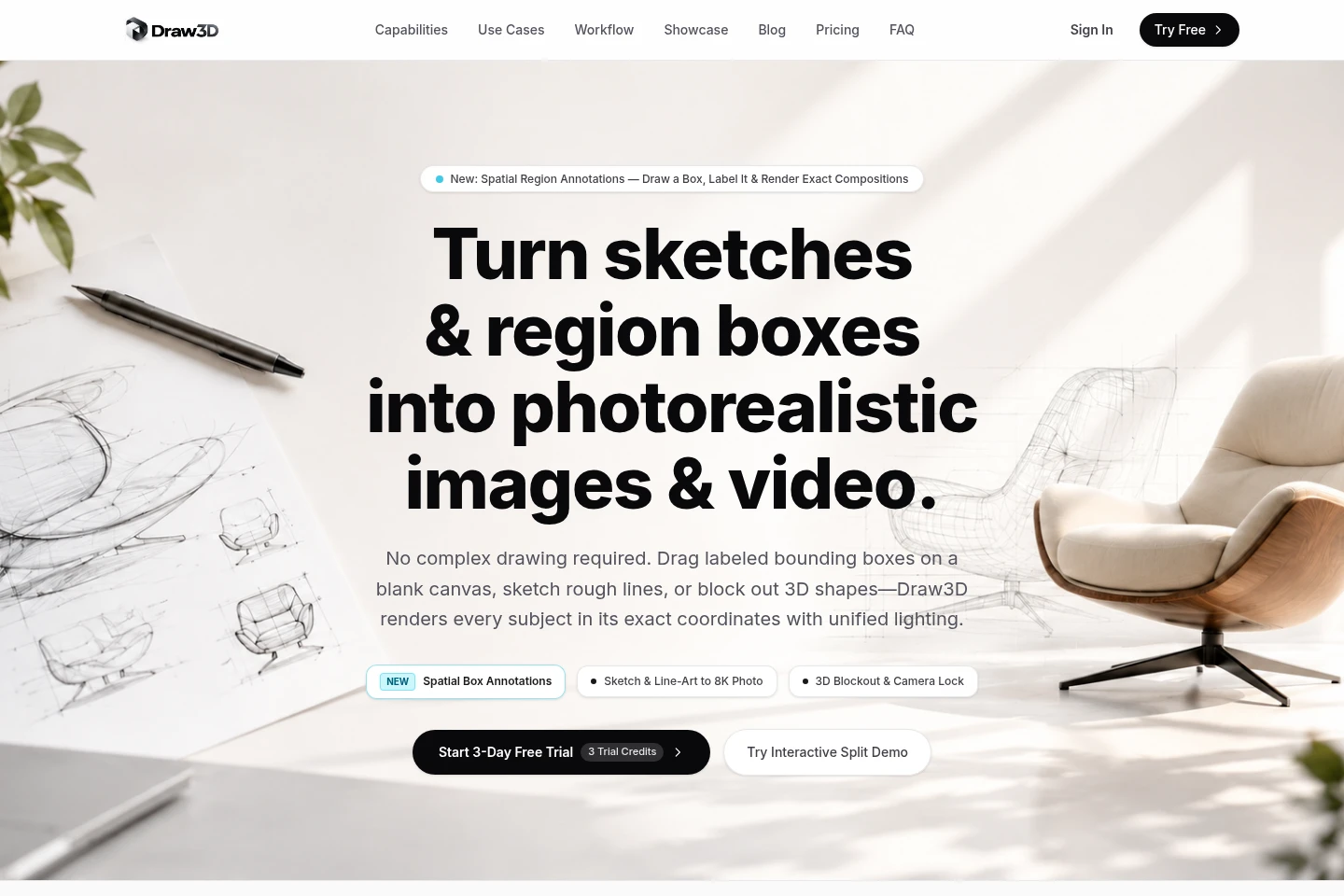
Draw3D is a generative creative studio for converting sketches, line art, architectural drawings, and 3D blockouts into images and video. Users can guide geometry, lighting, materials, and camera perspective, then export high-resolution renders or motion clips. It also provides image upscaling and browser-based sketching and importing.
- AI Image
- Image Generators
- Video Generators
- Image Upscalers
- Architecture
- sketch to photorealistic render
- 3D blockout rendering
- AI storyboard to video
Capabilities
Sketch rendering
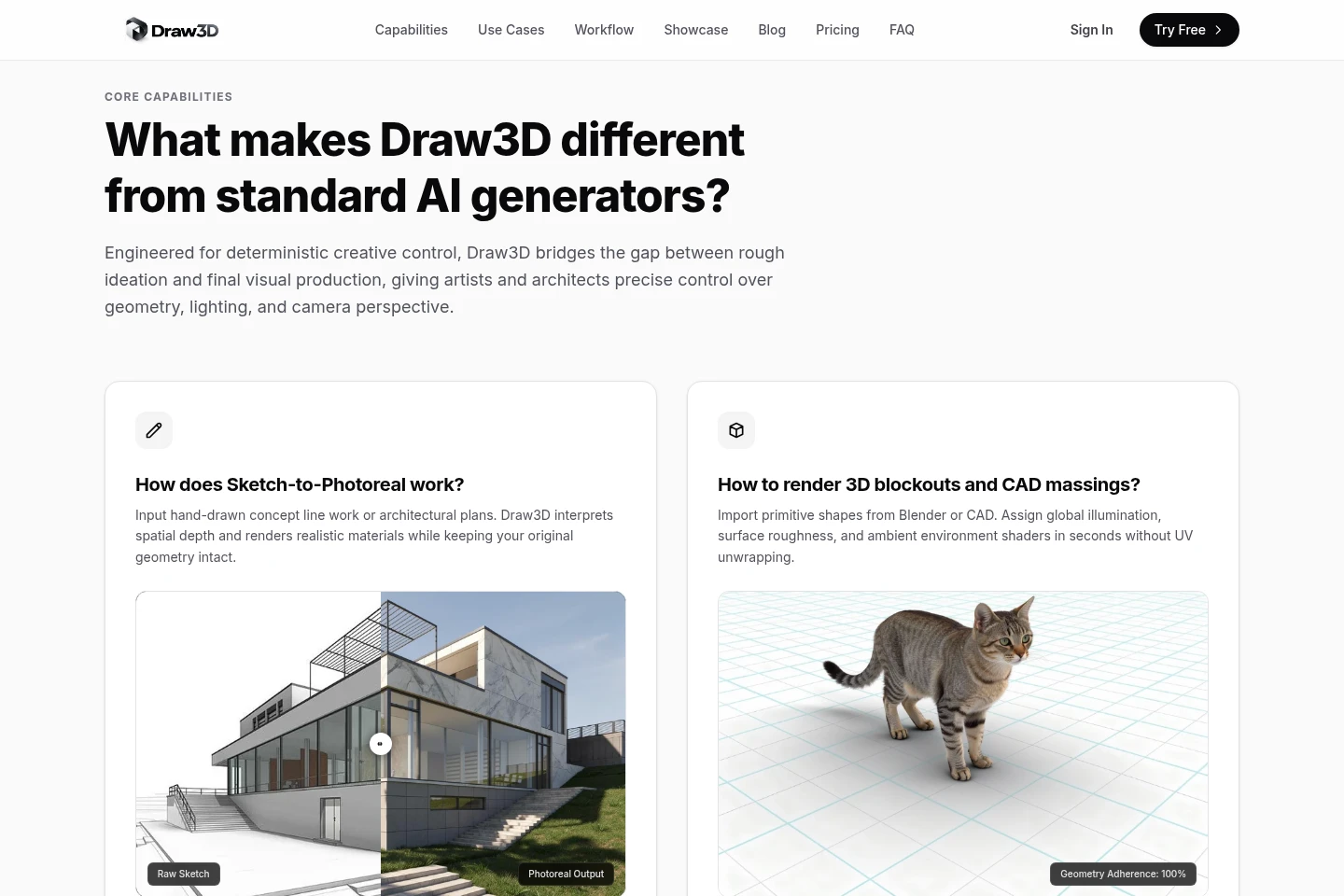
Converts hand-drawn lines and architectural plans into realistic-material images while retaining the input geometry. Supply a sketch or drawing; spatial depth and edge conditioning guide the rendered result.
3D blockout rendering
Turns imported primitive 3D shapes into rendered scenes with assigned lighting and surface properties. Import shapes from Blender or CAD, then set global illumination, roughness, and environment without UV unwrapping.
Storyboard video generation
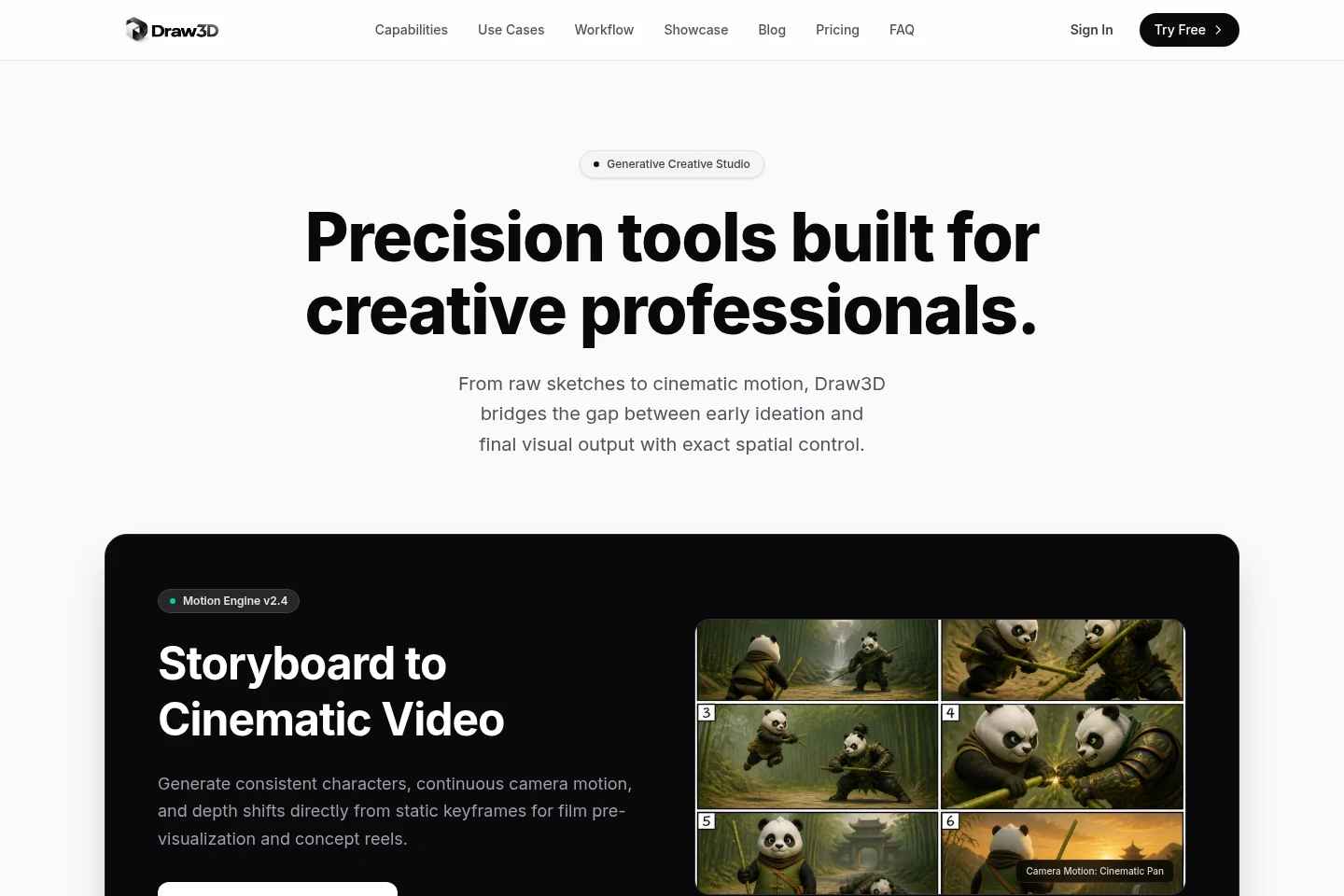
Creates video with camera motion, depth shifts, and movement from a photo keyframe or storyboard drawing. The feature also accepts static keyframes for cinematic motion and can produce turntable clips.
Image upscaling
Upscales concept renders to high resolution while retaining fine detail. Draw3D describes 8K exports and an 8x AI upscaler; the Professional plan lists ultra-res 8x generation.
Browser drawing and export
Lets users sketch on a browser canvas, import images or CAD outlines, and export renders or motion. Supported image imports include PNG, JPG, and WebP, with screenshots from named 3D and design applications also described.
Pricing
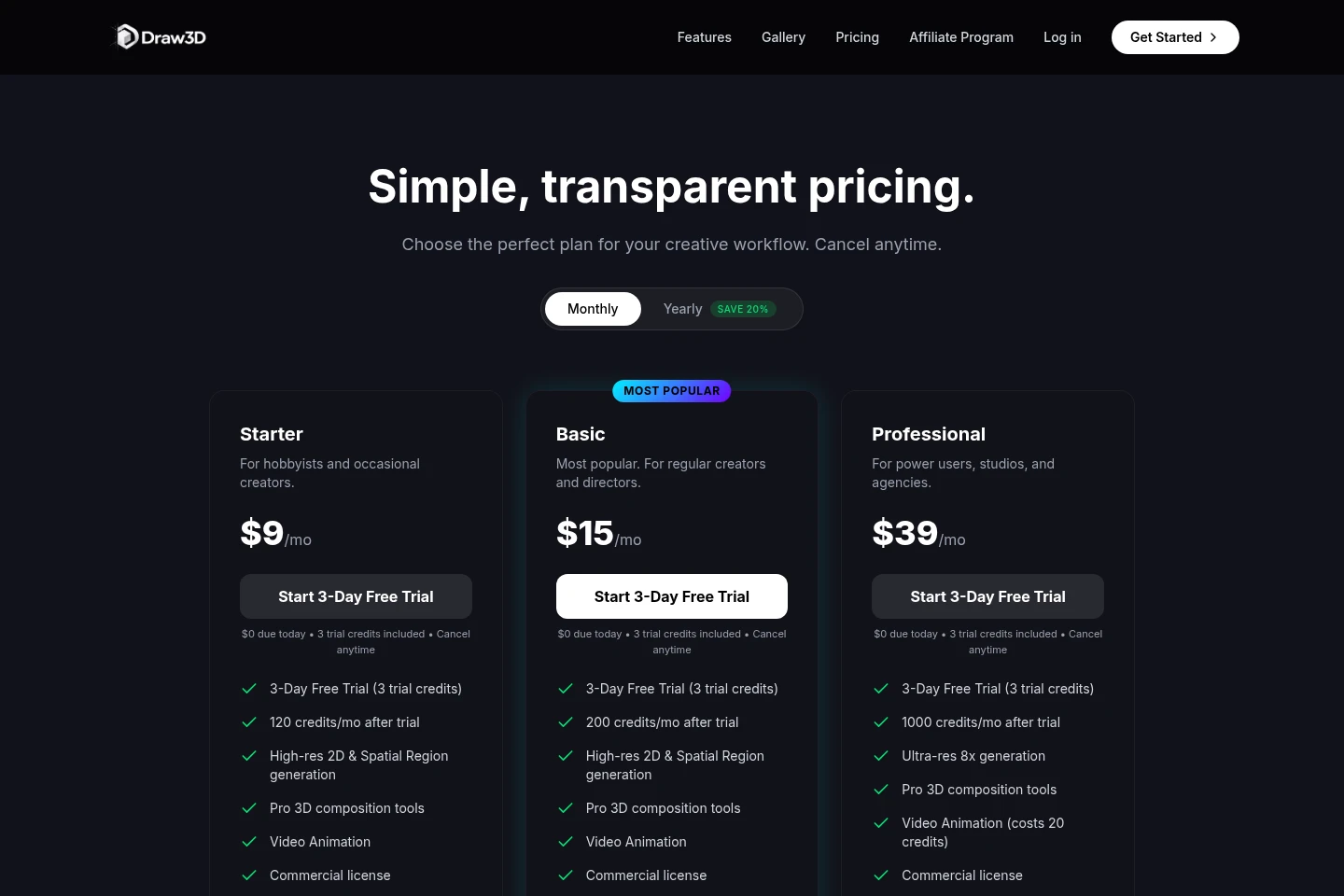
Draw3D offers recurring monthly plans, with Starter beginning with a 3-day free trial. Compare monthly credit allowances, generation tools, support, and export or resolution features when choosing a plan.
| Plan | Price | Included features and limits |
|---|---|---|
| Starter | $9/mo; 3-day free trial |
|
| Basic | $15/mo |
|
| Professional | $39/mo |
|
The pricing page says subscriptions can be canceled anytime and displays a yearly billing option with 20% savings, but gives no yearly price amounts or payment schedule.
Use cases
Visualize sketches as rendered concepts
When a designer has hand-drawn line work or an architectural drawing, they can submit it to generate an image with realistic materials. Spatial-depth and edge controls are intended to preserve the original strokes and proportions.
Render a 3D scene blockout
When a scene has been roughed out in primitive forms, users can import shapes or screenshots from Blender, CAD, SketchUp, or Maya. They can set materials and lighting, then export a high-resolution visual.
Create motion from a storyboard
When a concept needs motion visualization, users can provide a photo keyframe or storyboard drawing. Draw3D generates camera movement and depth shifts, with video clips available for export.
Limitations
The Starter trial includes 3 credits, and the plan lists 120 credits per month after the trial; further generation is credit-limited by plan.
Video Animation on the Professional plan costs 20 credits per generation.
The FAQ grants full commercial rights to generations under Pro and Studio plans; it does not state those rights for every plan.
The listed import formats are PNG, JPG, and WebP; the workflow also describes CAD outlines and screenshots from specified design tools.
Who it is for
Industrial designers who need rendered product concepts from sketches or 3D blockouts
Architects who need to visualize architectural drawings and spatial designs
Concept artists who need controlled image rendering and storyboard-based motion
Creative studios and agencies that need production visuals and video exports
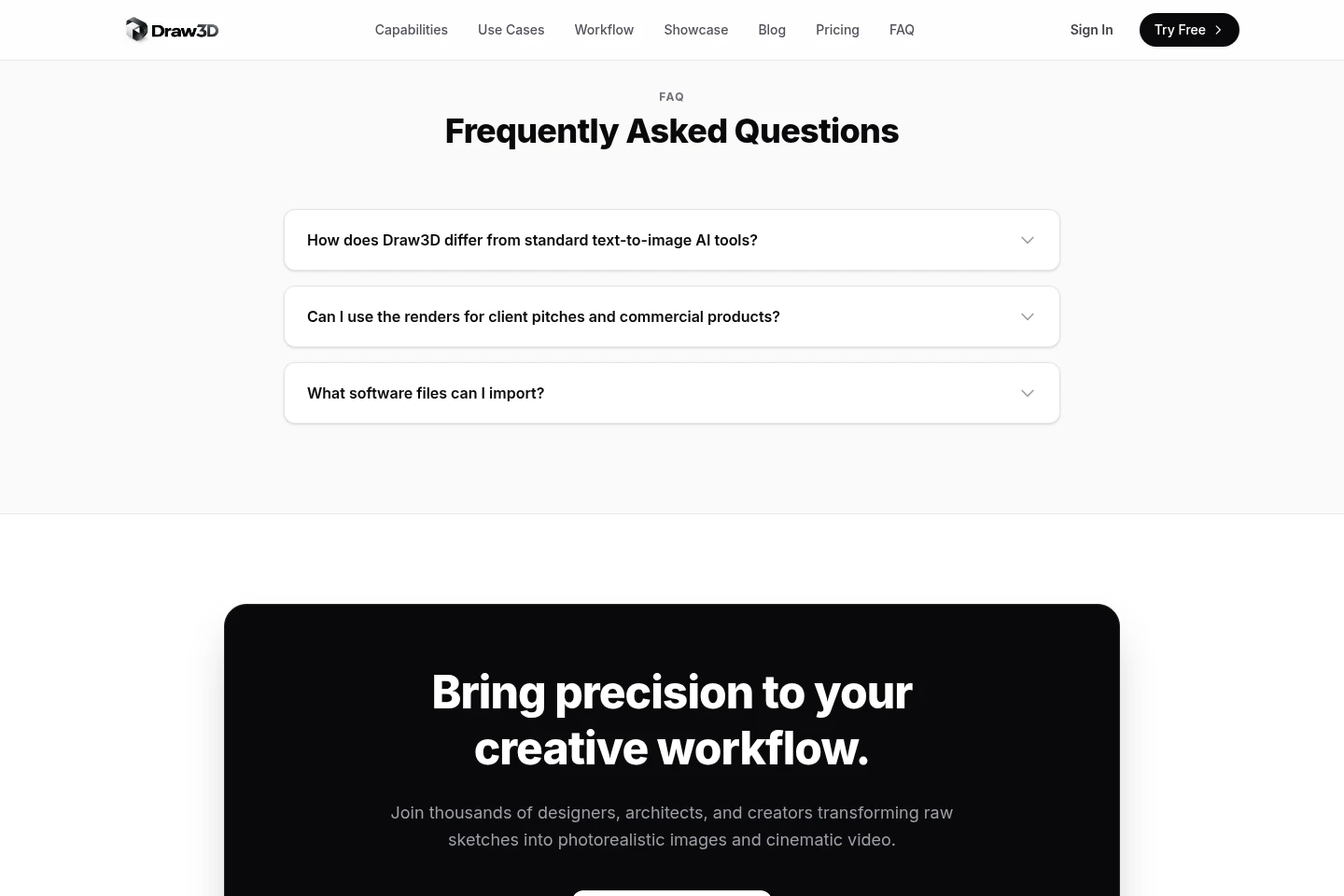
FAQ
How does Draw3D differ from standard text-to-image tools?
Draw3D uses spatial depth control and edge conditioning to preserve stroke placement, architectural proportions, and 3D camera angles. The FAQ contrasts this with standard text-to-image models that may vary geometry and perspective.
Can I use renders commercially?
Yes, for generations created under Pro and Studio plans, which the FAQ says include full commercial rights and 8K production export support. The pricing page names Starter, Basic, and Professional, so the FAQ's plan labels do not map clearly to every listed plan.
What image files can I import?
PNG, JPG, and WebP files are supported. The page also says users can upload CAD outlines or import screenshots exported from Photoshop, Procreate, Blender, SketchUp, Maya, Rhino, or AutoCAD.
How does the free trial work?
The Starter plan offers a 3-day free trial with 3 trial credits and $0 due today. It lists 120 credits per month after the trial, and says the subscription can be canceled anytime.
Comments