

- Monthly visits
- 145,940
- 2026-09
- Monthly growth +1.6%
Deepfake Maker - Swap faces and create AI images and videos online
Deepfake Maker is a browser-based AI creation tool for face swaps in photos, videos, and GIFs, including multiple-face video swaps. It also offers image generation and editing, plus video generation and editing. Users upload media, choose a tool, and generate or edit content. Supported uploads and generation limits vary by tool and package.
- AI Image
- Face Swap
- Image Generators
- Video Generators
- AI face swap online
- multiple face swap video
- AI image and video generator
Capabilities
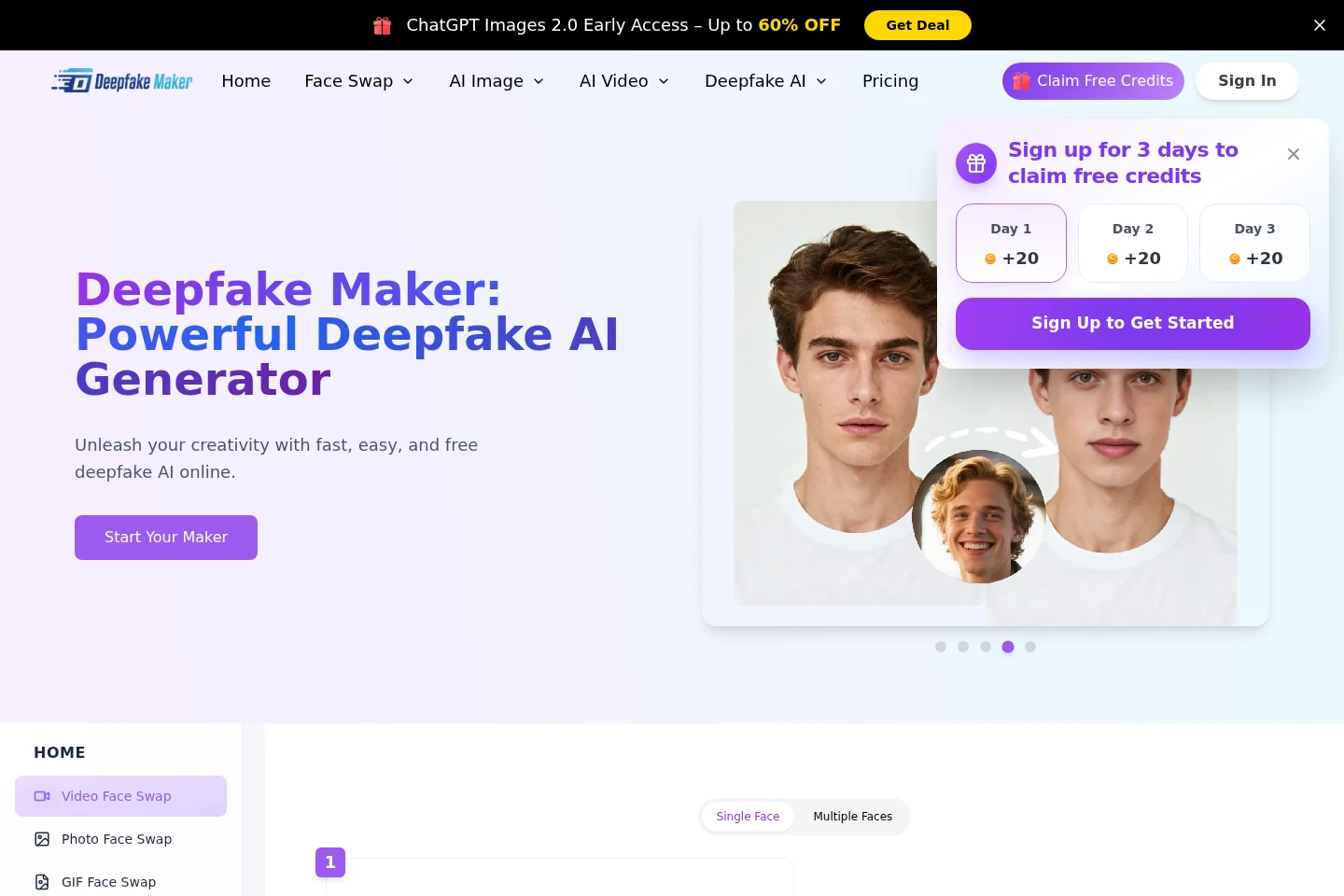
Photo, video, and GIF face swap
Replace faces in uploaded photos, videos, and GIFs, and generate the edited media. Upload a source face and target media; formats and face options depend on the tool.
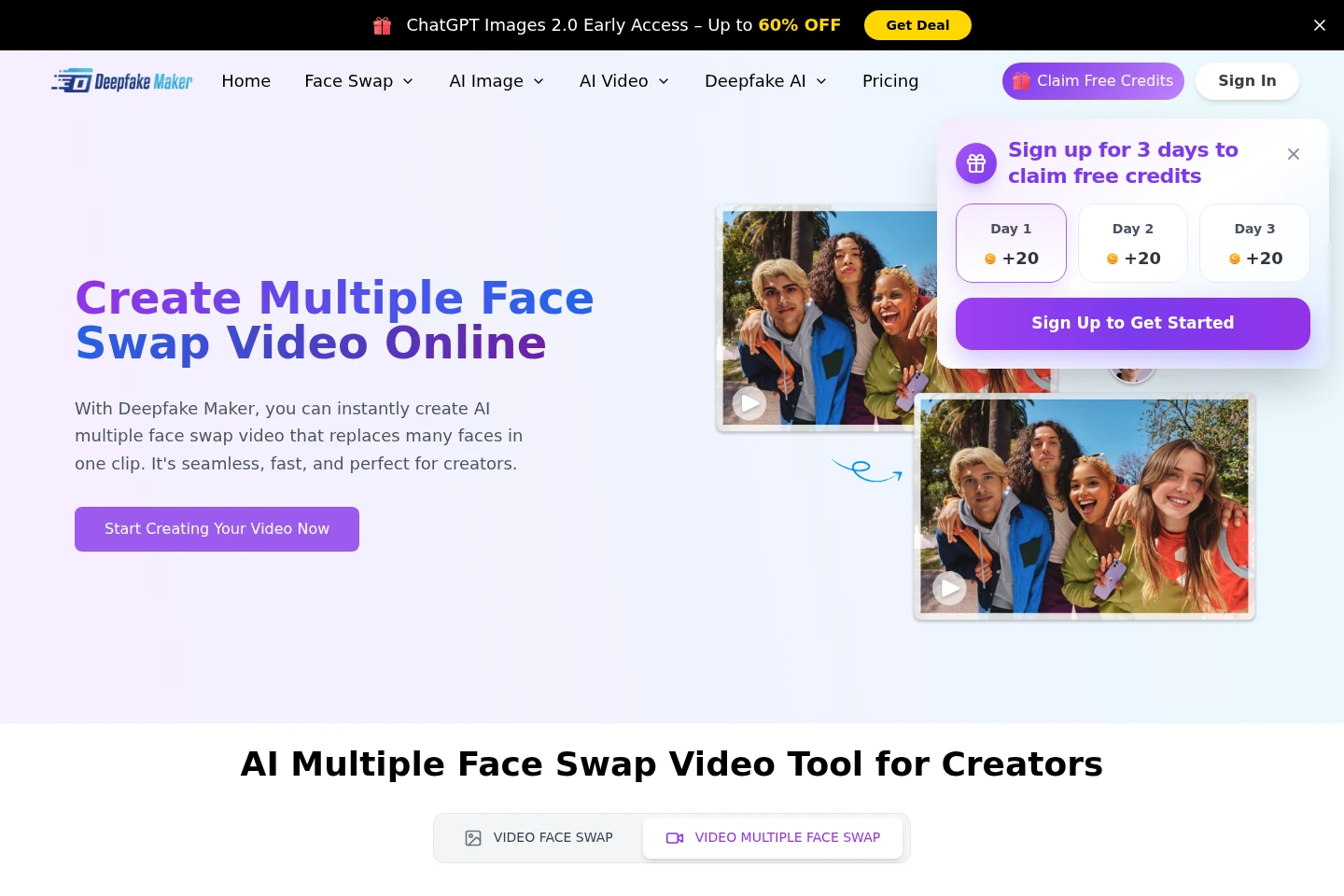
Multiple-face video swap
Replace several faces in one uploaded video and generate an edited clip. The tool detects faces; users upload a video and face photos, then select the swap model.
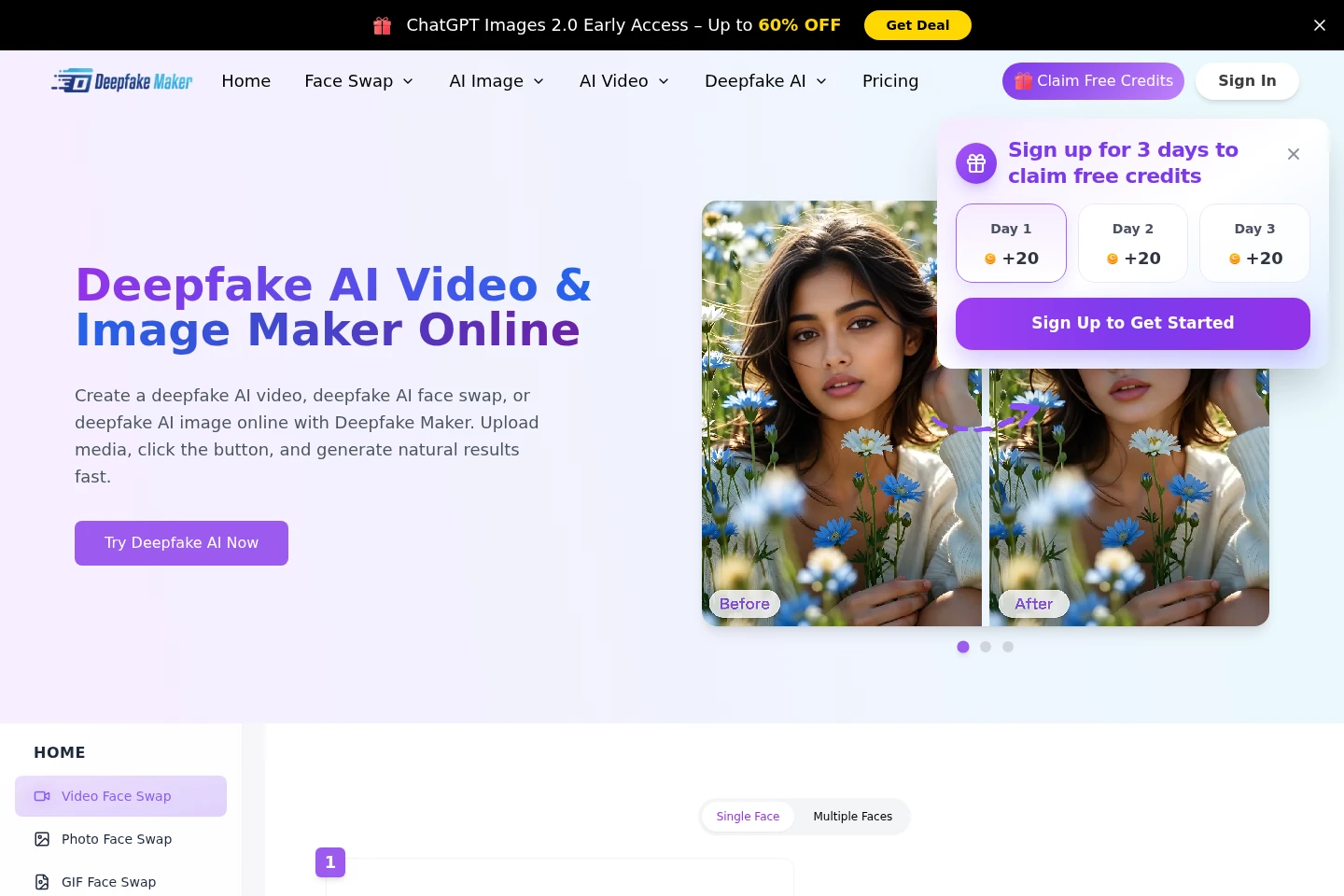
AI image generation and editing
Generate images from text or transform uploaded images, and edit images using text prompts. Available functions include restoration, background removal, object edits, and upscaling.
AI video generation and editing
Generate or transform videos from prompts, images, or existing video, and produce an edited result. Listed editing tools include face swap, enhancement, upscaling, and watermark removal.
Pricing
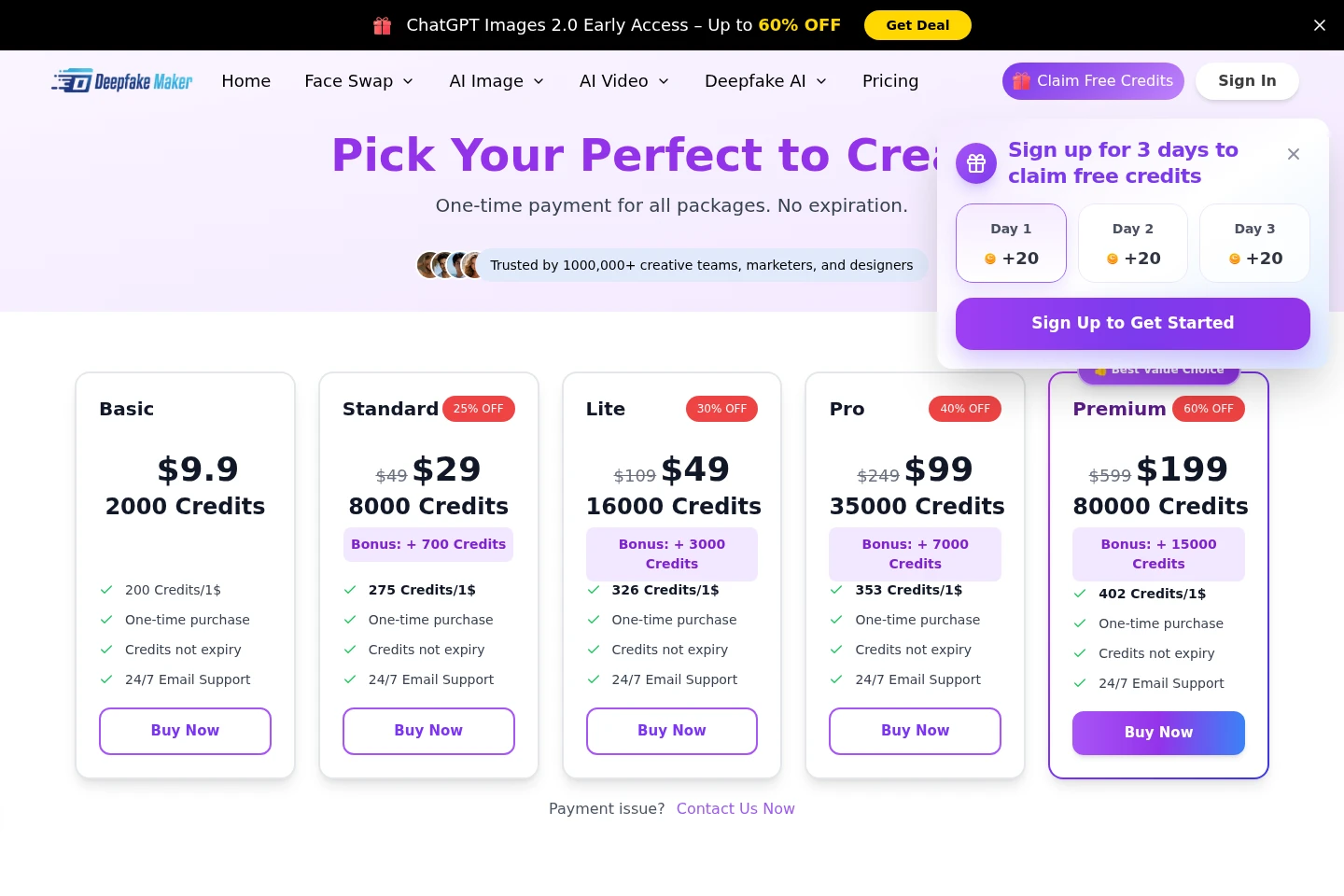
A free option and paid credit packages are listed. Compare included credits, bonus credits, and package features; paid packages are presented as one-time purchases rather than recurring subscriptions.
| Plan | Price | Included features and limits |
|---|---|---|
| Basic | $0 listed; $9.9 shown |
|
| Standard | $29 shown; $49 crossed out |
|
| Lite | $109 shown |
|
| Pro | $99 shown; $249 crossed out |
|
| Premium | $199 shown; $599 crossed out |
|
The pricing page shows discounted and crossed-out amounts for some packages. It also advertises free credits; the exact amount and availability conditions are not specified in the supplied page text.
Use cases
Create face-swapped photos, clips, and GIFs
When preparing a creative edit, upload a face and target photo, video, or GIF, then run the corresponding swap tool. The service generates altered media that can be saved or downloaded.
Replace several faces in one video
When editing a group clip, upload the video and target face photos, choose the multiple-face workflow, and generate the result. Face detection is used to identify people in the clip.
Generate or revise images with AI
When creating or adjusting a visual, enter a text prompt or upload an image and choose an image tool. Options include text-to-image, image transformation, restoration, background removal, object edits, and upscaling.
Create or transform AI video
When making a video from an idea or existing media, provide a prompt, image, or video and use a listed generation or editing tool. The service generates or modifies a video.
Limitations
The multiple-photo upload workflow accepts up to 10 images and lists PNG, JPG, JPEG, and WEBP as supported formats.
Who it is for
Creators making face-swapped or AI-generated visual media
People preparing edited photos, GIFs, or short videos for social content
Users seeking browser-based AI tools to generate or modify images and videos
FAQ
What media can I use for face swaps?
The site lists face swapping for photos, videos, and GIFs. Supported upload formats depend on the specific tool; the photo workflow lists PNG, JPG, JPEG, and WEBP, while the video workflow lists MP4, MOV, and GIF.
How do I save a generated face-swap image?
Save it by right-clicking the image on a PC or long-pressing it on a mobile device, according to the homepage FAQ.
Does Deepfake Maker store uploaded media?
The homepage says uploaded media and generated content are not stored. The pricing FAQ also describes encryption, access controls, and asset deletion controls.
Can I use the service for free?
The homepage FAQ says face swapping is free without login or a watermark. Pricing also lists free features and credit packages; the pricing page shows a Basic package at $0 and describes one-time paid packages.
Are credits recurring?
The pricing page describes package purchases as one-time payments, with credits that do not expire. Its FAQ says credit packs do not auto-renew.
Can I use generated results commercially?
The pricing FAQ says most packages include a commercial-use license, subject to the policy and applicable permissions, terms, and acceptable-use rules.
Comments