
- Monthly visits
- 10,613
- 2026-09
- Monthly growth +69.3%
DancingAI - Create dance videos from photos, prompts, or reference clips
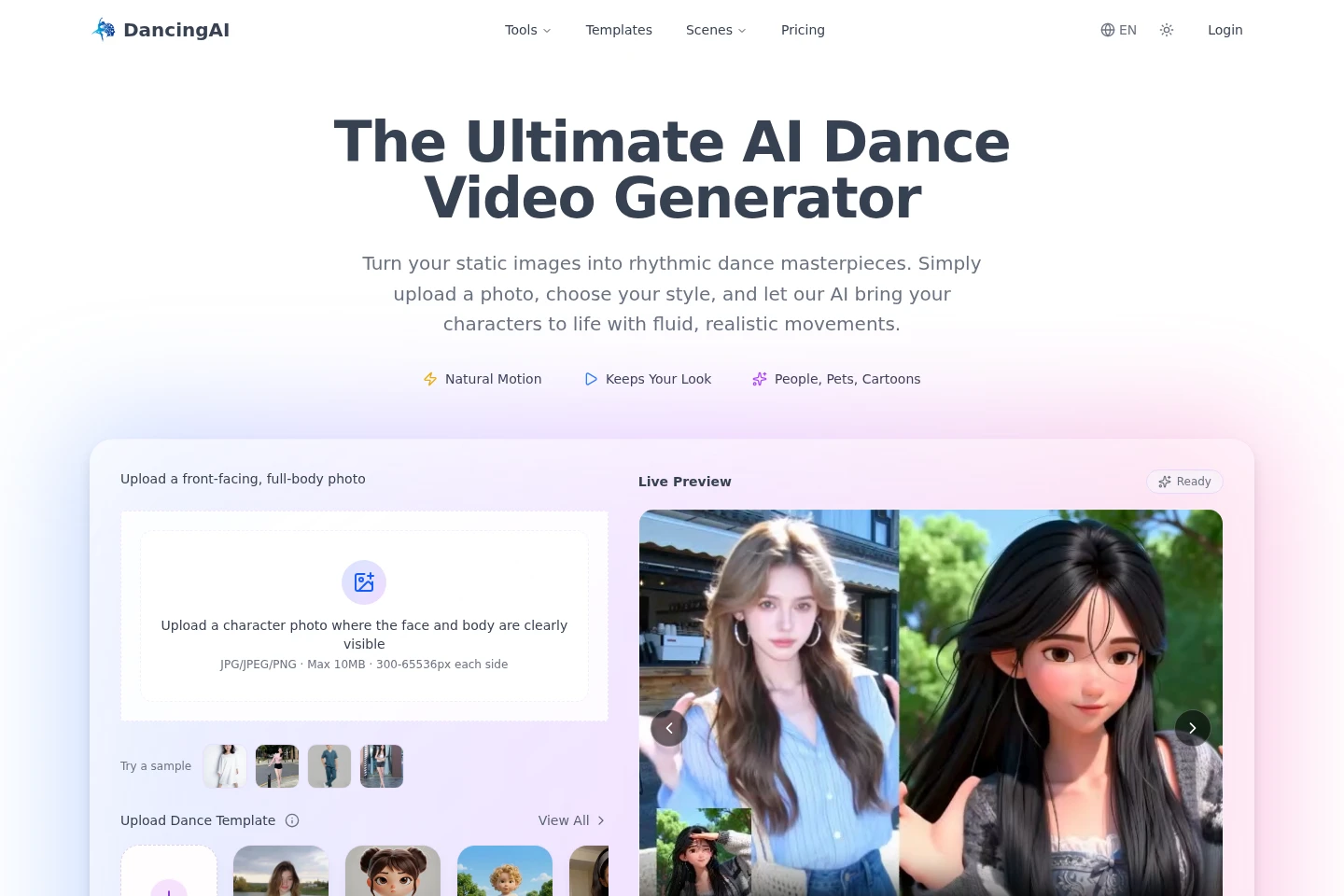
DancingAI generates AI dance videos from a subject photo, a written prompt, or a reference dance clip. Users can describe choreography and scene details, choose templates, or guide motion with a video. Generated videos can be downloaded as MP4 files; uploaded photos must be JPG, JPEG, or PNG and no larger than 10 MB.
- AI Video
- Video Generators
- Motion Transfer
- AI dance video generator
- photo to dance video
- text to dance AI
Capabilities
Photo-to-dance generation
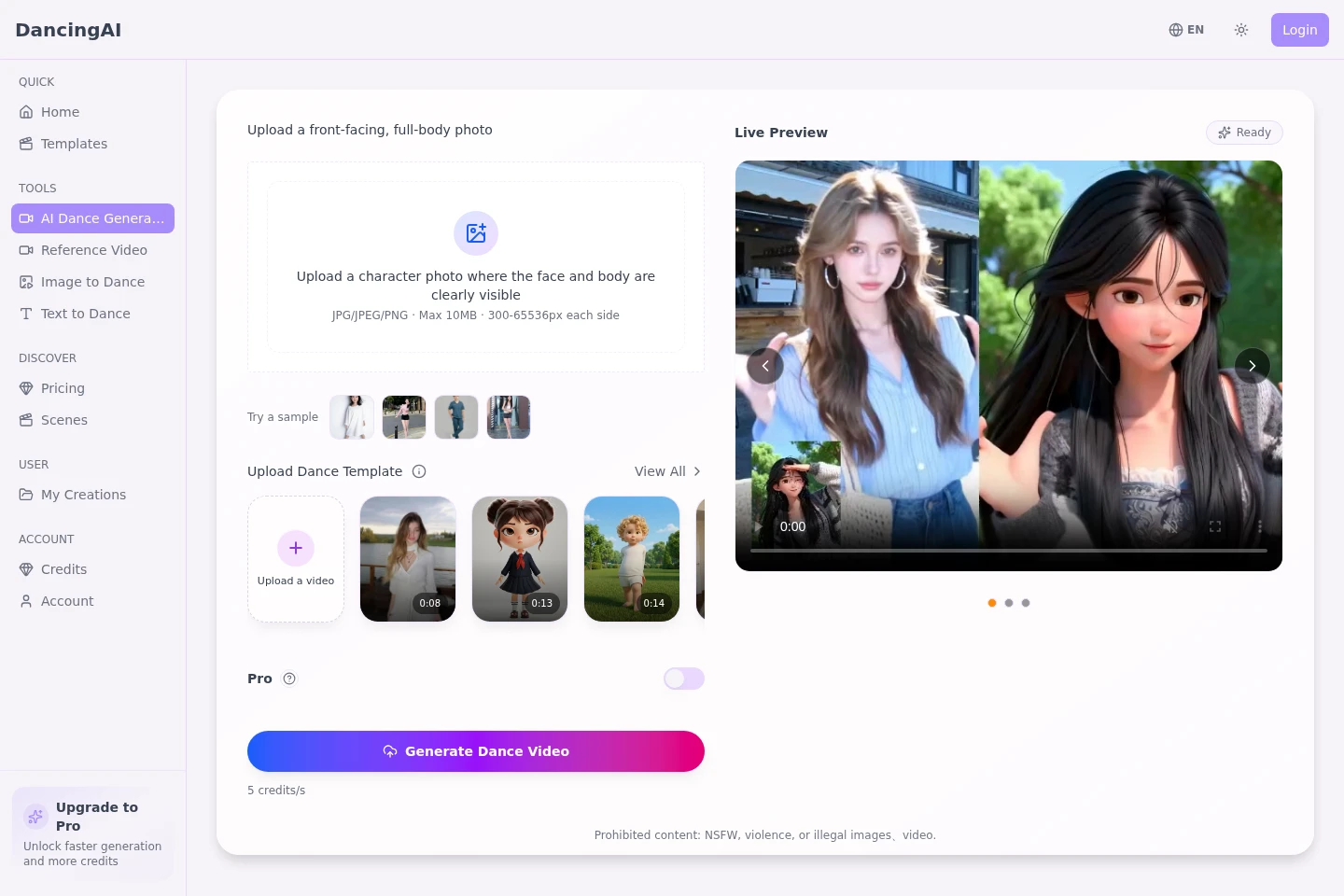
Generates a dance video from a subject photo and a motion prompt. Upload a clear front-facing or full-body image in JPG, JPEG, or PNG format, up to 10 MB, then describe the desired movement.
Reference motion transfer
Generates a dance video that follows choreography from an uploaded reference clip. Provide a subject image and a dance video; clear, stable, short clips with visible full-body movement are recommended.
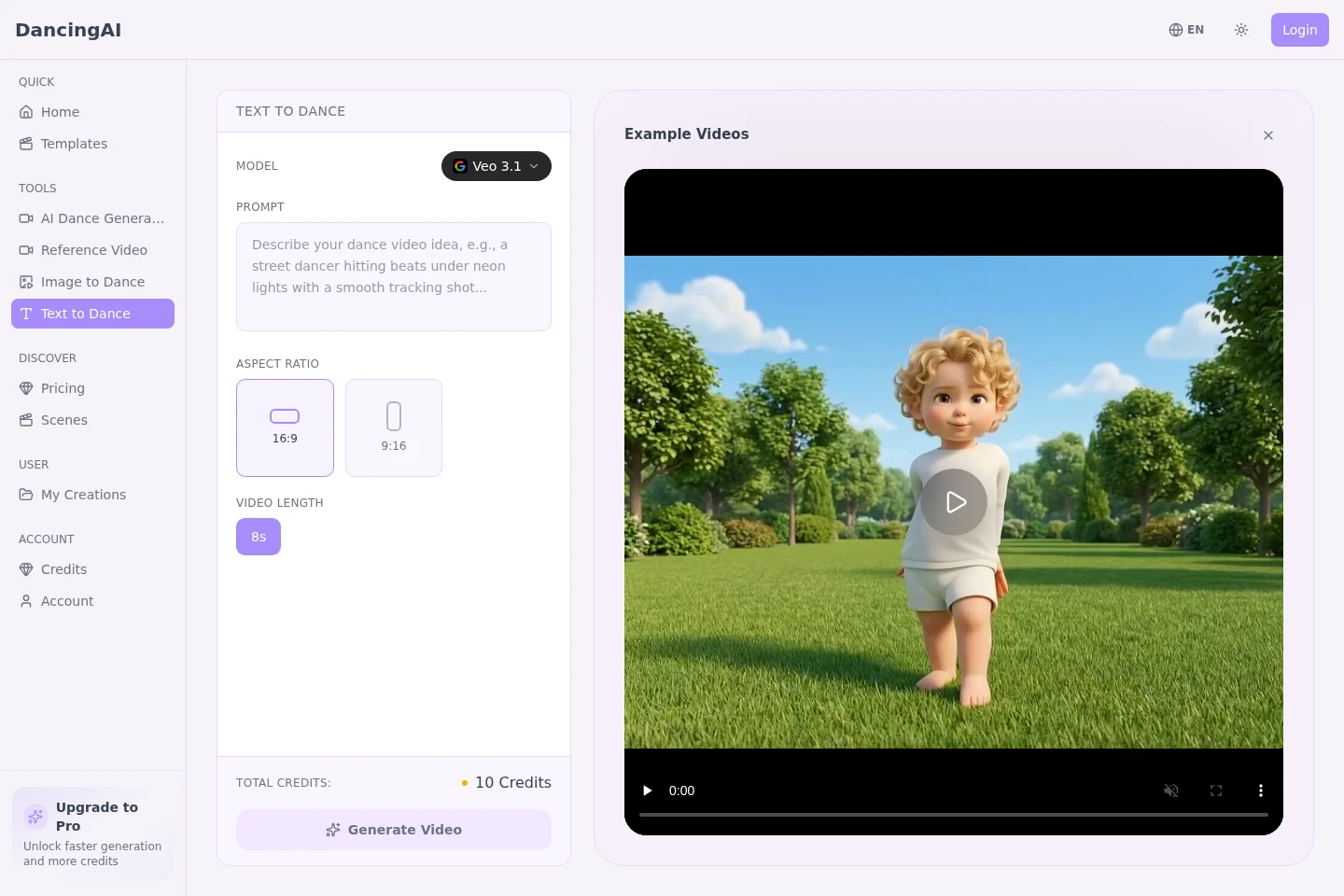
Text-to-dance generation
Creates a dance video from written direction and outputs a generated video without requiring a photo or reference clip. Prompts can specify the dancer, choreography, camera movement, lighting, pacing, and mood.
Dance templates
Provides dance video templates that can be selected as a starting point for generation. The homepage lists example dances and templates, and users can view the full template collection.
Pricing
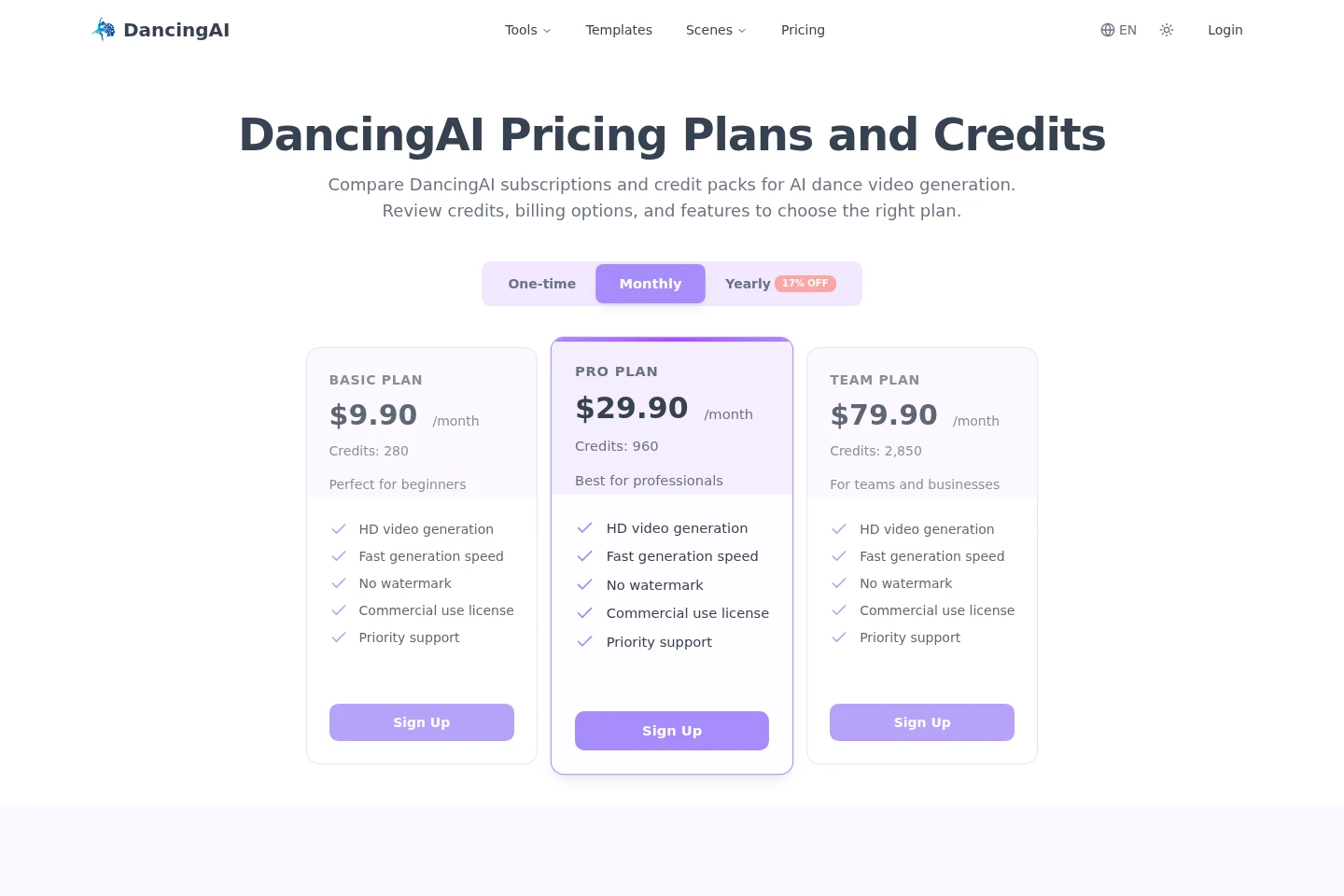
DancingAI offers paid plans with one-time, monthly, and yearly billing options. Compare the displayed credit allowance and included features; the page shows Basic Plan's monthly price and credit amounts for all three plans.
| Plan | Price | Included features and limits |
|---|---|---|
| Basic Plan | $9.90 per month |
|
| Pro Plan | $29.90; billing period not shown |
|
| Team Plan | $79.90; billing period not shown |
|
The pricing page presents one-time, monthly, and yearly options and labels yearly billing as 17% off. It does not specify which displayed plan prices correspond to each billing option.
Use cases
Animate a photo into a dance clip
When a creator has a photo and wants a dance animation, they upload a clear subject image, describe the movement or select a template, and generate a video to download and share.
Transfer choreography from a reference clip
When a specific dance sequence should guide a character's movement, users provide a subject image and reference dance video. The clip guides choreography, rhythm, and motion in the generated result.
Visualize a dance idea from text
When the starting point is a written choreography or scene concept rather than source media, users describe the dancer, movement, camera, and atmosphere. DancingAI generates a video for reviewing the visual direction.
Limitations
Uploaded subject photos must be JPG, JPEG, or PNG files no larger than 10 MB; the subject should be clearly visible.
The reference workflow is more controllable with short clips showing clear, stable, full-body movement; long or chaotic clips are not recommended.
The homepage prohibits NSFW, violent, or illegal images and videos.
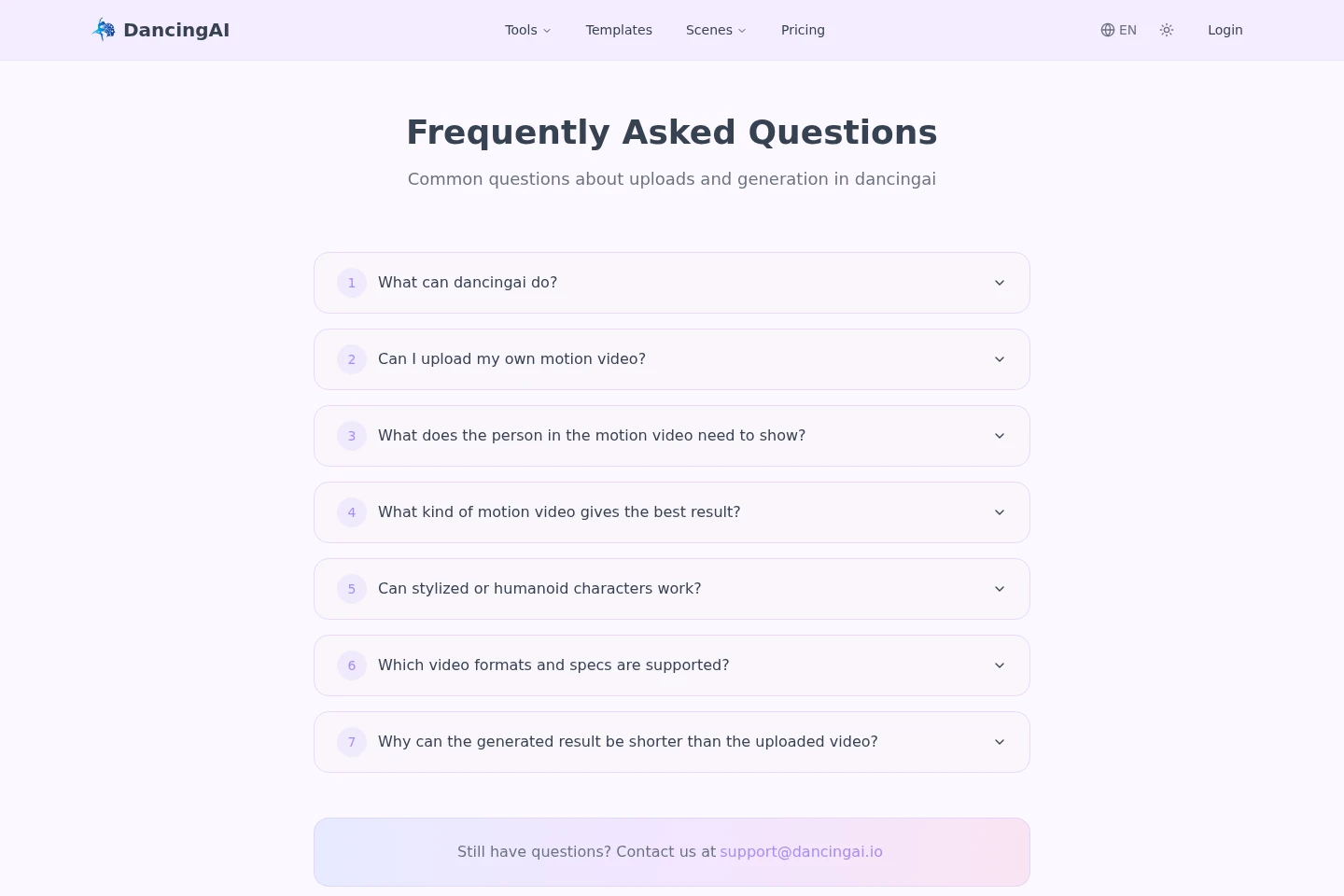
The generated result may be shorter than the uploaded motion video; the supplied FAQ lists this question but does not provide its answer.
Who it is for
Short-form video creators who need dance clips for social platforms
Choreographers and directors who want to preview movement ideas
Creators who want to animate people, pets, or stylized characters
FAQ
What can DancingAI create?
DancingAI creates AI dance videos from photos, written prompts, or reference dance clips. The starting material determines which generation workflow to use.
Can I upload my own motion video?
Yes. The reference workflow accepts a dance video to guide movement, choreography, rhythm, and timing alongside a subject image.
What should the person in a motion video show?
The reference clip should show visible movement, preferably full-body, with clear rhythm and stable framing. Short clips are easier to transfer than long sequences.
Which image formats and limits apply?
Subject photos can be JPG, JPEG, or PNG and must be no larger than 10 MB. The page also specifies 300–65536 pixels on each side.
Can stylized or humanoid characters work?
DancingAI describes support for people, pets, cartoons, and stylized characters. The subject should remain clear and recognizable in the uploaded image.
Why might the generated video be shorter than its source?
The FAQ lists this as a common question, but the supplied page does not include an explanation. A specific cause or duration rule is therefore not stated.
Comments