

- Monthly visits
- 9,154
- 2026-10
- Monthly growth +509%
CUBE - Construction project planning, coordination, and control
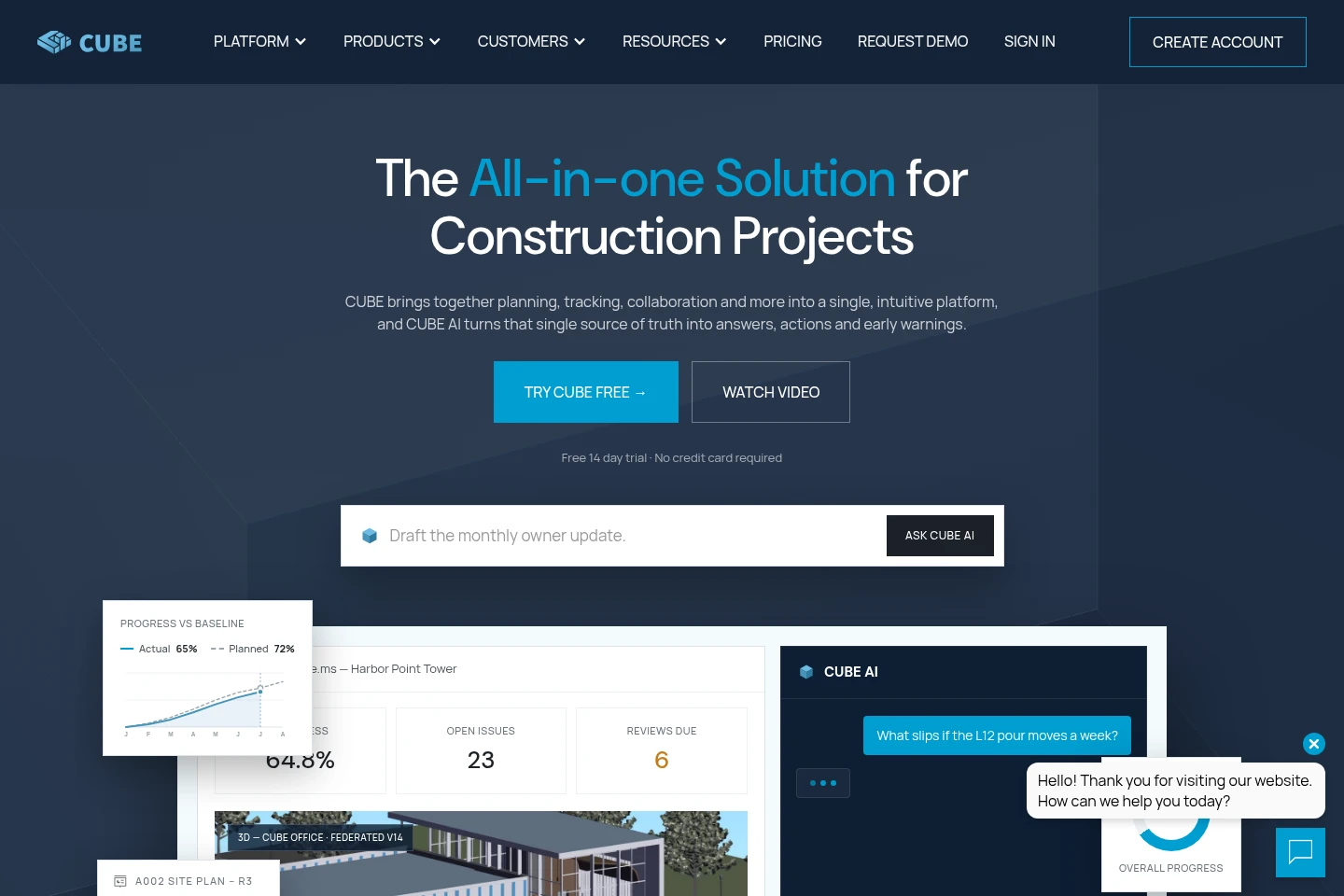
CUBE brings construction project information and workflows together across design, construction, and operations. Teams can manage project documents, scope, schedules, estimates, contracts, issues, and progress in a shared platform. Its Common Data Environment, Project Management, and Digital Twins products support project coordination, while CUBE AI can answer questions grounded in project data and assist with tasks such as drafting transmittals and identifying schedule or cost risks.
- AI Productivity
- Project Management
- Knowledge Base
- Data Analysis
- Architecture
- construction project management software
- construction common data environment
- construction digital twins
Capabilities
Project information management
CUBE centralizes project information and documentation in a Common Data Environment. Teams can use configurable forms and role-based access to manage project files and records.
Project planning and tracking
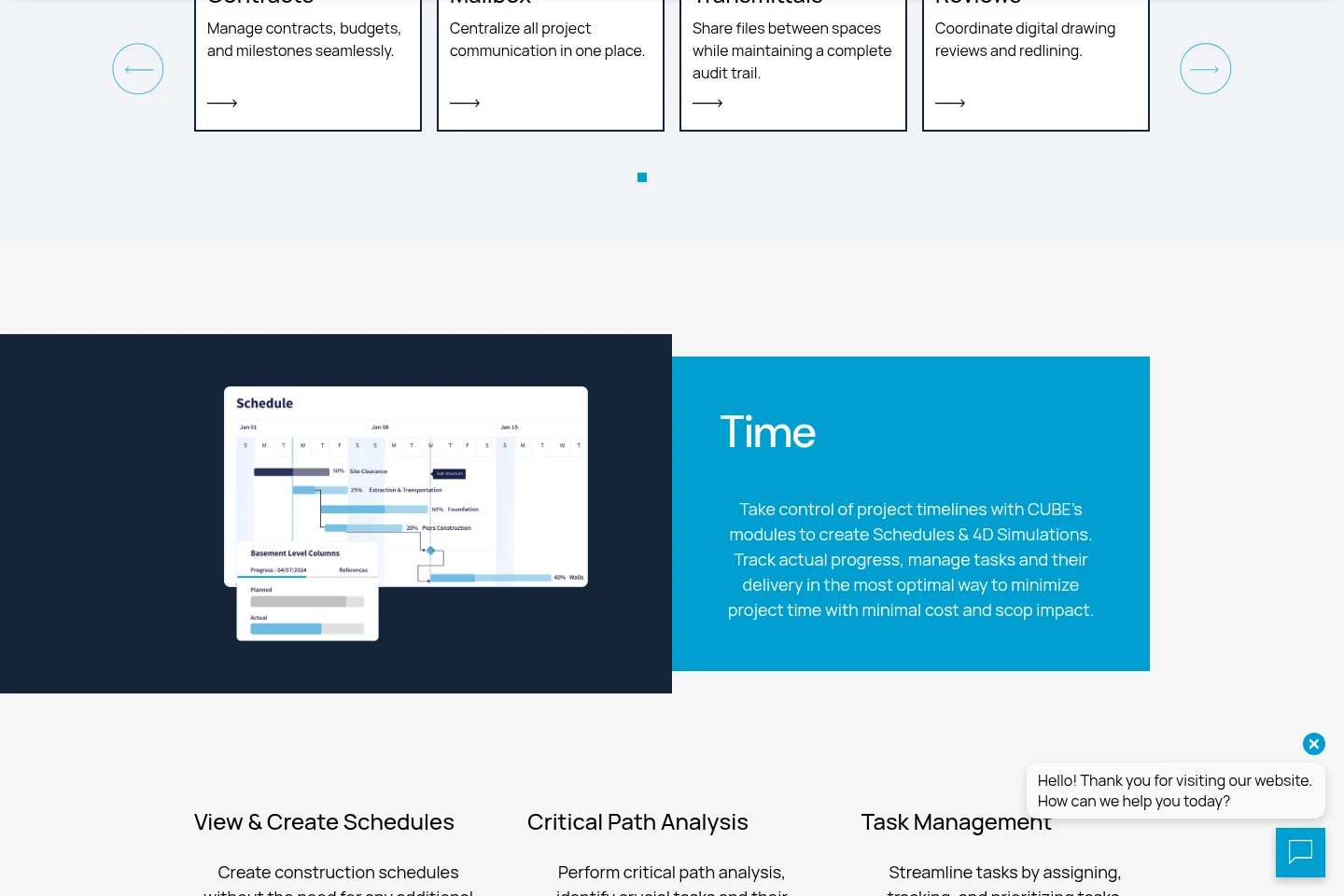
CUBE supports project plans, task assignment, schedule tracking, and progress dashboards. Teams can coordinate work and identify project risks using current project information.
Construction cost management
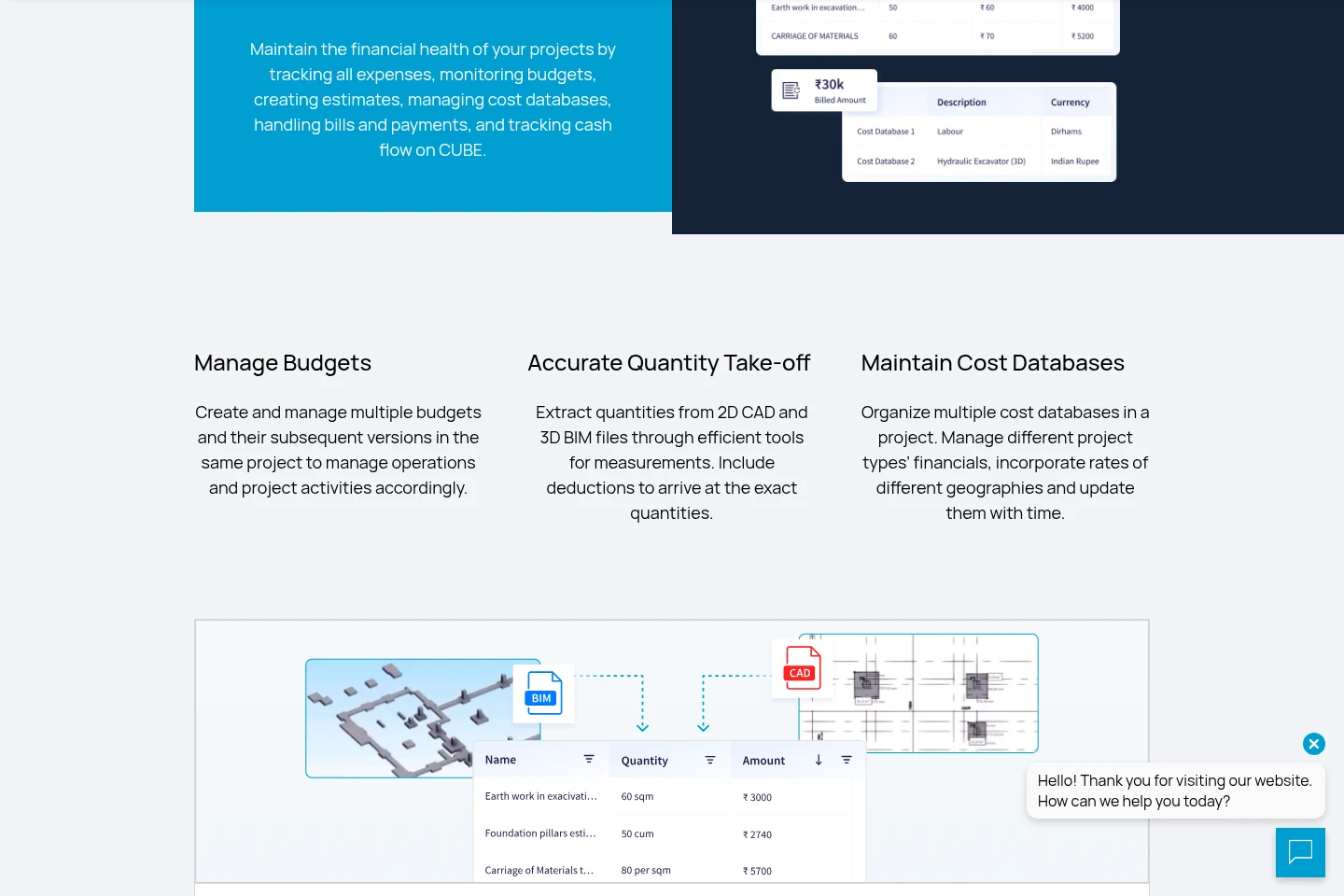
CUBE manages estimates, cost databases, bills, payments, and cash flow. Teams can connect BIM or CAD files to estimates and monitor quantities and project budgets.
BIM and CAD review
CUBE lets teams view and collaborate on BIM and CAD files, including 3D models and drawings. Available tools include navigation, measurement, comparison, and markup.
Construction project AI assistance
CUBE AI answers questions using project data and can draft transmittals, triage issues, and flag schedule or cost risks. AI is offered as an independent seat alongside CDE, Project Management, or Digital Twins seats.
Pricing
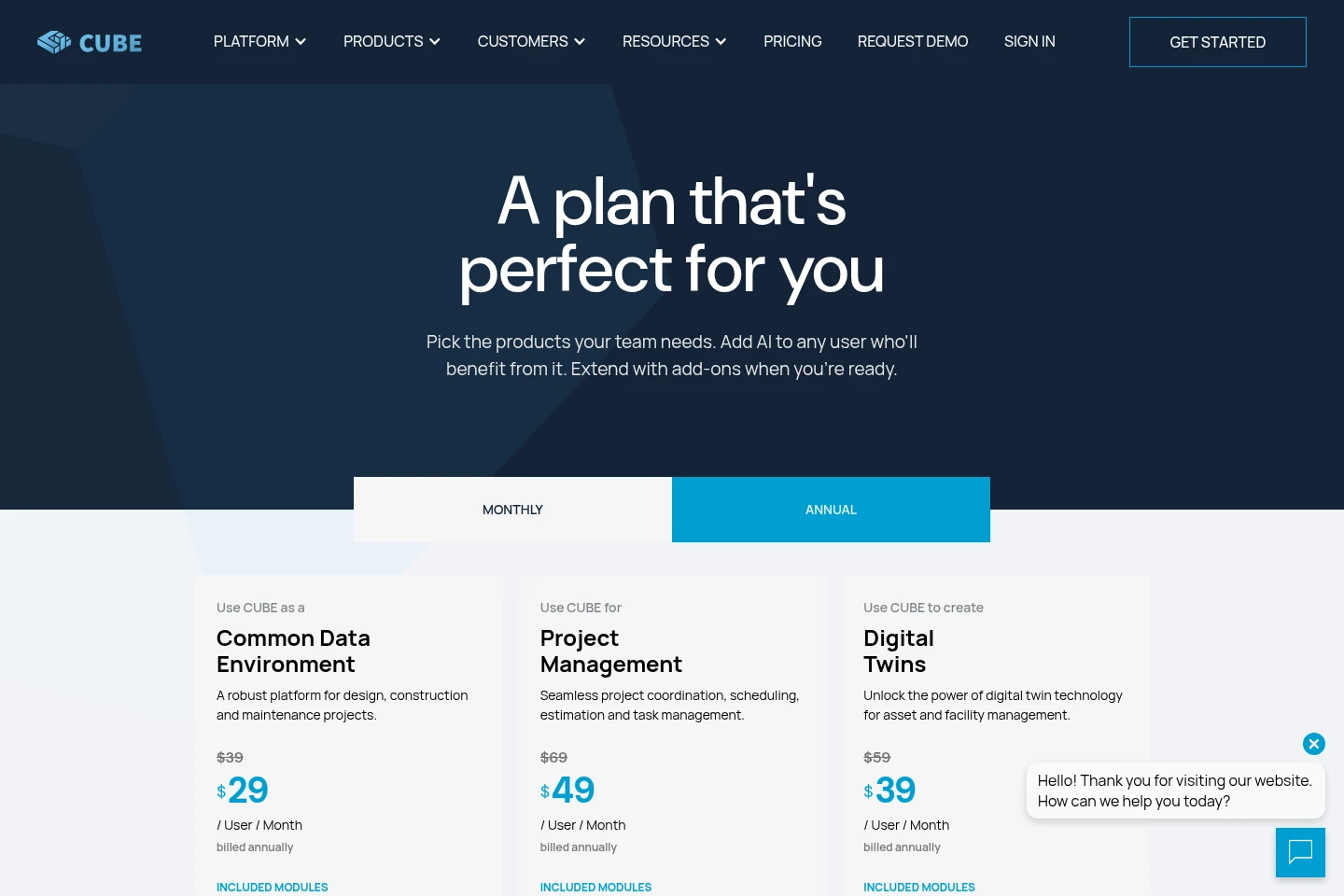
CUBE is paid per-user-seat software, with monthly or annual billing options. Compare the product scope, included modules, free seat allowances, and AI access to choose between Common Data Environment, Project Management, Digital Twins, and AI Seat.
| Plan | Price | Included features and limits |
|---|---|---|
| Common Data Environment | $39 or $29/user/month, billed annually at $29 |
|
| Project Management | $69 or $49/user/month, billed annually at $49 |
|
| Digital Twins | $59 or $39/user/month, billed annually at $39 |
|
| AI Seat | $29 or $19/user/month, billed annually at $19 |
|
The pricing page offers Monthly and Annual billing options and states that annual billing saves 40%. Its displayed annual prices are billed annually, not monthly.
Use cases
Coordinate construction project work
When project teams need to coordinate information and responsibilities, they can use CUBE’s project plans, tasks, schedules, and shared records. The platform brings progress and project information into dashboards for review.
Control construction project documents
When project documents, revisions, and reviews need shared handling, teams can use CUBE as a Common Data Environment. Configurable forms, role-based access, Files, Reviews, and Transmittals support document control and communication.
Prepare and track construction estimates
When a project team needs to build or review cost estimates, it can connect estimate items with BIM or CAD files and adjust quantities. CUBE also supports rate analysis and monitoring project budgets.
Review BIM models and CAD drawings
When design and construction stakeholders need to inspect project models or drawings, they can view BIM and CAD files in CUBE and use navigation, measurement, comparison, and markup tools. The files can be discussed alongside project information.
Limitations
The AI Seat is an independent seat; it is used alongside seats for CDE, Project Management, or Digital Twins rather than replacing them.
Who it is for
Construction project teams coordinating schedules, tasks, documents, and progress
Architects and engineers coordinating designs, BIM models, drawings, and technical information
Contractors managing construction scopes, budgets, schedules, contracts, and site issues
Asset owners and facility operators managing capital projects, digital twins, and asset information
FAQ
Does CUBE offer a free trial?
Yes. The homepage describes a free 14 day trial and says no credit card is required.
How does CUBE pricing work?
CUBE prices its product seats per user. The pricing page shows monthly and annual options, with annual prices shown as billed annually; it also lists an AI Seat and product-specific seat allowances.
Can CUBE AI use project information?
Yes. CUBE AI answers questions grounded in project data and can assist with transmittals, issue triage, and schedule or cost risk alerts. Access is through a separate AI Seat.
What types of project files can teams use with CUBE?
The pricing page lists BIM, CAD, documents, PDF, spreadsheets, and images among the formats included across products.
Can external stakeholders participate in a project?
Yes. CUBE describes stakeholder collaboration that allows people from different organizations to collaborate on the same project. The Common Data Environment plan also includes 10 Guest seats free for every 10 CDE seats.
Comments