

- Monthly visits
- 0
- 2026-10
- Monthly growth -100%
BillGrid - Manage client projects, track time and send invoices
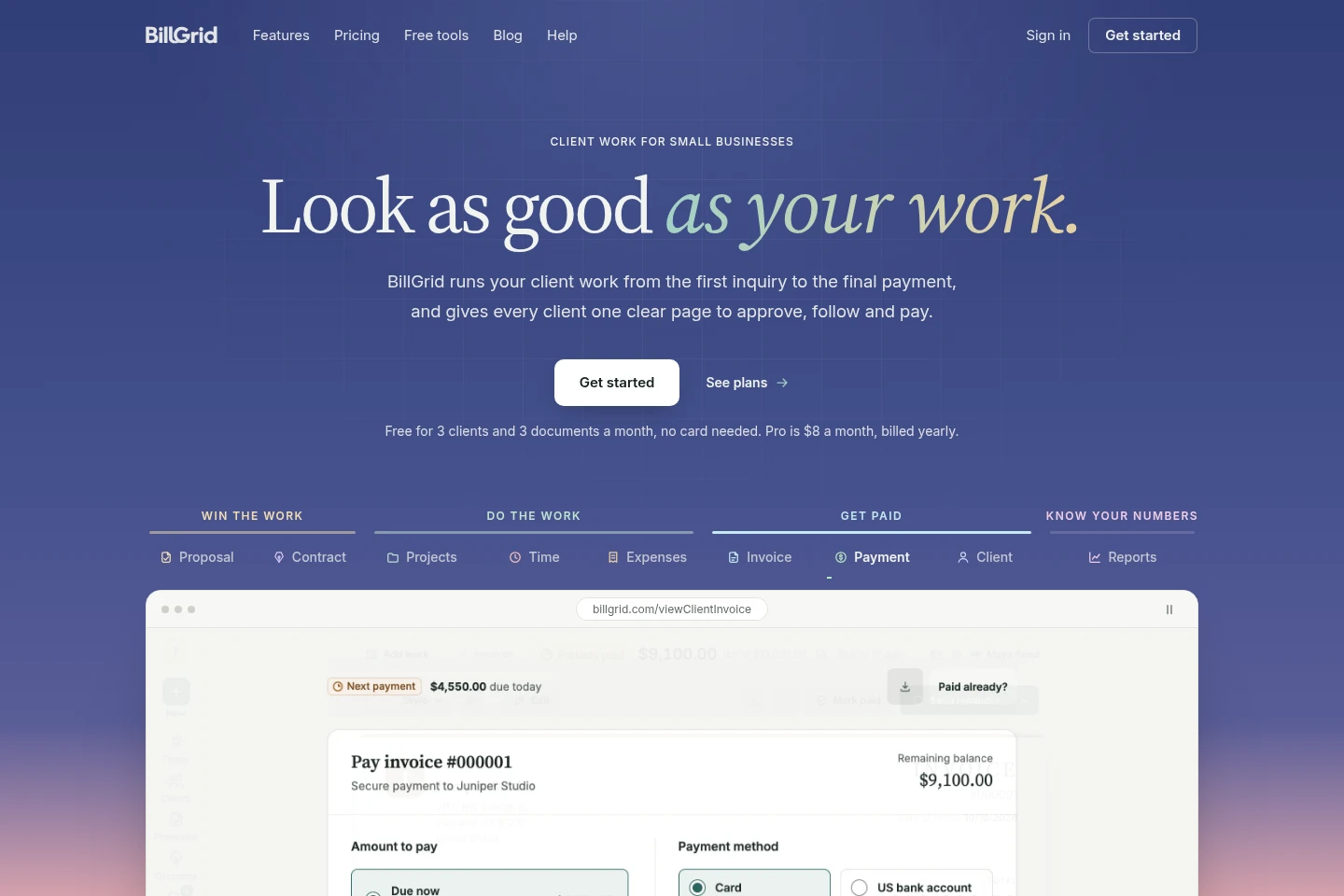
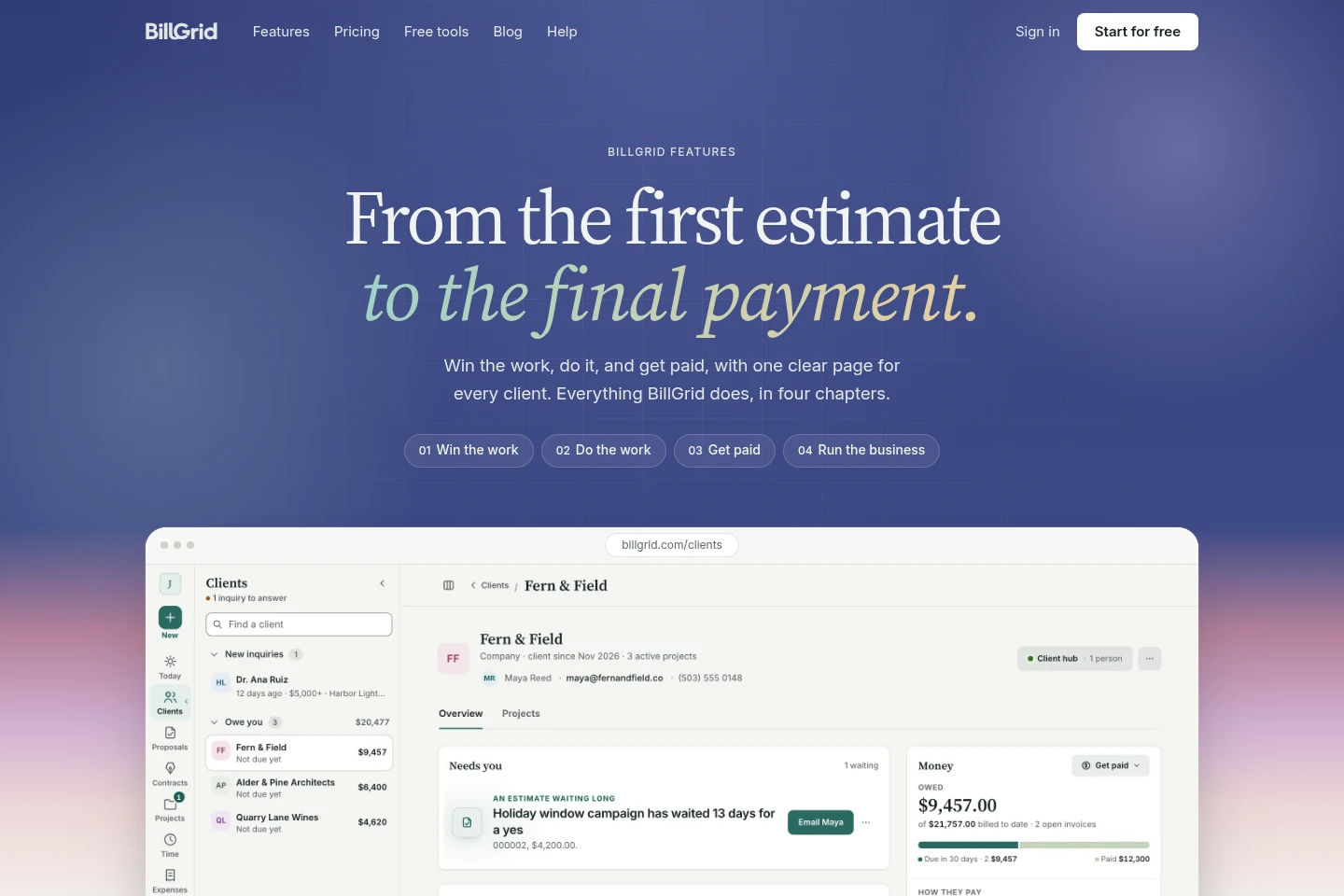
BillGrid brings client projects, estimates, contracts, time tracking, expenses, invoicing and payments into one web app. Clients can approve proposals, sign contracts and pay invoices online. Reports summarize business activity, while eligible plans add team access, integrations and AI assistant workflows.
- AI Productivity
- Project Management
- Time Tracking
- Bookkeeping
- client project invoicing
- time tracking for client work
- small business invoice software
Capabilities
Client and project management
Organizes clients, projects, tasks, milestones and project stages in one workspace. Users can track each job from inquiry through payment and view client work on a dedicated page.
Proposals and contracts
Creates estimates with packages and optional extras for online client approval, including a deposit on approval. Contracts can be sent by link, signed by the client and countersigned by the business.
Time and expense tracking
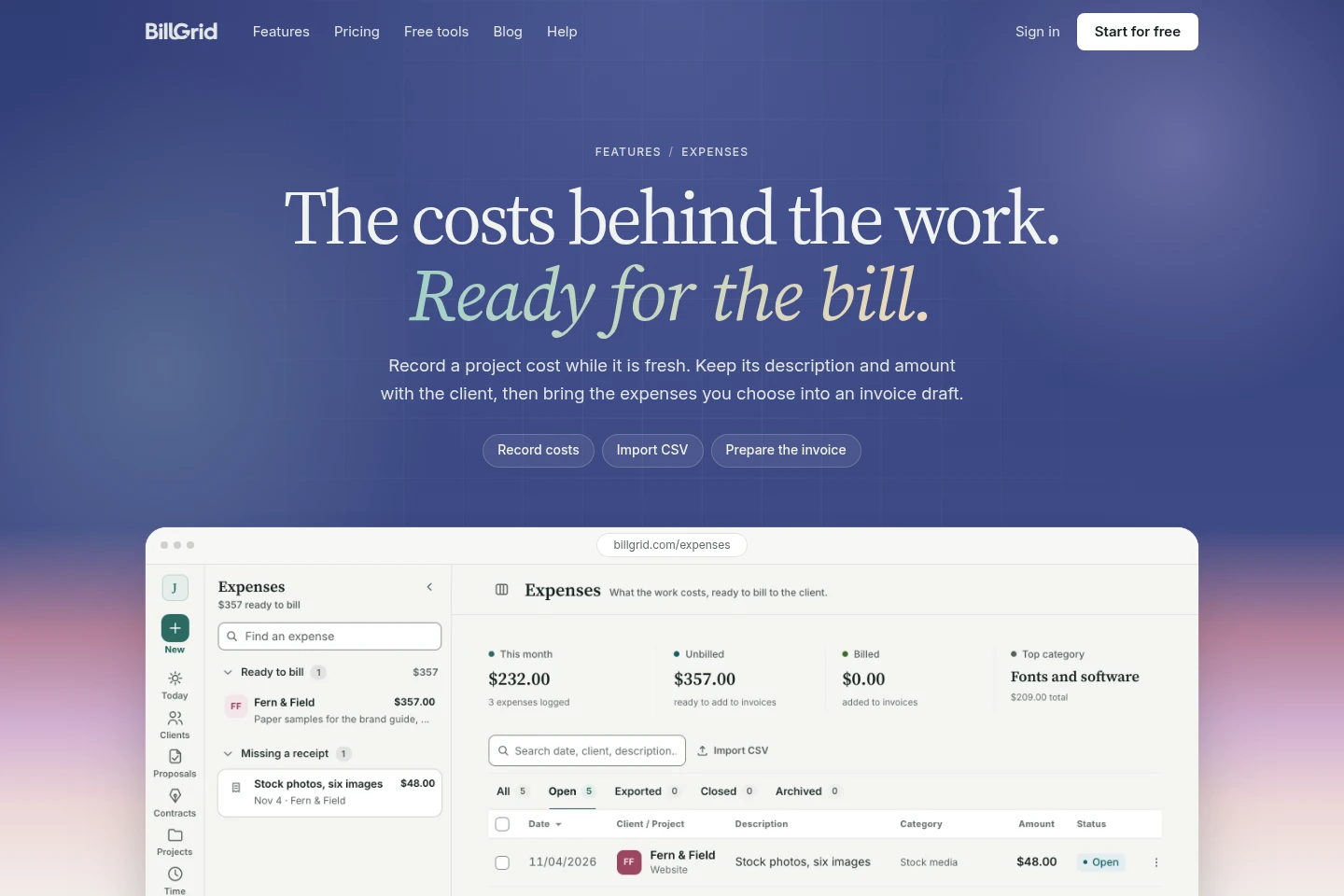
Records work by entering a time line or running a timer, and records project costs manually or through CSV import. Users can review billable time and selected expenses before adding them to an invoice draft.
Invoicing and payments
Creates invoices from project work and supports online payment by card and eligible US bank payments, with supported Apple Pay and Google Pay. Invoice reminders can be automatic; payment can be recorded in full or in parts.
Business reports
Summarizes revenue, profit, sales tax, time, payments, clients and projects in reports. A year-end pack is available for an accountant, and reports can be printed or exported to CSV or Excel.
AI assistant workflows
Connects with ChatGPT or Claude on Pro and Team to answer questions about account records and draft actions such as logging time or preparing invoices. BillGrid shows actions for approval before they are sent to clients.
Pricing
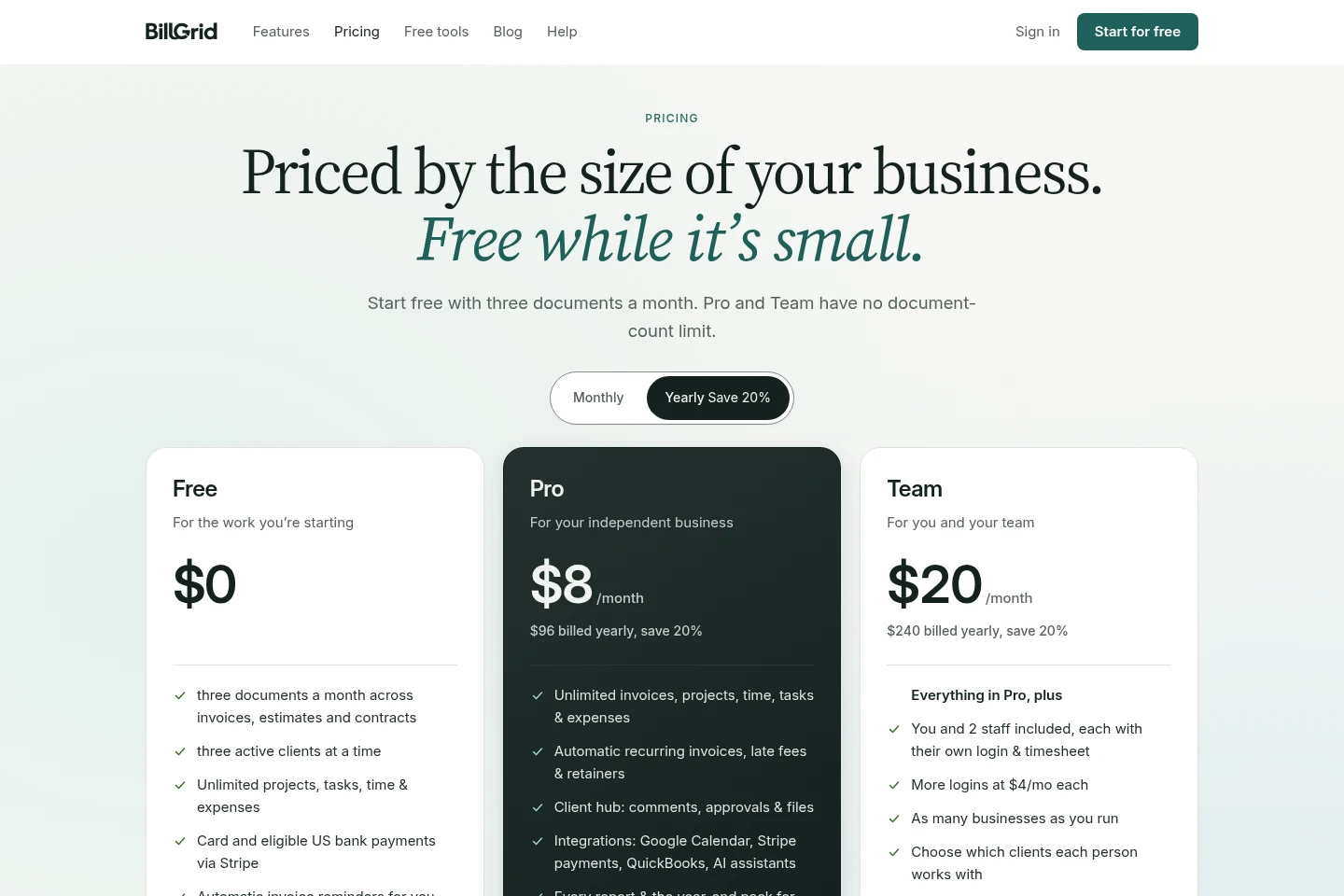
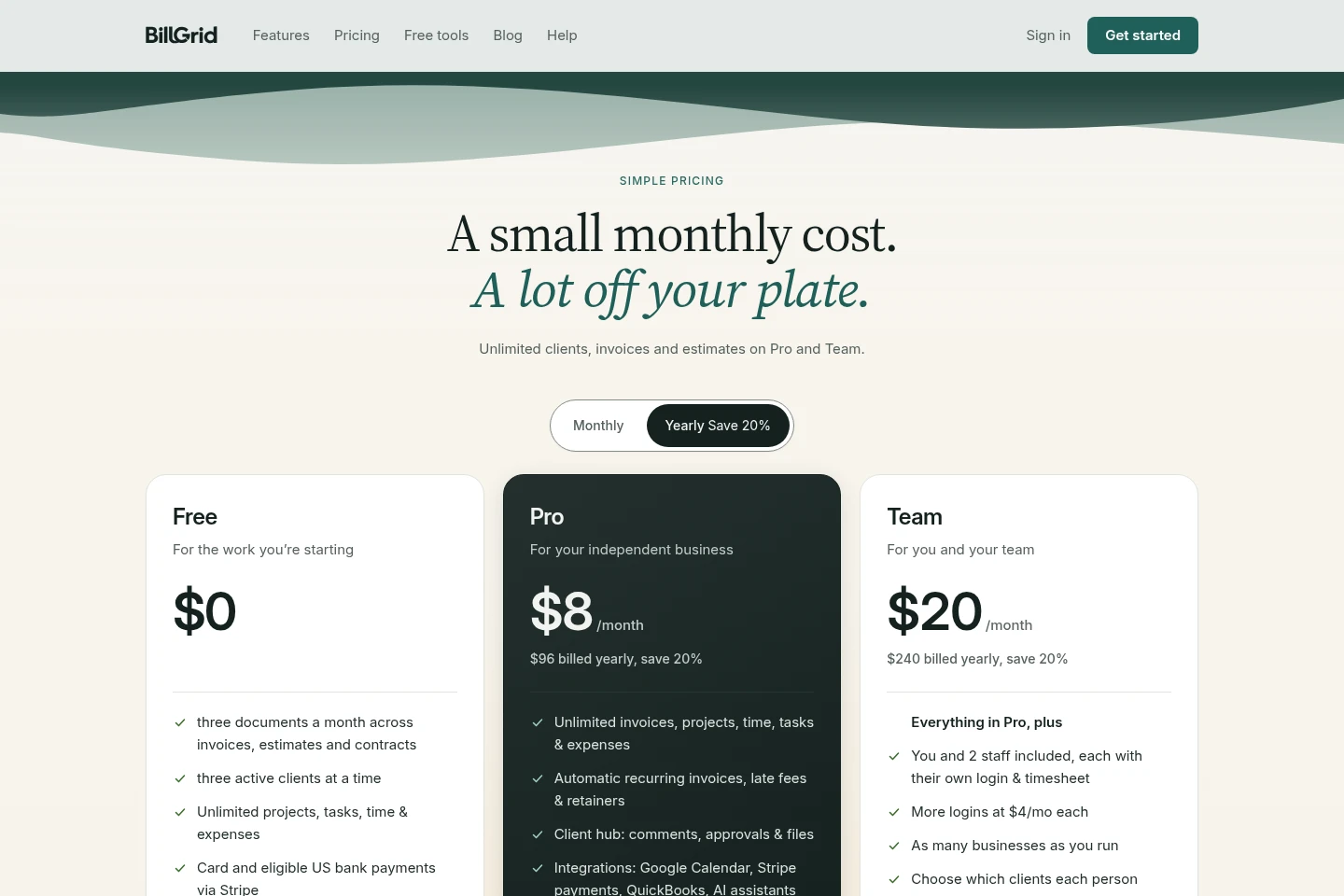
BillGrid has a permanent free plan and paid subscriptions billed monthly or yearly. Compare document and client limits, included logins, storage, integrations and team controls to choose a plan; Enterprise pricing is scoped individually.
| Plan | Price | Included features and limits |
|---|---|---|
| Free | $0 |
|
| Pro | $8/month billed yearly; $96 billed yearly, save 20% |
|
| Team | $20/month billed yearly; $240 billed yearly, save 20% |
|
| Enterprise | Custom pricing |
|
Paid subscriptions renew automatically each month or year until canceled. Canceling stops the next renewal, but access continues through the period already paid for and payments are not refunded. BillGrid says it gives 30 days’ notice before a price change.
Use cases
Organize client work from inquiry to payment
When a small business is handling several client jobs, it can keep project stages, tasks, milestones and client details together. The workspace shows what is waiting and what is ready to bill.
Prepare proposals and collect client approval
When a business needs to scope a job before starting, it can prepare packages and optional extras for a client to approve online. A deposit can be paid with approval, and a related contract can be signed online.
Convert tracked work and costs into invoices
When project work is ready to bill, users can review logged time and selected expenses and create an invoice draft. The draft can be checked before it is sent, and invoice reminders can be automated.
Review business finances and year-end records
When a business needs to review its activity or prepare records for an accountant, it can inspect reports covering revenue, profit, tax, time, clients and projects. Reports are printable or exportable to CSV or Excel.
Limitations
The Free plan allows three documents per month across invoices, estimates and contracts, and limits active clients to three at a time.
Free and Pro include one login for the account owner; additional logins are available on Team for a per-person monthly charge.
Online bank payments are limited to eligible US bank payments, and card payments are processed via Stripe.
The Enterprise plan is scoped and priced to fit; customers must contact BillGrid for its price.
Who it is for
Independent service businesses managing client projects, time and invoices
Small business owners who need estimates, contracts and online client payments
Client-service teams that need staff logins, timesheets and client access controls
Accountants who need view-only access to a client’s reports on Team
FAQ
What does the Free plan include?
Free includes three documents a month across invoices, estimates and contracts, and up to three active clients. Projects, tasks, time and expenses are unlimited, and no card is needed to start.
How is Pro billed?
Pro is $8 per month when billed yearly, or $96 billed yearly with a stated 20% saving. The pricing page also lists monthly billing; subscriptions renew automatically until canceled.
How does Team pricing work?
Team is $20 per month when billed yearly, or $240 billed yearly with a stated 20% saving. The plan includes three logins, and additional logins are listed at $5 a month each in the plan comparison.
Can clients pay invoices online?
Yes. Clients can pay by card and eligible US bank payments via Stripe, with supported Apple Pay or Google Pay. Payments can be made in full or in parts, and availability depends on payment eligibility.
Can BillGrid prepare invoices using ChatGPT or Claude?
Yes, on Pro and Team. The assistant can answer questions about account records and draft actions such as logging time or preparing an invoice; users review and approve actions before anything is sent to a client.
How is an Enterprise plan priced?
Enterprise is scoped with BillGrid and priced to fit. It is offered for businesses with 15 or more people, businesses needing their own integration, or businesses that need billing by invoice; contact BillGrid to discuss it.
Comments