

- Monthly visits
- 18,552
- 2026-09
- Monthly growth +13.1%
ComfyDeploy - Run, share, and deploy ComfyUI workflows on cloud GPUs
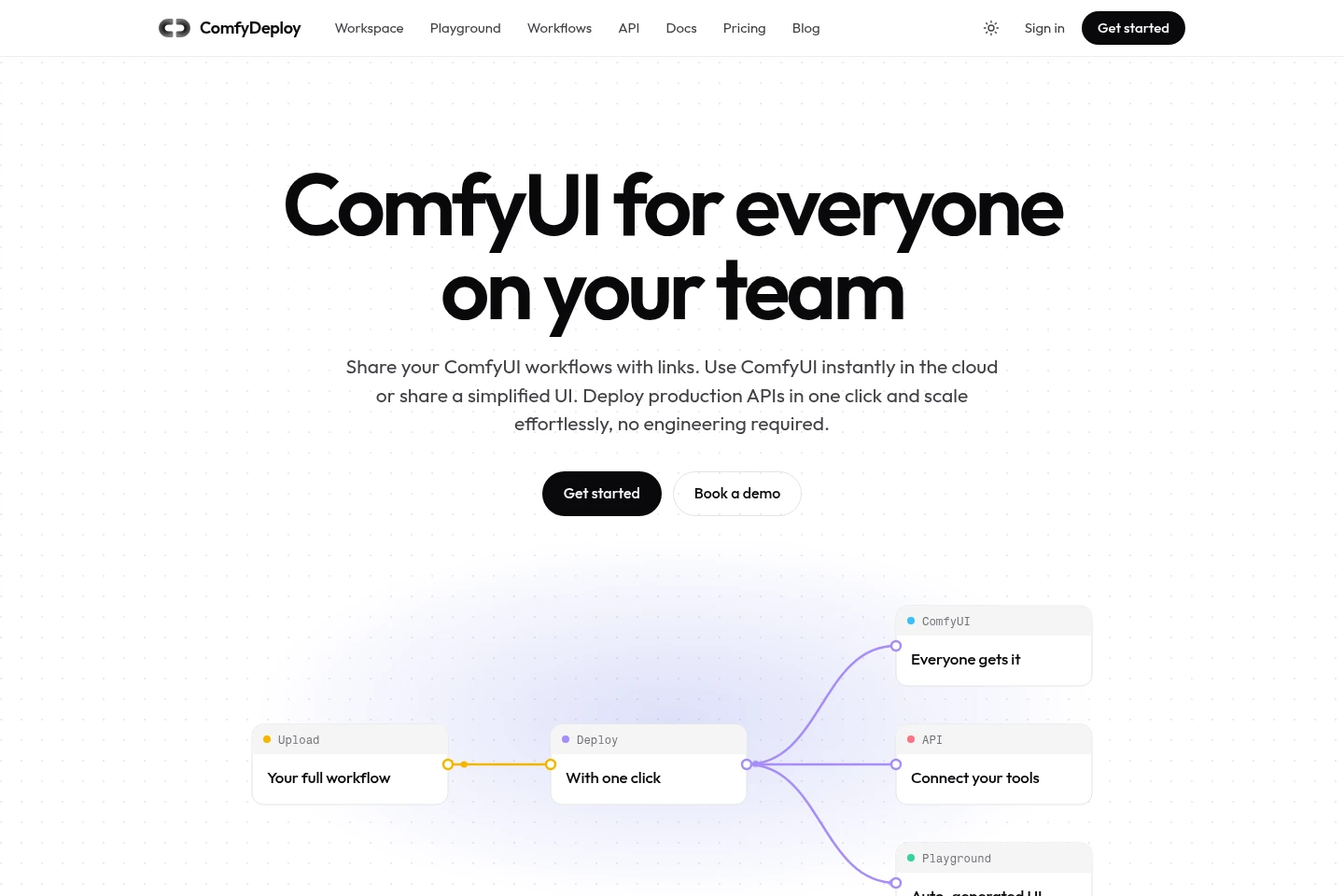
ComfyDeploy hosts ComfyUI workspaces on cloud GPUs for teams. Users can pin nodes and models, share versioned workflows, turn graphs into simplified apps, and deploy workflows as scalable API endpoints. GPU use is billed by time, with options including T4, A100, H100, and other listed hardware.
- LLM Developer Tools
- GPU Cloud
- App Deployment
- Workflow Automation
- cloud ComfyUI workspace
- ComfyUI API deployment
- ComfyUI team workflows
Capabilities
Cloud ComfyUI workspace
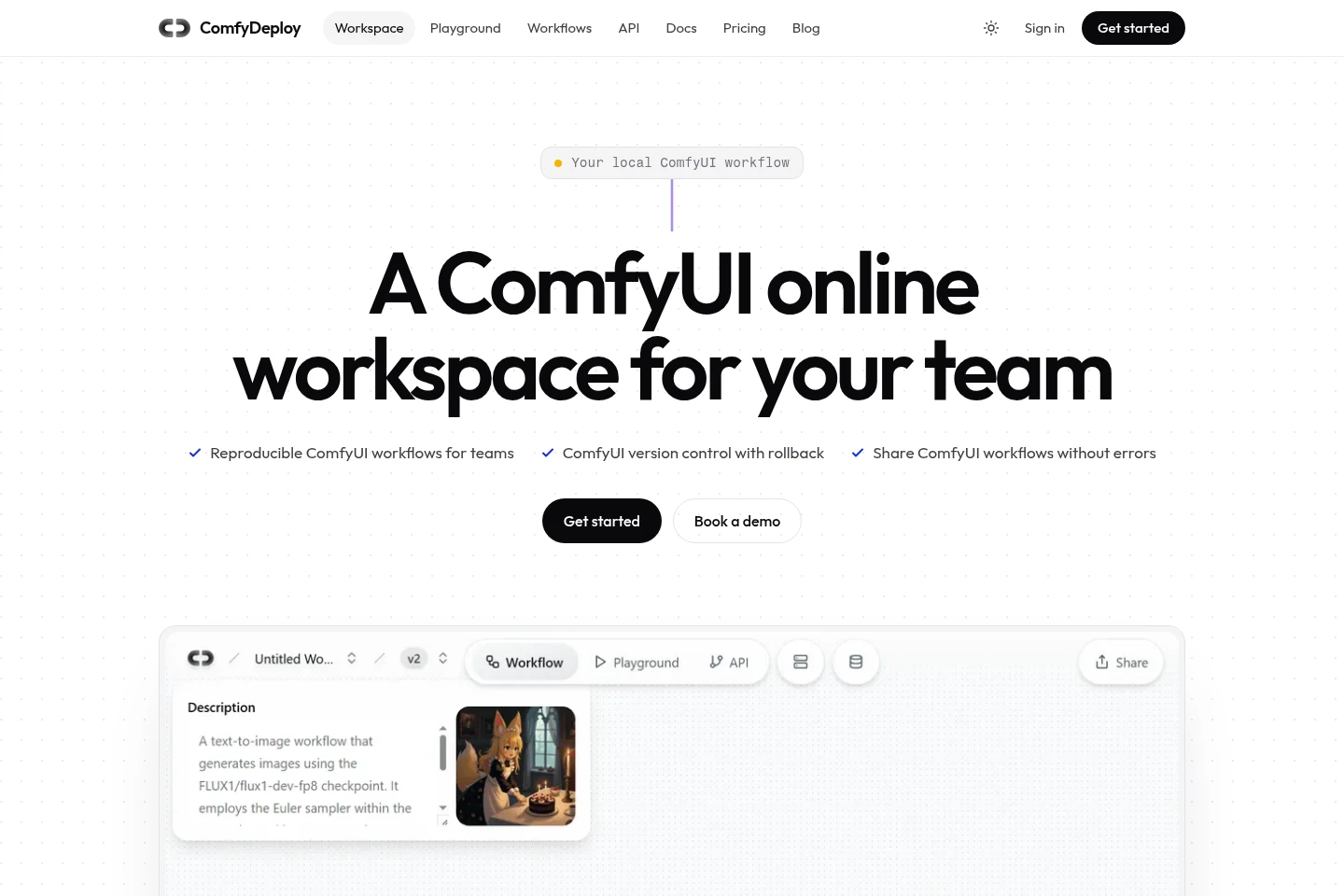
Runs ComfyUI in a managed cloud workspace and outputs a shared environment for team members. Users select ComfyUI versions, install custom nodes, add models, and configure GPU resources without a local GPU installation.
Workflow sharing and versioning
Shares workflows with teammates and outputs version history with rollback options. Workspace templates pin nodes, models, and dependencies; role-based permissions distinguish editing from running.
Simplified workflow apps
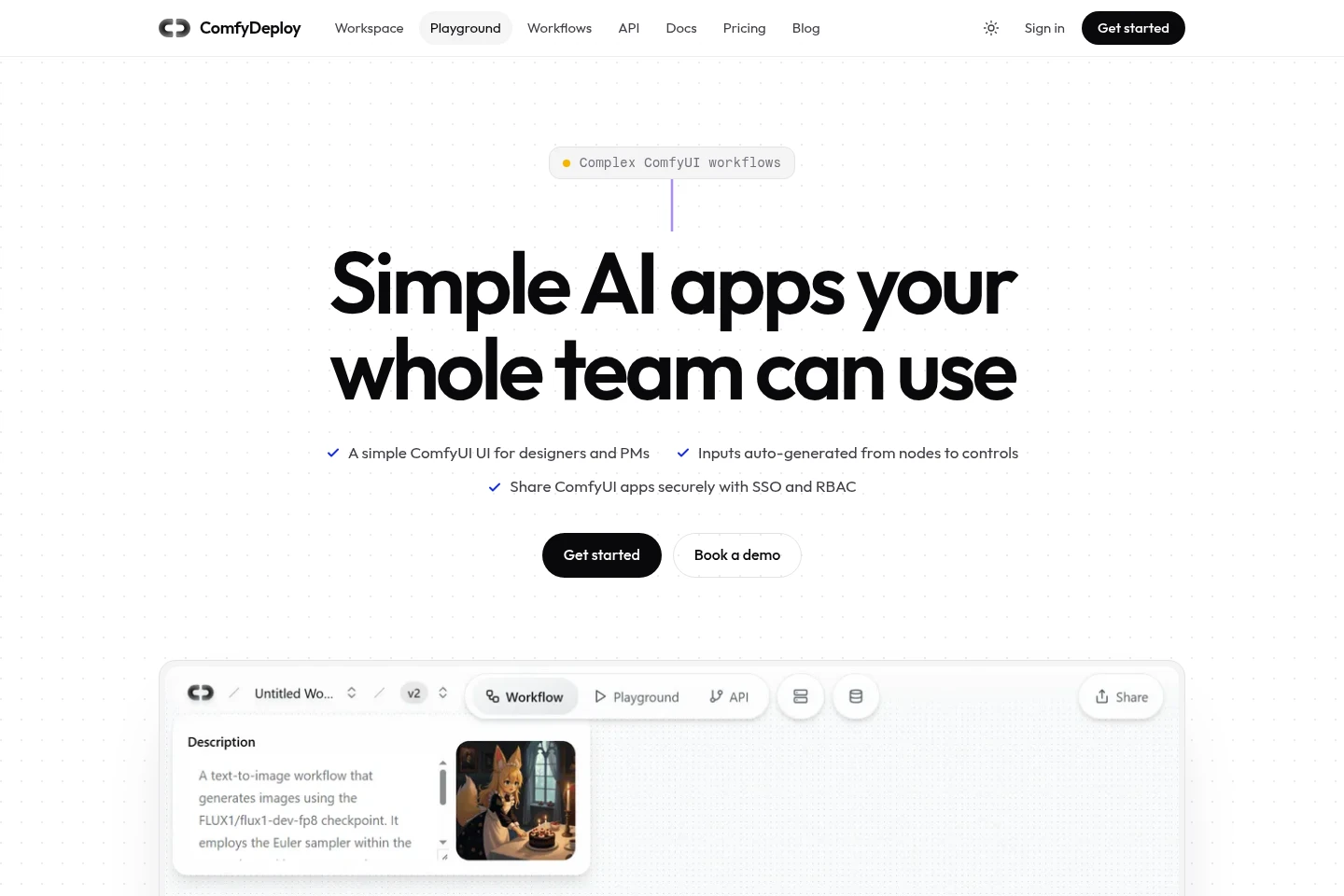
Turns ComfyUI graphs into web interfaces with controls for workflow inputs and outputs. Tagged inputs can appear as fields, sliders, dropdowns, or uploads, and users can share the resulting app by link.
Production API deployment
Deploys a ComfyUI workflow as a versioned API endpoint. Users expose workflow parameters, promote deployments through development, staging, and production, and run jobs on autoscaling GPUs.
Usage-based GPU compute
Runs workflow jobs on listed cloud GPU types and bills GPU resources by time used. Available pricing lists hourly rates for GPU types and CPU; the Pay as you go plan lists GPU concurrency of one and a cloud machine maximum of three.
Pricing
ComfyDeploy offers usage-based Pay as you go pricing and a Business plan starting at $998/month. Compare GPU rates and the listed concurrency and machine limits, then consider whether the Business plan fits team deployment needs.
| Plan | Price | Included features and limits |
|---|---|---|
| Pay as you go | Usage-based; GPU rates per hour |
|
| Business | From $998/month |
|
Use cases
Share reproducible ComfyUI workflows with a team
When teammates need to run or edit the same ComfyUI graph, use a shared workspace with pinned nodes, models, and versions. Share a link and use rollback to return to a previous workflow version.
Let teammates run workflows through a simple app
When designers or product managers need to use a workflow without editing ComfyUI nodes, expose selected inputs as fields, sliders, or uploads in the Playground. Share its page so users can run the workflow.
Deploy ComfyUI workflows as production APIs
When a ComfyUI graph needs to be called by an application, deploy it as a versioned endpoint and define its inputs and outputs. Promote changes through staging and production and scale GPU execution with demand.
Limitations
The Pay as you go plan lists GPU concurrency of 1 and a maximum of 3 cloud machines.
The pricing page lists hourly GPU and CPU rates, but the RTX-PRO-6000 rate is shown without an amount in the supplied pricing content.
Who it is for
Creative teams sharing ComfyUI workflows, models, and custom nodes
ComfyUI workflow builders who need cloud GPU execution and API deployment
Designers and product managers who need to run prepared workflows without editing nodes
FAQ
Can teammates use the same ComfyUI environment?
Yes. A shared workspace pins versions, nodes, models, and settings so teammates can use the same setup. Workflows can be shared by link, with permissions for editing or running.
Can people run workflows without using the ComfyUI editor?
Yes. The Playground can turn a graph into a simplified web app. Tagged inputs can be shown as controls such as fields, sliders, dropdowns, and file uploads.
Can I deploy a workflow as an API?
Yes. ComfyDeploy can deploy a ComfyUI graph as a versioned API endpoint. The API documentation includes an SDK example for creating a run and retrieving its output.
How is GPU compute priced?
GPU compute is usage-based and the pricing page lists hourly rates for GPU types. The Pay as you go plan lists GPU concurrency of 1 and a maximum of 3 cloud machines.
What does the Business plan cost?
The pricing page lists Business from $998/month. The supplied page does not specify further plan quotas or billing conditions.
Comments