
- Monthly visits
- 0
- 2026-09
Coat of Arms Maker - Guided AI heraldry to create custom original crests for your family, brand or project
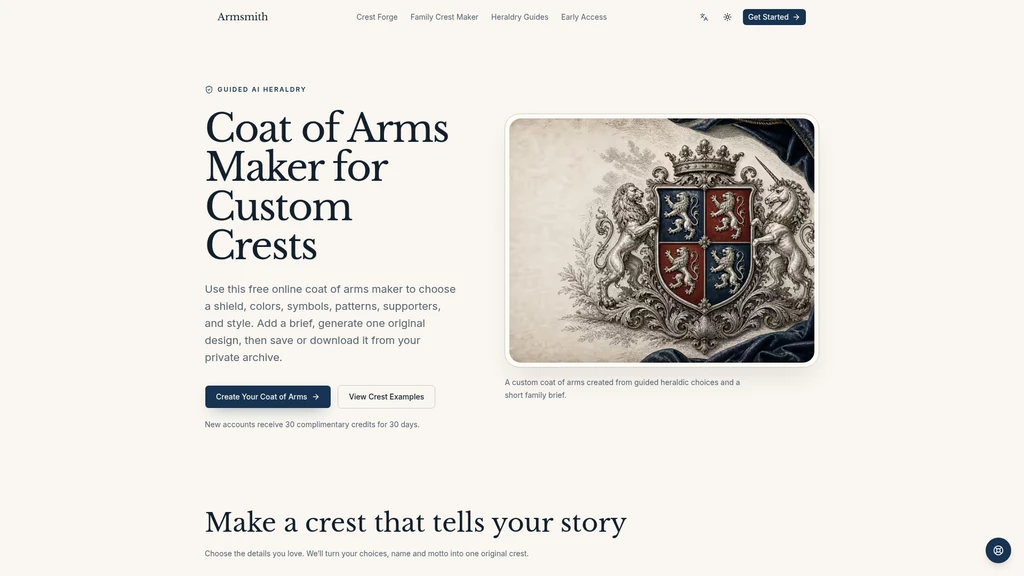
Coat of Arms Maker is a free online AI tool that lets users design original, custom crests by selecting heraldic elements, colors, and styles alongside a short custom brief. It is built for families, teams, schools, brands, and creators who want a meaningful, story-driven coat of arms design without manual illustration work. New users get 30 complimentary credits on sign up, with generated designs stored in a private archive and available for download in 1K standard or 4K HD resolution.
- AI Design
- Illustration Generation
- Logo Design
- Image Generation
- Content Creation
77Views
Core Design Controls
The tool walks users through four illustrated steps to build a coherent heraldic design:
Shield silhouette selection: Pick from classic heater, round, kite, Italian, or French shield shapes to set the base structure of your crest.
Tincture pairing: Choose pre-built traditional color combinations with strong visual contrast such as royal red and gold, deep blue and silver, or custom matching if you do not pick a palette manually.
Central charge placement: Select one distinct core symbol including lion, eagle, deer, wolf, dragon, tree, owl, or swords to represent the core value your crest communicates.
Field pattern organization: Structure the shield background as solid, quartered, striped, checkered, or banded to match the visual mood you want.
Supporter selection: Add paired side elements such as lions, eagles, unicorns, knights, botanical branches, or no side ornaments at all.
Aesthetic style tuning: Adjust the generation to follow classical, engraved, royal, fantasy, or minimal visual rules to align with your preferred historical or creative look.
Generation Workflow
The guided workflow does not require prior heraldry knowledge:
Enter your occasion, optional family or brand name, and motto, plus any custom context you want the generator to respect.
Adjust the pre-listed design controls to match your preferences, or leave specific categories blank for automatic matching.
Review your compiled design brief and credit cost before submission.
The AI generates one original square crest that combines all your selected visual elements and exact text lettering.
All completed commissions are stored in your private account archive automatically.
Credit and Export Rules
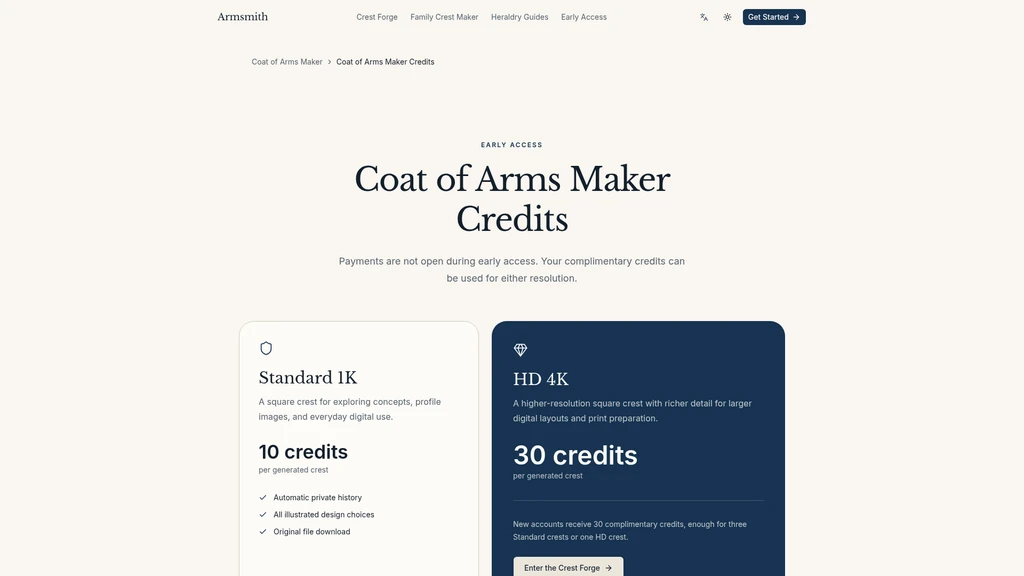
New accounts receive 30 complimentary credits valid for 30 days after registration.
A standard resolution (1K) generation costs 10 credits. A high-definition (4K) generation costs 30 credits.
Credits are only deducted when you accept a completed commission. If the provider fails to generate a valid design, all charged credits are restored to your account.
Exported files have no watermarks, and you can reuse any saved crest configuration to generate revised versions without rebuilding your entire design from scratch.
Supported Use Cases
You can use the tool to create crests for many different contexts:
Personal family crests that represent shared values and history
Fictional house crests for book, game, or tabletop roleplay projects
School, academy, or guild identity marks
Wedding union crests that combine two family symbol sets
Sports team or local club emblems
Small brand or craft business custom heraldic-style logos
Limitations and Clarifications
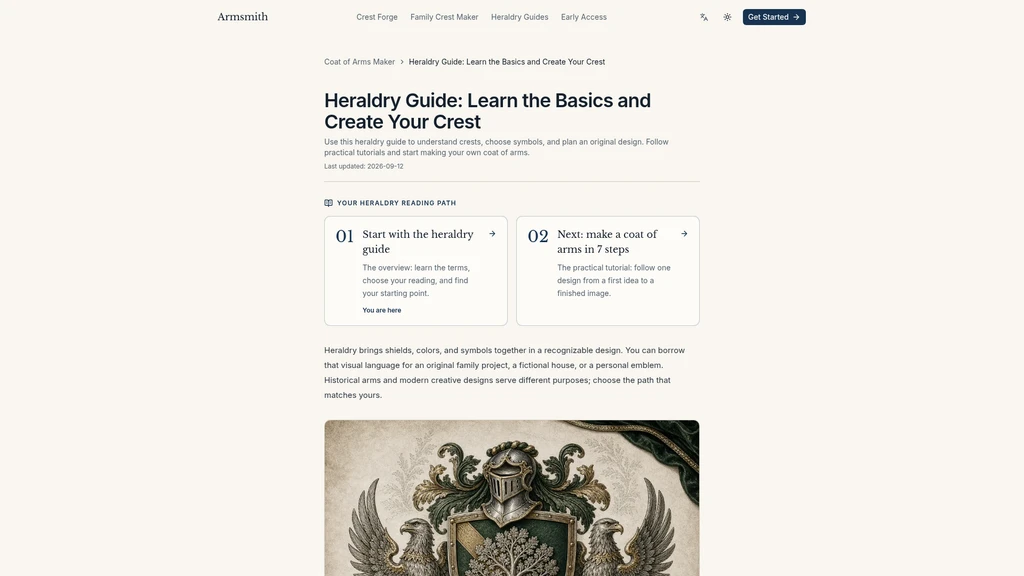
This tool generates original artistic designs, it does not perform official historical research on existing registered arms, and a generated design does not grant legal entitlement to recorded arms from heraldic regulatory bodies. The platform links to official guidance from the Court of the Lord Lyon for users who want to research official herald registration processes separately.


Comments