

- Monthly visits
- 11,671
- 2026-09
- Monthly growth +26.8%
Clevera - Turn recordings into narrated product videos and help articles
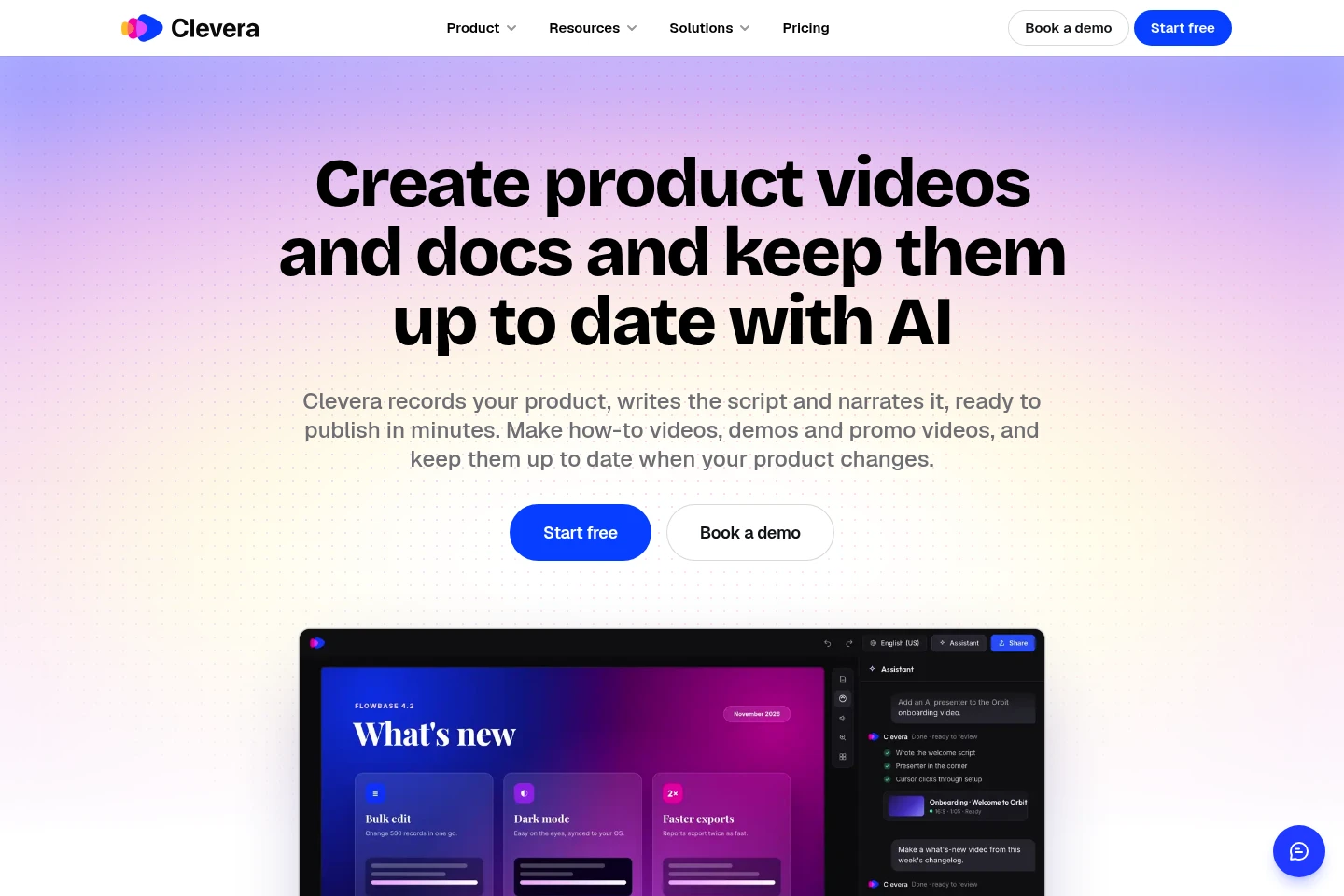
Clevera turns screen recordings, website links or written instructions into narrated how-to and demo videos, step-by-step help articles, and hosted help center pages. Its AI can also click through a web app and record the steps. Teams can translate videos and articles, publish documentation, and connect AI agents through MCP.
- AI Productivity
- Document Generators
- Video Generators
- MCP Servers
- Software
- AI tutorial video maker
- screen recording help articles
- AI product demo generator
Capabilities
Narrated video generation
Creates a narrated how-to or demo video from a screen recording, website link, or written instruction. Clevera writes the script and voiceover, trims dead time, and zooms in on clicks; users can request edits through chat.
AI app recording
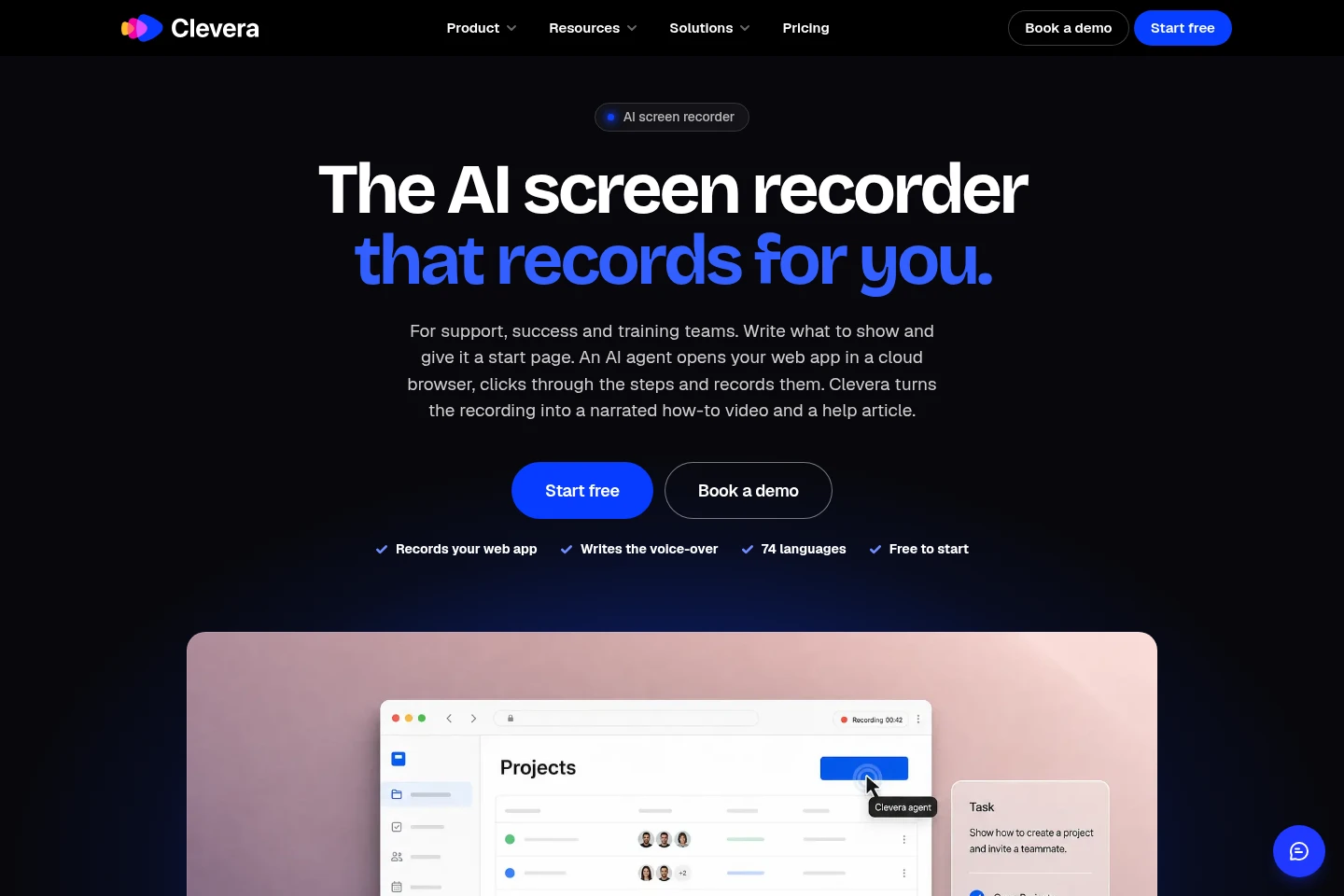
Records steps in a web app and outputs a screen recording for video and documentation. An AI agent opens the supplied start page in a cloud browser and clicks through the requested workflow.
Step-by-step article generation
Produces a step-by-step help article with screenshots from a recording. The article can be published to the built-in hosted help center, alongside its video.
Hosted help center
Hosts product documentation as a help center with video, sections, search, a changelog, and custom pages. Plans include a hosted help center; domain, privacy, and language features depend on the plan.
Video and article translation
Translates voiceover, on-screen text, and articles into multiple languages. The pricing page lists article translations in 74 languages, while the homepage describes translation in 70+ languages.
AI agent and API connection
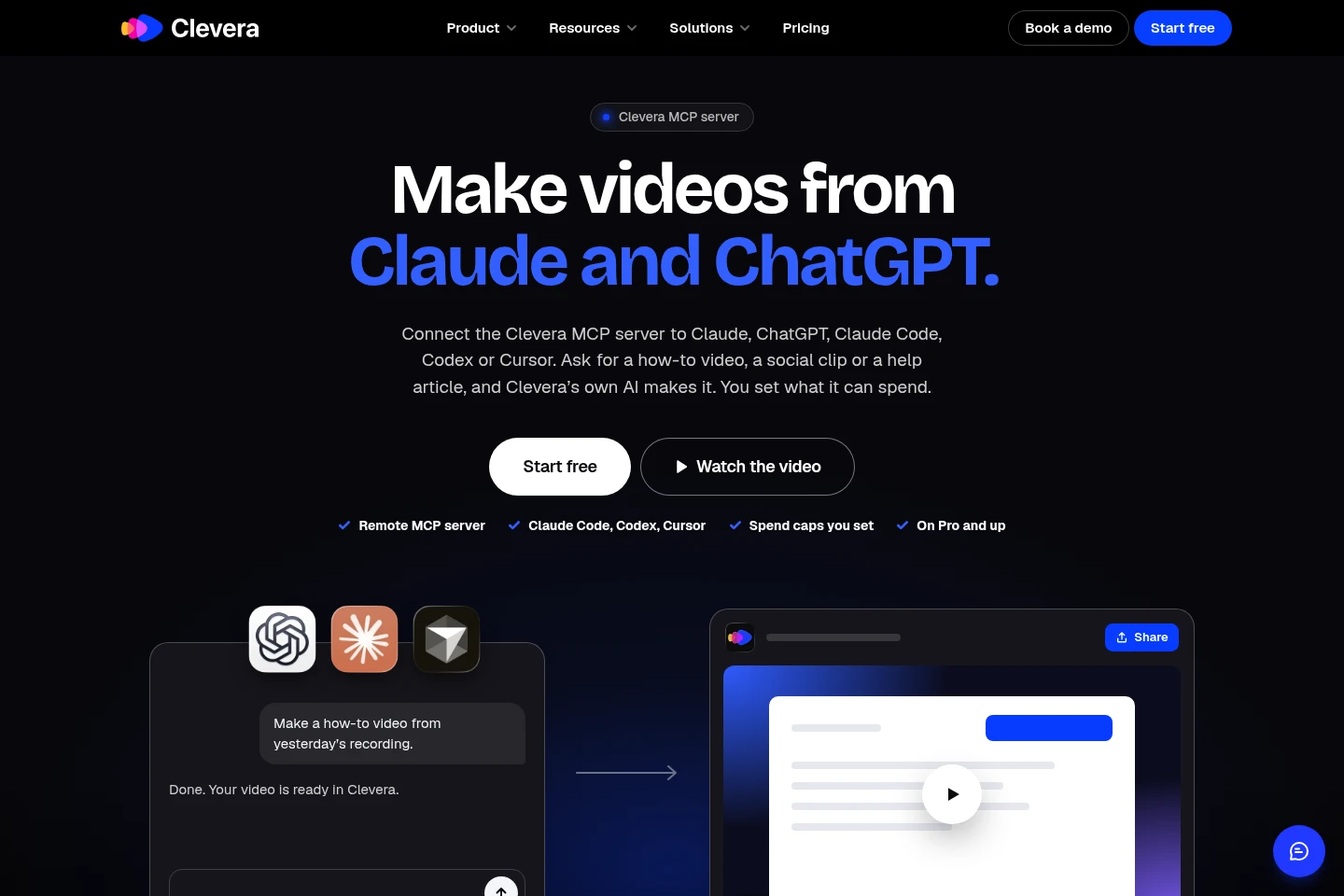
Lets supported AI tools request videos and articles through Clevera's MCP server and, on Pro and higher, AI agents and API. Users set spending caps; MCP connections include Claude, ChatGPT, Claude Code, Codex, and Cursor.
Pricing
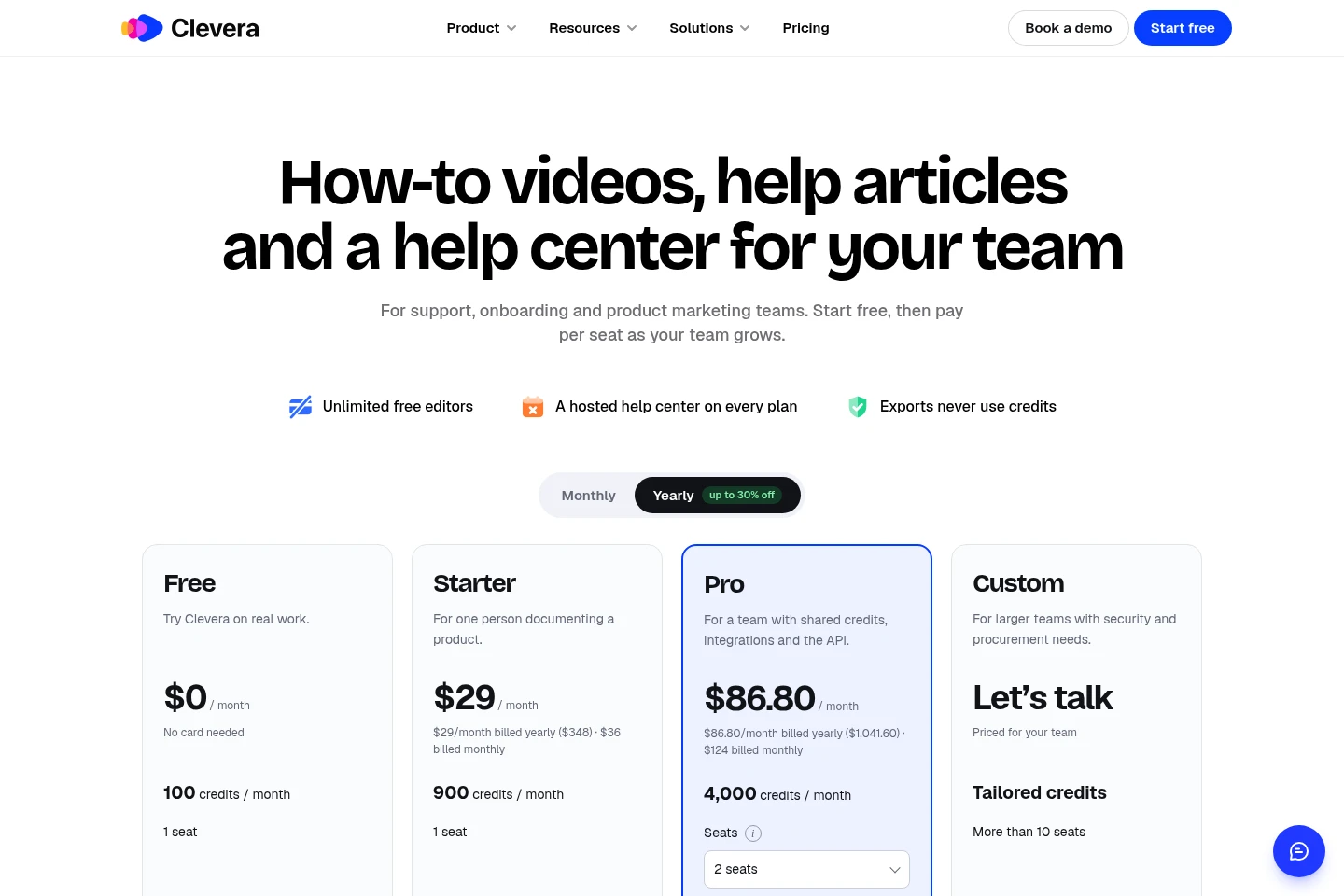
Clevera has a free plan and paid monthly or yearly subscriptions. Compare monthly credits, seats, help center limits, export options, integrations, and security features when choosing a plan.
| Plan | Price | Included features and limits |
|---|---|---|
| Free | $0 per month |
|
| Starter | $29/month billed yearly ($348); $36 billed monthly |
|
| Pro | $86.80/month billed yearly ($1,041.60); $124 billed monthly |
|
| Custom | Custom pricing; contact for a quote |
|
Editors are unlimited and free. Pro extra seats cost $36 per month and add 650 monthly credits each. Yearly plans receive credits monthly. Plans can be canceled at any time.
Use cases
Create product how-to videos and articles
When a team needs instructions for a product workflow, it can provide a screen recording, website link, or written steps. Clevera creates a narrated how-to video and can produce a step-by-step article from the same recording.
Publish product documentation in a help center
When support teams need searchable product documentation, they can publish generated articles to Clevera's hosted help center. Depending on plan, it can include a custom domain, private centers, integrations, and multiple centers.
Record a web app workflow automatically
When a team wants to document a web app without manually recording each step, it can describe the workflow and provide a start page. Clevera's AI agent clicks through the app and creates a narrated video and help article.
Create launch clips and product demos
When product or marketing teams need a demo, feature launch clip, or social video, they can use product recordings or a website link as input. Clevera generates a narrated video that can be shared or downloaded according to plan.
Limitations
The Free plan allows video exports only by link or embed and does not include MP4 downloads.
The Free plan includes one seat and videos of up to 3 minutes.
The Free plan includes one hosted help center; Starter includes one on a custom domain, while Pro includes 2–5 centers.
Custom is described for teams with more than 10 seats; its credits are tailored and its price is not stated as a fixed amount.
Additional seats on Pro add $36 per month and 650 monthly credits per seat; editors are unlimited and free.
Who it is for
Support and customer success teams documenting common product questions
Product and marketing teams producing demos and feature launch clips
Teams creating customer onboarding walkthroughs and employee training materials
SaaS product teams maintaining help articles and product documentation
FAQ
What can Clevera create from a recording?
Clevera can create a narrated how-to or demo video and a step-by-step help article with screenshots from a screen recording. The article can be published to its hosted help center.
Can Clevera record my web app for me?
Yes. Provide a start page and describe what to show; an AI agent opens the web app in a cloud browser, clicks through the steps, and makes a recording that can become a narrated video and article.
How many languages are supported?
The pricing page lists articles and translations in 74 languages on Free, while the homepage describes translation in 70+ languages. The app interface is described as working in 19 languages.
Does every plan include a help center?
Yes. Clevera says a hosted help center is included on every plan. The number of centers and features such as a custom domain or private access vary by plan.
How are credits and extra credits charged?
Plans include monthly credits, and yearly plans still receive credits each month. Starter and Pro can buy extra credit packs for $50 one-time; packs do not expire and are used after included credits, with no automatic charge.
Can AI agents use Clevera?
Yes. Clevera's MCP server connects with Claude, ChatGPT, Claude Code, Codex, and Cursor; the pricing page lists AI agents and API on Pro and higher. Spending caps can be set by the user.
Comments