Transcript-based video editing
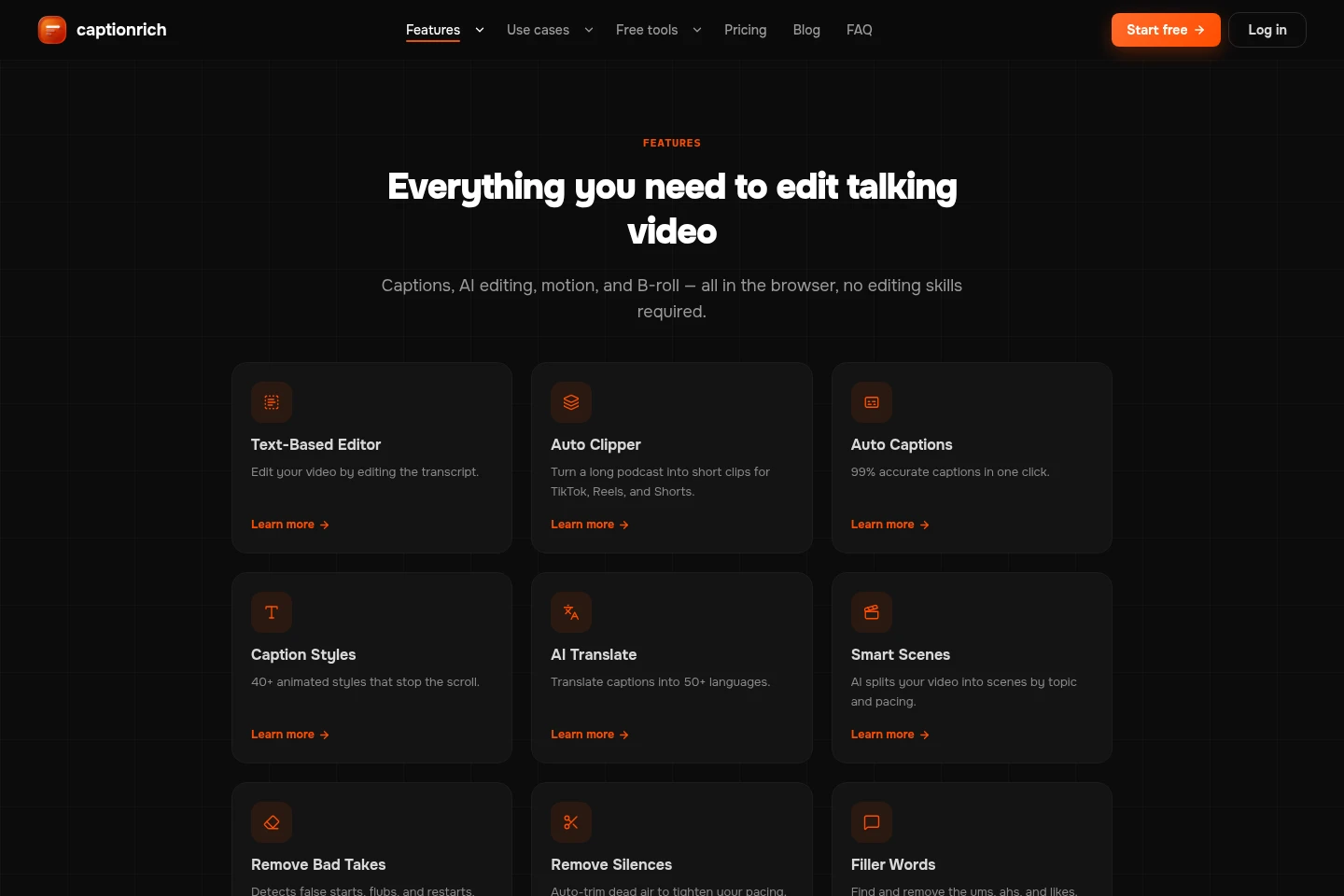
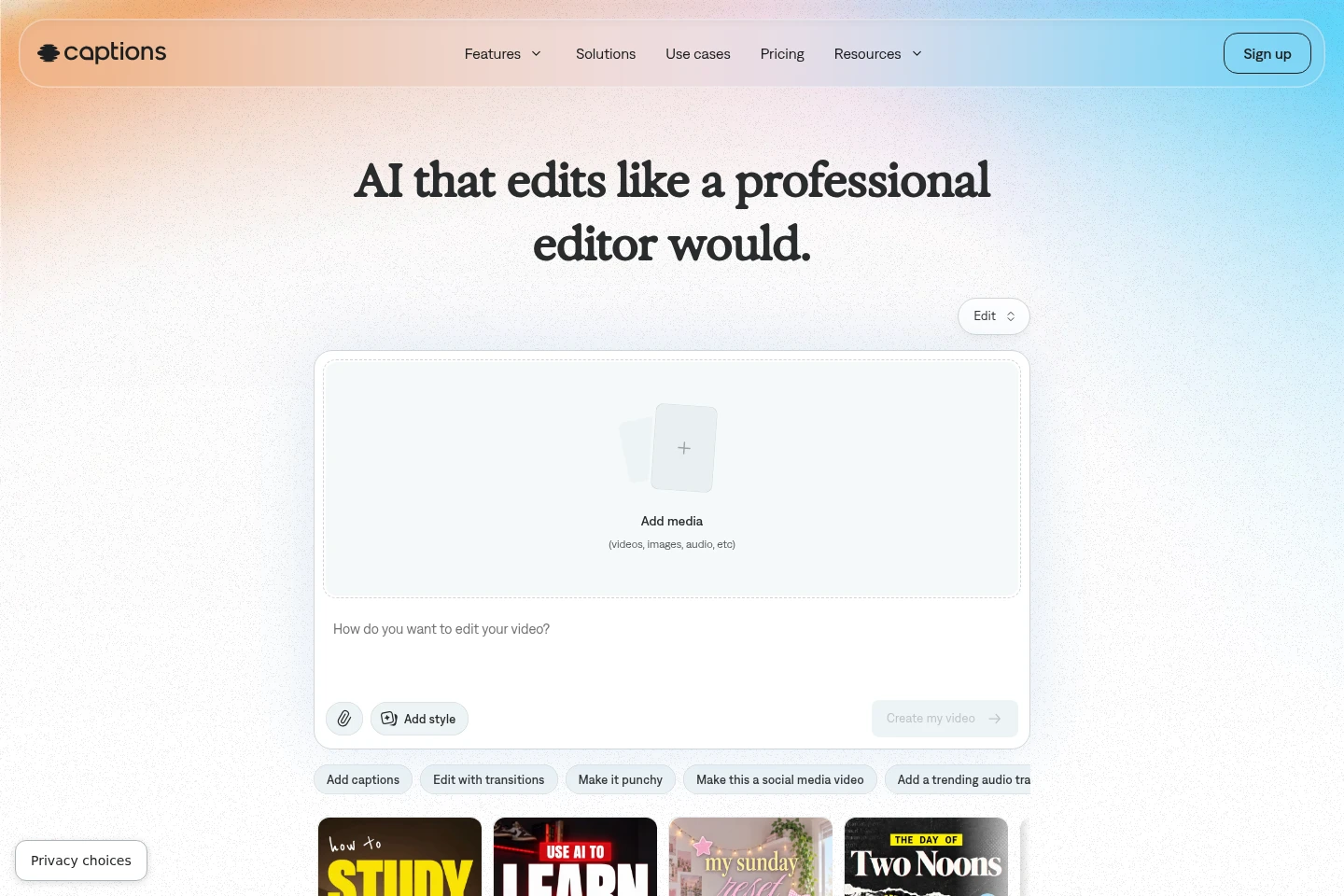
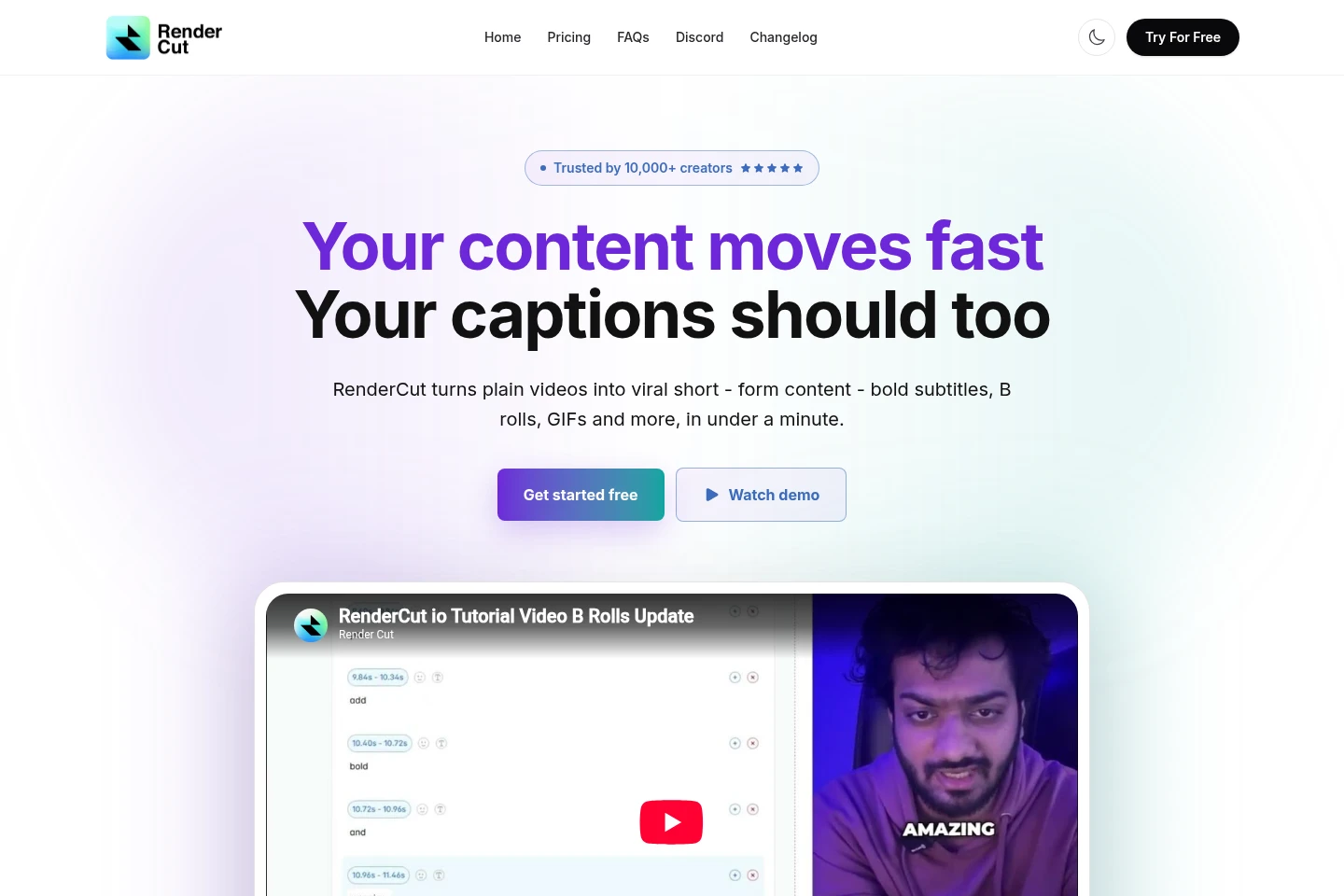
Edit a video by changing its transcript, and the footage is cut to match. Select words to seek or edit, add B-roll at a word, export selected clips, and undo or redo changes.
AI-assisted video edits
Remove silences, filler words, and bad takes, and tighten sentence gaps. Toggle the edits you want; changes are reversible.
Animated caption generation
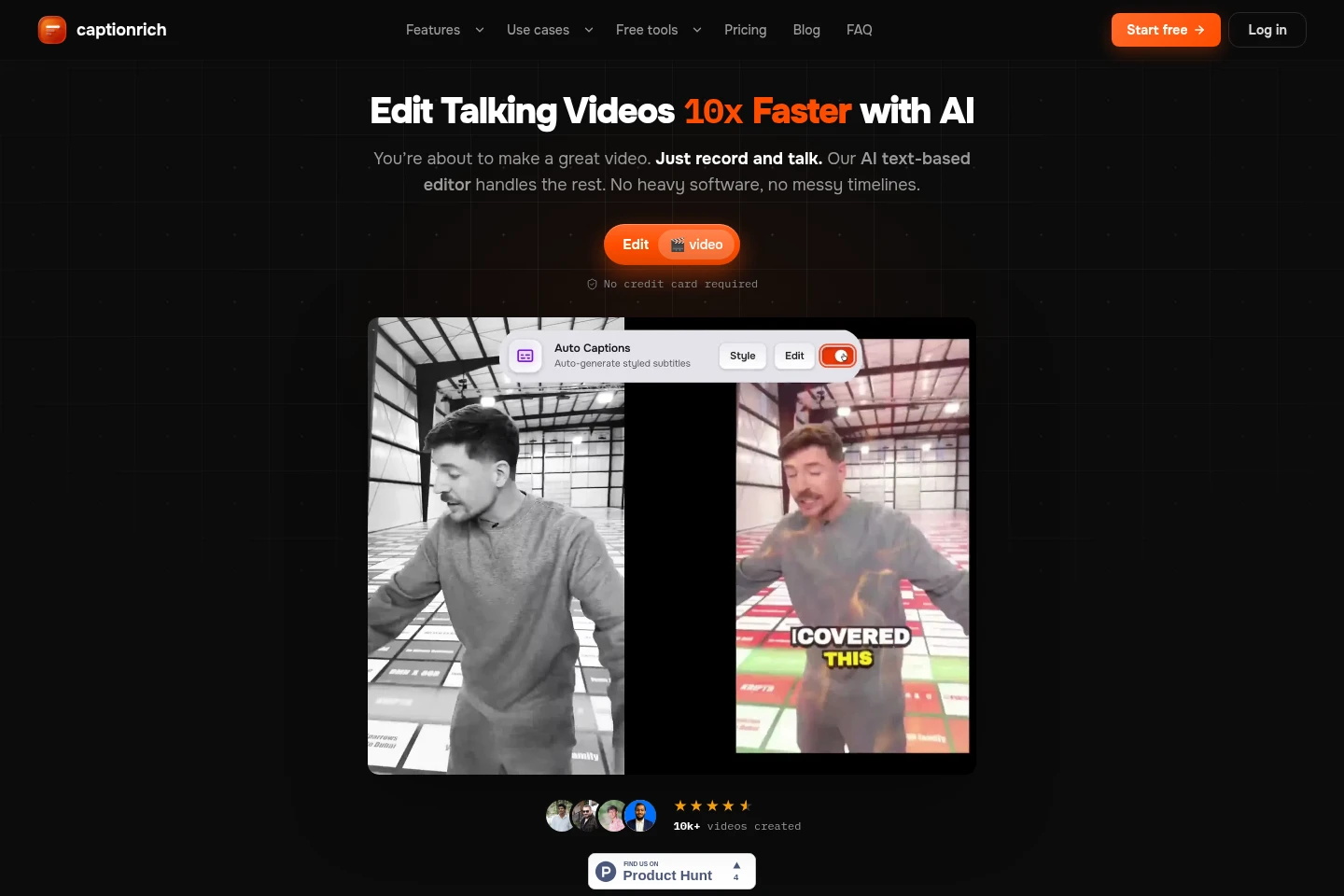
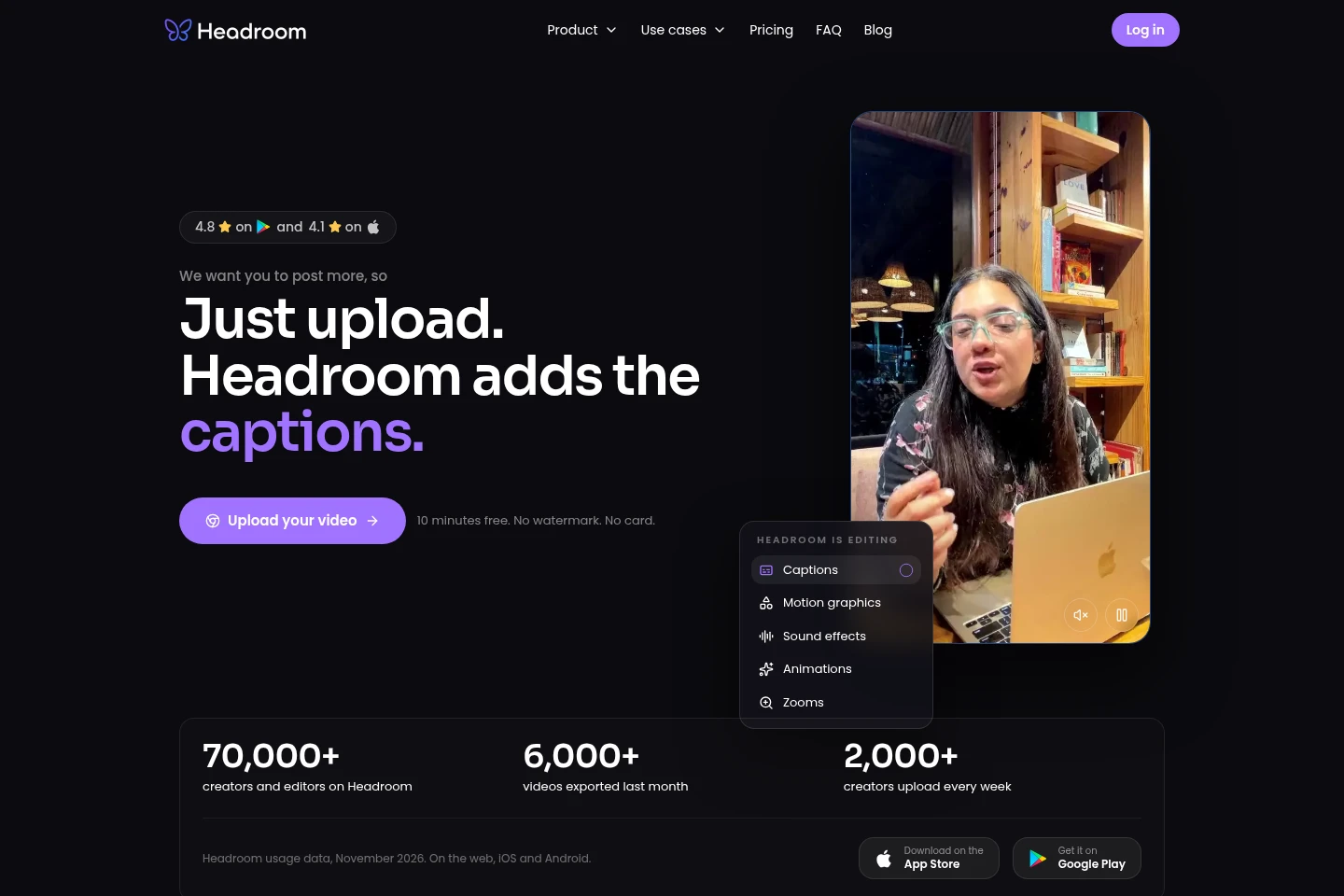
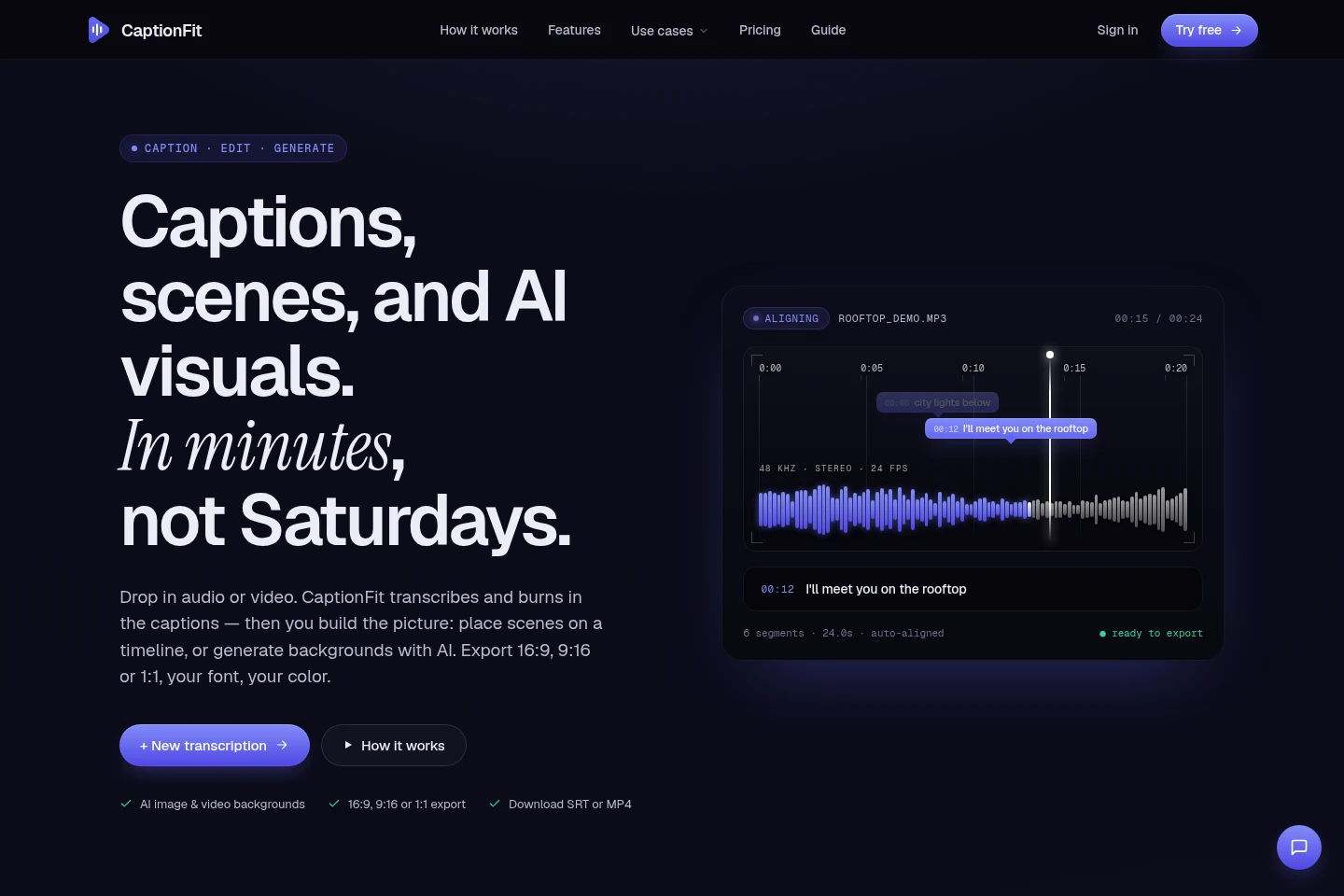
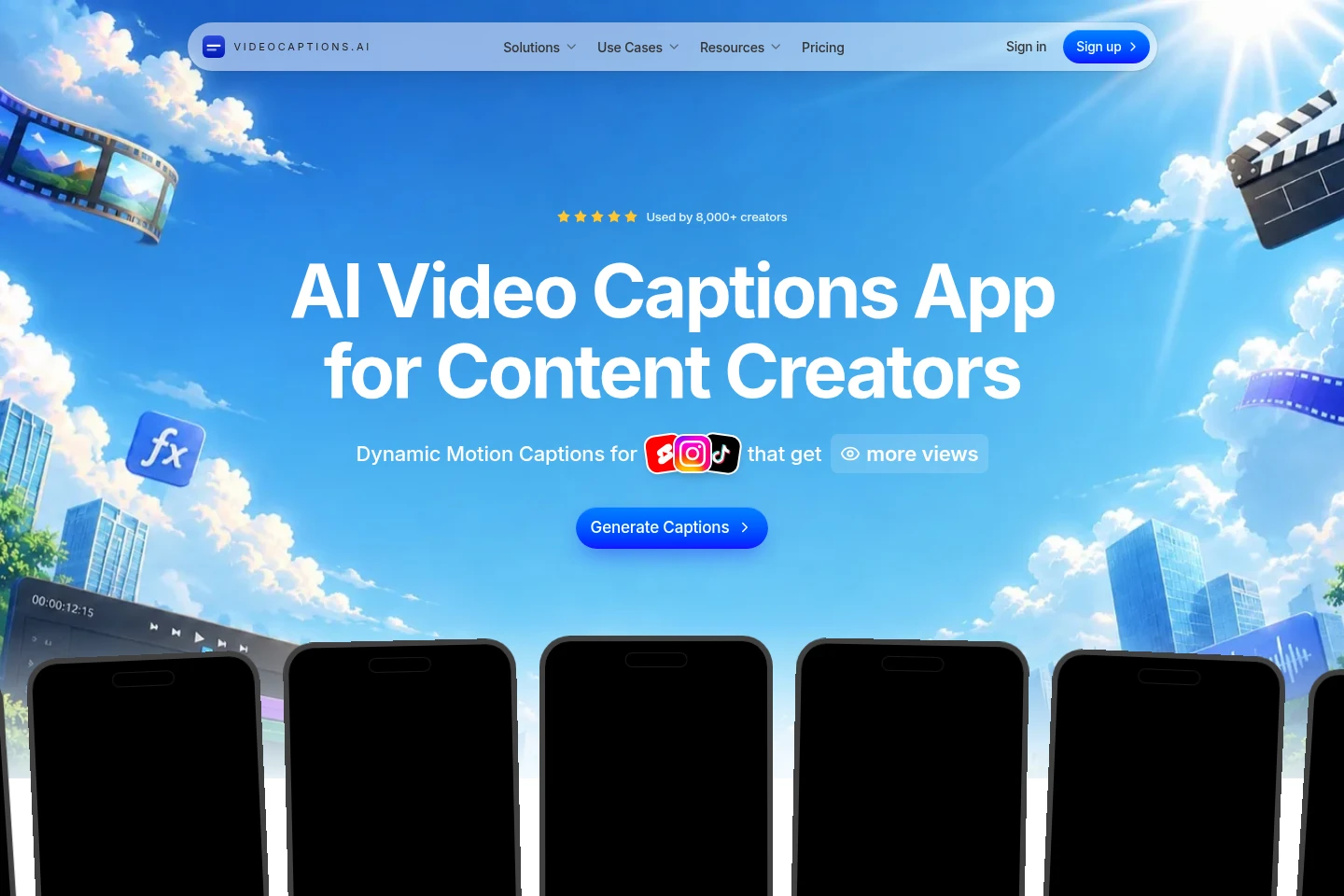
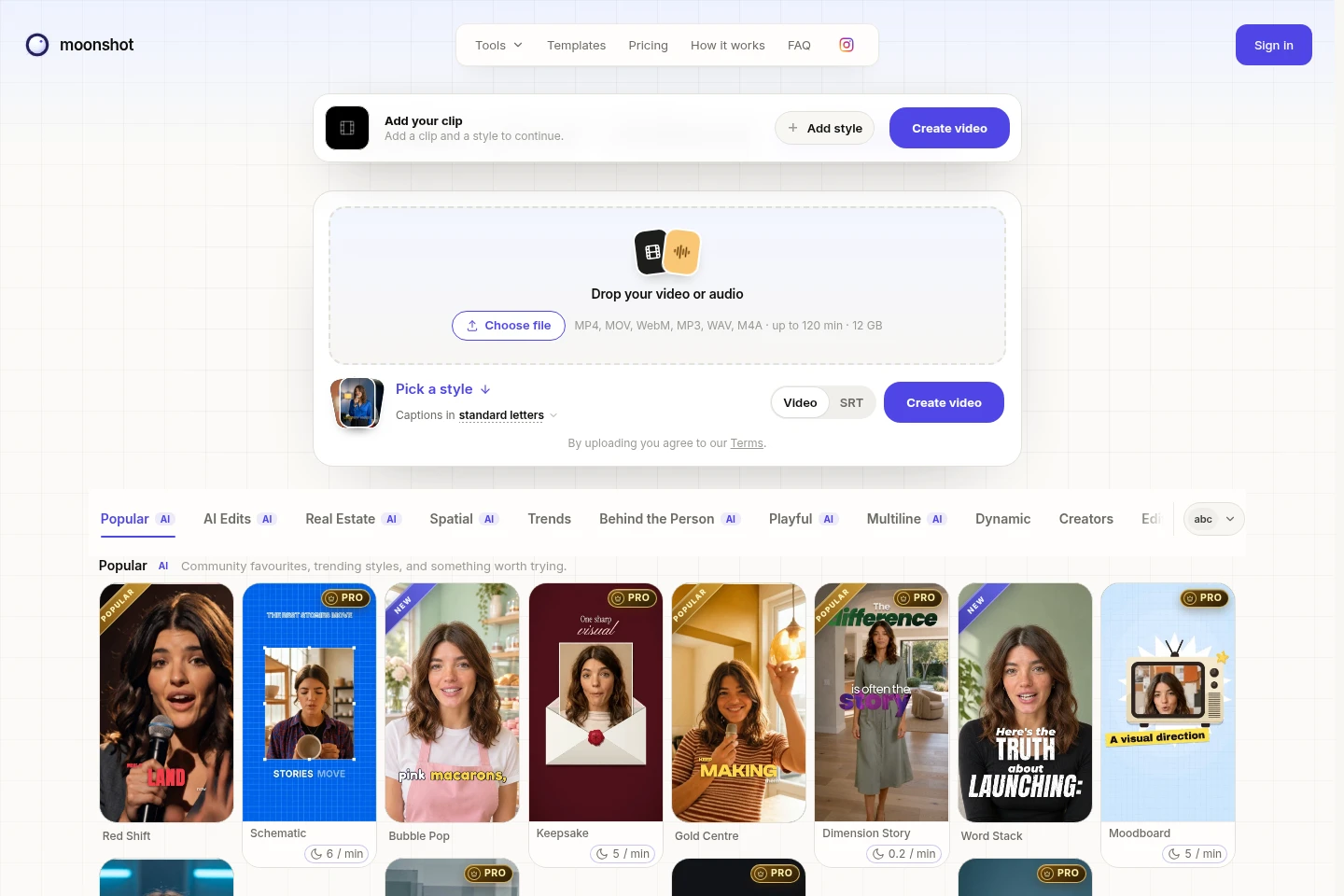
Generate timed captions and apply a visual style to them. Choose from more than 40 styles, edit words, reposition captions, and export a captioned MP4 or SRT file.
AI caption translation
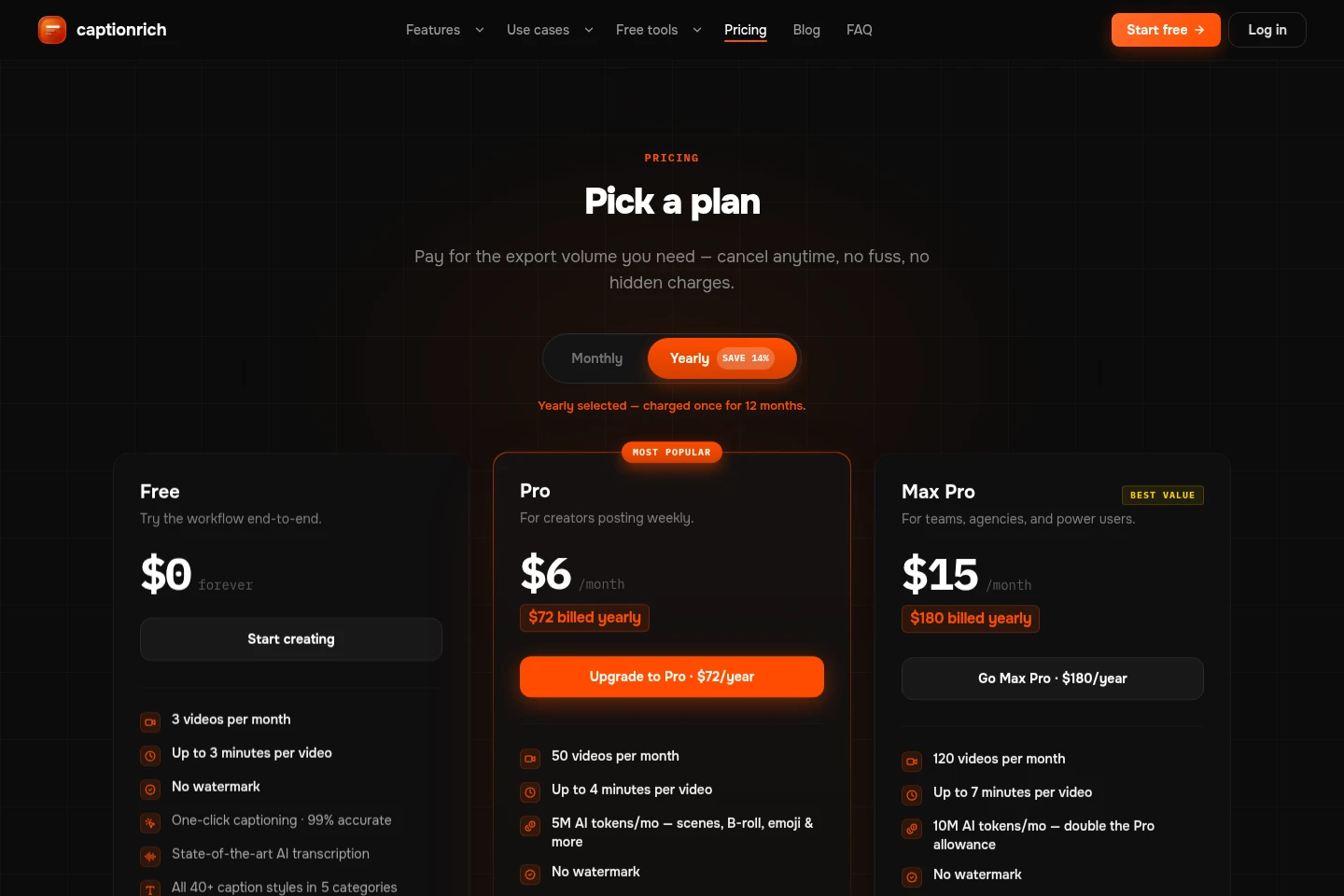
Translate captions into more than 50 languages while preserving meaning and tone. Word-level timing is retained; this capability is included with Pro and Max Pro.
Auto Clipper
Turn long videos into short clips for TikTok, Reels, and Shorts. Monthly clip allowances and maximum source-video lengths depend on the paid plan.










Comments