

- Monthly visits
- 802
- 2026-10
- Monthly growth +5.1%
CaptionFit - Transcribe, style, and export captioned videos
CaptionFit transcribes audio or video, syncs captions to speech or supplied lyrics, and lets you edit caption styles and scenes in a browser-based editor. Add uploaded or AI-generated image and video backgrounds, translate subtitles, and export captioned MP4 video or subtitle files in 16:9, 9:16, or 1:1 formats.
- AI Video
- Subtitle Generators
- Transcription
- Video Editors
- AI video caption editor
- lyric video maker
- caption translation tool
Capabilities
Audio and video transcription
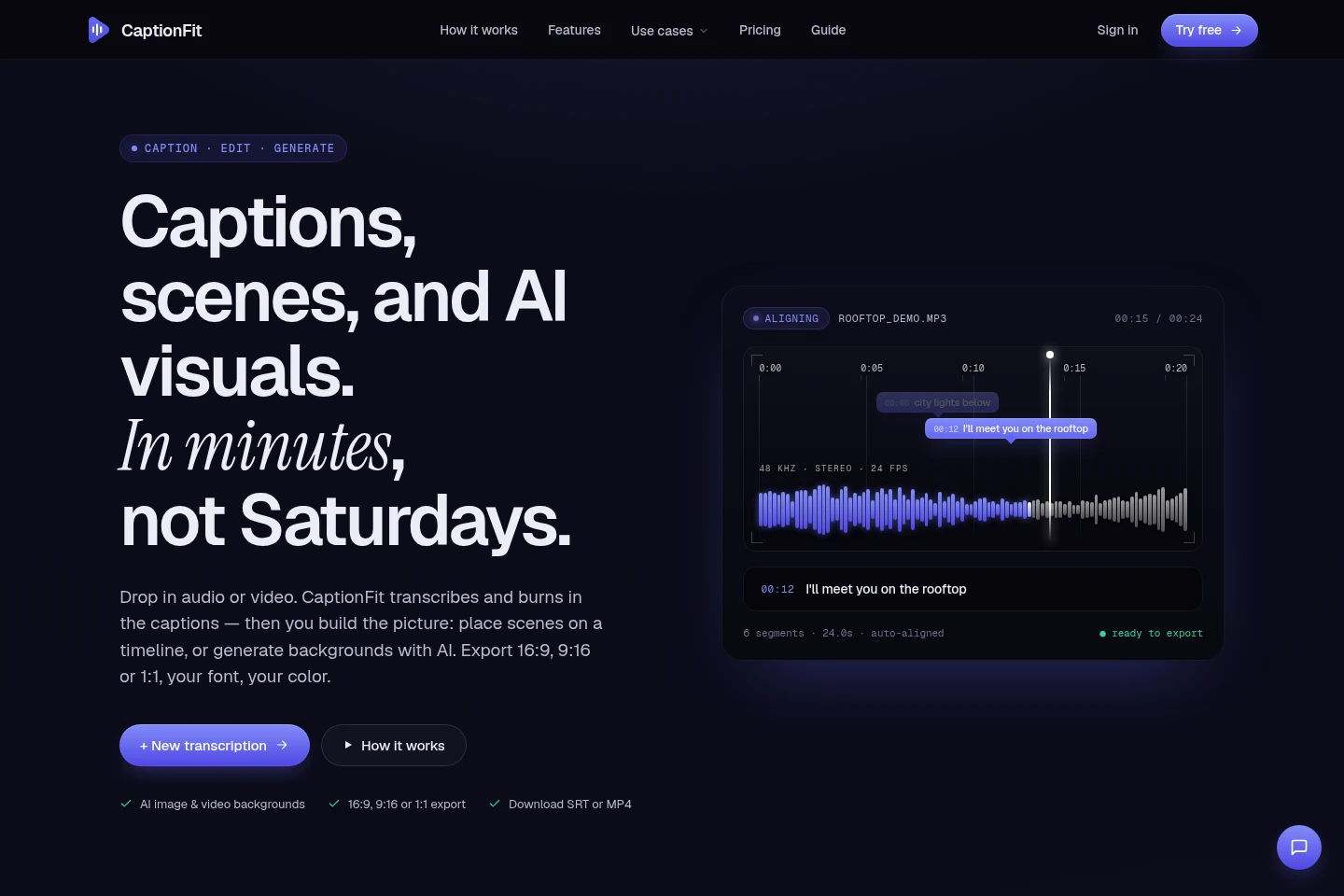
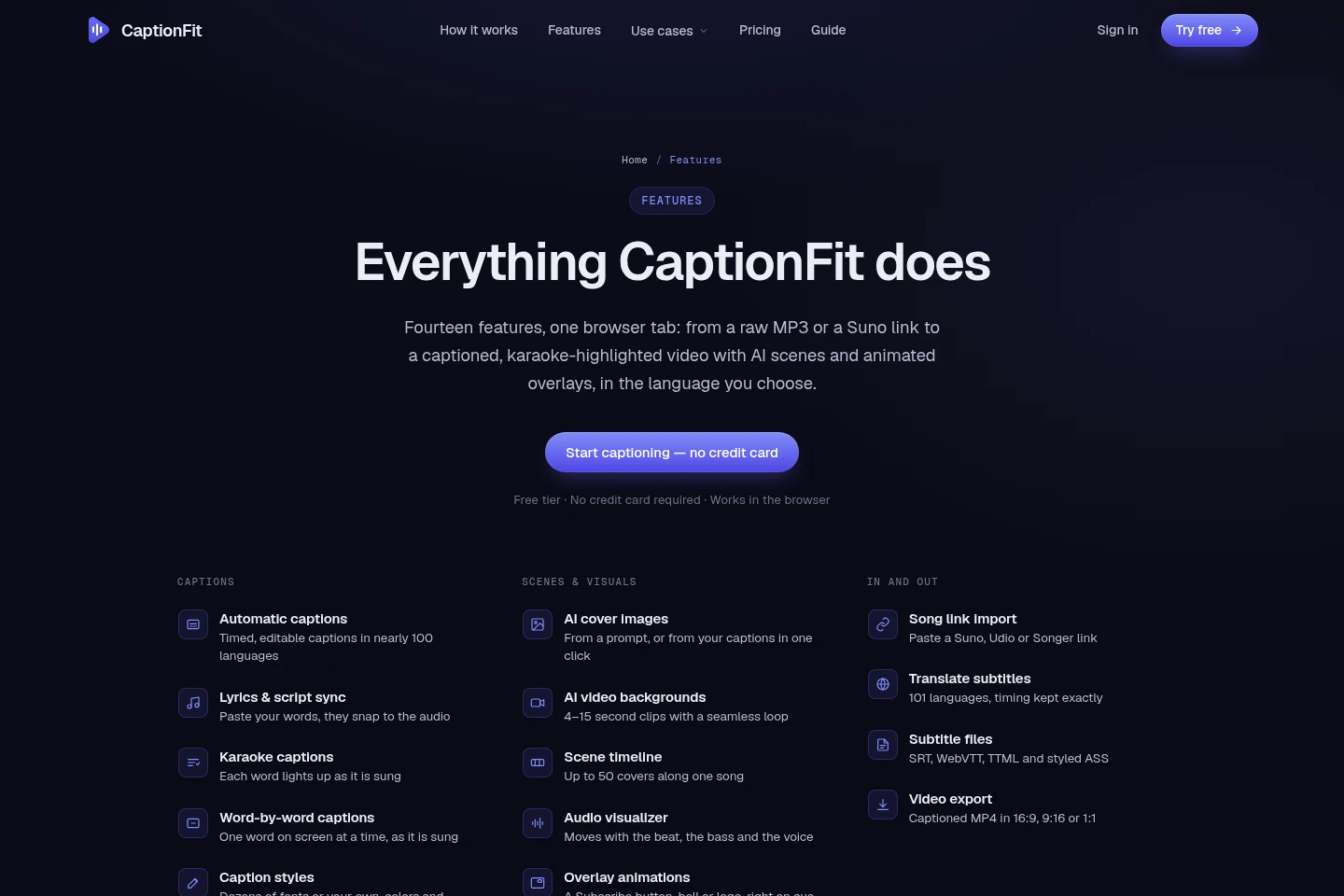
Transcribes uploaded audio or video and outputs timed captions. Upload MP3, WAV, M4A, or MP4 files up to two hours, choose a language or auto-detection, and select a caption length.
Lyrics and script sync
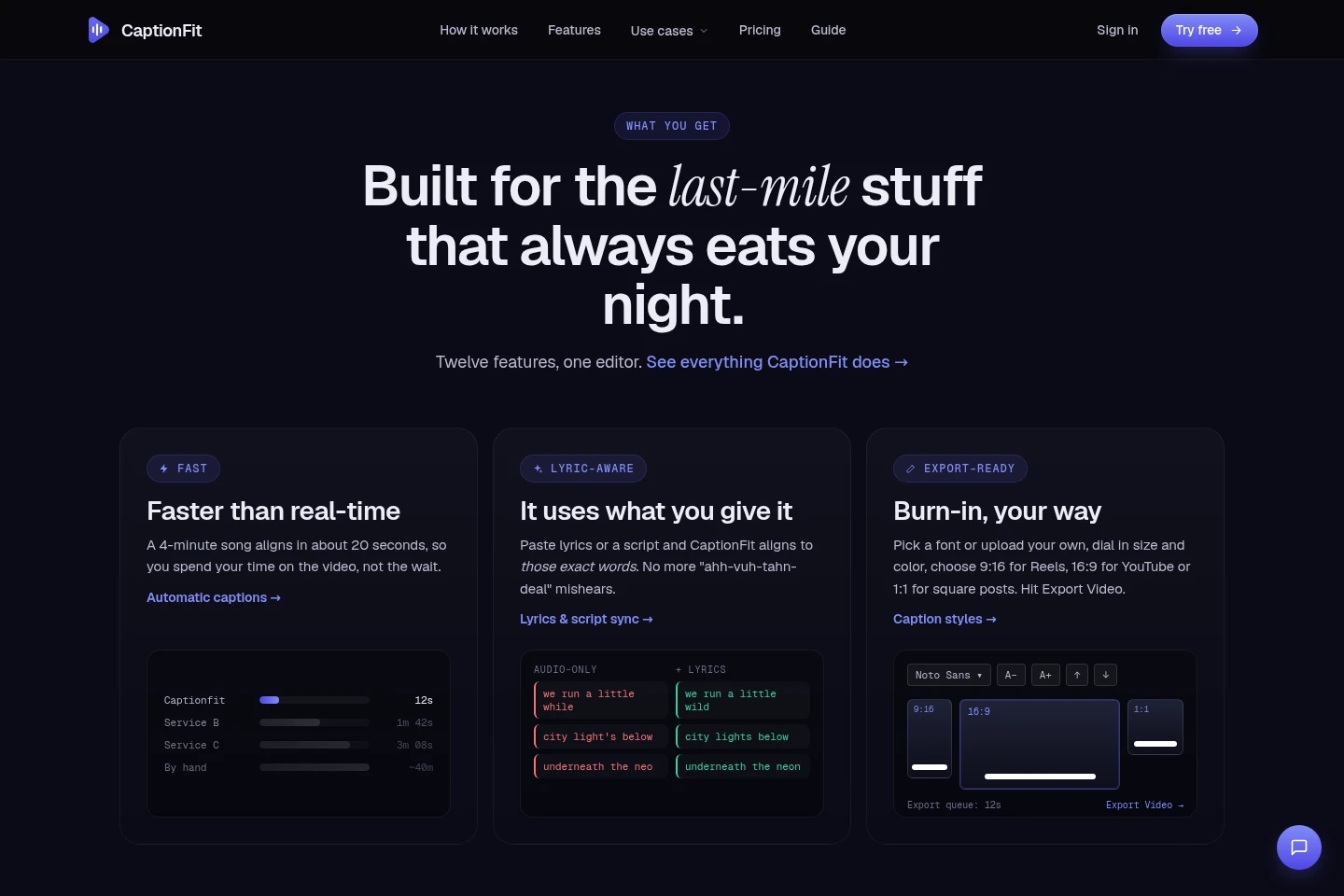
Aligns supplied lyrics or script text to audio and outputs timed captions using those words. Paste text with one line per caption to correct transcription wording and grouping.
Caption styling and editing
Edits caption text, timing, appearance, and placement, then previews burned-in captions. Choose fonts, size, color, and position; upload custom fonts on Pro and Expert.
Scene timeline and AI visuals
Arranges video scenes and generates image or video backgrounds for export. Upload covers or use AI prompts and caption-based Auto cover; the timeline supports up to 50 scenes, and generated video clips are 4–15 seconds.
Subtitle translation
Translates captions while retaining their timing and styling. Choose from 101 translation languages in the editor; captions can also be transcribed in nearly 100 languages.
Video and subtitle export
Exports captioned MP4 video or downloadable subtitle files. Choose 16:9, 9:16, or 1:1 video format; supported subtitle formats include SRT, WebVTT, TTML, and styled ASS.
Pricing
CaptionFit offers a free plan and recurring paid subscriptions. Compare monthly video minutes, shared monthly tokens, AI image or video allowances, and export restrictions when choosing a plan.
| Plan | Price | Included features and limits |
|---|---|---|
| Free | $0 |
|
| Pro | $10/mo; $100 billed yearly |
|
| Expert | $20/mo; $200 billed yearly |
|
The pricing page states that all plans include transcription, MP4 export, the captions editor, multilingual fonts, and AI tools. Pro and Expert subscriptions can be canceled anytime and are secured by Stripe.
Use cases
Create a captioned lyric video
When preparing a song video for social platforms or YouTube, import audio or a supported song link and align captions to lyrics. Style the captions, arrange scenes or AI visuals on the timeline, and export an MP4 or subtitle file.
Caption and export a video
When a video needs readable, timed captions, upload an MP4 or other supported media file and transcribe it. Edit the text and timing, customize the caption appearance, and export a captioned MP4 or subtitle file.
Translate captions for another language
When adapting a captioned video for viewers of another language, translate its captions in the editor. CaptionFit keeps the original timing and carries over caption styles, fonts, and word-by-word karaoke highlighting.
Limitations
Uploads in the transcription workflow are limited to MP3, WAV, M4A, or MP4 files of up to two hours.
The Free plan provides about 10 minutes of captioned video per month and adds a watermark to exports.
The Free plan includes 20 monthly tokens shared by its tools; paid-plan token balances are also shared across tools.
AI-generated video backgrounds are 4–15 seconds long; the stated generation allowance depends on the plan.
Who it is for
Musicians who need timed lyrics and visuals for song videos
Podcasters who need captioned video clips or subtitle files
Video creators who need styled captions, scenes, and export formats
FAQ
Which audio and video files can I transcribe?
The transcription workflow accepts MP3, WAV, M4A, and MP4 files up to two hours. Choose a language or use auto-detection and select a caption length before transcription.
Can I provide my own lyrics or script?
Yes. Paste lyrics or script text, one line per caption, and CaptionFit aligns those words to the audio. This can correct spelling and word grouping in the timed captions.
Which video formats can I export?
Captioned MP4 exports are available in 16:9, 9:16, and 1:1 formats. You can also download subtitle files, including SRT, WebVTT, TTML, and styled ASS.
How many languages are available?
CaptionFit translates subtitles into 101 languages and transcribes in nearly 100 languages, with auto-detection available for transcription. The pages describe these as separate language counts.
What does the Free plan include?
Free costs $0 and includes about 10 minutes of captioned video monthly, with watermarked exports and 20 monthly tokens shared by every tool. It also includes transcription, MP4 export, the captions editor, multilingual fonts, and AI tools.
How are Pro and Expert billed?
The displayed prices are $10 per month for Pro and $20 per month for Expert, with annual billing shown as $100 and $200 respectively. The page states that subscriptions can be canceled anytime and are secured by Stripe.
Comments