

- Monthly visits
- 2,951
- 2026-10
- Monthly growth -62.5%
Callaia - AI screenplay coverage and story analysis
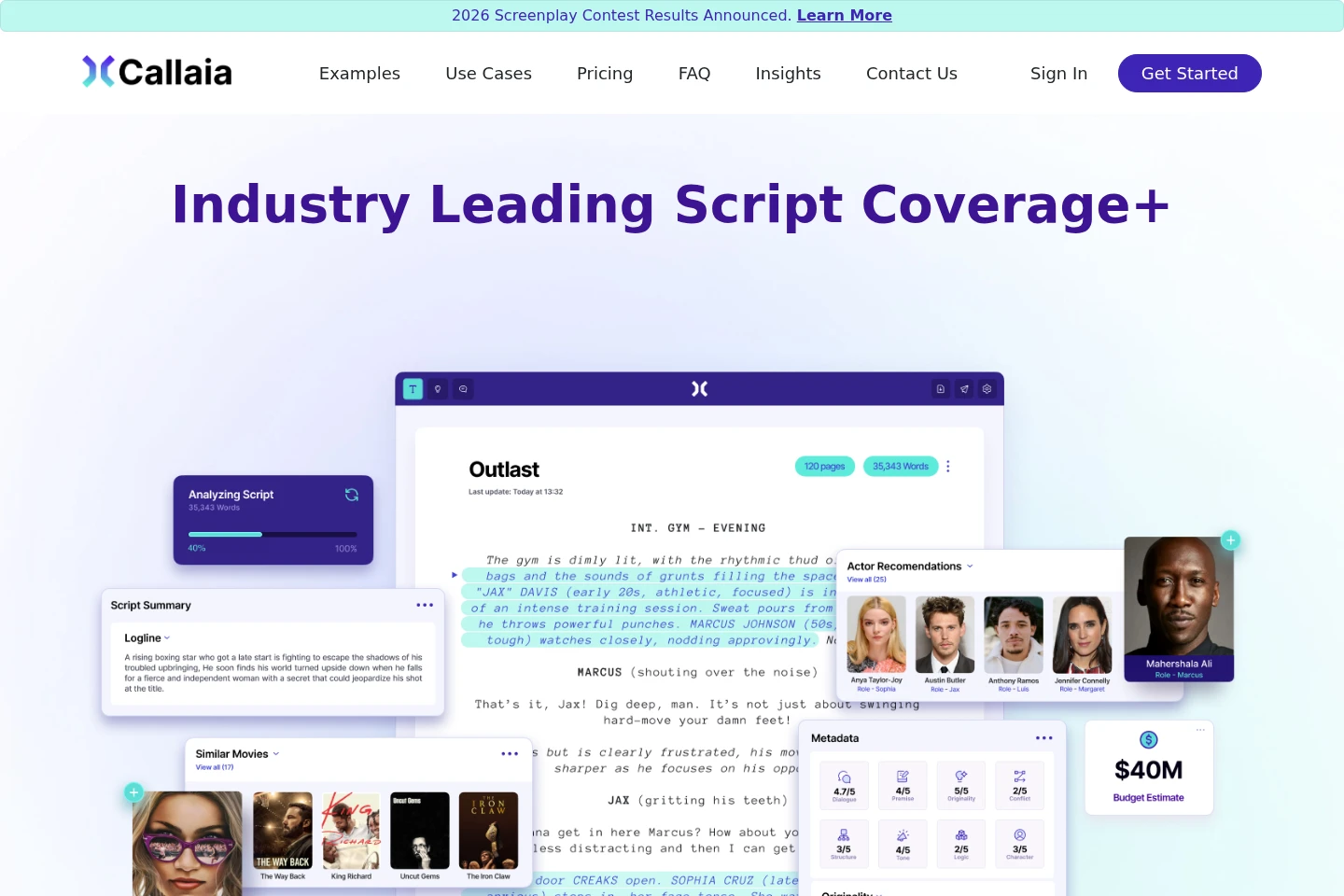
Callaia analyzes screenplays with generative AI and produces a Coverage+ report containing a logline, synopsis, summary, character summaries, detailed notes and scores, comparable films, cast suggestions, keywords, genres, rating, and release strategy. Reports are output in English, even when the screenplay is written in another supported language.
- AI Writing
- Scriptwriting
- Data Analysis
- Media
- AI screenplay coverage
- screenplay analysis report
- film script analysis
Capabilities
Screenplay coverage reports
Generates a Coverage+ report with screenplay analysis and editorial elements. The report includes a logline, synopsis, summary, character summaries, detailed notes and scores on creative attributes, comparable films, cast suggestions, keywords, genres, rating, and a recommended release strategy.
Creative attribute assessment
Assesses a screenplay across creative dimensions and provides notes and scores. Listed dimensions include premise, originality, dialogue, structure, logic, tone, conflict, pacing, and craft.
Downloadable reports
Provides the completed Coverage+ report as a downloadable file. The report downloads to the user's Downloads folder or the folder normally used for downloads.
Pricing
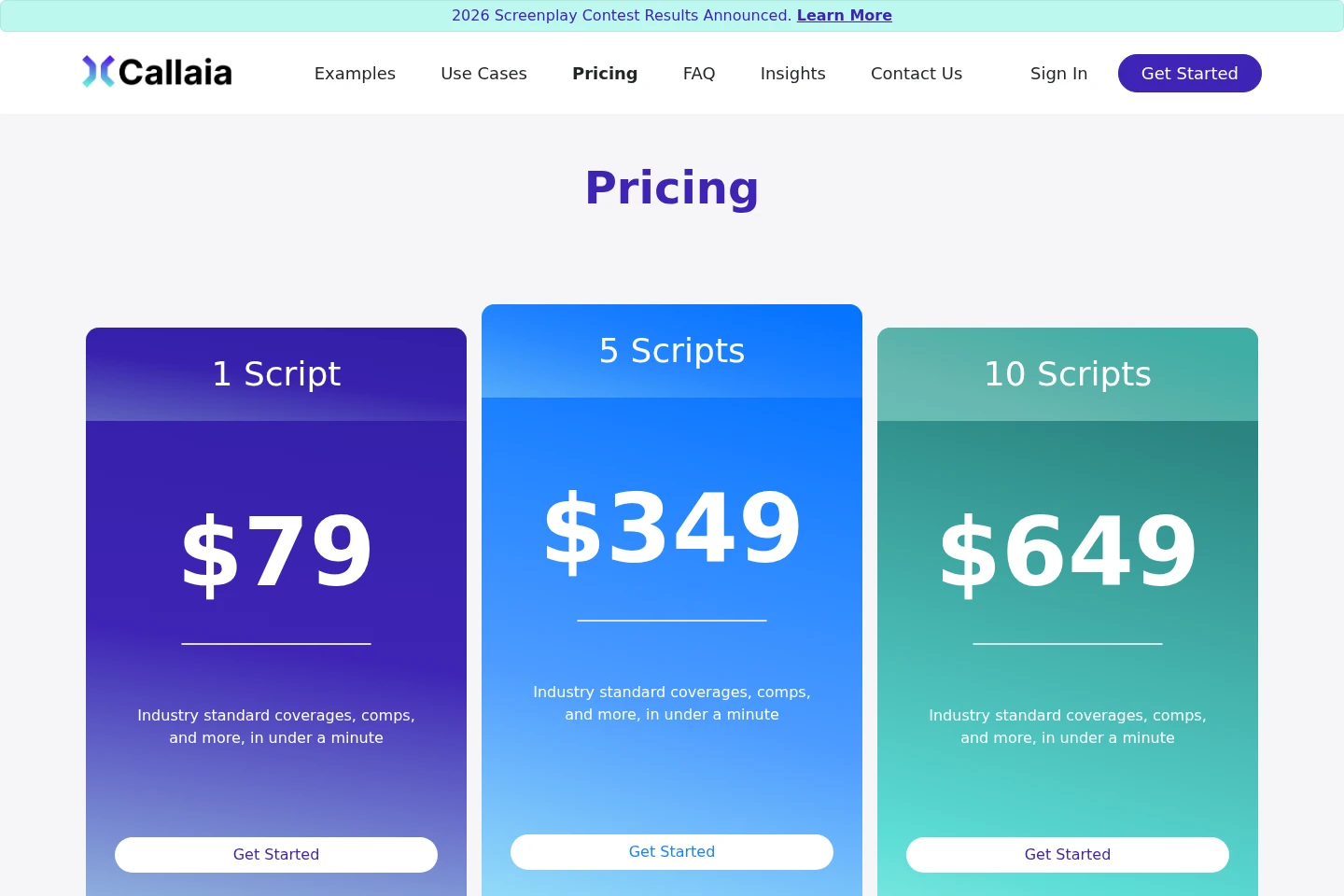
Callaia sells script packages as one-time prices rather than listing recurring billing. Compare the number of scripts included: packages are listed for 1, 5, or 10 scripts.
| Plan | Price | Included features and limits |
|---|---|---|
| 1 Script | $79 for 1 script |
|
| 5 Scripts | $349 for 5 scripts |
|
For larger packages, the pricing page asks customers to contact sales. The page says payments are made through its payment processor.
Use cases
Review a screenplay before pitching
When a writer or industry professional needs an assessment of a screenplay, submit the script to generate a Coverage+ report. Use its synopsis, creative-attribute notes and scores, character summaries, and other listed analysis to review the material.
Prepare screenplay materials for a pitch
When preparing to present a screenplay, use the generated logline, synopsis, comparable films, and cast suggestions as pitching materials. Callaia also provides metadata and a recommended release strategy in the report.
Assess a script for distribution planning
When considering a screenplay's market and release positioning, review the report's genres, rating, comparable films, cast suggestions, and recommended release strategy. The page separately describes distribution forecasts as an additional Cinelytic Insights offering.
Limitations
Coverage+ reports are output in English regardless of the language in which the screenplay was written.
The FAQ says Callaia does not save submitted scripts; reports are delivered as downloads to the user's Downloads folder or usual download location.
Very long scripts may take slightly longer than the stated typical completion time of 60 seconds or less.
Who it is for
Screenwriters seeking structured analysis of a screenplay before revising or pitching it
Film producers and directors who need screenplay coverage and comparable-film or cast suggestions
Distributors and sales agents assessing screenplay material and its release positioning
FAQ
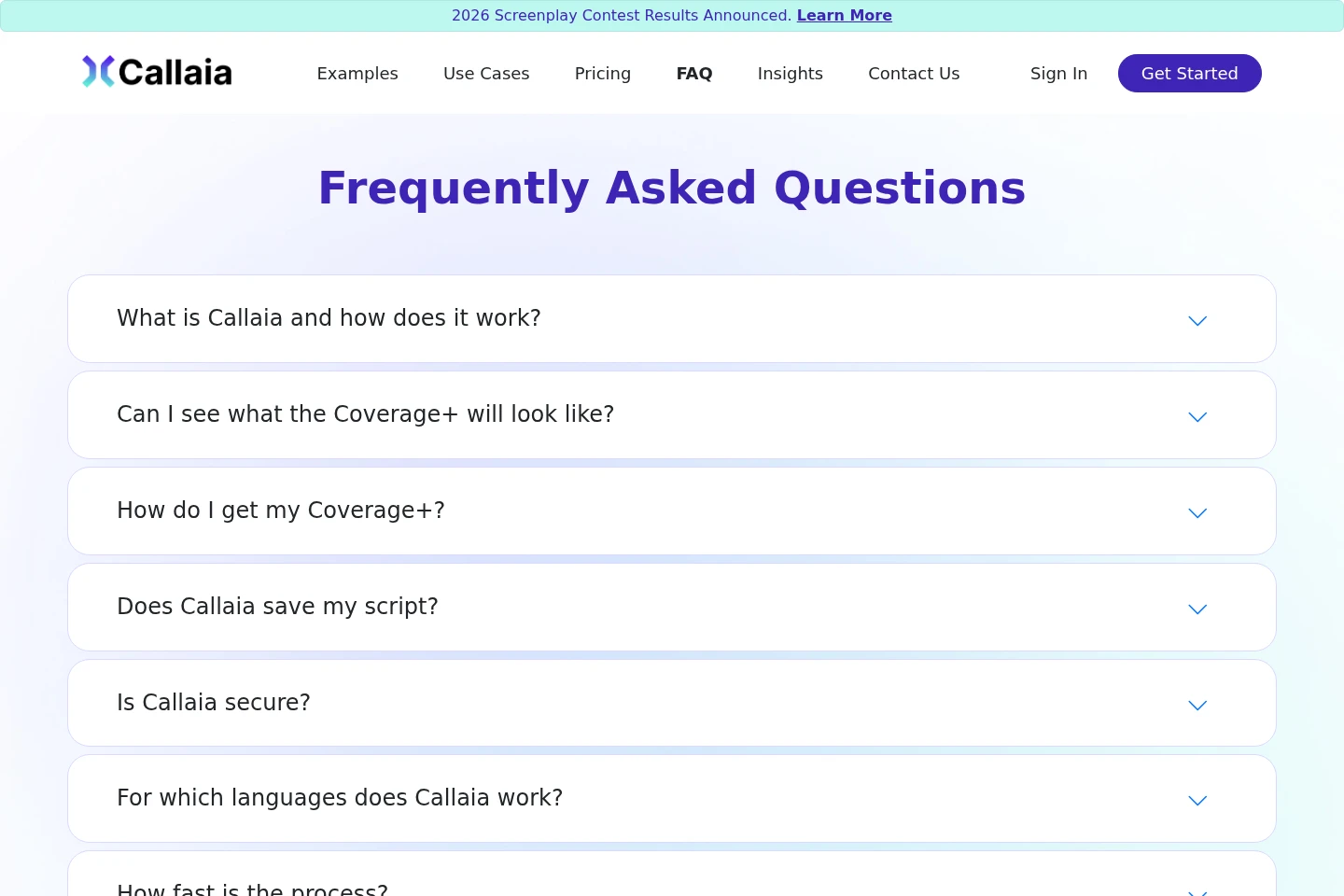
What does Callaia include in a screenplay analysis?
Callaia uses generative AI to analyze a script and generate a logline, synopsis, summary, main character summaries, coverage, metadata, comparable films, and actor recommendations. The report also lists detailed notes and scores, keywords, genres, rating, and release strategy.
Can I preview a Coverage+ report?
Yes. Example Coverage+ reports are available to download from the Examples page. The FAQ says a user's report has the same sections and is roughly the same length.
Where does the completed report go?
The Coverage+ report downloads to the Downloads folder, or to the folder where the user normally saves downloads.
Does Callaia save my screenplay?
No. Callaia states that it does not save the submitted screenplay.
Which languages can I submit a screenplay in?
Callaia says it works with many major languages and lists supported screenplay languages in its FAQ. The resulting Coverage+ report is output in English regardless of the screenplay's language.
How long does screenplay analysis take?
Most Coverage+ reports are completed within 60 seconds or less. Very long scripts may take slightly longer.
Comments