

- Monthly visits
- 59,993
- 2026-10
- Monthly growth -5.9%
BrowserOS neo - A local browser for AI agents using your signed-in accounts
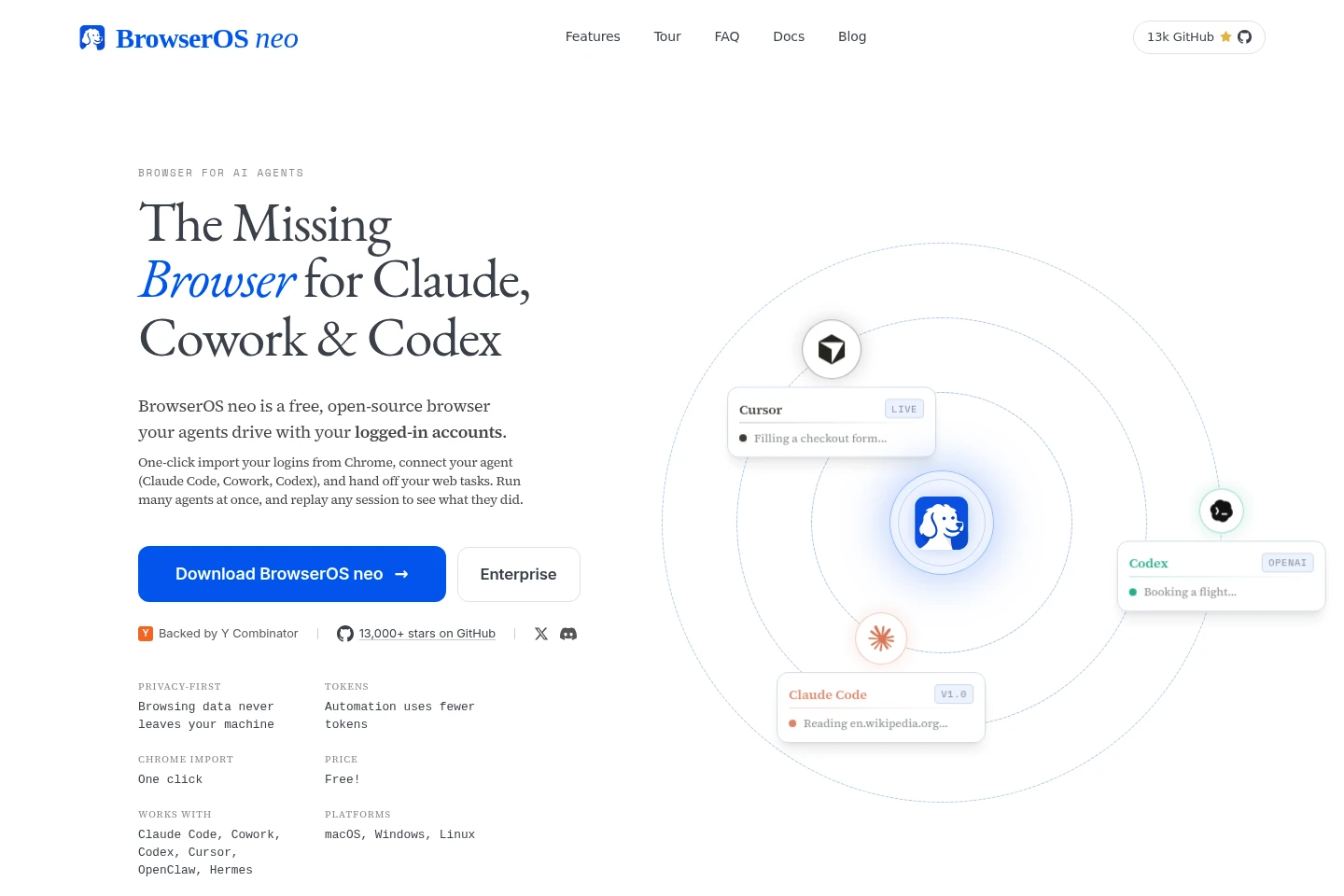
BrowserOS neo is a free, open-source browser that lets AI agents use your signed-in web accounts. Connect compatible agents through MCP, let them navigate and interact with pages in separate tabs, and watch or replay their sessions. BrowserOS neo runs on your machine for macOS, Windows, and Linux.
- AI Agents
- Browser Automation
- MCP Servers
- General AI Agents
- AI browser automation
- local browser for AI agents
- MCP browser
Capabilities
AI agent browser control
AI agents navigate and interact with websites through BrowserOS neo. Connect a compatible agent via MCP, then let it open tabs, click, read pages, and use your signed-in sessions.
Parallel agent tabs
Multiple agents work in separate tabs while you continue browsing. The new-tab dashboard shows each agent’s site, tool, and step count, with isolated, grouped tabs.
Session recording and replay
BrowserOS neo records agent sessions for review and replay. Watch activity live, inspect saved session videos, and find logged actions stored on your disk.
Chrome login import
Import logins from Chrome with one click. BrowserOS neo uses the imported signed-in accounts for agent browsing in its separate browser.
Pricing
BrowserOS neo is free, with no paid self-serve price listed. Compare the free offering with Enterprise, which is presented for team rollout and requires contacting the builders.
| Plan | Price | Included features and limits |
|---|---|---|
| Free | Free |
|
| Enterprise | Contact for Enterprise |
|
Use cases
Automate tasks on signed-in websites
When a web task requires opening pages and acting inside an account, connect an AI agent and have it navigate, click, and read pages through BrowserOS neo. The agent uses your existing signed-in sessions in its own tabs.
Run multiple browser tasks in parallel
When several web tasks need attention at once, start multiple agents in separate tabs. Track their sites and progress from the dashboard while keeping your own browsing tabs available.
Review an agent’s browser session
When you need to check what an agent did on the web, watch its activity live or replay the saved session video. Recorded actions and session files are kept on your machine.
Limitations
Agents use the browser sessions and logins already available to them; per-agent profile isolation is described as a roadmap feature, not a current capability.
Enterprise team rollout is offered through a contact link rather than a published price or self-serve plan.
Who it is for
People using MCP-compatible AI agents who need those agents to interact with signed-in websites.
People coordinating several browser tasks who want agents to work in separate tabs alongside their own browsing.
People who need to inspect or replay an AI agent’s browser actions on their local machine.
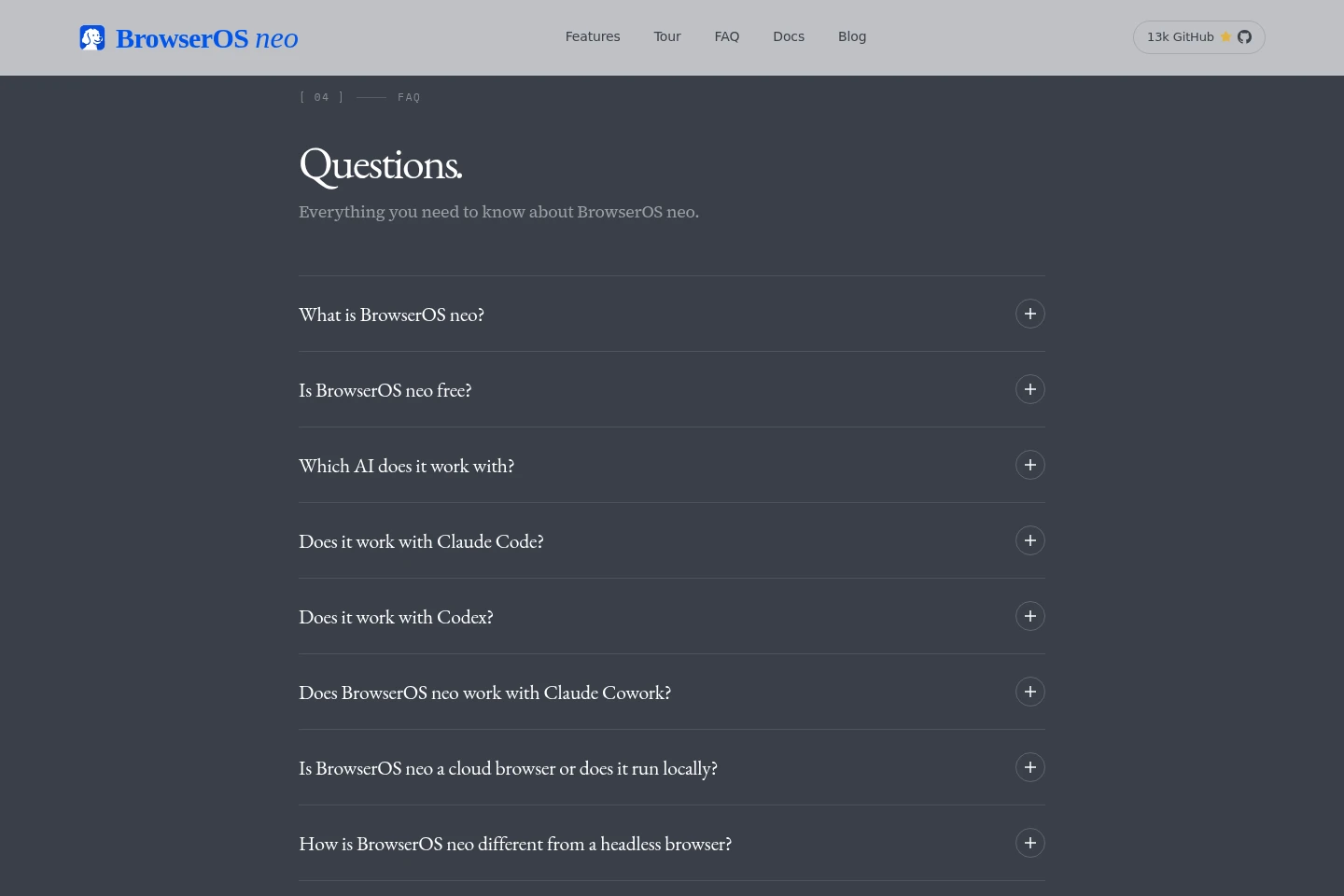
FAQ
What is BrowserOS neo?
BrowserOS neo is a free, open-source browser that AI agents control using your signed-in accounts. Agents work in their own tabs, and you can watch, approve, and audit activity from the dashboard.
Is BrowserOS neo free?
Yes. BrowserOS neo is free and open source under the AGPL-3.0 license. The FAQ says you bring your own AI provider keys.
Which AI agents can connect?
Agents that support MCP can connect. The pages name Claude Code, Cowork, Cursor, Codex, VS Code, Zed, and GitHub Copilot; other MCP-compatible agents can connect using a URL.
Does BrowserOS neo run locally or in the cloud?
It runs on your machine, not as a cloud browser. Session history, screenshots, replays, and settings are stored as local files, and the pages say browsing data does not go to a BrowserOS-owned server.
Can multiple agents work at the same time?
Yes. Each agent gets its own set of tabs, tracked separately, so agents can work on different tasks in parallel without using the tabs you already have open.
Which operating systems are supported?
BrowserOS neo supports macOS, Windows, and Linux x64. Linux downloads are listed as AppImage and DEB packages; system requirements are stated to match Google Chrome.
Comments