

- Monthly visits
- 546,739
- 2026-10
- Monthly growth -5.4%
Bluedot - Transform your meetings with AI-driven notes
Bluedot is a powerful meeting recorder and note-taking tool that enhances productivity for teams of all sizes. It allows users to automatically record meetings, transcribe conversations, and generate customized meeting notes that can be easily shared with teammates. The tool is bot-free, ensuring a non-intrusive experience while capturing meetings on Google Meet. With features such as automated CRM updates, integration with Slack, and support for over 100 languages, Bluedot streamlines administrative tasks and promotes better decision-making. Its GDPR-first approach ensures that all meeting data is securely encrypted and stored, giving users peace of mind about their privacy.
- AI Productivity
- Meeting Assistants
- Data Analysis
- Summarization
- bluedot
- AI meeting notes
- automated meeting transcription
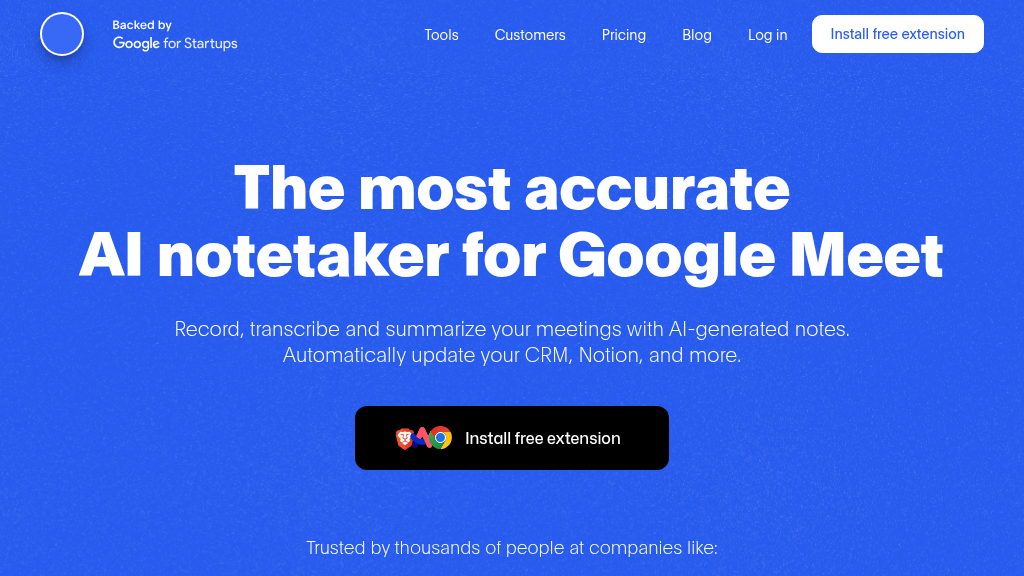


Transform your meetings with seamless recording and AI-generated notes, boosting productivity and collaboration.
How It Works
Bluedot operates by seamlessly integrating with Google Meet through a Chrome extension, capturing audio from meetings in real-time. Once the meeting concludes, the recorded audio is processed with advanced AI algorithms to generate detailed notes. Users can customize these notes according to their preferences, ensuring that the most relevant points are highlighted. The platform also allows for easy sharing of notes and recordings with team members and clients, promoting collaboration and transparency. By automating administrative tasks such as CRM updates and follow-up emails, Bluedot enables users to focus on what truly matters: engaging with prospects and securing deals. The system is designed to enhance productivity, reduce the burden of manual documentation, and facilitate knowledge sharing across teams. Additionally, Bluedot's commitment to GDPR compliance ensures that all meeting data is secure and user privacy is prioritized, making it a trustworthy choice for businesses of all sizes.
Usage
Using Bluedot is simple and intuitive. First, install the Chrome extension from the link provided. Once installed, start or join a Google Meet meeting as you normally would. Bluedot will automatically begin recording the meeting audio. After the meeting ends, you will receive AI-generated notes directly in your inbox, customized to your preferences. You can easily share these notes with your team or clients to foster collaboration and ensure everyone is aligned on key decisions.
Team Meetings
Use Bluedot to automatically record team meetings, generate notes, and share them with all participants for better follow-up and accountability.
Sales Calls
Capture sales calls with potential clients, generate actionable notes, and analyze sales rep performance to improve conversion rates.
Interviews
Record job interviews, transcribe discussions, and share candidate evaluations with the hiring team to streamline the recruitment process.
Client Consultations
Document client consultations, capture key insights, and ensure all stakeholders are on the same page with shared notes and recordings.
Training Sessions
Record training sessions for new employees, providing them with access to revisited content and ensuring a smoother onboarding process.
Cross-Functional Collaboration
Facilitate collaboration between different departments by recording cross-functional meetings and sharing notes to maintain alignment.
Features
Automated Meeting Notes: Automatically generates meeting notes from recorded discussions, saving time and enhancing productivity.
GDPR Compliance: Ensures all meeting data is encrypted and stored according to EU laws, prioritizing user privacy.
Bot-Free Recording: Seamlessly records Google Meet meetings without the need for intrusive bots, providing a better user experience.
Customizable Notes: Users can tailor meeting notes to their specific needs, ensuring relevant information is highlighted.
Integration Capabilities: Supports integration with CRM systems like HubSpot and Salesforce, streamlining administrative tasks.
Multi-Language Support: Offers support for over 100 languages, making it accessible to a global audience.
Free (Lifetime): $0
5 meetings per lifetime
Max 1 hour per recording
Chrome screen recorder
Slack integration
No imports
Basic (Monthly): $10/month
Unlimited meetings (audio only)
Max 1 hour per recording
No custom meeting templates
No imports
Limited free members
Pro (Monthly): $25/month
Unlimited meetings (with video)
Unlimited duration
Custom meeting templates
Zoom & Google Drive import
Limited imports
Business (Monthly): $50/month
Unlimited imports
HubSpot integration
Salesforce integration (coming soon)
Topic trackers (coming soon)
Unlimited free members
Enterprise (Custom): Custom
Data retention policies
SSO
Advanced controls
Custom price
FAQ
Is Bluedot secure?
Yes, Bluedot is GDPR compliant and SOC-2 Type-2 (pending), ensuring high standards of security and privacy. Your meeting data is encrypted during transit and stored securely on AWS, with access limited to you.
How is Bluedot different from other meeting recording/note-taking apps?
Bluedot captures your Google Meet meetings without needing access to your calendar or inviting a bot. It seamlessly generates notes tailored to your needs.
How is it different from native Google recording/transcription?
Bluedot offers more advanced features than native Google recording, including customizable meeting notes, search functionality across meetings, and the ability to share highlights.
Do you offer functionality similar to Loom?
Yes, Bluedot includes a screen recording tool similar to Loom, alongside its meeting recording and note-taking features.
Do you support Zoom/MS Teams?
Bluedot primarily focuses on Google Meet, but it also supports the web version of Microsoft Teams and offers integration with Zoom.
Can I record a meeting without asking for consent?
While you can choose to do so, we recommend checking local consent laws regarding recording others.
What pricing plans do you offer?
We offer several plans including Free, Basic, Pro, and Business, each catering to different user needs and features.
What makes Bluedot different?
Bluedot's bot-free approach, customizable meeting notes, and GDPR-first policy make it a unique and reliable choice for meeting recording and note-taking.
Comments