
- Monthly visits
- 2,746
- 2026-09
- Monthly growth +640.2%
Blazescribe - Transcribe recordings and turn them into content
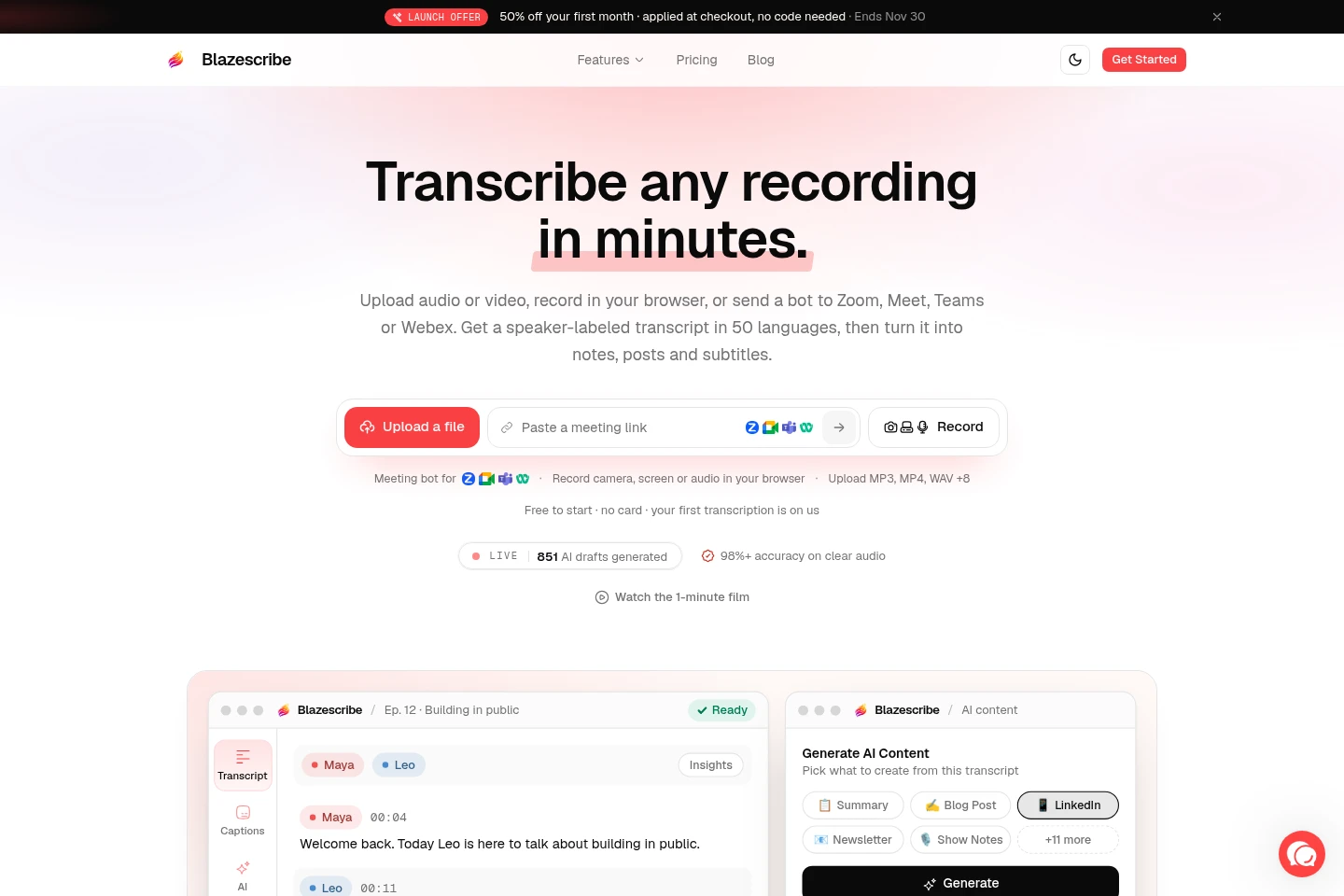
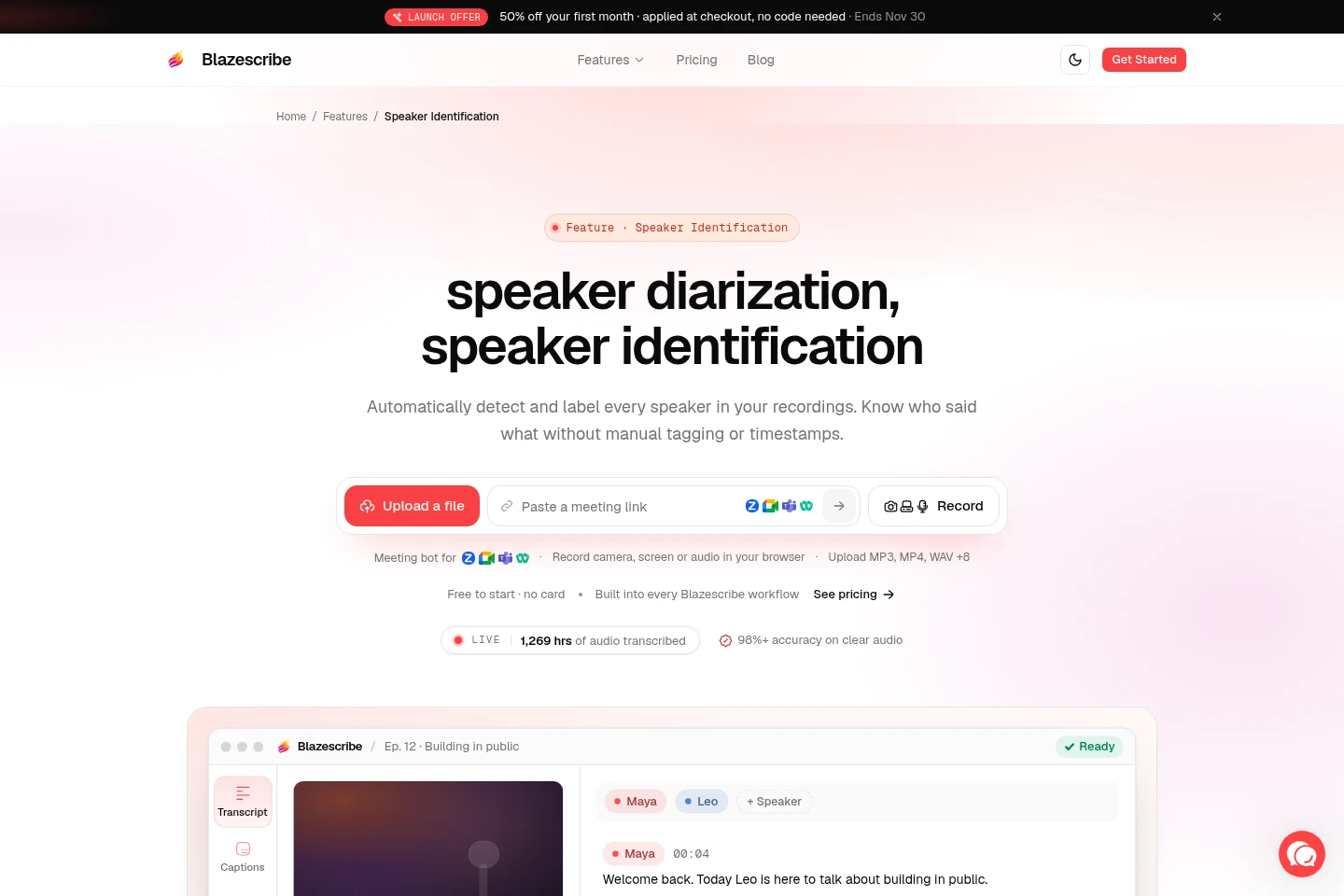
Blazescribe transcribes uploaded, recorded, or meeting audio and video, adding speaker labels and timestamps. Users can edit transcripts, generate AI content, create and style subtitles, translate, and ask transcript questions. It supports recordings from Zoom, Google Meet, Microsoft Teams, and Webex, as well as browser recording and file uploads.
- AI Audio
- Transcription
- Subtitle Generators
- Translators
- audio video transcription
- AI subtitle generator
- meeting transcription tool
Capabilities
Audio and video transcription
Transcribes uploaded files, browser recordings, and supported meeting recordings into editable text with speaker labels and timestamps. File size limits vary by plan, and supported file types include common audio and video formats.
Meeting bot recording
Joins Zoom, Google Meet, Microsoft Teams, or Webex calls now or at a scheduled time and records the meeting. Meeting-hour allowances and per-call limits depend on the plan.
AI content generation
Generates summaries, posts, notes, and other content from a transcript, with 16 content types and custom prompts. Users can select transcript lines for AI-assisted polishing; generation quotas depend on the plan.
Subtitle editing and export
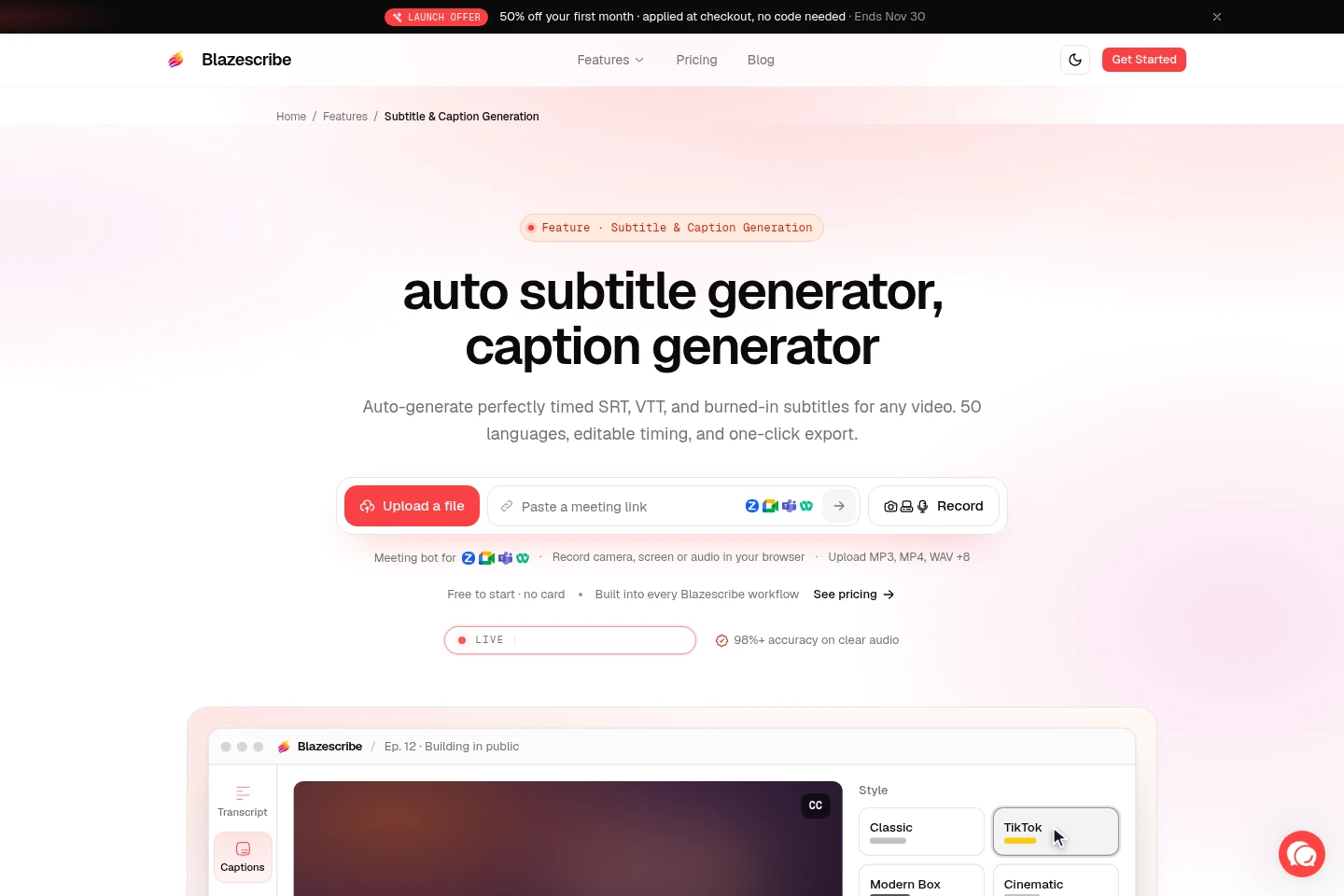
Creates timed subtitles that users can edit, style, preview, and export as SRT or VTT, or burn into an MP4. Downloads require Pro or Max; browser audio-only recordings cannot produce burned-in video.
Transcript translation
Translates transcripts into more than 100 languages. Free includes one translation; on Pro and Max, translation time uses the transcription-minute allocation.
Transcript question answering
Answers questions about a transcript and cites relevant timestamps in the recording. The supplied pages do not state plan-specific availability or quotas.
Pricing
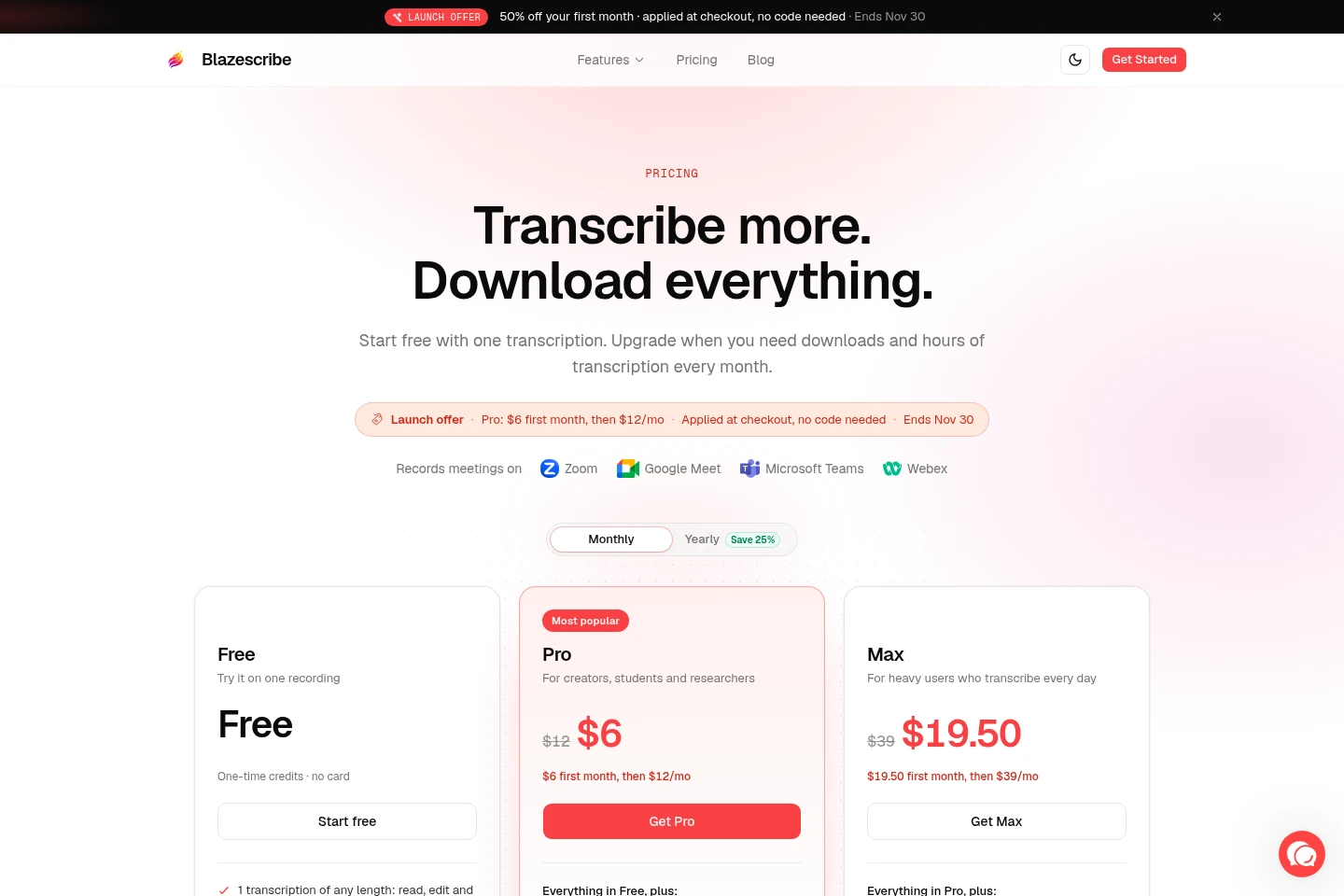
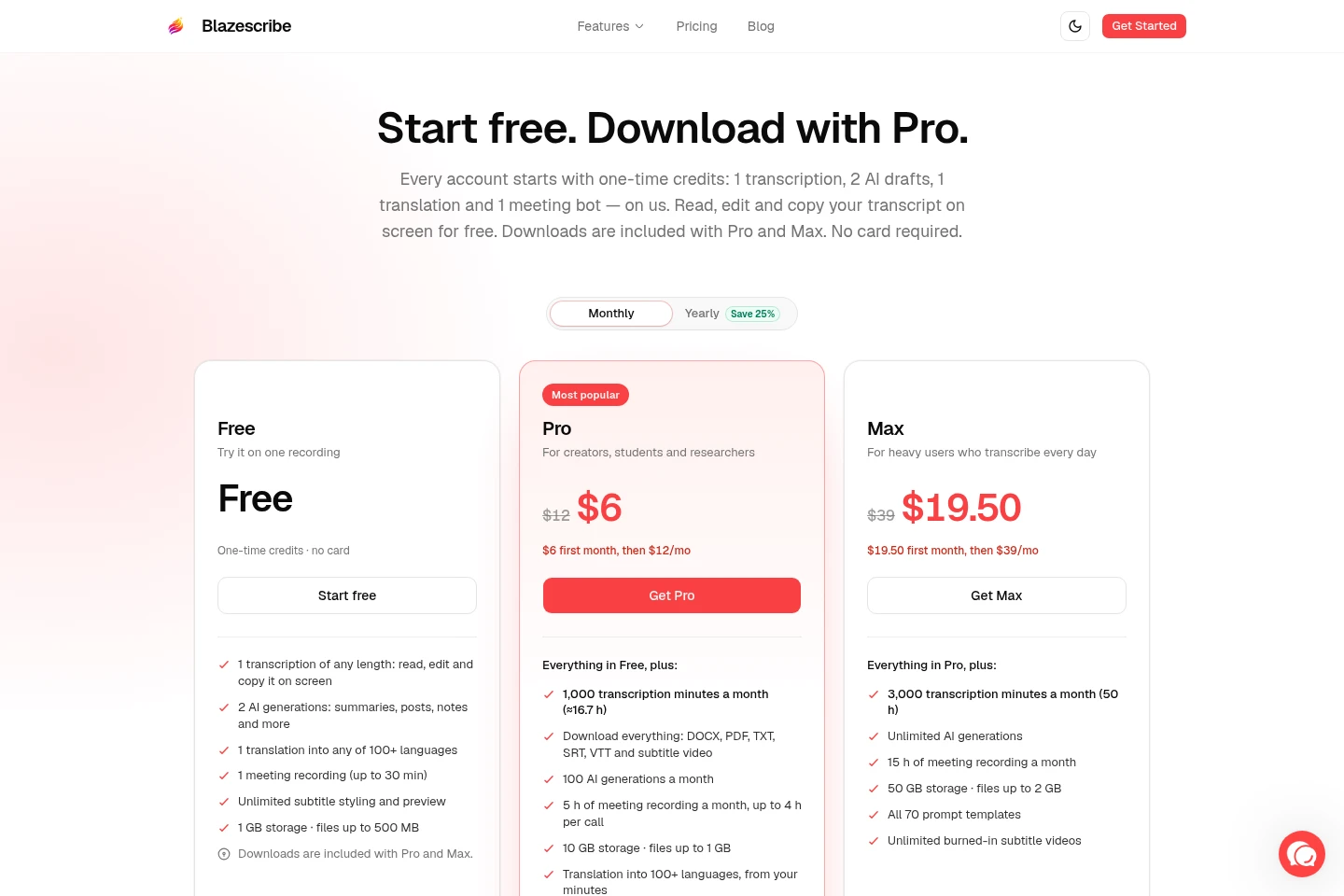
Free is a one-time-credit plan; Pro and Max are recurring plans billed monthly. Compare transcription and meeting hours, AI-generation limits, storage, file sizes, and downloads to choose a plan.
| Plan | Price | Included features and limits |
|---|---|---|
| Free | Free; one-time credits |
|
| Pro | $6 first month, then $12/mo |
|
| Max | $19.50 first month, then $39/mo |
|
The displayed launch offer applies to the first month, requires no code, and is stated to end Nov 30. Paid plans can be canceled anytime; the pages state a 14-day money-back guarantee.
Use cases
Transcribe a recorded meeting
When a meeting needs a searchable written record, upload its recording or send the bot to a supported call. Blazescribe produces an editable transcript with speaker labels and timestamps.
Create posts and notes from a recording
When a recording needs to become written content, choose an AI content type or provide a prompt for its transcript. The tool generates items such as summaries, blog posts, social posts, and notes.
Edit and export video subtitles
When a video needs captions, generate timed subtitles and edit their text and timing in the subtitle editor. Users can export SRT or VTT, or burn styled captions into an MP4.
Limitations
The Free plan's one-time credits do not refill monthly; its single transcription is limited to one file, although that file can be any length.
Free users can read, edit, and copy transcripts on screen but cannot download transcript, subtitle, or generated-content files.
Meeting-recording allowances are separate from transcription minutes; transcribing a meeting also consumes transcription minutes.
Translation on Pro and Max counts against the plan's transcription-minute allocation.
Browser audio-only recordings do not produce burned-in subtitle video, and uploaded AVI video is excluded from that output.
Maximum uploaded file sizes are 500 MB on Free, 1 GB on Pro, and 2 GB on Max.
Who it is for
Creators who turn audio or video recordings into posts, notes, or subtitles
People who need transcripts and speaker labels for online meetings
Students and researchers who transcribe recordings and need editable text
FAQ
What does the Free plan include?
Free includes one transcription of any length, two AI generations, one translation, and one meeting recording of up to 30 minutes. These credits are one-time, and files can be up to 500 MB.
Can Free users download their transcripts?
No. Free users can read, edit, and copy transcripts on screen and preview subtitles; downloads are included with Pro and Max.
Do Free credits renew each month?
No. Free credits are one-time and do not refill monthly; Pro and Max allocations refresh each billing cycle.
Does translation use transcription minutes?
On Pro and Max, translation time counts against transcription minutes. On Free, one translation is a separate one-time credit.
How are meeting-recording minutes counted?
Each plan has a separate meeting-recording allowance, while transcribing that recording also uses transcription minutes. A per-meeting cap applies; Pro meetings are capped at four hours.
Can I change or cancel a plan?
Yes. You can upgrade, downgrade, or cancel anytime. Moving from Free to a paid plan starts immediately; switching between Pro and Max takes effect on the next billing date.
Comments