

- Monthly visits
- 74,713
- 2026-09
Bencho - Interactive React blocks, sounds, and micro-interactions for projects
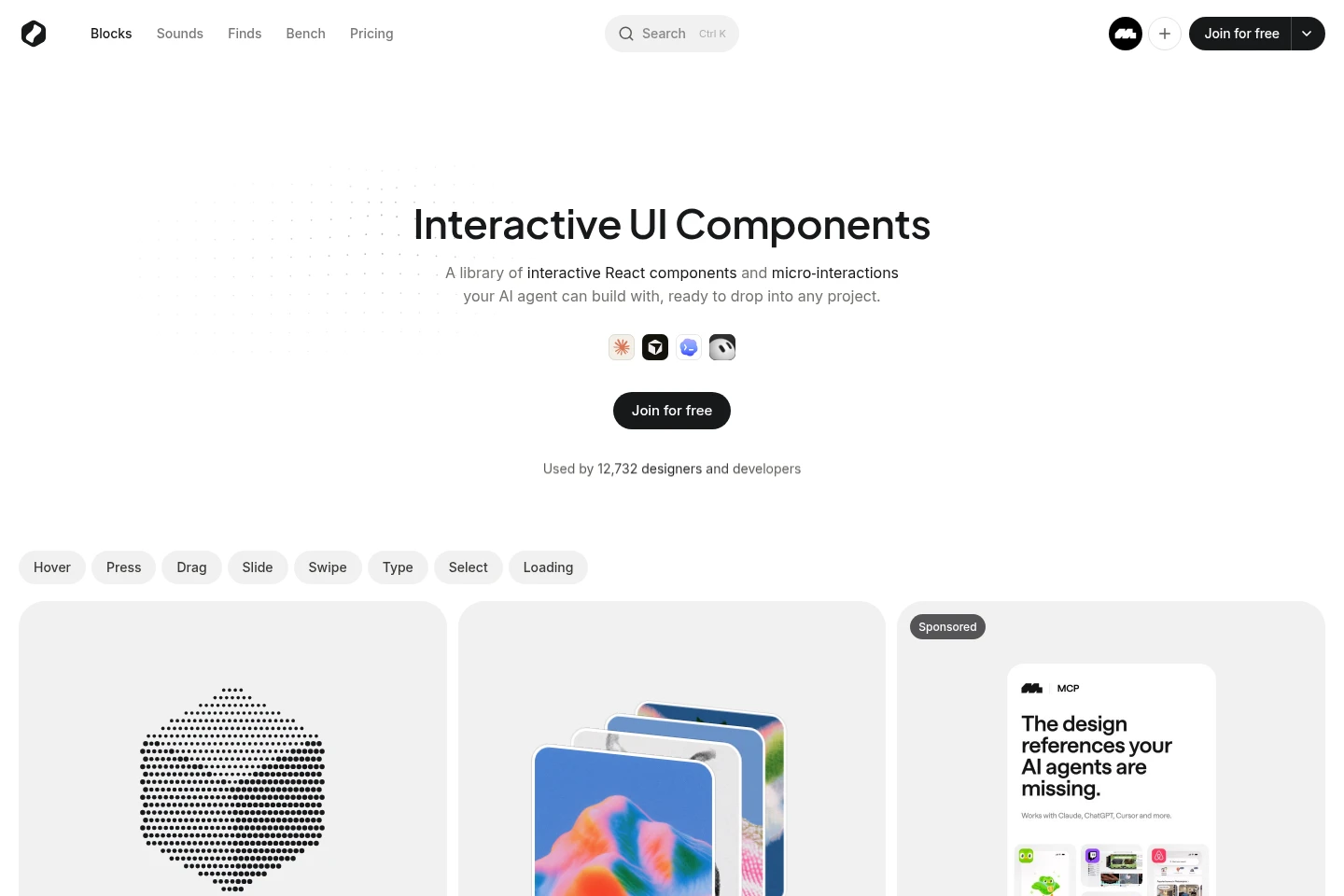
Bencho is a library of interactive React UI blocks and micro-interactions that users can explore and adjust live. Selected blocks and sounds are free; paid plans unlock the full library, source code, downloads, and Bencho MCP access. Blocks can be used in personal and commercial projects under the product licence, but cannot be redistributed as-is as a kit or library.
- AI Design
- UI Design
- MCP Servers
- interactive React components
- React UI blocks
- Bencho MCP
Capabilities
Live interactive UI blocks
Explore and adjust interactive React UI blocks in a live preview. Blocks include interactions such as hover, drag, swipe, typing, selection, and loading.
UI sound library
Browse and use interface sounds from the Bencho library. Pro unlocks all sounds, including future additions while the plan is active.
Bencho MCP access
Connect an AI assistant to the Bencho MCP server to find blocks or sounds and add them to a project. MCP access is included with Pro.
Bench collection
Save selected blocks to a Bench collection. Free access allows up to 10 blocks; Pro includes an unlimited Bench.
Source code and downloads
Access full source code and downloads for the library content with Pro. Free access provides a selection of blocks and sounds.
Pricing
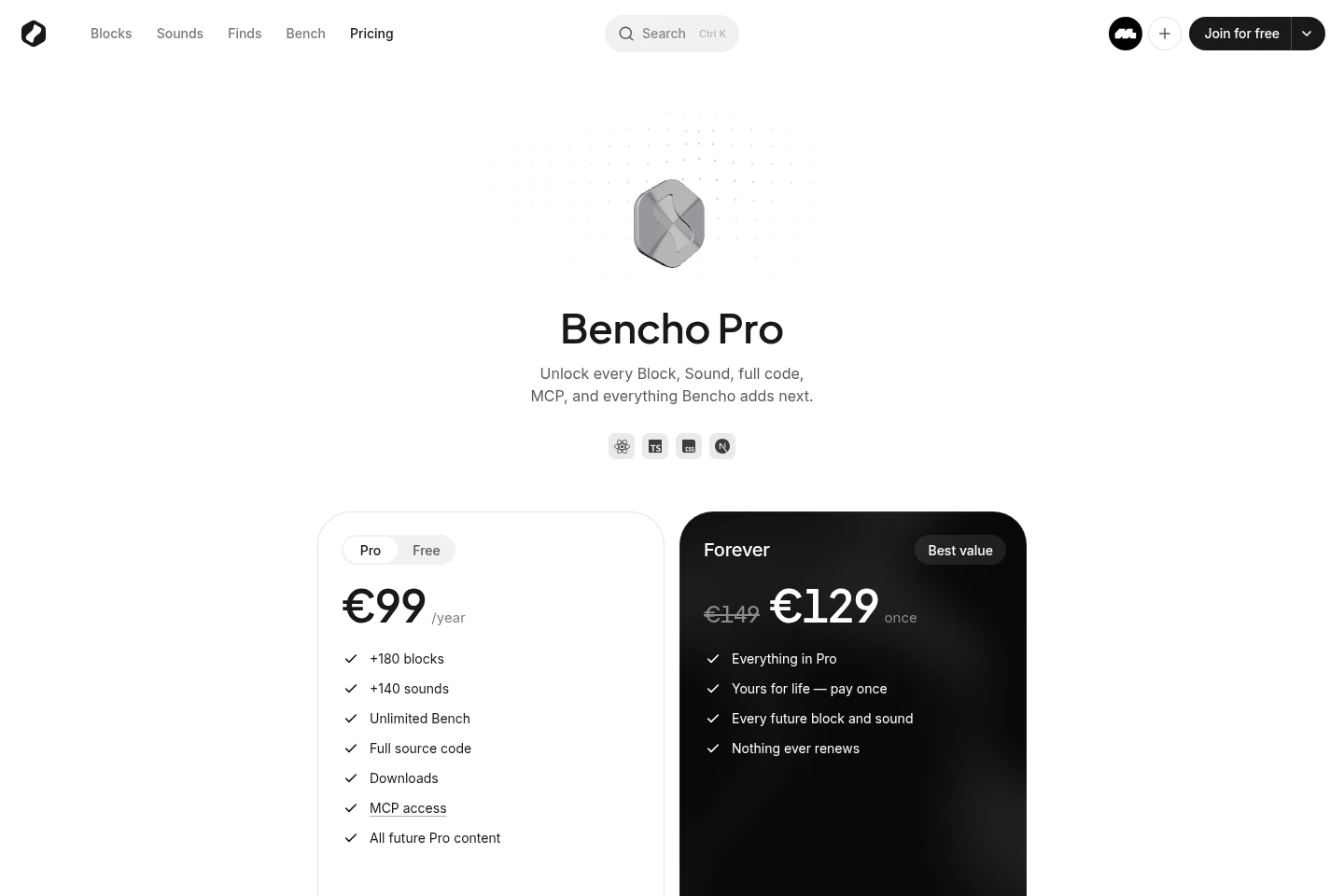
Bencho has free access and paid plans. Compare the library access and Bench limits, then choose yearly-renewing Pro or the one-time Forever payment.
| Plan | Price | Included features and limits |
|---|---|---|
| Pro | €99/year |
|
| Forever | €129 once |
|
Prices are in euros. Pro renews yearly until canceled; after cancellation, access continues through the paid year. Refund requests are accepted within 14 days on either plan if usage has not been heavy.
Use cases
Prototype an interactive React interface
When building a site, app, or product, browse live blocks and adjust their interactions before adding a suitable component to the project.
Add a Bencho block with an AI assistant
When working with a supported AI assistant, connect it to Bencho MCP so it can find a block or sound and add it directly to the project; MCP access comes with Pro.
Collect blocks for a project
When comparing or preparing UI components, save chosen blocks to the Bench. Free accounts can save up to 10 blocks, while Pro provides an unlimited Bench.
Limitations
Free access is limited to 47 blocks, 24 sounds, and up to 10 blocks in the Bench; the full library is included with Pro.
Blocks may be used in personal or commercial work without credit, but cannot be passed on as-is as a kit or library of your own.
Who it is for
Designers and developers building React sites, apps, or products who need adjustable interface components.
People using AI assistants to find and add ready-made UI blocks or sounds to a project.
FAQ
What does Pro include?
Pro includes every block and sound, full source code, downloads, Bencho MCP access, an unlimited Bench, and Pro content added while the plan is active.
How do Pro and Forever billing differ?
Pro costs €99 per year and renews until canceled. Forever costs €129 once, does not renew, and includes future blocks and sounds.
Can I use blocks in commercial projects?
Yes. Blocks may be used in personal and commercial work without credit, but you may not redistribute them as-is as your own kit or library; see the Licence for details.
What does Bencho MCP do?
It lets an AI assistant find Bencho blocks or sounds and add them to a project. MCP access is included with Pro.
Can I cancel Pro?
Yes. Cancel anytime from Billing in the account menu; Pro remains active until the end of the paid year and then stops.
Are refunds available?
A refund is available within 14 days of payment on either plan if the plan has not been used heavily; trying Pro and copying a few blocks is permitted.
Comments