

- Monthly visits
- 3,258
- 2026-10
- Monthly growth +82.6%
Verbex - A lab notebook and checked tools for experiments
Verbex combines an iPhone and iPad lab notebook with browser-based calculators, templates and MCP tools. Capture timestamped experiment notes by speaking, typing or adding photos, then review and complete records. Plan plates, prepare solutions and analyze assay data with calculations, validation checks and notebook-ready outputs.
- AI Productivity
- Note-Taking Apps
- Data Analysis
- MCP Servers
- Research
- lab notebook app
- lab calculators
- experiment documentation

Capabilities
Experiment notebook
Capture timestamped experiment notes and keep the record on your device. Add observations by speaking, typing or attaching a photo, then review, edit and complete a draft before returning to it later.
Lab calculators
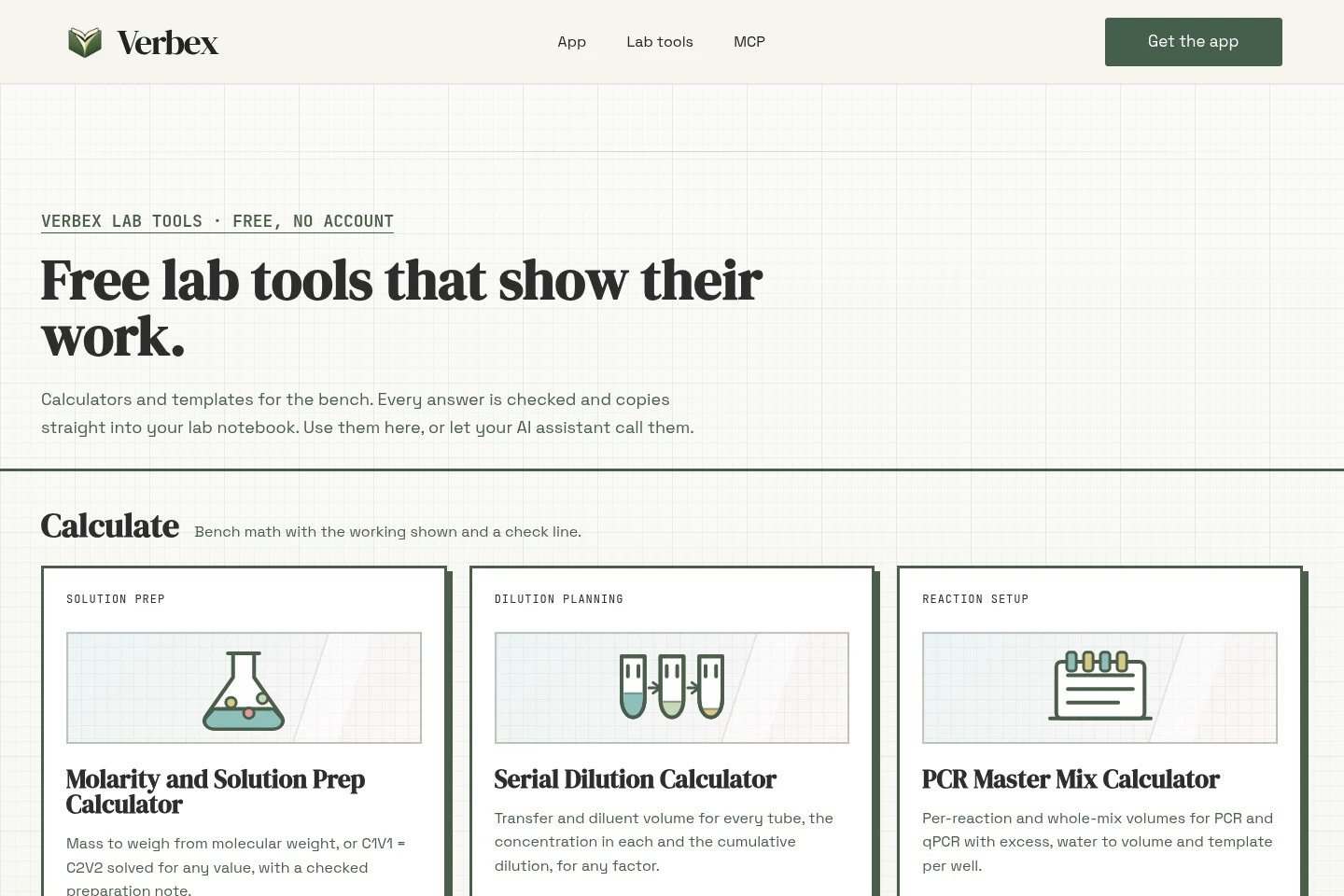
Calculate solution preparation, serial dilutions, PCR and qPCR mixes, LNP formulations, cell counts and plate layouts. Provide the relevant concentrations, volumes, samples or layout constraints to receive checked calculations and notebook-ready outputs.
Assay curve analysis
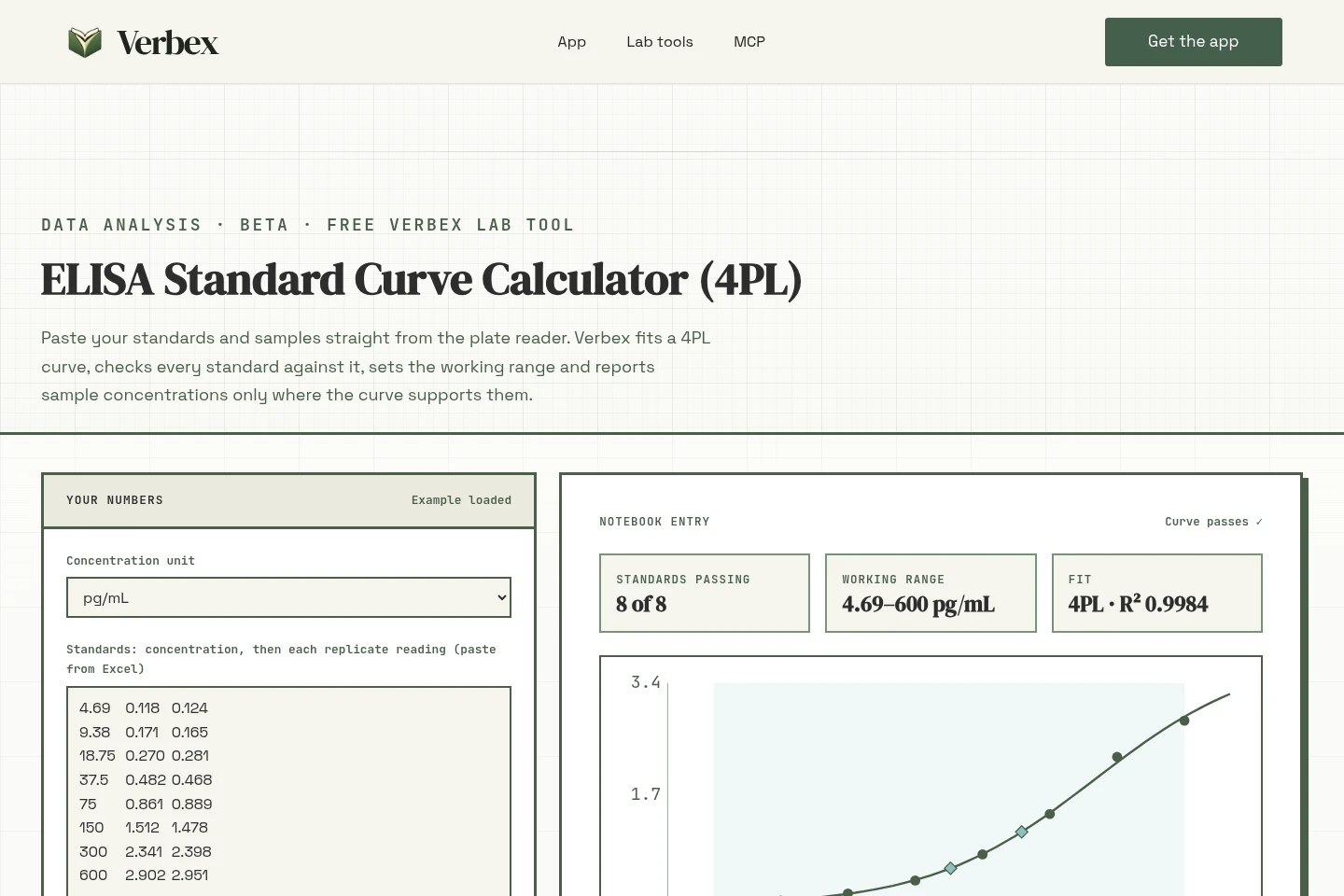
Fit assay standards and calculate sample concentrations with validation checks and warnings. Enter standards, readings and dilution factors; the beta curve analysis reports results within the working range and flags samples outside it.
Lab document templates
Create structured electronic lab notebook templates and reusable protocol scaffolds. Choose sections or a supported method such as ELISA, cell culture, qPCR or western blot to produce tables and text for a notebook or ELN.
MCP lab tools
Let an AI assistant call supported lab tools through MCP and return structured results and notebook-ready text. Provide inputs with units; curve and protein-assay analysis are available in the browser and HTTP API, while production MCP support for those analyses is pending.
Pricing
The lab calculators and templates are described as free, with no account required. Compare tools by task and availability: curve and protein-assay analysis are beta, and production MCP support for those analyses is pending.
Use cases
Record and review an experiment
During or after bench work, capture observations while they are fresh by voice, text or photo. Review and edit the resulting draft, complete the record yourself, and ask questions across completed experiments with answers linked to your notes.
Calculate lab preparation amounts
When preparing a solution, dilution, reaction mix or formulation, enter the target concentrations, volumes and relevant sample details into a calculator. Verbex returns amounts or volumes with checks and preparation text for the notebook.
Plan a multiwell plate layout
Before running an experiment, provide plate size, samples, standards, controls, replicates and layout constraints. The plate map tool returns well assignments, occupancy information, warnings and a notebook table.
Analyze plate-reader assay data
When processing ELISA or protein-assay readings, paste standards, sample readings and dilution factors into the available analysis tool. It returns curve or concentration results with checks and warnings; the curve-analysis tools are beta.
Limitations
The Verbex notebook app is identified for iPhone and iPad; the supplied pages do not identify a native Android or desktop app.
Notebook drafts require the user to review, edit and complete them; the app does not automatically finalize the record.
The standard-curve and protein-assay analysis tools are marked beta; production MCP support for those analyses is pending.
MCP tools calculate and format results but do not perform experiments or write directly into the Verbex app.
The experiment timeline builder is marked coming soon, so it is not presented as an available tool.
Who it is for
Laboratory scientists who need to record bench observations and calculations
Researchers who analyze plate-reader assays and inspect standard-curve checks
Lab workers preparing solutions, planning plates or creating reusable notebook templates
AI assistant users and developers connecting lab calculations through MCP or HTTP
FAQ
Which devices can run the Verbex notebook app?
The pages identify the Verbex app for iPhone and iPad. They do not establish availability as a native Android, Mac or Windows app.
How are experiment notes captured?
You can speak, type or add a photo. Notes are timestamped and stay on your device; Review & Complete prepares a draft that you check, edit and complete.
Can I ask questions about completed experiments?
Yes. The app can answer questions across completed experiments, with answers linked to your own notes. The feature is marked Beta and requires Apple Intelligence.
What do the lab tools return?
Depending on the tool, results include calculations, plate layouts, validation messages, warnings and notebook-ready text. Inputs and supported outputs vary by task; the tools do not perform experiments.
Is curve analysis available through MCP?
Curve and protein-assay analysis are available in the browser and HTTP API. Production MCP support for these analysis tools is pending; other supported lab tools can be called through MCP.
Are the lab tools free to use?
The Lab Tools page describes the calculators and templates as free and says they require no account. The supplied pages do not list paid plans for these tools.
Comments