
Monthly visits
4,162
2026-10
Monthly growth +1,157.4%

Beard Remover - Preview clean-shaven and facial-hair styles on your photo

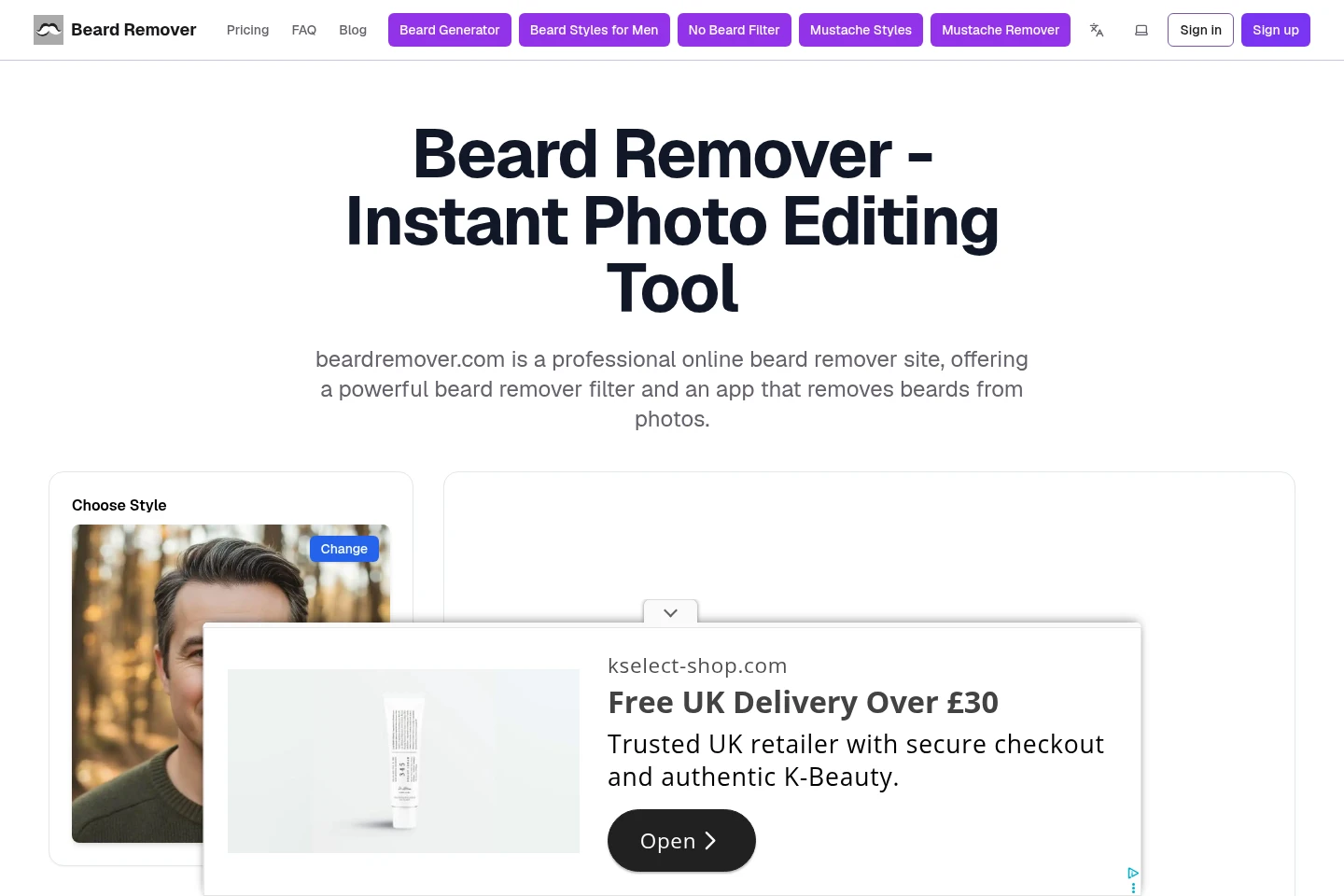
Beard Remover is an online photo-editing tool for previewing facial-hair changes. Upload a photo to remove a beard, try mustache or stubble styles, or generate a beard preview. The AI processes images in the browser-based service, with free daily use and paid credit or subscription plans.

Visit WebsiteUpdate this product

0Views

Capabilities

Remove facial hair

Remove facial hair from an uploaded photo and produce a clean-shaven preview. The AI reconstructs the chin and skin area; clear, well-lit photos are recommended, while blurry or low-resolution images may affect results.

Preview beard styles

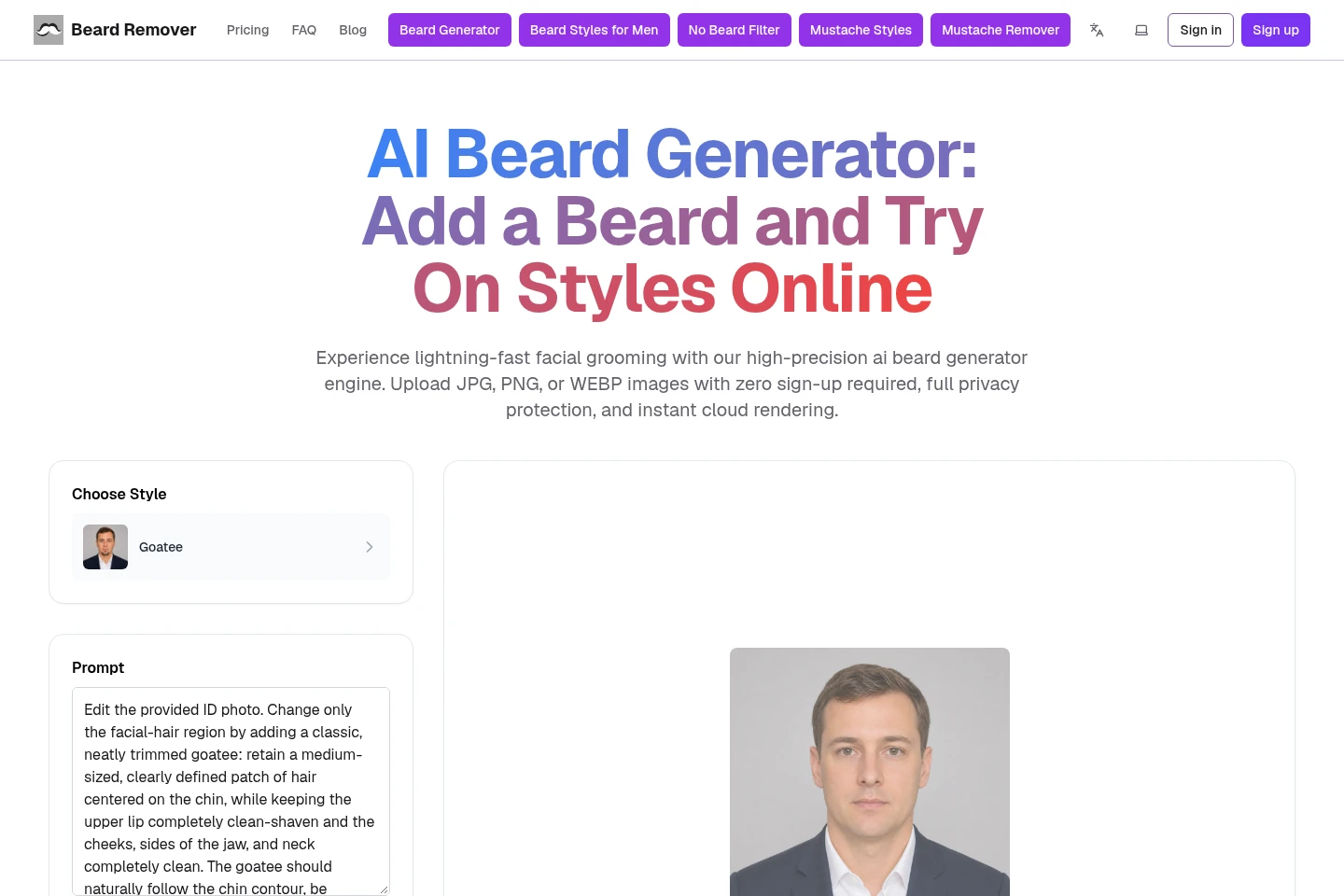
Add beard styles to an uploaded portrait and output a rendered preview. Choose a style such as goatee, stubble, or a full beard; JPG, PNG, and WEBP images are accepted on the Beard Generator page.

Try mustache and stubble styles

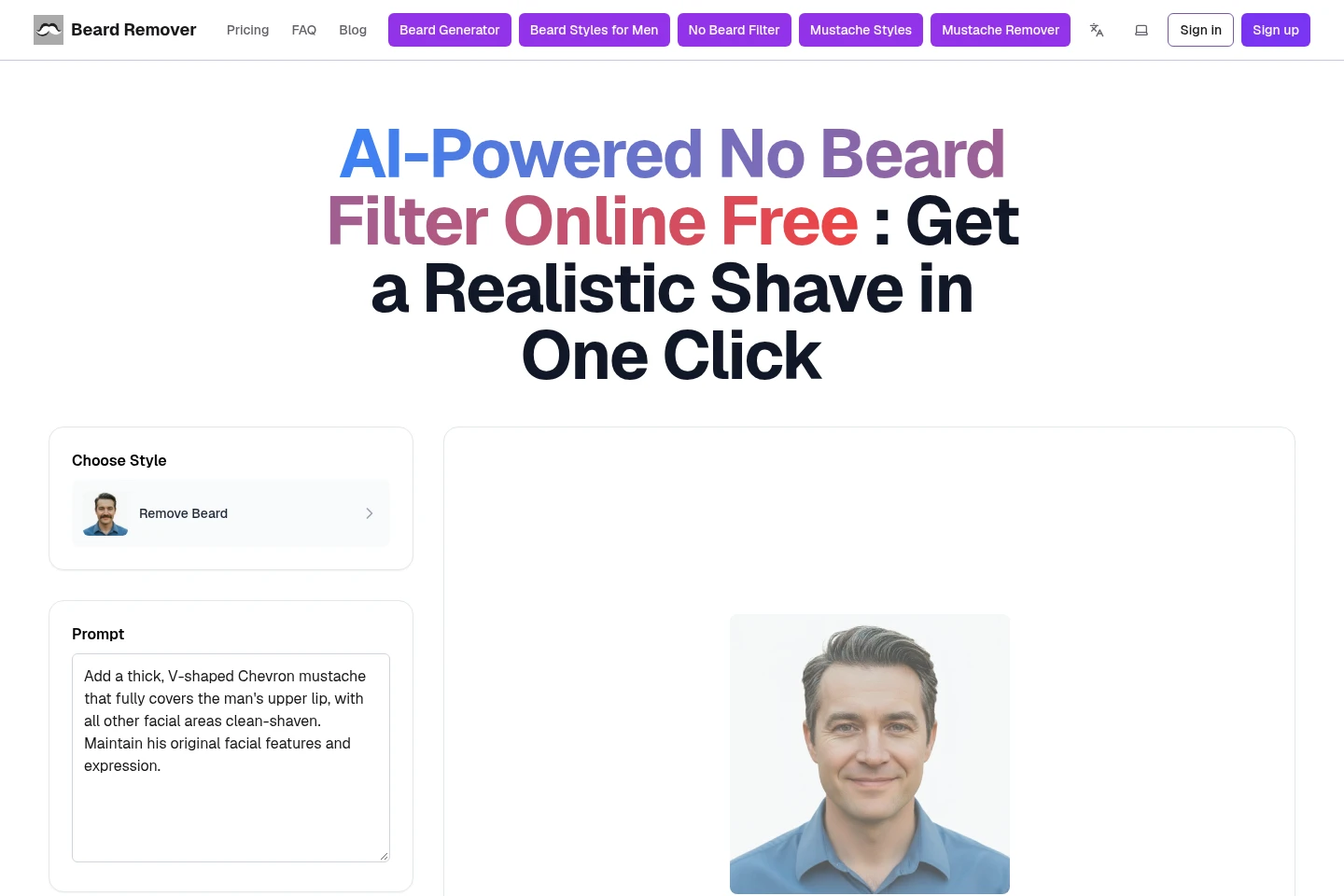
Create a facial-hair style preview after removing existing facial hair. The tool offers mustache designs and stubble at varying lengths, allowing style comparisons on a photo.

PricingFreemium

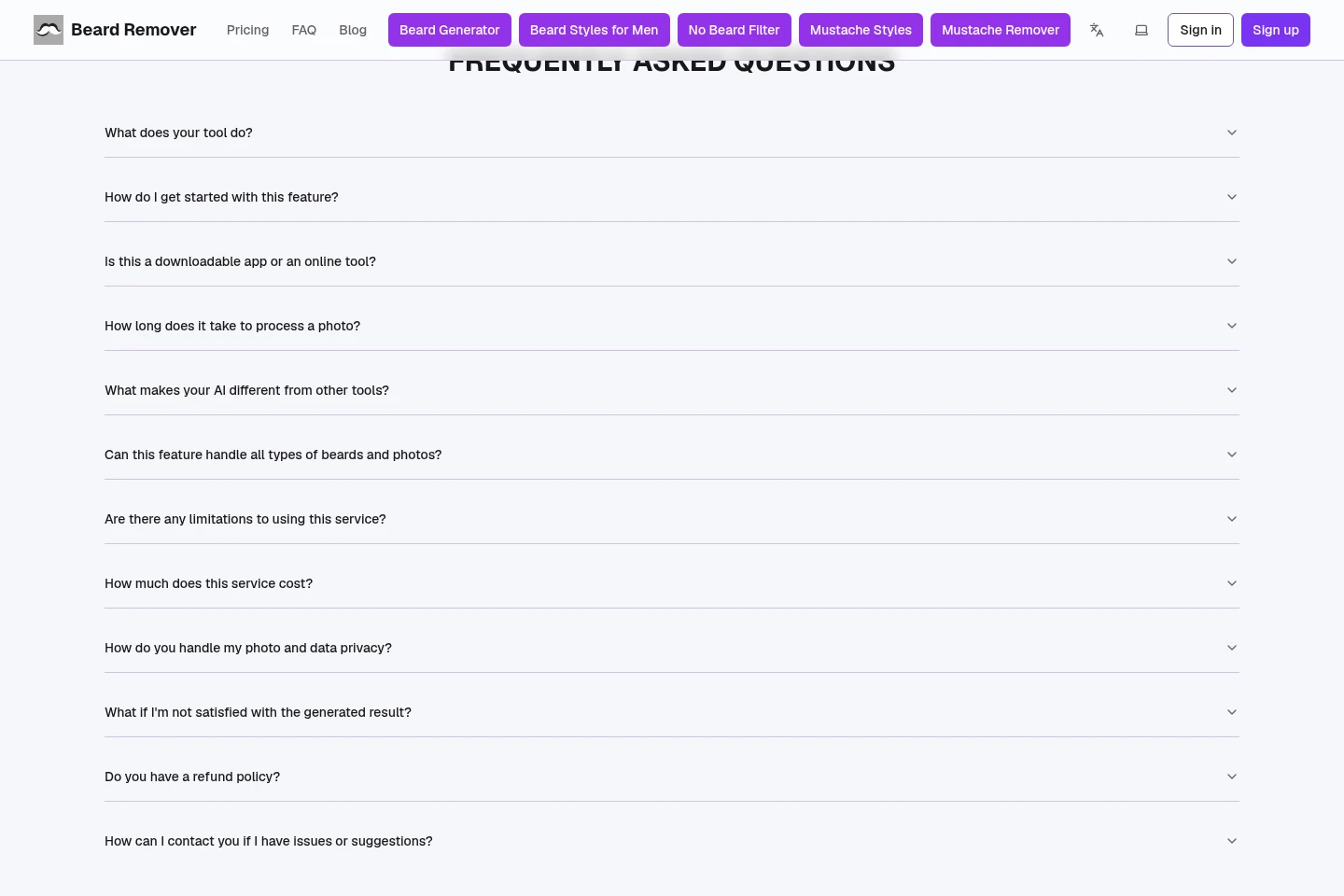
Beard Remover offers a free plan, a one-time credit purchase, and monthly subscriptions. Compare the number of removals or credits, output quality, watermark status, and support included to choose an option.

PlanPriceIncluded features and limits
Free

$0

  • 2 beard removals per day

  • Standard-quality output

  • No watermark

One-Time

$2.9 one-time

  • 15 credits in a one-time purchase

  • Credits never expire

  • Standard-quality output

  • No watermark

Starter

$9.9/month

  • 100 beard removals per month

  • High-quality processing

  • Priority support

  • No watermark

Business

$19.9/month

  • 250 beard removals per month

  • High-quality processing

  • Priority support

  • No watermark

The refund policy covers subscribers requesting a full refund within 10 days of subscribing, provided usage is under 5% of quota. It excludes pay-as-you-go purchases.

Use cases

Preview a clean-shaven look before shaving

When deciding whether to shave, upload a portrait and use the beard-removal tool to view a clean-shaven version. The result provides a visual preview before making a grooming change.

Compare beard and mustache styles on a photo

When considering a different facial-hair style, upload a portrait, select a beard or mustache option, and generate a preview. The image can be used to compare looks before changing facial hair.

Create a clean-shaven profile photo

When preparing a social or professional profile image, upload a photo and remove facial hair to preview a clean-shaven appearance. The service processes the image online without a downloadable app.

Limitations

  • The homepage asks users not to upload Not Safe For Work content or photos of other people or celebrities.

  • Very blurry or low-resolution images can affect processing; the site recommends clear, well-lit photos.

  • The No Beard Filter page recommends photos under 10 MB and lists JPG and PNG as standard formats. Other supported formats are not specified there.

Alternatives

Beardstyle AI

Preview beard and hairstyle looks on your own photo

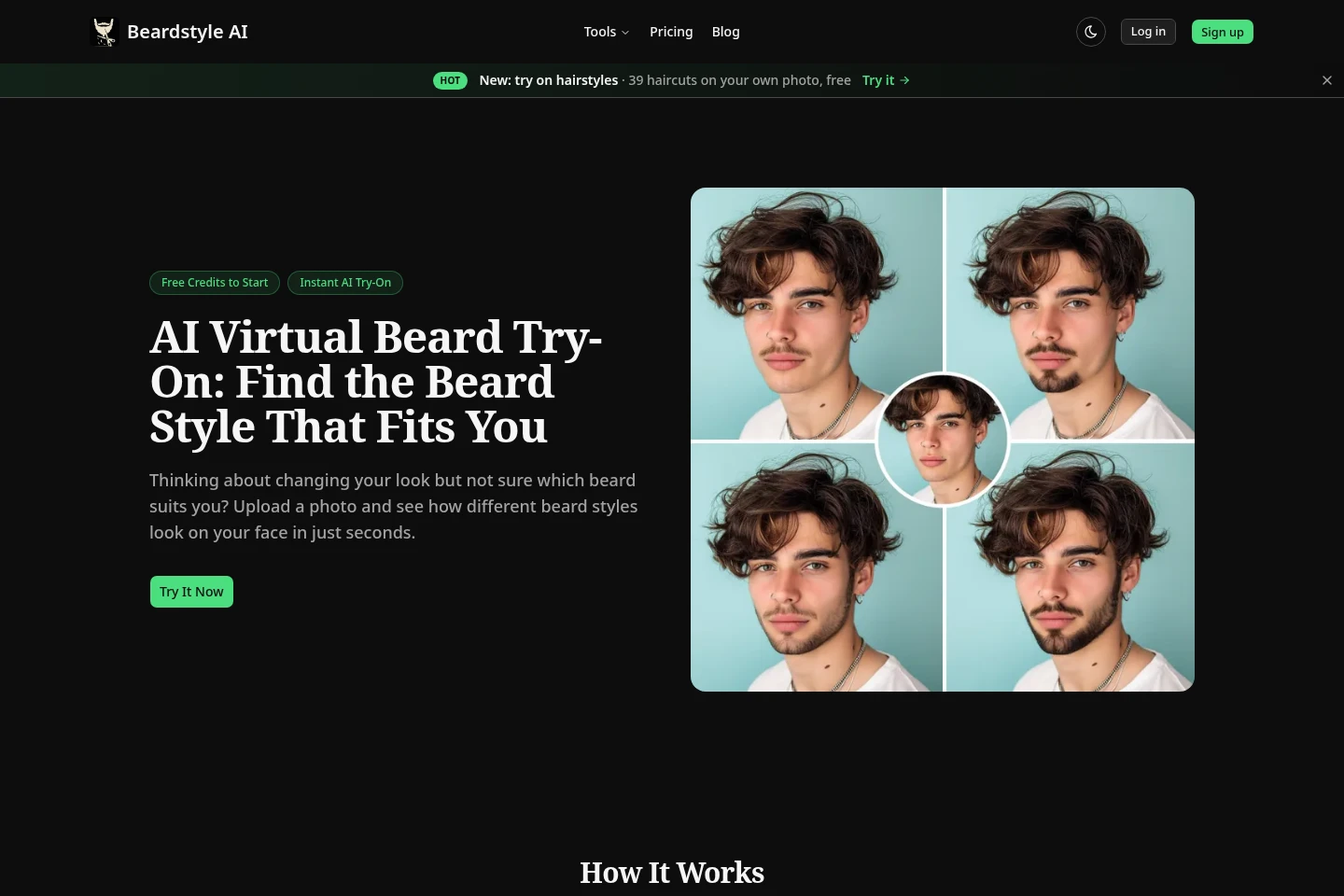
Beardstyle AI lets you preview beard styles and hairstyles on an uploaded photo. Choose from 40 beard styles or 39 haircuts, then view an AI-generated try-on, download a look, or share it with your barber. The service starts with free credits; additional credits are sold in one-time packs.

  • Cloud
  • Freemium
  • Starter$9.99 one-time
  • Standard$19.99
  • Pro$39.99
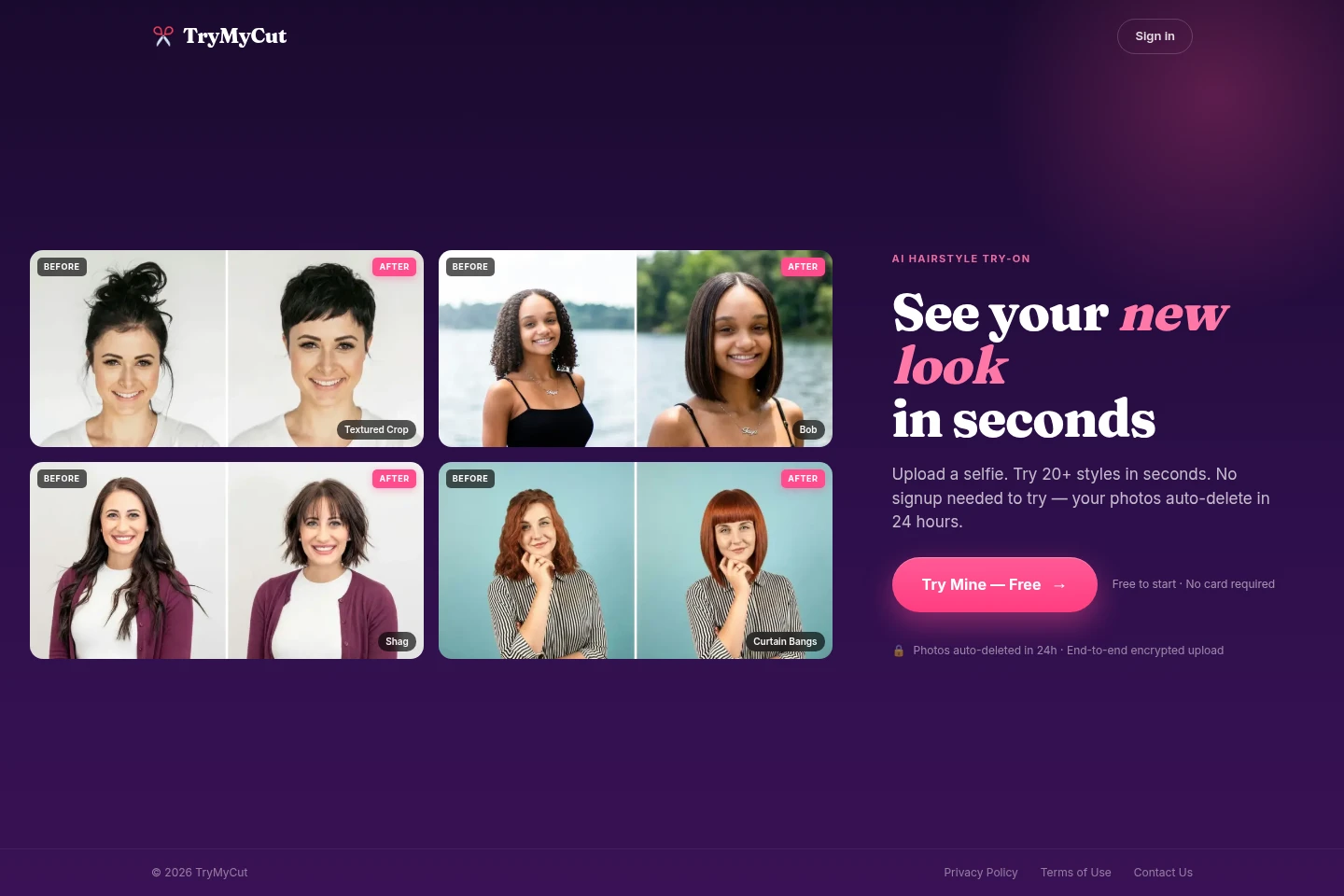
  1. TryMyCut

    Preview hairstyles on your selfie before your next cut

    Contact Sales
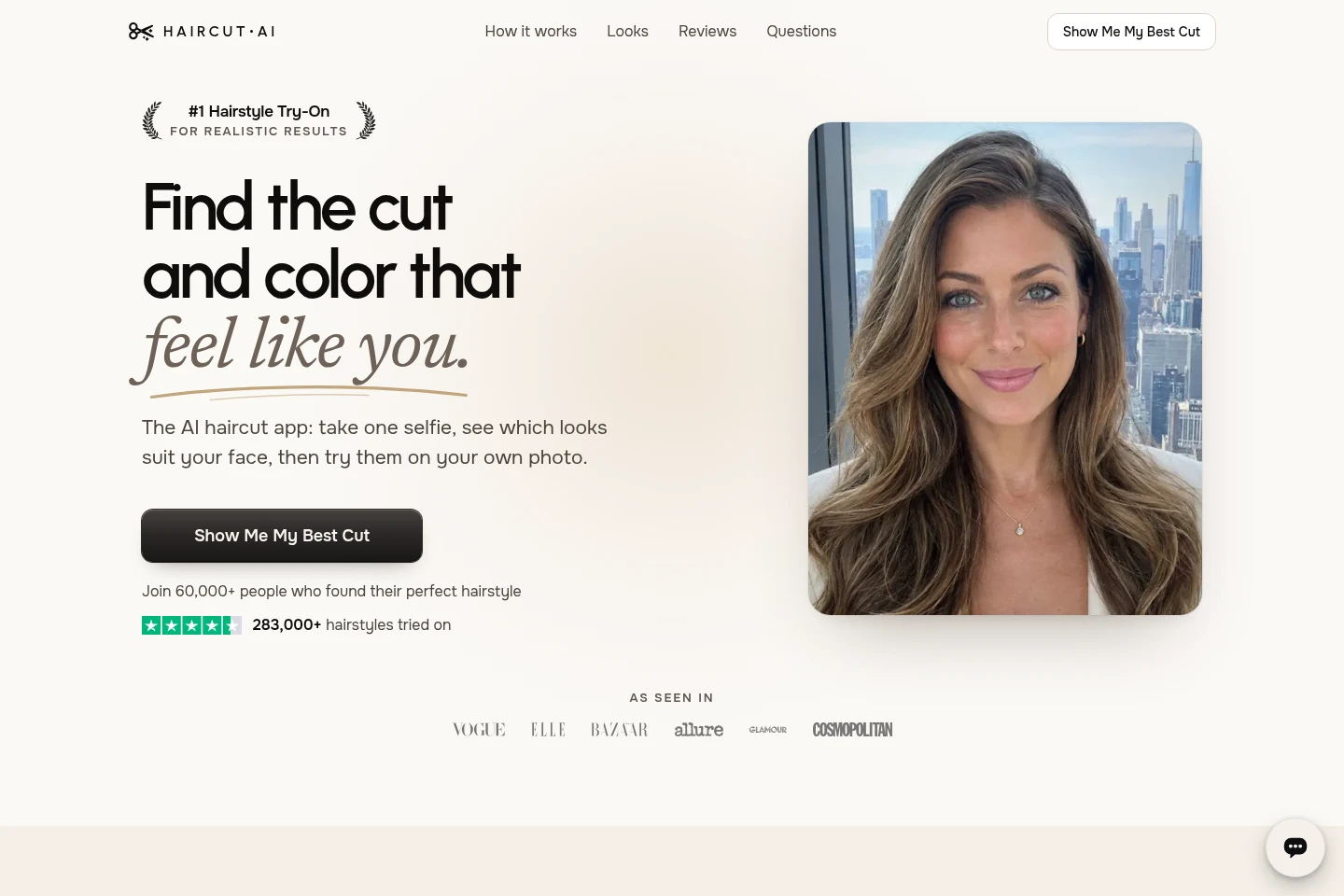
  2. HaircutAI

    Preview hairstyles and colors on your own photo

    Paid
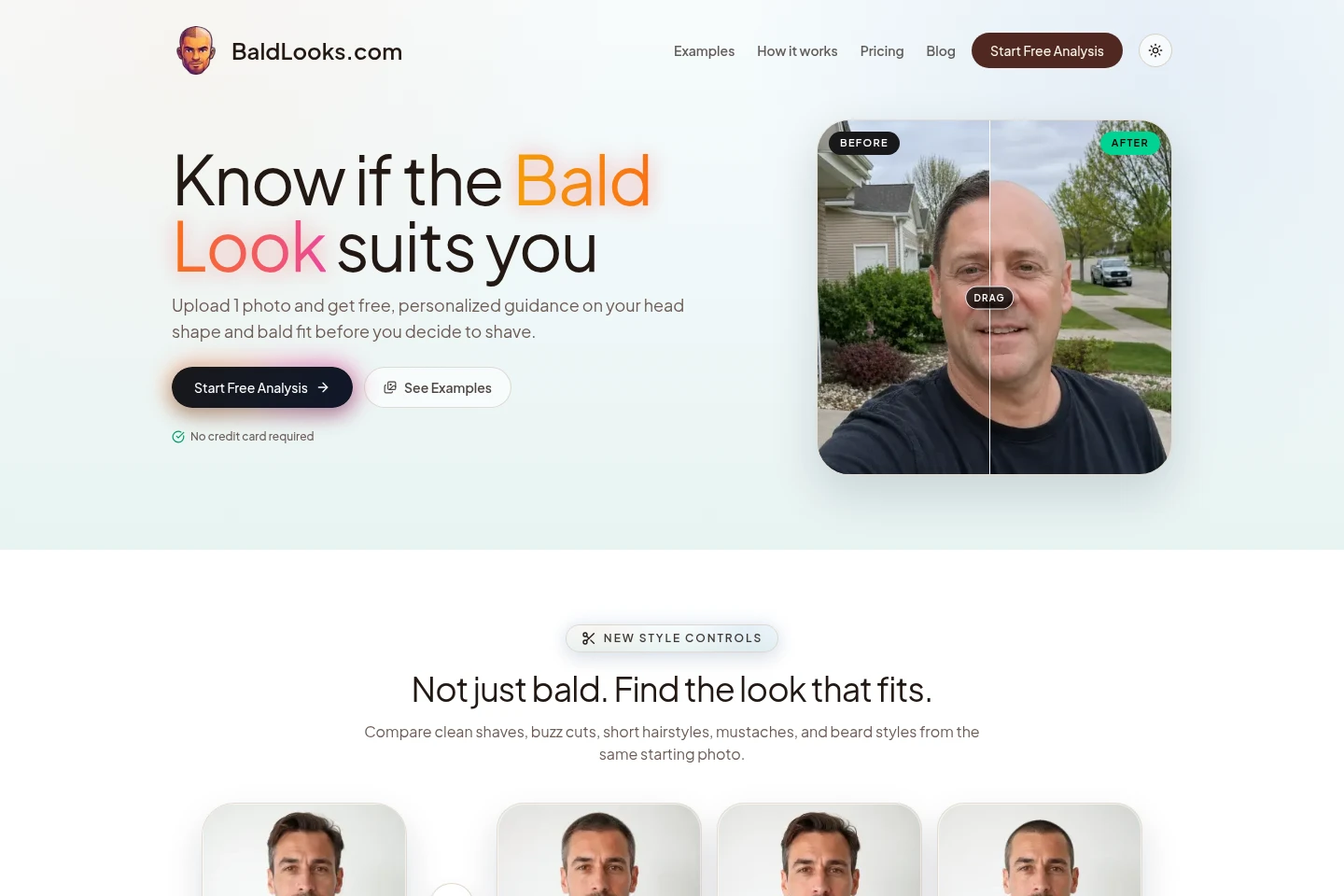
  3. BaldLooks

    Preview shaved and short styles before you shave

    Premium · $14.99 USD one-time payment
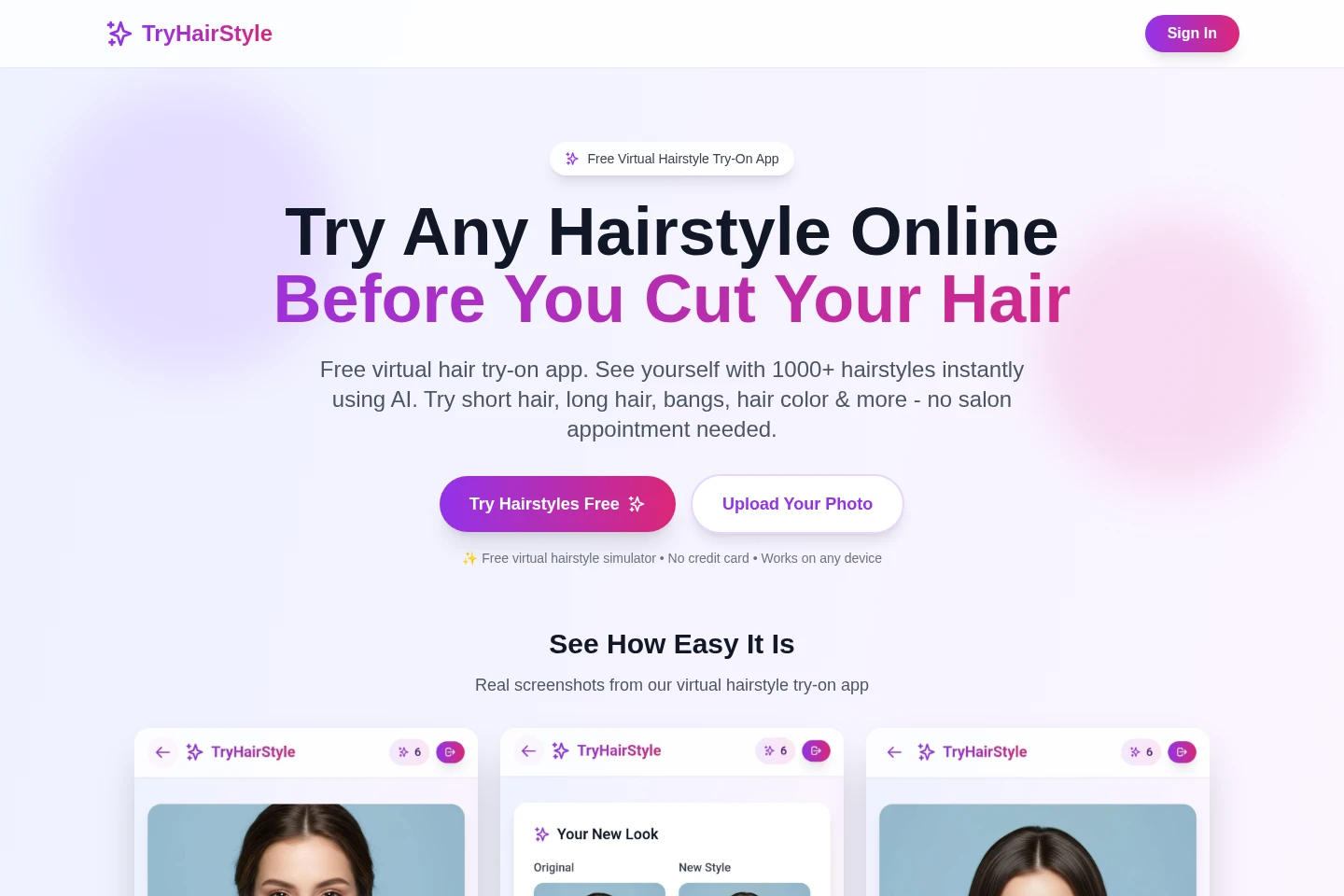
  4. Try Hairstyle App

    Preview hairstyles and colors on your photo with AI

    Free
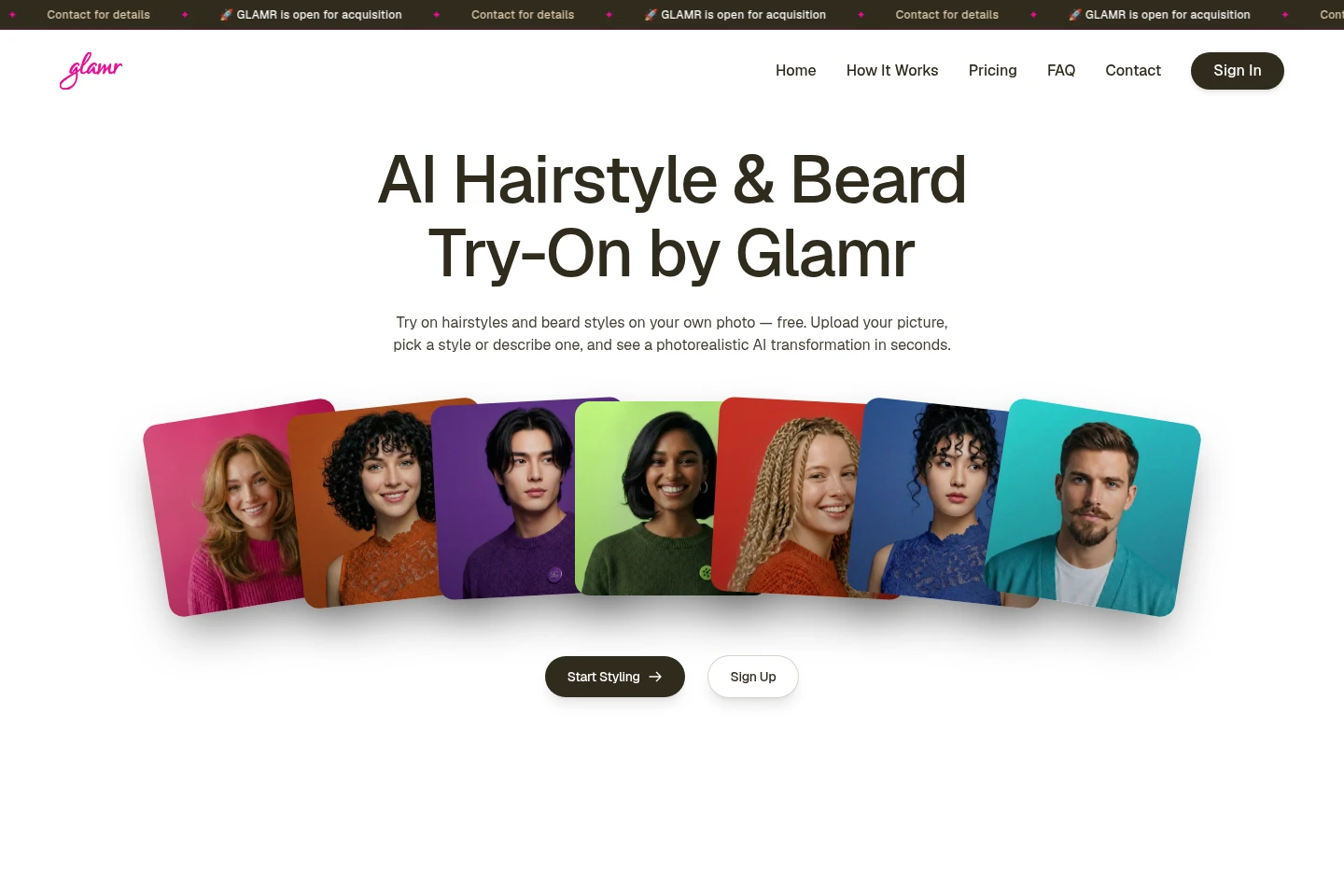
  5. GLAMR

    Preview hairstyles and beard styles on your photo with AI

    Glamr Basic · $2.99–$14.99 per pack

Who it is for

  • People considering a shave or new facial-hair style

  • Barbers and stylists who want to show clients visual style previews

  • Creators and artists preparing portrait or character style concepts

FAQ

What does Beard Remover do?

It edits photos to remove facial hair or preview facial-hair styles. Its AI can reconstruct the chin and skin area for a clean-shaven preview, and other tools can add beard styles.

How do I use the online tool?

Upload a photo, choose a style or removal option, and generate the preview. The service runs online, so the site says no app download is needed.

How long does photo processing take?

Processing typically takes a few seconds, but the exact time can vary with image complexity and server load. The No Beard Filter page separately describes its process as taking about a minute.

Which photos work best?

Use a clear, well-lit photo for best results. Very blurry or low-resolution images may affect performance; the No Beard Filter page recommends files under 10 MB and lists JPG and PNG.

How much does Beard Remover cost?

The listed options are Free at $0, One-Time at $2.9 one-time, Starter at $9.9/month, and Business at $19.9/month. Each plan has different usage allowances and output or support features.

What is the refund policy?

Subscribers can request a full refund within 10 days of subscribing if usage is under 5% of their quota. The policy does not apply to pay-as-you-go purchases.

Comments

Please sign in to leave a comment.
No comments yet. Be the first to share your thoughts!