

- Monthly visits
- 4,695
- 2026-09
- Monthly growth +98.4%
AutoPresent - AI-assisted presentations for executive and board review
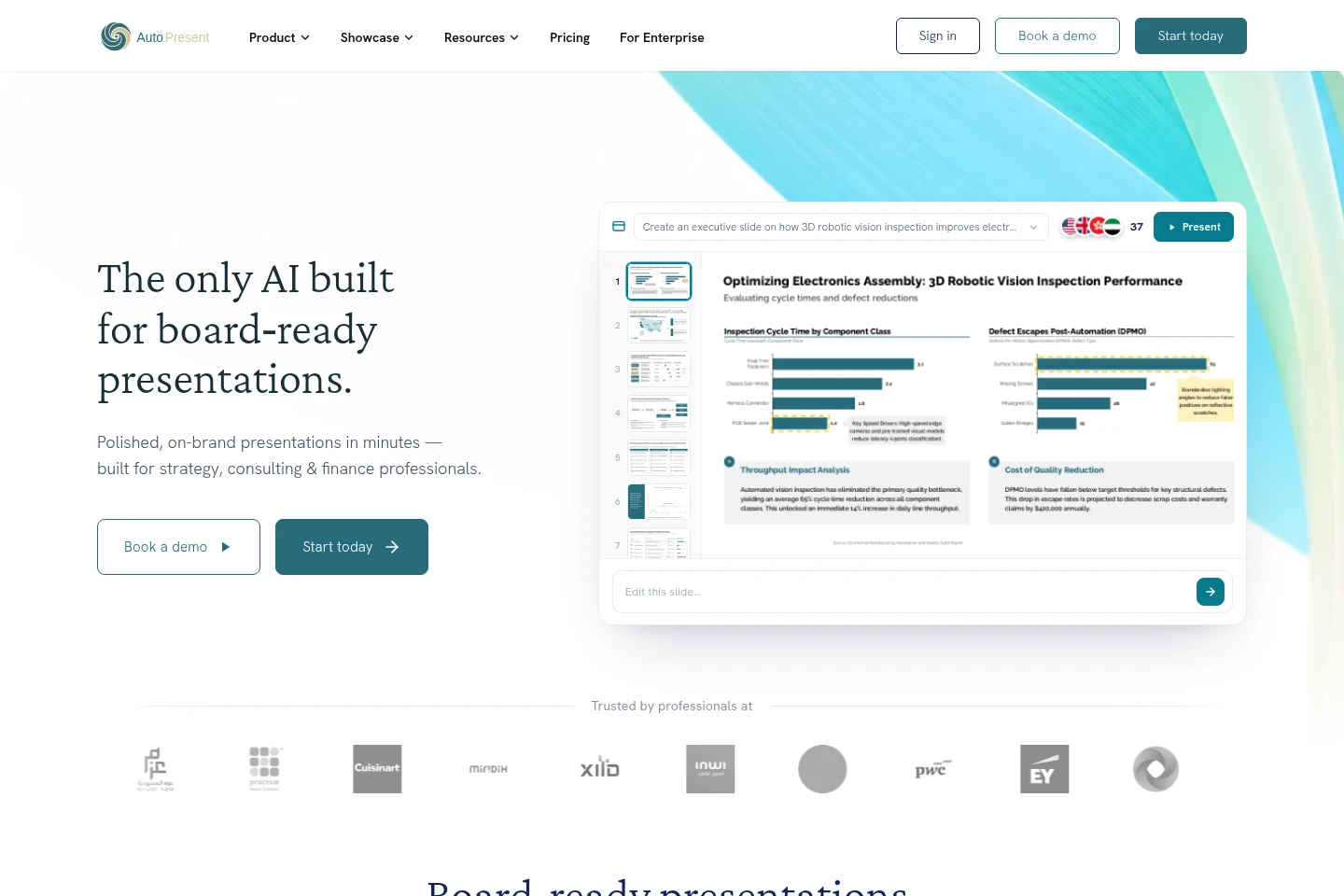
AutoPresent creates and refines presentation decks from prompts, source files, web research, templates, images, or existing slides. Its tools generate structured, source-backed slides, apply branding, edit content and visuals, and export native editable PPTX files for executive, client, and board presentations.
- AI Productivity
- Presentation Makers
- AI presentation generator
- executive presentation software
- AI slide editor
Capabilities
Prompt-based deck creation
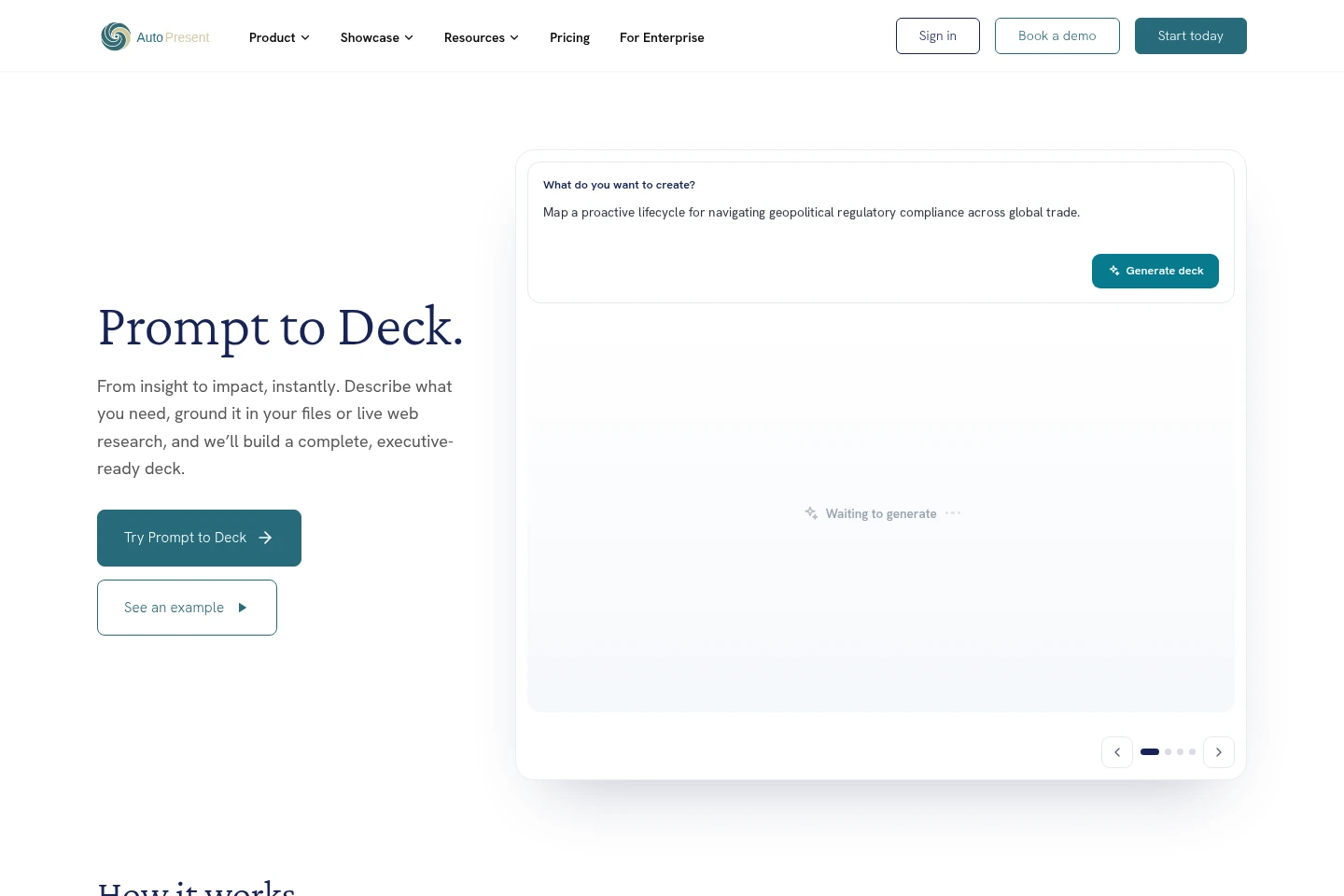
Generates a complete presentation deck from a written objective. Users can provide files, data, or web sources for research and source-backed storylines.
Source and document input
Turns supplied source material into presentation content. The product describes inputs including files, reports, raw numbers, data, and web sources, with some document-conversion options marked coming soon.
AI slide editing
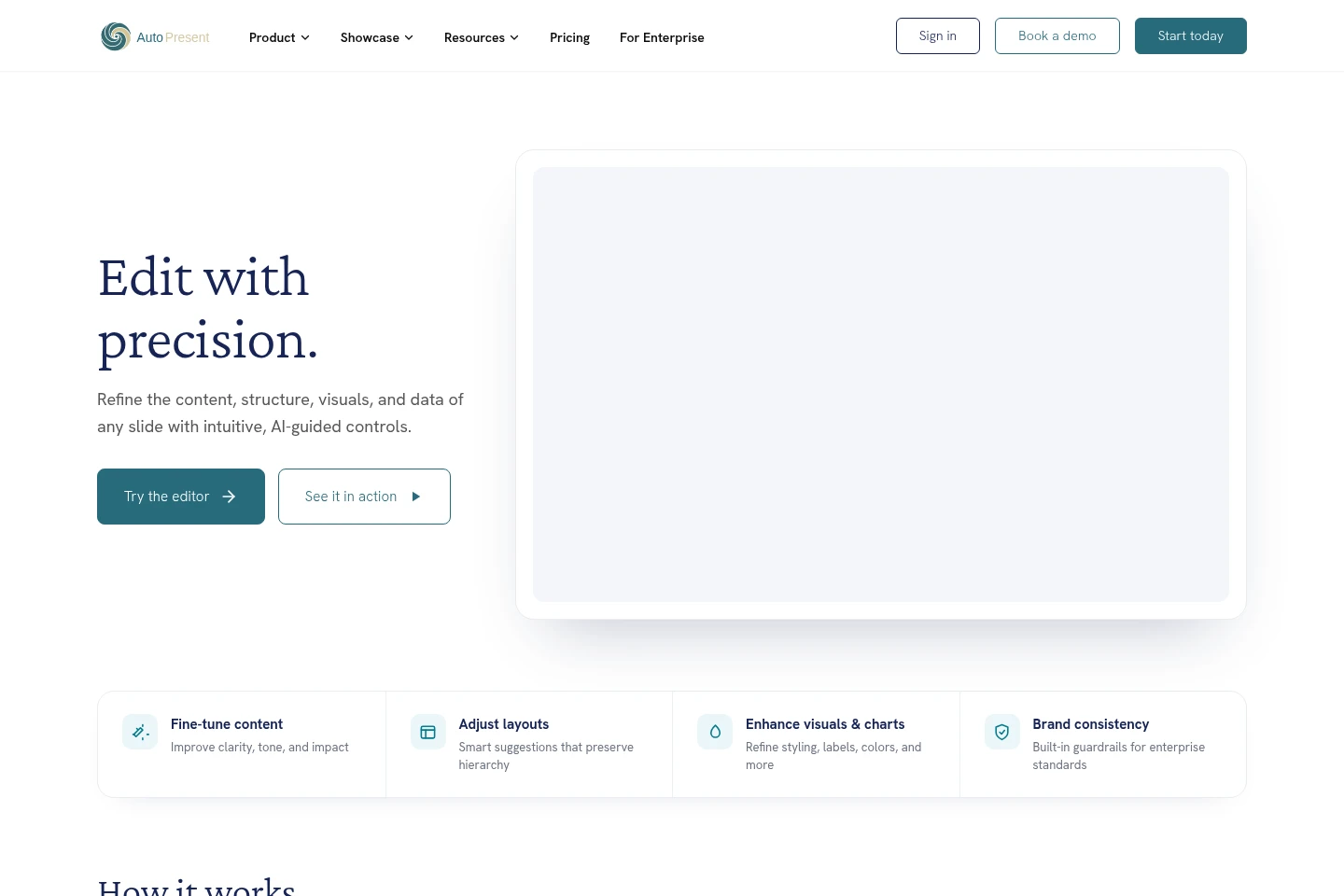
Updates slide content, structure, layouts, charts, and visuals in place. Users select an element and describe a change; edits can adjust wording, data, colors, fonts, and imagery while preserving brand styling.
Templates and branding
Applies templates and brand styling to presentation slides. Users can adapt consulting-grade layouts, export in their own template, or rebrand an existing deck.
Collaboration and PPTX export
Supports refining and collaborating on decks and exporting presentations. The homepage identifies native .pptx output and fully editable slides rather than image-only files.
Pricing
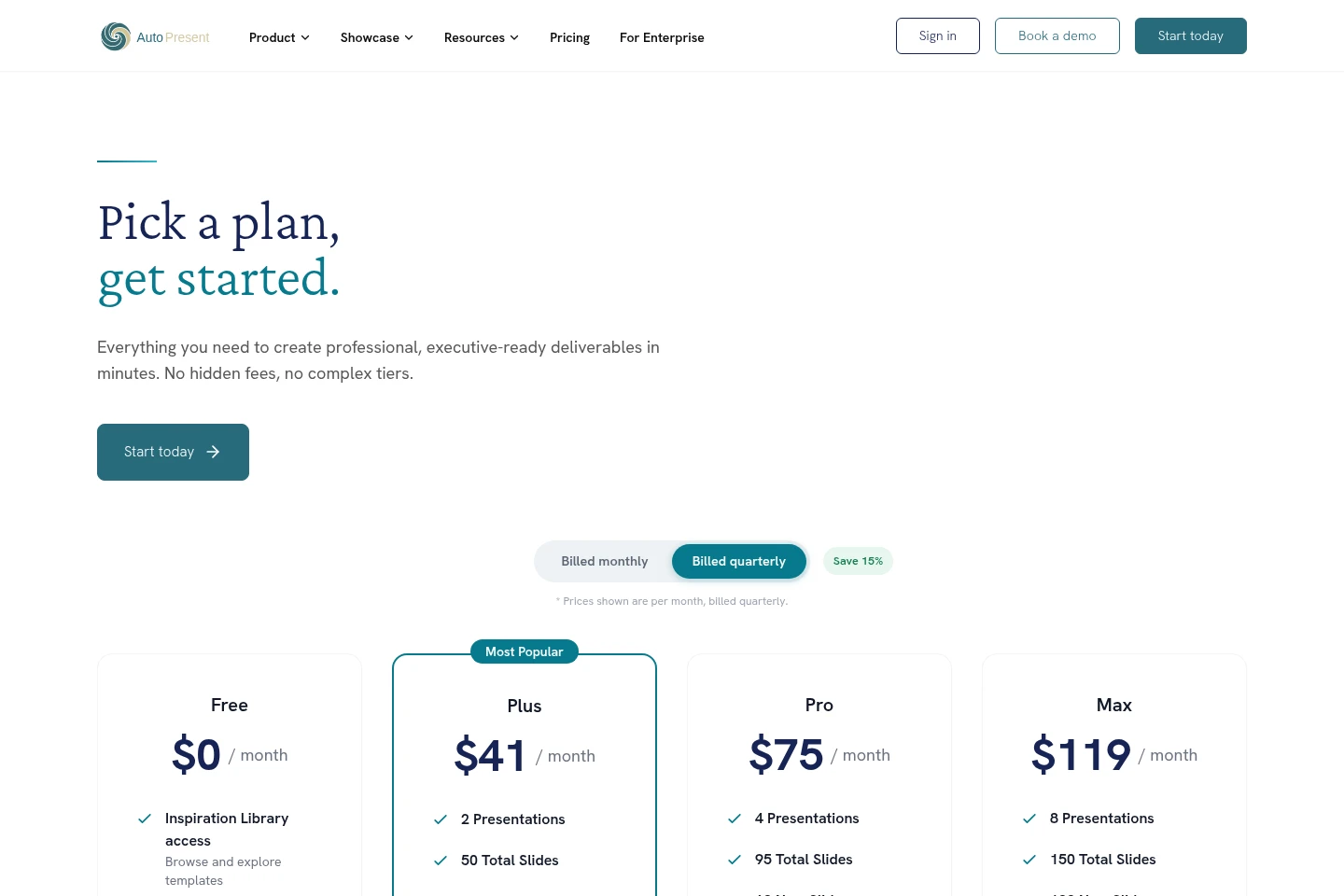
AutoPresent has a free plan and paid subscriptions, with displayed paid prices billed quarterly. Compare presentation, slide, edit, and agent-session limits, plus included support and features, when choosing a plan.
| Plan | Price | Included features and limits |
|---|---|---|
| Free | $0 per month |
|
| Plus | $41 per month, billed quarterly |
|
| Pro | $75 per month, billed quarterly |
|
| Max | $119 per month, billed quarterly |
|
Paid-plan prices are displayed per month, but the pricing page says they are billed quarterly and shows a 15% saving. Agent-session allowances are explicitly limited to enterprise customers.
Use cases
Create an executive presentation from a brief
When a team needs a presentation from an initial idea, users describe the objective and can add files, data, or web sources. AutoPresent researches and structures the material into an executive-ready deck that can be refined and exported.
Turn research and documents into slides
When reports, source files, or raw numbers need to be presented, users bring that material into the workflow. AutoPresent can analyze inputs and create a source-backed narrative with data-rich slides; some listed document-conversion options are marked coming soon.
Revise and rebrand an existing slide deck
When an existing presentation needs corrections or a consistent look, users open a deck or slide, select elements, and describe edits. The editor can refine wording, layouts, charts, and visuals, while templates and brand controls help maintain consistency.
Limitations
Agent-session quotas are described as being for enterprise customers only, so those monthly sessions are not presented as general-use allowances.
The Max plan lists API access as coming soon, rather than as a currently available feature.
Some document-conversion options for PDF, Word, Excel, and CSV are marked coming soon on the homepage.
When a plan limit is reached, the pricing FAQ says users must upgrade or wait for the next billing cycle for the limit to reset.
Who it is for
Strategy, consulting, and finance professionals preparing executive or board presentations
Business leaders and operators responsible for board meetings, investment discussions, and leadership reviews
Analysts and presentation designers who need to create or revise structured, branded slide decks
FAQ
Is there a free account?
Yes. The Free plan costs $0 per month and includes Inspiration Library access, template browsing, and basic support. The pricing FAQ describes it as a way to explore the platform before choosing a paid plan.
What payment methods does AutoPresent accept?
AutoPresent accepts major credit and debit cards through its secure billing provider.
What happens when I reach a plan limit?
You receive a notification when approaching your limit. You can upgrade your plan or wait for the next billing cycle, when the limit resets.
Are monthly prices billed monthly?
No. The pricing page states that displayed prices are per month but billed quarterly, with a 15% saving shown for quarterly billing.
Is API access currently available on Max?
No. The Max plan lists API access as coming soon, so the page does not describe it as currently available.
Comments