

- Monthly visits
- 3,131
- 2026-09
- Monthly growth +318.6%
Auralume AI - Create AI images and videos with one-time credits
Auralume AI is a web-based creation studio for generating images and videos from text prompts or reference images. It provides selected AI models, applies model-specific defaults, and lets users review and download generated video. One-time credit packages cover image and video generation, and purchased credits do not expire.
- AI Video
- Video Generators
- Image Generators
- Video Upscalers
- AI video generator
- AI image generator
- one-time AI credits


Capabilities
Text-to-video generation
Generate videos from written descriptions in the Video Studio. Enter an idea, and the studio uses selected models and model-specific defaults to produce video for review and download.
Image-to-video generation
Animate a reference image into a video in the same studio. Upload an image, and Auralume adapts the workflow for image-based generation using the available video models.
AI image generation
Create images using Auralume's available image models and shared credit balance. Credits are charged according to the model and settings, with the cost shown before generation.
Image upscaling
Upscale JPG, PNG, or WEBP images by 2× or 4× and download the enhanced result. Uploaded image files may be up to 30MB.
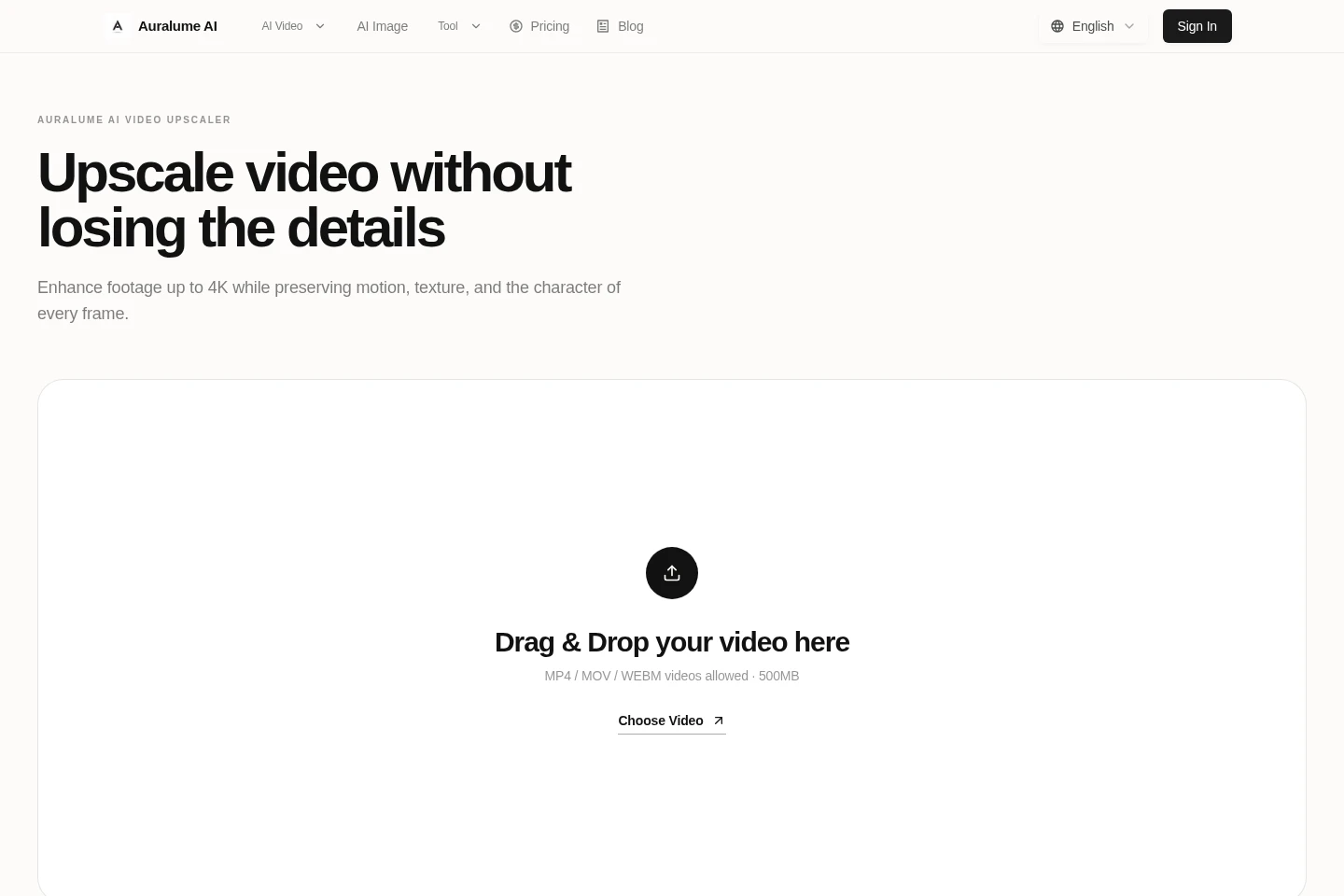
Video upscaling
Upscale MP4, MOV, or WEBM videos by 2× or 4× and download the enhanced file, with output up to 4K. Uploaded video files may be up to 500MB.
Pricing
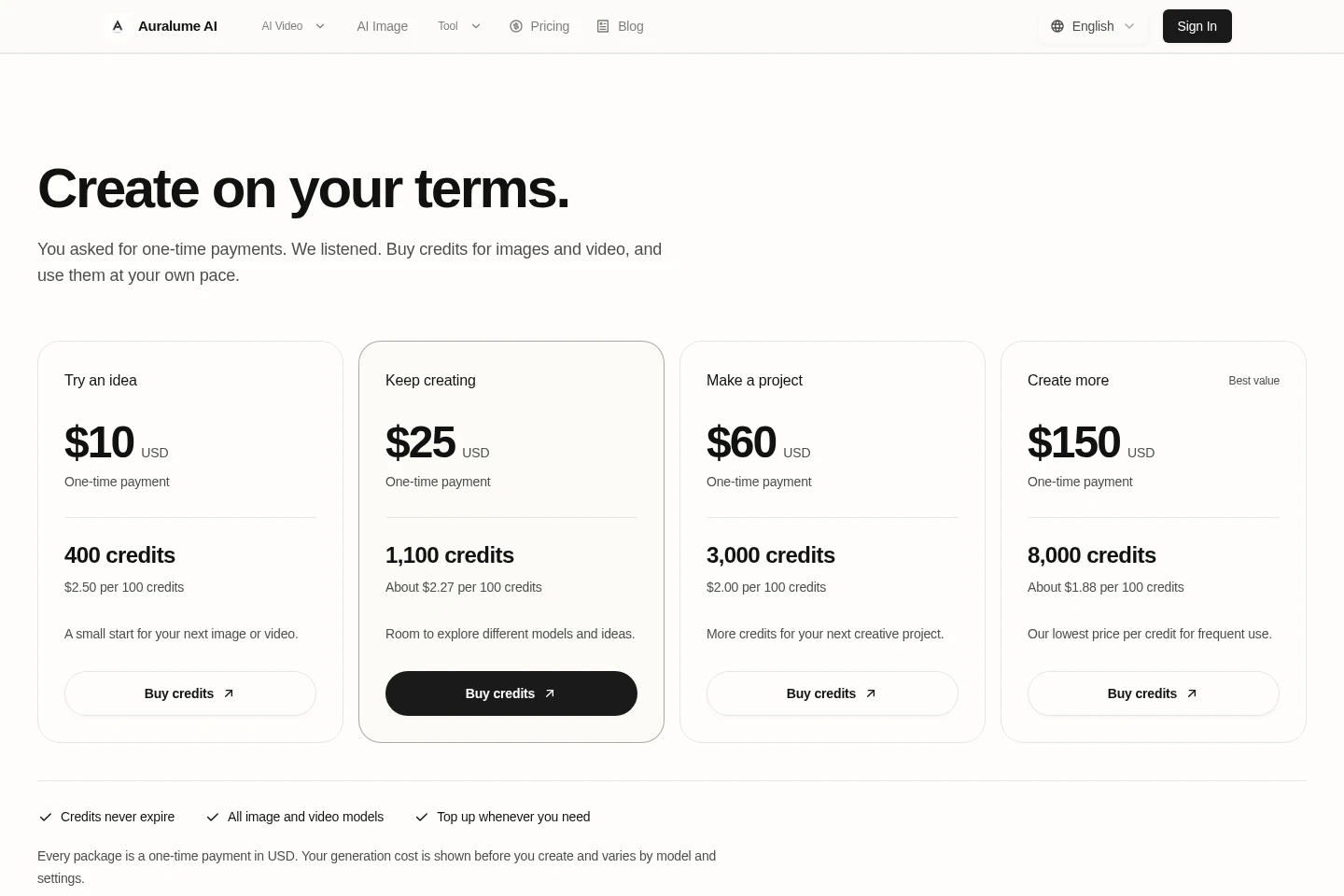
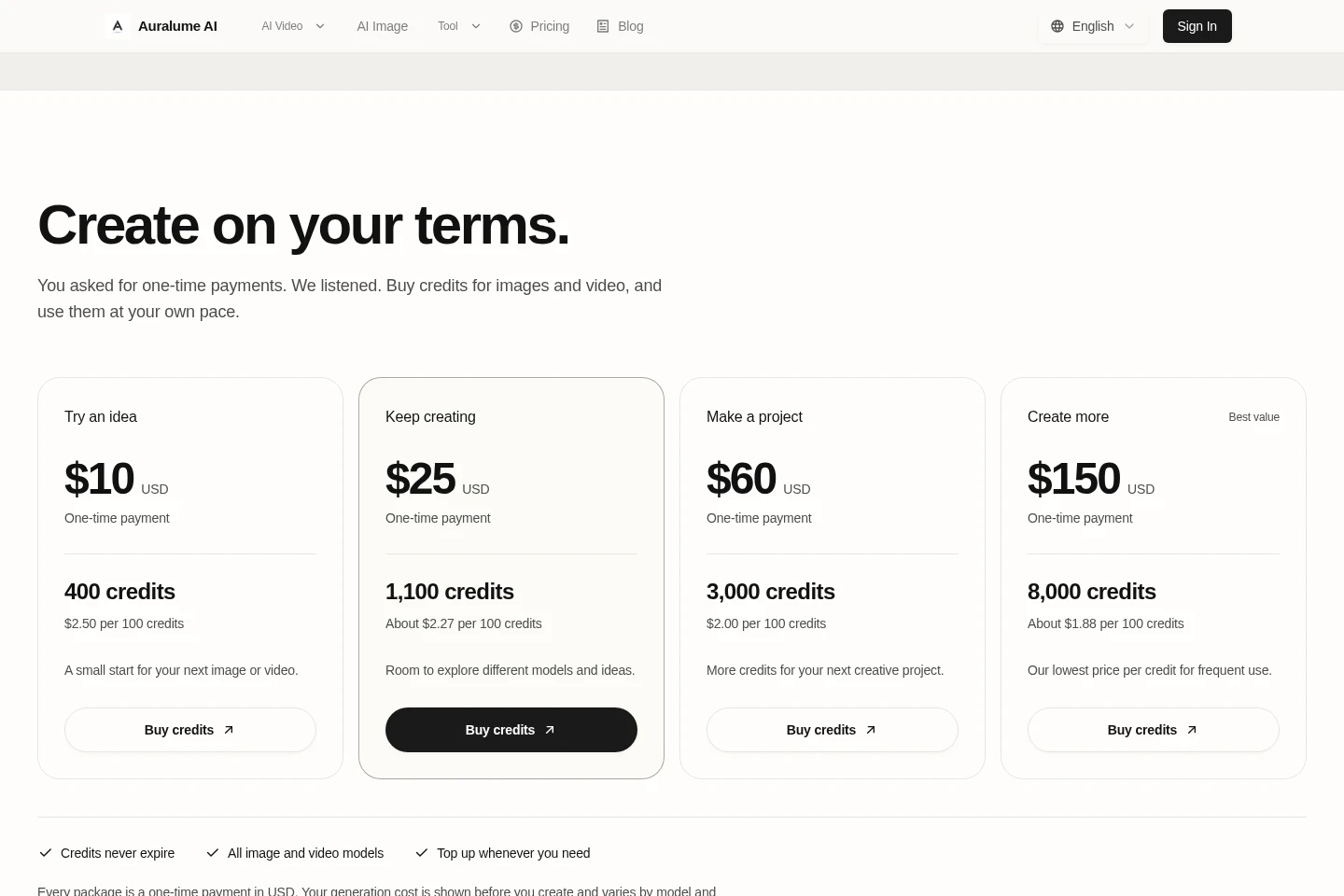
Auralume AI is paid through one-time USD credit packages, not recurring subscriptions. Compare each package by its included credits and stated price per 100 credits; credits are shared across image and video models.
| Plan | Price | Included features and limits |
|---|---|---|
| Try an idea | $10 USD, one-time |
|
| Keep creating | $25 USD, one-time |
|
| Make a project | $60 USD, one-time |
|
| Create more | $150 USD, one-time |
|
Generation costs vary by model and settings, such as video duration and resolution. The credit cost is shown before generation. Existing subscriptions retain their current billing and credit terms.
Use cases
Create a video from a written idea
When you have a video concept but no source footage, describe the idea in the Video Studio. Auralume applies model-specific defaults and generates a video that can be previewed and downloaded.
Turn a still image into a video
When you have a still image to animate, upload it as a reference in the video workflow. The studio adapts to image-to-video creation and returns a generated video for review and download.
Upscale and clean up an image
When an image needs more resolution, upload a supported image file and select a 2× or 4× ratio. The image upscaler processes it for download; uploads are limited to 30MB.
Upscale video footage
When footage needs a higher-resolution output, upload an MP4, MOV, or WEBM file and choose 2× or 4× upscaling. The video upscaler supports files up to 500MB and output up to 4K.
Limitations
Image-upscaler uploads must be JPG, PNG, or WEBP files no larger than 30MB.
Video-upscaler uploads must be MP4, MOV, or WEBM files no larger than 500MB.
Generation credit costs vary by model and settings, and the displayed cost is shown before generation.
One credit does not correspond to one generated image or video.
The non-expiring credit policy described for one-time packages does not replace existing subscribers' current billing and credit terms.
Who it is for
Creators who want to generate images and videos from prompts or reference images
Video editors who need to upscale existing footage for higher-resolution playback
People preparing low-resolution images for clearer digital or print use
FAQ
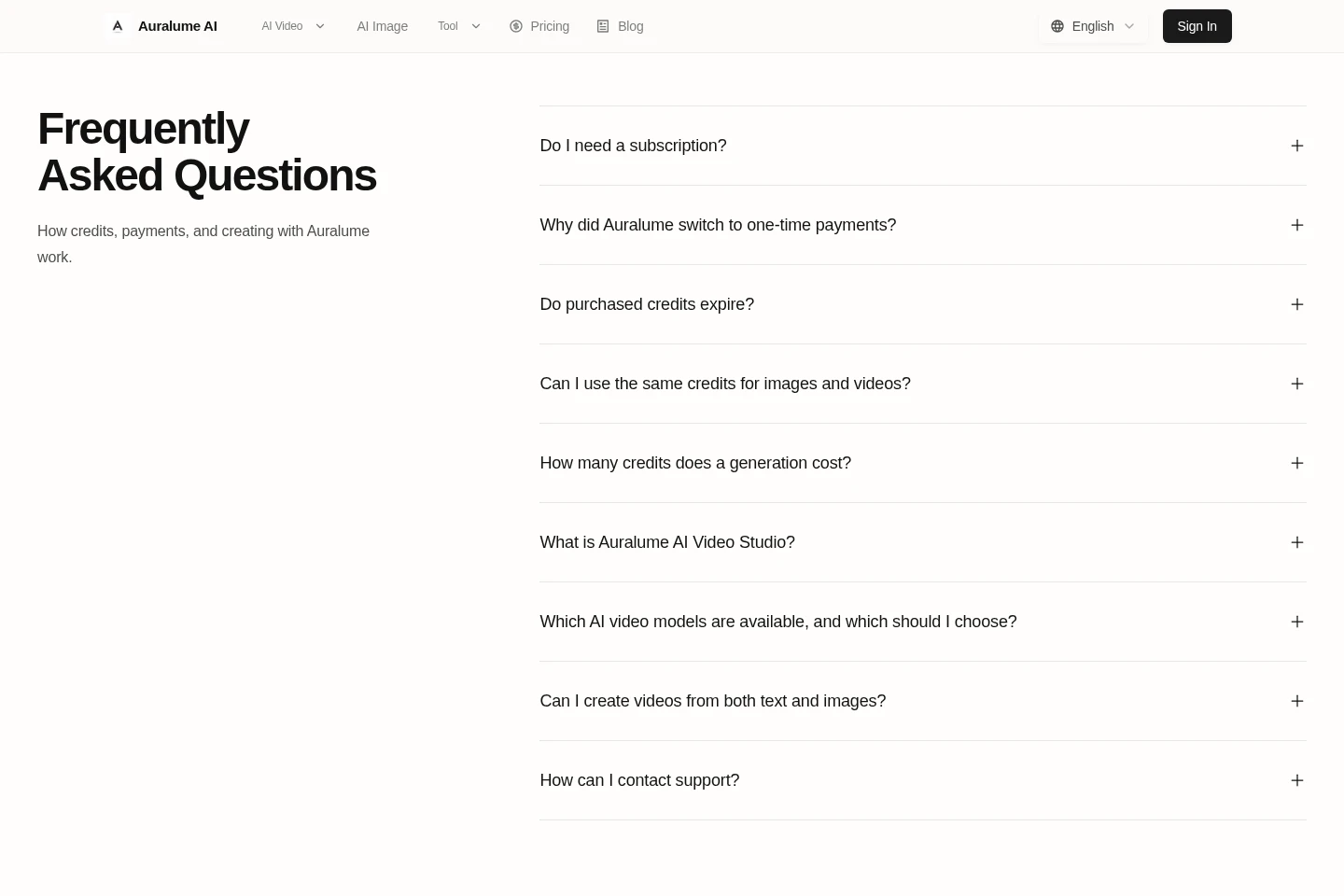
Do I need a subscription to use Auralume AI?
No. The listed packages are one-time credit purchases rather than monthly or yearly plans. Buy another package whenever more credits are needed.
Do purchased credits expire?
No. Credits purchased through the one-time packages do not expire or reset monthly; unused balances remain in the account until spent.
Can the same credits be used for images and videos?
Yes. All four packages use the same credit balance across image and video models. Package differences include credit quantity and price per credit.
How much does a generation cost in credits?
The cost depends on the model and settings, including video duration and resolution. Auralume shows the credit cost before generation, and one credit does not equal one image or video.
Which video models does Auralume AI offer?
The homepage lists Seedance, Google Veo, Kling, and Grok. Their suitability varies: the page describes different balances of quality, speed, cost, resolution, audio, motion, and draft use.
Can I create videos from text and images?
Yes. Enter a text description to generate from an idea, or upload a reference image to animate it. The studio adapts to the selected workflow.
Comments