


Monthly visits
289,667
2026-10
Monthly growth +837.4%

AudioForges - Separate song parts, remove vocals, and convert audio to MIDI

AudioForges provides browser-based audio tools for separating vocals and instruments, creating karaoke and backing tracks, and analyzing songs. Users can upload audio or provide a YouTube link, preview results, and use tools such as audio-to-MIDI transcription, key and BPM finding, and sheet music generation. The first song has a free full-length result; paid options include one-time song packs and a recurring Studio Pass.

Visit WebsiteUpdate this product

0Views

Capabilities

Vocal and stem separation

Separates a song into vocals and instrumental parts, producing four or six stems for use in the mixer. Upload an audio file or provide a YouTube link; files longer than the plan's limit count as additional songs or exceed its upload limit.

Audio-to-MIDI transcription

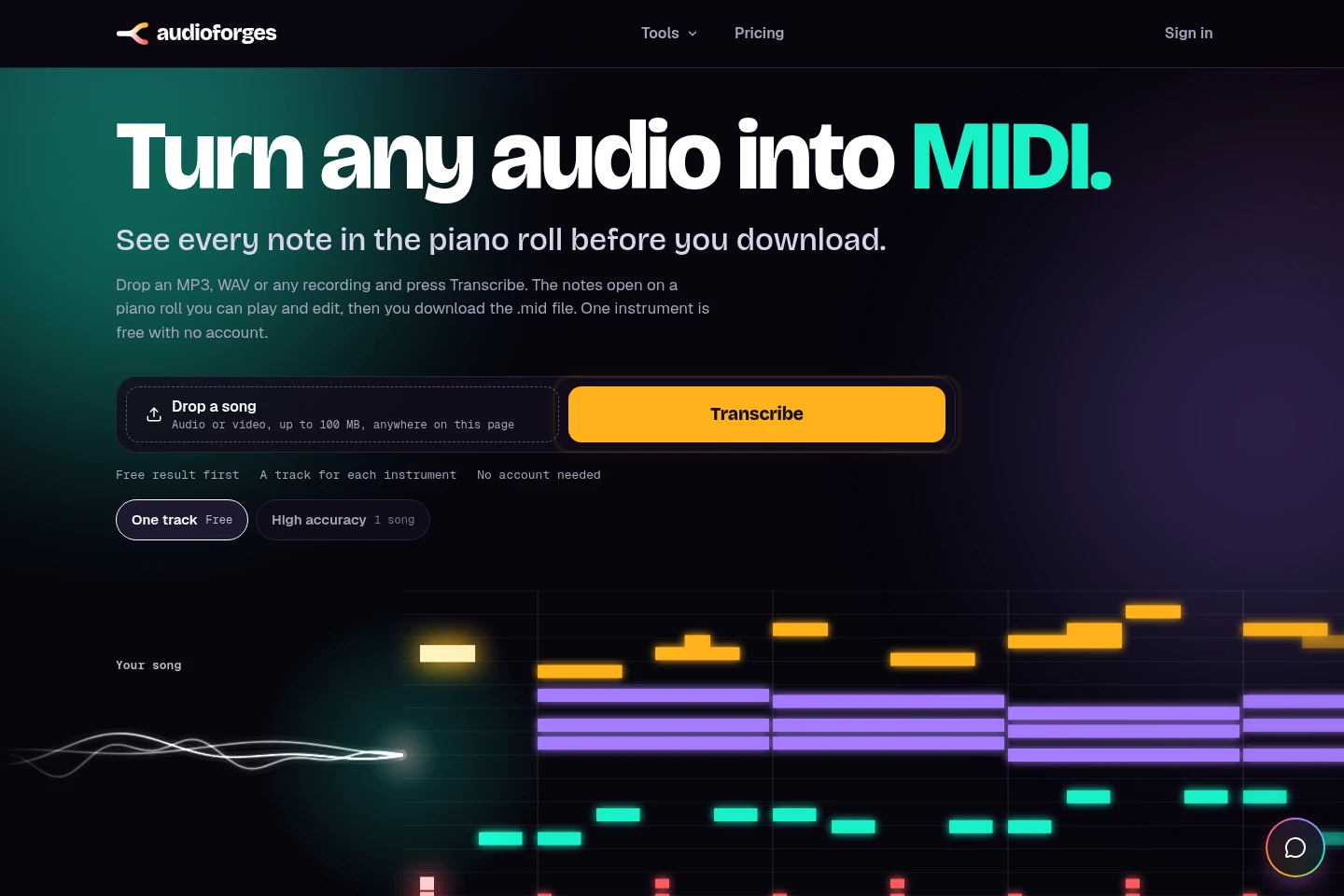
Converts audio recordings into MIDI notes and tracks that can be edited and downloaded as a .mid file. Upload a supported audio or video file, choose One track or High accuracy, then edit notes in Forge Roll; High accuracy separates a full mix into instrument tracks and costs one song.

Song analysis and notation

Finds key and BPM from a song and provides additional song tools such as chord finding and sheet music. Upload a song to use the relevant tool; included outputs and song charges depend on the tool and plan.

Vocal reverb removal

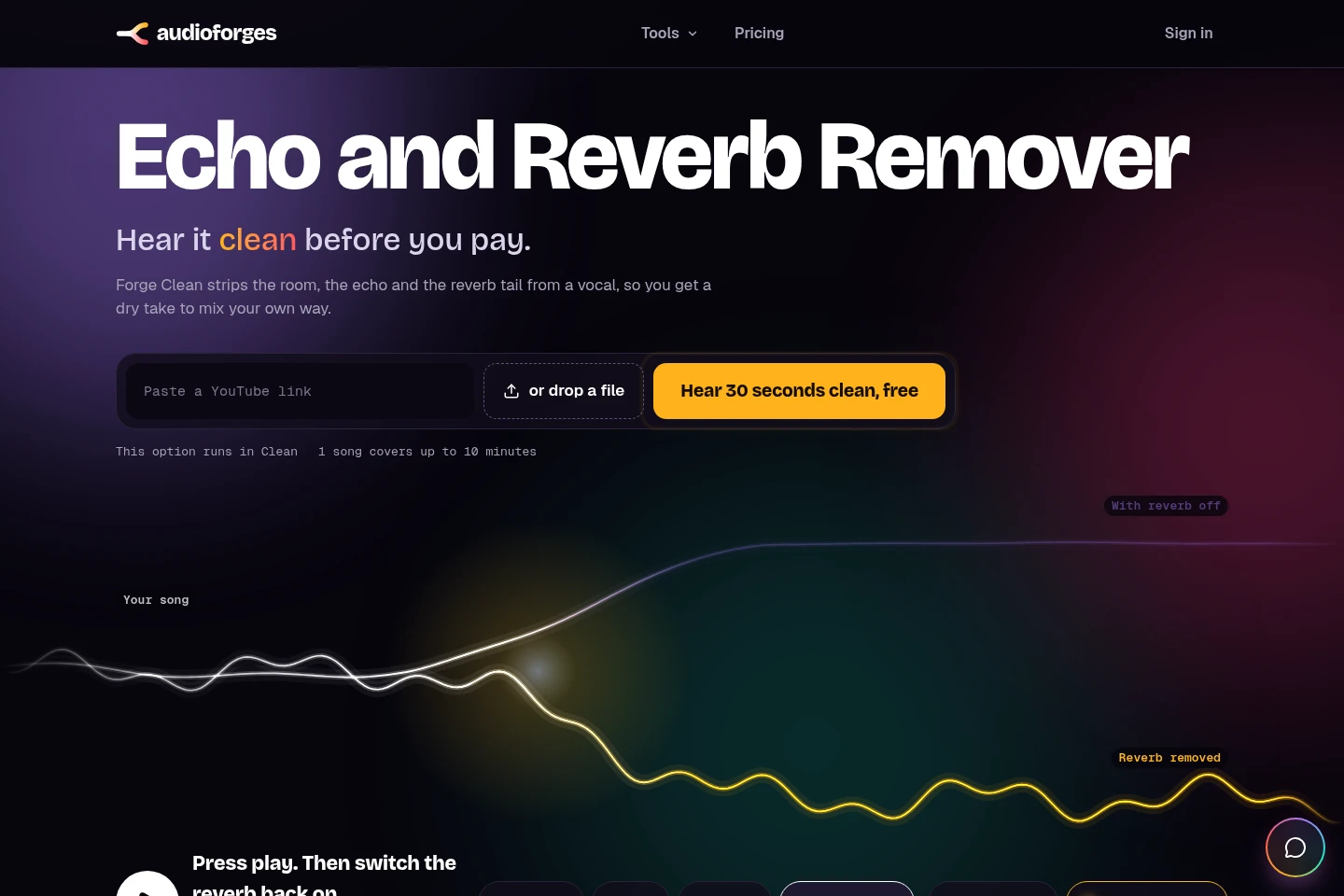
Removes reverb from the separated vocal, leaving a dry vocal stem for mixing. Run the song with Forge Clean; the feature costs one extra song with song packs and is included with Studio Pass.

PricingFreemium

AudioForges offers a free plan, one-time song packs, and a recurring Studio Pass. Compare song allowances, file limits, queue priority, included tools, and how long processed songs remain in the Library.

PlanPriceIncluded features and limits
Free

$0

  • One full-length result per song plays in the mixer.

  • Includes a 30-second Clean preview of the song.

  • Uploads are limited to 100 MB and up to 10 minutes.

  • Results are kept for two hours.

Song packs

$9.99 one time

  • 35 songs for $9.99, paid once.

  • Credits never expire; 29¢ per song.

  • Includes up to six stems, Stage Pack, sheet music, and MIDI.

  • Files up to 500 MB and 30 minutes are accepted.

  • Songs are kept in the Library for 30 days.

Studio Pass

$7.99/month

  • 40 songs per month.

  • Priority queue.

  • Unused songs roll over for two months.

  • Files up to 500 MB and 30 minutes are accepted.

  • Songs are kept in the Library for 90 days.

Song-pack songs do not expire as credits, but processed song files are kept in the Library for 30 days. The Studio Pass can be canceled at any time and remains active through the paid period; unused monthly songs roll over for two months.

Use cases

Make a vocal-free backing track

When a musician needs a vocal-free accompaniment, upload a song or provide a YouTube link and separate the vocals from the instrumental. Listen to the result in the mixer and use the resulting track as a backing track or karaoke version.

Transcribe a recording into MIDI

When a musician wants to learn or reuse a part from a recording, upload the audio and transcribe it as MIDI. Choose One track for a single instrument or voice, or High accuracy for a full mix, edit the notes in Forge Roll, and download the .mid file.

Prepare song parts for performance

When a performer needs separate parts for rehearsal or a live set, run a song through the stem tools and prepare the available Stage Pack materials. The plan determines the included outputs, song allowance, and file limits.

Limitations

  • Files over 10 minutes count as one song per 10 minutes; upload size and maximum duration also vary by plan.

  • AudioForges does not grant rights to songs; use a song only if you own it or have permission from its rights holder.

  • The Studio Pass keeps songs in its Library for 90 days; song-pack songs are kept for 30 days.

AudioForges alternatives

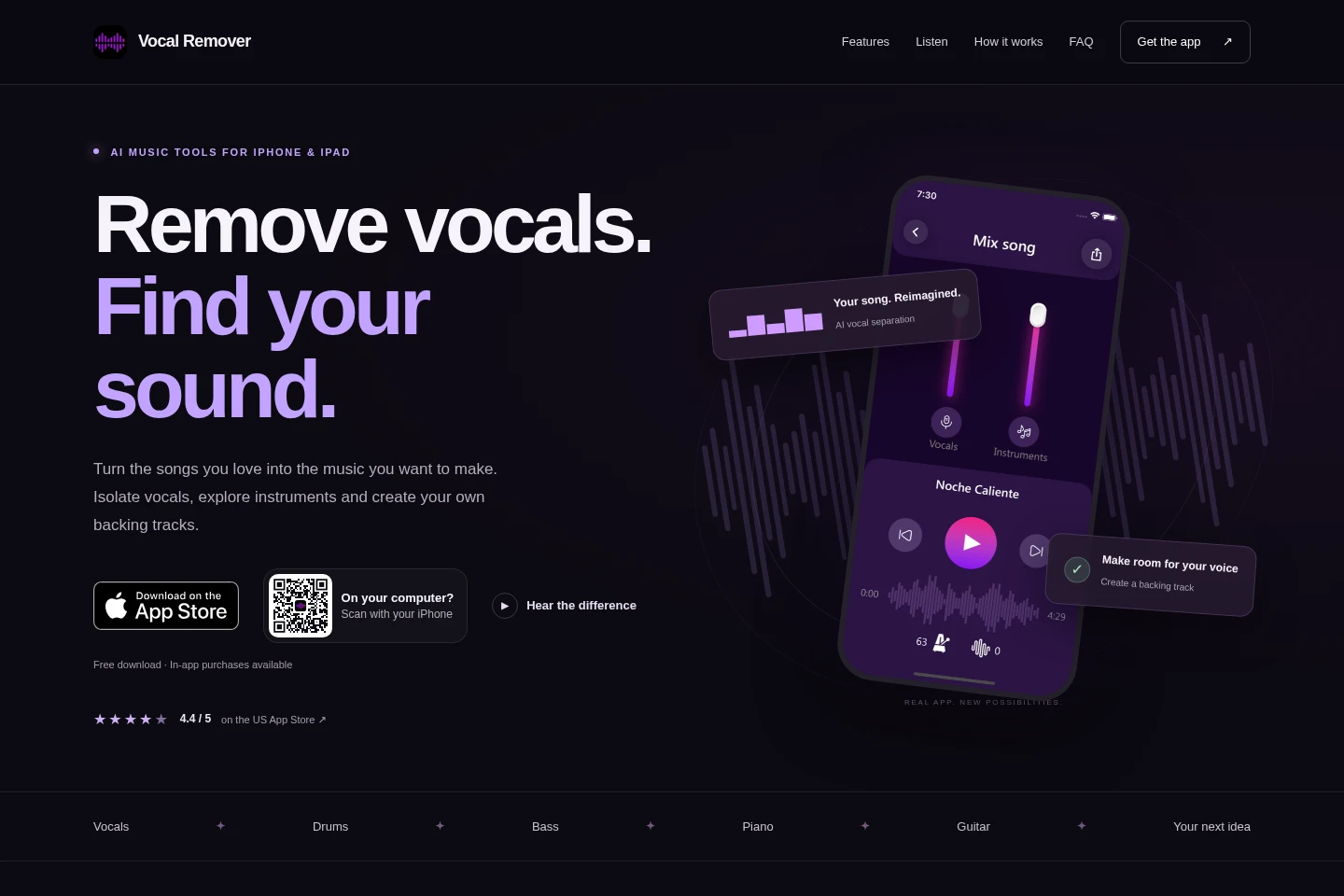
VocalRemover.co

Separate vocals and instruments, then make karaoke tracks

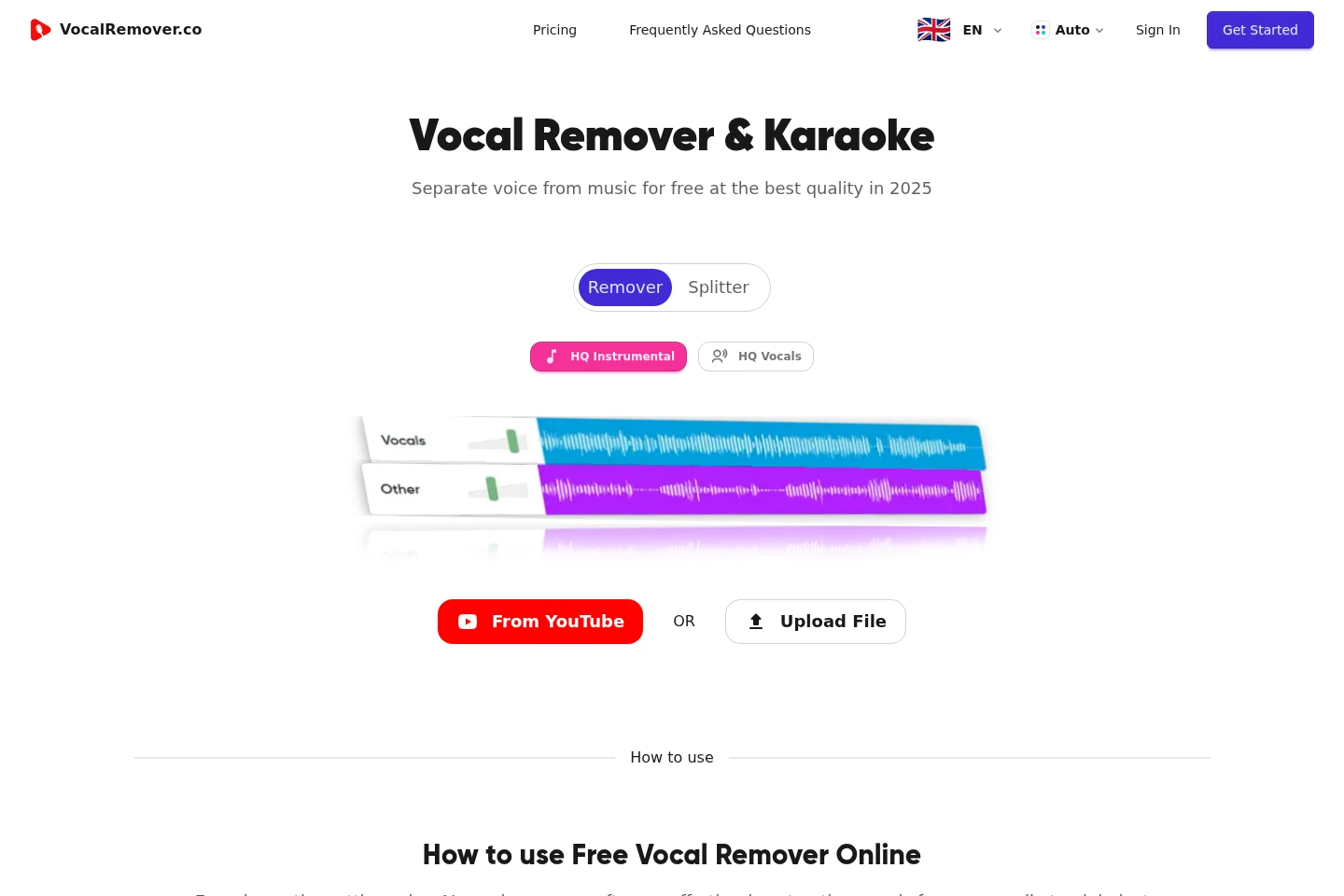
VocalRemover.co uses AI to separate vocals and instruments from uploaded audio or a YouTube selection. Listen to and download the separated audio, including instrumental or karaoke versions. The service also lists AI Lyrics, Song Key Finder, BPM Finder, and speech transcription and audio analysis among its tools.

  • Cloud
  • API
  • Freemium
  • Starter$9.90/month
  • Basic$18.90/month
  • Business$49.90/month
  • FreeFree
  • One Song$3.99 one time
  • 10 Songs$19.94 one time
  • 50 Songs$49.00 one time
  1. Vocal Remover

    Separate song parts and shape your practice mix

    Paid
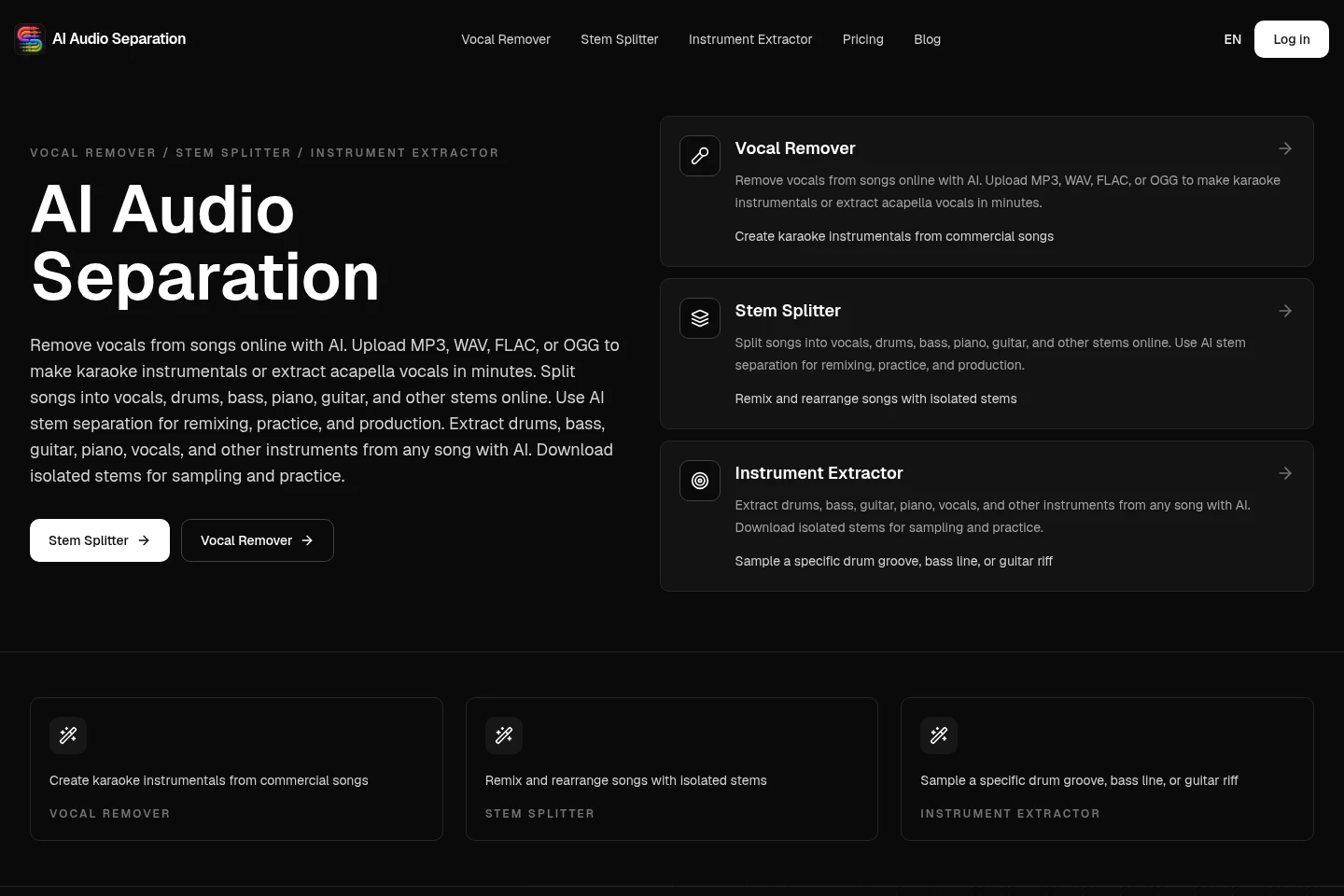
  2. AI Audio Separation

    Separate vocals and instruments from songs online

    Hobby · $0, always free
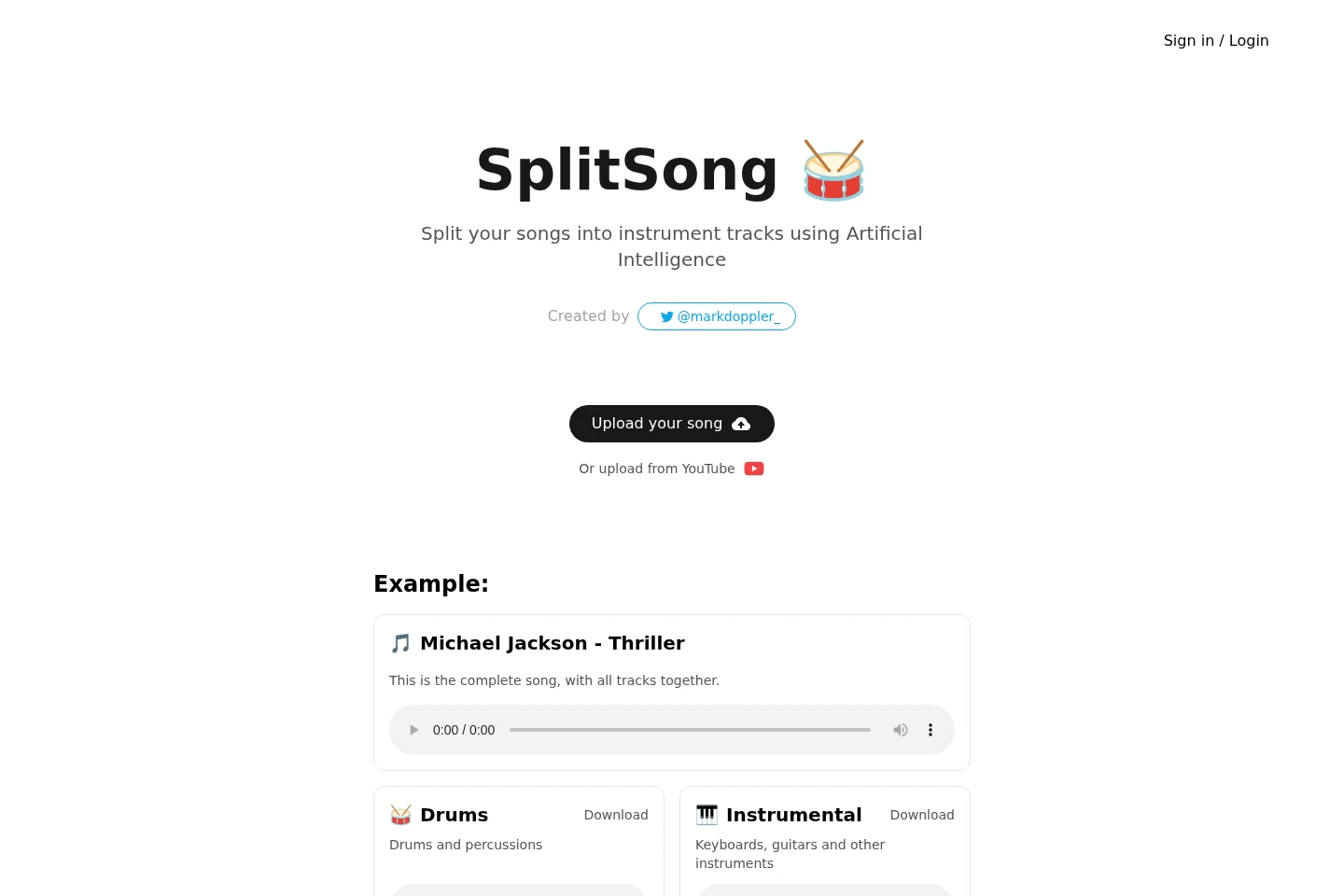
  3. SplitSong

    Separate songs into instrument tracks with AI

    Contact Sales
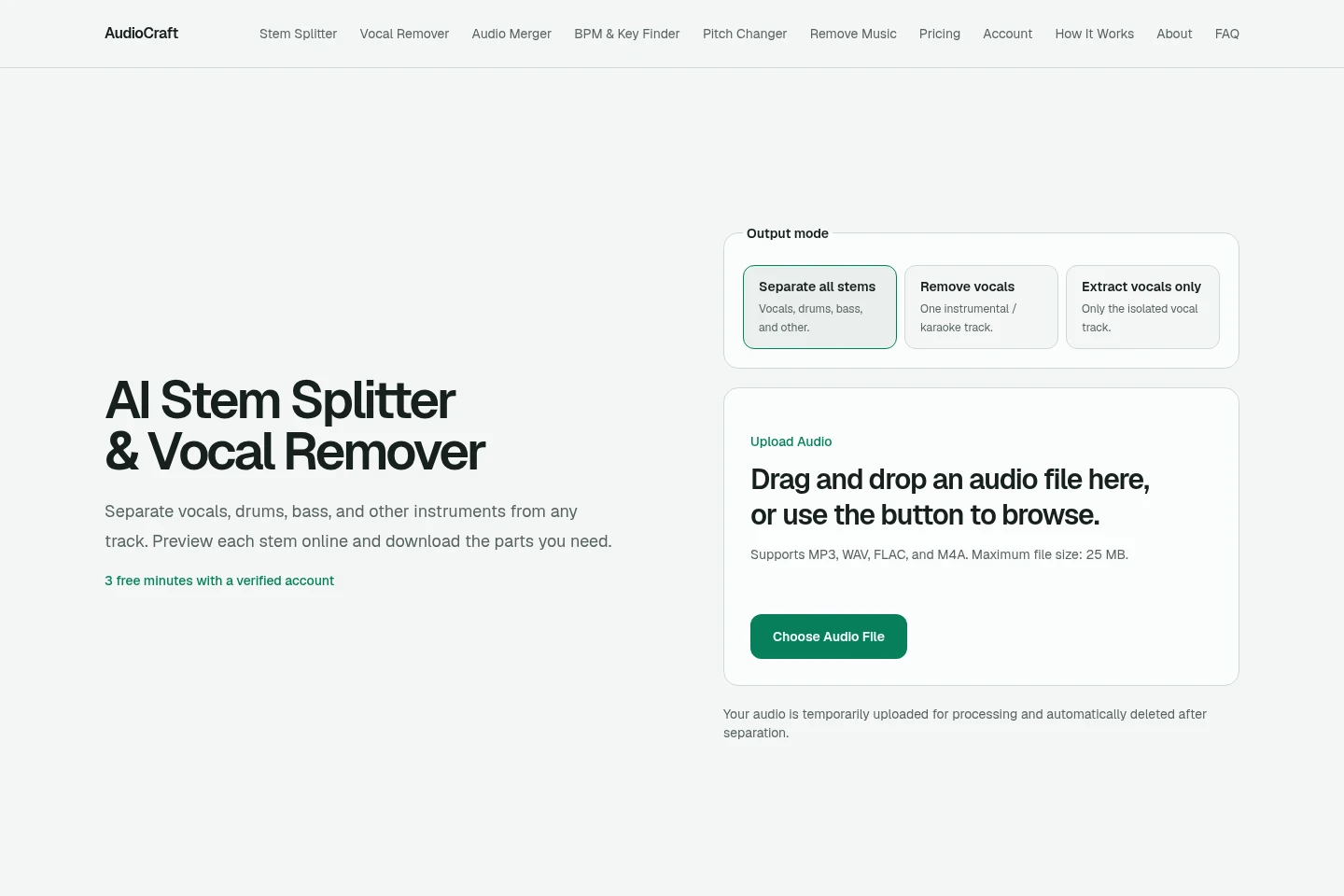
  4. AudioCraft

    Separate songs into vocals, drums, bass, and instruments

    Free · $0
  5. FreeMusicDemixer

    Effortlessly separate your music tracks

    Freemium

Who it is for

  • Musicians who need to isolate vocals or instruments from a song

  • Singers and performers preparing karaoke or backing tracks

  • Musicians transcribing recordings into editable MIDI notes

FAQ

Is the first song free?

Yes. The first song runs full length in the mixer without sign-in or a card. The Free plan provides a full-length result and a 30-second Clean preview.

What counts as one song?

A song up to 10 minutes counts as one song. A longer file counts as one song per 10 minutes, and the charge is shown before payment. Re-running the same song within 30 days is free, up to five times.

Do I need a subscription?

No. Song packs are paid once and do not expire. Studio Pass is a recurring plan for regular use and can be canceled from the account at any time; access continues through the paid period.

Do I need an account?

No. You can pay as a guest. The receipt email includes a link that keeps your songs accessible on any device.

What if the result is not clean enough?

Email within seven days to request a manual refund. A failed run always returns the song.

Can I edit MIDI notes before downloading?

Yes. In Forge Roll, you can add, move, or delete notes, quantize, transpose, and undo before exporting the .mid file.

Comments

Please sign in to leave a comment.
No comments yet. Be the first to share your thoughts!