

- Monthly visits
- 5,159
- 2026-09
- Monthly growth +603.8%
Aificient Studio - Turn a written idea into a video you can publish
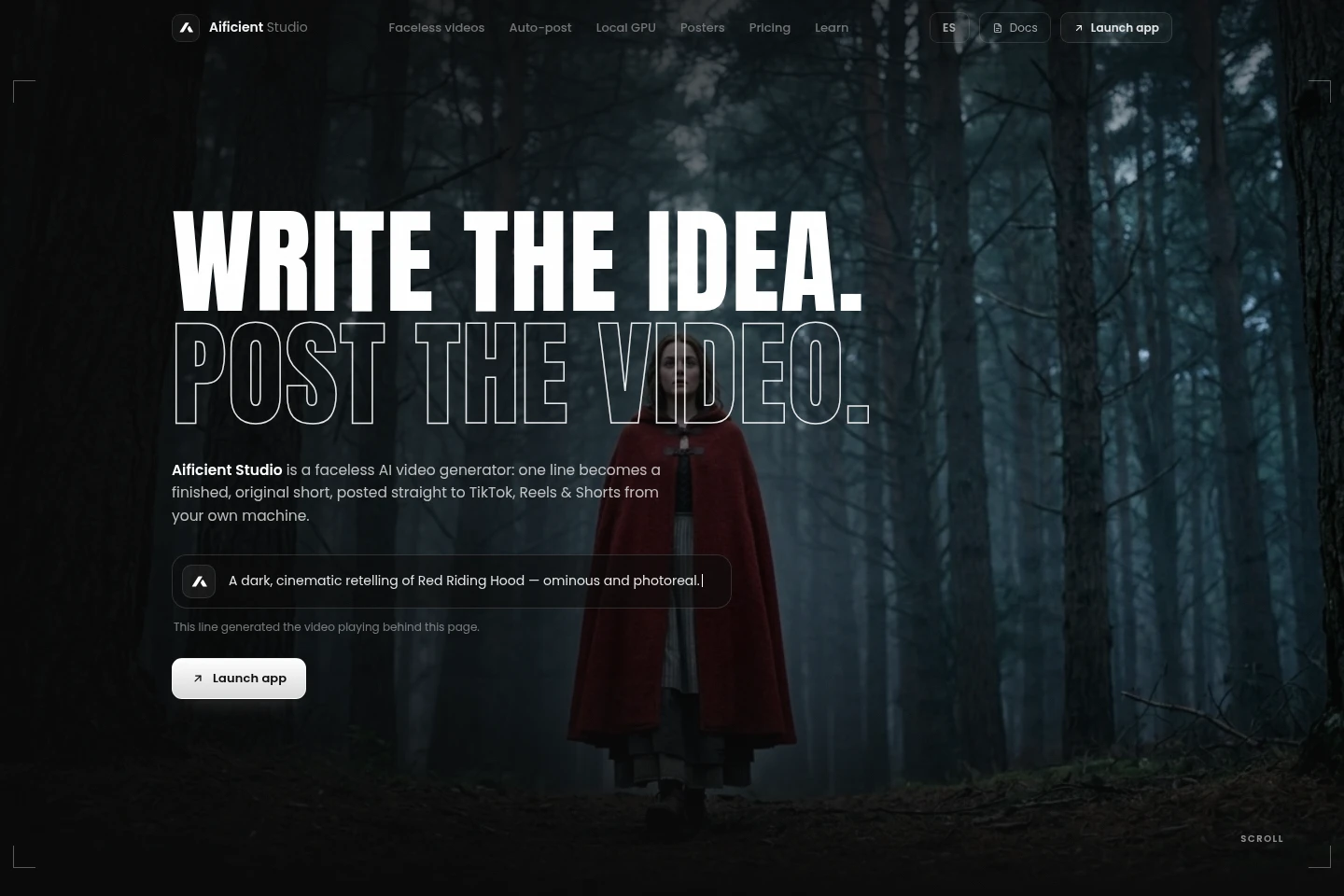
Aificient Studio turns a written idea into an AI-generated video with a structured script, scenes, narration, sound effects and styled captions. Create reusable characters, render locally on a compatible Windows NVIDIA GPU or use cloud rendering, and publish or schedule videos to TikTok, Instagram Reels and YouTube Shorts. It also creates animated posters.
- AI Video
- Video Generators
- Social Media Management
- Voice Cloning
- AI video generator
- faceless video creation
- social video scheduler
Capabilities
AI video generation
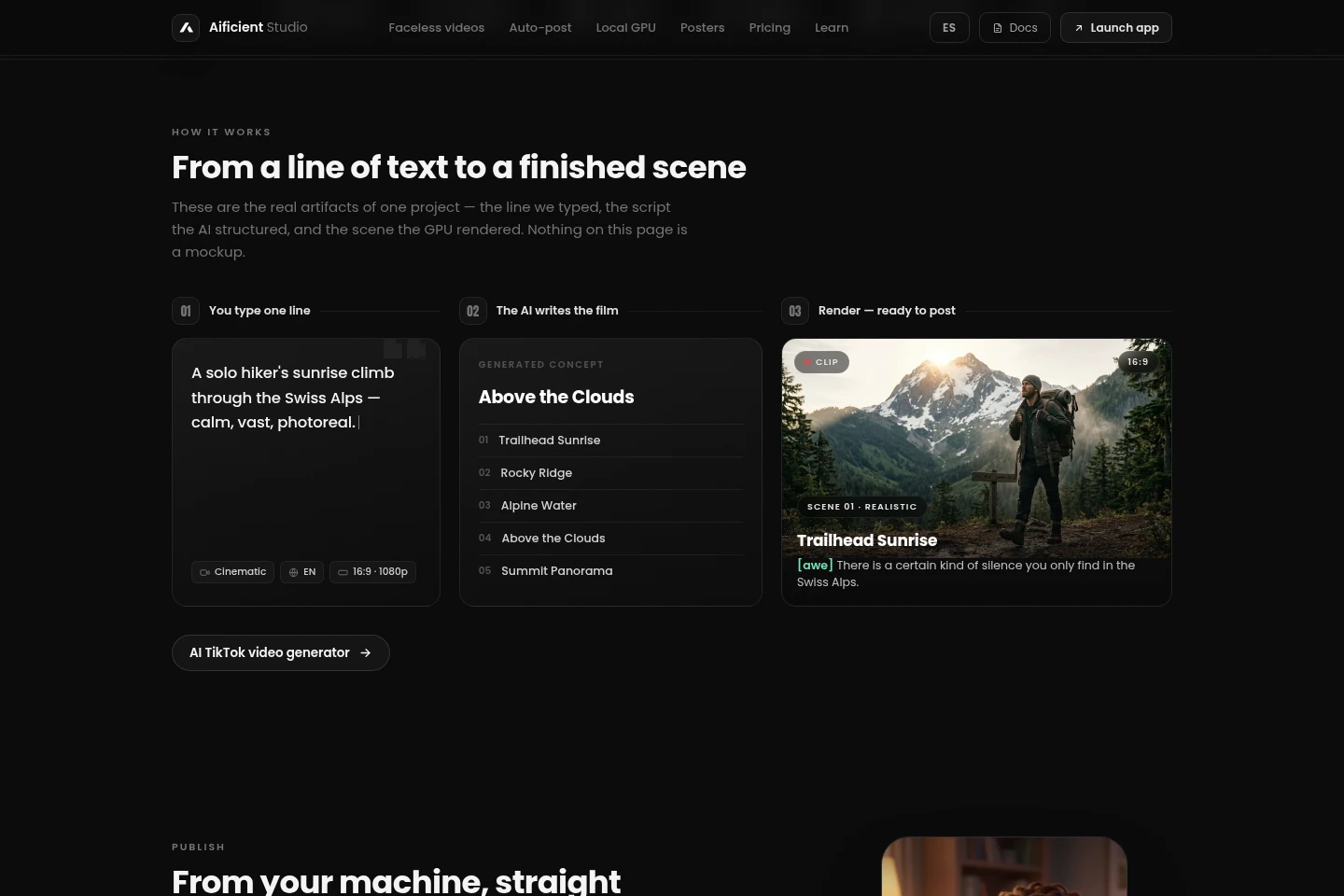
Turns a written idea into a structured concept, script and finished video. It generates scenes, narration, sound effects and styled captions, then assembles the scenes; rendering can use a local GPU or Aificient cloud.
Social video publishing
Publishes or schedules finished videos to TikTok, Instagram Reels and YouTube Shorts. Choose an account, sound and cover in the composer; publishing runs in your signed-in session and may need updates when platforms change.
Reusable characters and voices
Creates reusable stylized characters from uploaded photos and recurring narrators from library voices or voice recordings. Pin characters to videos and clone a voice from a short recording; plan limits apply to cloned voices.
Animated poster creation
Creates poster layouts from a written description and optional uploaded assets, then animates the artwork as a loop. Existing artwork can be animated as provided.
GPU rendering options
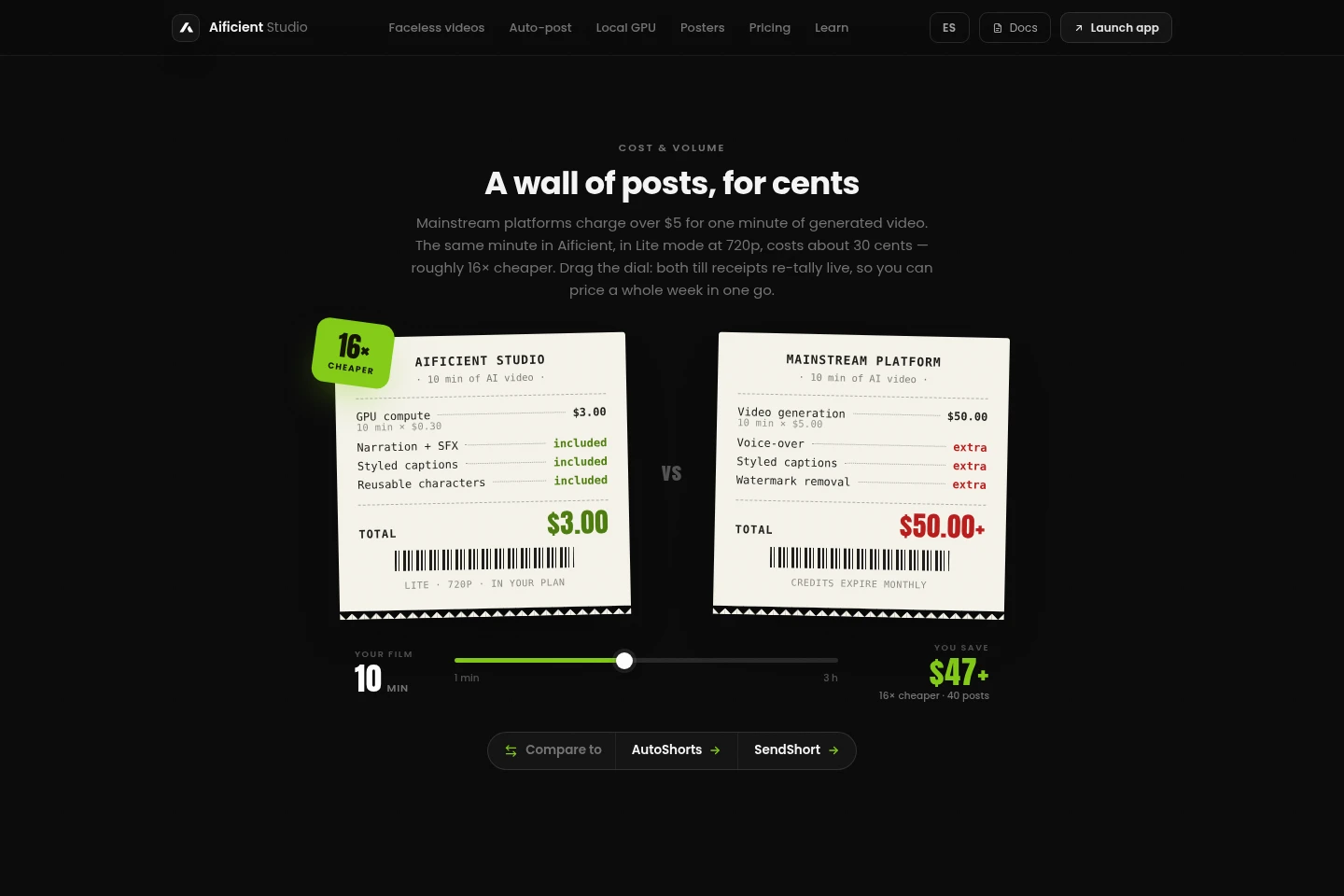
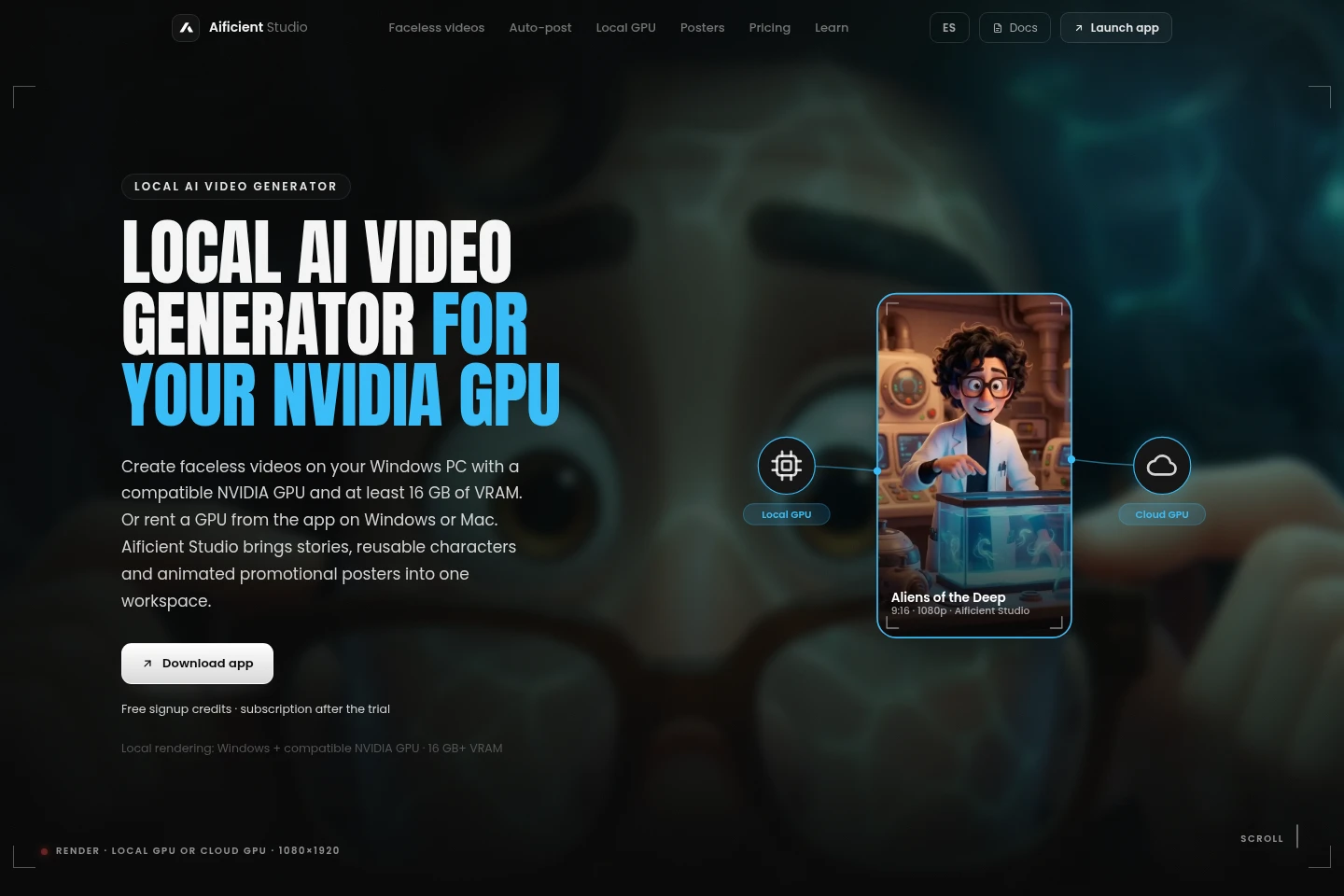
Renders video using a compatible local Windows NVIDIA GPU, a rented GPU through the Windows or macOS desktop app, or Aificient cloud. Local generation requires at least 16 GB of GPU VRAM; rented GPU charges are billed by the second.
Pricing
Aificient Studio offers free signup credits and a Standard-plan trial, then requires a monthly subscription. Compare each plan's monthly credits, storage, video allowance, cloned voices and rendering or support priority.
| Plan | Price | Included features and limits |
|---|---|---|
| Standard | €14.99 per month |
|
| Pro | €39.99 per month |
|
| Max | €89.99 per month |
|
Signup includes free credits for a first video and a trial on Standard. After the credits and trial, a subscription is required for continued use, including local video generation.
Use cases
Create faceless videos for social channels
When a creator needs original short videos without appearing on camera, they enter an idea and use generated scripts, scenes, narration, captions and reusable characters. The resulting video can be rendered and prepared for social publishing.
Publish or schedule videos to social platforms
When finished videos need to reach TikTok, Instagram Reels or YouTube Shorts, users select accounts, add a sound and cover, then publish or schedule through the composer. The workflow uses the user's signed-in platform session.
Create animated promotional posters
When a user needs a poster from a short brief or existing artwork, they provide a description and optional assets. Aificient creates a layout and can turn the still design into an animated loop.
Render videos on a local or rented GPU
When a user wants to choose where scenes are rendered, they can use a compatible Windows NVIDIA GPU, rent a GPU in the Windows or macOS desktop app, or send scenes to Aificient cloud. Local video generation requires at least 16 GB of GPU VRAM.
Limitations
Local video generation requires the Windows desktop app, a compatible modern NVIDIA GPU and at least 16 GB of GPU VRAM; this minimum is GPU memory, not system RAM.
Publishing drives the real platform sites in the user's signed-in session, so platform changes may require an Aificient update.
Video assembly in the web app uses an API with a usage cost; desktop apps can assemble locally to avoid that assembly cost.
Continued use after signup credits and the Standard trial requires a subscription, including when generating video locally.
Who it is for
Social video creators who need to produce original short-form posts
Operators of faceless channels who need recurring characters and narration
Creators with compatible NVIDIA hardware who want local video rendering
Marketing creators who need animated posters and social video publishing
FAQ
What does Aificient Studio create?
It turns a written idea into a finished video. The workflow structures a concept and script, generates characters and scene images, adds narration, sound effects and styled captions, then assembles a downloadable video.
Where can I publish or schedule videos?
You can publish or schedule to TikTok, Instagram Reels and YouTube Shorts. Select accounts, add a sound and cover, and use the composer while signed in to the relevant platform.
Can I render videos on my own computer?
Yes, local video generation is available on Windows with a compatible modern NVIDIA GPU and at least 16 GB of GPU VRAM. Alternatively, rent a GPU from the Windows or macOS desktop app or use Aificient cloud.
What plans and trial access are offered?
Signup includes free credits and a trial on the Standard plan. After those credits and trial, continued use requires a subscription; Standard, Pro and Max have different monthly credit and storage allowances.
Comments