Monthly visits
14,231
2026-10
Monthly growth +1,277.6%

AI Picture Editor - Edit photos with AI prompts, then review and download

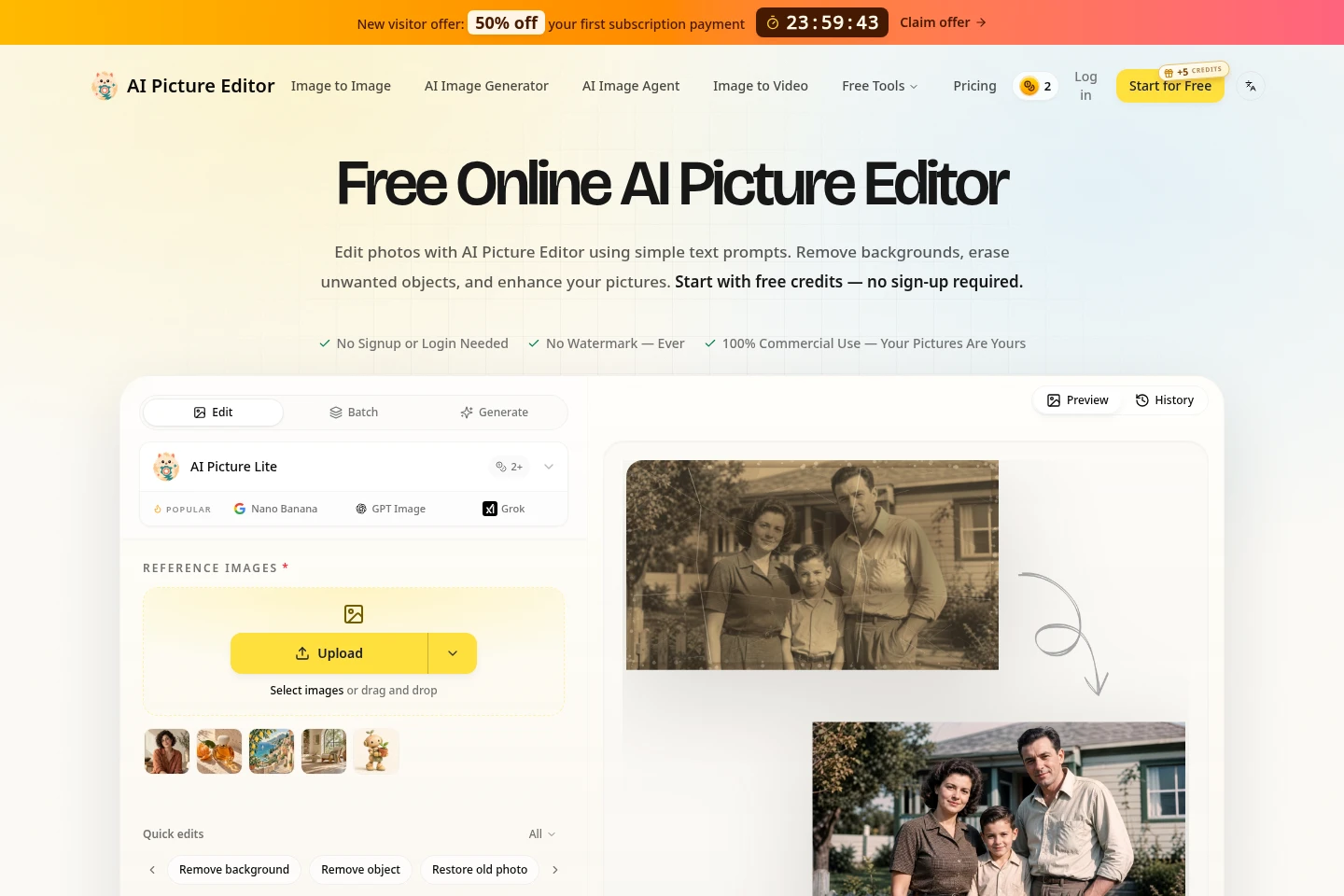
AI Picture Editor is a browser-based photo editor for changing existing images with text prompts. Upload JPG, PNG, or WEBP files, describe what to change and preserve, choose a model, and review the result before downloading. It supports background changes, object removal, restoration, retouching, and image enhancement, with free credits and paid credit options.

Visit WebsiteUpdate this product

0Views

Capabilities

Text-prompt photo editing

Changes existing images according to text instructions and returns an edited image. Upload an image, describe what to alter and what to preserve, select a model, and review the displayed credit cost before generation.

Background editing

Removes or replaces an image background and returns an edited picture. Upload a supported image and describe the new scene or request a transparent-background cutout; model and settings affect credit use.

Unwanted-object removal

Removes described objects or visual distractions from a picture. Provide an image and identify the object and its location in the prompt; each generation uses credits.

Photo restoration and enhancement

Restores older photos and enhances image appearance in an edited output. Describe repairs such as scratches, fading, lighting, or detail improvements; inspect faces and textures before downloading.

Image download and export

Downloads the reviewed result without a watermark. Supported upload formats include JPG, PNG, and WEBP, while download formats depend on the selected model and generated result.


PricingFree trial

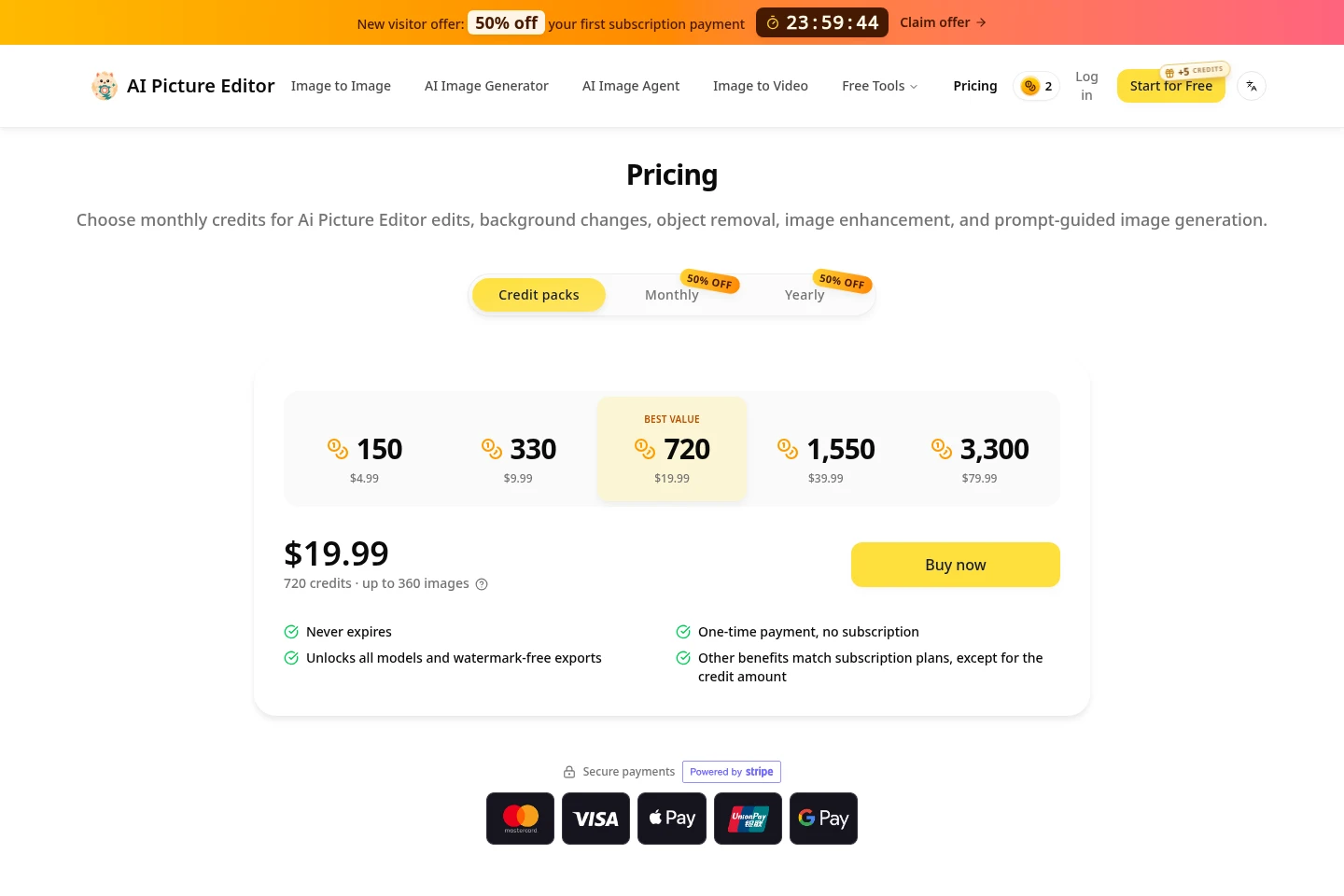
Paid subscriptions recur monthly, and a separate credit pack is a one-time purchase. Compare monthly credits and image estimates; image estimates assume the lowest-cost model and other models or settings use more credits.

PlanPriceIncluded features and limits
Credit pack

$19.99 one-time

  • 720 credits, up to 360 images at 2 credits each with Z-Image, 1024 × 1024.

  • Credits never expire.

  • Unlocks all models and watermark-free exports.

  • Other benefits match subscription plans, except for the credit amount.

Basic

$7.95 first month, then $15.9/month

  • 600 credits included every month.

  • Up to 300 images monthly at the stated lowest-cost setting of 2 credits each.

  • Includes prompt editing, cleanup, and background changes.

  • Includes full commercial use rights and watermark-free exports.

  • 24/7 customer support.

Pro

$14.95 first month, then $29.9/month

  • 1,500 credits included every month.

  • Up to 750 images monthly at the stated lowest-cost setting of 2 credits each.

  • Includes prompt editing, cleanup, and background changes.

  • Includes full commercial use rights and watermark-free exports.

  • 24/7 customer support.

Max

$34.95 first month, then $69.9/month

  • 4,000 credits included every month.

  • Up to 2,000 images monthly at the stated lowest-cost setting of 2 credits each.

  • Includes prompt editing, cleanup, and background changes.

  • Designed for batch product images, campaigns, and team workflows.

  • Includes full commercial use rights and watermark-free exports.

  • 24/7 customer support.

The first-month subscription prices are introductory prices; the listed higher monthly price applies afterward. Image estimates use Z-Image at 1024 × 1024 and 2 credits per image; other models and settings cost more credits. The site advertises 50% off the first subscription payment as a time-limited new-visitor offer.

Use cases

Prepare product images for listings

When preparing product photos for an online listing, upload the image and request a clean or lifestyle background while specifying details such as shape, label, and color to preserve. Review the generated version before publishing.

Remove distractions from a photo

When a photo contains an unwanted person or object, upload it and describe the distraction and its location. Review the edited picture and refine the prompt if needed; each new generation uses credits.

Restore an older family photo

When an old family picture has scratches, fading, or unclear faces, upload it and describe the repairs while asking to preserve the people and original character. Review the result before downloading.

Limitations

  • Guest image uploads are limited to 10 MB per image; limits for signed-in users vary by model.

  • Automatic folder-based batch editing is not currently offered; each generation has a model- and settings-dependent credit cost.

  • Download formats depend on the selected model and generated result.
Alternatives

AIImageToImage.ai

Edit uploaded photos with AI prompts in your browser

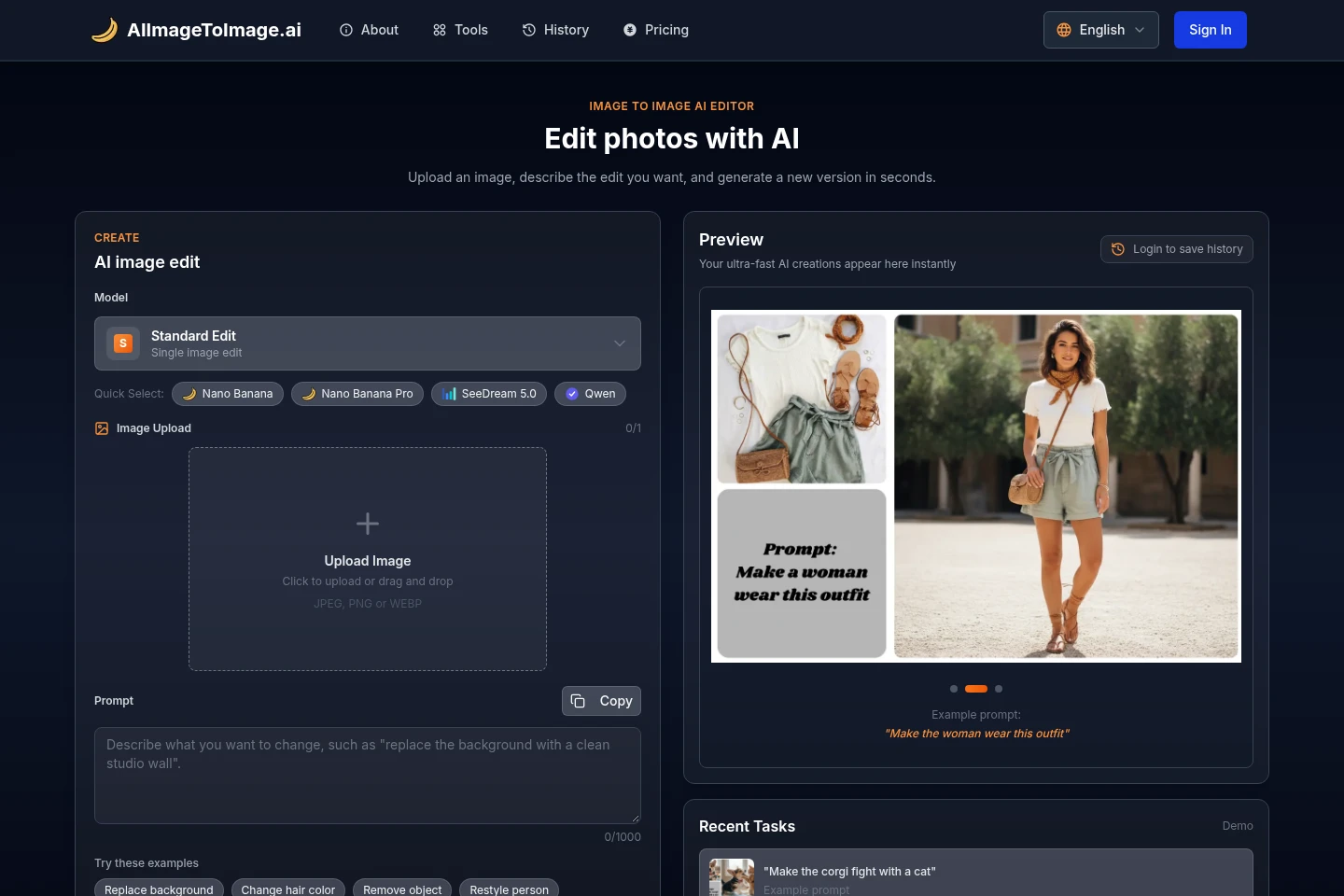
AIImageToImage.ai is a browser-based image editor that transforms uploaded photos from text prompts. Choose from available image models and tools to change backgrounds, remove objects, restore photos, or apply styles. Upload JPEG, PNG, or WEBP images and generate edited versions using credits.

  • Cloud
  • Freemium
  • Starter$7.90/month; yearly $94.80
  • Pro$23.90/month; yearly $286.80
  • Premium$49.90/month; yearly $598.80
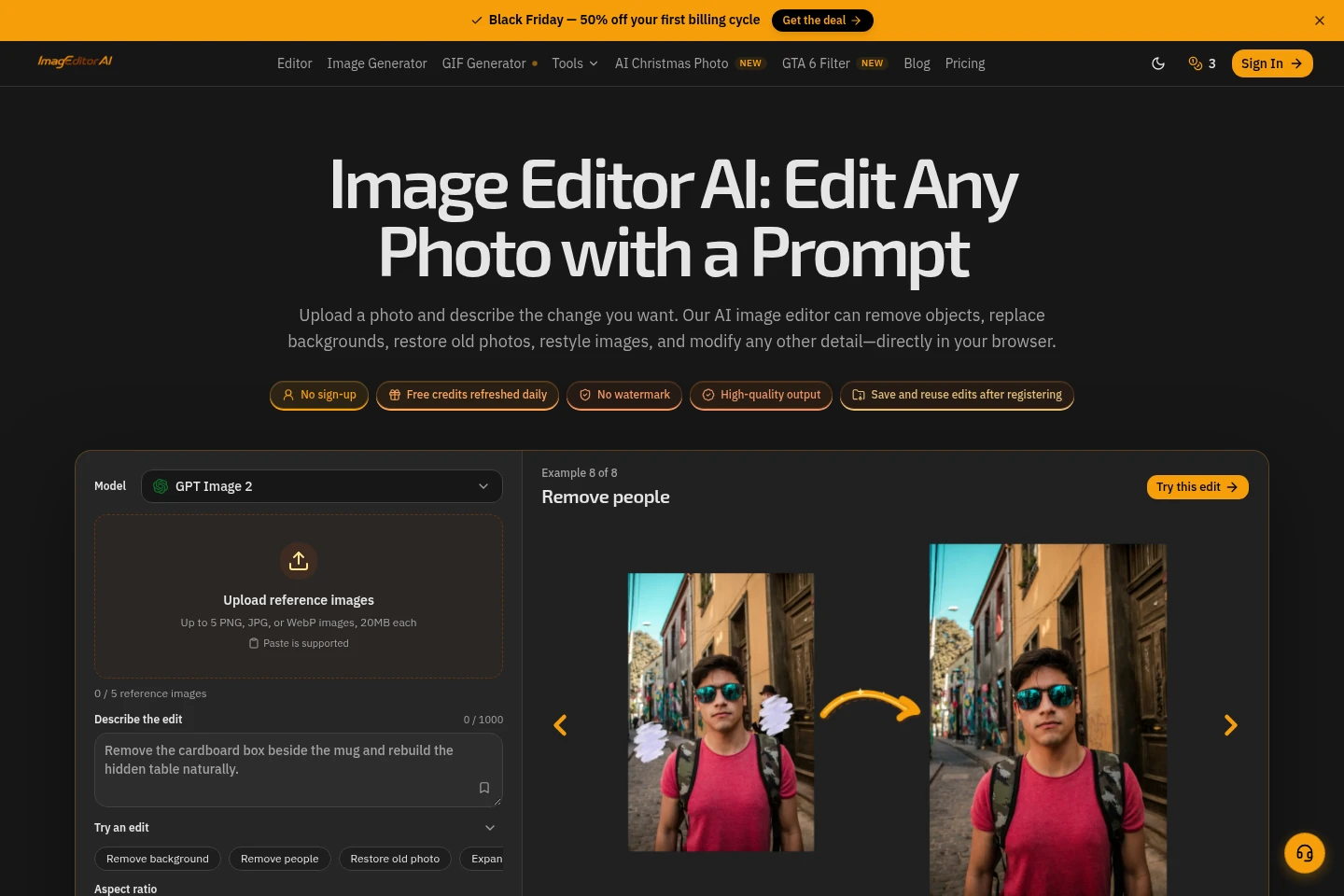
  1. Image Editor AI

    Edit any photo with a simple text prompt, no layers or masks required

    Freemium
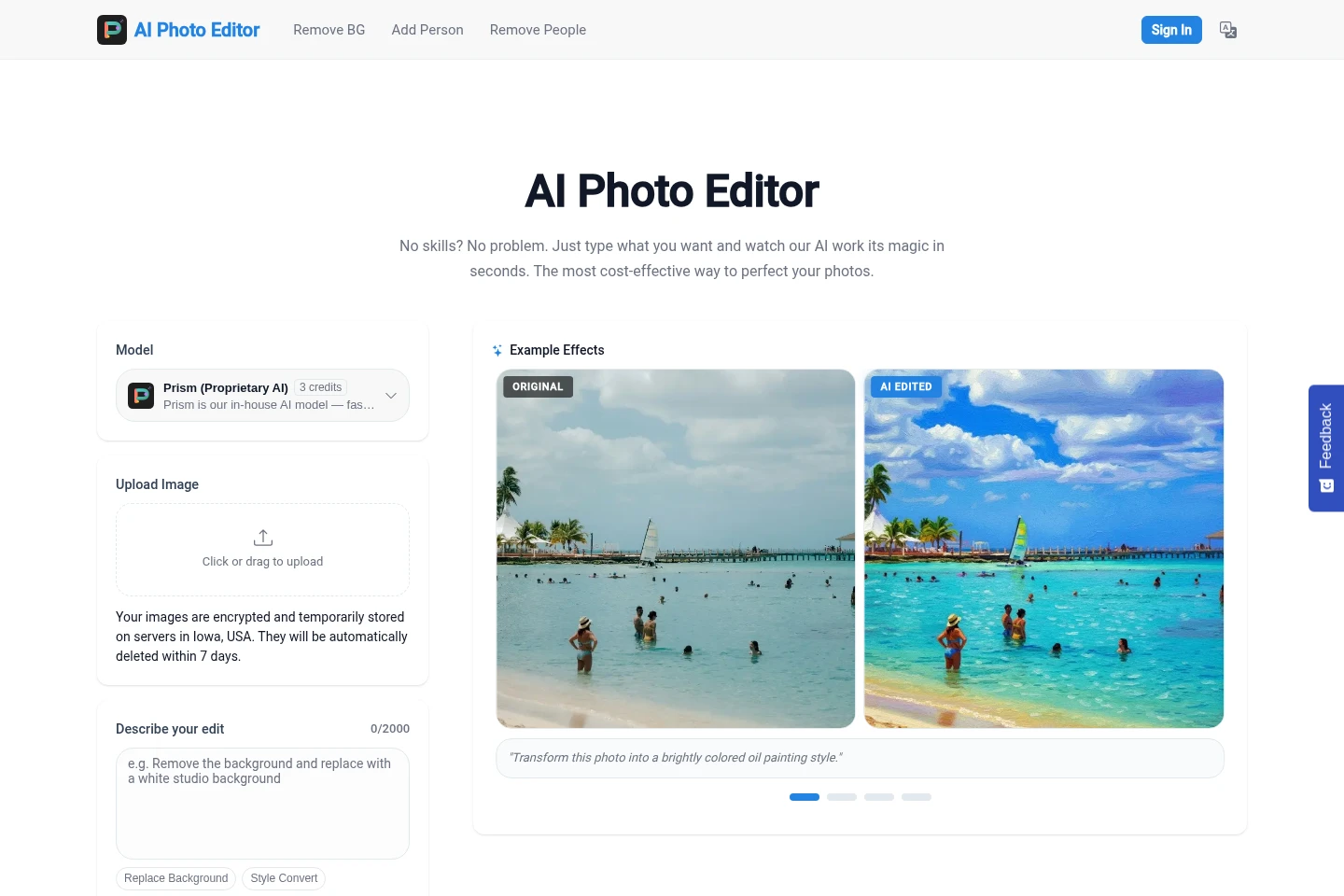
  2. AI Photo Editor

    Edit photos with text prompts and AI-powered tools

    Free Plan · Free
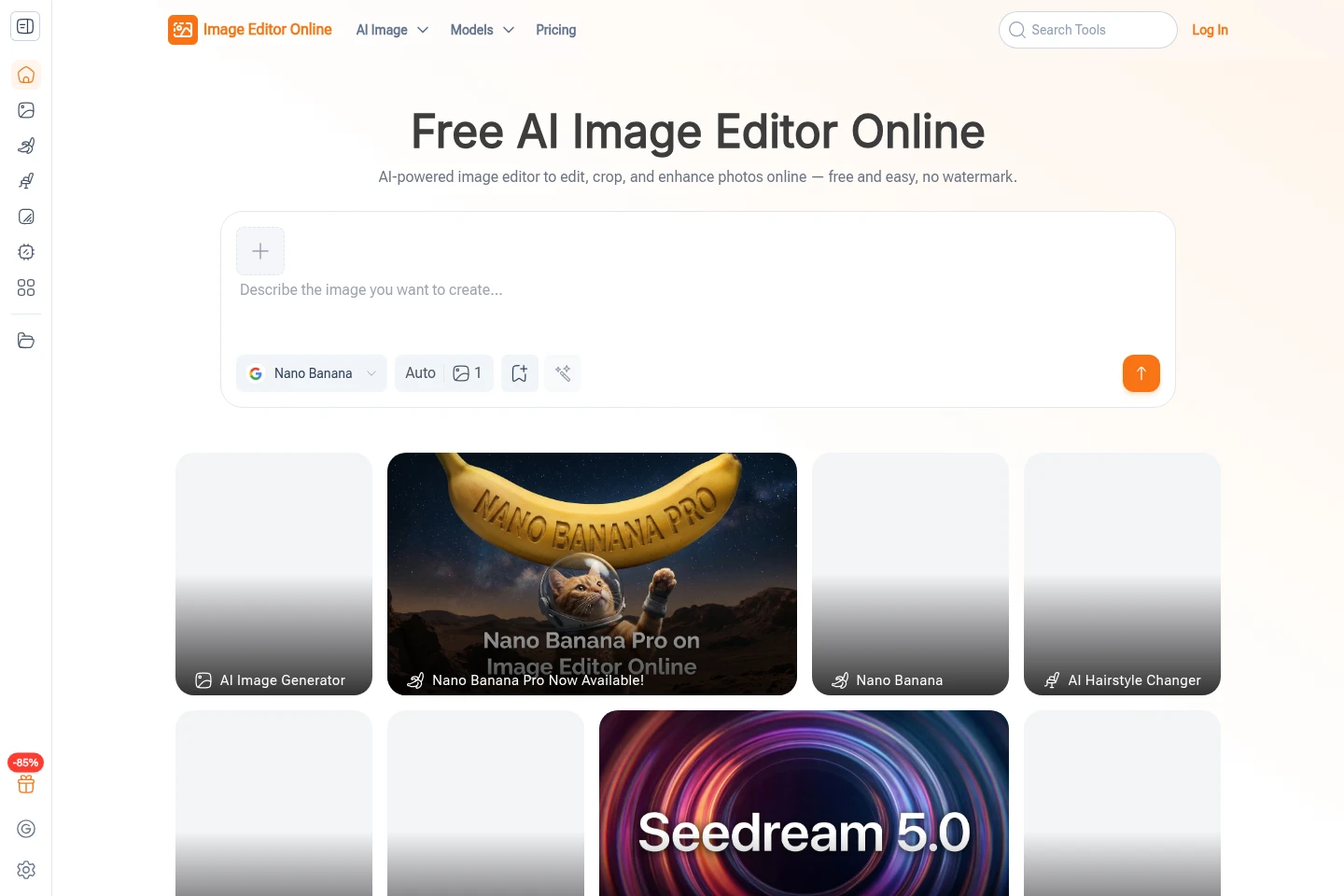
  3. Image Editor Online

    Edit and transform photos with AI prompts online

    Free
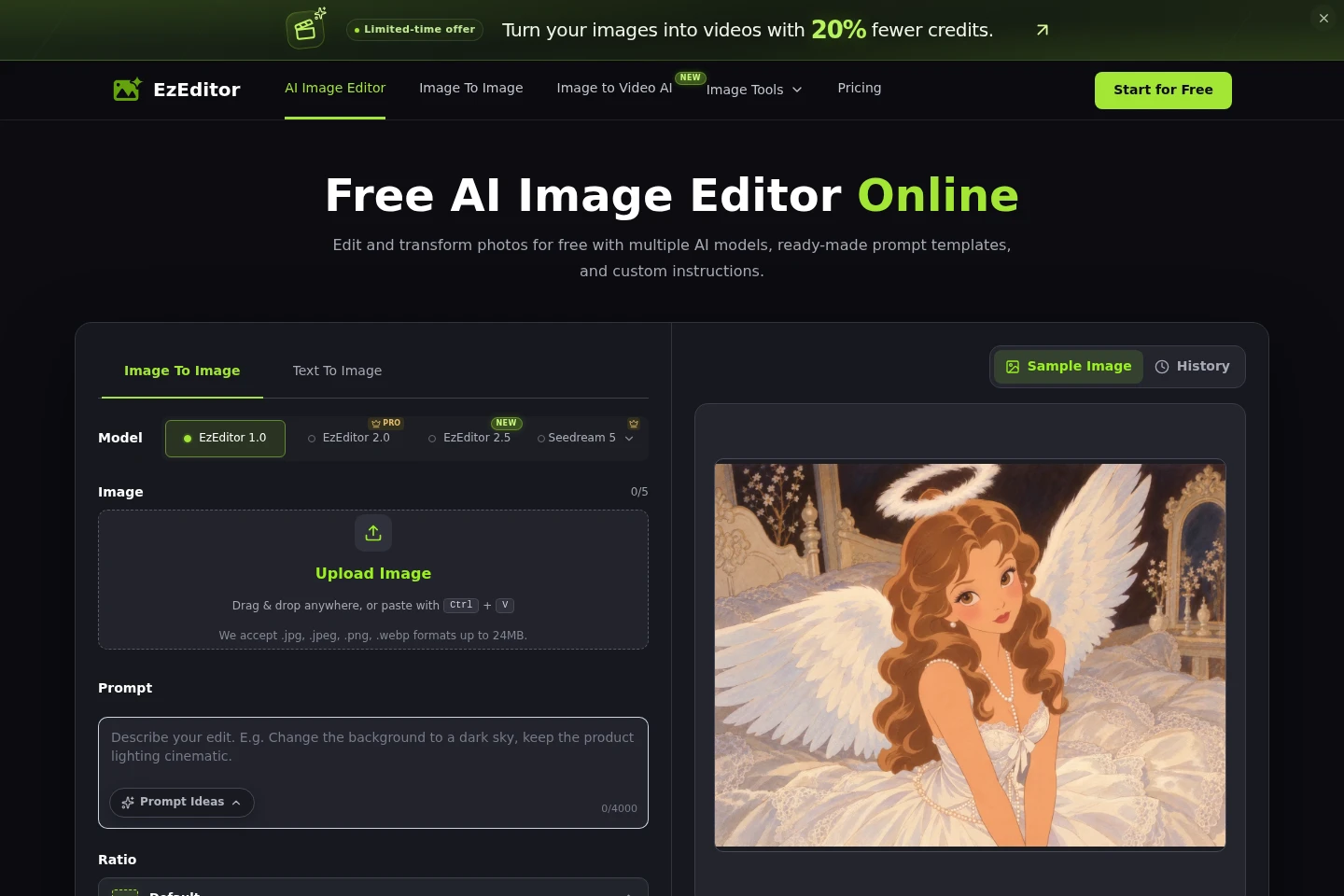
  4. EzEditor

    Edit and generate images with AI prompts

    Free
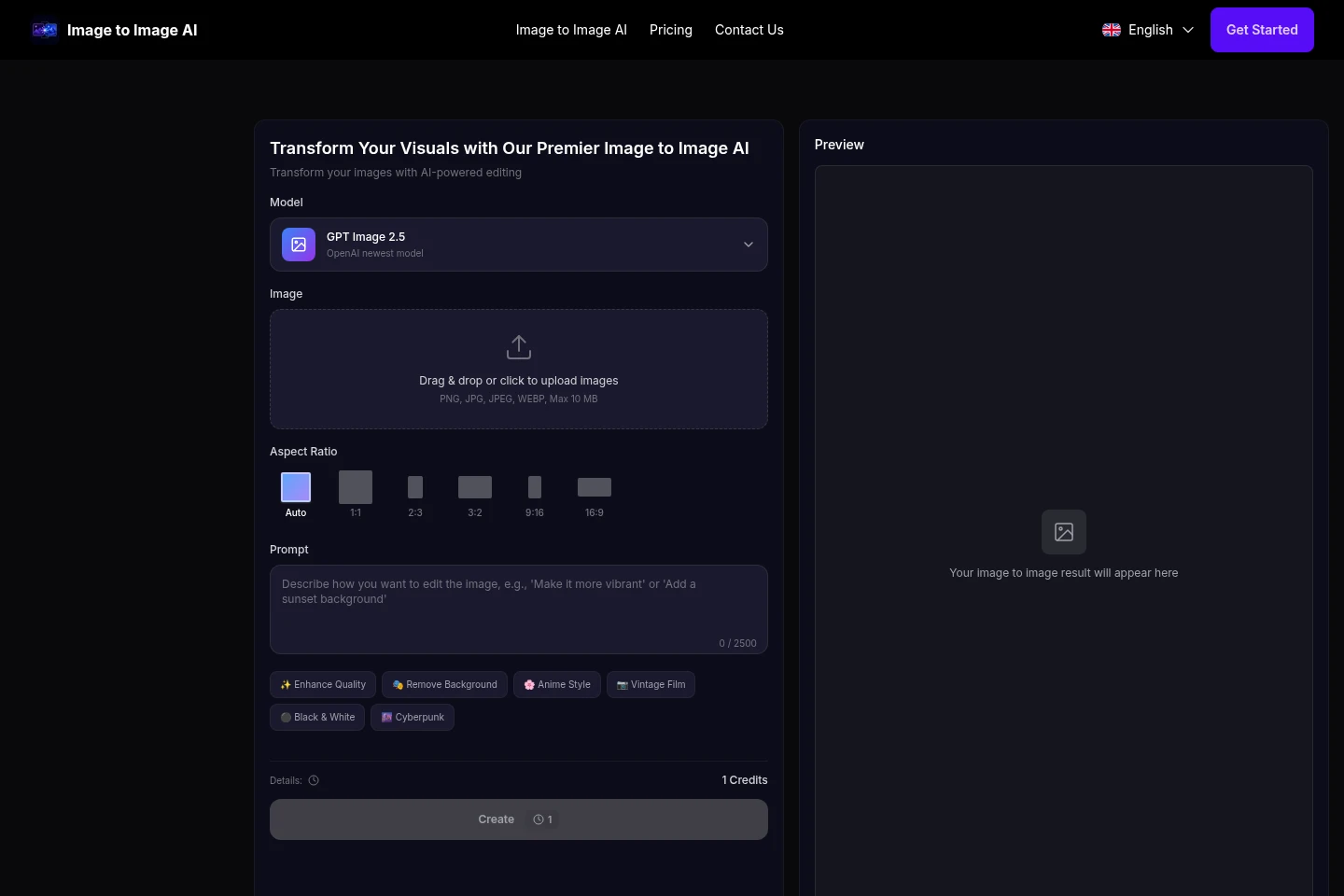
  5. Image to Image AI

    Transform uploaded images with AI and text prompts

    Freemium

Who it is for

  • E-commerce sellers who need edited product pictures for listings

  • Social media creators preparing posts, thumbnails, and profile pictures

  • Photographers seeking prompt-based cleanup, lighting changes, and detail enhancement

  • People who want to repair scratches and fading in older family photos

FAQ

Can I try AI Picture Editor without paying or signing up?

Yes. You can use available free trial credits without signing up or providing a credit card. New accounts receive a one-time gift of additional credits; signing in again does not renew that gift, and free use depends on available credits and capacity.

Are downloads watermarked?

No. Downloads from free-credit and paid edits are provided without a watermark. Review the generated result before saving it.

Which image formats can I upload?

You can upload JPG, PNG, or WEBP images. Guest uploads are limited to 10 MB per image, while signed-in limits vary by model; download formats depend on the selected model and result.

Can I batch edit a folder of photos?

No. Automatic folder-based batch editing is not currently offered. Upload pictures for the current edit and check the selected model's limits; each generation uses credits based on its model and settings.

How do I cancel or change a subscription?

Use the billing page to cancel a subscription or change plans. The pricing FAQ says plans can be changed at any time.

What is the refund policy?

A 7-day refund policy is offered. Any usage already consumed may be deducted, and the difference is refunded.

Comments

Please sign in to leave a comment.
No comments yet. Be the first to share your thoughts!