

- Monthly visits
- 0
- 2026-10
96Meridian - AI clinical notes from doctor-patient conversations
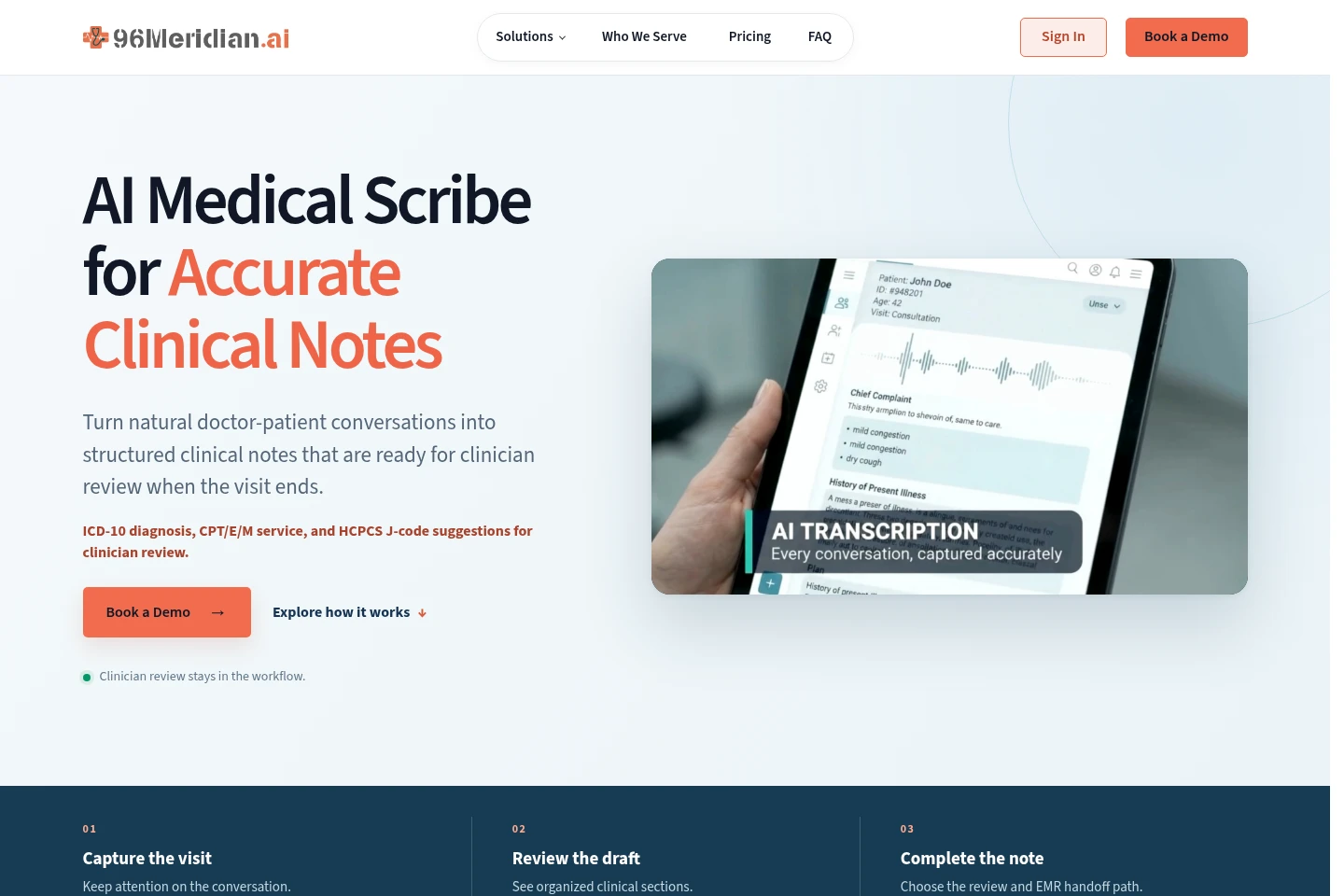
96Meridian is an AI medical scribe for clinical visits. It turns doctor-patient conversations into structured draft notes, offers specialty and visit-type templates, and suggests ICD-10, CPT/E/M, and HCPCS J-code options for clinician review. Providers can edit and approve notes before sending them to an EMR, or review them in the EMR depending on the configured workflow.
- AI Business Tools
- Medical Scribes
- Transcription
- Healthcare
- AI medical scribe
- clinical notes
- EMR integration
Capabilities
Clinical note drafting
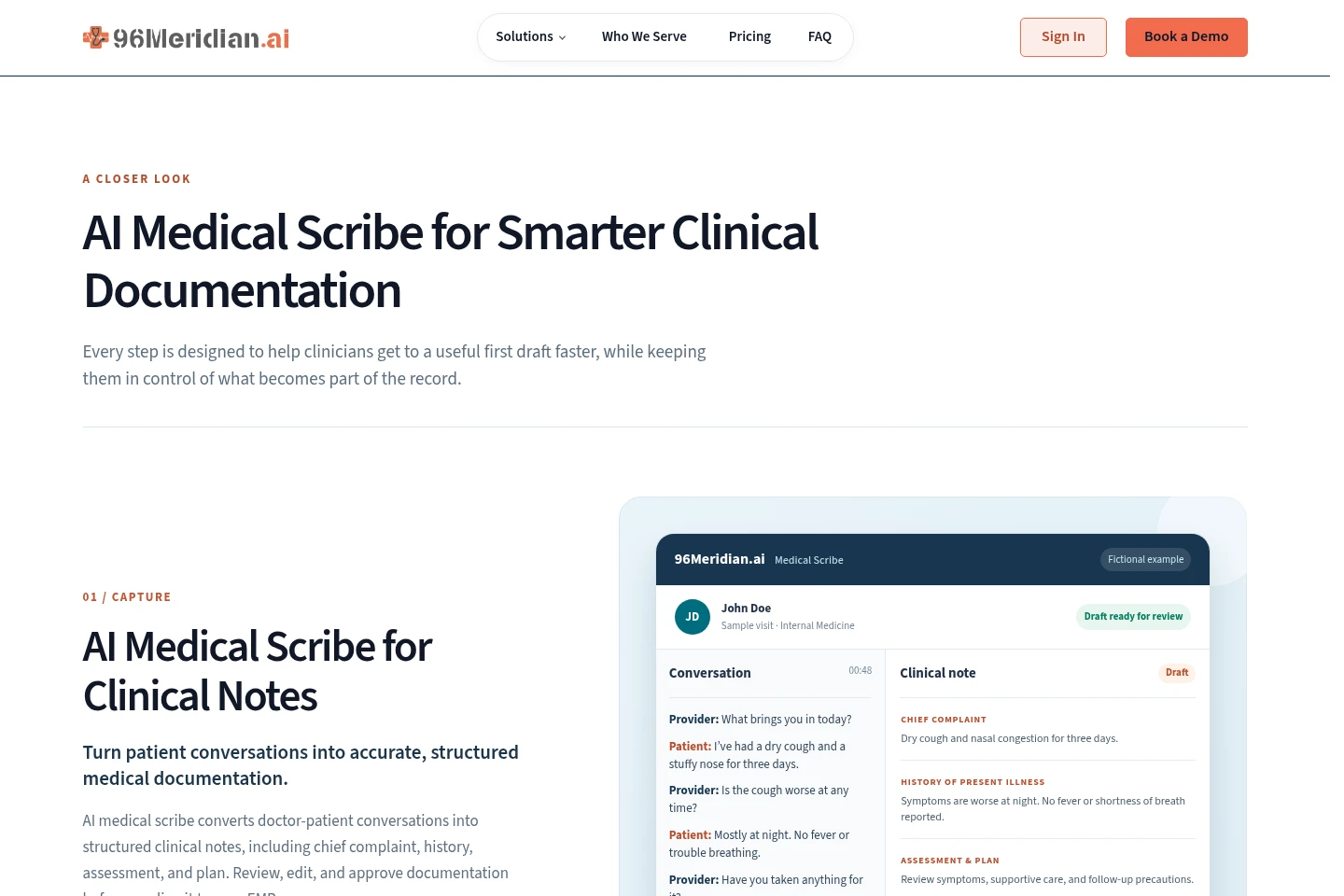
The AI medical scribe turns doctor-patient conversations into structured clinical note drafts. It organizes content into sections such as chief complaint, history, assessment, and plan, which clinicians can review, edit, and approve.
EMR note handoff
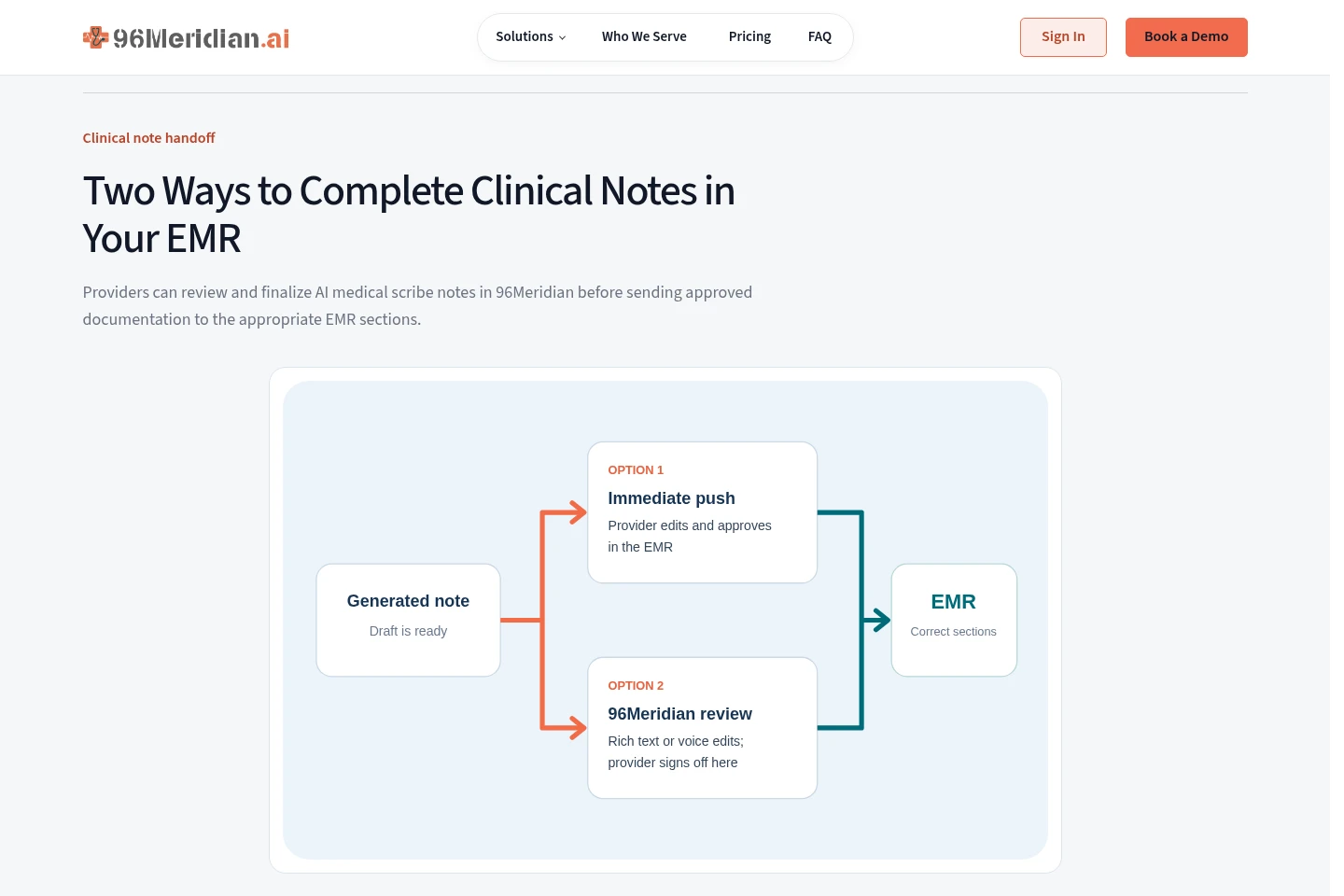
The product sends notes to an EMR for review or copies approved notes into mapped EMR sections. Depending on the configured workflow, providers can review and sign in the EMR or edit and approve the note in 96Meridian first.
Specialty note templates
Templates organize clinical notes for specialties and visit types. Providers can use consistent headings and edit the draft to add clinical details before approval.
Clinical coding suggestions
The note workflow displays ICD-10 diagnosis, CPT/E/M service, and HCPCS J-code suggestions beside the documentation. Clinicians assess the suggestions in context and make the final coding choice.
Multilingual visit transcription
The system can turn conversations in more than 90 languages into English clinical notes. Speaker labels in the transcript help clinicians check who said what while reviewing the draft.
Pricing
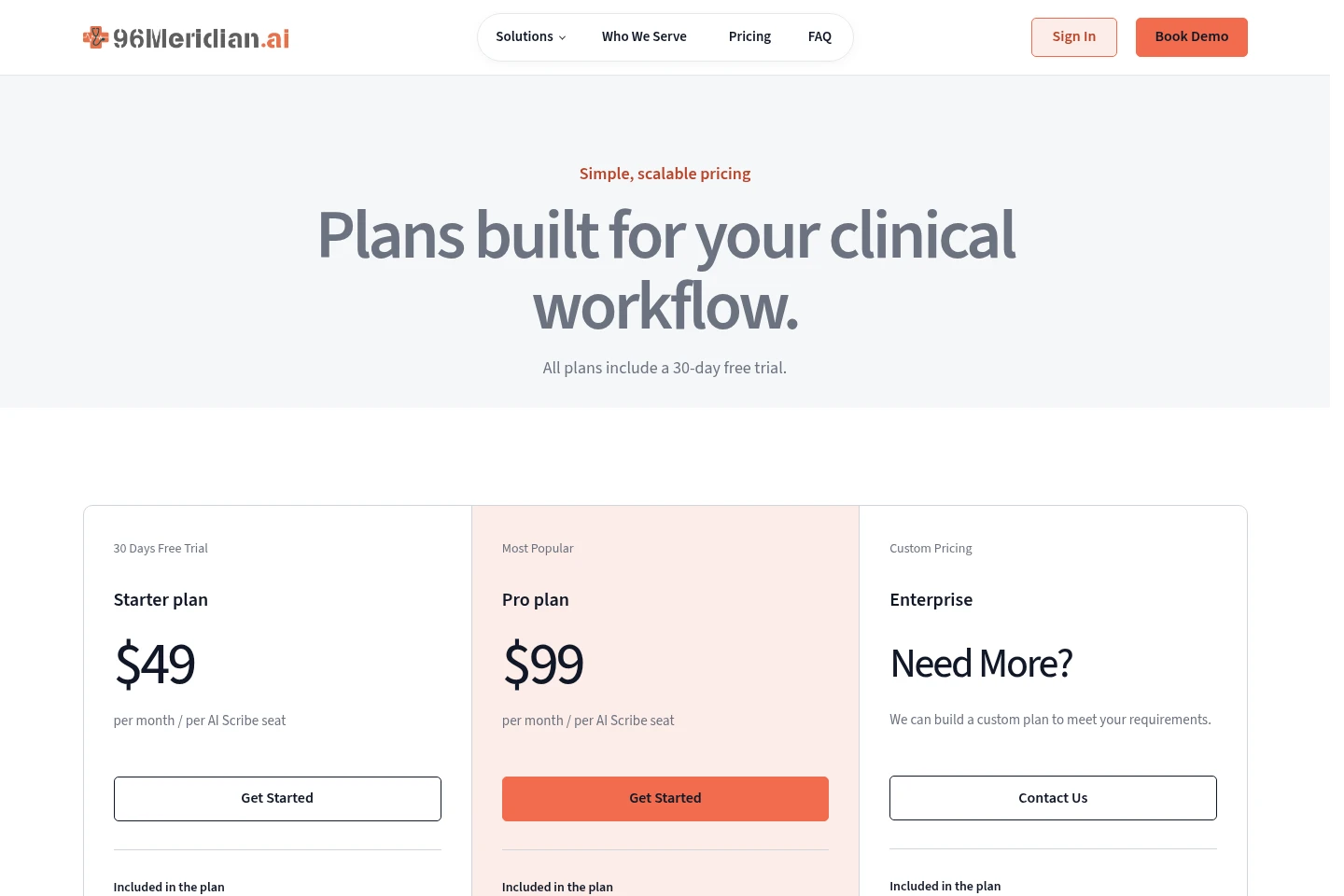
Paid subscriptions are offered per AI Scribe seat, with a 30-day free trial stated for all plans. Compare included scribe minutes, templates, support, and whether custom enterprise pricing is needed.
| Plan | Price | Included features and limits |
|---|---|---|
| Starter plan | $49 per month per AI Scribe seat |
|
| Pro plan | $99; billing period not stated |
|
| Enterprise | Custom pricing |
|
All plans include a 30-day free trial. Pro minutes cannot be shared with another Provider, including PAs and NPs; only free Medical Assistant and office-staff usage supporting that Provider may count toward the allowance. Sustained overages are reviewed with the customer.
Use cases
Draft structured notes after clinical visits
When clinicians need to document a patient conversation, the scribe captures the visit and creates an organized draft with clinical sections. Providers compare it with the conversation, make edits, and approve the final note.
Review and send visit notes to an EMR
When a practice needs visit documentation in its EMR, staff can send a draft for review there or finish review and sign-off in 96Meridian first. The note is sent or copied into the appropriate EMR sections according to the configured workflow.
Adapt notes to a specialty and visit type
When providers document different specialties or visit types, they select a matching template to structure the note. They can add clinical details and review the resulting draft before approval.
Review coding suggestions with visit notes
When clinicians are assessing documentation, ICD-10, CPT/E/M, and HCPCS J-code suggestions appear alongside the note. The provider reviews them in context and retains the final diagnosis and coding decision.
Limitations
Coding suggestions are for clinician review; the provider makes the final diagnosis and coding choice.
The Pro plan's 15,000 monthly minutes apply to each paid Provider account; minutes cannot be shared with another Provider, including PAs and NPs.
Only free Medical Assistant and office-staff usage supporting a paid Provider may count toward that Provider's Pro allowance.
Sustained Pro usage above the stated allowance is reviewed with the customer.
EMR options and note handoff paths depend on the practice's configured workflow.
Who it is for
Clinicians who need to draft and review visit documentation
Medical practices that need structured notes handed off to an EMR
Clinical staff supporting provider documentation and EMR workflows
FAQ
Does a clinician review the AI-generated note?
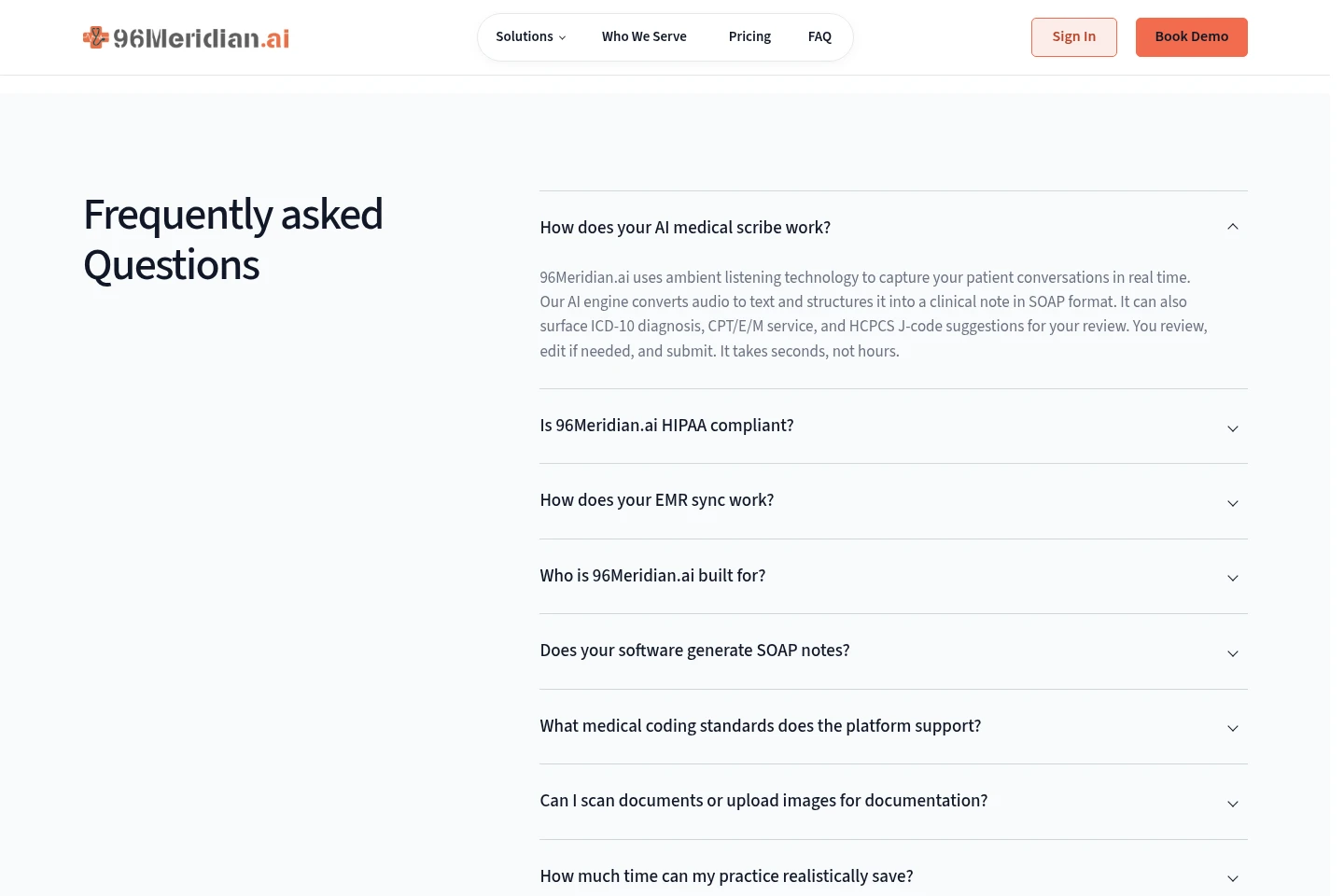
Yes. The scribe creates a draft for clinician review. Providers can compare it with the conversation, edit it, and approve the final documentation.
Can notes use specialty-specific templates?
Yes. Templates can be selected for specialties and visit types, with consistent sections and room for providers to add clinical details.
How does a note reach the EMR?
Teams can send a draft to the EMR for review, or complete review and sign-off in 96Meridian before copying the note to mapped EMR sections. The available path depends on the configured workflow.
Which EMR systems are shown as examples?
The site lists eClinicalWorks, Practice Fusion, NextGen, and TruBridge/CPSI as examples. It advises practices to ask about their EMR and configured workflow.
What languages can the scribe handle?
The product page describes conversations in more than 90 languages being turned into English clinical notes. Speaker labels help clinicians verify the transcript during review.
Comments