

- Monthly visits
- 4,460
- 2026-09
- Monthly growth +83.5%
ZYNG OS - Visual AI engines for commerce imagery and catalogs
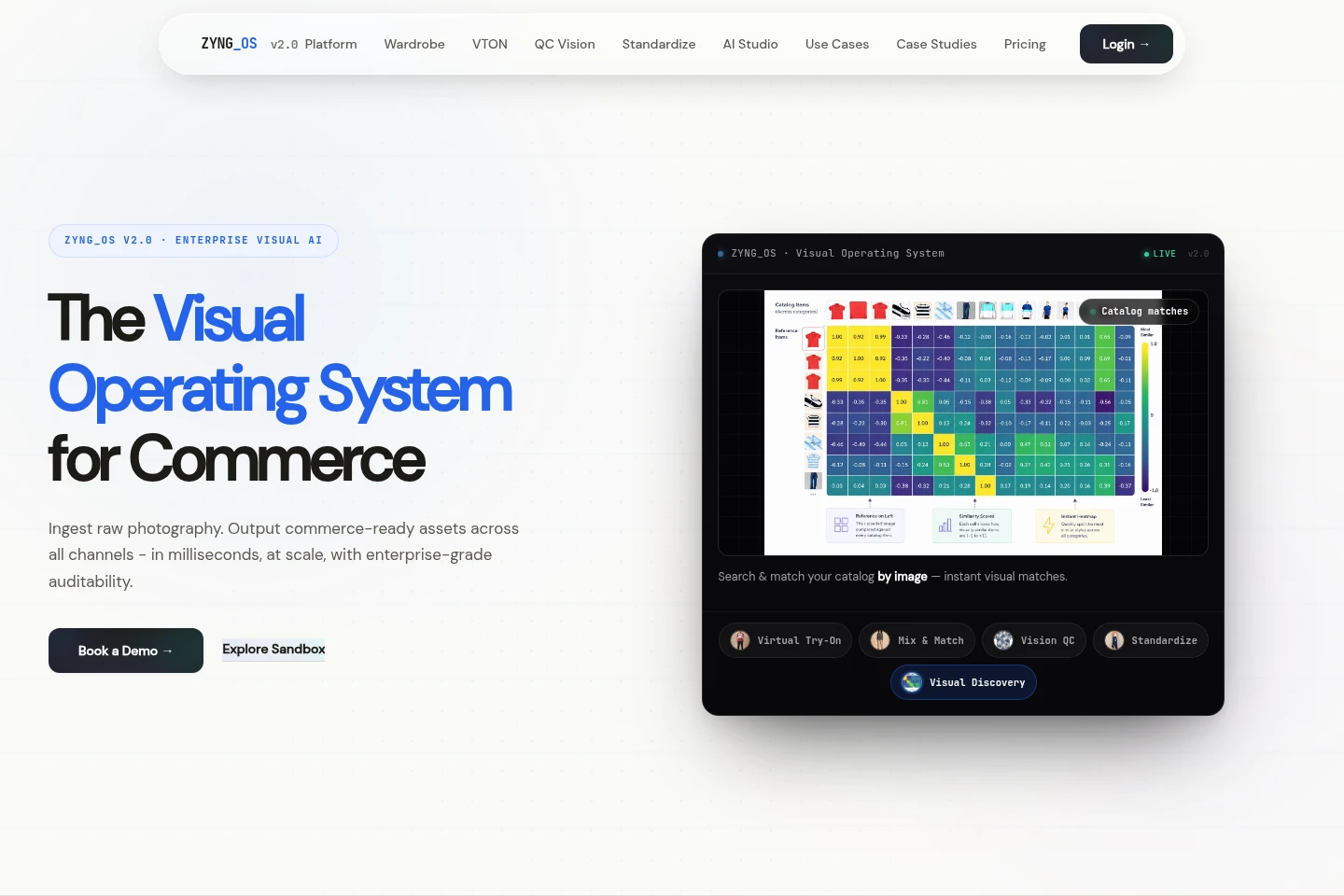
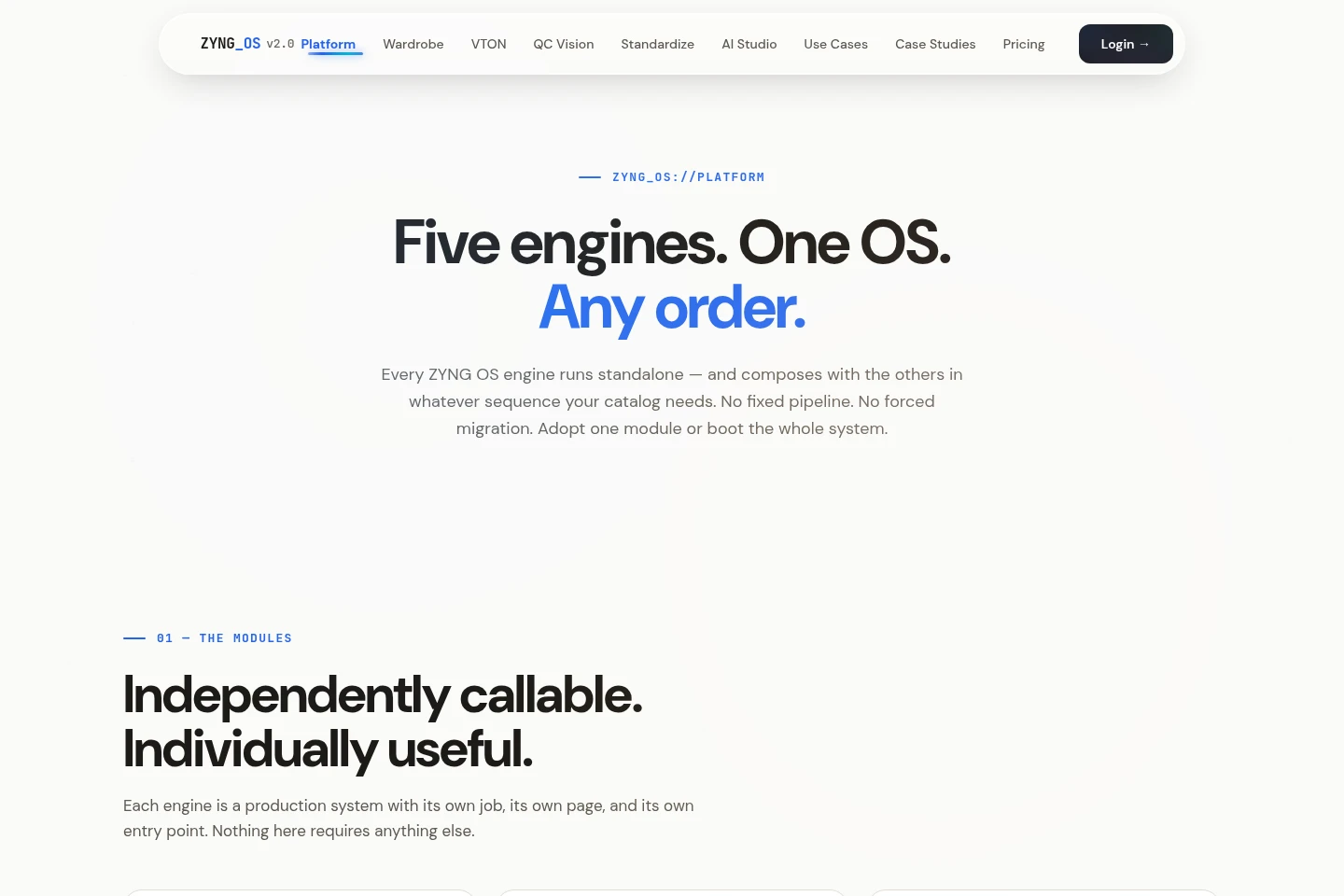
ZYNG OS is a visual AI platform for commerce imagery. Its engines standardize product photos, inspect images for quality and compliance, create virtual try-ons and outfit combinations, and support image search. Engines can run separately or be chained into image workflows for catalogs and sales channels.
- AI Image
- Virtual Try-On
- Photo Editors
- Image Recognition
- E-commerce
- commerce image standardization
- AI virtual try-on
- catalog image quality control
Capabilities
Image standardization
Reformats product photos for commerce channels and outputs resized, cropped, recolored, or background-adjusted images. It accepts raw images and applies aspect ratios, margins, resolutions, and formats such as PNG, JPG, WEBP, AVIF, and TIFF.
Vision QC
Inspects incoming catalog images and outputs approval or flagged-image results. Checks include blur, cropping, human detection, category, text, intellectual-property indicators, and configurable rules.
Virtual Try-On
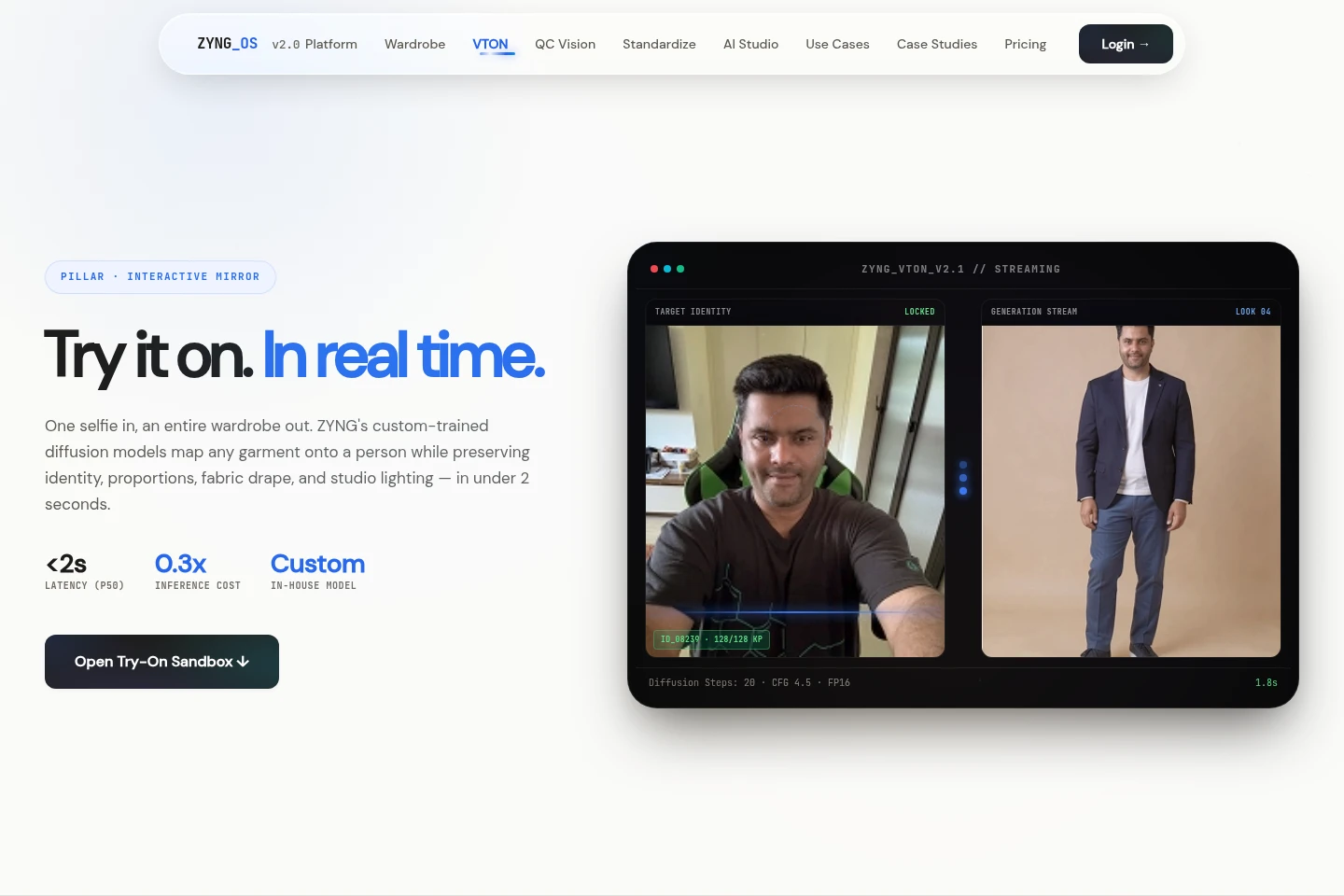
Places a target garment onto a person in a selfie and outputs a try-on image. The engine uses a selfie and garment image to map posture, proportions, fabric drape, and lighting; the page states generation takes under two seconds.
Mix & Match
Combines a base model image with interchangeable garments and outputs multiple outfit looks. It creates catalog combinations from a base model and selected clothing without requiring a reshoot for each look.
Visual search
Finds catalog products from an uploaded reference image or photo and outputs matching product results. The described workflow uses visual similarity to search a catalog; the Visual Similarity API is marked coming soon.
Pricing
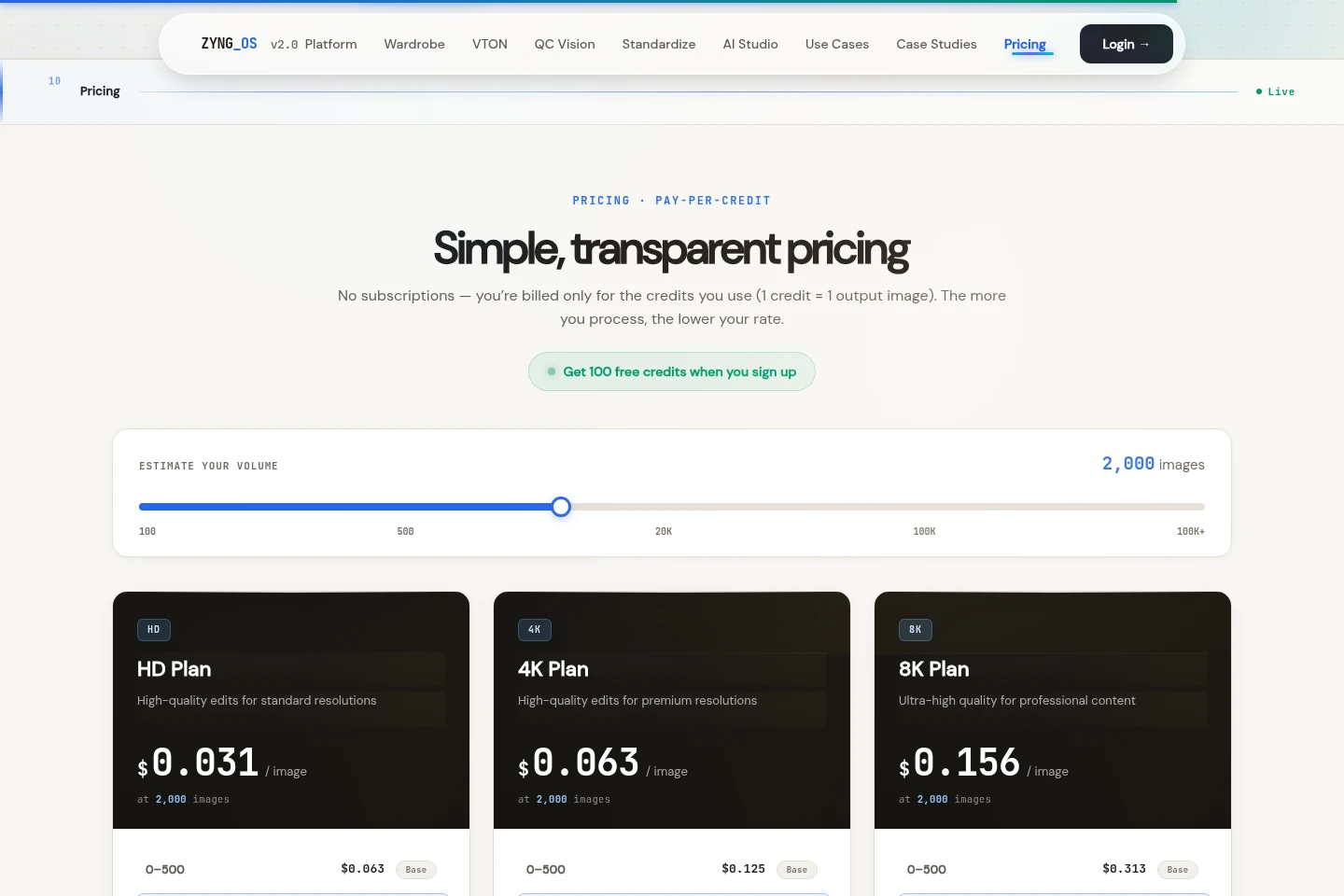
ZYNG OS pricing is usage-based: customers are billed for credits used, with one credit representing one output image. Compare image resolution and volume tiers; the pricing page shows HD rates by volume.
| Plan | Price | Included features and limits |
|---|---|---|
| HD Plan | $0.031 per image at 2,000 images |
|
The pricing page says customers are billed only for credits used and that one credit equals one output image. It also offers 100 free credits when signing up; the page does not establish an ongoing free plan.
Use cases
Prepare product photos for sales channels
When product images need different channel specifications, upload raw photography and use Image Standardization to resize, crop, adjust backgrounds, and apply formats or margins. The resulting assets are formatted for catalog and channel use.
Check catalog images before publishing
When vendor or catalog images must meet listing standards, run them through Vision QC at ingestion. The engine checks image characteristics and rules, then flags or rejects assets that fail configured checks.
Create apparel virtual try-on images
When apparel teams need garment visuals without a separate shoot for each item, provide a person’s selfie and target garment to Virtual Try-On. It outputs an image of the garment mapped onto the person while accounting for pose, proportions, fabric, and lighting.
Limitations
The Visual Similarity API is marked coming soon, so that API availability is not presented as current.
Who it is for
Fashion and apparel brands preparing product imagery and lookbooks
Marketplaces and multi-vendor platforms standardizing incoming catalog listings
Studios and creative teams producing commerce images across formats
FAQ
What does the Virtual Try-On engine do?
It digitally places clothing onto a photo of a person and outputs a try-on image. The engine adjusts garment drape, folds, and shadows to fit the person’s pose and proportions.
What inputs are needed for a virtual try-on?
A person’s selfie and a target garment image are used. The page describes mapping the garment onto the same selfie to generate the resulting look.
How long does Virtual Try-On generation take?
The product pages state that try-on generation takes under two seconds. The VTON page labels its latency figure as p50.
Can ZYNG OS process catalog-scale try-ons?
Yes. The described batch workflow queues a catalog and generates a series of try-on images using the same locked identity across garments.
What does Vision QC inspect?
Vision QC checks incoming images for issues including blur, incorrect cropping, missing human subjects, text, and intellectual-property indicators, and can apply custom rules.
Comments