
- Monthly visits
- 16,183
- 2026-09
- Monthly growth +17.9%
Zipic - Compress and convert images locally on Mac and Windows
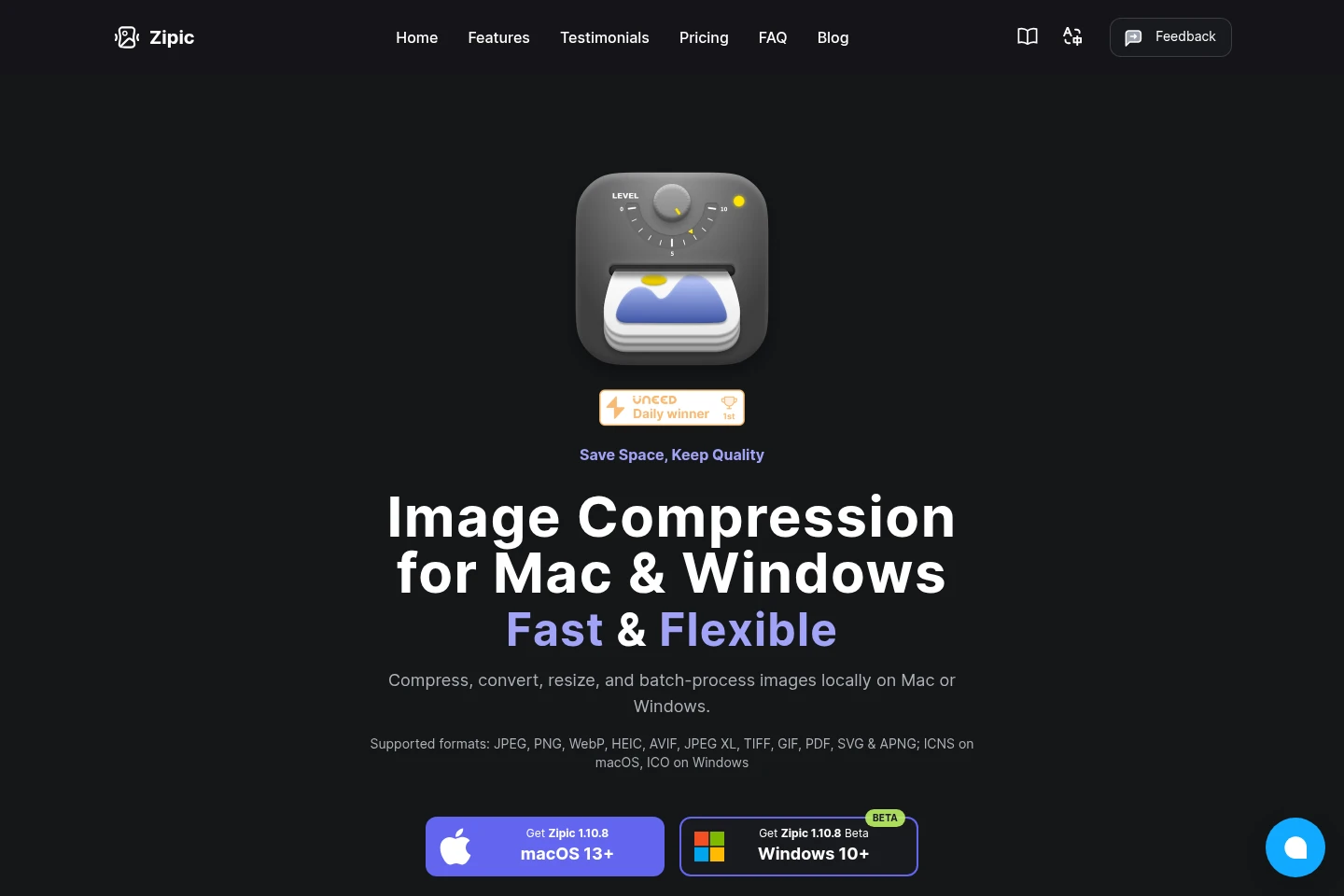
Zipic is a desktop app for compressing, converting, and resizing images on macOS and Windows. It processes single images or batches locally without uploading them, supports multiple image and document formats, and offers presets and automation features. Windows is currently available in beta.
- AI Image
- Photo Editors
- Mac image compression
- batch image converter
- local image optimizer
Capabilities
Image compression
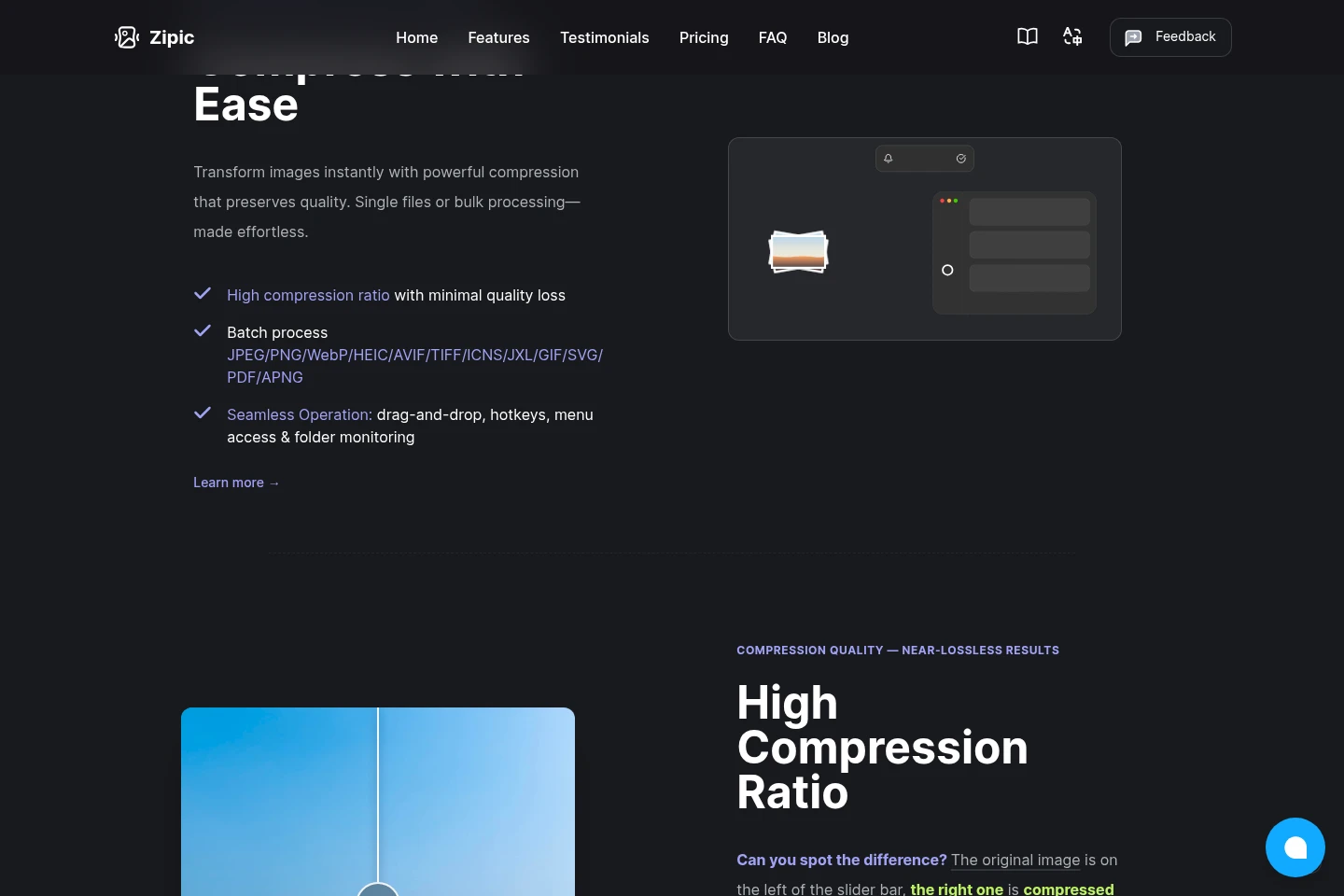
Compresses individual images or batches and produces optimized files. Add files or folders using the app, drag and drop, or supported quick actions; compression runs locally on the device.
Image format conversion
Converts supported images and documents into other supported formats. Choose files in the app or use supported workflows; available formats vary by operating system.
Image resizing
Changes image resolution and outputs resized image files. Select images and adjust resolution in the app; the FAQ describes resizing while maintaining quality.
Compression presets
Applies default or custom compression settings to produce files at selected quality levels. Create presets for different scenarios and switch between them; Free includes one custom preset.
Compression automation
Automatically processes images from supported sources and outputs compressed files. Pro features include clipboard compression, watched-folder rules, Finder actions, Shortcuts, Raycast, URL Scheme, and the zipic CLI.
Pricing
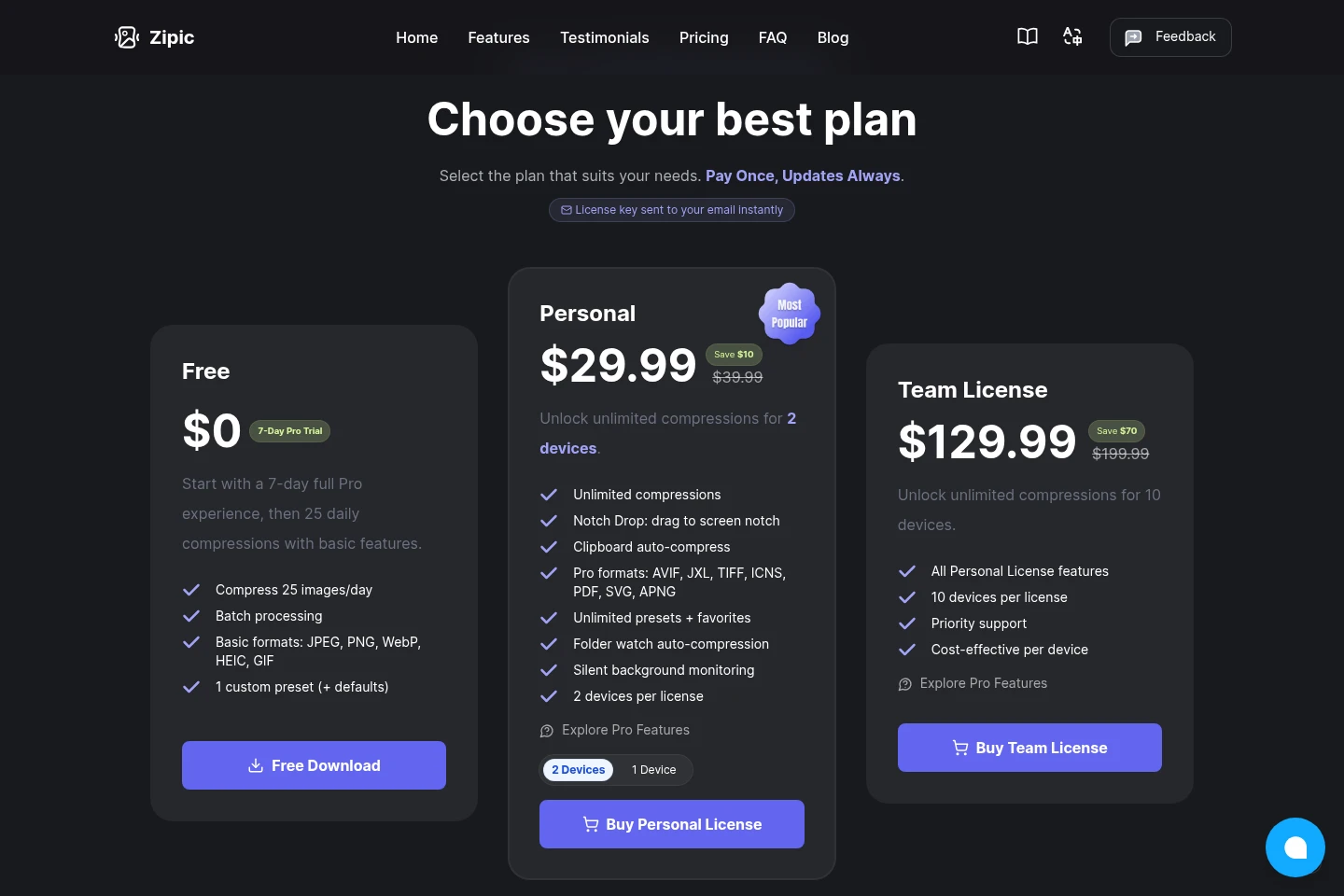
Zipic has a free plan and paid licenses sold as one-time purchases. Compare daily compression limits, device coverage, supported formats, presets, and automation features when choosing a plan.
| Plan | Price | Included features and limits |
|---|---|---|
| Free | $0 |
|
| Personal | $29.99 one-time |
|
| Team License | $129.99 one-time |
|
The displayed prices are discounted from $39.99 for Personal and $199.99 for Team License. The site describes paid purchases as one-time and says updates are included for the lifetime of the license.
Use cases
Compress a batch of image files
When many images need smaller files, add individual files or folders to Zipic and process them in batches. The app compresses locally and saves outputs according to the selected save options.
Convert images between supported formats
When an image must use a different file format, open it in Zipic and select a supported output format. The resulting file is converted on the device; available formats depend partly on the operating system.
Automate recurring image compression
When new or copied images should be processed without repeatedly opening files, Pro users can enable clipboard compression or monitor folders. Zipic applies configured rules and produces compressed files.
Limitations
The Windows application is identified as beta and requires Windows 10 or later; the macOS download requires macOS 13 or later.
The Free plan permits 25 image compressions per day after its seven-day full Pro trial and limits users to basic features.
The Personal license covers two devices, while the Team License covers ten devices per license.
Zipic processes images locally; its product pages say images are not uploaded for compression.
Who it is for
Mac users who want local image compression and conversion
Windows users seeking a desktop image compression app, currently in beta
Photographers, designers, and bloggers handling batches of image files
FAQ
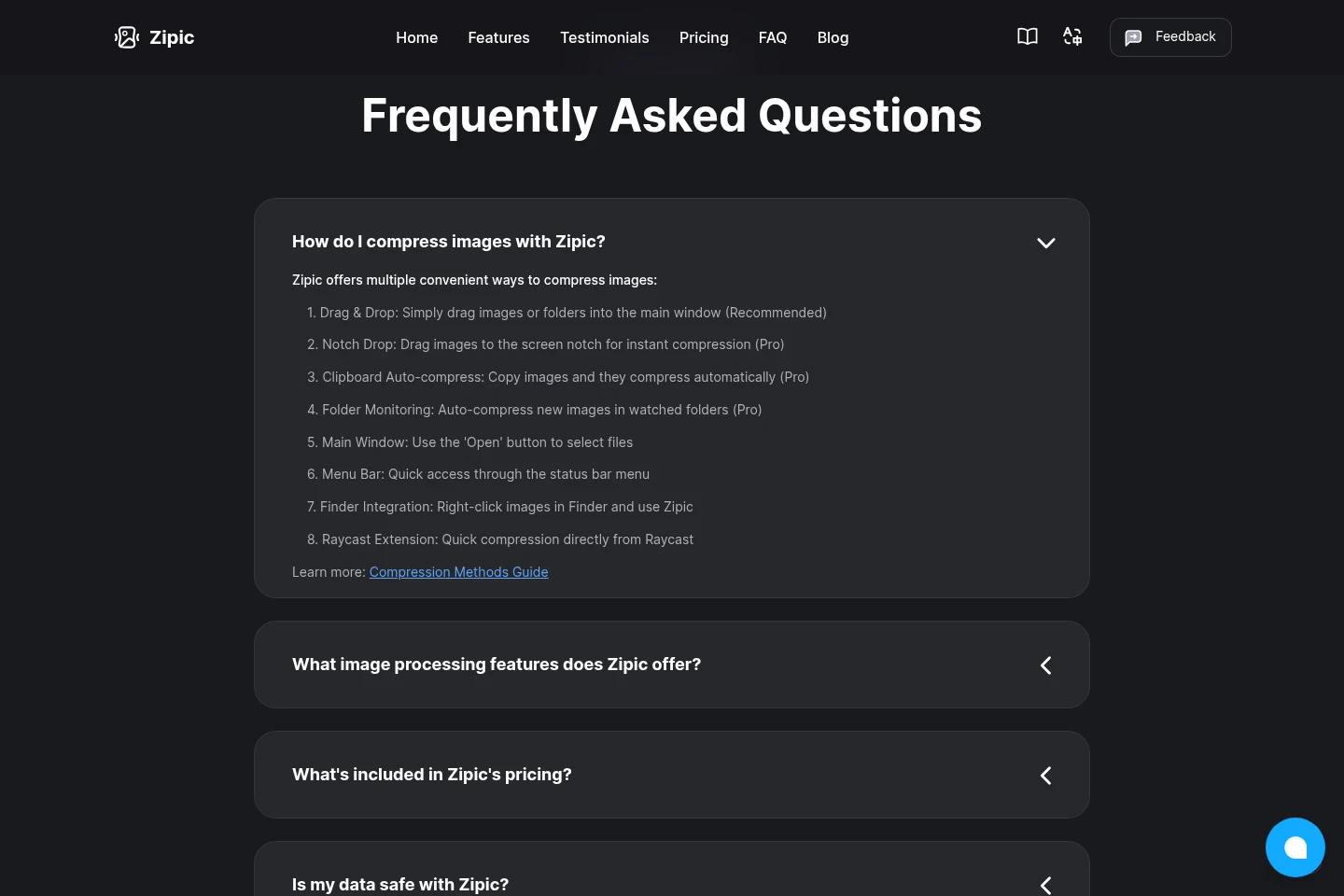
How can I compress images with Zipic?
Use drag and drop, the Open button, the menu bar, or Finder integration. Pro also adds Notch Drop, clipboard auto-compression, folder monitoring, and a Raycast extension.
Can Zipic resize images and convert formats?
Yes. The FAQ lists resizing, format conversion, and six compression levels. Supported formats vary by platform, with ICNS on macOS and ICO on Windows.
What does the Free plan include?
It includes a seven-day full Pro trial, followed by 25 compressions per day with basic features, batch processing, basic formats, and one custom preset plus defaults.
How are paid licenses charged?
Personal and Team License are one-time purchases with lifetime updates. Personal covers two devices; Team License covers ten devices and includes priority support.
Are images uploaded during processing?
No. Zipic states that image compression runs locally on the device and that images are never uploaded for compression.
Comments