

- Monthly visits
- 44,977
- 2026-09
- Monthly growth +245%
Write It AI - AI writing tools for Docs, research, and natural typing
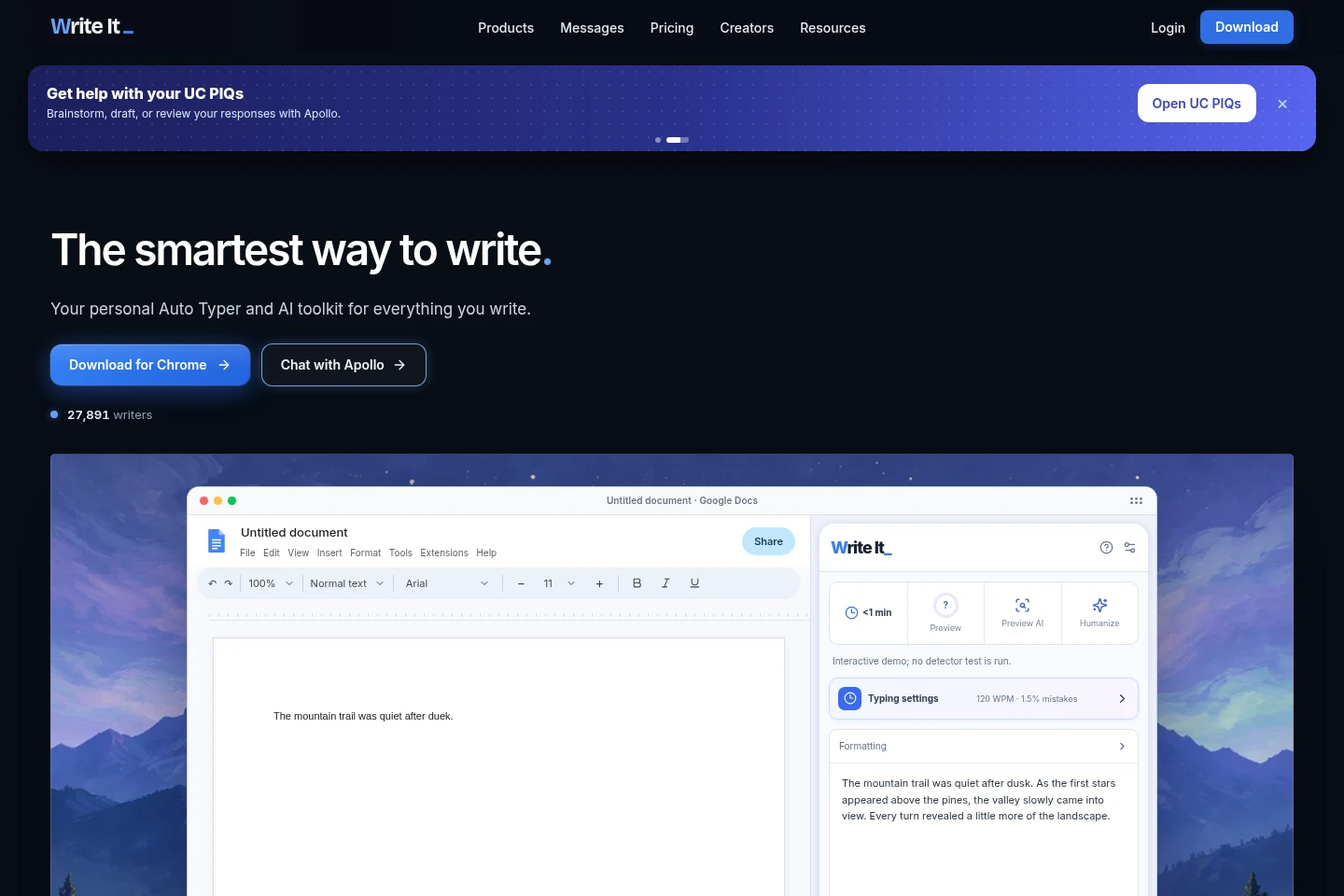
Write It AI combines an auto typer, writing assistant, humanizer, and research tools for work in Google Docs, Slides, and Word for the web. Apollo can outline, rewrite, or review text in a document. Research Mode finds sources, organizes a library, and inserts a formatted Works Cited. Auto Typer enters prepared text with adjustable speed and pauses.
- AI Writing
- Writing Assistants
- Research Paper Search
- Paraphrasing Tools
- Education
- AI writing assistant for Google Docs
- Google Docs auto typer
- AI research and citations
Capabilities
Document auto typing
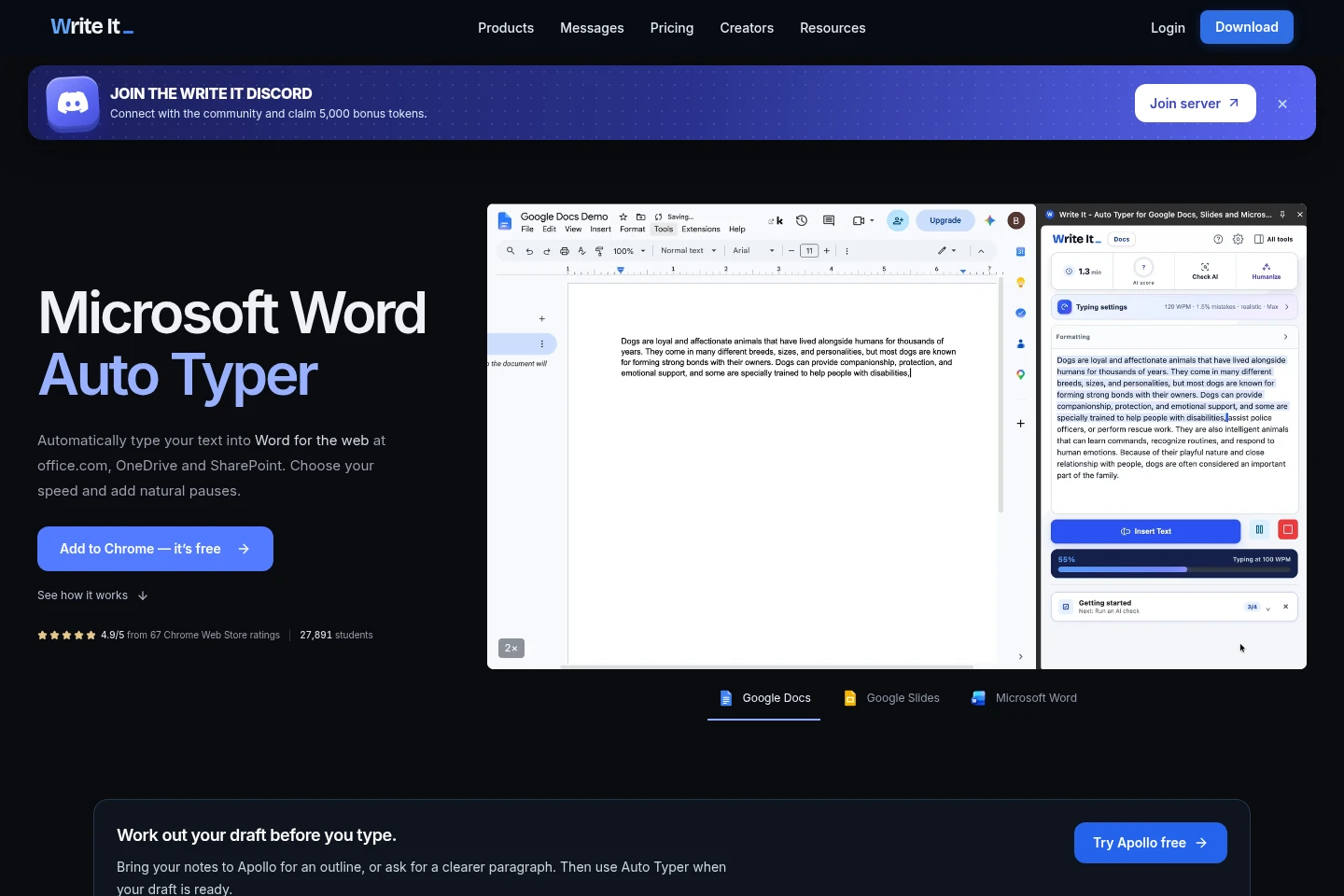
Auto Typer enters prepared text into supported web documents one character at a time. Users choose typing speed and can add pauses; supported destinations include Google Docs and Microsoft Word for the web.
Apollo writing assistant
Apollo reads documents and helps outline, rewrite, or review text directly in Google Docs. Users provide a prompt or document context, and Apollo writes into the document; permitted writing assistance is supported.
Research Mode
Research Mode searches for sources, builds a source library, and inserts a formatted Works Cited into a document. Users can set citation styles such as MLA or APA and select modes including AP Research or AP Seminar.
AI text humanizer
The Humanizer revises AI-written text into more natural phrasing. Users provide text for revision; the site says it aims to preserve meaning, facts, and voice.
Pricing
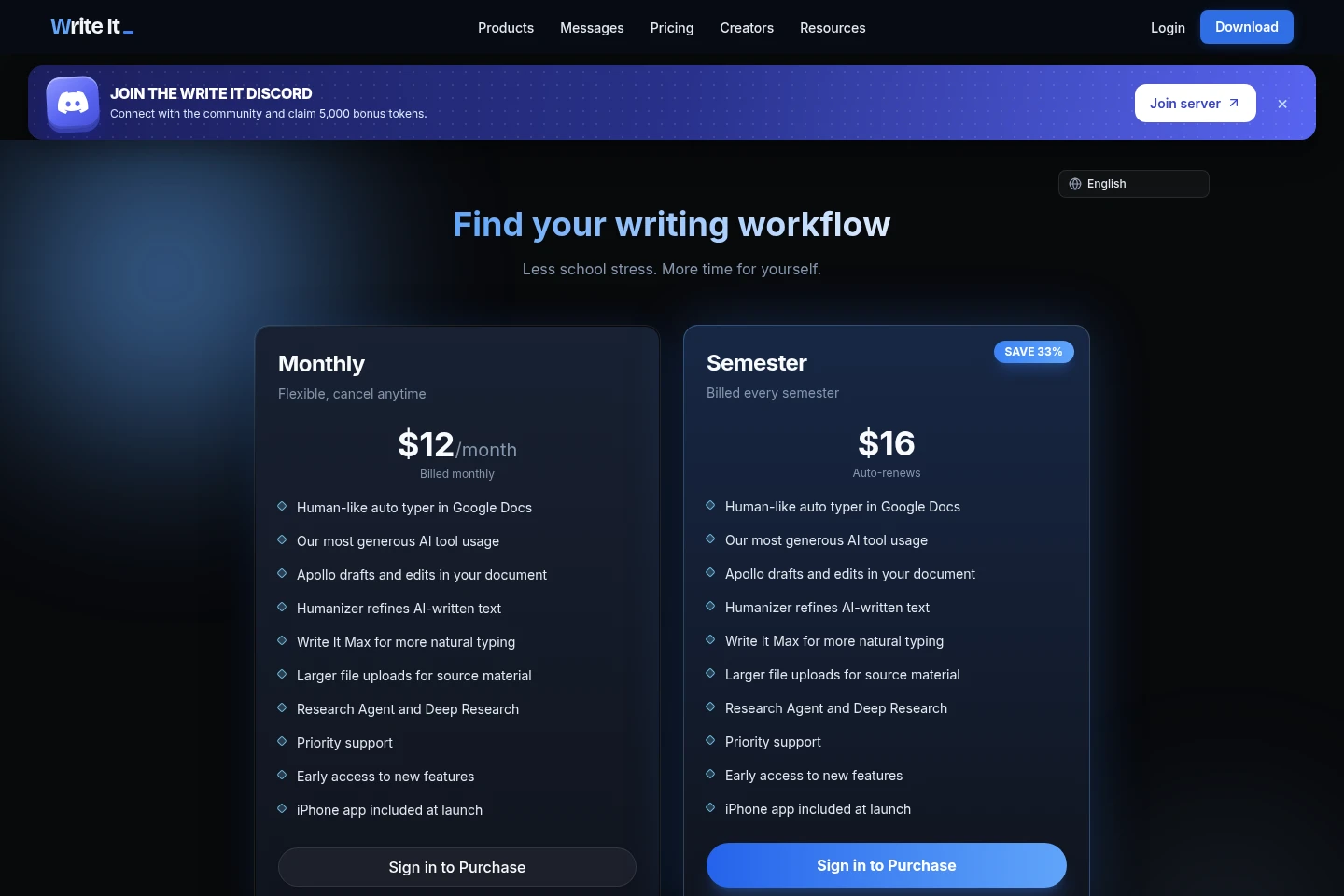
Premium is paid by monthly or semester billing; compare included AI use, research tools, support, and included features when choosing. The page also shows a semester checkout promotion alongside the monthly price.
| Plan | Price | Included features and limits |
|---|---|---|
| Premium | $15/month; semester $20 |
|
The displayed semester checkout says $10 per month, billed $20 for two months, then every semester; the page describes this as $20 for the rest of the semester. The pricing page also shows a 33% saving label.
Use cases
Type a prepared draft into a web document
When a draft is ready but needs to be entered into a supported document, users start Auto Typer and choose a typing speed. Text appears character by character with timing variation and pauses.
Outline or revise writing in Google Docs
When a user needs help shaping or reviewing a document, they prompt Apollo with the task or use document context. Apollo can outline, rewrite, or review and place its response directly in Google Docs.
Find sources and add a Works Cited
When preparing a document that needs research, users select a citation style or research mode, search for sources, and build a library. Research Mode can then insert a formatted Works Cited into the document.
Limitations
Auto Typer for Word is described for Word for the web at office.com, OneDrive, and SharePoint, not desktop Word.
The homepage's AI Detector demonstration does not run a detector test or measure a score.
Research Mode lists MLA, APA, AP Research, and AP Seminar examples; the pages do not specify a complete supported-style list.
Who it is for
Students who draft assignments and research in Google Docs
Writers who prepare text for Google Docs or Word for the web
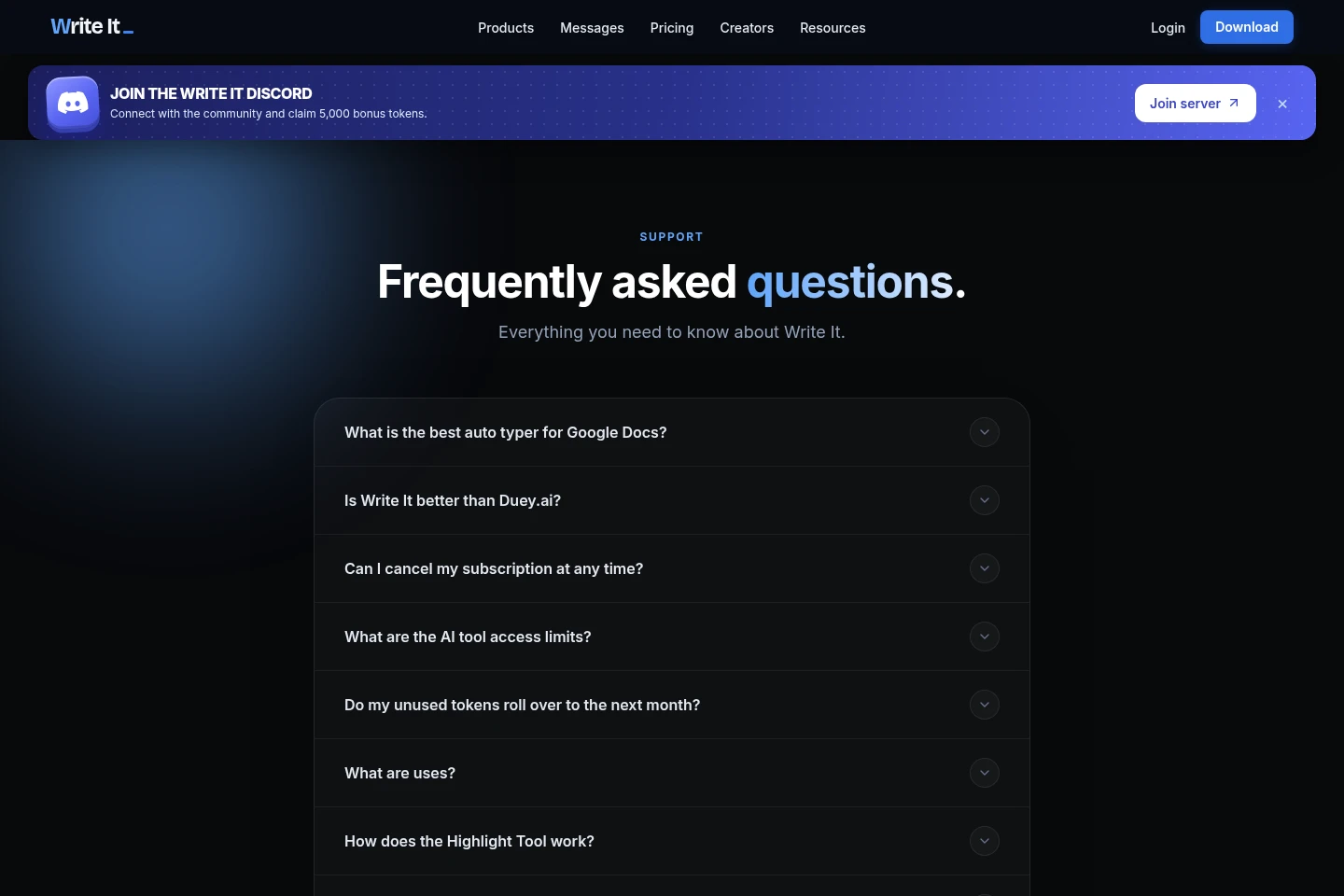
FAQ
Which document editors does Auto Typer support?
It supports Google Docs and Microsoft Word for the web. The Word page names office.com, OneDrive, and SharePoint as destinations; the supplied pages also show Google Slides support.
What can Apollo do in Google Docs?
Apollo can read documents and help outline, rewrite, or review writing directly in Google Docs. Users provide a prompt or document context, and Apollo inserts its response into the document.
How does Research Mode add citations?
Research Mode searches for sources, lets users build a library, and inserts a formatted Works Cited. The page names MLA and APA styles and AP Research and AP Seminar modes.
How much does Premium cost?
The pricing page lists Premium at $15 per month when billed monthly, or $20 for a semester with automatic renewal. It also shows a first-semester checkout of $20, described as $10 per month for two months before recurring every semester.
Can I cancel Premium?
Yes. The pricing page says Premium can be canceled anytime from the account when describing the semester checkout, and the monthly option is also labeled flexible and cancel anytime.
Comments