
- Monthly visits
- 2,689
- 2026-09
- Monthly growth +500.2%
WordCloud Art - Create customizable word clouds, text effects, and animated exports
WordCloud Art is an online editor for turning text into customizable word clouds and animated text effects. Enter or import text, choose templates, shapes, colors, and fonts, adjust word placement and animation, then preview and export images, vector files, or video. AI tools can suggest templates and settings.
- AI Design
- Graphic Design
- Animation Generators
- Text to Speech
- AI word cloud generator
- animated word cloud maker
- text to handwriting generator
Capabilities
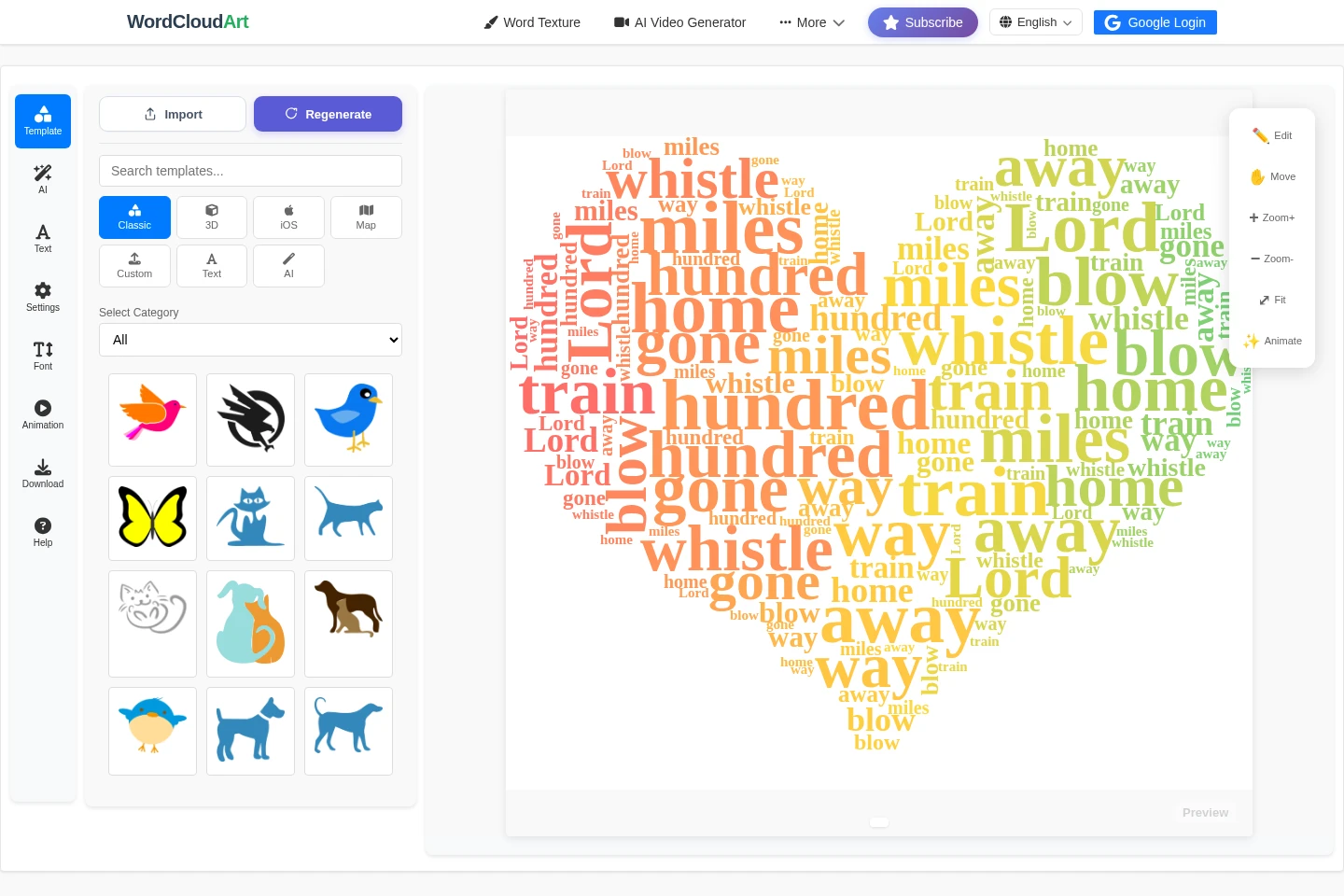
Customizable word cloud editor
The editor renders text as a word cloud and provides an editable preview. Enter or import text, then configure shapes, templates, fonts, colors, word frequency, size limits, and rendering options.
AI creative director
The AI creative director proposes word cloud settings from a description and optional source text. It can choose templates, colors, fonts, layout, important words, and animation; messages cost 5 credits and template generation costs 10 credits.
Animated text effects
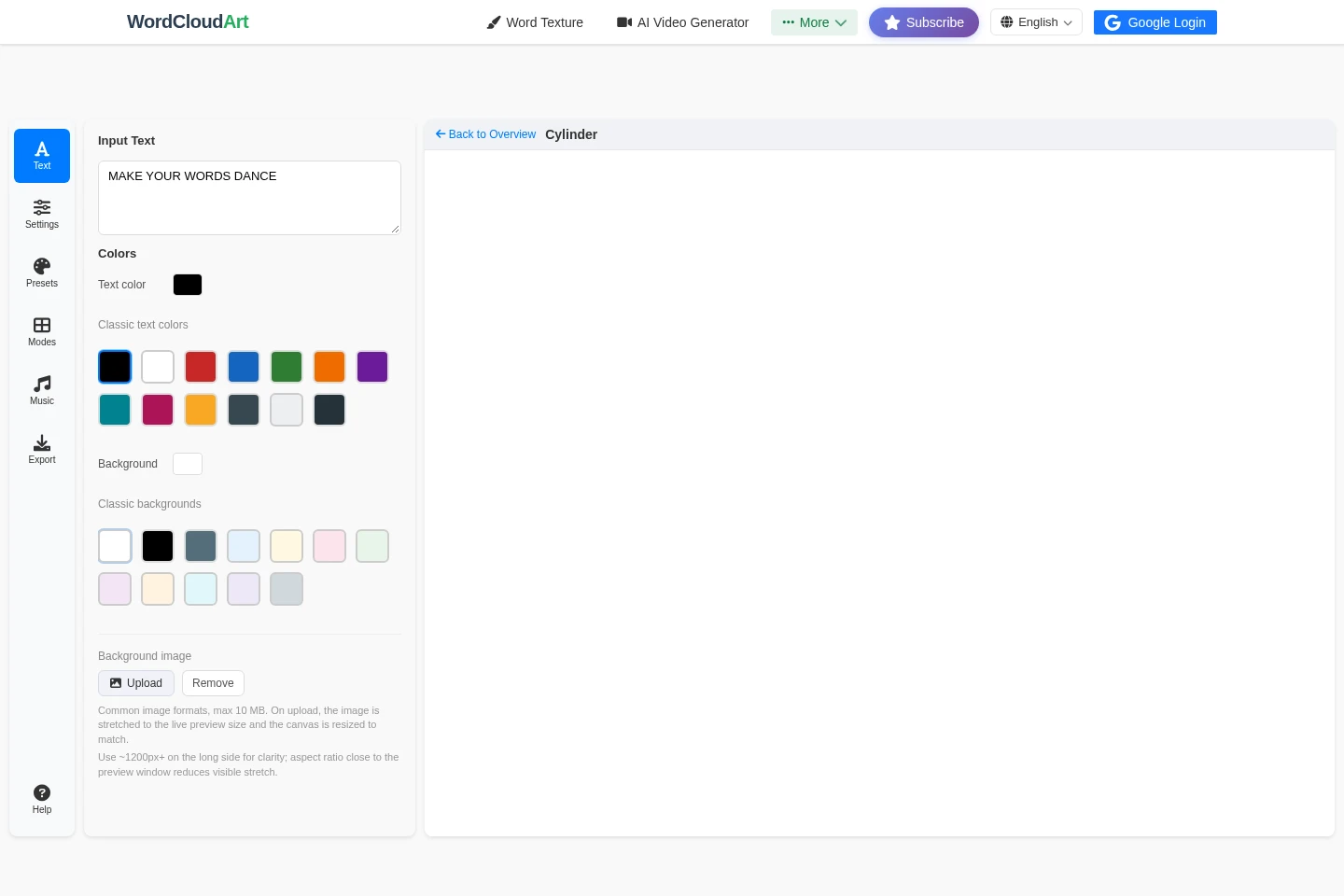
The motion editor turns entered text into configurable animated effects and exports video. Choose a mode, preset, colors, background, music, duration, frame rate, and resolution; supported video formats include WebM and MP4.
Text-to-handwriting images
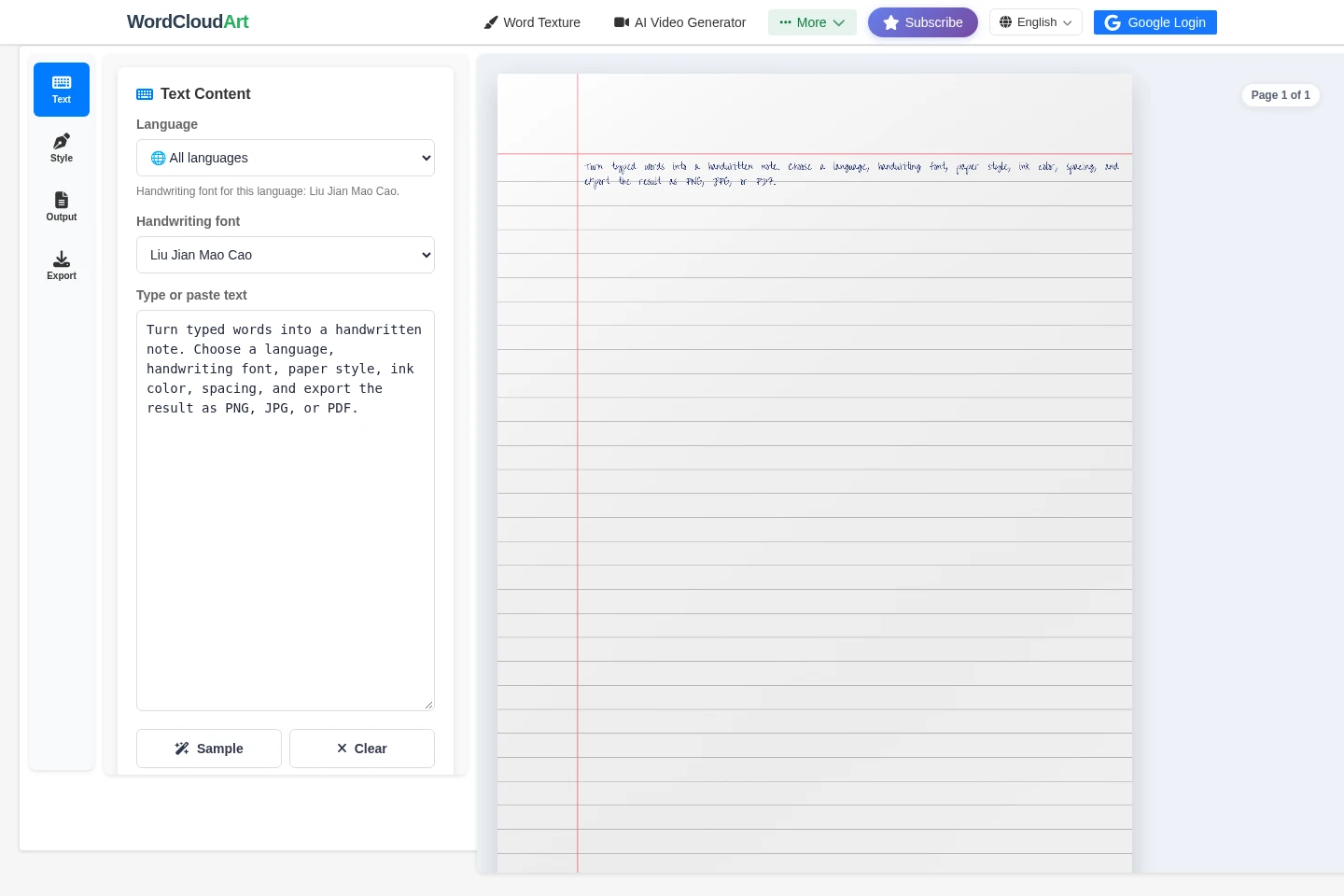
The handwriting tool renders typed text as a handwritten page and exports PNG, JPG, or PDF. Choose language-matched handwriting fonts, ink, paper, spacing, realism settings, and scene; uploaded font and paper files remain in the browser.
Image and vector export
The editor exports word cloud artwork in raster, vector, and animation formats. Available formats include JPEG, PNG, SVG, animated SVG, GIF, and MP4; music is included in MP4, while SVG and GIF do not support audio.
Pricing
WordCloud Art offers free starting credits and paid recurring plans. Compare the included AI credits and whether monthly or annual billing suits your use; the annual price display needs clarification before purchase.
| Plan | Price | Included features and limits |
|---|---|---|
| Monthly Plan | $9.99/month |
|
| Annual Plan | $49.99 and $119.88/year |
|
The page labels $49.99 and $119.88/year together but does not clearly explain the relationship between the two amounts. Verify the charge shown at checkout.
Use cases
Create and refine a word cloud
When a text list or passage needs a visual layout, enter or import it and render a word cloud. Adjust the shape, colors, fonts, word frequency, and placement, preview the result, then download it in a selected format.
Create an animated text effect
When text needs motion for a video or animated graphic, enter it in the motion editor and select an effect, preset, and optional music. Tune animation and export settings, preview the result, and download a video such as WebM or MP4.
Turn typed text into a handwritten page
When a printable note or page should look handwritten, enter text and select a language-matched font, paper, ink color, and layout settings. Preview the page and export it as PNG, JPG, or PDF.
Limitations
The AI creative director provides 30 free credits, and its messages cost 5 credits each; template generation costs 10 credits per generation.
The annual plan lists $49.99 and $119.88/year; the page does not clearly label which amount is the current charge.
Uploaded handwriting-font files stay in the browser, and uploaded paper images are used locally as the canvas background.
Background music is included in MP4 exports; SVG and GIF exports do not support audio.
The handwriting tool's downloads use the same WordCloudArt login and subscription check as the main export flow.
For text extracted from a web URL, the source page must allow browser CORS access.
Who it is for
People creating visual content from text for presentations, posts, or projects
Teachers and students preparing word-cloud graphics, assignments, or printable notes
Designers and marketers who need editable word-cloud artwork or animated text exports
FAQ
How do I import text into a word cloud?
Use Text, choose Import, enter or paste the text, and select Render Word Cloud. You can also import a TXT, CSV, DOCX, or PDF file; text is extracted in the browser and sent for tokenization when rendered.
How can I make one word larger or place it in the center?
Raise that word's Frequency to make it larger, and increase Frequency impact on size if needed. To place it near the center, mark it as Main in Text and render again; exact placement depends on the available shape.
Which formats can I export?
Word cloud exports include JPEG, PNG, SVG, animated SVG, GIF, and MP4. The motion editor also lists WebM and MP4 video export, while the handwriting tool offers PNG, JPG, and PDF.
Can an export include background music?
MP4 can include background music. SVG and GIF do not support audio, and the motion editor lets you choose a track and adjust its volume.
What does the Annual Plan cost?
The pricing panel shows $49.99 and $119.88/year for the Annual Plan, with 6,000 AI credits included and cancellation available anytime. The displayed text does not clearly identify which amount is the current charge.
Comments