

- Monthly visits
- 4,190
- 2026-09
- Monthly growth +136.7%
Whisper AI - Turn audio and video into editable, searchable transcripts
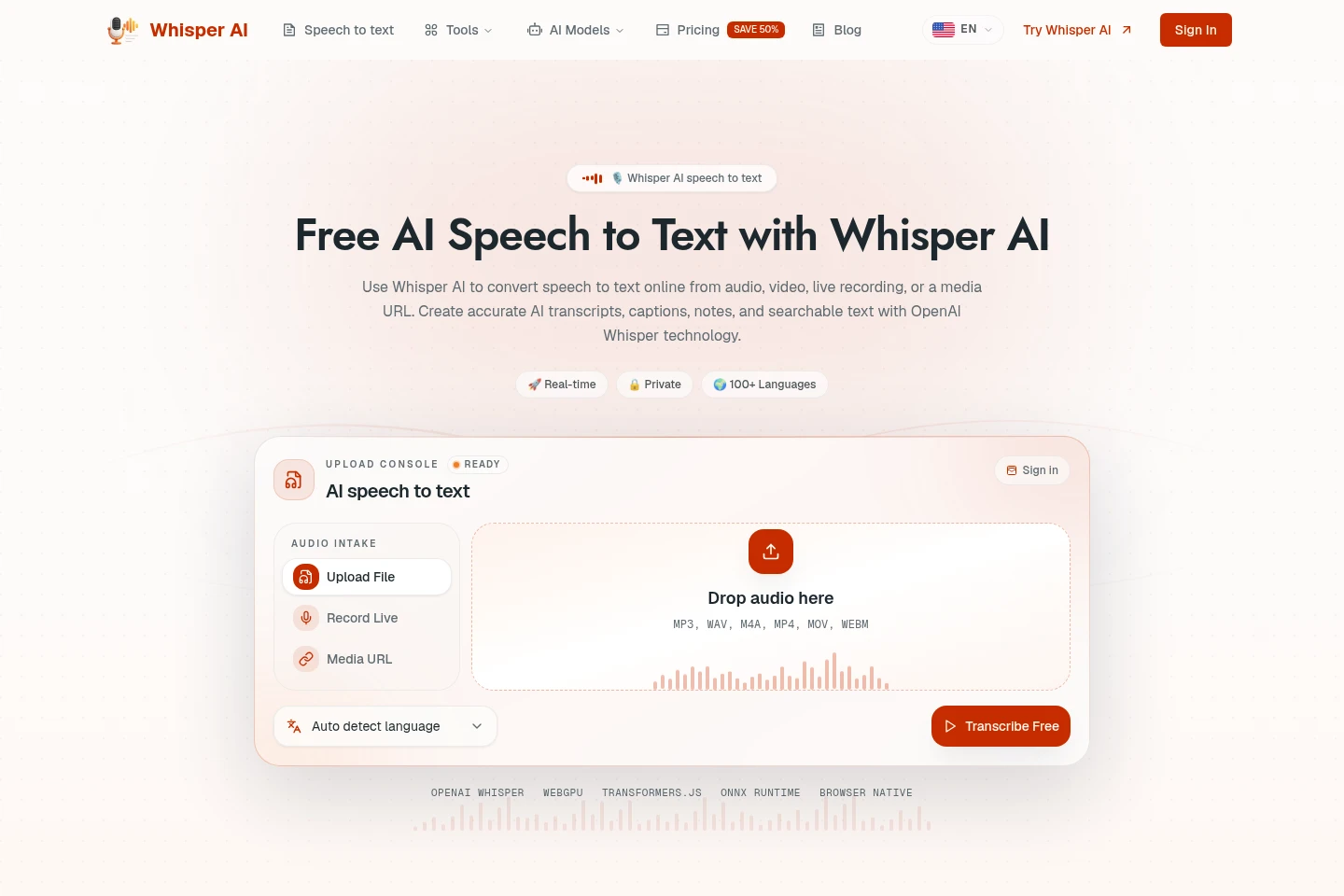
Whisper AI is an online speech-to-text workspace powered by OpenAI Whisper technology. Upload audio or video, record in a browser, or import a media URL; then review, edit, search, and export transcripts, captions, and notes. It supports language selection or detection, speaker labels, and exports in several formats.
- AI Audio
- Transcription
- Subtitle Generators
- Note-Taking Apps
- AI transcription
- audio to text
- speech to text
Capabilities
Audio and video transcription
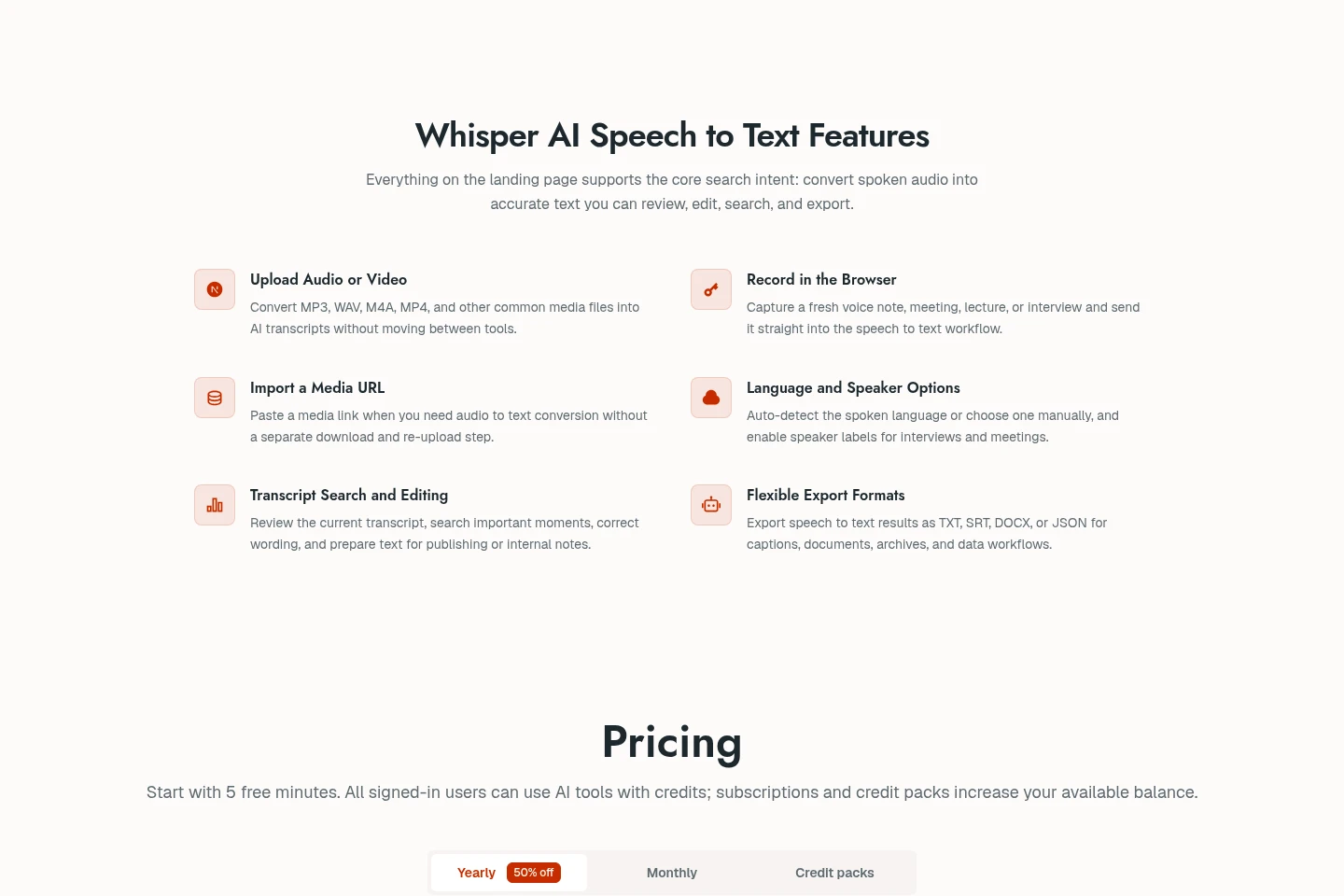
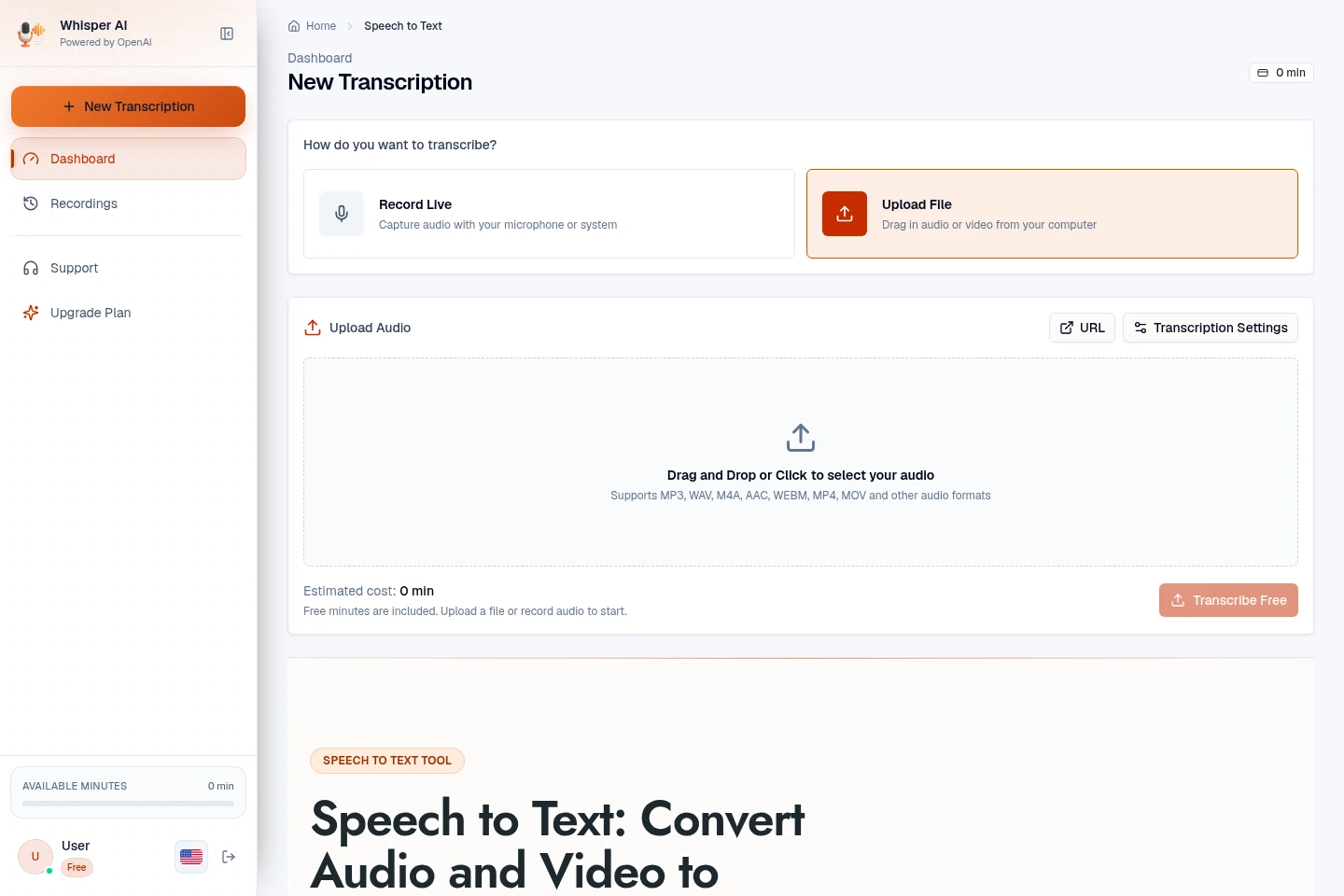
Converts uploaded audio or video, browser recordings, and media URLs into editable text. Select or auto-detect the language and optionally enable speaker labels before transcription.
Transcript search and editing
Lets users search and correct generated transcripts in the workspace. Current-session results can be reviewed and edited, while signed-in older recordings are kept on the Recordings page.
Transcript export
Exports completed transcripts for captions, documents, archives, or data workflows. Available formats include TXT, SRT, DOCX, and JSON; some plans also list VTT and PDF.
Pricing
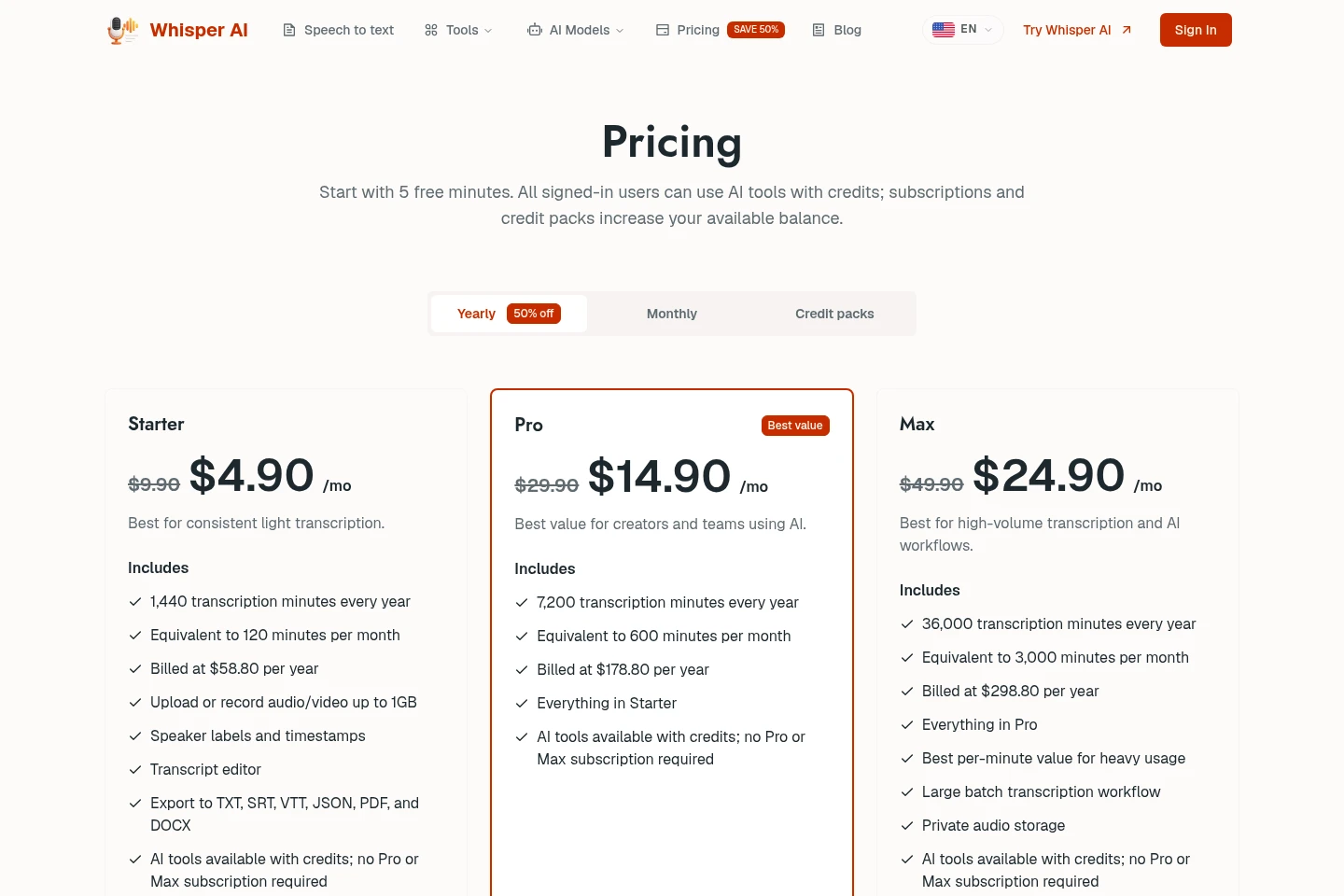
Whisper AI offers 5 free transcription minutes and paid annual subscriptions. Compare yearly transcription-minute allowances, file limits, and included features; the displayed monthly amounts are annual-billing equivalents.
| Plan | Price | Included features and limits |
|---|---|---|
| Starter | $58.80 per year |
|
| Pro | $178.80 per year |
|
| Max | $298.80 per year |
|
Prices are billed yearly; the listed $4.90, $14.90, and $24.90 per month amounts are monthly equivalents. Pricing also presents a monthly option and credit packs, but their prices and conditions are not shown in the supplied pricing content.
Use cases
Create searchable meeting notes
When a meeting or team call needs documentation, upload a recording or capture audio in the browser, then transcribe and search the text. Review and edit the transcript to prepare notes and locate decisions or next steps.
Prepare podcast text and captions
When repurposing a podcast episode, submit its audio or media URL and generate a transcript. Edit and export the text for drafts, summaries, or caption workflows.
Review recorded interviews
When interview recordings need to be reviewed, upload audio or video and optionally enable speaker labels. Search and edit the resulting transcript to locate comments and quotes.
Limitations
Transcription accuracy depends on recording quality, speaker clarity, accents, background noise, overlapping speech, and terminology.
The Starter upload or recording limit is 1GB per audio or video file.
The Speech to Text page shows current-session results; older signed-in recordings are kept separately on the Recordings page.
Who it is for
People who need searchable records of meetings and team calls
Creators preparing transcripts or captions from podcasts and video
People reviewing recorded interviews and locating participant comments
FAQ
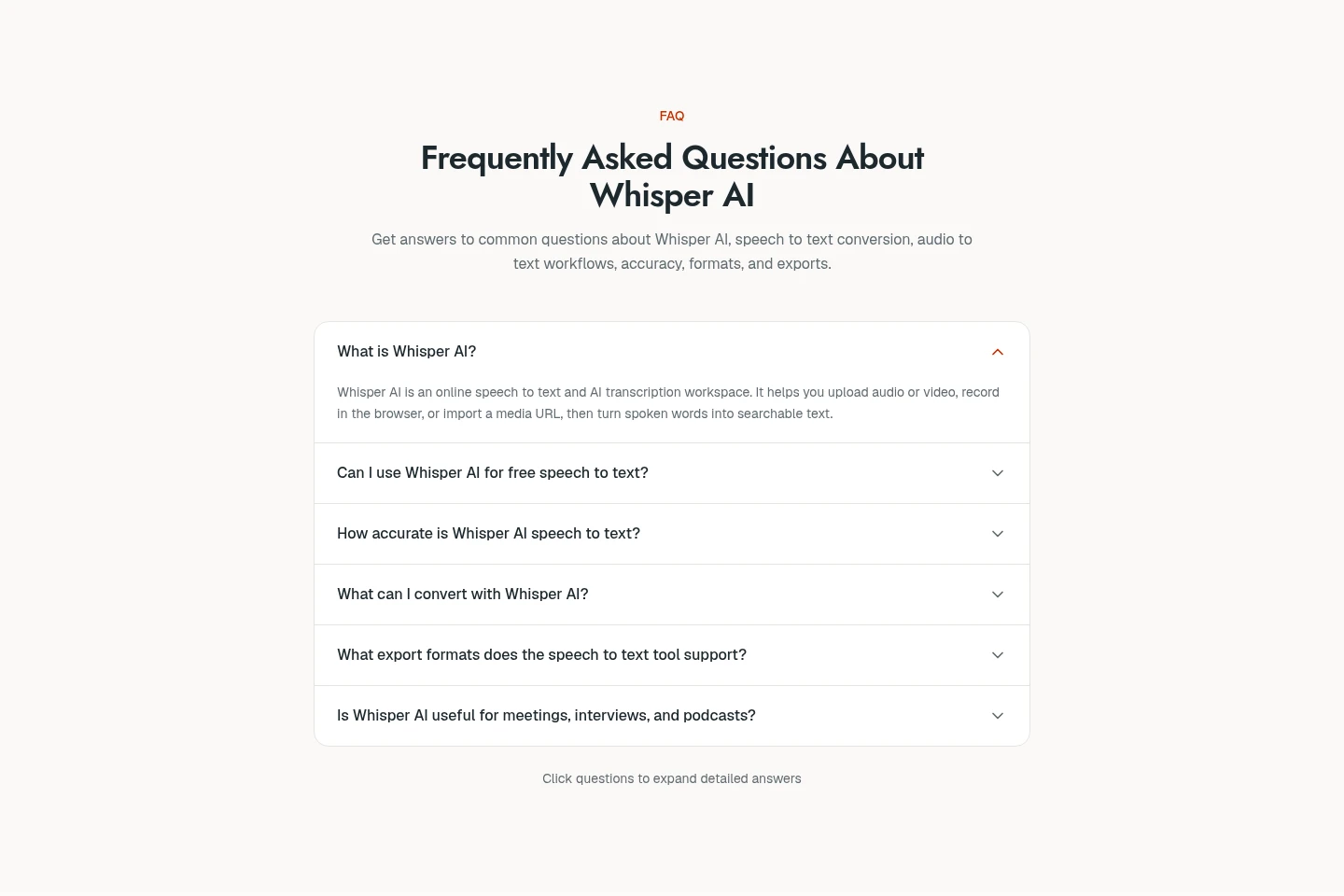
Can Whisper AI be used for free?
Yes. Users can start with 5 free transcription minutes; the contact page also says browser transcription can start without an account. More capacity can be added through a subscription or credit pack.
Which audio and video inputs can I transcribe?
You can upload common audio and video files, record in the browser, or paste a media URL. Listed examples include MP3, WAV, M4A, and MP4; supported inputs also include other common formats.
Which transcript export formats are available?
The speech-to-text page lists TXT, SRT, DOCX, and JSON exports. Starter pricing additionally lists VTT and PDF; available formats can therefore depend on the plan or workflow.
How accurate is the transcription?
Accuracy depends on audio quality, speaker clarity, accents, background noise, overlapping speakers, and terminology. The contact page identifies OpenAI Whisper as the model technology and says it covers more than 100 languages.
What happens to uploaded audio?
The contact page says files are used to produce the transcript, are not sold, and are not used to train models. It refers users to the Privacy Policy for full details.
How many languages does Whisper AI support?
The contact page states that more than 100 languages are supported and that Whisper can detect the language. Users can also choose a source language in the transcription workflow.
Comments