

- Monthly visits
- 2,141
- 2026-09
WeightsLab by Graybx - Inspect and edit training data while a model trains
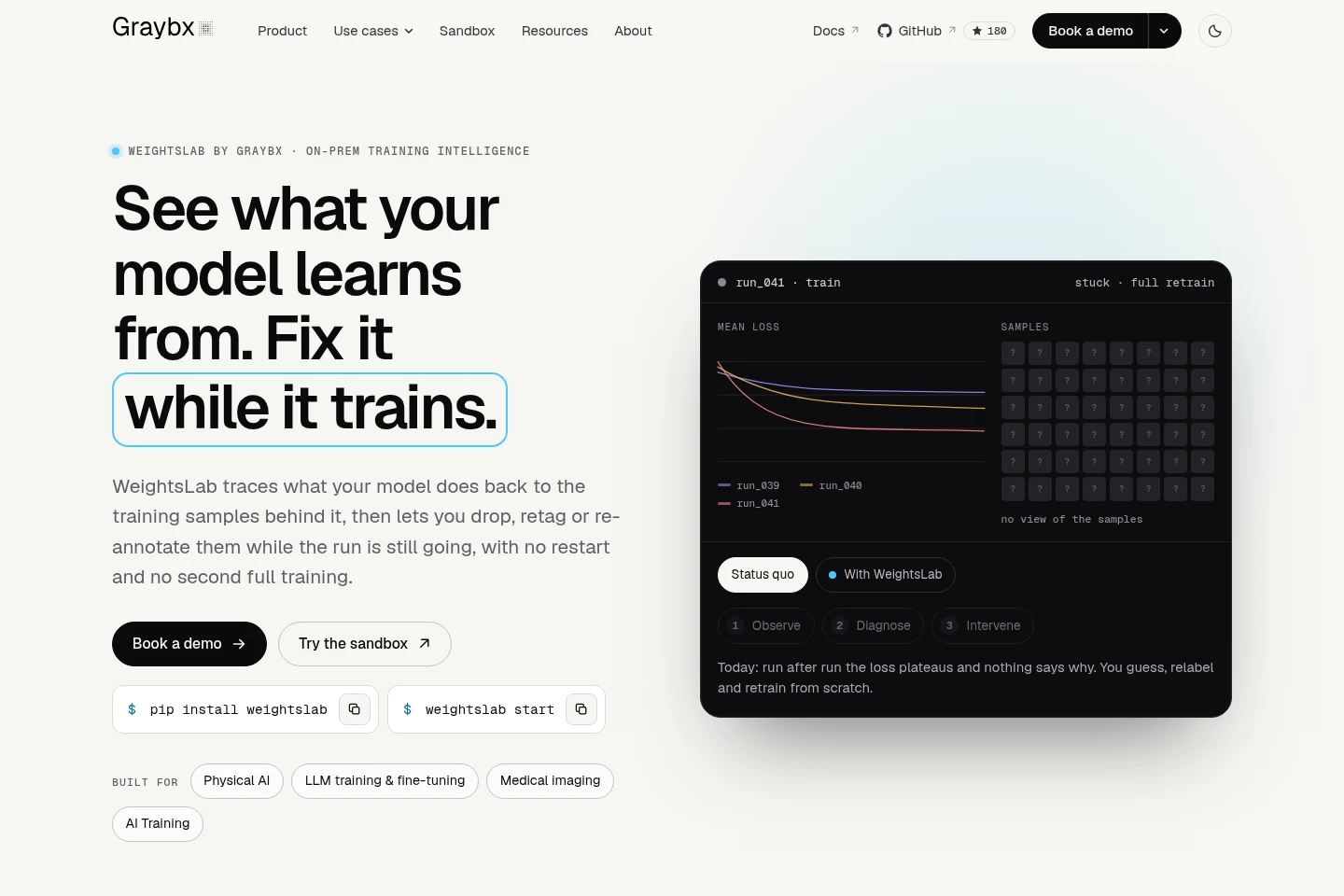
WeightsLab is an on-prem training workspace that connects to a training script and opens in a browser on the user's machine. It shows per-sample training signals, helps investigate data issues, and lets users drop, retag, or re-annotate samples during a run. It supports PyTorch workflows and can use hosted or local LLM providers for its built-in agent.
- LLM Developer Tools
- Model Training
- Data Labeling
- Data Analysis
- Healthcare
- training data debugging
- per-sample loss analysis
- on-prem model training
Capabilities
Training run workspace
The browser-based workspace lets users pause training, compare runs, and analyze experiments. It runs next to a training script and opens on the user's machine.
Per-sample training signals
Per-sample loss and custom signals help expose data issues as they appear during training. Users inspect the signals alongside their samples and experiments.
In-run data editing
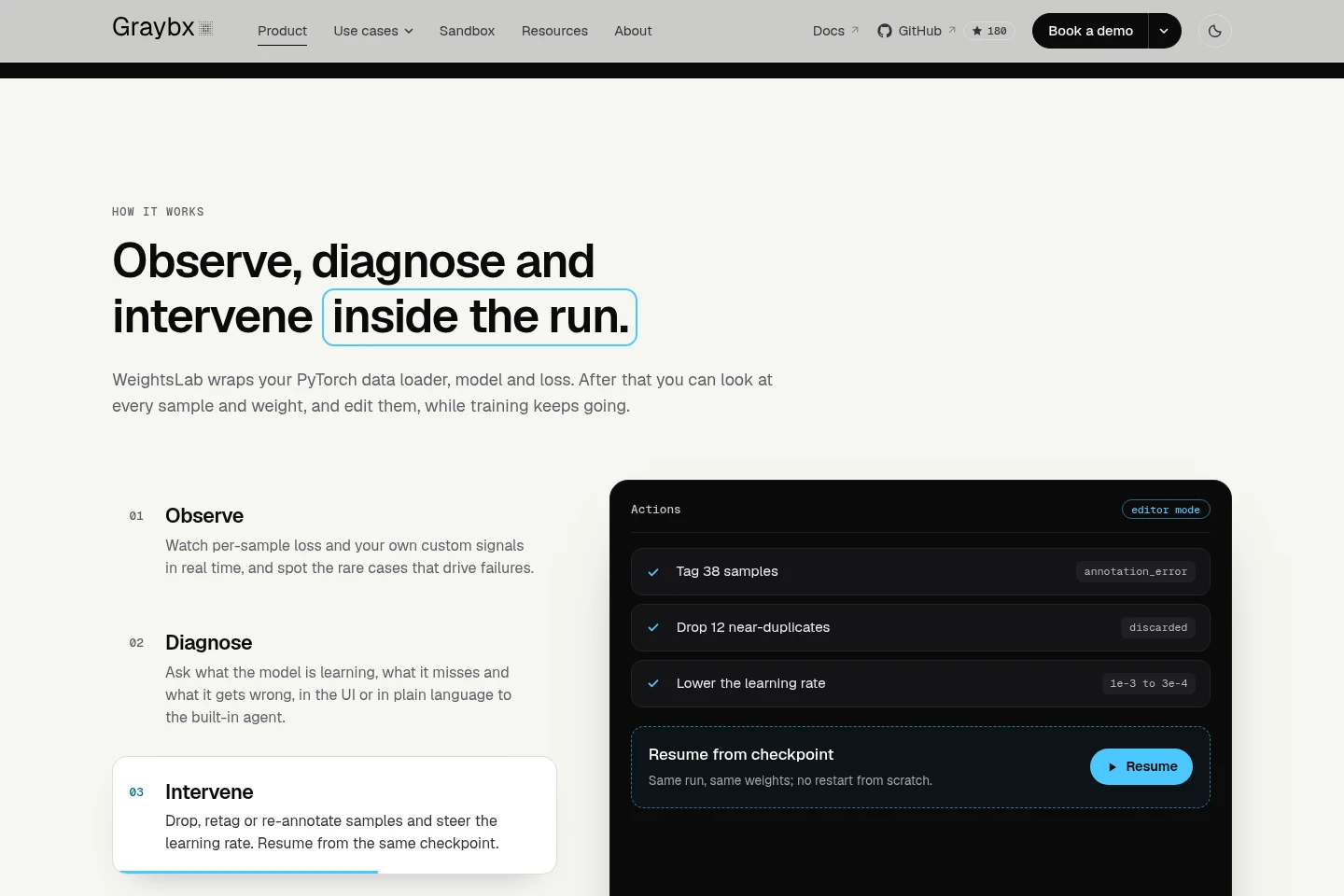
Users can drop, retag, or re-annotate training samples while a run is active. The site says these changes can be made without restarting or doing another full training run.
LLM-assisted experiment analysis
The built-in agent lets users discuss experiments, signals, and data in natural language. It uses an LLM provider supported by OpenCode, hosted or local.
Training pipeline integration
Users wrap their existing model, optimizer, loss, and data in a PyTorch training script and start the workspace with the WeightsLab command. The pages also list PyTorch Lightning, Ultralytics, and notebooks.
Pricing
Pricing is not published on the supplied pages. The product page describes a per-seat licence; compare licence terms after requesting early access.
The site invites users to join the early-access programme to receive a demo and licence terms. No price, billing period, or plan names are stated.
Use cases
Find data issues during a training run
When a model's training loss plateaus or its behavior needs investigation, users inspect per-sample signals and trace issues to samples or labels. They can edit the data during the run rather than starting another full training run.
Inspect and rebalance rare training scenarios
For training data with infrequent scenarios, users inspect sample-level signals to find thin coverage and rebalance examples while the model trains. The site describes this use for robots and vehicles.
Review data for LLM fine-tuning
During LLM training or fine-tuning, users can use live per-sample loss to identify near-duplicates, contradictions, and noisy examples. The site says they can prune examples and resume from the same checkpoint.
Review medical imaging training samples
When medical imaging findings appear infrequently in a dataset, users can inspect which cases have thin coverage or may be mislabeled. The workspace runs on the user's infrastructure, where the images remain.
Limitations
WeightsLab is described as an on-prem workspace that runs on the user's own infrastructure; the pages do not describe a vendor-hosted workspace.
The built-in agent depends on an LLM provider supported by OpenCode; provider credentials stay in OpenCode rather than WeightsLab.
The documented training integration wraps existing objects in a PyTorch script; the pages also name PyTorch Lightning, Ultralytics, and notebooks.
Who it is for
Machine-learning teams investigating model training data and run behavior
Teams fine-tuning LLMs that need to review noisy, duplicated, or contradictory examples
Robotics and vehicle teams checking rare scenarios in training datasets
Medical-imaging model teams reviewing sparse or potentially mislabeled image cases
FAQ
What is WeightsLab?
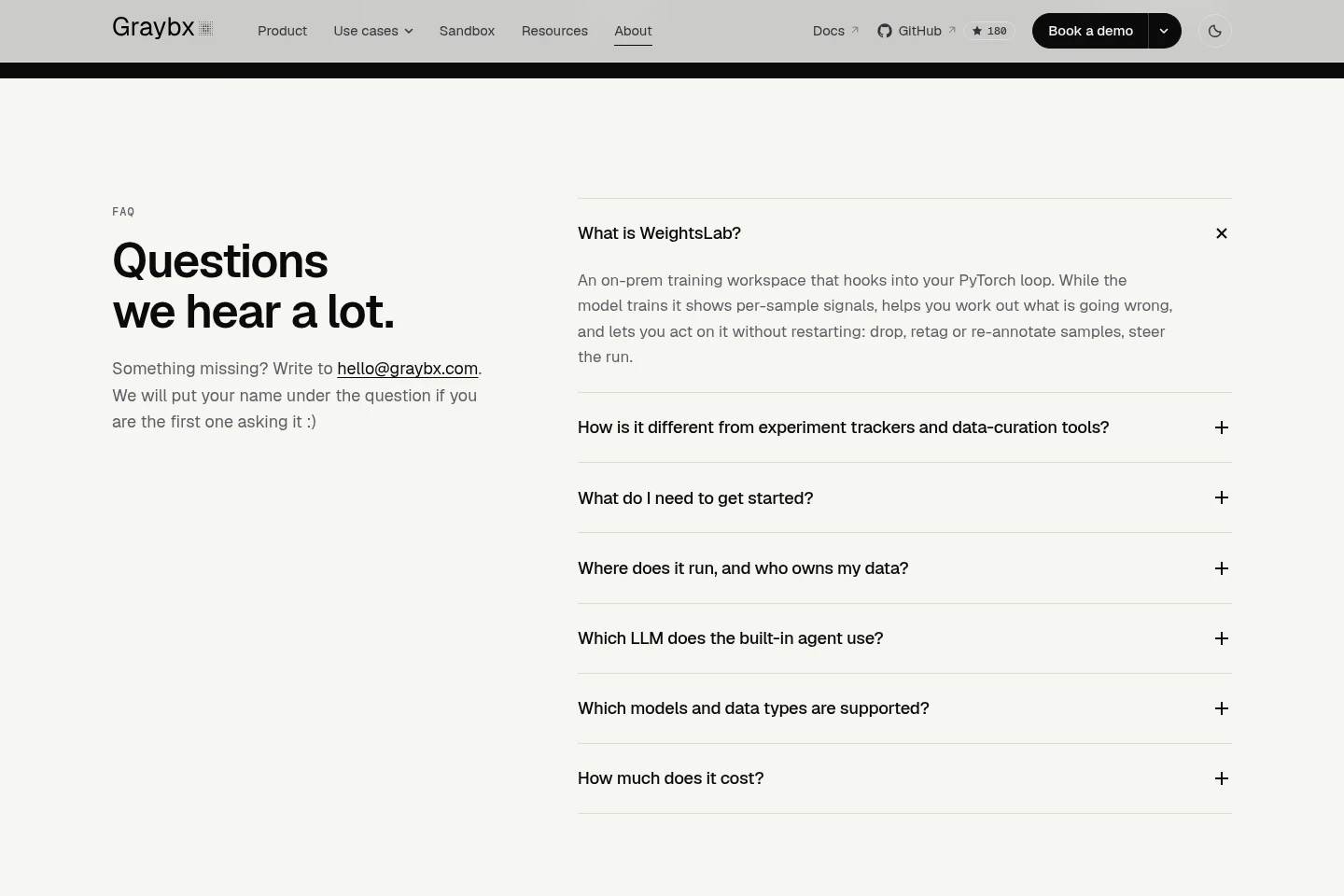
WeightsLab is an on-prem training workspace that hooks into a PyTorch training loop. It shows per-sample signals while a model trains, helps investigate what is going wrong, and lets users act on the data.
Where does WeightsLab run?
WeightsLab runs on the user's own infrastructure and opens in a browser on the user's machine. The product pages describe keeping data and computation on-prem.
Can I use the agent with my own LLM?
Yes. The built-in agent uses OpenCode and supports providers that OpenCode supports, including hosted providers and local models. With a self-hosted model, the agent can work air-gapped.
How is WeightsLab priced?
The pages describe a per-seat licence and invite users to join early access to receive a demo and licence terms. They do not state prices or publish plan names.
Comments