

- Monthly visits
- 10,662
- 2026-09
- Monthly growth +29.3%
Weezard AI - AI photo editing for backgrounds, cleanup, and restoration
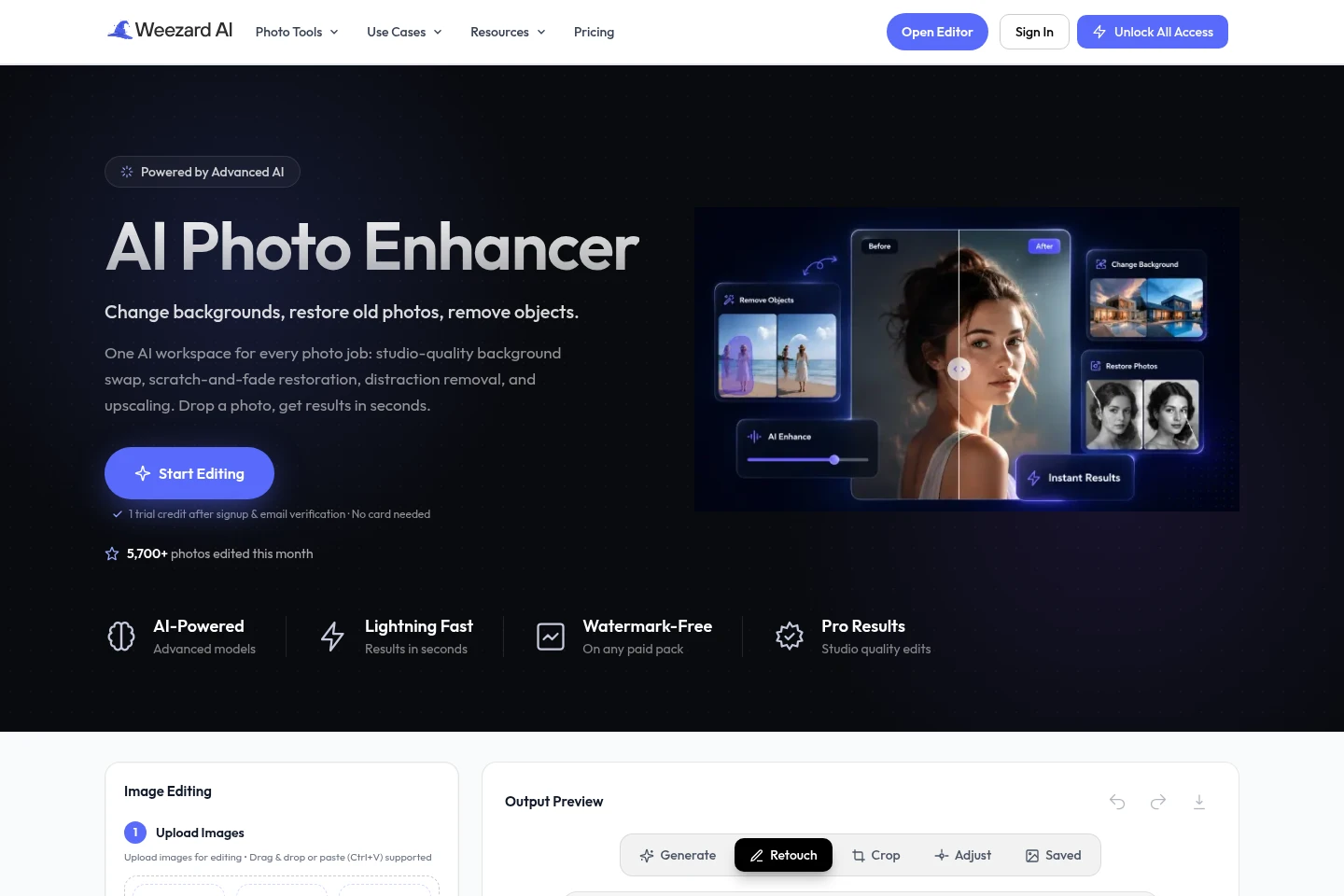
Weezard AI is a browser-based photo editor that uses AI to change backgrounds, remove objects and text, restore and colorize old photos, upscale images, and apply style looks. Upload a photo, describe an edit or choose a tool, then review the generated result. New accounts receive one trial credit after signup and email verification; no card is required.
- AI Image
- Photo Editors
- Background Removers
- Object Removers
- E-commerce
- Real estate
- Food service
- AI photo editor
- photo background changer
- AI photo restoration


Capabilities
Prompt-based photo editing
Edit uploaded photos with AI and review the generated image. Describe global changes or add points for precise edits, and use presets and settings such as output resolution and number of variations.
Background editing and removal
Replace or remove image backgrounds and create new scenes or clean cutouts. Upload a photo, choose a background workflow or describe a scene; white, transparent, and custom backgrounds are among the described options.
Object and text removal
Remove unwanted objects, people, blemishes, or text from photos and generate a cleaned-up image. Select the relevant tool and provide an image; the site also describes batch processing for object removal.
Photo restoration and colorization
Repair scratches, tears, fading, and other damage in old photos, and generate colorized versions of black-and-white images. Upload the photo and review the generated result.
Upscaling and image expansion
Increase image resolution or extend an image beyond its original edges. Choose an output resolution for editing; the site describes upscaling up to 4x and expansion to fit different aspect ratios.
Pricing
Weezard AI offers a free plan, a recurring monthly Pro subscription, and one-time credit packs. Compare included credits, output quality, watermark conditions, and whether you need a recurring allowance or credits usable anytime.
| Plan | Price | Included features and limits |
|---|---|---|
| Free | $0/month |
|
| Pro | $30/month |
|
| Starter | $7 one-time |
|
| Basic | $15 one-time |
|
| Creator | $30 one-time |
|
| Studio | $60 one-time |
|
Prices are in USD. The Pro subscription can be canceled anytime. Higher output quality uses more credits per image.
Use cases
Prepare property listing photos
When preparing real-estate or rental listings, edit property photos with virtual staging, decluttering, sky changes, and other photo tools. Review the generated images before using them in a listing.
Clean up car listing photos
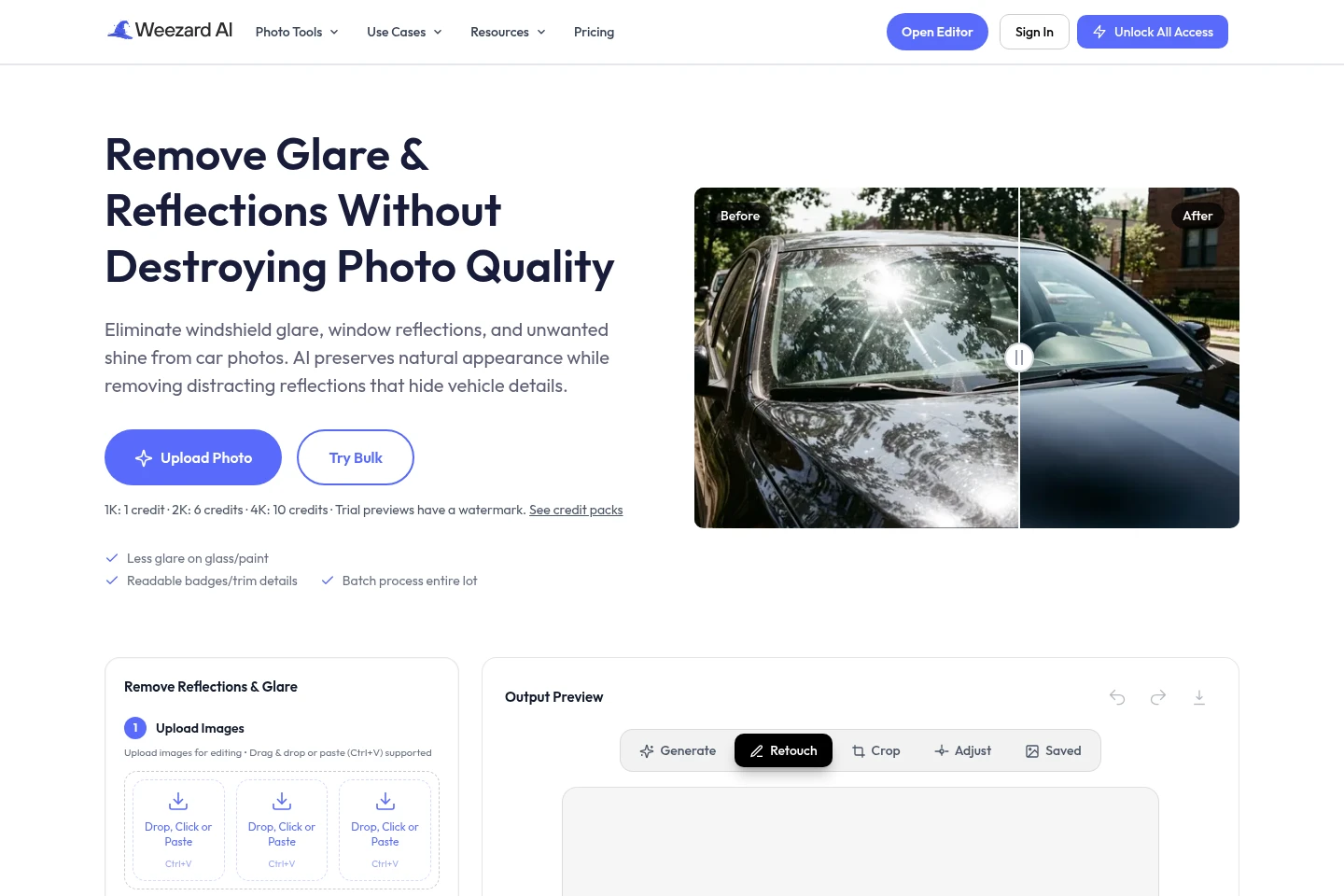
When a car photo has windshield glare, window reflections, or distracting shine, use the car-photo workflow to remove reflections while retaining natural-looking vehicle details. The page also describes batch processing multiple angles.
Restore and colorize old photographs
When preserving damaged or faded family photos, upload a scan and use restoration to repair marks and fading, or colorization for a black-and-white image. Review the resulting image against the original.
Create clean product photos
When preparing product images, remove the original background or replace it with white or another scene. The white-background workflow describes a clean output that retains the contact shadow.
Limitations
The Free plan is limited to 1K quality; higher output resolutions use more credits, with 1K costing 1 credit, 2K costing 6, and 4K costing 10.
The Free plan's trial/export images include a watermark; watermark-free exports are described for paid credit packs and Pro.
The monthly 250-credit Pro allowance refreshes each billing cycle and does not roll over.
Who it is for
Real-estate agents and rental hosts preparing listing photos
Car dealers and sellers cleaning vehicle photos for listings
Photographers editing portraits and batches of client photos
Families restoring and preserving old photographs
FAQ
How does the Weezard AI trial work?
New accounts receive 1 trial credit after signup and email verification, with no credit card required. Trial exports include a watermark; paid credits unlock watermark-free exports.
What can I edit with Weezard AI?
You can change backgrounds, restore old or damaged photos, remove objects and text, upscale images, colorize black-and-white photos, and apply style looks in the browser editor.
How many credits do different output resolutions use?
The listed editing costs are 1 credit at 1K, 6 credits at 2K, and 10 credits at 4K. The Free plan is limited to 1K quality.
Does Weezard AI add watermarks?
Trial exports include a watermark, and the pricing page says Free exports are watermarked. Paid credit packs and Pro are described as offering watermark-free exports.
Can I cancel the Pro subscription?
Yes. The pricing page says the subscription can be canceled anytime. Its monthly 250-credit allowance refreshes each cycle and does not roll over.
Comments