
- Monthly visits
- 884
- 2026-09
- Monthly growth +148.3%
Vydstudio - Turn a prompt or script into an editable, ready-to-post AI video
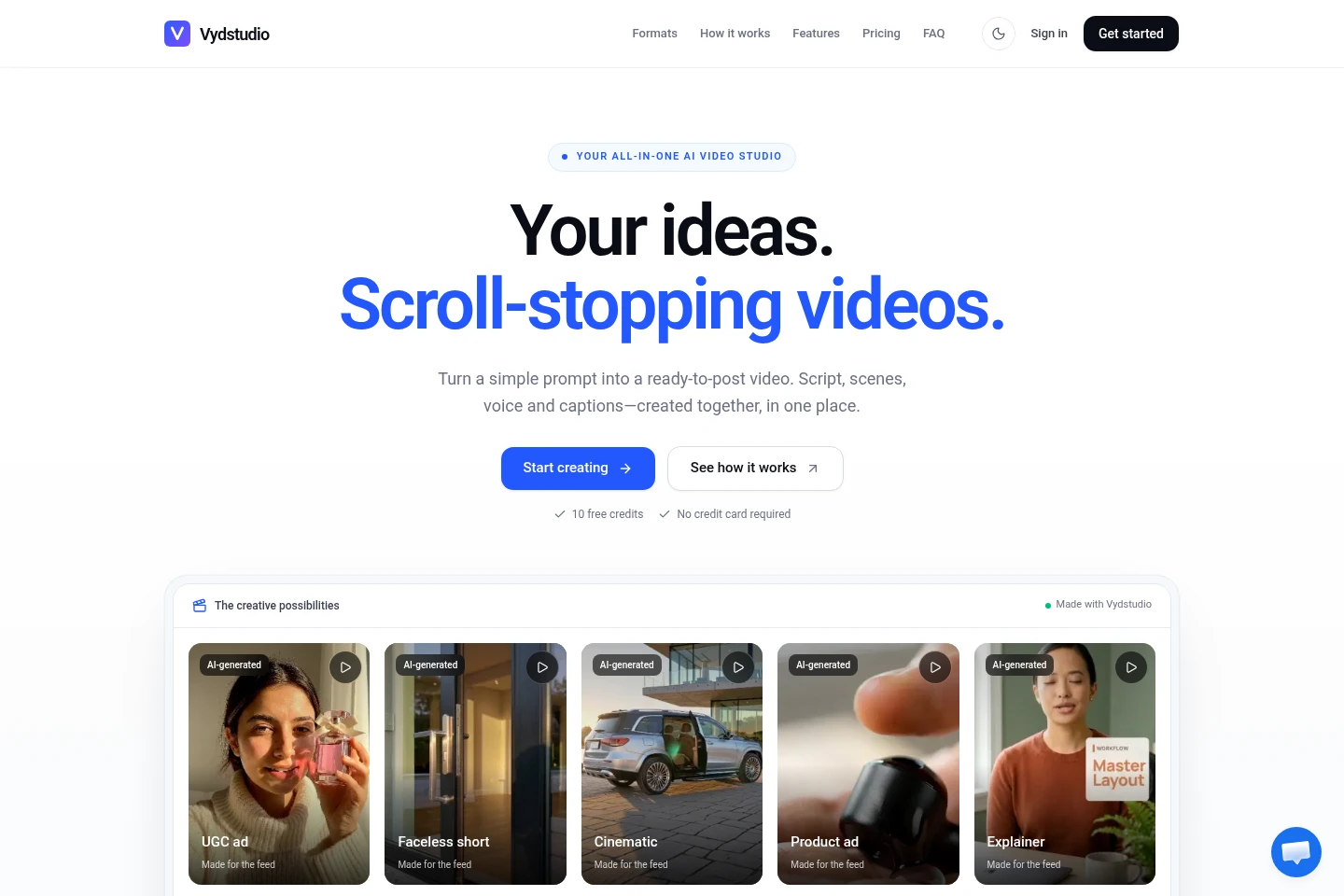
Vydstudio turns a sentence or pasted script into a video by drafting the hook and scenes, selecting generation models, and adding voice, music and captions. Edit and re-render individual scenes, apply a brand kit, then export or schedule videos for TikTok, Instagram, YouTube and Facebook. Video generation requires a paid plan.
- AI Video
- Short Video Generators
- Video Editors
- Social Media Management
- AI video generator
- UGC video ads
- faceless video maker
Capabilities
Prompt-to-video generation
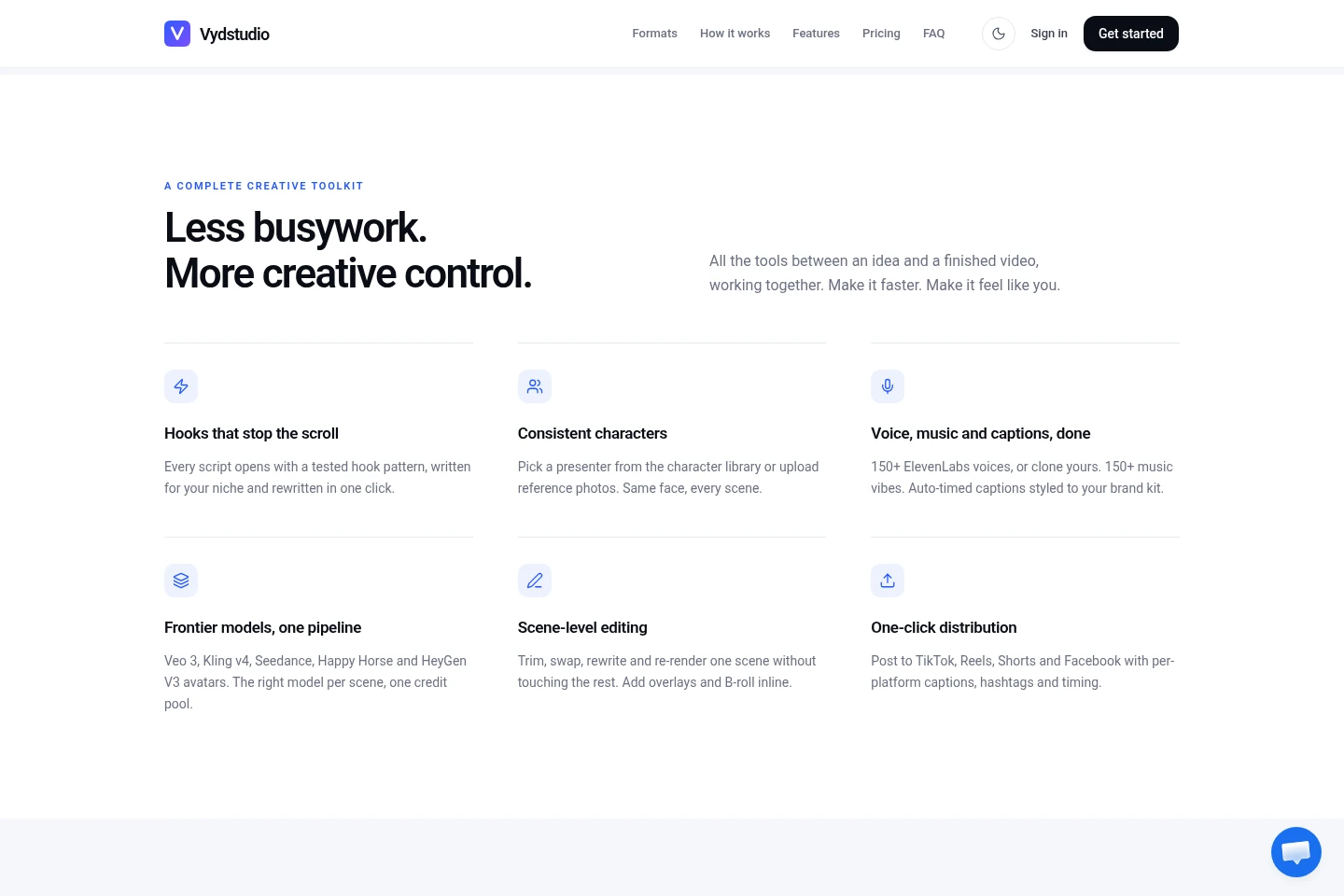
Turns a sentence or pasted script into a video script, hook, shot list and generated scenes. It selects a suitable model for each scene and applies the saved brand kit.
Scene-level editing
Lets users trim or replace a shot, rewrite lines, change pacing and re-render selected scenes. It can also add overlays and B-roll without regenerating untouched scenes.
Voice, music and captions
Adds narration, background music and timed captions to generated videos. Users can choose from more than 150 ElevenLabs voices or clone a voice, and style captions with the brand kit.
Social scheduling and publishing
Connects TikTok, Instagram, YouTube and Facebook to schedule or publish completed videos. Users can set platform-specific captions, hashtags and timing in the calendar.
Pricing
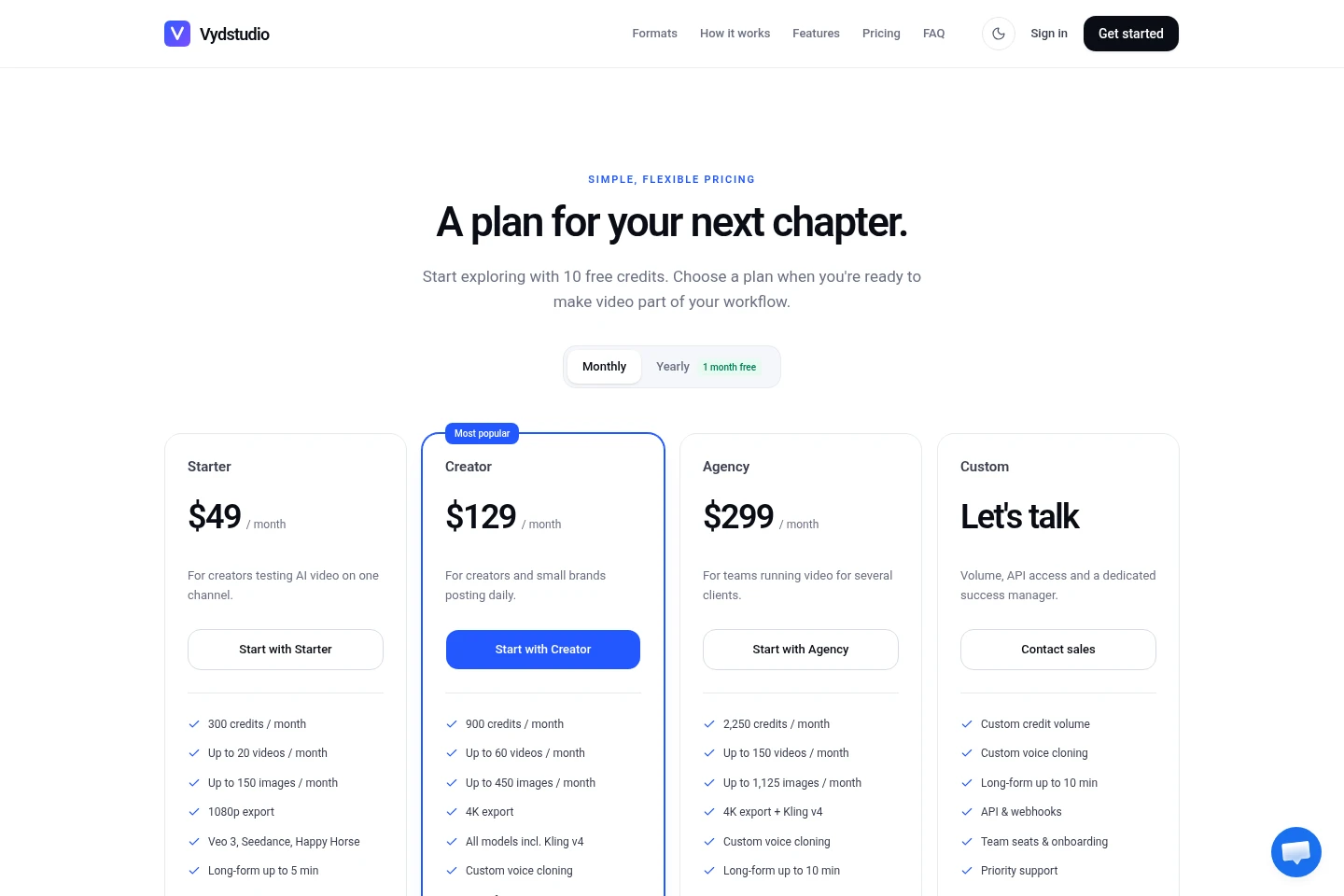
Vydstudio offers monthly subscriptions and a free sign-up allowance; compare monthly credits, video and image limits, model access, export quality and maximum video length. Video generation requires a paid plan.
| Plan | Price | Included features and limits |
|---|---|---|
| Starter | $49 per month |
|
| Creator | $129 per month |
|
| Agency | $299 per month |
|
| Custom | Contact sales |
|
The pricing page offers monthly and yearly billing and labels the yearly option “1 month free”; the supplied pages do not state the yearly plan prices or payment schedule.
Use cases
Create short UGC-style product ads
When a creator or brand needs a short product promotion, provide an idea or script and select a UGC format. Vydstudio drafts scenes, voice and captions for an editable ad, with format-specific lengths shown as 15–45 seconds.
Make narrated faceless short videos
When a creator wants a short video without an on-camera presenter, choose the faceless format and use B-roll, captions and a narrator. The result can be edited scene by scene and prepared for social feeds.
Schedule finished videos across social channels
When completed videos need publishing on connected social accounts, add them to the calendar and choose the date, time, platform, caption and hashtags. Scheduled posts can be queued or published from the editor.
Limitations
Video generation is available on paid plans; the 10 free sign-up credits are for trying AI image generation, not generating videos.
When a plan's monthly credits run out, video generation pauses until the next billing-date reset or an upgrade; scheduled posts for completed videos still publish.
Who it is for
Creators producing recurring short-form videos for social channels
Small brands creating product ads and social videos for their channels
Agencies producing and scheduling videos for several clients
FAQ
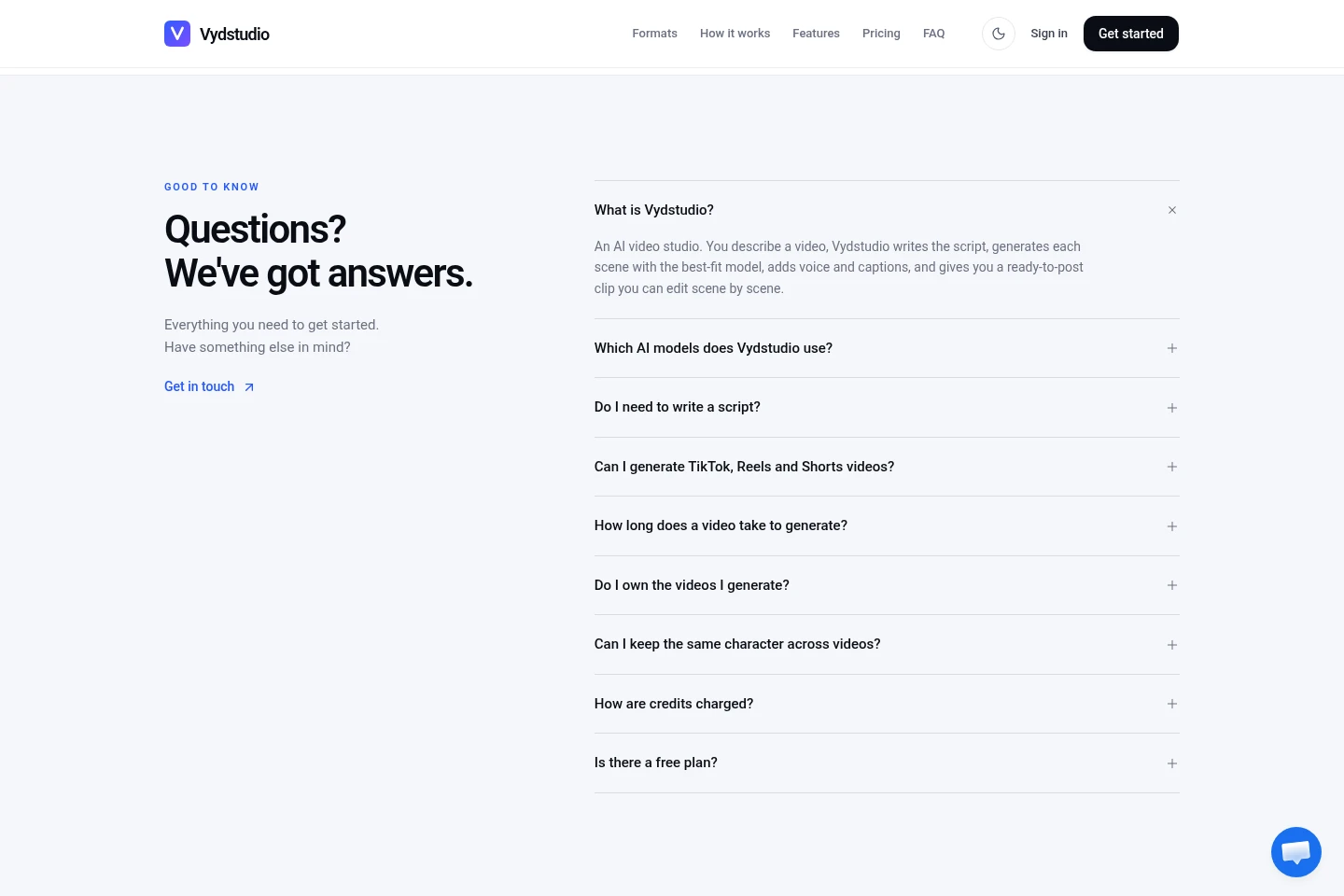
What does Vydstudio create from a prompt?
It drafts a hook, script and shot list, generates scenes with selected models, and adds voice and captions. The resulting video can be edited scene by scene.
Which video models are included?
Starter includes Default (HeyGen V3), Happy Horse, Seedance and Google Veo 3. Creator and Agency add Kling v4; the Custom plan lists custom credit volume and API and webhook access.
Can I try Vydstudio without paying?
Yes. Sign-up includes 10 free credits without a credit card, enough to try AI image generation. Video generation starts on a paid plan, with Starter listed at $49 per month.
How are generation credits charged?
Credits are charged per 10-second segment, with the amount depending on the model: listed examples range from 5 credits for HeyGen V3 to 30 for Seedance 2.5, and reference-to-video variants can cost up to 40 for Veo. The create screen shows the cost before rendering.
What happens when monthly credits run out?
Video generation pauses until credits refresh on the next billing date, or you can upgrade to a plan with more monthly credits. Scheduled posts for videos already generated continue to publish.
Can I schedule videos to social platforms?
Yes. Connect Instagram, TikTok, Facebook or YouTube, then schedule a completed video in the calendar with its date, time, platform, caption and hashtags.
Comments