
- Monthly visits
- 2,648
- 2026-09
- Monthly growth +1,125.9%
Voicci - Offline voice dictation that types into your apps
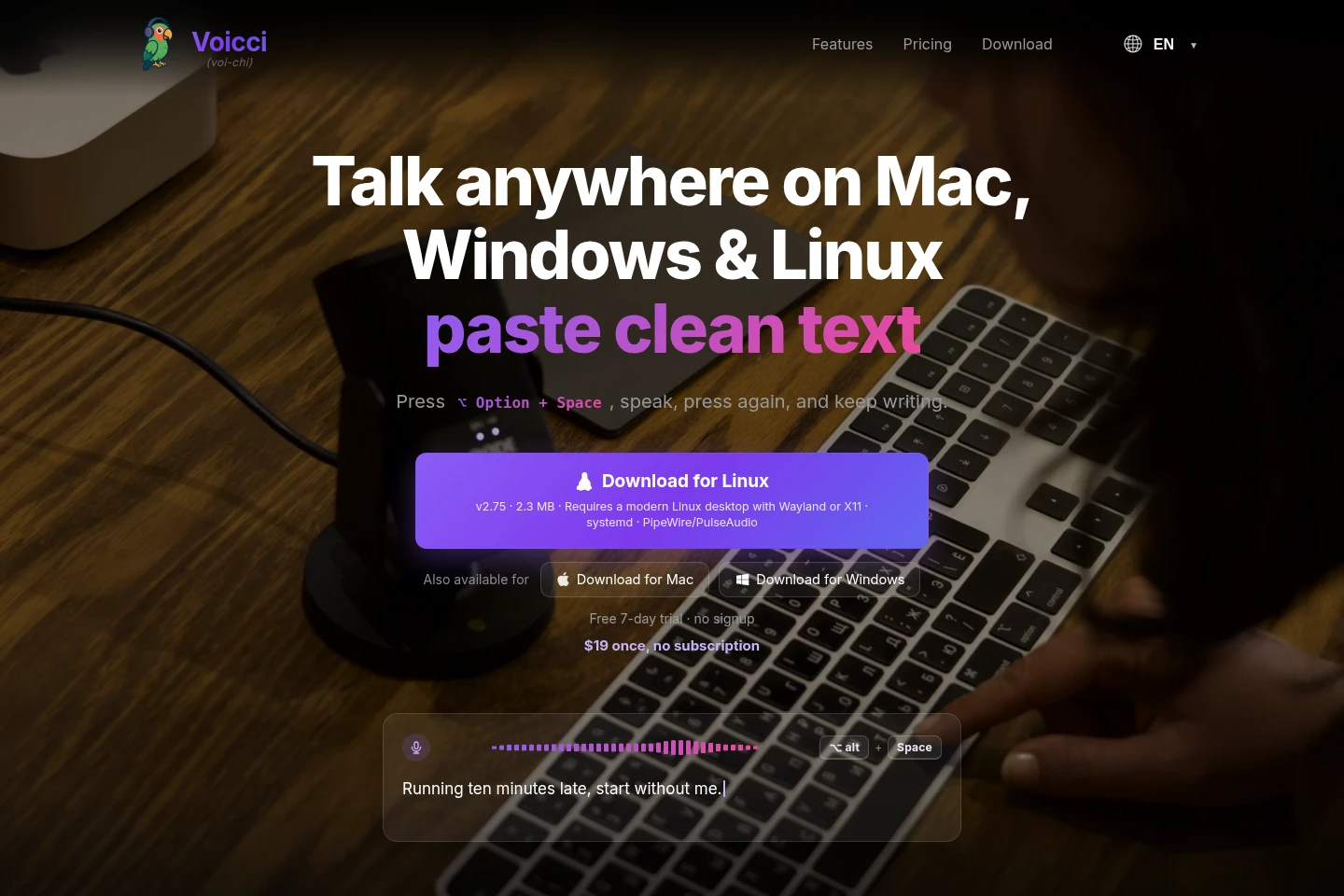
Voicci is a desktop voice-to-text app for Mac, Windows, and Linux. A keyboard shortcut starts recording and transcribes when pressed again, placing text wherever the cursor is. Audio is processed locally with OpenAI’s Whisper model; transcription does not require an internet connection. A one-time license covers all three platforms.
- AI Productivity
- Voice Dictation
- Transcription
- offline voice dictation
- local voice to text
- Whisper transcription app
Capabilities
Offline voice transcription
Turns speech into text locally on the computer and pastes it at the cursor. Press the platform shortcut to record, then press it again to transcribe; no internet connection is used.
Shortcut-based dictation
Starts and completes dictation with a keyboard shortcut, then inserts text into the active app. Use Option+Space on Mac or Alt+Space on Windows and Linux; the app sits in the menu bar or system tray.
Multilingual transcription mode
Automatically detects speech from more than 90 languages in the app’s multi mode. Select that mode before dictating; the product’s listed language count describes transcription, not interface languages.
Automatic speech punctuation
Adds punctuation based on speech patterns, pauses, and context. It applies while converting speech into text, including periods, question marks, and commas.
Pricing
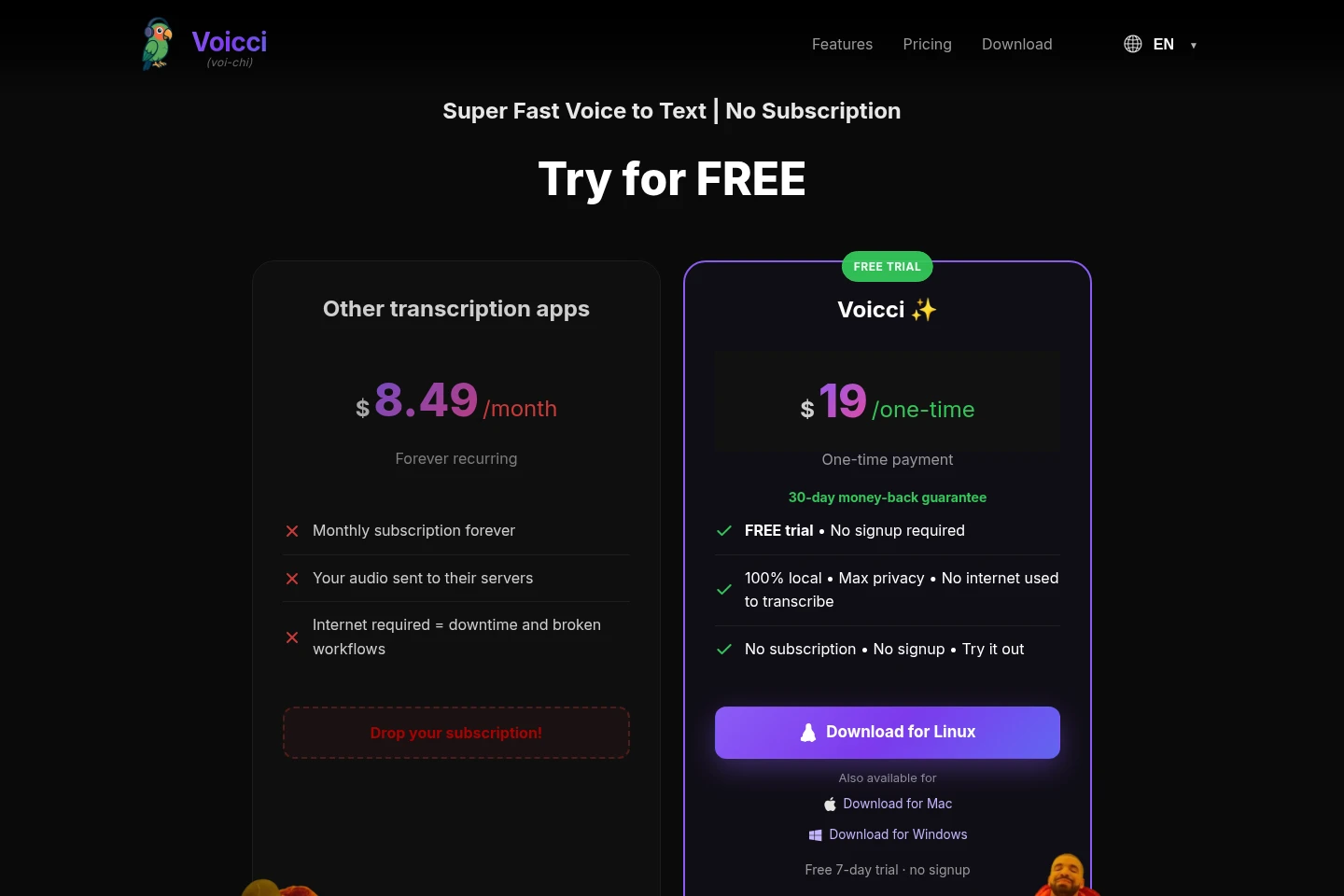
Voicci is a paid product with a one-time purchase rather than recurring billing. Compare the included trial, supported desktop platforms, and license coverage when deciding whether it fits your computer.
| Plan | Price | Included features and limits |
|---|---|---|
| Voicci | $19 one time |
|
Use cases
Dictate text into desktop apps
When writing in an app that accepts text, dictate without switching to a separate transcription window. Start recording with the keyboard shortcut, speak, and press it again; the resulting text appears at the cursor.
Dictate without sending audio online
When working offline or keeping recordings on the computer is important, use Voicci for local transcription. Once installed, it needs no internet connection for transcription and does not send audio to external servers.
Transcribe speech in multiple languages
When dictating in a supported language, choose the app’s multi mode to have it automatically detect speech from more than 90 languages. The recognized text is inserted where the cursor is.
Limitations
Mac use requires Apple Silicon (M1 or later) and macOS 15 or later; Intel Macs are not supported.
Windows use requires Windows 10 or 11, 64-bit.
Linux use requires a desktop with Wayland or X11, systemd, and PipeWire or PulseAudio.
Voicci is a desktop app and cannot be installed on phones or tablets.
Who it is for
People who regularly dictate text while working across desktop apps
Users who need voice transcription to run locally without sending audio to servers
Desktop users who want automatic speech detection across more than 90 languages
FAQ
Does Voicci send audio to external servers?
No. Voicci processes voice data locally on the computer using OpenAI’s Whisper model, and audio is not sent to external servers.
Does Voicci work without an internet connection?
Yes. After installation, voice transcription works offline and does not require an internet connection.
Which computers can run Voicci?
Voicci supports Apple Silicon Macs (M1 or later) with macOS 15 or later, Windows 10 or 11 (64-bit), and Linux desktops with Wayland or X11, systemd, and PipeWire or PulseAudio.
How much does Voicci cost, and is there a trial?
Voicci costs $19 as a one-time purchase and includes a free 7-day trial with no signup required. The license includes future versions and new features.
How many languages can Voicci transcribe?
Voicci supports more than 90 languages. Its multi mode automatically detects the spoken language; accuracy depends on audio quality, microphone setup, speaking clarity and pace, and background noise.
Comments