
- Monthly visits
- 6,973
- 2026-09
- Monthly growth -32.8%
VocalRemover - Separate vocals and stems from audio online
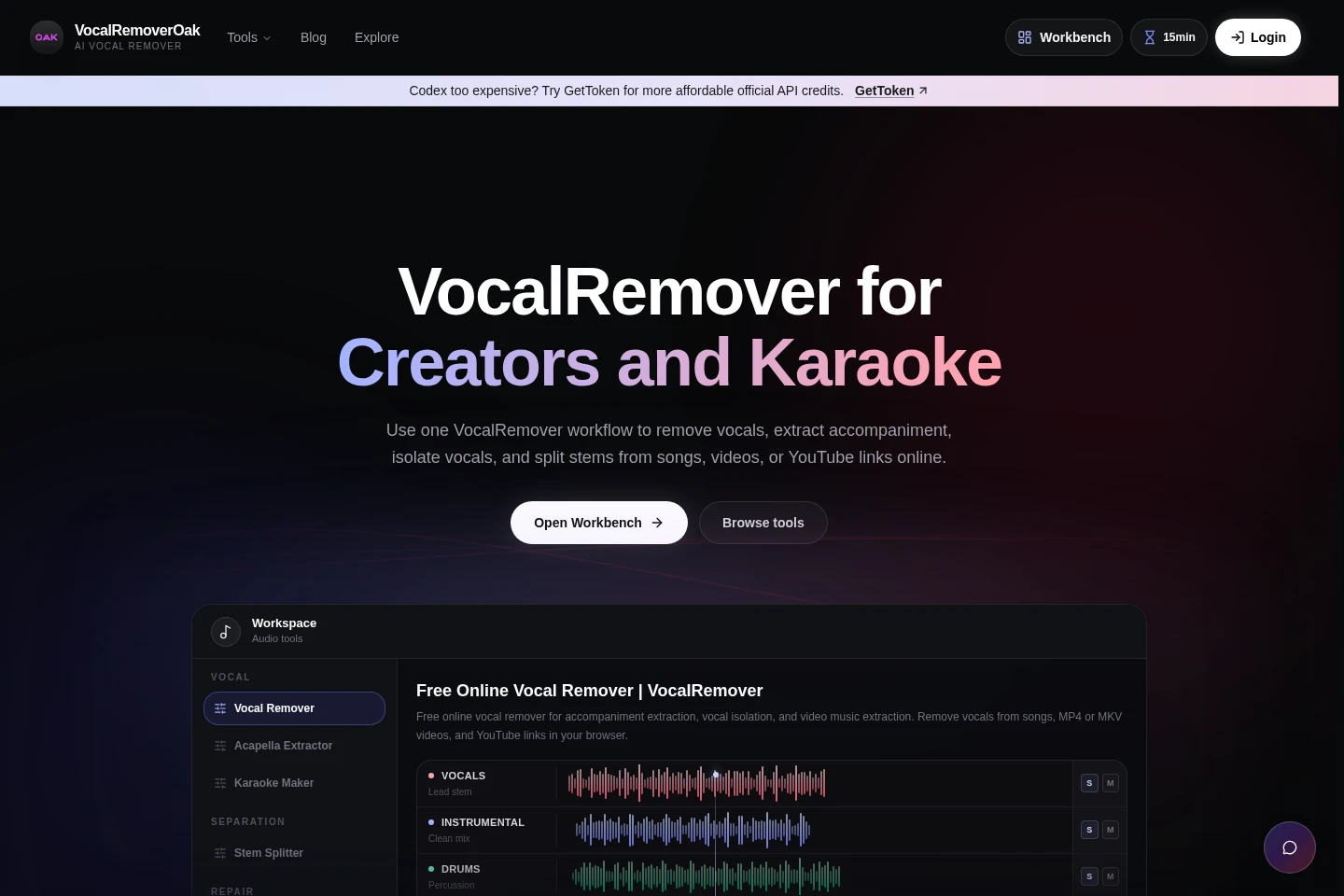
VocalRemover is a cloud audio tool for removing or isolating vocals, extracting accompaniment, and splitting songs into stems. Upload audio or video files, or provide a YouTube or TikTok link, choose an output, and download the resulting tracks. Processing uses minutes, with a free initial credit and paid credit packs.
- AI Audio
- Vocal Removers
- online vocal remover
- AI stem splitter
- karaoke instrumental maker
Capabilities
Vocal separation
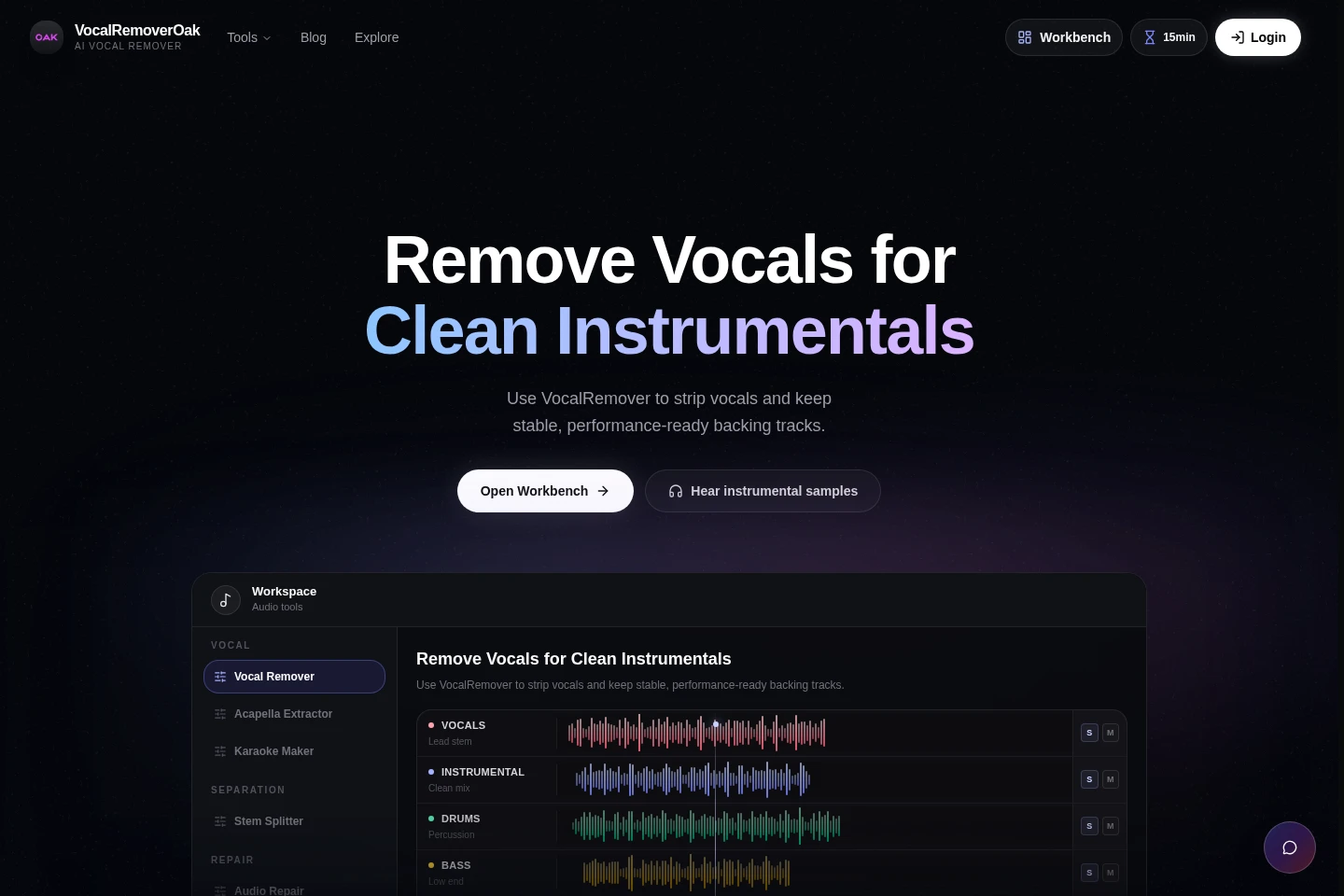
Removes vocals or isolates them to create vocal and instrumental tracks. Upload MP3, WAV, FLAC, MP4, or MKV files, or paste a YouTube or TikTok link, then choose the desired output.
Multi-stem splitting
Separates music into vocal, instrumental, drum, bass, and other stems. Upload a supported audio or video file or provide a supported share link, then download the separated tracks.
Audio and video input
Accepts audio and video files or supported share links for processing. Inputs include MP3, WAV, FLAC, MP4, MKV, YouTube links, and TikTok links.
Pricing
VocalRemover offers a Free initial trial credit and paid, one-time minute packs. Compare the included processing minutes, upload limit, model options, and queue priority when choosing a pack.
| Plan | Price | Included features and limits |
|---|---|---|
| Free | $0 |
|
| Plus (Pack) | $10 |
|
| Pro (Pack) | $20 |
|
| Studio (Pack) | $40 |
|
Processing minutes are audio minutes multiplied by model count. Free minutes are used before paid balance. The page also states that free minutes reset every 24 hours; paid credits never expire.
Use cases
Make instrumental tracks for karaoke
When preparing a song for karaoke or rehearsal, upload the source or paste a supported link and select vocal removal. Download the resulting instrumental track for singing or practice.
Extract vocals or stems for remixing
When editing a song for a remix, upload the audio or video or provide a supported link, then isolate vocals or split the music into stems. Download the tracks for further editing.
Remove vocals from video music
When music is contained in an MP4 or MKV video, upload the video and choose vocal removal or accompaniment extraction. The service processes it into downloadable audio tracks.
Limitations
The Free plan provides a one-time initial grant of 15 trial minutes per account; it is not a recurring 15-minute grant.
The Free plan limits each file to 8 minutes and uploads to 100 MB.
Processing-minute consumption is audio duration multiplied by the number of models used, so multi-model comparisons consume more minutes.
Who it is for
Karaoke and cover creators who need instrumental backing tracks
Music editors who need separated vocals or stems for remixing
Singers and rehearsal groups that need tracks for practice
FAQ
Which file formats and links can I process?
The listed inputs are MP3, WAV, FLAC, MP4, and MKV files, plus YouTube and TikTok links. The selected input is processed into the output you choose.
How are processing minutes counted?
Processing minutes equal audio minutes multiplied by the number of models used. Multi-model comparisons therefore use more minutes than processing with one model.
Do paid credits expire?
No. The listed Plus, Pro, and Studio pack minutes do not expire. The Free trial credit is an initial grant, and free minutes reset every 24 hours where applicable.
What are the Free plan limits?
Free includes 15 trial minutes as an initial grant only. Files are limited to 8 minutes and uploads to 100 MB.
Can I use VocalRemover to make karaoke tracks?
Yes. Choose vocal removal to create an instrumental track, then download it for karaoke, covers, or rehearsal.
How do I contact support?
Email [email protected] for help or feedback.
Comments