

- Monthly visits
- 2,624
- 2026-09
- Monthly growth +649.7%
Vocal Cut - Free browser audio tools with local processing
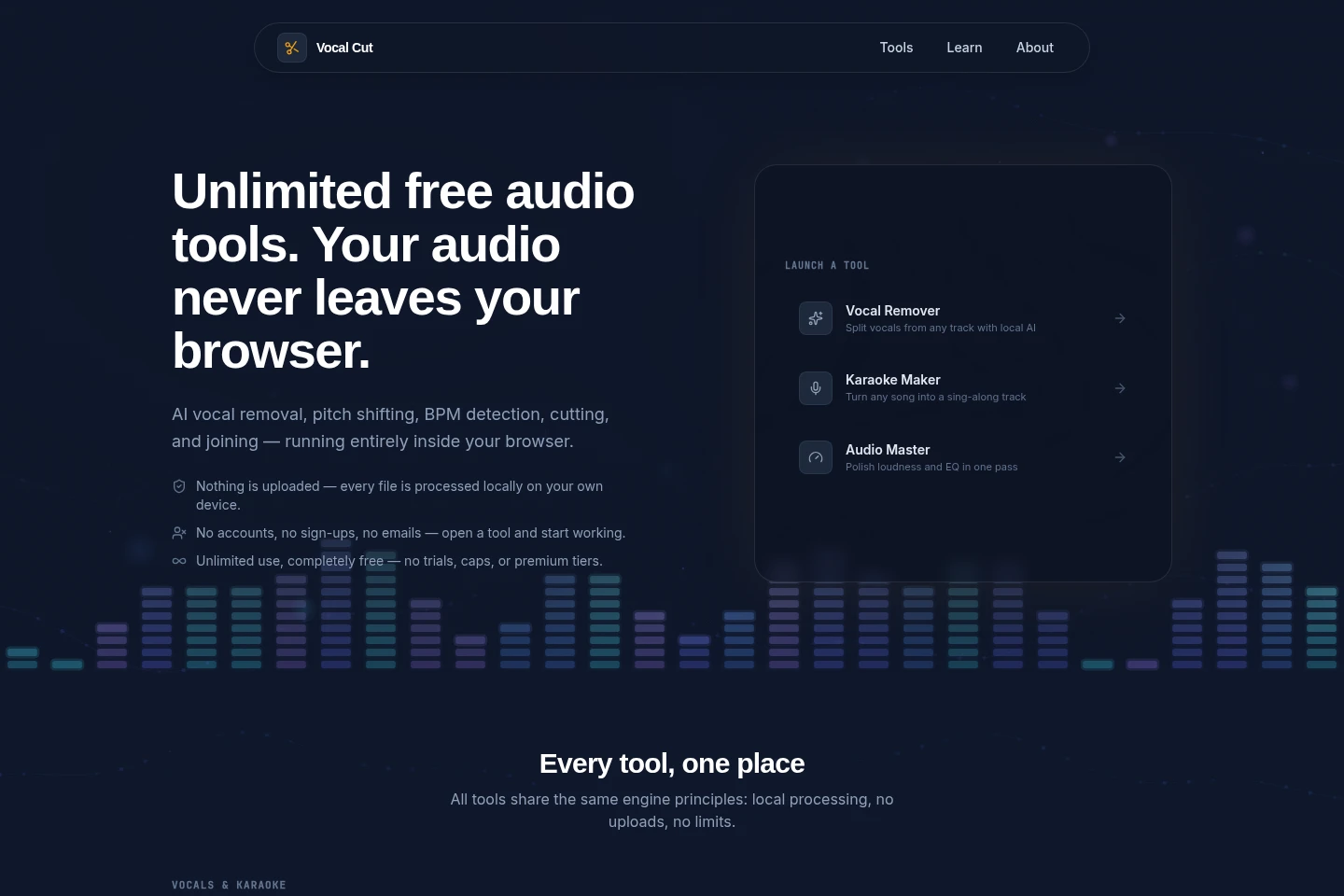
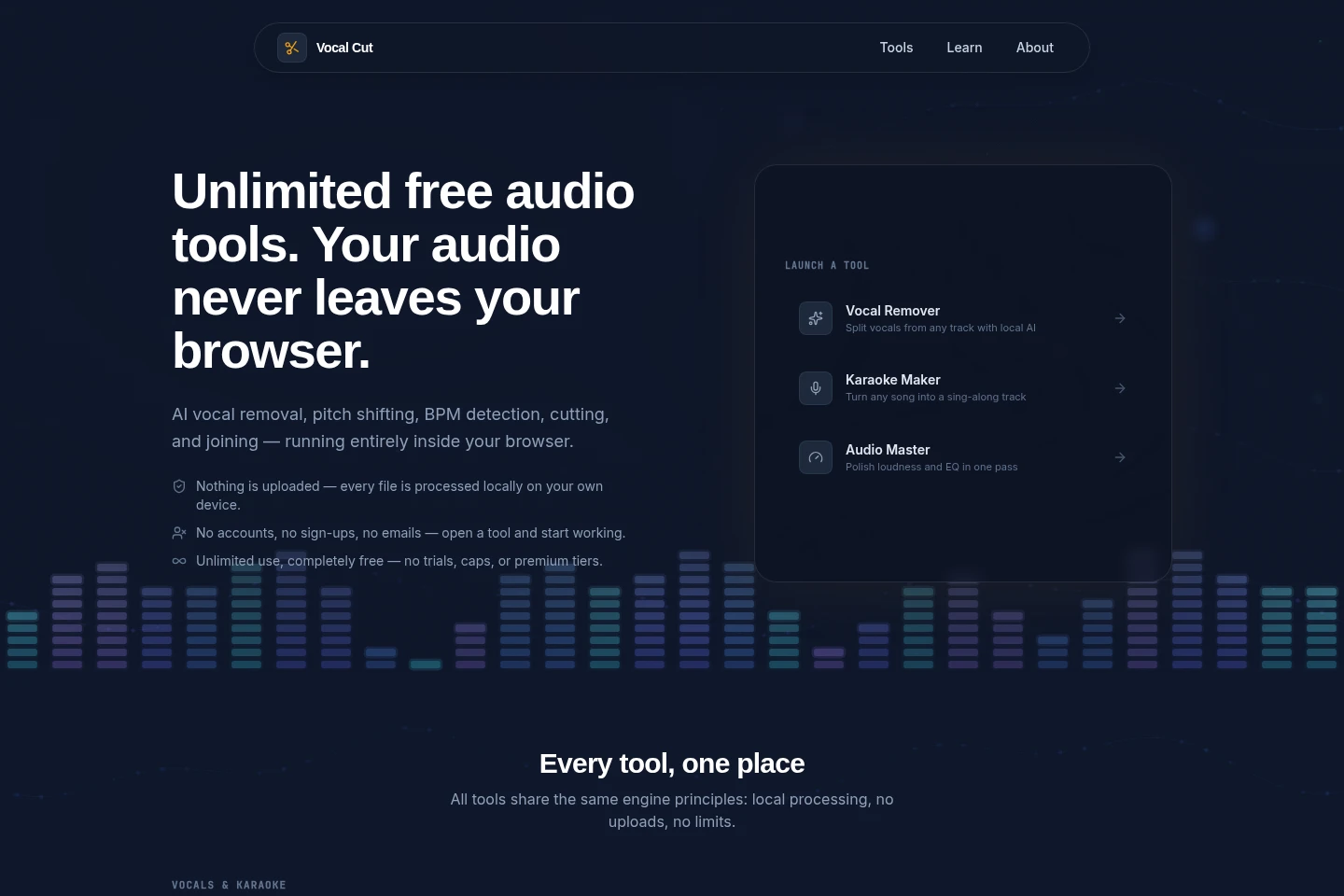
Vocal Cut is a collection of browser-based tools for editing, analyzing, converting, and creating audio. It includes AI vocal removal, stem splitting, pitch and tempo tools, audio effects, recording, and format conversion. Files are processed on the user’s device without uploads or an account; tools are free with unlimited use.
- AI Audio
- Audio Editors
- Vocal Removers
- free online audio tools
- AI vocal remover
- browser audio editor
Capabilities
Audio editing and effects
Edit and process audio in the browser, producing trimmed, joined, altered, or enhanced files. Tools include cutting, joining, fades, looping, noise reduction, equalization, compression, and effects; files are processed locally.
Vocal and stem separation
Separate vocals and instrumental parts from a song to produce isolated audio tracks. AI processing runs on the device; the Stem Splitter can produce vocals, drums, bass, and other stems.
Audio and music analysis
Analyze audio and display measurements or detected musical properties. Tools identify BPM and key, show a frequency spectrum or spectrogram, and provide a confidence score for key detection.
Audio conversion and recording
Convert, record, and export audio in supported formats. The tools handle listed audio formats, can extract audio from listed video formats, and process files locally in the browser.
Pricing
Vocal Cut is free to use, with no subscription or usage caps described. The homepage says there are no trials or premium tiers, so there are no paid plans to compare.
Use cases
Separate vocals from a song
When preparing a song for karaoke or an isolated vocal track, use Vocal Remover to separate vocals and instrumental audio with on-device AI. Stem Splitter can also divide a song into vocals, drums, bass, and other parts.
Edit and clean an audio recording
When a recording needs trimming, joining, fades, noise reduction, or level adjustment, select the corresponding browser tool and process the file locally. Export the resulting audio without uploading the source file.
Find a track’s tempo or key
When practicing or working with a track and its musical properties are needed, use BPM Finder or Key Finder. The tools return a tempo or a major/minor key, with a confidence score for key detection.
Convert or extract audio files
When a file needs another audio format or audio must be extracted from video, choose a conversion tool, select the supported output options, and export the result in the browser. Processing is local and does not upload the file.
Limitations
Processing uses the device’s browser and hardware; performance can depend on the device, and AI tools fetch their model on first use.
Volume Booster raises the entire signal, so background noise rises with the audio rather than being separated from it.
The Volume Booster accepts MP3, WAV, FLAC, and M4A files, as stated on its tool page.
Who it is for
Musicians and music creators who need browser-based audio editing and effects
People preparing karaoke tracks or separating vocals and instrumentals
Podcast and recording editors who need to trim, join, or reduce noise in audio
Musicians and learners who need audio conversion, analysis, or practice tools
FAQ
Is Vocal Cut free to use?
Yes. The homepage describes the tools as free with unlimited use and no usage caps, trials, or premium tiers.
Are audio files uploaded to a server?
No. Files are processed locally in the browser and the site says it has no processing servers; audio is not uploaded or transmitted.
Is an account required?
No. The homepage says there is no sign-up, login, or email requirement; users can open a tool and begin using it.
Can the tools work offline?
They can after a tool is open and its resources are available. The homepage says AI tools fetch their model once on first use, after which processing can continue without an internet connection.
What does Volume Booster do to background noise?
It raises the whole signal, so background hiss or noise also becomes louder. It does not separate noise from the voice; Noise Reducer is listed as a separate tool.
Comments