

- Monthly visits
- 623
- 2026-09
- Monthly growth +719.7%
VideoSupport - Turn customer recordings into clearer support replies
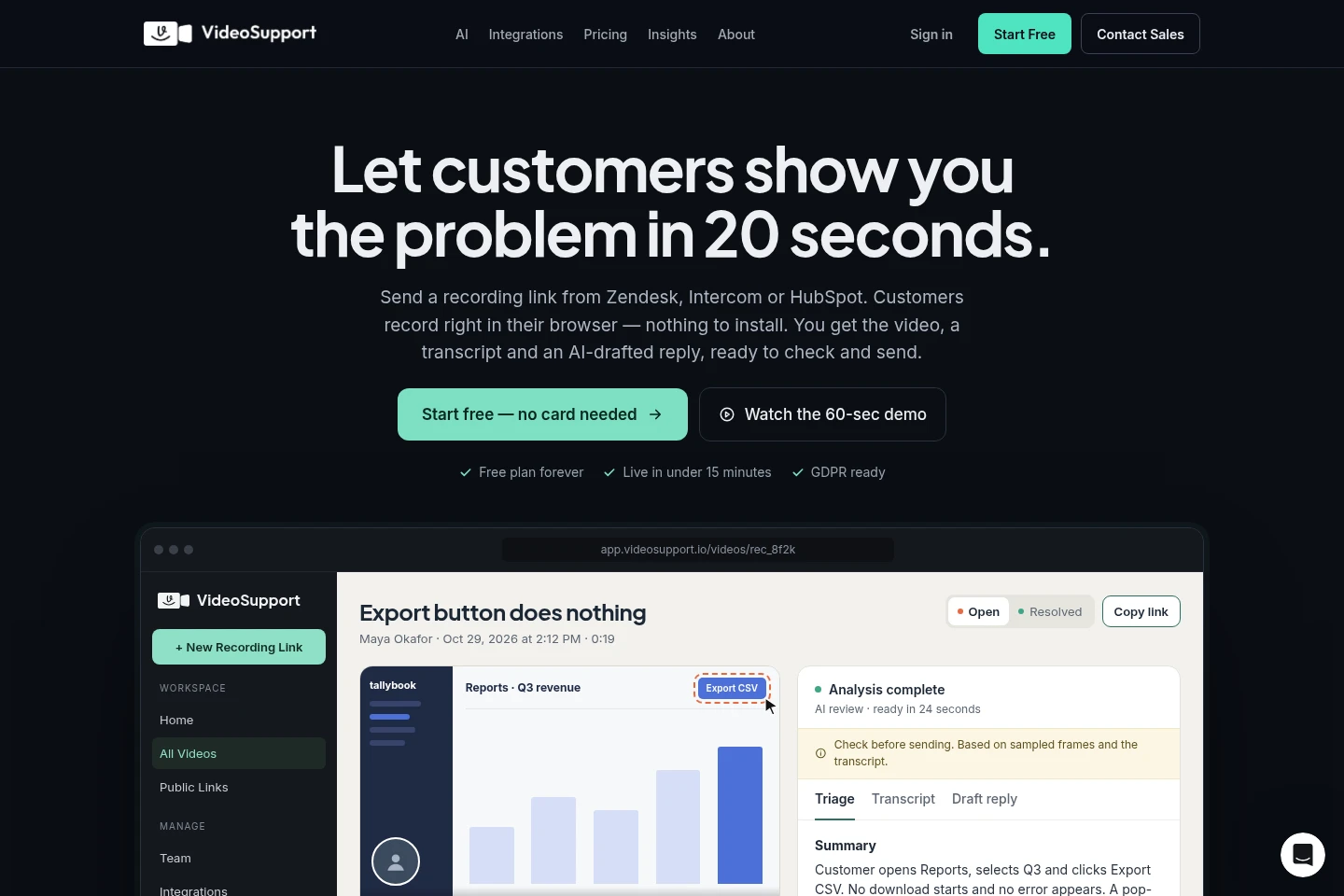
VideoSupport lets support teams send customers a browser-based recording link from their helpdesk. It returns video, a transcript, visual triage and an AI-drafted reply for agents to review. Integrations connect the workflow with HubSpot, Intercom, Zendesk, Crisp and Monday.com; API access is listed on every plan.
- AI Business Tools
- Help Desk Software
- Transcription
- MCP Servers
- customer support video recording
- AI ticket triage
- helpdesk video integrations
Capabilities
Browser recording links
Request customer screen or camera recordings through a link, with no customer installation or account required. Agents can send the link from supported helpdesks, and customers can record on desktop or mobile.
AI video triage
Analyze recordings and return a transcript, visual detection summary, likely issue hints and triage context. The system can identify devices and guide capture, but its suggested causes are not guaranteed diagnoses.
AI-drafted support replies
Create a draft response using recording context for an agent to check and send. AI reviews include transcription, triage and a draft answer for a new recording, subject to each plan's monthly allowance.
Helpdesk integrations
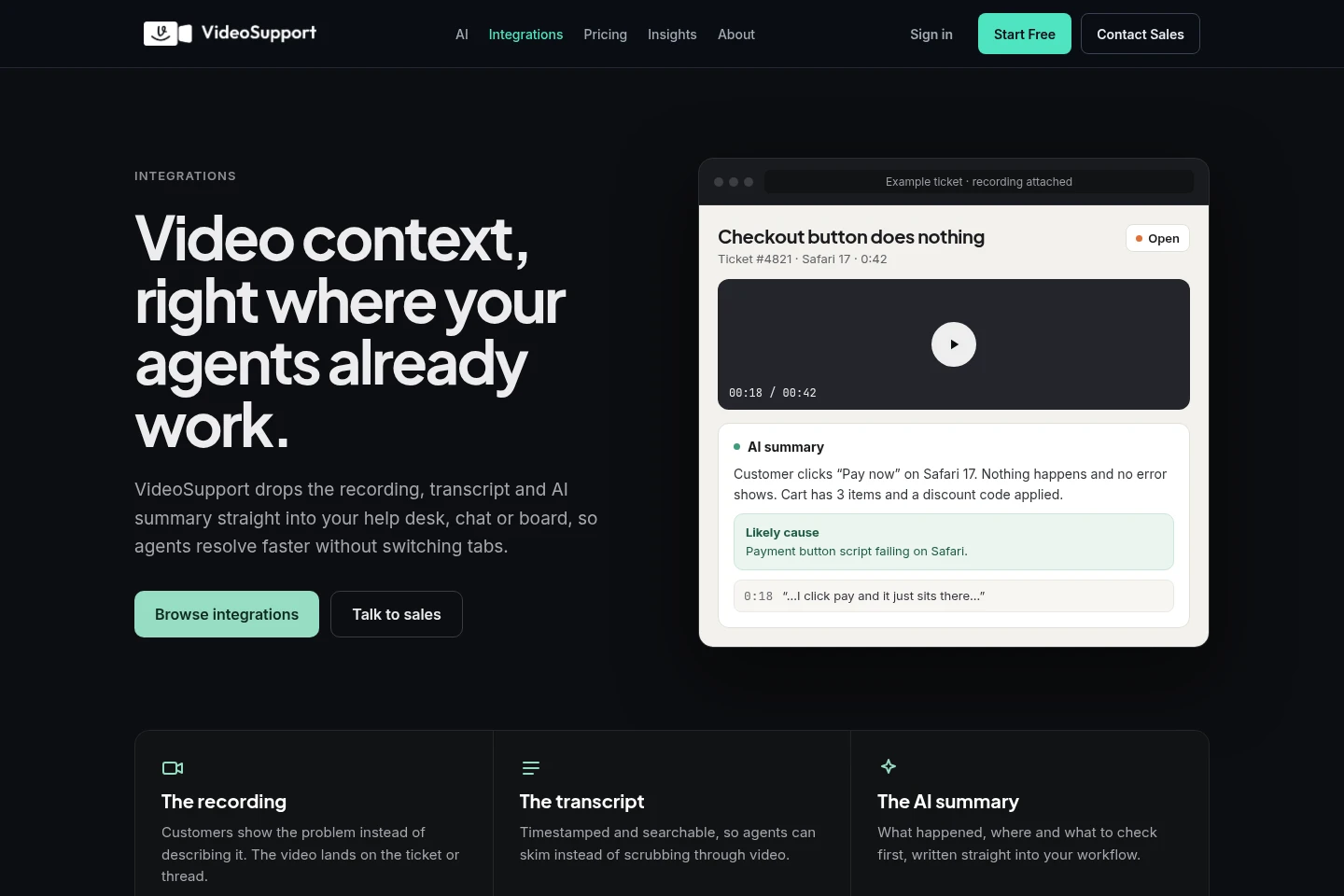
Send recording requests and sync recordings, transcripts and summaries into connected support tools. The listed integrations are HubSpot, Intercom, Zendesk, Crisp and Monday.com.
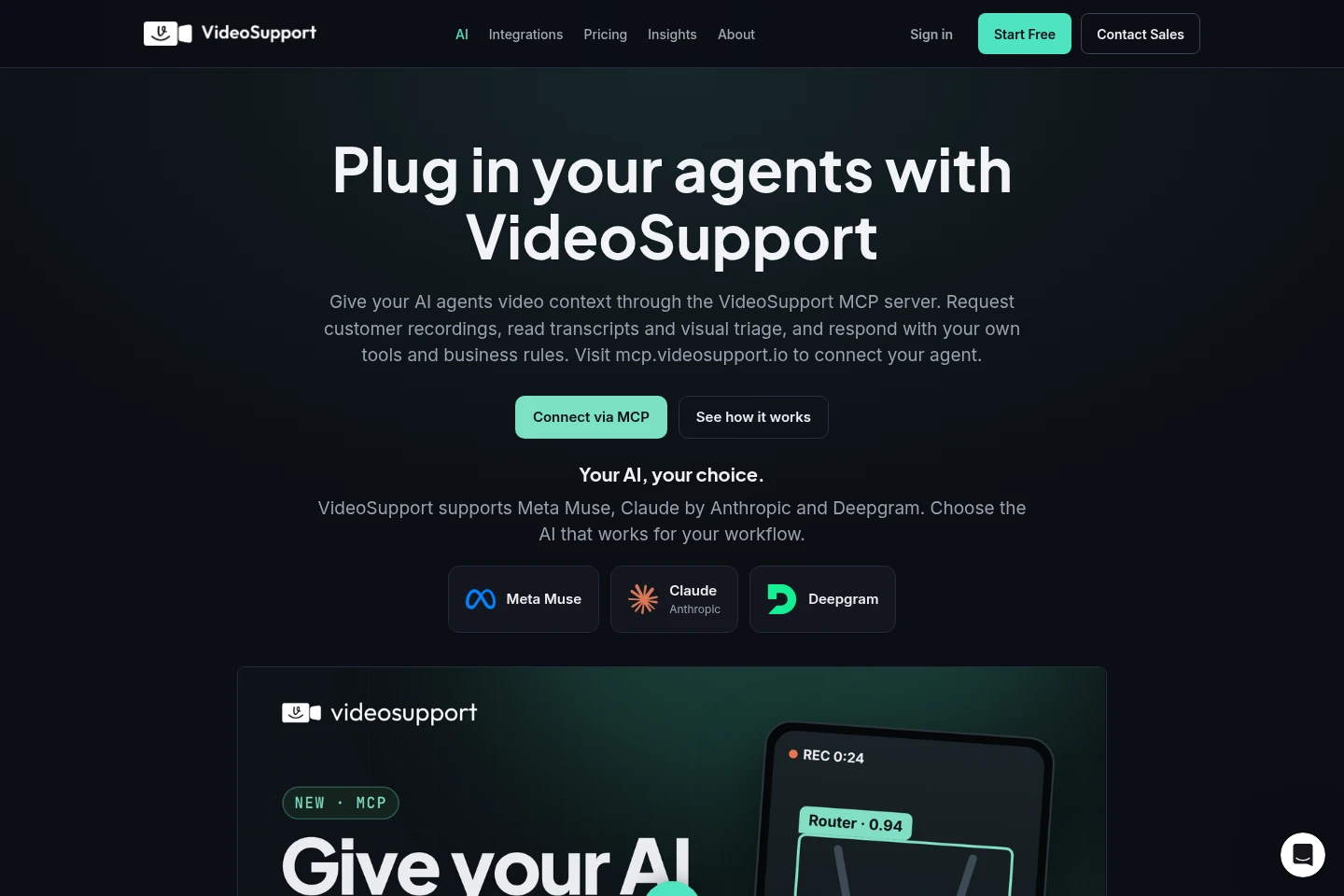
MCP agent connection
Connect an MCP-capable agent to request recordings, read transcripts and visual triage, and reply or escalate. Setup uses a workspace API key, and agent actions are logged on the ticket.
Pricing
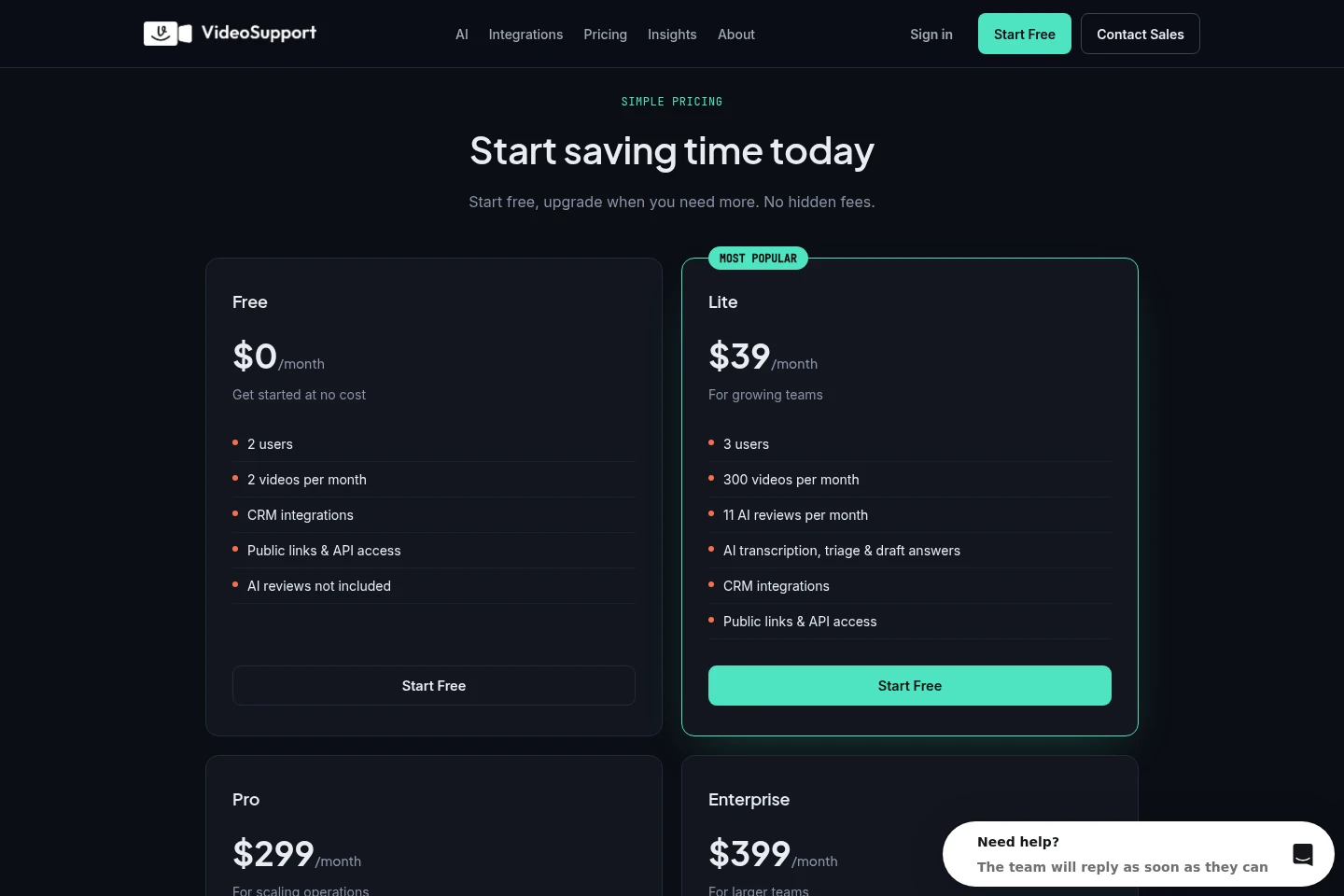
VideoSupport offers a free plan and paid monthly subscriptions. Compare user seats, monthly video limits and included AI reviews; paid plans also list AI transcription, triage and draft answers.
| Plan | Price | Included features and limits |
|---|---|---|
| Free | $0/month |
|
| Lite | $39/month |
|
| Pro | $299/month |
|
| Enterprise | $399/month |
|
Prices are in USD. Each AI review covers transcription, triage and a draft answer for a new recording. AI allowances reset monthly in UTC and are separate from video limits. Discounted and AppSumo plans have different AI allowances.
Use cases
Capture a customer issue on video
When a support ticket is difficult to understand from text, an agent sends a recording link from a connected helpdesk. The customer records a screen, camera or both in a browser, and the recording returns with context for the ticket.
Triage video-based support tickets
When agents need to understand what happened in a customer recording, VideoSupport provides a transcript, visual detection summary and likely issue hints. Agents can review this context before choosing how to respond.
Prepare a reply to a video ticket
When a ticket includes a customer recording, the system drafts a response from its transcript and analysis. The support agent checks and edits the draft before sending it.
Connect an AI agent to video tickets
When a team already uses an MCP-capable support agent, it can connect through VideoSupport's MCP server. The agent can request recordings, read video context, use its own business rules to reply, or escalate the case to a human.
Limitations
AI visual triage provides likely issues and possible causes, not guaranteed diagnoses; the support team makes the final call.
The Free plan includes two videos per month and does not include AI reviews.
AI review allowances reset monthly in UTC, are separate from video limits, and differ on discounted and AppSumo plans.
Who it is for
Customer support teams handling tickets in helpdesks that need clearer issue context.
Chat-first support teams that want customer recordings and context in their existing conversation workflow.
Teams operating MCP-capable support agents that need video, transcript and visual triage context.
FAQ
Does a customer need to install anything to record?
No. Customers open the recording link in a browser and can record their screen or camera without an extension, app download or account. The site says this works on desktop browsers and mobile devices.
Which helpdesks and CRMs does VideoSupport integrate with?
VideoSupport lists HubSpot, Intercom, Zendesk, Crisp and Monday.com. Recordings and related context sync into the connected support workflow; public API access and webhook support are also described in the FAQ.
What does an AI review include?
An AI review includes transcription, triage and a draft answer for a new recording. Monthly AI review allowances are separate from video limits and reset in UTC.
Are AI triage results guaranteed diagnoses?
No. VideoSupport provides likely issues and possible causes from recordings, and the support team makes the final call.
Can an AI agent use VideoSupport recordings?
Yes. An MCP-capable agent can request recordings, read transcripts and visual triage, then reply or escalate using its own tools and rules. Setup uses a workspace API key, and actions are logged on the ticket.
Comments