Monthly visits
1,652
2026-10
Monthly growth +2,522.2%

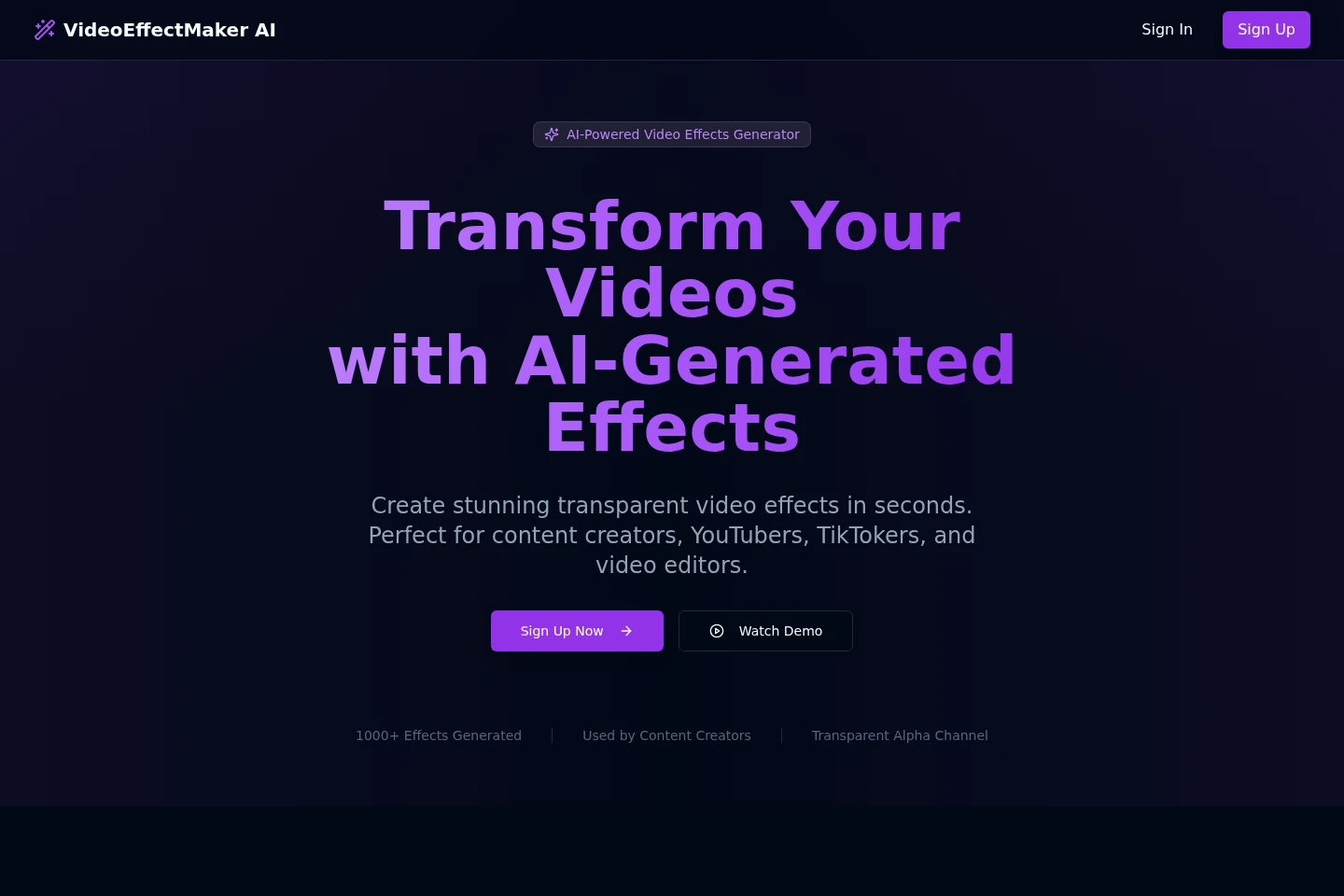
VideoEffectMaker AI - Generate transparent video effects from text prompts

VideoEffectMaker AI generates video effects from text prompts and provides RGB video and alpha mask outputs. Users can create transitions, overlays, particles, text animations, and playful effects, then use the outputs in video-editing software. Effects are purchased with one-time credit packs; credits do not expire.

Visit WebsiteUpdate this product

0Views

Capabilities

Text-to-effect generation

Generates video effects from a written description and returns video output. Users describe the desired effect; the page identifies transitions, overlays, particles, and text animations as examples.

RGB and alpha outputs

Provides RGB color video and an alpha mask for generated effects. These outputs are described as ready for use in professional video-editing software.

Transparent-background effects

Creates effects with transparency for use over other video. The page describes alpha-channel support and shows both RGB output and an alpha mask.

Pricing

Paid credit packs are sold as one-time purchases, with no subscription. Compare the included effect credits and processing or support benefits when choosing a pack.

PlanPriceIncluded features and limits
Starter Pack

$10 one-time

  • 10 credits, for 10 video effects

  • Full quality output and all effects included

  • Credits do not expire

Popular Pack

$45 one-time

  • 50 credits, for 50 video effects

  • Full quality output and all effects included

  • Credits do not expire; priority processing

Pro Pack

$80 one-time

  • 100 credits, for 100 video effects

  • Full quality output and all effects included

  • Credits do not expire; priority processing and premium support

Business Pack

$350 one-time

  • 500 credits, for 500 video effects

  • Full quality output and all effects included

  • Credits do not expire; priority processing, premium support, and a dedicated account manager

All listed prices are in USD. The page says custom enterprise pricing is available by contacting the provider.

Use cases

Add generated effects to edited videos

When preparing video content, creators can describe a transition, overlay, particle effect, or text animation and generate video assets to use in editing software. RGB video and alpha mask outputs support compositing.

Create effects for short-form videos

When making TikTok or Reels content, creators can generate a described effect and use the resulting transparent video in their edits. The page presents quick animations and trending effects as examples.

Limitations

  • Credits are purchased in one-time packs; the page says there are no subscriptions and credits do not expire.

Alternatives

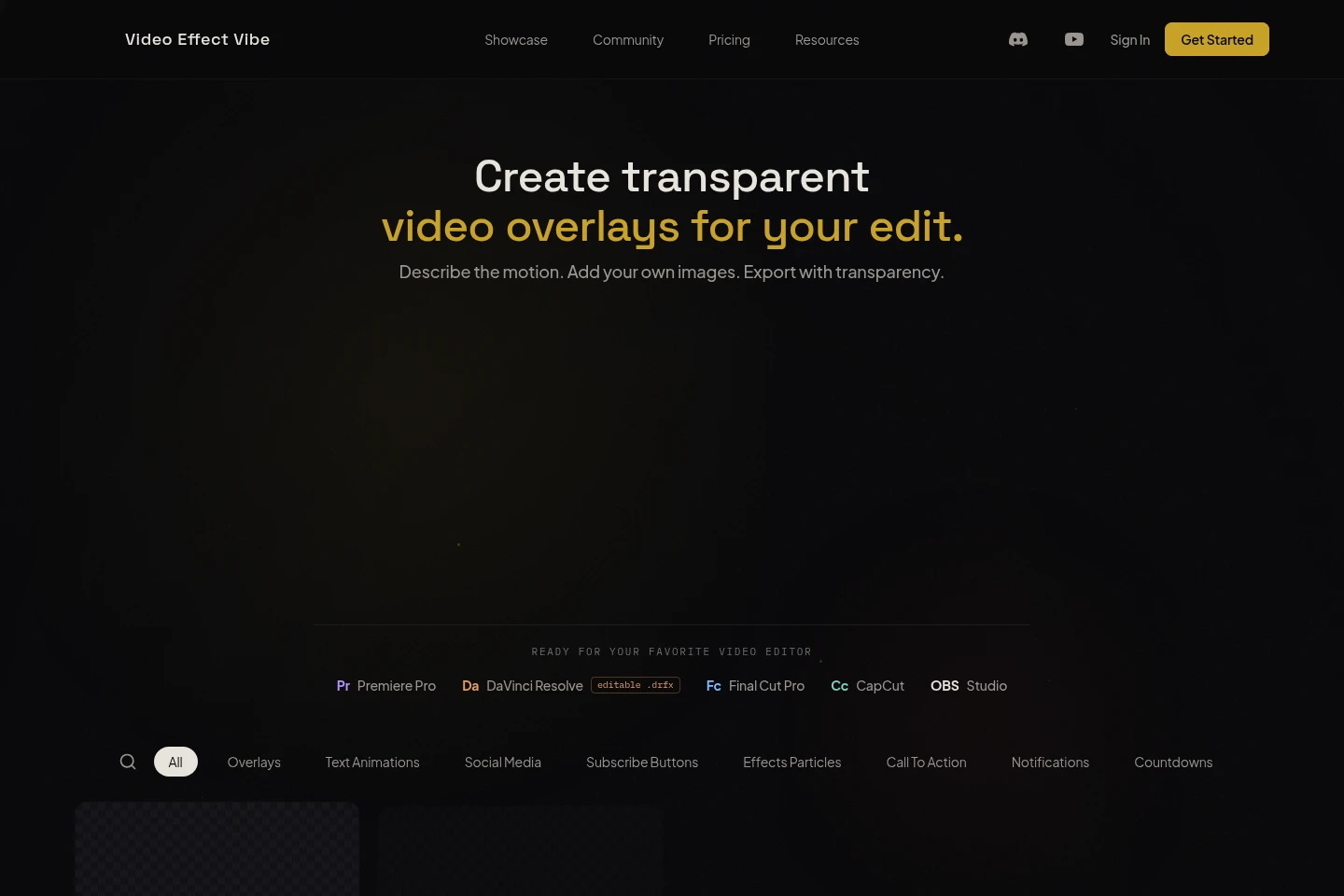
Video Effect Vibe

Create short transparent overlays from prompts and images

Video Effect Vibe creates short animated overlays and effects from text prompts and optional uploaded images. Preview and revise assets in a browser, then export transparent WebM or ProRes 4444 clips for video editors and streaming workflows. Token packs also unlock AI generation and downloads without watermarks.

  • Cloud
  • Freemium
  • Free$0; no payment required
  • Starter$5.99 one-time
  • Creator$16.99 one-time
  • Studio$54.99 one-time
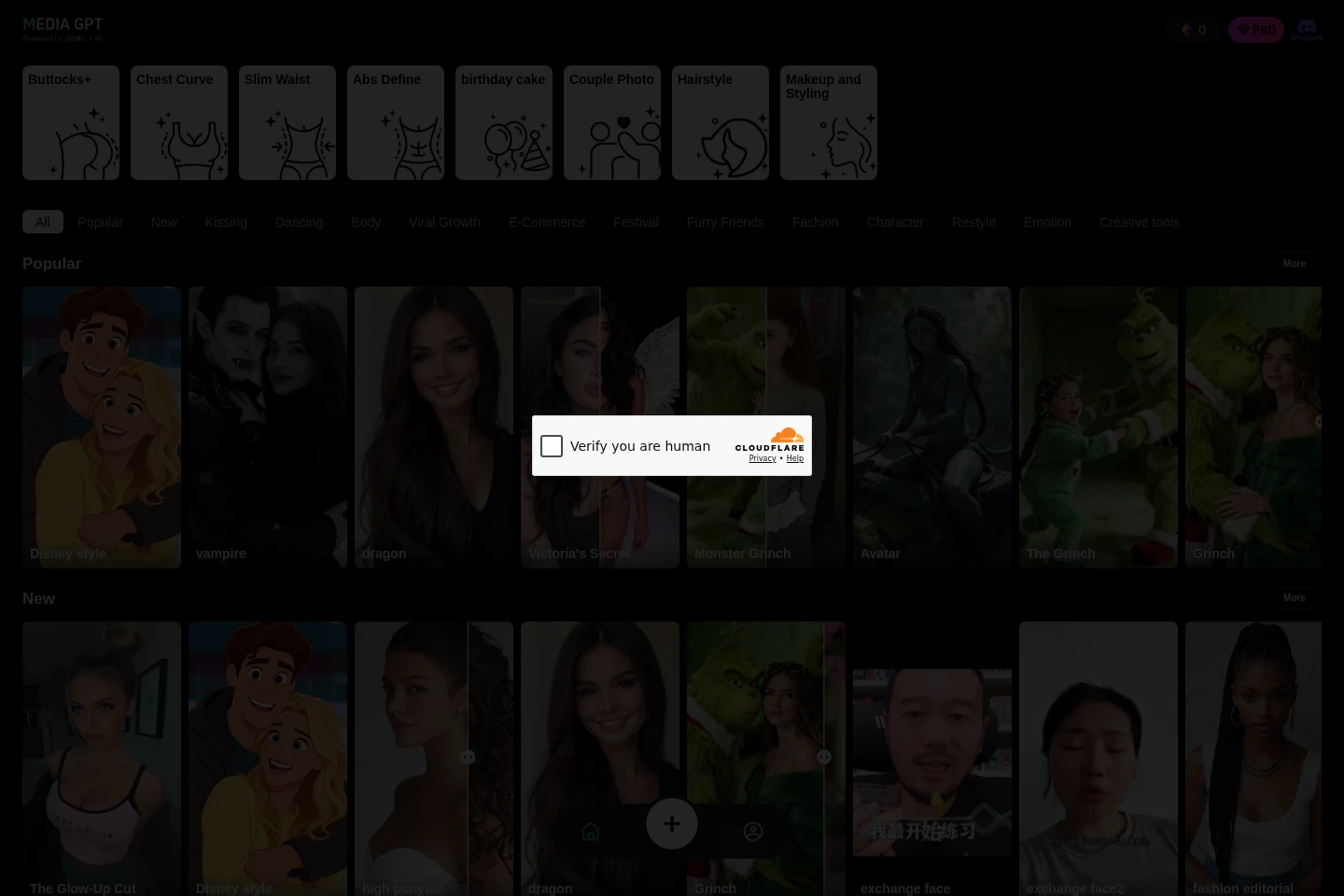
  1. Mediagpt.ai

    Create AI videos and effects from text and photos

    Contact Sales
  2. Videomaker.me

    Create AI videos from text or images with synchronized audio

    Basic · $7.9/month annual offer
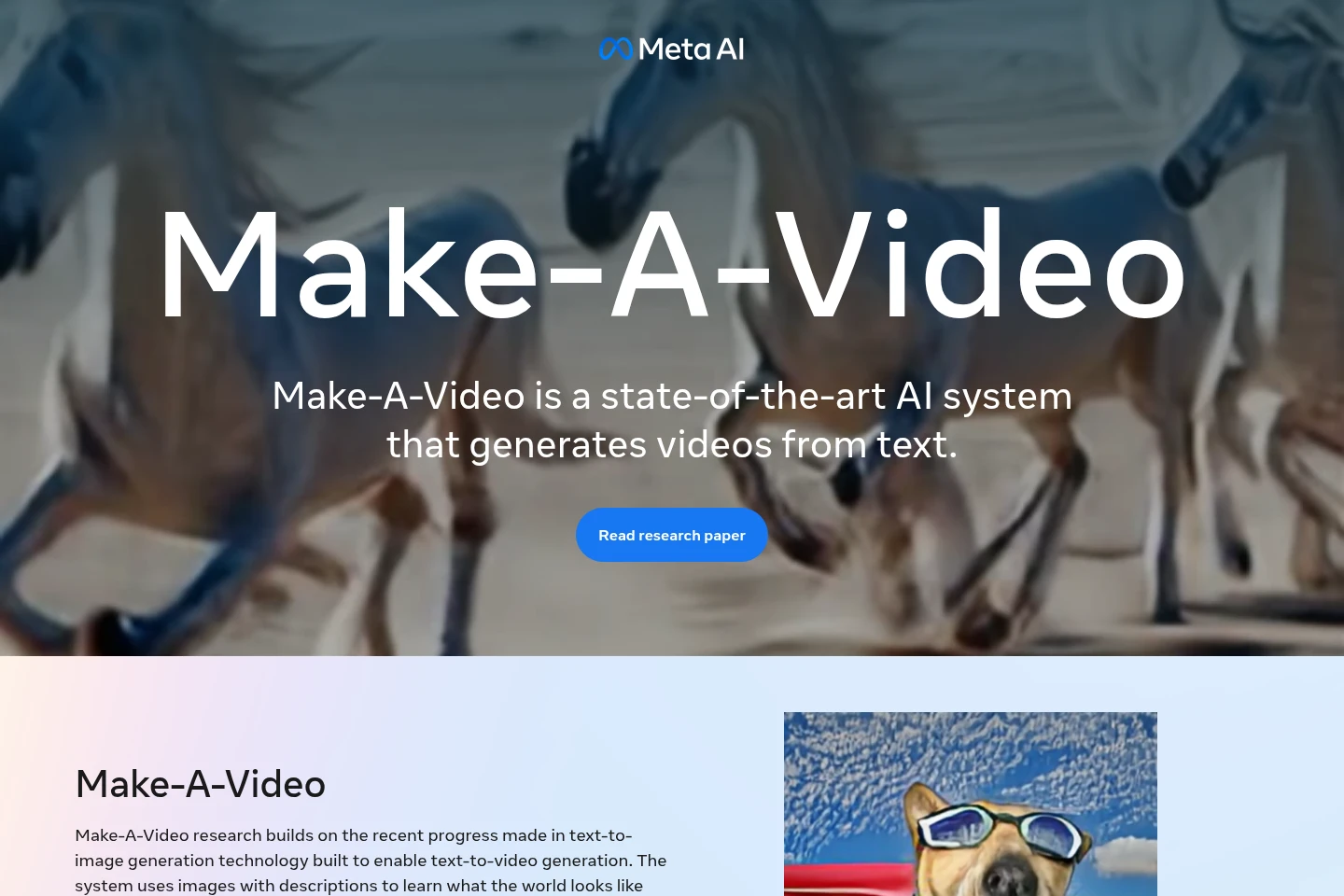
  3. Make-A-Video

    AI system that generates videos from text

    Contact Sales
  4. AI Effect

    All-in-one AI video and image generation platform

    Freemium
  5. JoyFlix AI

    Create videos from text prompts and images

    Contact Sales

Who it is for

  • YouTube, TikTok, and Reels creators who need generated effects for their video edits

  • Video editors seeking transparent effects and RGB-plus-alpha outputs for editing workflows

FAQ

What does VideoEffectMaker AI generate?

It generates video effects from text descriptions. Examples on the page include transitions, overlays, particles, text animations, and playful effects.

What output formats are provided?

The service provides RGB color video and an alpha mask. The page describes these outputs as ready for use in professional video-editing software.

Do credits expire or require a subscription?

Credits do not expire, and the page describes pricing as pay-as-you-go with no subscriptions. Credits are sold in one-time packs.

Comments

Please sign in to leave a comment.
No comments yet. Be the first to share your thoughts!