

- Monthly visits
- 43,824
- 2026-09
videngineer - Analyze reference videos and plan your next production
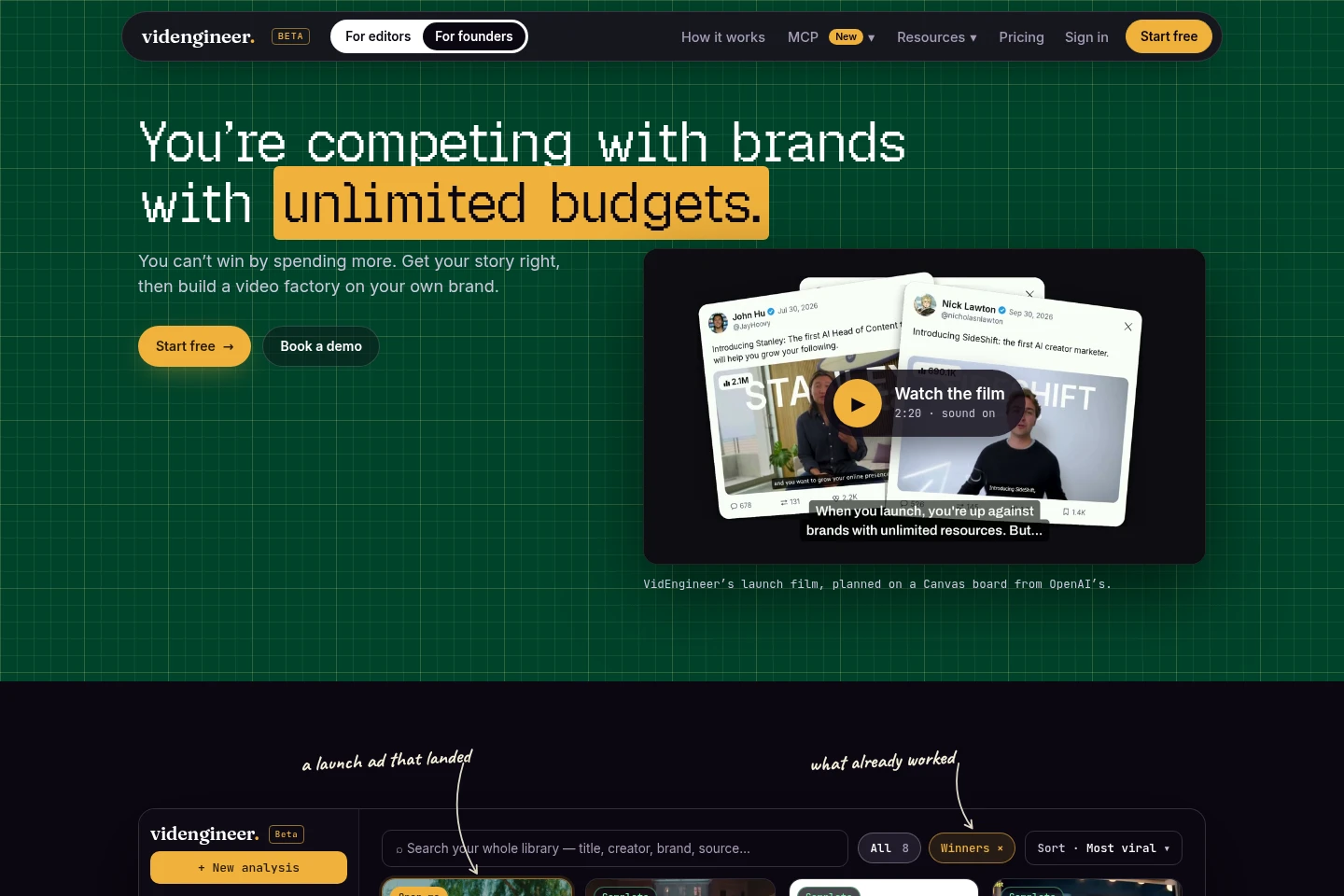
videngineer breaks down reference videos into shots, scripts, pacing, sound and visual choices, then saves the analysis in a searchable library. Use Agentic Canvas to plan a new video from that evidence, arrange your own footage, and work with an AI agent. Plans differ by monthly analysis minutes, videos processed at once and storage.
- AI Data Tools
- Video Summarizers
- YouTube Growth
- Storybook Generators
- video ad analysis
- video creative breakdown
- video storyboard planning
Capabilities
Reference video analysis
Breaks down a video into its script, signature shots, pacing, sound, cast and visual style. Paste a video URL to receive a teardown with named and explained creative choices; each video counts as at least one minute.
Searchable reference library
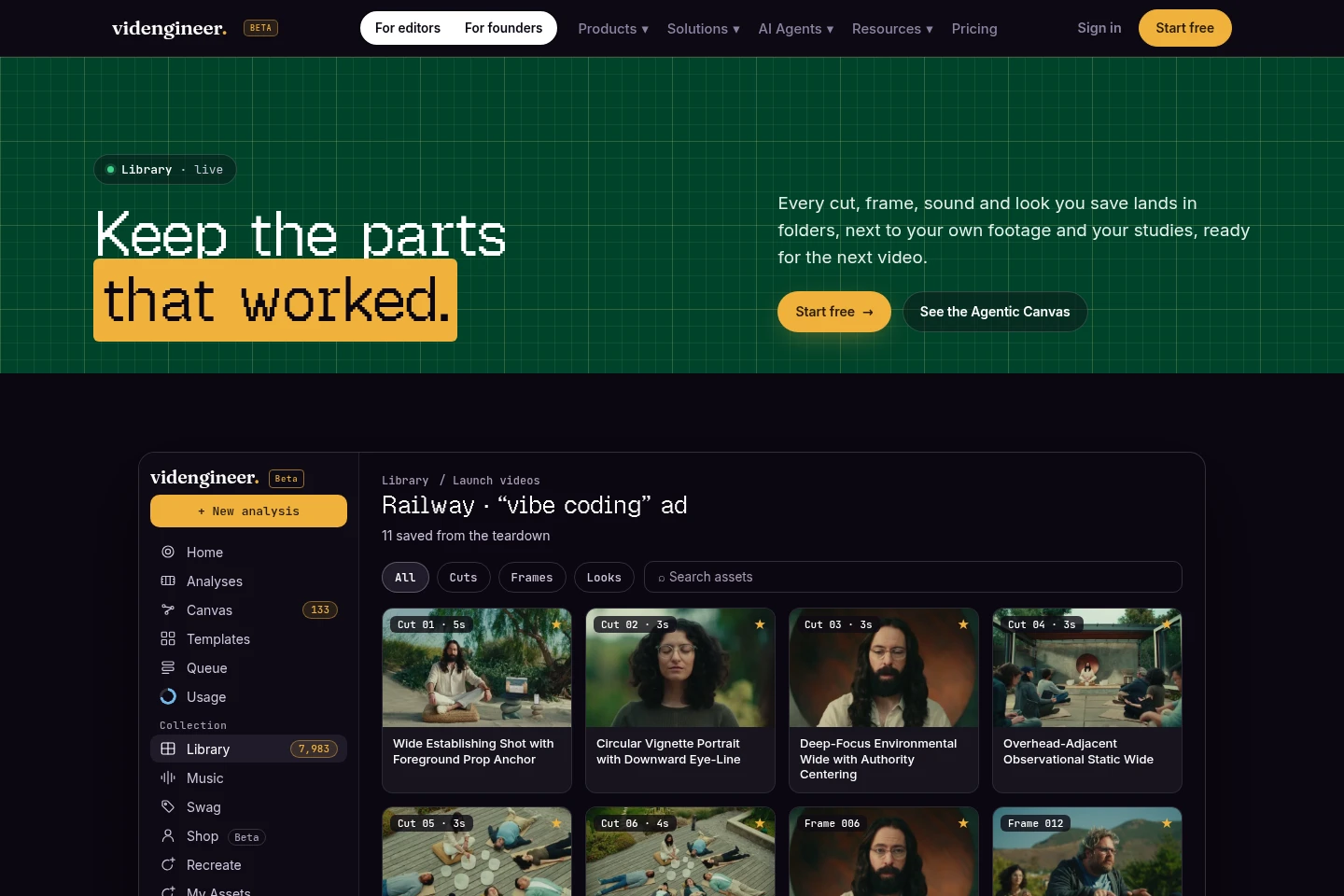
Stores video analyses and project assets in a library that users can search and organize. Save cuts, looks, frames and sounds, then use folders and share references with collaborators.
Agentic Canvas planning
Turns evidence from a studied video and the user's own footage into a storyboard on a board. Connect a supported AI agent to help build the board and save reusable formats to the library; organizing personal footage uses no minutes or credits.
Chrome extension capture
Saves ads encountered online as references through the Chrome add-on. The pricing page lists it as included with every plan.
Pricing
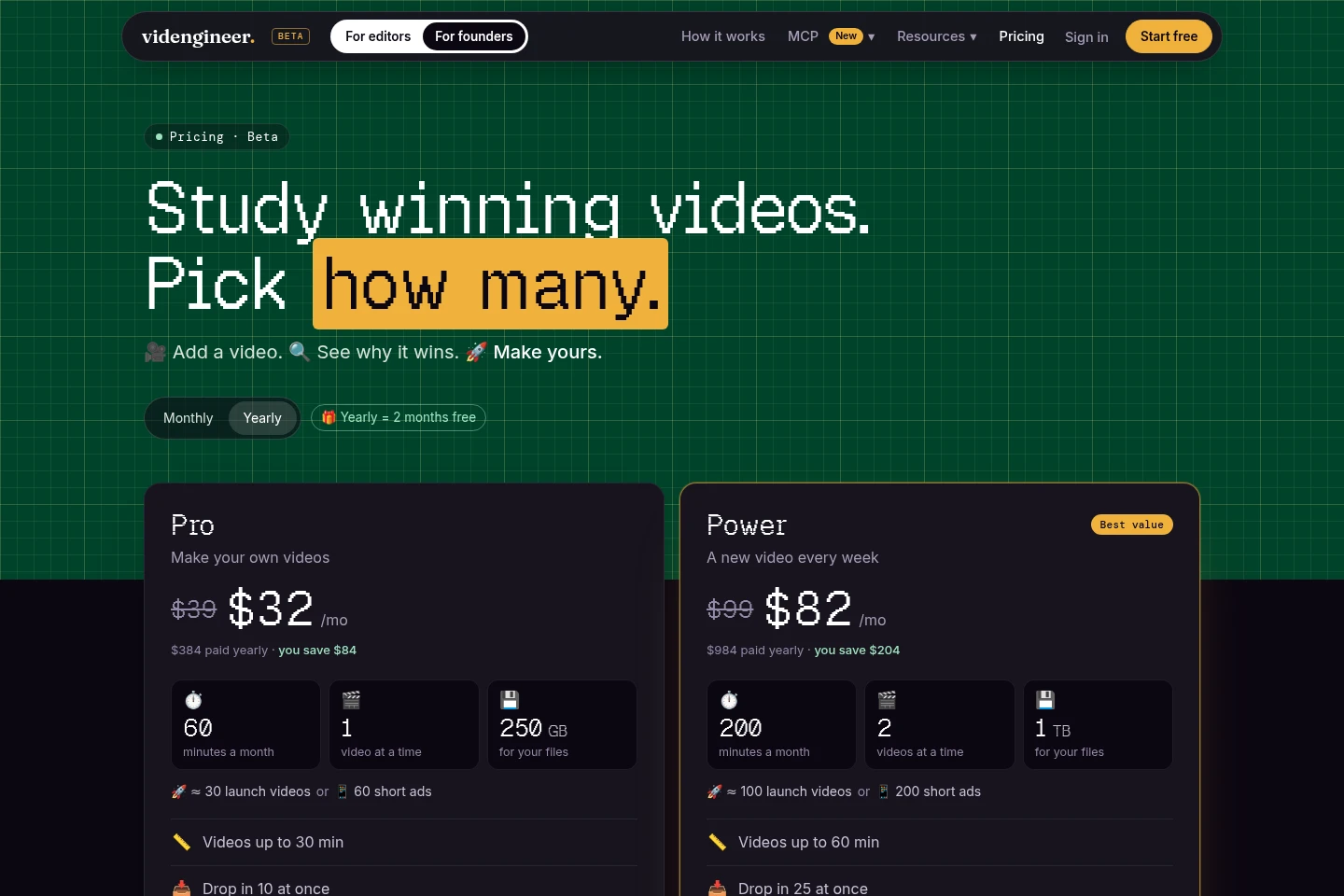
videngineer has a free plan and paid monthly subscriptions. Compare included analysis minutes, simultaneous videos, storage, maximum video length and processing priority to choose a plan.
| Plan | Price | Included features and limits |
|---|---|---|
| Free | Free |
|
Paid subscriptions are billed monthly through Stripe. Yearly selection is shown as two months free; the displayed annual payments are $384 for Pro, $984 for Power and $2,484 for Studio.
Use cases
Study a reference before producing a video
When a creator or strategist needs to understand why a reference video works, they paste its URL to get a breakdown of the script, shots, pacing, sound and visual choices. The analysis can then be saved in the library for later use.
Plan a new video from a proven reference
When preparing a launch or client video, a user combines a studied reference with their own footage on Agentic Canvas. An AI agent can help arrange footage into a storyboard and save reusable formats in the library.
Organize and share creative references
When editors, strategists or collaborators need a shared set of video examples, they save analyses and project assets in the library, organize them into folders and share references. Search supports titles, creators, brands and sources.
Limitations
Each analyzed video counts as at least one minute, even when the video is shorter than one minute.
Maximum video length is plan-dependent: Pro allows up to 30 minutes, Power up to 60 minutes and Studio up to 120 minutes.
The number of videos that can be processed at once is plan-dependent: Pro allows one, Power two and Studio three.
Free analyses use the standard engine and start after at least one minute, with longer waits when the service is busy; paid plans skip that wait.
AI shots require the user's own provider keys; videngineer says it does not charge per shot.
Who it is for
Video editors who need to study references and organize cuts, sounds and frames
Video strategists turning competitor ads into briefs and production plans
Founders and marketing teams planning launch or distribution videos
Agency producers coordinating references and video work for clients
FAQ
What does videngineer do with a video URL?
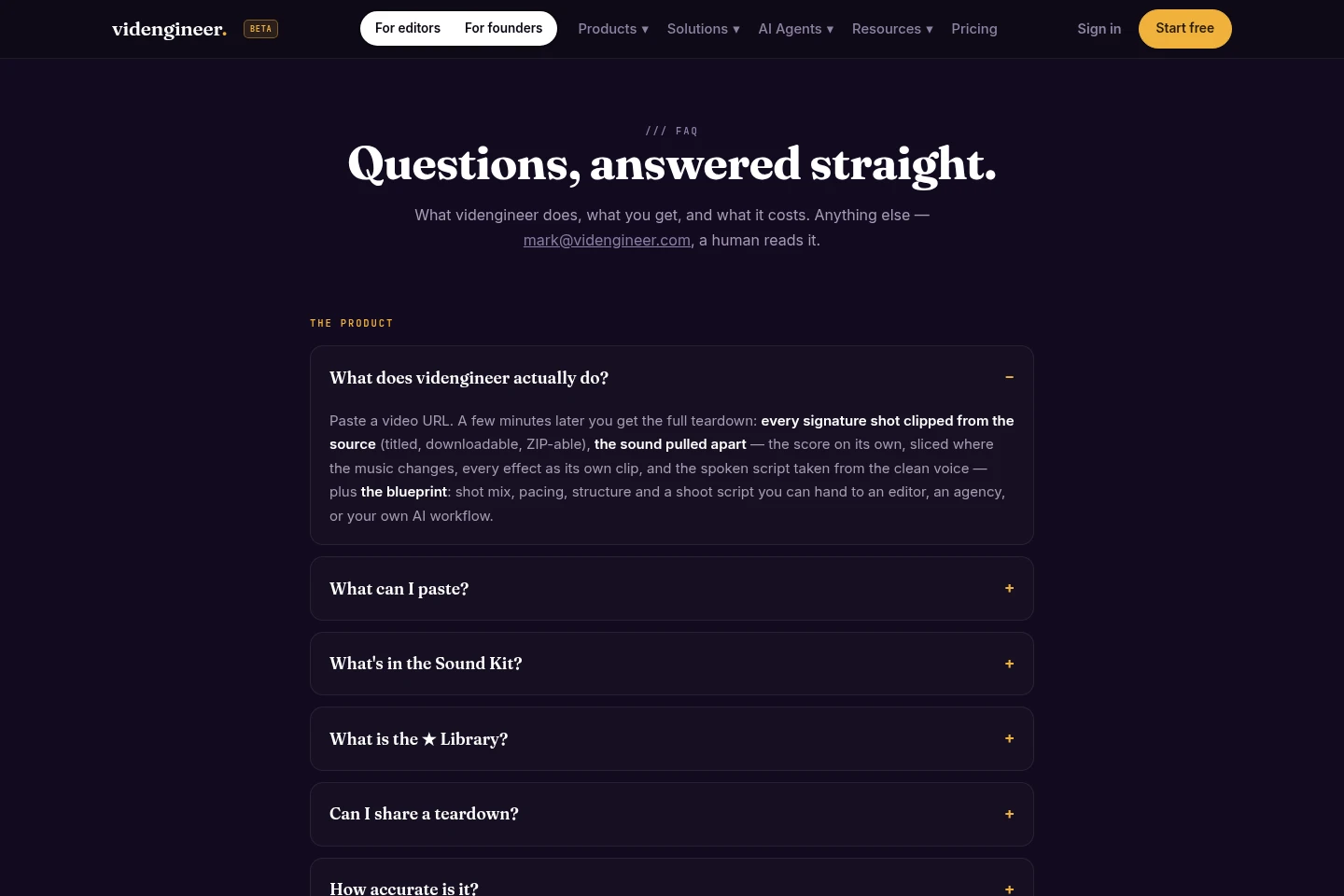
It produces a video teardown covering signature shots and the video's script, pacing, sound, cast and visual choices. The analysis is saved in the user's library; each video counts as at least one minute.
How many minutes does analyzing a video use?
Usage is based on video duration, with every video counting as at least one minute. The listed plans include 60, 200 or 500 analysis minutes per month for Pro, Power and Studio respectively.
Does organizing my own footage use minutes or credits?
No. The pricing page says organizing your own footage uses no minutes or credits on every plan. AI shots, however, require the user's own keys.
Can I cancel a paid plan at any time?
Yes. Billing is monthly through Stripe, and after canceling, access continues until the end of the billing period.
How do credit top-ups work?
Ten credits add one minute, and top-ups last 12 months. The listed packs are Pouch with 100 credits for $9, Stack with 500 credits for $39, and Hoard with 1,500 credits for $99.
Comments