
- Monthly visits
- 4,280
- 2026-09
- Monthly growth -4.6%
VGenie - Create AI-generated images and videos with models, effects, and editing tools
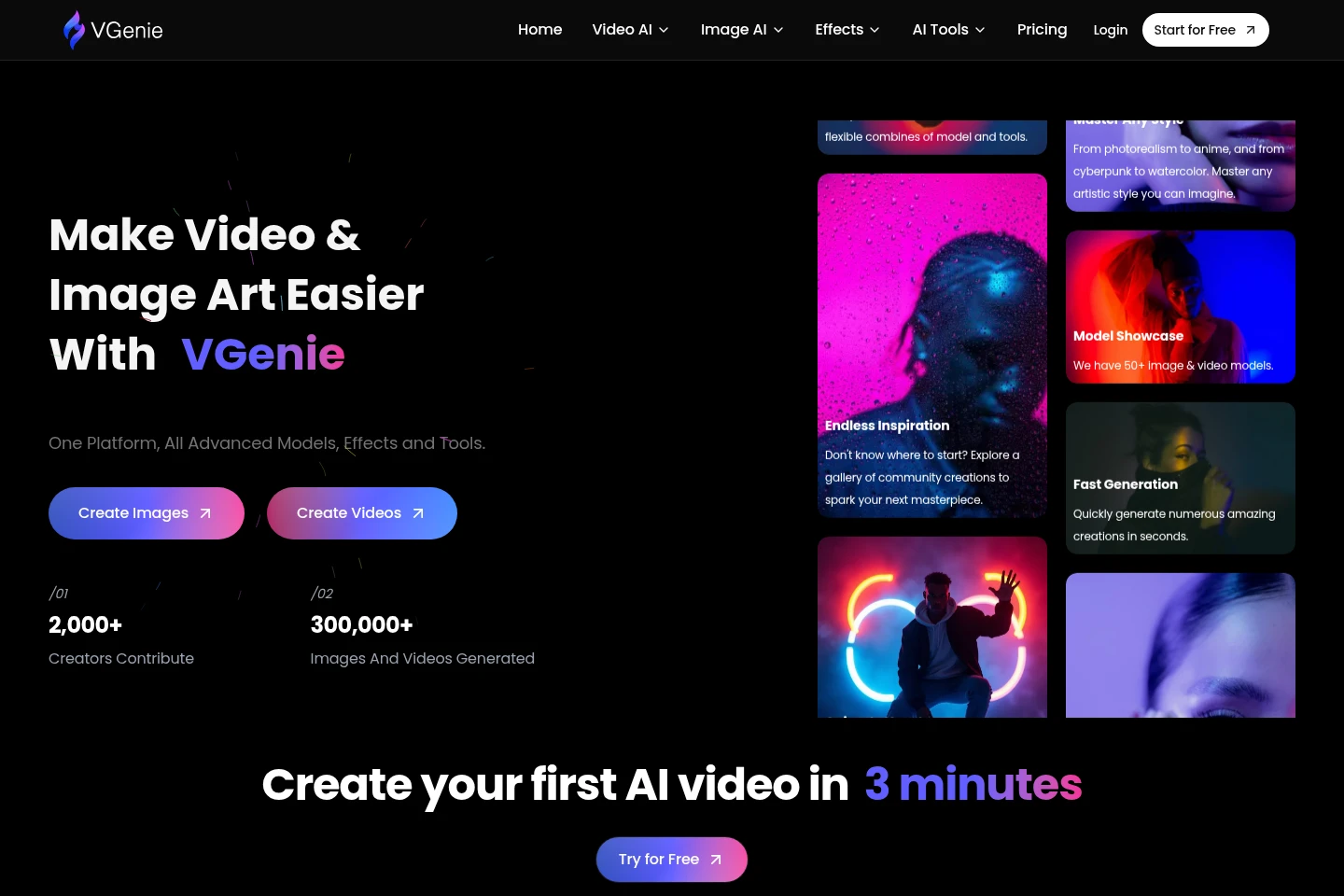
VGenie is an online AI creation platform for generating images and videos from text or images. It brings together multiple image and video models, visual effects, and tools for editing, resizing, enhancing, and batch processing media. Users can also animate still images into short videos and explore a gallery of community creations.
- AI Image
- Image Generators
- Video Generators
- Photo Editors
- AI image and video generator
- image-to-video AI tools
- AI photo effects
Capabilities
AI image generation
Generate images from text prompts or existing images. Users describe an idea or provide an image and can select from image models offered on the platform.
AI video generation
Generate videos from text or images using video models available on VGenie. The homepage describes videos with scenes, music, and style; video-to-video and Shorts Generator are listed as coming soon.
Image animation
Turn a static image into a short video. Users start with an image and use the image-animation feature to create a moving result.
Effects and filters
Apply visual effects to photos and clips, including filters, glows, animations, and overlays. The site offers separately listed image and video effects.
Media editing tools
Edit, resize, enhance, and batch process images, and trim videos or remove image backgrounds. The site groups these functions under its AI tools.
Pricing
Pricing terms and plan prices are not stated in the supplied pricing-page content, so plan costs, quotas, and billing conditions cannot be compared here.
Use cases
Create images from text prompts
When a creator needs a visual based on an idea, they can describe it in a text prompt and use VGenie's image-generation tools to produce an image. Image-to-image generation is also listed.
Generate videos from text or images
When a creator wants a video based on a prompt or a still image, they can use the text-to-video or image-to-video workflows and select among available video models. The resulting output is a generated video.
Turn a still image into a short video
When a creator has a static image they want to animate, they can use the image-animation feature to turn it into a short video. The homepage describes this as a single-click workflow.
Apply effects and refine media
When an image or clip needs a visual adjustment, users can apply listed effects or use tools to resize, enhance, trim, batch process images, and remove backgrounds. Available actions depend on the selected tool.
Limitations
Video-to-video and Shorts Generator are listed as coming soon, so those workflows are not presented as currently available.
The supplied pages do not state whether generated creations may be used commercially or specify ownership terms.
Who it is for
Visual content creators who need to generate or refine images and videos
Social media and blog creators preparing images or short videos for posts
Creative hobbyists exploring image styles, effects, and AI-generated video
FAQ
What can users create with VGenie?
VGenie offers AI-generated images and videos, along with visual effects and media tools. The homepage lists text-to-image, image-to-image, text-to-video, and image-to-video workflows.
Can VGenie animate an existing image?
Yes. The homepage describes turning a static image into a short video with its image-animation feature.
Is VGenie free to use?
The homepage has Start for Free and Try for Free links, but the supplied pricing page does not provide plan prices or conditions. The available evidence does not establish the terms of any free access.
Does VGenie offer API access?
The pricing-page FAQ lists the question, but no answer is supplied on the page. API availability is therefore not established by the supplied evidence.
Is there a VGenie mobile app?
The homepage FAQ lists this question but provides no answer. The supplied pages do not establish whether a mobile app is available.
Comments