

- Monthly visits
- 2,566
- 2026-10
UsageReset - Track public AI resets and manage your own countdowns
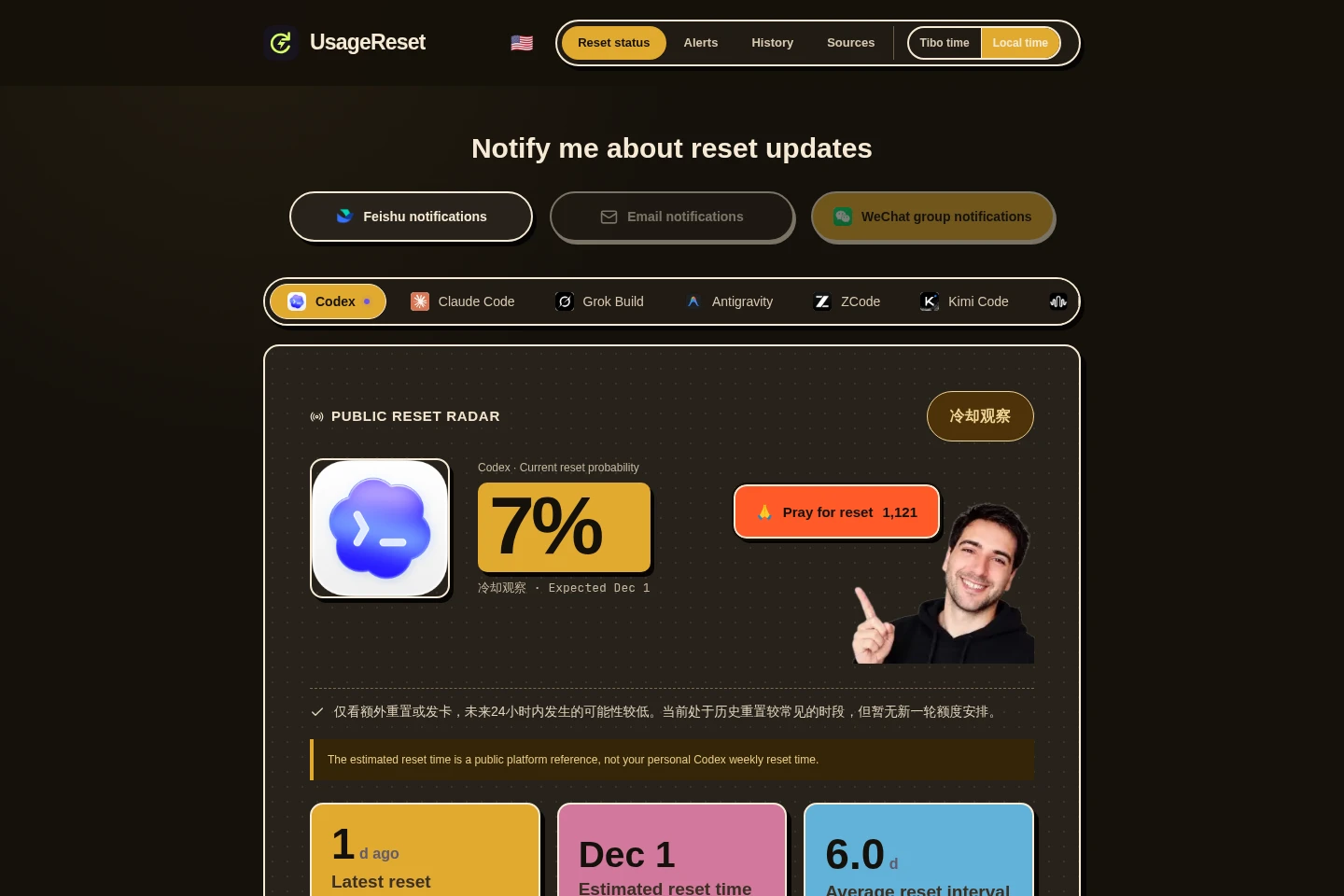
UsageReset brings public Codex reset announcements, historical records and estimates into one view. Set personal short or weekly reset timers for Codex and Claude, import Claude client quota data as JSON, and keep saved times and usage data in your browser. Public announcements do not replace personal timers or confirm an account refill.
- AI Productivity
- AI Usage Management
- Codex reset tracker
- Claude reset timer
- AI reset history
Capabilities
Public reset tracking
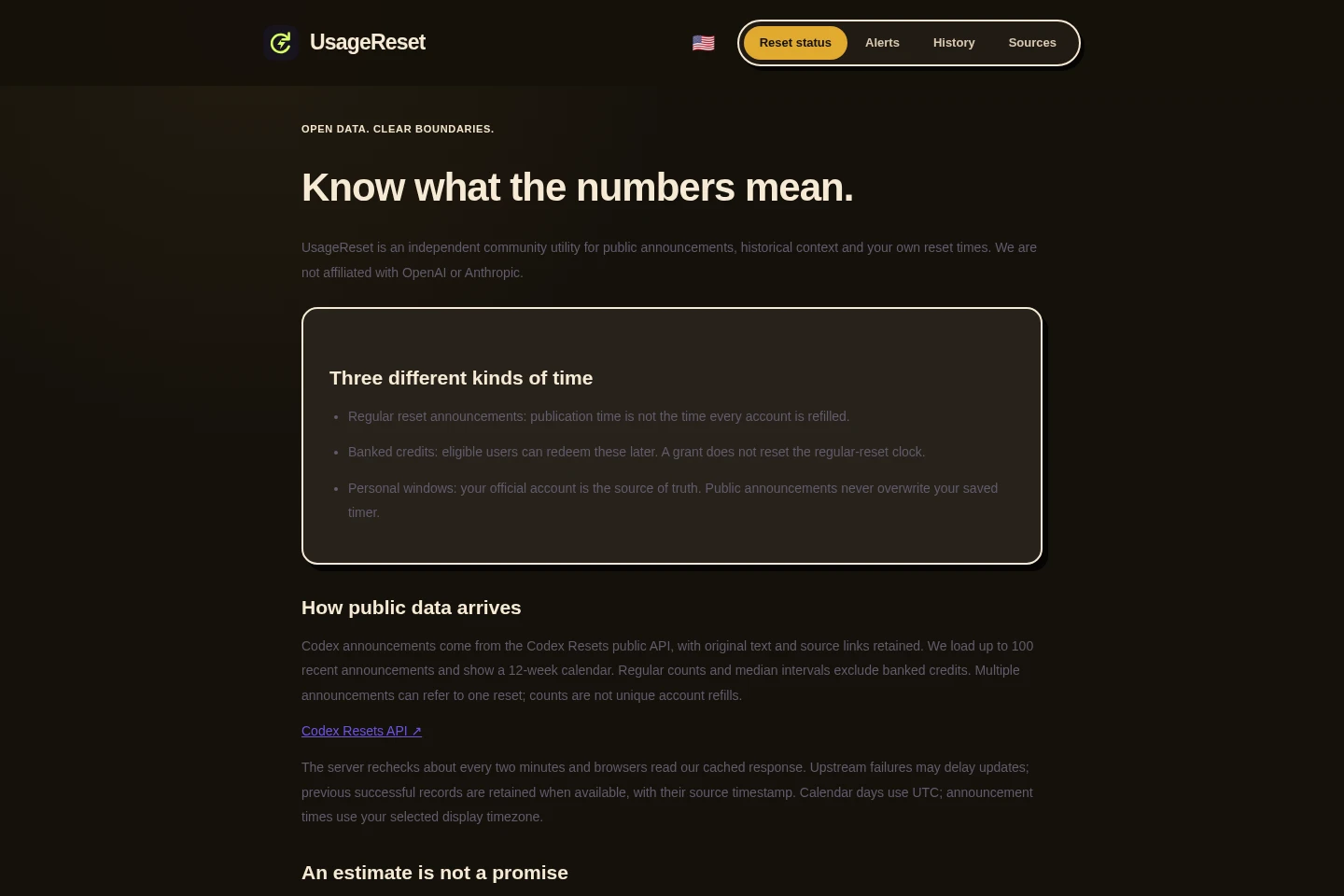
Displays public Codex reset announcements, their original sources, historical records and forecast signals. Codex announcement data comes from the Codex Resets public API, is cached, and may be delayed by upstream failures.
Personal reset timers
Creates short and weekly countdowns for users' own Codex and Claude reset windows. Saved times remain in browser storage, and public announcements do not overwrite them or confirm a refill.
Claude quota import
Imports Claude client quota fields from JSON for use with personal tracking. The raw JSON stays in browser storage and is not uploaded; users should not paste passwords or tokens.
Reset alerts
Offers email, Feishu and WeChat group notification options for reset updates, as well as browser notifications and calendar exports. Browser notifications require permission and the page to remain open; delivery may be delayed.
Pricing
UsageReset is free to use, with no paid plans or billing described on the supplied pages. There are no plans to compare; the listed tracking and timer features are available without credentials.
Use cases
Check public Codex reset activity
When checking whether a public Codex reset has been announced, review the reset radar, announcement sources and historical records. Estimates and announcement counts provide public context, not account-specific refill confirmation.
Track personal Codex and Claude reset windows
When keeping track of a personal reset window, set a short or weekly countdown for Codex or Claude. The saved timer stays in the browser and its completion only means the saved time has arrived.
Organize reset reminders
When wanting a reminder about reset updates, choose an available notification route or export a calendar event. Browser notifications depend on permission, an open page and device settings; calendar alarms depend on the calendar app.
Limitations
Public reset announcements and forecast estimates do not provide account-specific quota telemetry or confirm that an individual account has refilled.
Claude support has no connected reliable global-reset forecast feed, so UsageReset does not show a speculative Claude reset probability.
Browser notifications require permission and the page to remain open; background throttling, device sleep and system settings can delay delivery.
Saved personal times, usage percentages and imported quota fields are stored in browser localStorage; raw imported JSON is not uploaded.
Who it is for
Codex users who want to follow public reset announcements and history
Claude and Codex users who need local personal reset countdowns
Users who want reset update alerts through supported notification options
FAQ
Does a public reset announcement confirm my account has refilled?
No. A public announcement is not account telemetry, and its publication time may differ from when accounts refill. Your official account remains the source of truth.
Does UsageReset provide a Claude global reset forecast?
No reliable global-reset forecast feed is connected for Claude, so the site shows no speculative percentage. Claude support includes personal short and weekly timers, client JSON import and official service status.
Where is my personal timer and quota data stored?
Saved times, usage percentages and imported quota fields stay in the browser’s localStorage. Raw JSON is not uploaded; do not paste passwords or tokens.
What is required for browser notifications?
Browser notifications require permission and the UsageReset page to remain open. Background throttling, sleep and system settings may delay delivery.
How are reset estimates calculated?
When available, the 24- and 48-hour estimates prefer third-party estimates and have not been independently validated by UsageReset. A historical fallback requires at least three completed regular-announcement intervals and is explicitly described as uncalibrated.


Comments