

- Monthly visits
- 236,210
- 2026-09
- Monthly growth +26.3%
Twee - Create and assess language lessons with AI
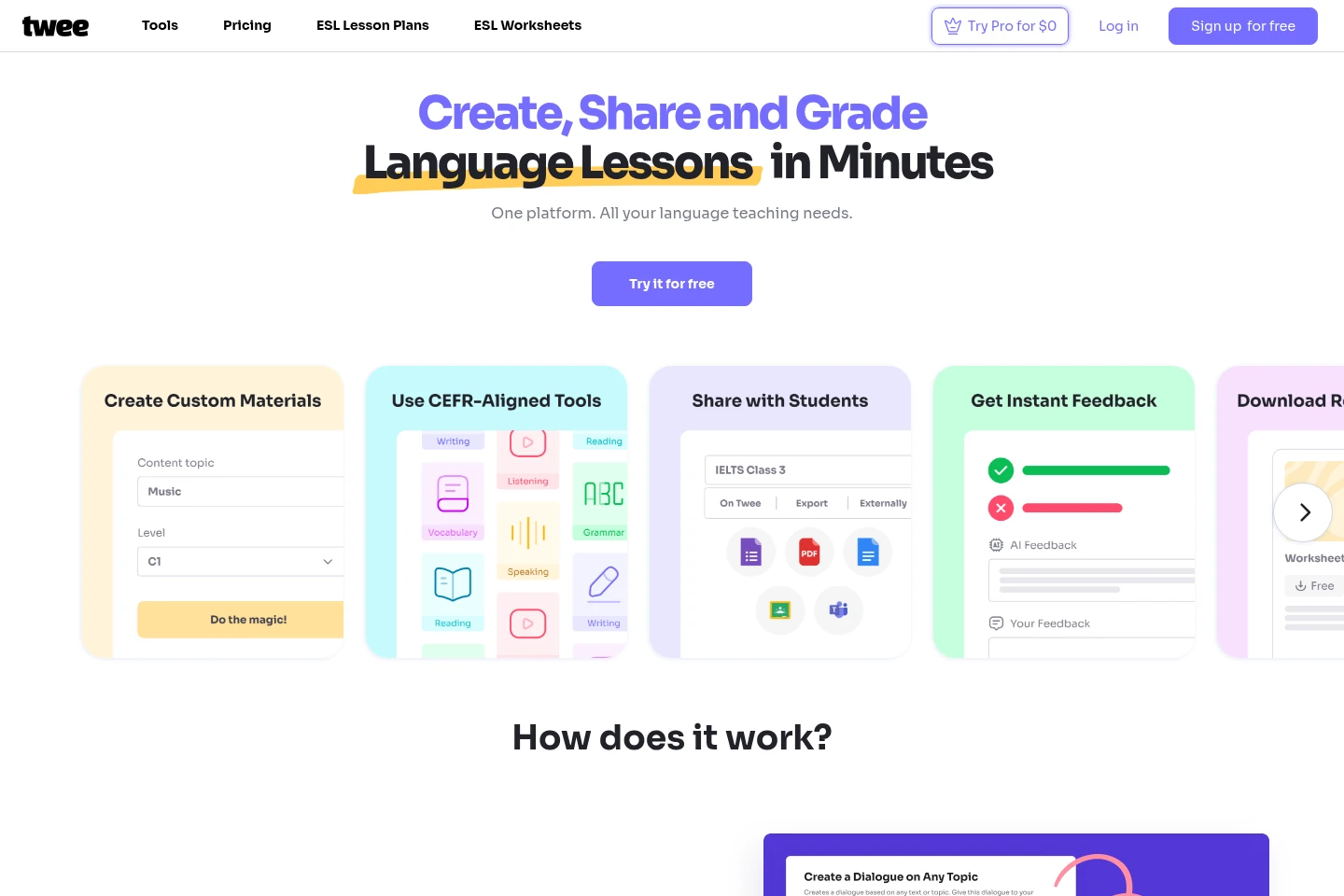
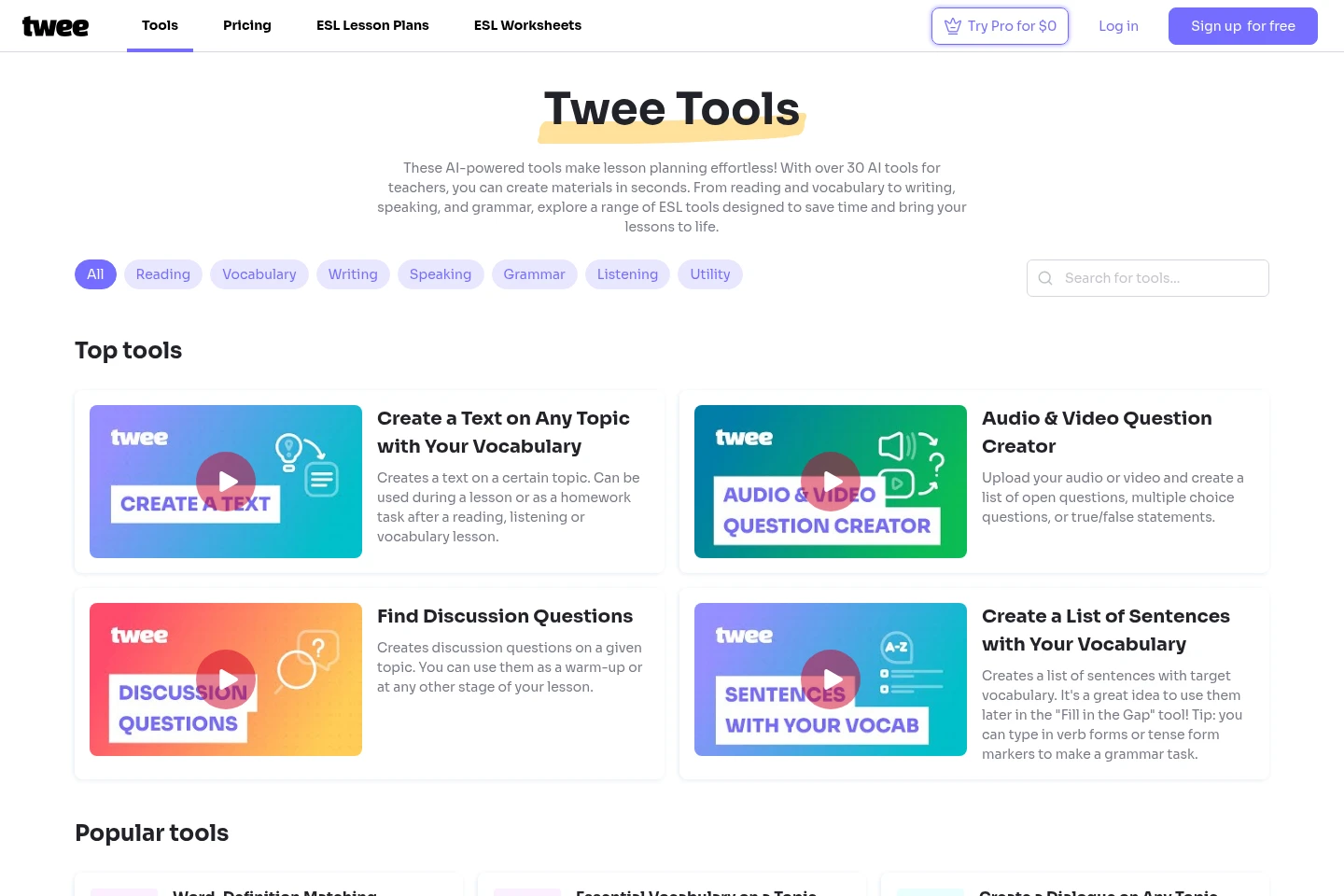
Twee is an online AI platform for language teachers to create, share, and grade lesson materials. Generate CEFR-aligned texts and exercises from a topic, link, or vocabulary list, then share assignments by link or export them. Tools also assess student responses, while classroom management supports organizing students and assignments.
- AI Education
- Lesson Planners
- Language Learning
- Exam Prep
- Education
- AI language lesson generator
- CEFR teaching tools
- English worksheet creator
Capabilities
AI lesson material generation
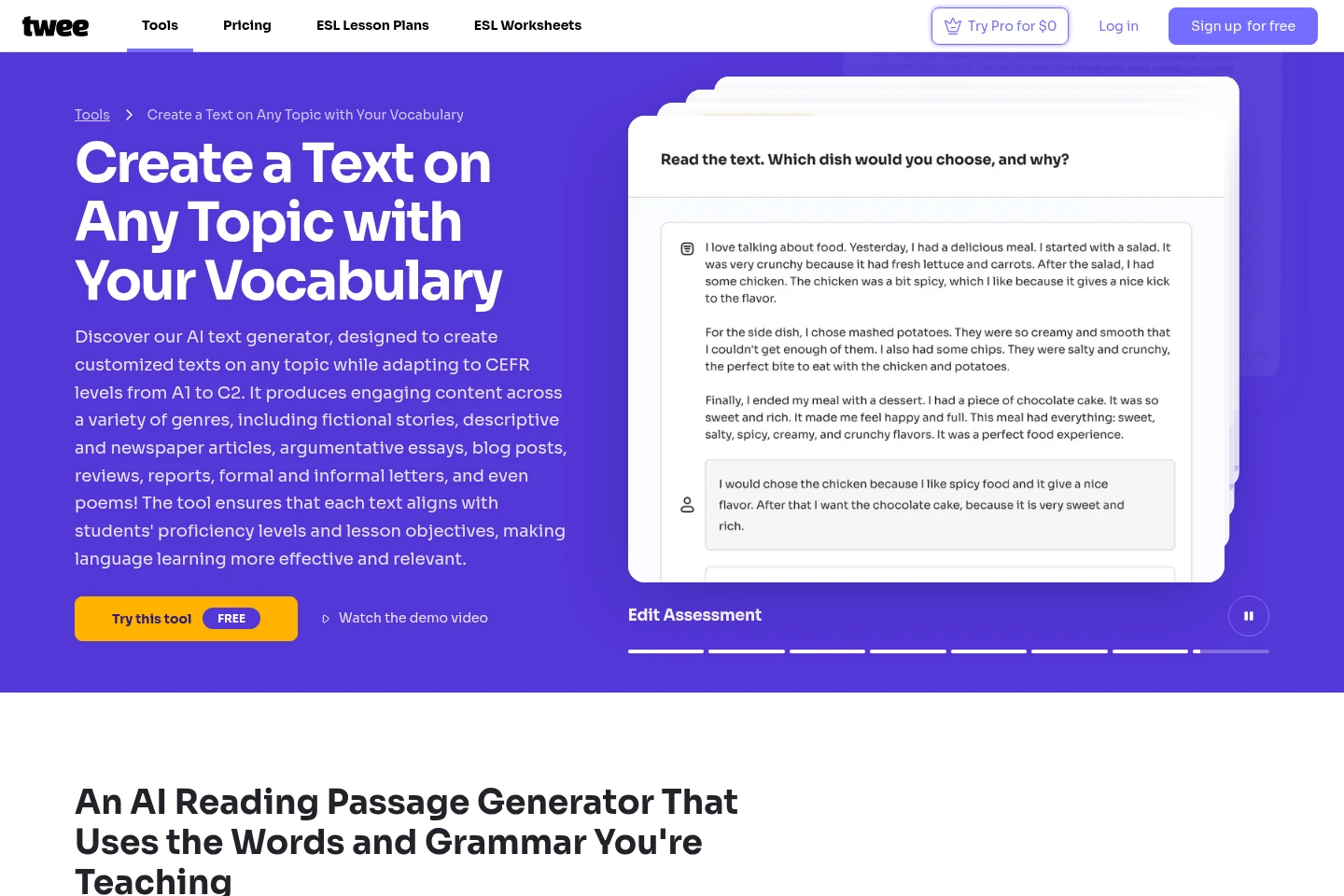
Generates language-learning texts, dialogues, questions, and exercises for lessons. Teachers can provide a topic, link, or vocabulary list and select a proficiency level; the text tool also offers genre and length choices.
AI response assessment
Assesses student responses to exercises and provides feedback. Available for multiple-choice, written-answer, and gap-fill activities, with plan-specific access and limits.
Assignment sharing and export
Shares teaching materials with students and exports them for classroom use. Teachers can distribute interactive assignments by link or export to PDF, Google Forms, or Google Docs, subject to plan features.
Classroom management
Organizes classes, students, and assignments in a teaching workflow. Classroom management is included in the listed Trial and paid plan features.
Pricing
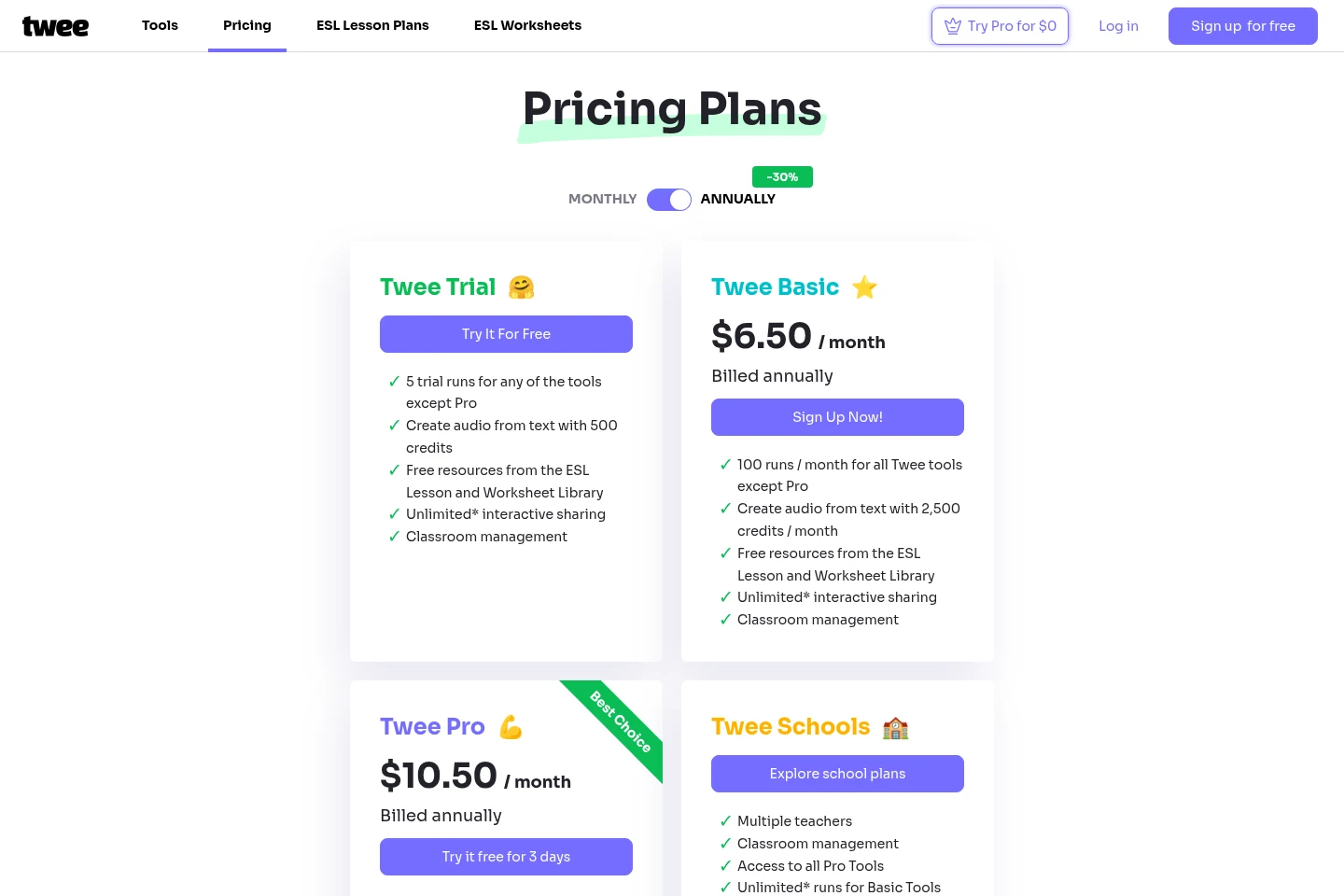
Twee offers a free Trial and paid subscriptions. Compare monthly tool runs, audio credits, Pro and Media Tool access, sharing, exports, and classroom features to choose a plan.
| Plan | Price | Included features and limits |
|---|---|---|
| Twee Trial | Free |
|
| Twee Basic | $6.50 per month, billed annually |
|
| Twee Pro | $10.50; billing period not stated |
|
| Twee Schools | Price not stated; explore school plans |
|
The pricing page shows an annual option labeled 30% off. The supplied page does not state a billing period beside the Twee Pro price or a price for Twee Schools.
Use cases
Prepare level-appropriate language lessons
When preparing lessons for learners at different proficiency levels, teachers can provide a topic, link, or vocabulary and choose a CEFR level. Twee generates corresponding texts and exercise materials for classroom or homework use.
Share interactive student assignments
When students need to complete lesson work digitally, teachers can share interactive assignments through a link. Materials may also be exported to PDF, Google Forms, or Google Docs where the selected plan supports those options.
Review student exercise responses
When checking student work on supported exercises, teachers can use AI assessment to evaluate responses. The pricing page lists this feature for Pro and Schools, and plan limits may apply.
Limitations
The Twee Trial includes five runs for tools other than Pro; it is not listed as unlimited access to those tools.
Twee Basic is listed with 100 runs per month for tools other than Pro.
Twee Pro and Twee Schools list 100 Media Tool runs per month; Basic Tools runs are unlimited under the stated asterisked terms.
Twee Schools requires exploring school plans; the supplied pricing page does not show a price for this plan.
Who it is for
Language teachers preparing lessons and exercises for learners at different proficiency levels
English language educators creating ESL or EFL materials for classroom and homework use
School teaching teams that need classroom management and shared access to teaching tools
FAQ
How does Twee align materials with proficiency levels?
Twee says its AI is trained by a team of teachers to align materials with the Common European Framework of Reference for Languages (CEFR). The text tool offers levels from A1 to C2.
Who creates the requested lesson content?
Twee's own AI creates the requested content. For the text tool, teachers can provide a topic and optionally vocabulary, then choose a level, genre, and length.
Can I edit text generated by the text tool?
Yes. The text tool page says you can edit generated text by clicking the pen icon above the task.
Can I create a text without entering a topic?
Yes. The text tool page says the topic is optional; entering vocabulary alone lets the tool analyze it and create a suitable text.
How can I share lesson materials with students?
Teachers can share interactive assignments through a link or export materials as PDF, Google Forms, or Google Docs. Available export options depend on the plan.
Comments