
- Monthly visits
- 28,269
- 2026-09
- Monthly growth +8.6%
TubePrompter - Turn YouTube videos into editable scene prompts
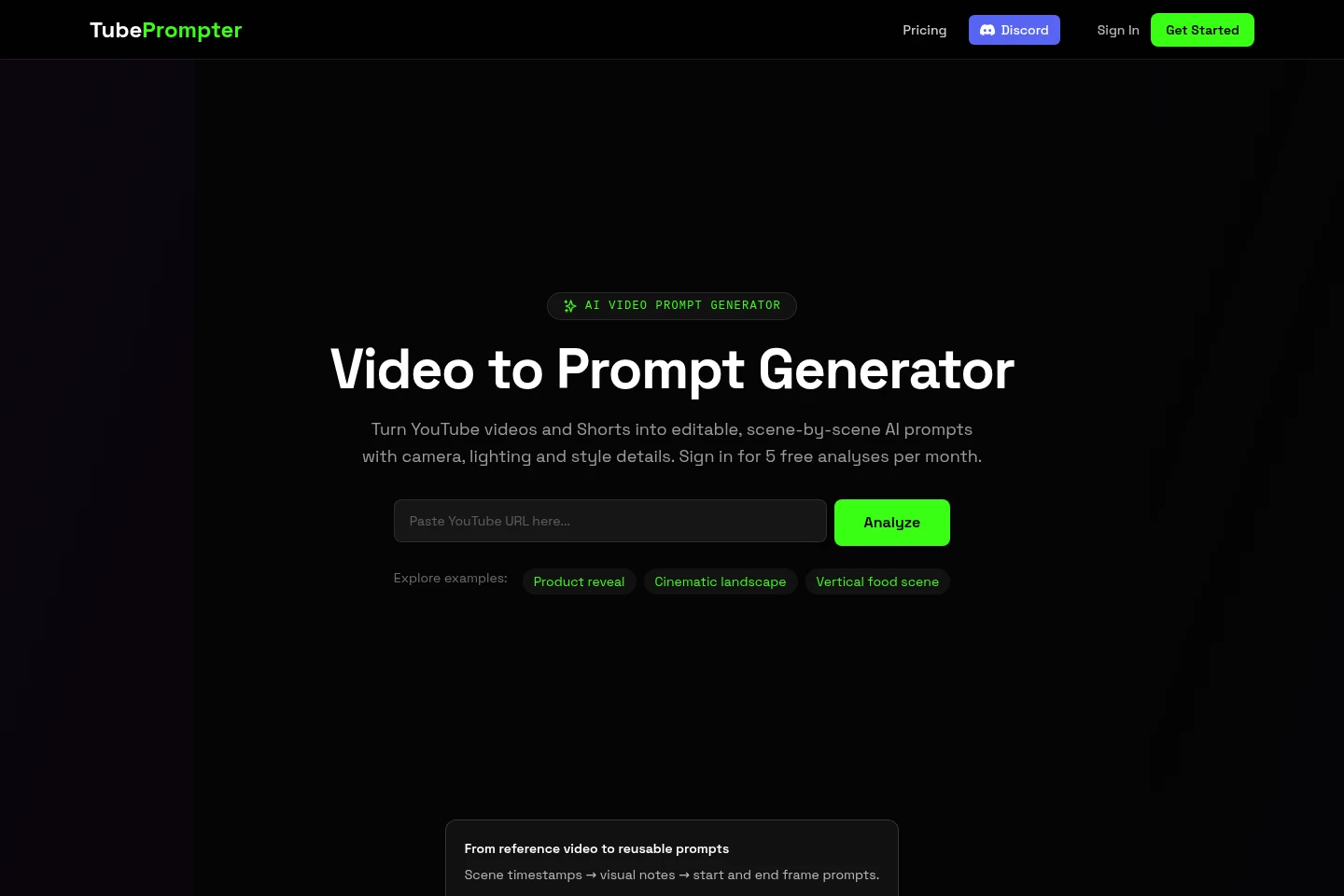
TubePrompter analyzes supported public YouTube videos and Shorts, then produces scene timestamps, visual notes, and editable start- and end-frame prompts. Users can review camera, lighting, composition, and style details and adapt the results for a separate image or video generation tool. The Free plan includes five analyses per month.
- AI Data Tools
- Video Summarizers
- Prompt Generators
- YouTube video to prompt
- scene-by-scene video prompts
- AI video prompt generator
Capabilities
Scene-by-scene video analysis
Analyzes supported YouTube videos and returns scene timestamps and visual notes. Inputs are public video or Shorts URLs; the Free plan analyzes up to the first 60 seconds, while paid plans allow longer input windows.
Start and end frame prompts
Produces editable image prompts for the beginning and ending frame of each analyzed scene. The prompts describe visible subjects, setting, composition, camera, lighting, and style for adaptation.
Visual style remixing
Provides visual descriptions that users can adapt by changing subjects or settings while retaining selected visual details. Users review the output against the reference and use it in a separate generation tool.
Pricing
TubePrompter offers a free plan and monthly paid subscriptions. Compare monthly analysis limits, analysis dimensions, scenes per video, remix images, and collection and history access when choosing a plan.
| Plan | Price | Included features and limits |
|---|---|---|
| Free | $0/month |
|
| Plus | $19/month |
|
| Pro | $29/month |
|
Prices are in USD. Eligible new Plus or Pro subscribers receive a 3-day free trial and must provide a payment method. Subscription renews monthly at the displayed price unless canceled before the trial ends.
Use cases
Adapt a reference video into scene prompts
When a creator wants to study a public YouTube reference, they submit its supported URL after signing in. TubePrompter returns timestamps, visual notes, and frame prompts to review and edit for another image or video workflow.
Draft prompts for selected video frames
When preparing image-generation prompts from a reference clip, users review a scene's start- and end-frame descriptions and copy or edit them. The resulting text can be used with a separate image-generation tool.
Plan prompts for a video shot sequence
When adapting a reference into a video concept, users use scene timestamps and frame prompts to consider composition and continuity. They add their own motion directions and set duration and aspect ratio in their chosen video tool.
Limitations
The input is currently limited to YouTube video and Shorts URLs; direct Instagram and TikTok links and local video uploads are not supported.
The Free plan analyzes up to the first 60 seconds and returns up to 3 scenes per video.
Analysis requires sign-in and a publicly accessible video; private, deleted, restricted, or otherwise inaccessible videos may fail.
Analysis describes visible content and cannot recover a video's hidden original prompt or confirm the camera equipment and settings used.
TubePrompter supplies notes and prompts, but users generate the finished video in a separate tool.
Who it is for
Video content creators who want to study and adapt visual references into editable scene prompts
AI image and video creators who need structured visual descriptions from YouTube references
FAQ
Which video links can TubePrompter analyze?
TubePrompter currently accepts supported YouTube video and Shorts URLs. Direct Instagram and TikTok links and local video uploads are not supported; a publicly available YouTube version can be submitted instead.
What does the Free plan include?
The Free plan includes 5 video analyses per month and requires an account. Each analysis covers up to the first 60 seconds and returns up to 3 scenes.
Can TubePrompter recover a video's original prompt?
No. A finished video does not reveal its hidden original prompt or generation settings. TubePrompter writes new descriptions from visible content, and inferred visual details should be checked against the reference.
What counts toward the monthly analysis limit?
Each video analysis and remix generation counts toward the monthly limit. The limit resets on the 1st of each month in UTC.
Can I cancel or change a paid plan?
Yes. Subscribers can upgrade, downgrade, manage payment methods, or cancel from their account. Eligible new Plus or Pro subscribers receive a 3-day free trial with a payment method; the plan renews monthly at its displayed price unless canceled before the trial ends.
Comments