

- Monthly visits
- 7,580
- 2026-09
- Monthly growth +44%
Transcrisper - Private audio and video transcription runs in your browser
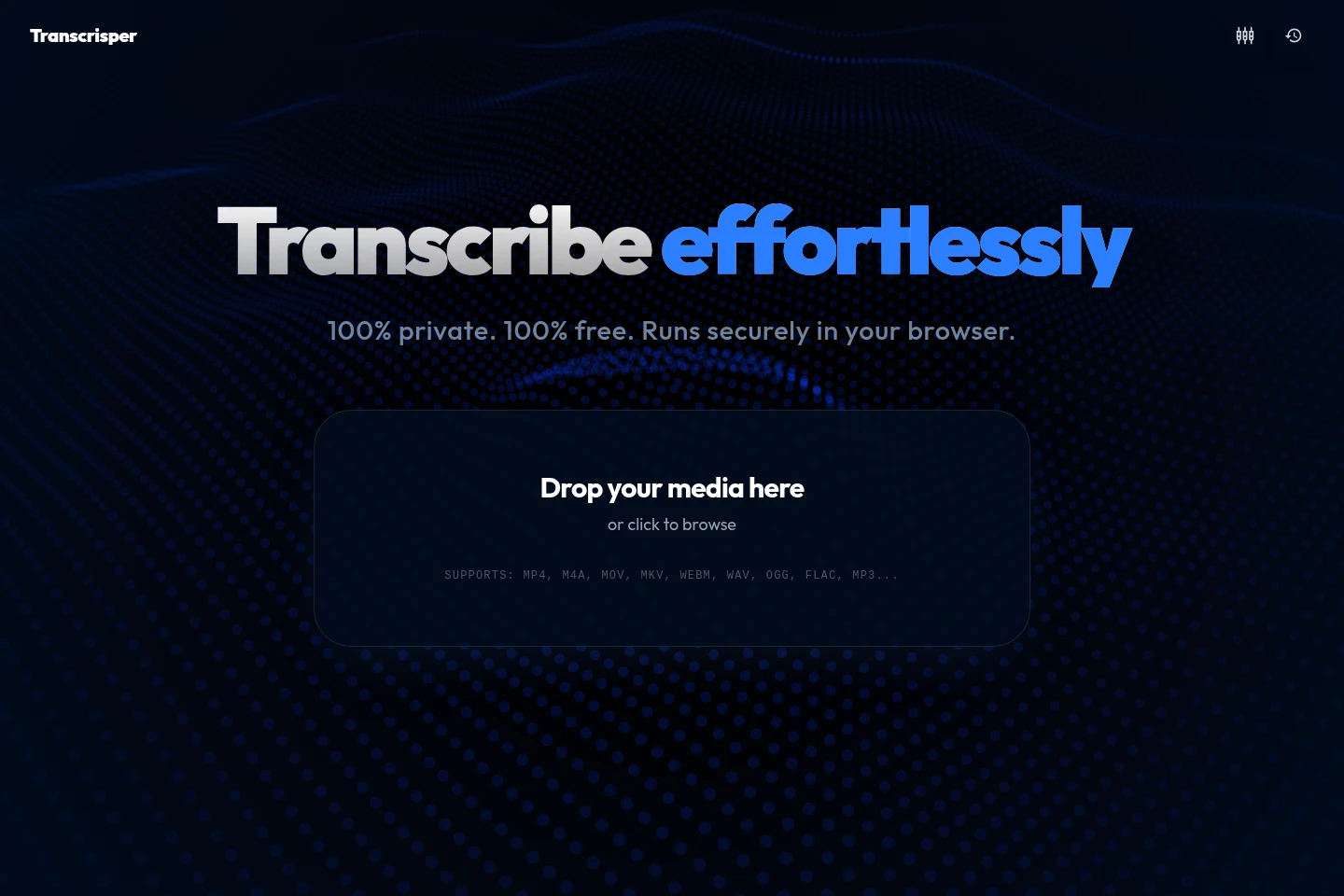
Transcrisper transcribes audio and video locally in a browser using the Parakeet-TDT v3 speech recognition model and Sortformer v2.1 speaker diarization. Supported media formats include MP4, M4A, MOV, MKV, WEBM, WAV, OGG, FLAC, and MP3. After the models are downloaded and initialized, transcription can run offline without uploading audio to a server.
- AI Audio
- Transcription
- Audio Editors
- private browser transcription
- audio and video speech to text
- offline AI transcription
Capabilities
Local audio and video transcription
Transcribes audio and video files in the browser and produces speech-to-text output. Users select supported media files, and the Parakeet-TDT v3 model processes them locally after its model data is downloaded.
Speaker diarization
Groups audio segments into distinct speaker clusters in the transcription workflow. Sortformer v2.1 analyzes voice biometrics, supports streaming diarization, and is described as handling overlapping speech.
Offline transcription processing
Runs transcription without an internet connection after the models are initialized and cached in the browser. The first setup requires a one-time model download of almost 2GB per browser.
Subtitle and audio file tools
Provides browser-based tools for converting and adjusting subtitle and audio files. Available tools include subtitle format conversion, subtitle time shifting, audio trimming, audio conversion, and video-to-audio conversion.
Pricing
Transcrisper is free to use, with no paid plans listed. There are no plan tiers to compare; transcription runs locally in the browser.
Use cases
Transcribe audio and video recordings locally
When a recording contains speech that a user wants transcribed without sending the media to a transcription server, they can select a supported audio or video file in the browser. Transcrisper processes it locally with Parakeet-TDT v3 and produces speech-to-text output.
Group recording segments by speaker
When a recording contains multiple or overlapping speakers, users can use the diarization engine in the transcription workflow. Sortformer v2.1 analyzes voice biometrics and groups audio segments into distinct speaker clusters.
Convert and adjust subtitle files
When subtitle files need a different format or timing, users can choose a listed subtitle tool such as SRT to VTT, SRT to TXT, or Subtitle Time Shifter. The tools convert or adjust the subtitle file in the browser.
Limitations
The first browser setup requires downloading almost 2GB of model data; cached models are needed for subsequent offline use.
Optimal performance is recommended with at least 16GB of RAM and a dedicated GPU; CPU-only processing is available but significantly slower.
Files under two hours are described as working best for stability; the practical file-size limit depends on the computer's RAM.
Incognito or private browsing may restrict storage, preventing model caching and requiring the almost 2GB engine download on each visit.
Firefox and Safari have limited WebGPU support, which can result in slower performance than Chromium-based browsers.
Who it is for
People handling recordings they prefer not to upload to cloud transcription services
Journalists and interviewers transcribing recorded conversations locally
Healthcare professionals working with audio they want processed on their own device
FAQ
Does Transcrisper upload audio to a server?
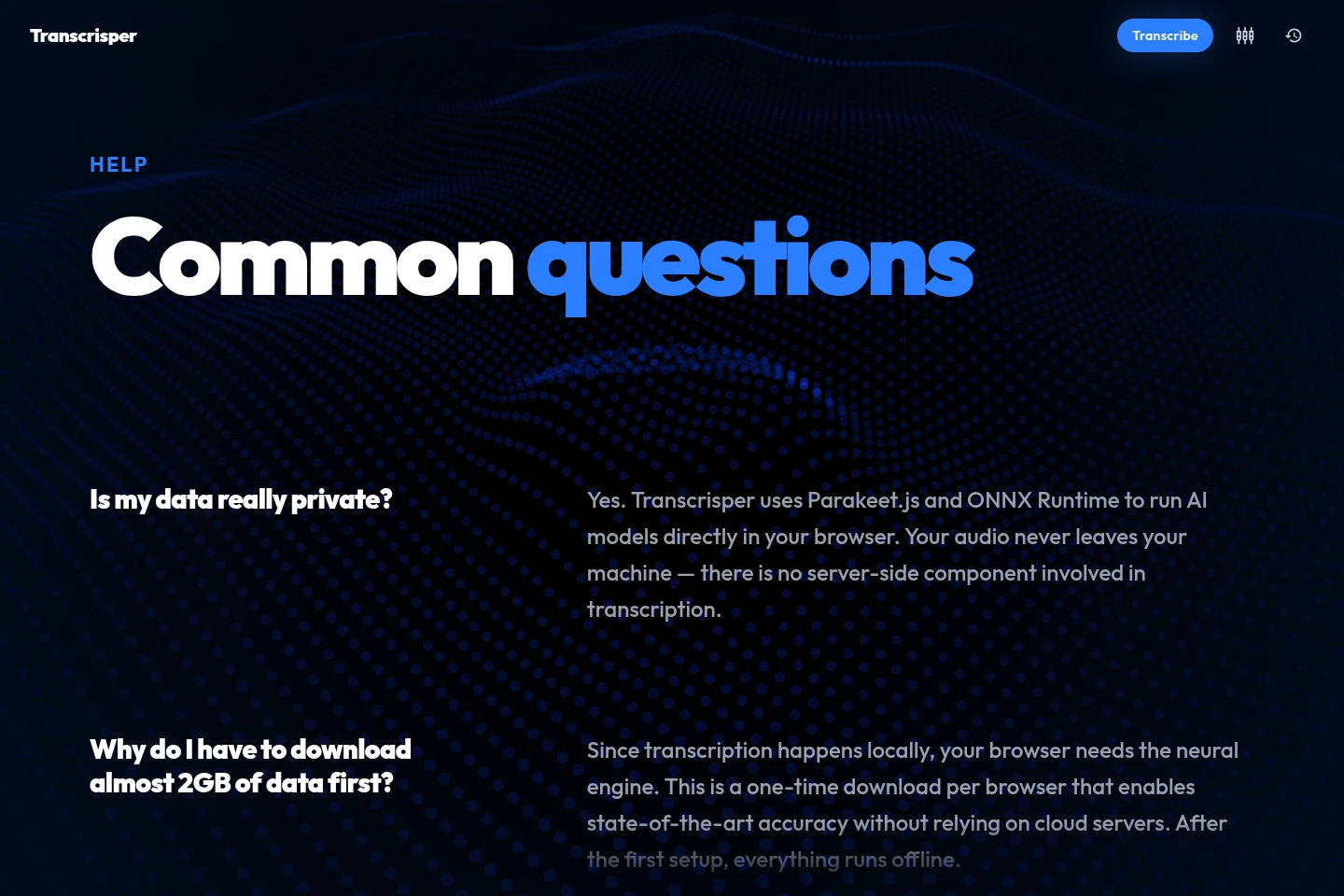
No. Transcription runs in the browser using Parakeet.js and ONNX Runtime, and the audio does not leave the user's machine.
Why is a large model download required?
The browser needs the neural engine to transcribe locally. The initial download is almost 2GB per browser; after initialization and caching, the app can work offline.
Which languages can the transcription model recognize?
Parakeet-TDT v3 supports English, French, German, Spanish, Italian, Portuguese, Dutch, Polish, Russian, Ukrainian, Japanese, Korean, and Chinese. Speaker diarization is language-agnostic.
What computer resources are recommended?
At least 16GB of RAM and a dedicated GPU are recommended for optimal performance. CPU-only processing is possible but significantly slower.
Is there a fixed file-size limit?
The limit depends on the computer's RAM. Files under two hours work best for stability, although longer recordings may work on more powerful machines.
Comments