
- Monthly visits
- 2,937
- 2026-09
- Monthly growth +479.3%
TranscriptHQ - Transcribe and translate audio and video through an API or playground
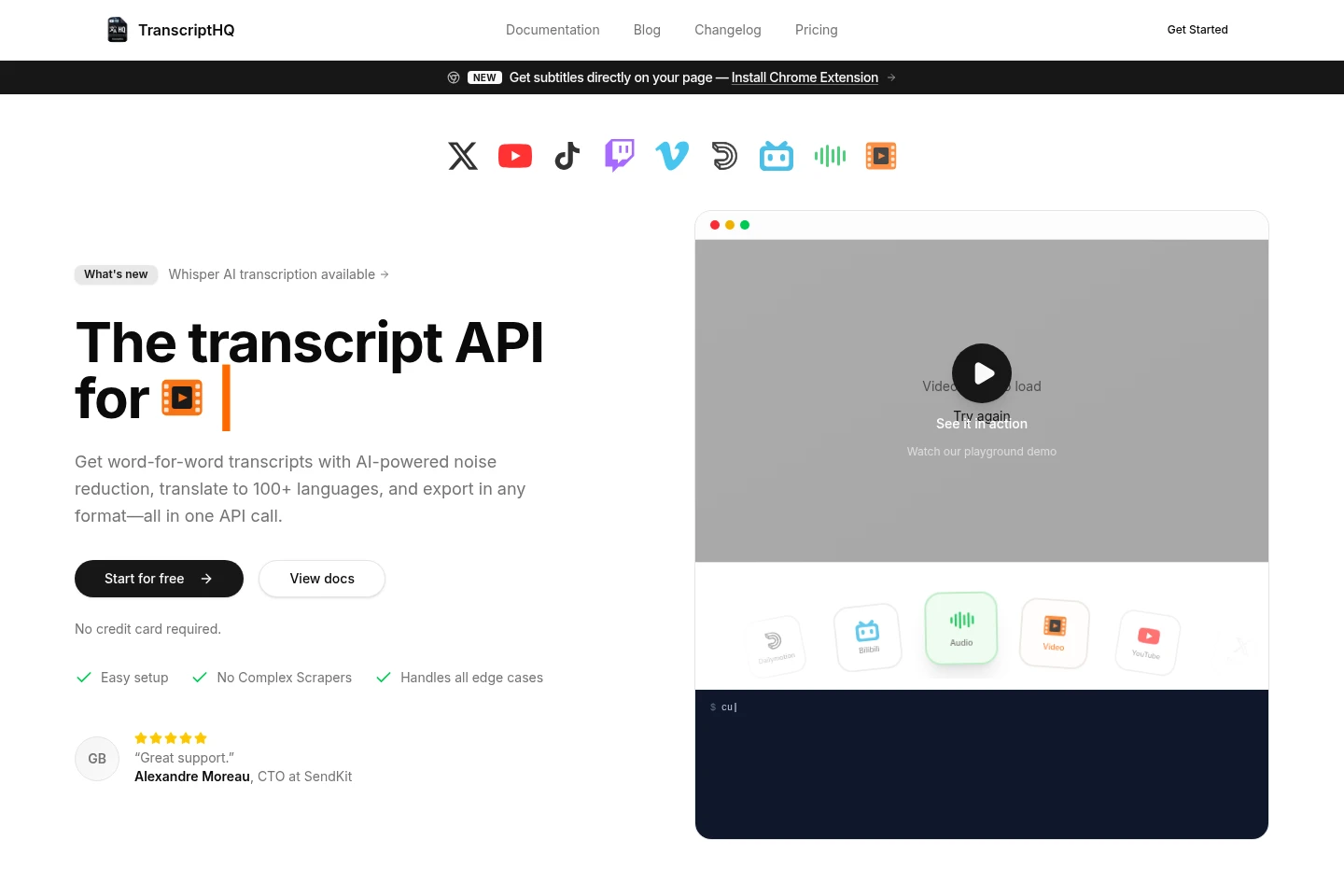
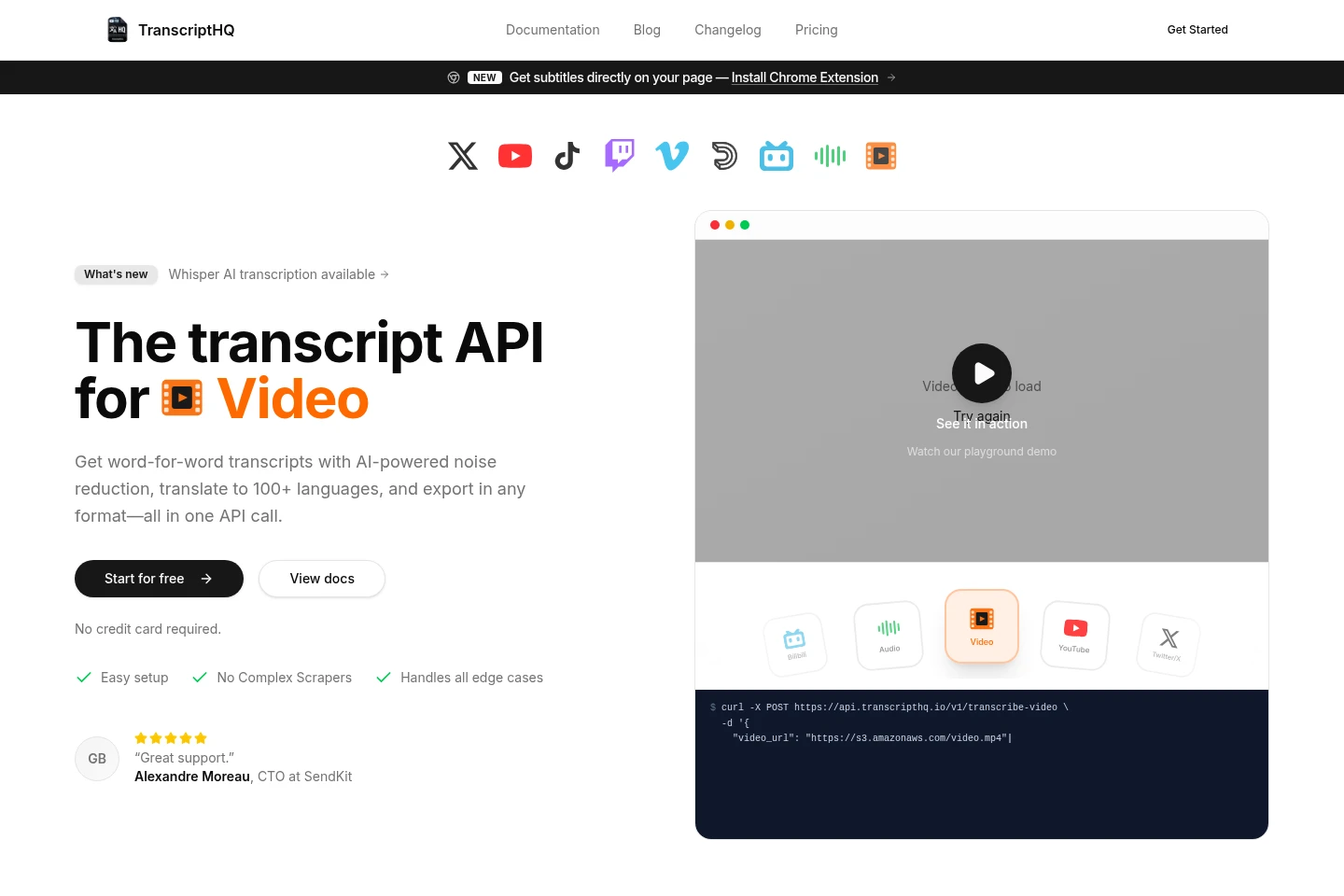
TranscriptHQ transcribes audio and video from platforms including YouTube, TikTok, Twitter/X, Twitch and Vimeo, as well as uploaded files. Use its REST API or no-code Playground to generate word-for-word transcripts, reduce noise, translate into 100+ languages and export captions in formats including SRT, VTT and JSON.
- AI Audio
- Transcription
- Translators
- Subtitle Generators
- audio transcription API
- video subtitle generator
- AI transcription and translation
Capabilities
Audio and video transcription
Creates word-for-word transcripts from supported platform links and uploaded audio or video. The service can use existing YouTube captions or Whisper transcription, with noise reduction and language detection available.
Transcript translation
Translates transcripts into a selected target language, with support for more than 100 languages. Users can choose preferences in the Playground or make API requests; recognition accuracy varies by language.
Bulk transcript processing
Processes videos, playlists, or entire Twitter/X channels to generate transcripts and subtitles. The REST API accepts requests for supported sources, while Playground users can submit links and set preferences.
Transcript export formats
Exports generated transcript content in plain text, timestamped text, SRT, VTT, or JSON formats. Word-level timestamps are available on Pro and Business; their use has a separate credit rate.
No-code Playground
Lets users submit a link, set transcription preferences, generate captions, and watch results in an in-video player without writing code. Transcription continues after leaving the page once processing has started.
Pricing
TranscriptHQ offers a free plan and paid monthly subscriptions. Compare monthly credits, request limits, concurrent requests, support, and access to word-level timestamps when choosing a plan.
| Plan | Price | Included features and limits |
|---|---|---|
| Free | Free |
|
| Starter | $5/month, billed monthly |
|
| Pro | $15/month |
|
| Business | $49/month |
|
Use cases
Transcribe videos from supported platforms
When a user needs text from a video on YouTube, TikTok, Twitter/X, Twitch, Vimeo, Dailymotion, or Bilibili, they can submit its link through the API or Playground. TranscriptHQ returns transcript text and can use native YouTube captions when available.
Translate transcripts into another language
When a transcript is needed in a different language, users can choose a target language in the Playground or make an API request. TranscriptHQ translates the transcript, supporting more than 100 languages.
Generate subtitles for batches of videos
When subtitles are needed for multiple videos, playlists, or a Twitter/X channel, users can submit the supported source through the API or Playground. They can export results in formats such as SRT, VTT, plain text, or JSON.
Limitations
Word-level timestamps are limited to Pro and Business plans and use 1.5 credits per minute when enabled.
Unused monthly credits do not roll over; credits reset when the billing cycle renews.
Whisper transcription costs 1 credit per minute, while a video using YouTube native captions costs 1 credit regardless of length.
Transcription accuracy varies by language, and AI-generated transcripts may contain errors.
Who it is for
Developers integrating transcript generation into applications
People processing online videos into transcripts or subtitle files
Users who need transcripts and translations without writing code
FAQ
How many credits does each transcription type use?
YouTube native captions cost 1 credit per video regardless of length. Whisper transcription costs 1 credit per minute when native captions are unavailable, and word-level timestamps cost 1.5 credits per minute when enabled.
Which languages can TranscriptHQ process?
TranscriptHQ supports more than 100 languages for transcription and translation. Accuracy varies by language; the page lists English, Spanish, French, Arabic, Japanese, Russian, Portuguese, German, Indonesian, Urdu, and Turkish among its examples.
Which media sources and file types are supported?
Supported sources include YouTube, Twitter/X, TikTok, Twitch, Vimeo, Dailymotion, Bilibili, and uploaded audio or video. The page names formats including MKV, MP3, MP4, MOV, AVI, and WAV.
Does transcription continue if I leave the page?
Yes. After transcription starts, it continues if you navigate away. Completed tasks can be found in your history, and credits are refunded automatically if an error occurs.
Do unused credits roll over to the next month?
No. Unused credits do not roll over. The allocation resets automatically when the billing period renews.
What happens if a transcript has significant errors?
Contact support about significant errors. TranscriptHQ says AI may not always be perfect and automatically refunds credits in cases of system errors.
Comments