

- Monthly visits
- 1,642
- 2026-09
- Monthly growth +20,425%
Tools-Online - Free browser-based tools for code, data, diagrams, and security
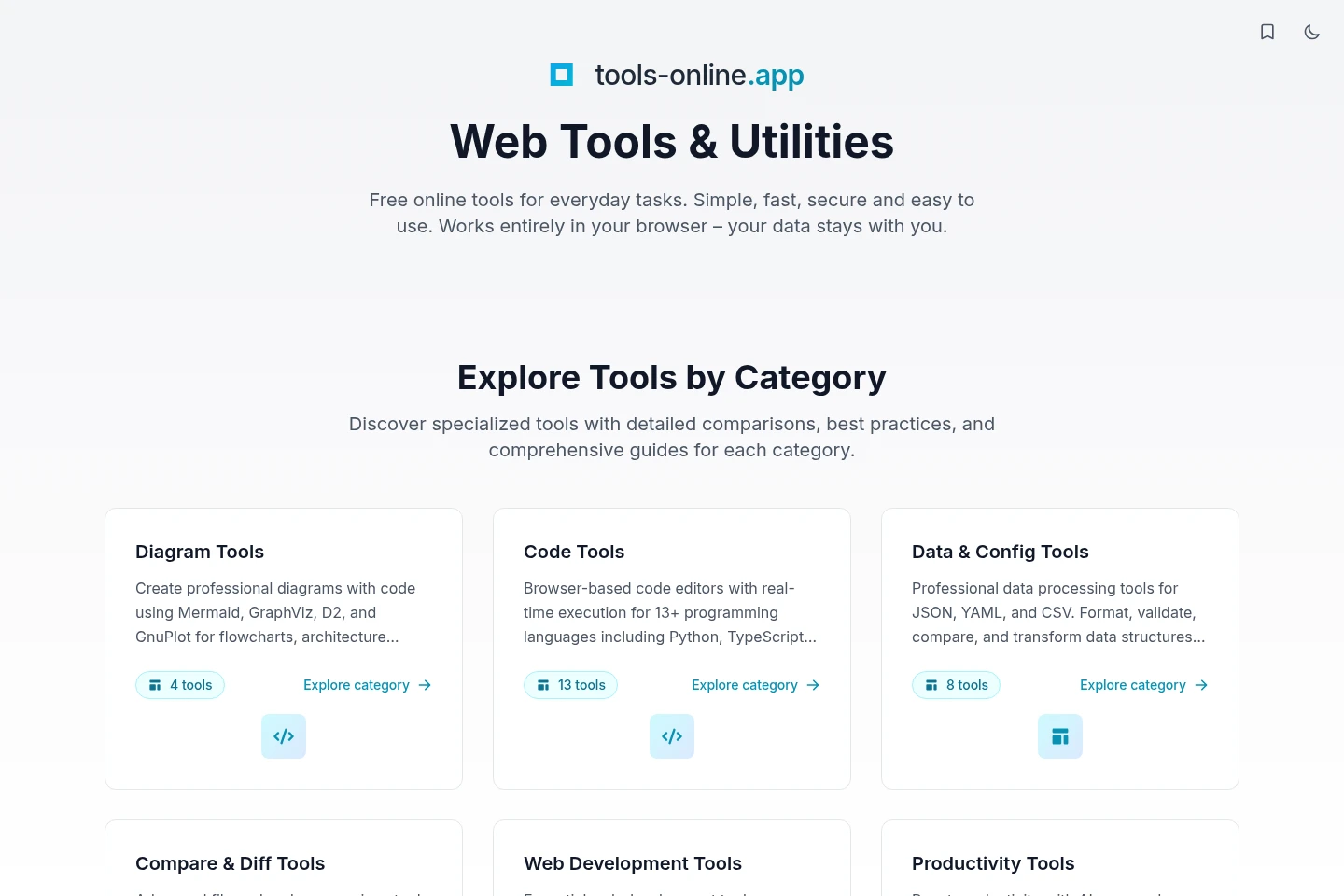
Tools-Online is a collection of free browser-based utilities for coding, data processing, diagrams, web development, productivity, finance, and security. The listed tools include editors that run code, validate or transform data, preview diagrams, and process security inputs in the browser. The site says security tools process data client-side.
- AI Coding
- Code Refactoring
- Data Cleaning
- Diagram Generators
- free online code editors
- browser-based data tools
- client-side security tools
Capabilities
Browser-based code editors
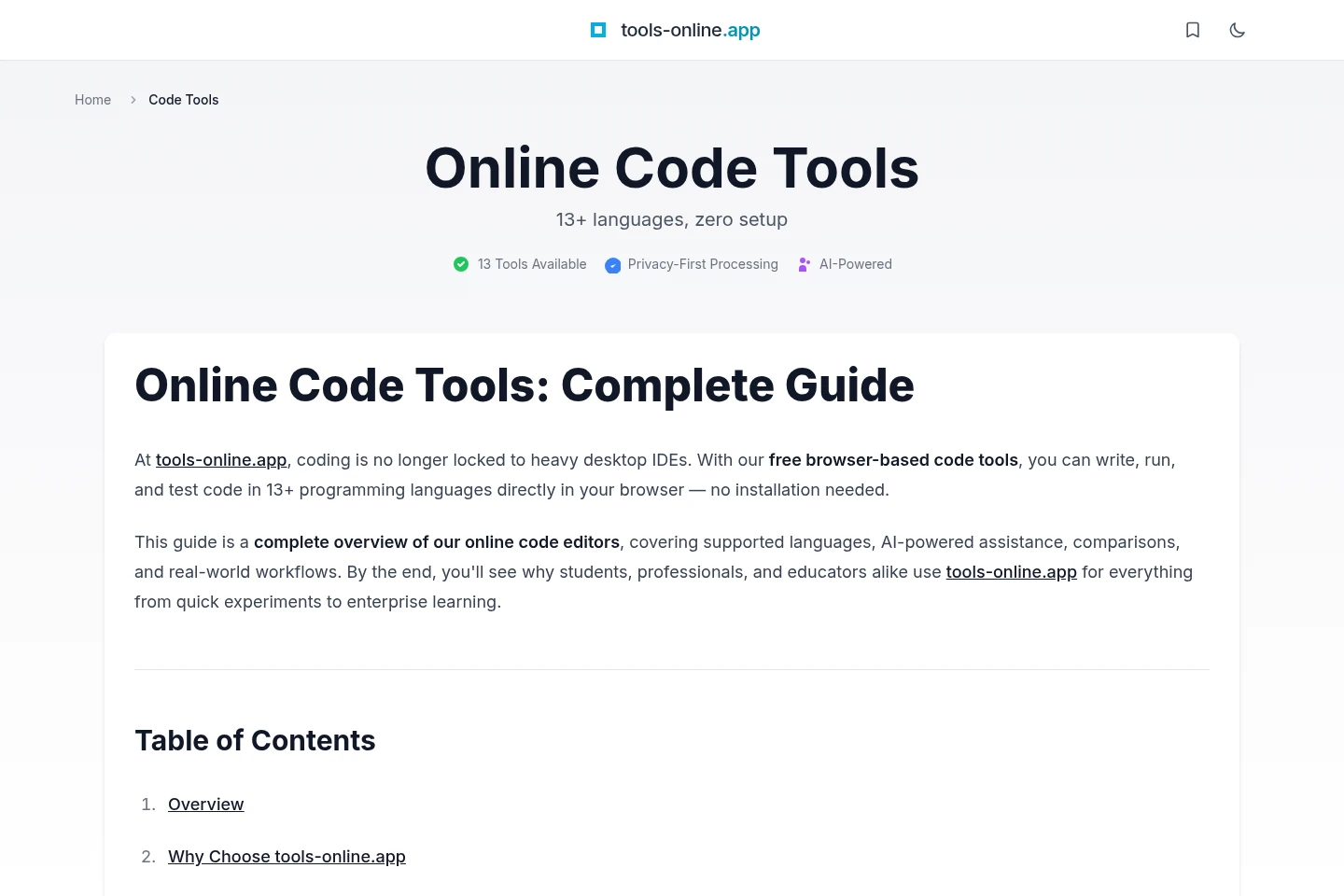
Write and run code in browser editors, with outputs such as console results and compilation feedback. Available editors cover multiple languages; features such as type checking, library support, and code sharing vary by editor.
Data formatting and validation
Format, validate, compare, and transform data such as JSON, YAML, and CSV. Some tools provide schema validation, file import, visual differences, or export options depending on the tool.
Diagram editing and preview
Create diagrams or plots from text-based code and view a live preview. Supported editors offer different diagram languages, layout options, and SVG or PNG export.
Client-side security utilities
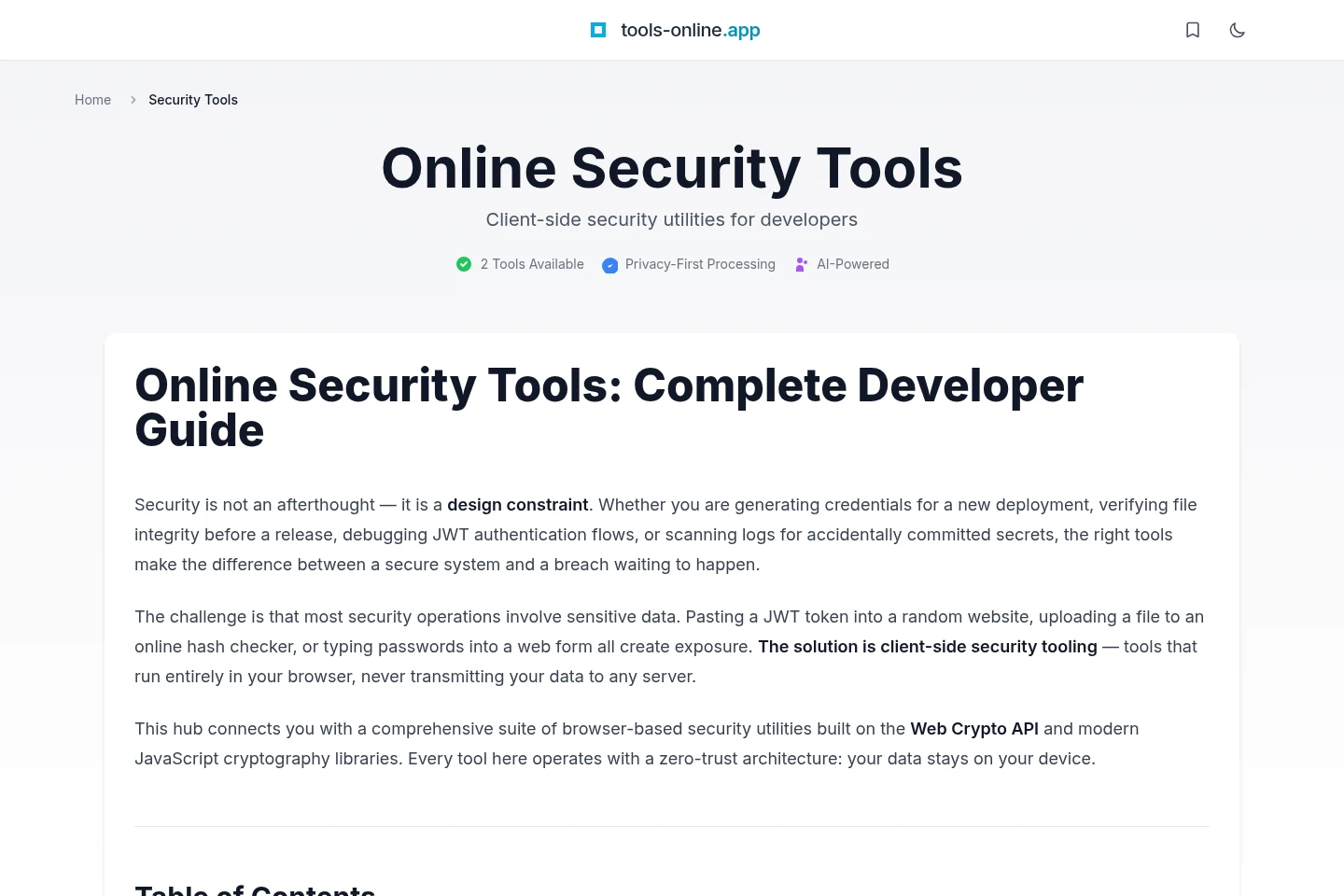
Use browser-based utilities for tasks including password generation, hashing, encoding, token analysis, and secret scanning. The security-tools page says processing is client-side and data is not sent to a server.
Pricing
The homepage and code-tools page describe the tools as free to use. No paid plans, recurring billing, or purchase conditions are listed in the supplied pages.
Use cases
Write and run a program in a browser
When you want to try or test code without installing an editor, choose a browser code editor for a supported language, enter code, and run it. The editor displays execution or compilation feedback; specific features depend on the language tool.
Validate or transform a data file
When working with structured data or configuration, use a relevant JSON, YAML, or CSV utility to format, validate, compare, or transform the input. Available options vary and may include schema checks, file import, visual differences, and exports.
Create and export a diagram or plot
When documenting a process or visualizing a system, enter supported diagram or plotting syntax into a relevant editor and inspect its preview. Some editors allow exporting the result as SVG or PNG.
Limitations
Code execution and editor features vary by language tool; the site lists limited gem support for its Ruby editor.
The homepage describes the collection as browser-based; it does not establish availability of native desktop or mobile apps.
Who it is for
Developers and programmers who need browser-based coding, data, or security utilities
Students and educators who need browser editors to practice or teach programming
Technical documentation authors who need to create and preview diagrams
FAQ
Do the code editors require installation?
No installation is needed for the browser-based code editors described on the site. They run in the browser, and available languages and editor features vary by tool.
Does code leave the browser when using the code tools?
The code-tools page says execution is client-side and code does not leave the browser. This statement applies to the described code tools.
How is data handled by the security tools?
The security-tools page says the utilities process data client-side and do not send it to a server. The described tools include password generation, hashing, encoding, token analysis, and secret scanning.
Are all tools available at no cost?
The homepage describes its online tools as free, and the code-tools page says its code tools are free to use. The supplied pages do not list paid plans or prices.
Comments