

- Monthly visits
- 0
- 2026-09
- Monthly growth -100%
ToolLab.AI - Extract editable text from images and PDFs
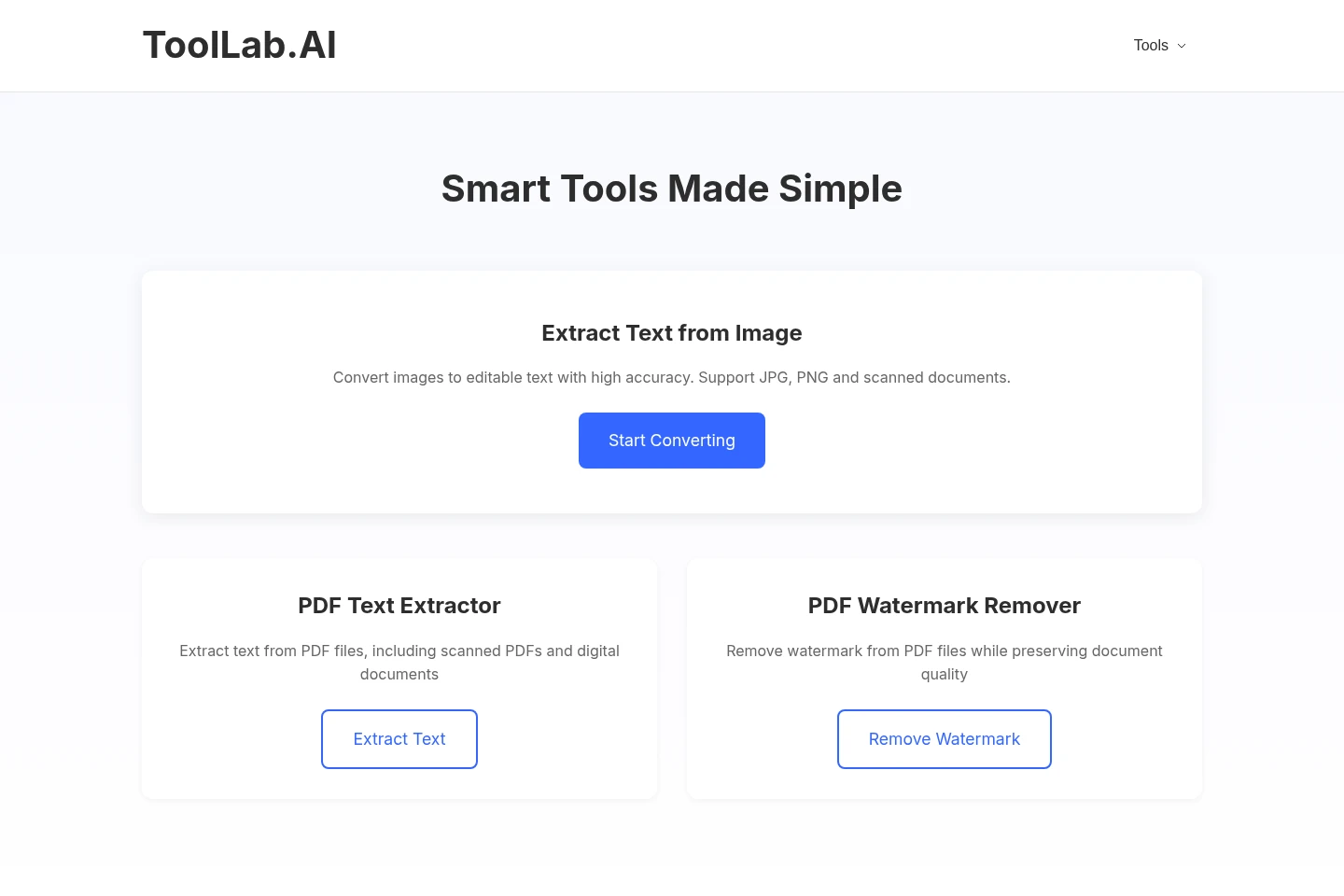
ToolLab.AI provides online tools to extract editable text from images and PDF files, including scanned documents, and to remove PDF watermarks. Upload a file, process it, then view, copy, or download the extracted text. File-size limits apply to the image and PDF extractors.
- AI Image
- OCR
- Watermark Removers
- image to text extraction
- PDF text extractor
- PDF watermark remover
Capabilities
Image text extraction
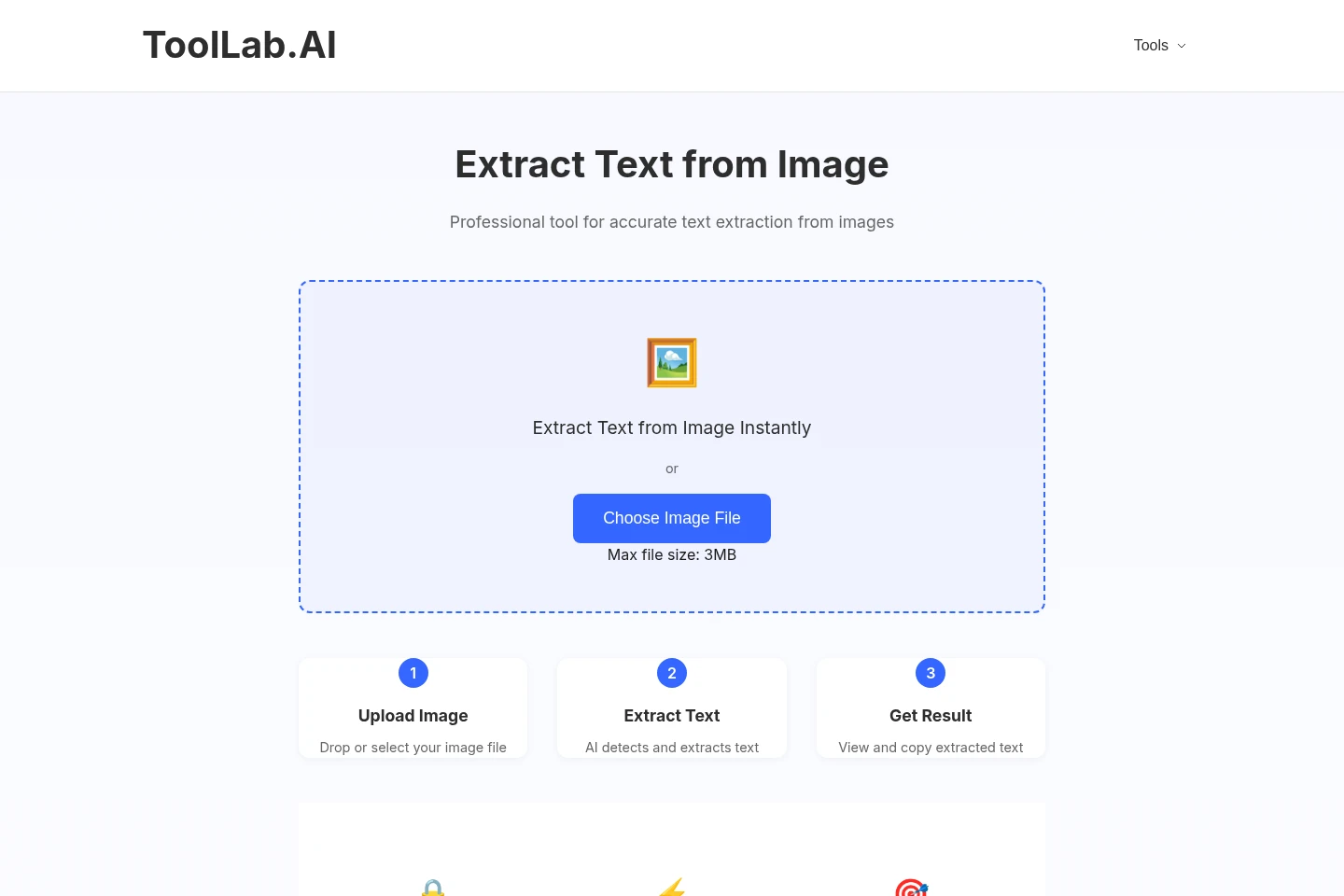
Extracts text from image files and scanned PDF images and presents it in an editable format. Upload a supported image, let AI recognition process it, then view and copy the result; the image tool has a 3 MB maximum file size.
PDF text extraction
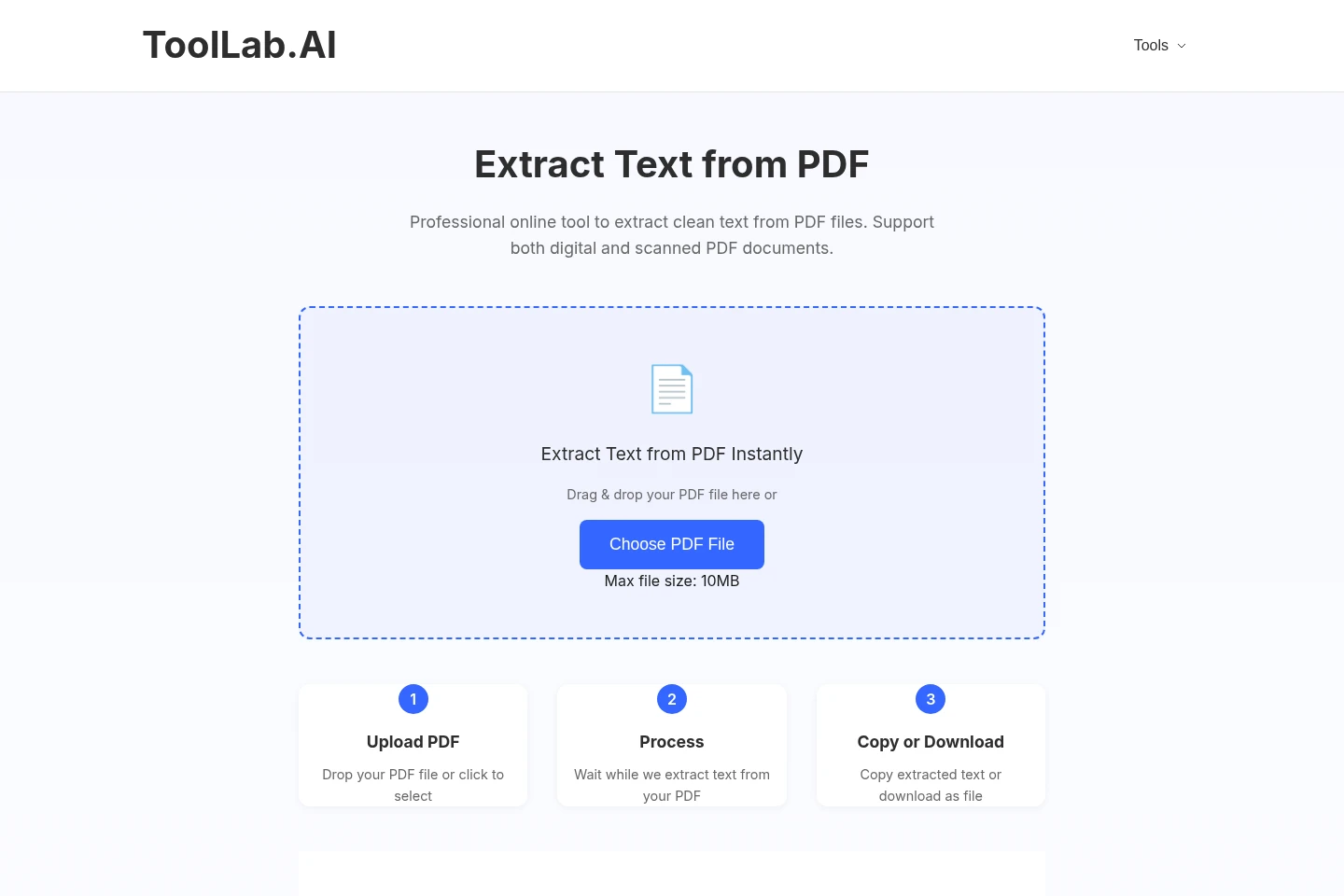
Extracts text from digital and scanned PDF documents for copying or download. Upload a PDF and wait for processing; the tool has a 10 MB maximum file size and aims to maintain text formatting and layout.
PDF watermark removal
Removes watermarks from PDF files while preserving document quality. Upload a PDF to use the available watermark-removal tool; the supplied pages do not state a file-size limit for this tool.
Pricing
The supplied pages do not list paid plans or prices. The PDF text extractor is described as free; compare the file type and upload-size limit for the tool you need.
Use cases
Digitize scanned documents into editable text
When a paper document has been scanned into an image or PDF, upload the scanned file to the matching extraction tool. The tool recognizes the text and returns an editable result that can be viewed, copied, or downloaded depending on the tool.
Copy text from digital PDF documents
When text in a digital PDF needs to be reused, upload the PDF to Extract Text from PDF. After processing, copy the extracted text or download it as a file.
Extract text from screenshots and images
When text appears in a screenshot, presentation image, or other supported image, upload it to Extract Text from Image. AI recognition extracts text for viewing and copying; the image upload limit is 3 MB.
Remove a watermark from a PDF file
When a PDF contains a watermark that needs removal, use Remove Watermark from PDF to process the file. The homepage says this tool is available and describes preserving document quality.
Limitations
The image text extractor accepts image files up to 3 MB; larger image uploads exceed its stated limit.
The PDF text extractor accepts PDF files up to 10 MB; larger PDF uploads exceed its stated limit.
Add Watermark to PDF and Erase Content from Image are labeled Coming Soon, not available tools in the supplied pages.
Who it is for
People turning scanned papers and documents into editable text
People who need to copy or download text from digital or scanned PDFs
People extracting text from screenshots, presentations, or other images
FAQ
How do I extract text from an image?
Upload an image to Extract Text from Image, let the AI process it, then view and copy the editable text. The tool page states a 3 MB maximum file size.
Which file formats are supported?
The homepage lists JPG, PNG, GIF, BMP, and PDF as common supported formats, and says each tool specifies its formats. The image extractor page specifically mentions JPG, PNG, and scanned PDF images; the PDF extractor handles scanned and digital PDFs.
Can I extract text from scanned PDFs?
Yes. Extract Text from PDF supports scanned as well as digital PDF documents and returns editable text that can be copied or downloaded.
Can I download extracted PDF text?
Yes. After processing a PDF, you can copy the extracted text or download it as a file.
What is the maximum upload size?
The image text extractor has a 3 MB maximum, while the PDF text extractor has a 10 MB maximum. The supplied pages do not specify a limit for PDF watermark removal.
How are uploaded files handled?
The image and PDF extraction pages say files are automatically deleted after processing. The supplied pages do not describe file handling for the watermark-removal tool.
Comments