

- Monthly visits
- 373,994
- 2026-09
- Monthly growth +16.8%
Thea Study - Turn your course materials into active study tools
Thea Study transforms uploaded course materials into practice questions, study guides, flashcards, practice tests, games, summaries, and podcasts. Smart Study asks questions using active recall and spaced repetition, while progress tracking shows mastered concepts and areas to review. It supports more than 90 file types and offers free study kits without an account.
- AI Education
- Exam Prep
- Summarizers
- Education
- AI study tools
- study materials to flashcards
- active recall practice questions
Capabilities
Study material generation
Thea converts uploaded course materials into study guides, flashcards, practice tests, games, summaries, and podcasts. Uploads can include more than 90 file types, such as documents, slides, images, audio, video, YouTube links, and notes.
Smart Study questions
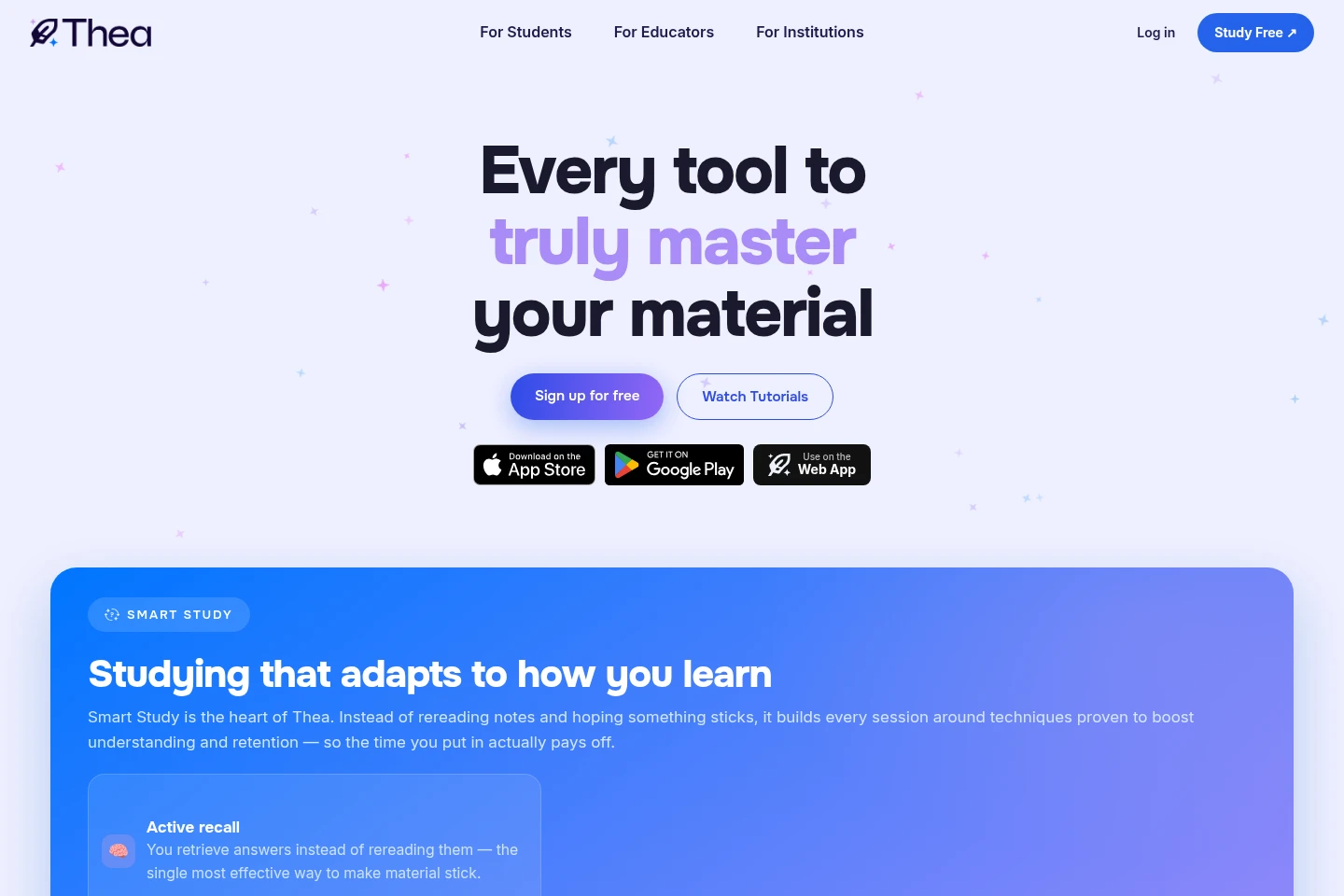
Smart Study asks questions based on course material and uses active recall, spaced repetition, and varied question formats. Learners answer questions rather than simply rereading material, and difficulty can be adjusted in settings.
Study progress tracking
Progress tracking shows what a learner has mastered, what is improving, and what needs another review. Each study session contributes to the progress view.
Pricing
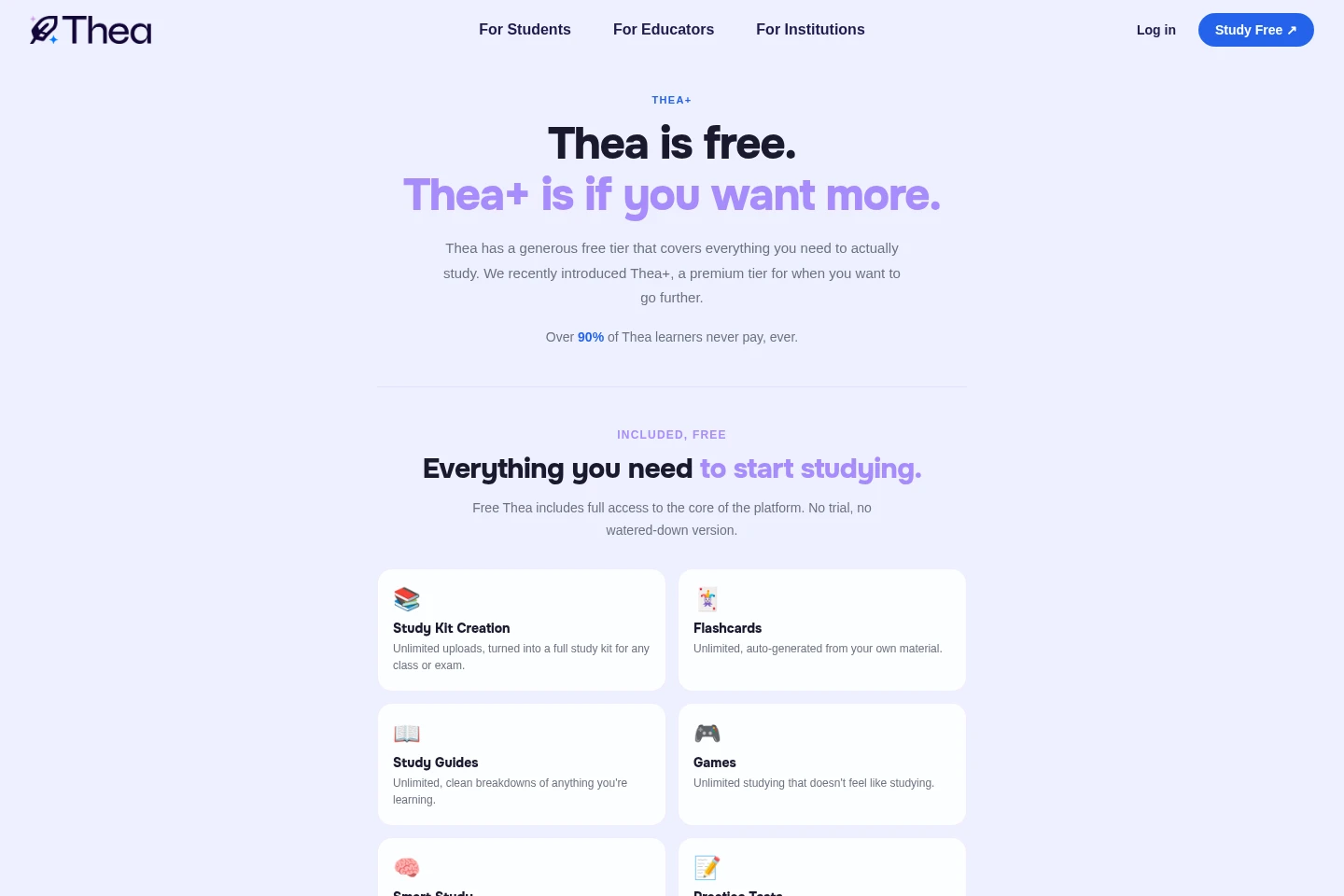
Thea offers a free plan and an optional paid Thea+ subscription with monthly and annual plans. Compare daily question limits, wait times, and premium features; current Thea+ prices are shown in My Profile after login.
| Plan | Price | Included features and limits |
|---|---|---|
| Free | Free |
|
| Thea+ | Price varies; monthly and annual plans |
|
Check current Thea+ pricing in the My Profile section after logging in. The supplied pricing page does not state the plan amounts.
Use cases
Prepare for a class or exam
When reviewing course content for a class or exam, upload the relevant materials to create a study kit. Use its guides, flashcards, tests, and Smart Study questions to review and practice.
Review uploaded course materials
When course materials need to be turned into different study formats, upload files or supported links. Thea generates study tools including summaries, flashcards, and audio podcasts for review.
Check which concepts need review
When preparing for a test and wanting to see areas to revisit, use study sessions with progress tracking. The progress view distinguishes mastered concepts from improving topics and topics needing another pass.
Limitations
The lowest Smart Study difficulty is designed for learners aged 13 or older; the FAQ does not state that age condition for other difficulty settings.
Free Smart Study and Practice Tests have daily question limits; Thea+ removes those limits.
Thea+ prices vary and must be checked in the My Profile section after logging in.
Who it is for
Learners who want to review and practice material from their classes or exams
Teachers and professors who want study tools generated from course materials
School leaders and administrators exploring study tools for their institutions
FAQ
Is Thea free to use?
Yes. Thea has a free tier with study kit creation, flashcards, study guides, games, Smart Study, and Practice Tests. Smart Study and Practice Tests have daily question limits on the free tier.
What does Thea+ add?
Thea+ removes the daily question limits and adds no wait times and premium features. The free tier remains available, and learners can upgrade when they want those additions.
How much does Thea+ cost?
The price varies. Current prices for monthly and annual plans are shown in the My Profile section after logging in.
What materials can I upload?
Thea supports more than 90 file types, including PDFs, documents, slides, images, video, audio, YouTube links, and notes. Uploaded materials can be used to create study tools.
How do I cancel Thea+?
Cancel from the My Profile page in your Thea account by selecting Cancel in the Thea+ subscription section. Contact Thea Support if you need help.
Who can use Thea?
Thea is for learners who want to review and practice what they are learning. The lowest Smart Study difficulty is designed for learners aged 13 or older; the FAQ says the highest difficulty can be used by students of all ages, including graduate students.
Comments