

- Monthly visits
- 3,303
- 2026-09
- Monthly growth +209.6%
Termy - Learn words from games, videos, and other screen content
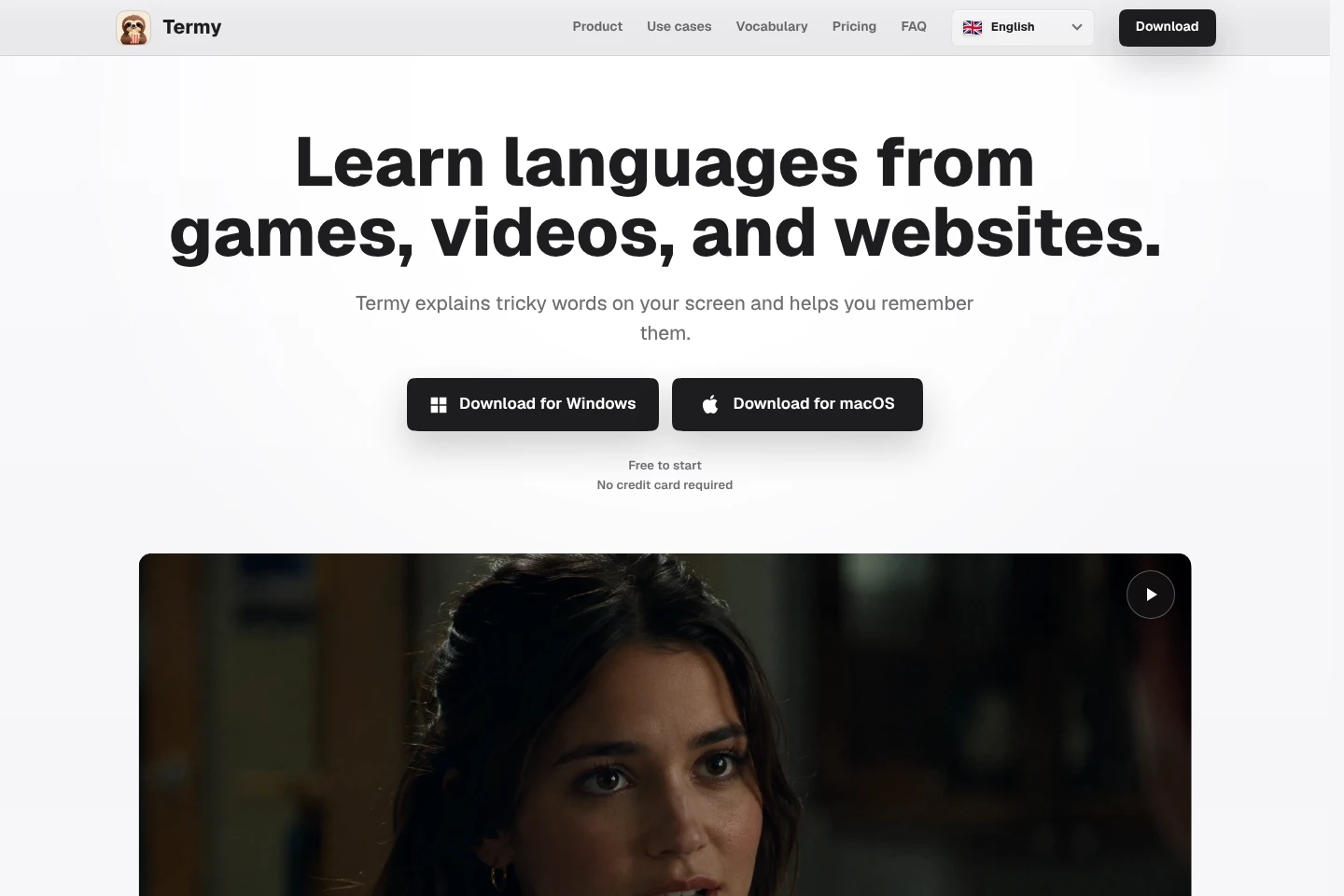
Termy is a desktop language-learning app for Windows and macOS. A keyboard shortcut brings up contextual explanations and translations for on-screen text, which you can save with its sentence and screenshot context. Termy turns saved vocabulary into adaptive exercises with review timing based on memory.
- AI Education
- Language Learning
- Translators
- screen language learning
- game vocabulary practice
- contextual word explanations

Capabilities
Contextual screen lookup
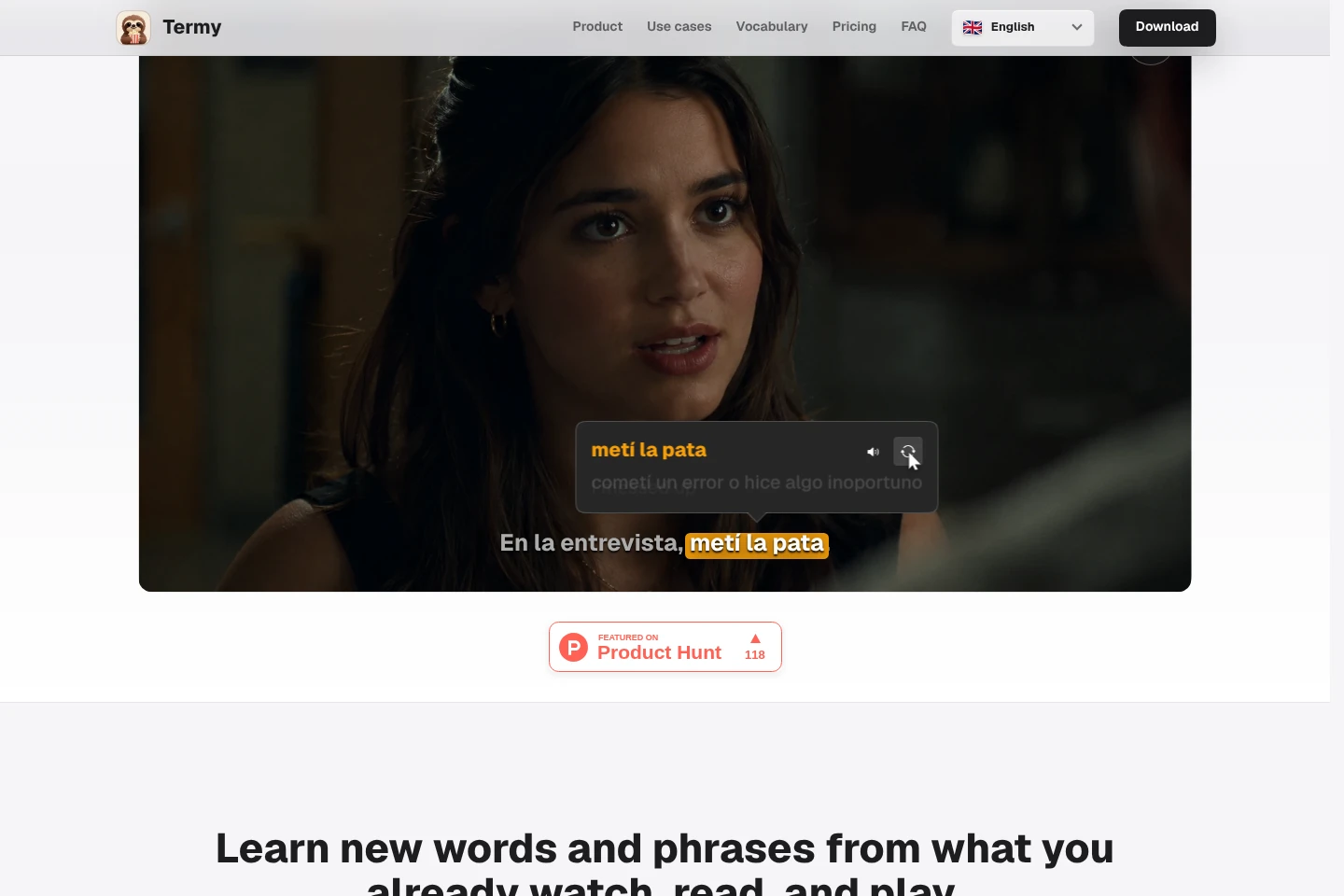
Explains or translates selected text appearing on the desktop and saves it for later practice. Use the keyboard shortcut when text appears in a game, video, website, book, or app; the explanation uses the surrounding context.
Saved vocabulary context
Keeps a saved word or phrase connected to its original sentence, screenshot context, explanation, and translation. Review the Vocabulary area to revisit the scene and see deeper details; screenshot context remains on the computer.
Adaptive vocabulary practice
Builds exercises from words and phrases saved while using real content, with review timing adapted to memory. Practice can include context questions, fill-in-the-blank prompts, typing, listening, and screenshot recall.
Time Machine dialogue history
Retains recent screen frames so users can return to dialogue that disappeared before a shortcut was pressed. When enabled, it keeps at most one completed frame per second in CPU RAM, with retention windows limited by plan.
Pricing
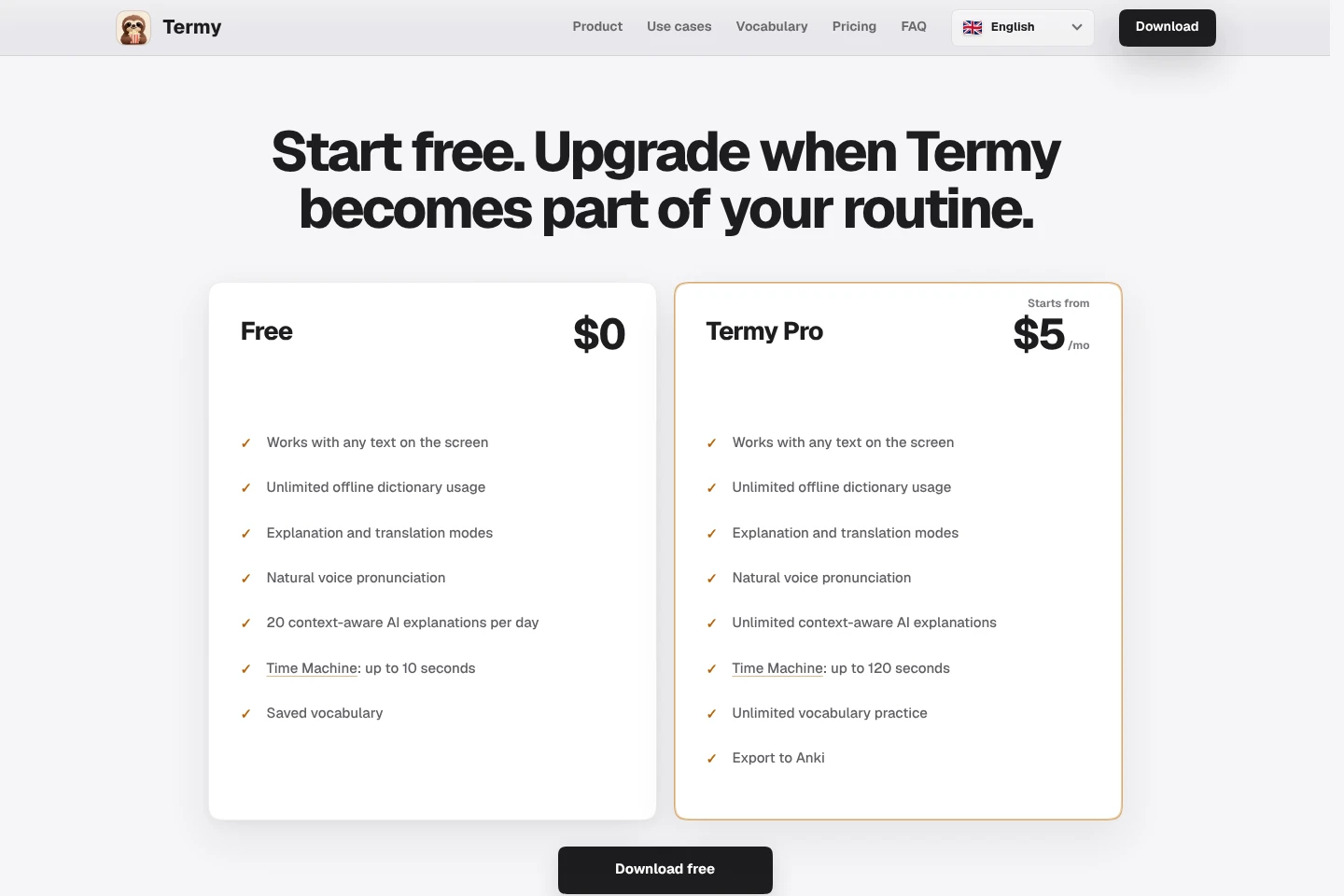
Termy offers a free plan and a paid Termy Pro subscription starting at $5 per month. Compare daily AI explanation limits, Time Machine history, vocabulary practice, and export features when choosing.
| Plan | Price | Included features and limits |
|---|---|---|
| Free | $0 |
|
| Termy Pro | Starts from $5/mo |
|
The Free plan download requires no credit card. Termy Pro is described as starting from $5 per month; the supplied pages do not state a billing interval beyond that price display.
Use cases
Look up game dialogue without leaving play
When a game contains unfamiliar dialogue, menus, quests, or interface text, press the shortcut to get a contextual explanation or translation. Termy works with game text and gamepads, and lets you save vocabulary for later practice.
Learn vocabulary from video subtitles
When watching videos, movies, or TV shows in another language, use the shortcut on visible text to understand a word in context. Save it with its scene context and revisit it through vocabulary exercises.
Understand foreign-language websites
When reading articles, forums, documentation, or posts in a browser, use the shortcut on unfamiliar text rather than opening a separate dictionary tab. Termy explains the meaning in context and can save the item for later review.
Practice words saved from everyday apps
When unfamiliar words appear in books, terminal output, AI chats, or other apps, save them while reading. Termy builds varied adaptive exercises from saved vocabulary and its original context.
Limitations
Time Machine is disabled by default and must be enabled in Settings; retained frames use CPU RAM while the overlay is hidden.
Time Machine stores at most one completed frame per second, and its retention window is limited to 10 seconds on Free or 120 seconds on Termy Pro.
Lowering the Time Machine retention setting removes older frames immediately; raising it affects future frames only.
Termy does not store saved vocabulary screenshots on its servers; screenshot context stays locally on the computer.
Who it is for
Language learners who want to understand unfamiliar desktop text in context
Players using original-language games to encounter dialogue and interface vocabulary
Learners practicing through videos, websites, books, and other everyday screen content
FAQ
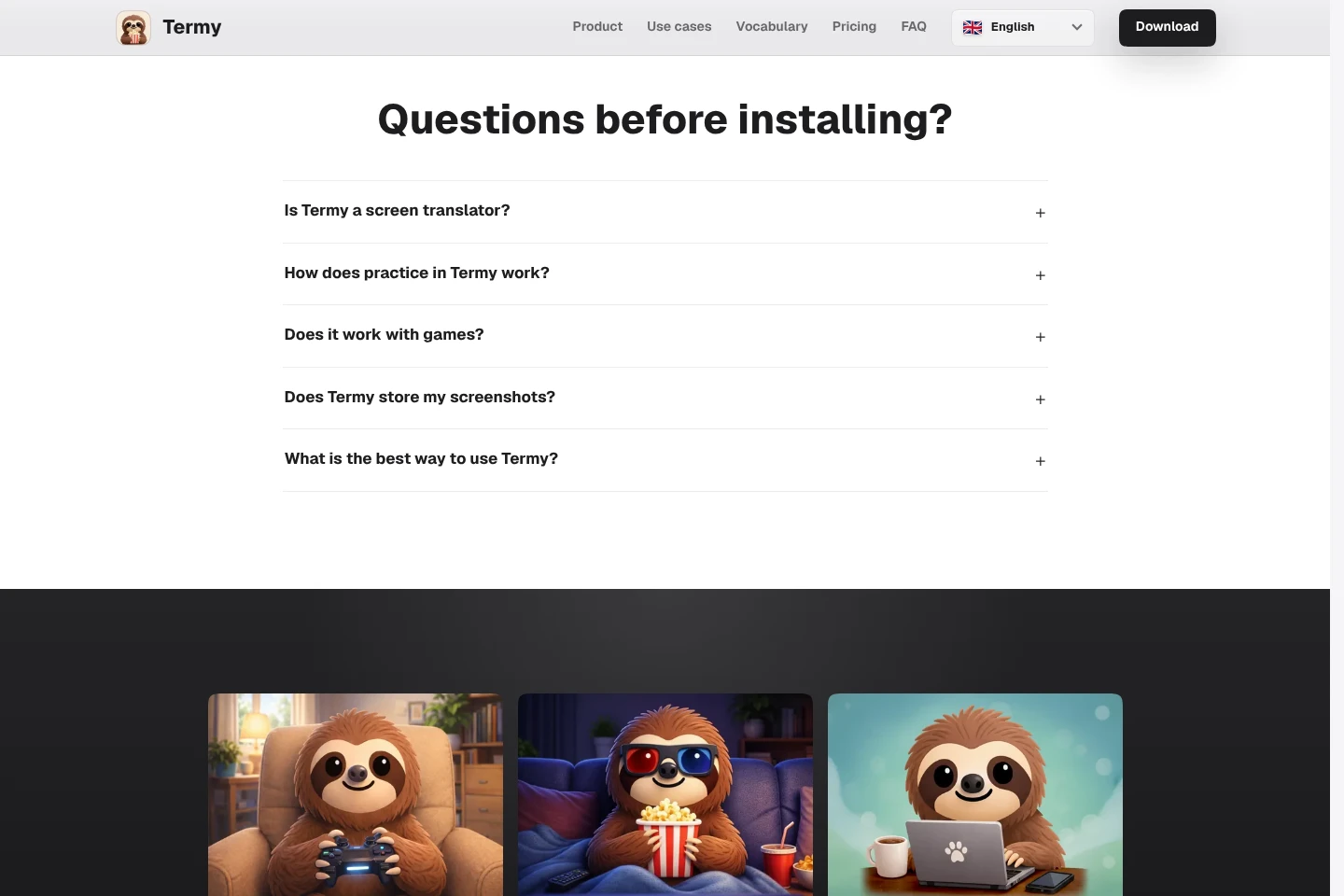
Is Termy a screen translator?
Not quite. Termy explains words when needed so learners can continue thinking in the language rather than simply replacing all screen text. Looked-up words can be revisited with context, other meanings, forms, pronunciation, and FSRS-based practice.
How does vocabulary practice work?
Termy builds practice from words and phrases saved in real content. It keeps the original sentence, screenshot context, explanation, and translation connected, then uses adaptive review timing and exercises such as context questions, typing, listening, and screenshot recall.
Does Termy work with games?
Yes. Termy is designed to recognize desktop text, including game dialogue and interface text, and it also works with gamepads. Its shortcut brings up contextual help without leaving the game.
Are screenshots stored on Termy servers?
No. When vocabulary is saved, useful screenshot context stays locally on the computer for later review and is not stored on Termy servers.
What is a useful way to use Termy?
Use it when most of the content is understandable but a few words or phrases interrupt reading or viewing. Get the missing meaning, continue, and practice the vocabulary saved from that content later.
Comments