Monthly visits
1,178
2026-10
Monthly growth +834.9%

TaxLens - Scan receipts and organize tax-ready expenses

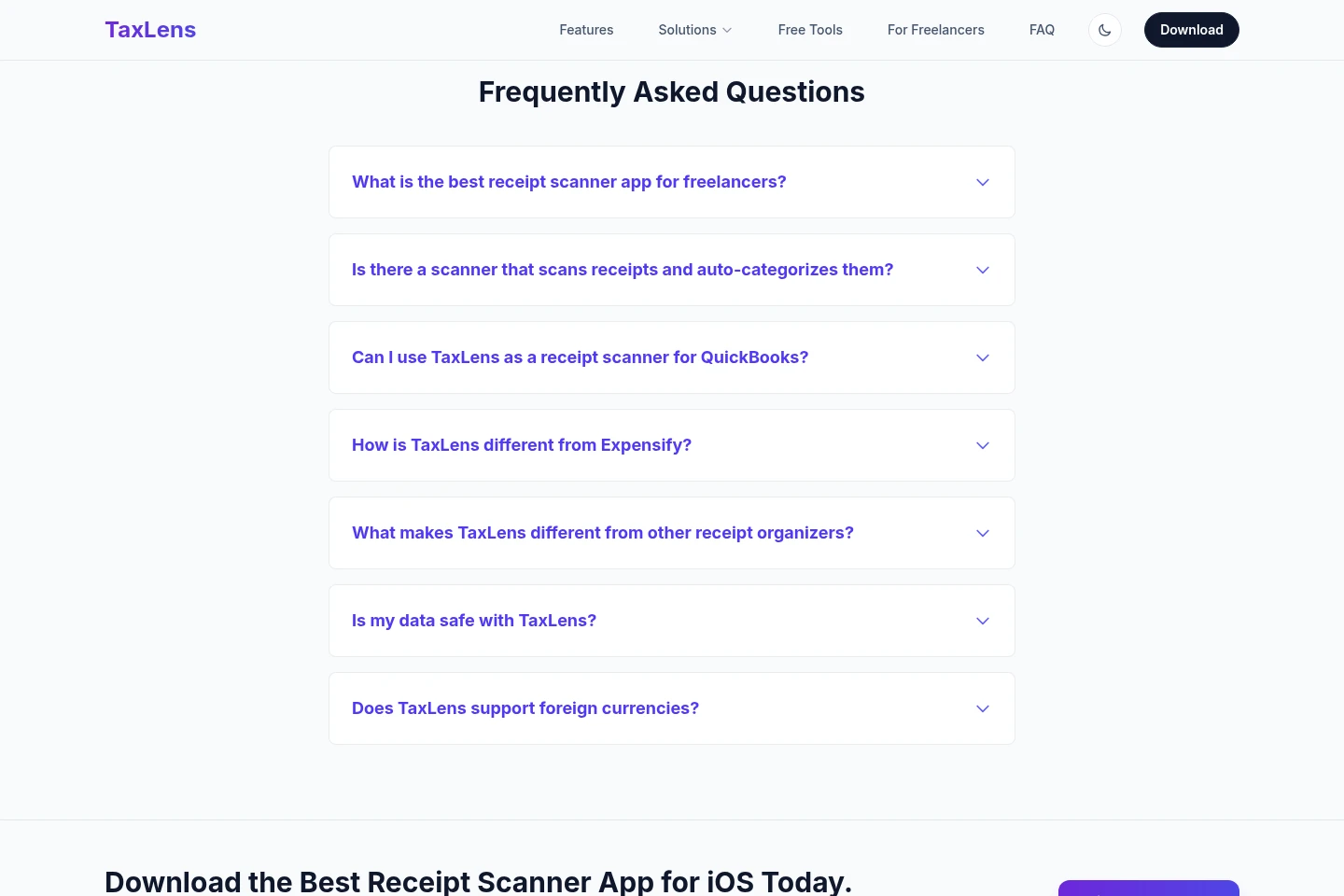
TaxLens is an iPhone receipt scanner and organizer for freelancers and small businesses. It uses AI to extract receipt details, categorize business and personal expenses, and create PDF and CSV reports with receipt images. It also supports batch scanning, imports from Photos and Files, and conversion of more than 30 currencies using historical exchange rates.

Visit WebsiteUpdate this product

0Views

Capabilities

AI receipt data extraction

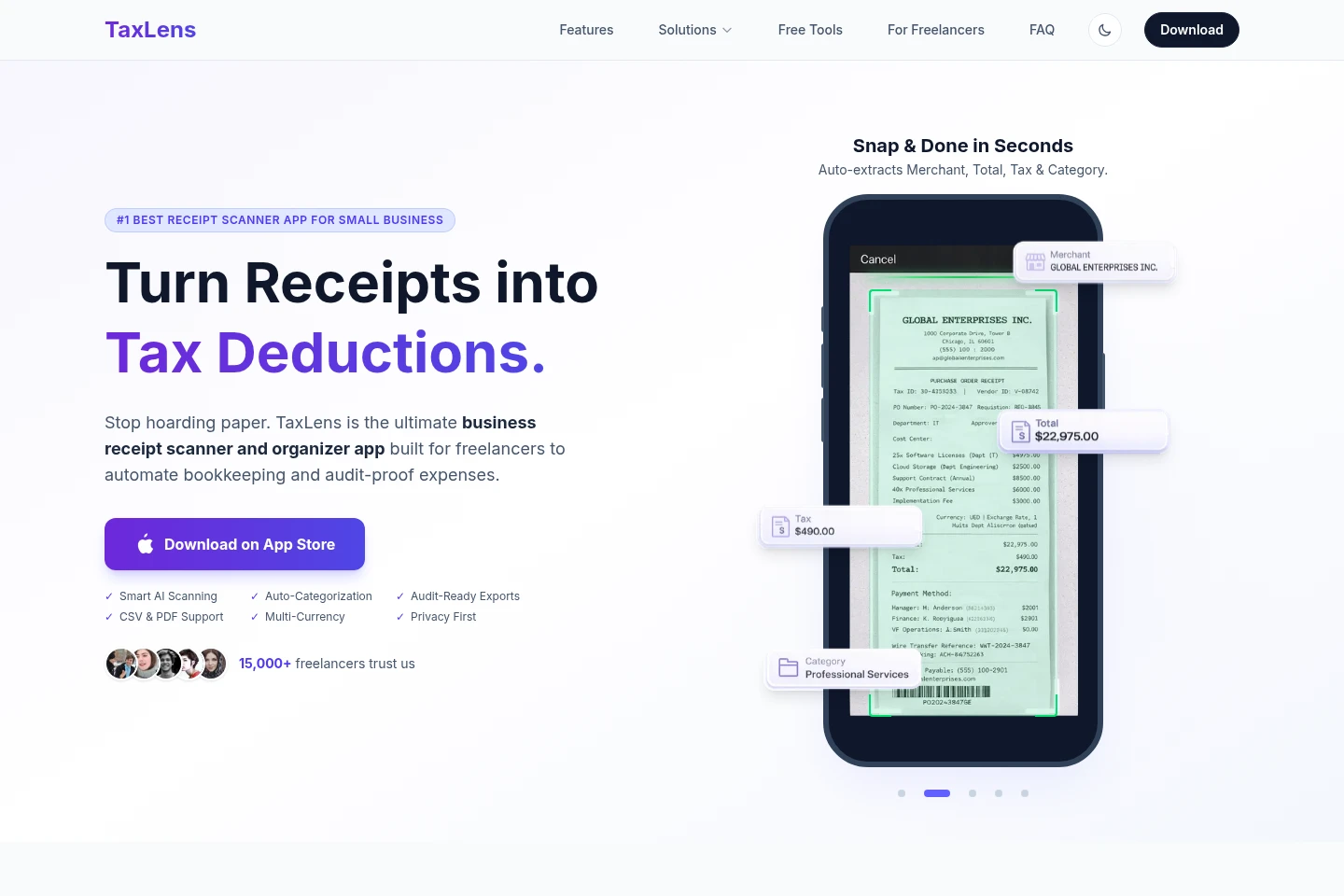
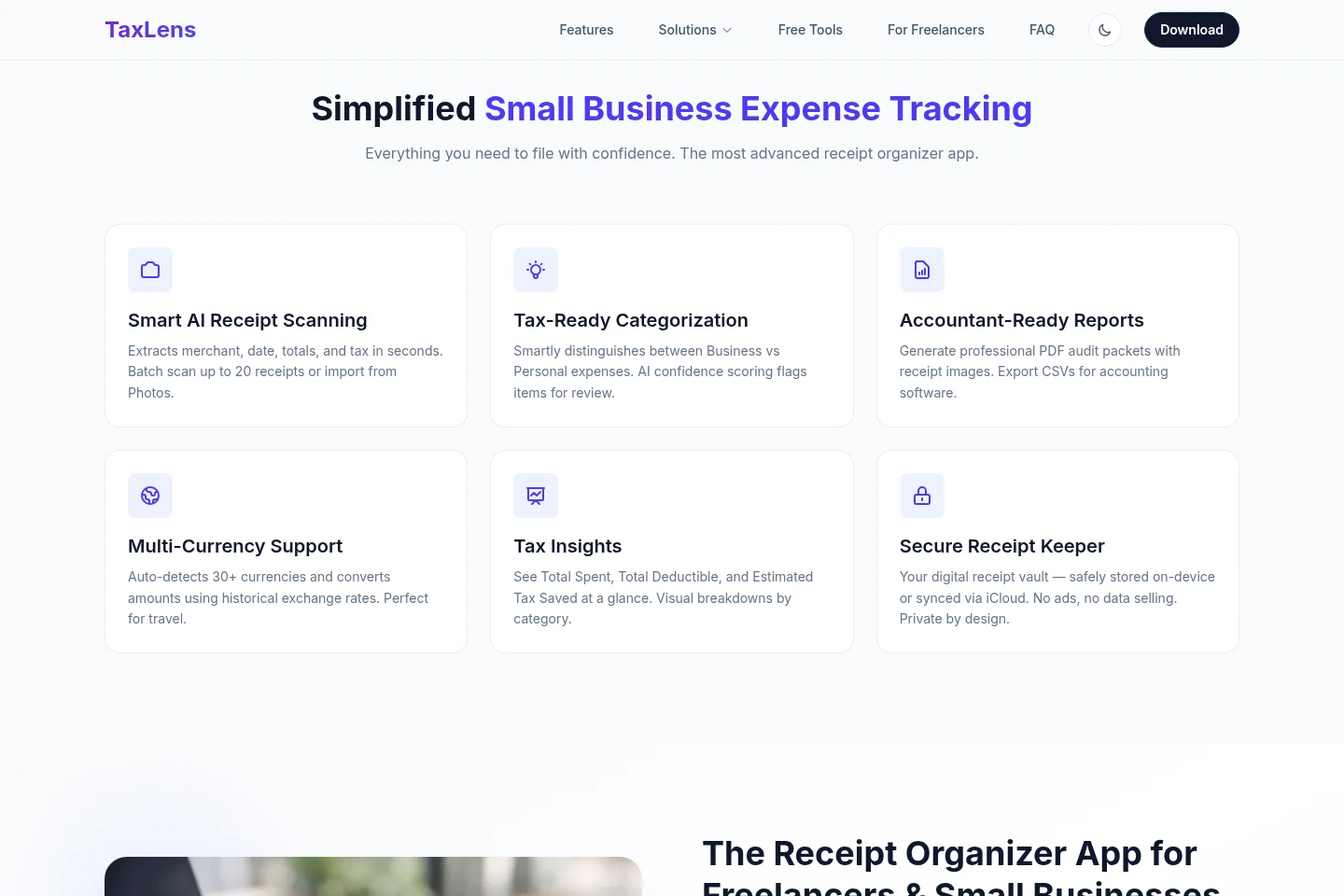
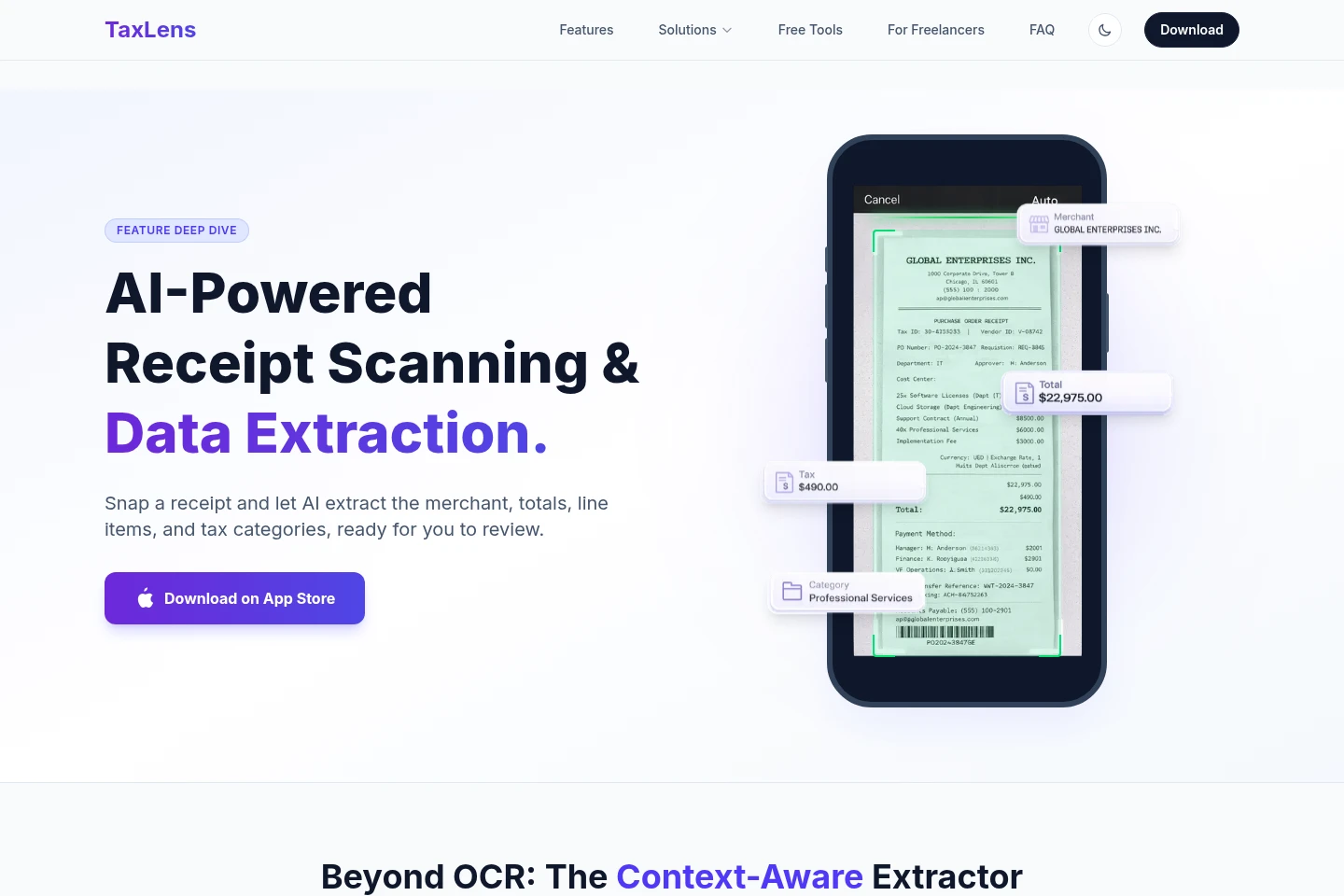
Extracts merchant, date, totals, tax, line items, and categories from receipt images and documents. Users can scan with the camera, batch scan up to 20 physical receipts, or import photos and multi-page PDFs for review.

Tax expense categorization

Assigns tax categories and distinguishes business from personal expenses. AI confidence scoring flags ambiguous items for review before users save the categorized receipts.

Receipt report exports

Creates PDF audit packets with receipt images and exports expense data as CSV. Reports can be used with QuickBooks, Excel, and other accounting software.

Multi-currency conversion

Detects more than 30 currencies and converts receipt amounts to the user's home currency. Conversion uses historical exchange rates based on the receipt date.

Receipt storage

Keeps receipt images in an on-device vault or, when enabled, syncs them through the user's iCloud account. Receipt images are sent over an encrypted connection to Google Gemini AI for scanning.


PricingFree

TaxLens is presented as a free iOS app, and the supplied pages do not list paid plans or recurring charges. Compare the scanning, categorization, reporting, and currency features described on the product pages.

Use cases

Organize freelance tax expenses

When a freelancer needs organized records for tax preparation, they scan or import receipts and review AI-extracted details and business-versus-personal categories. TaxLens can then export categorized expenses in PDF or CSV formats.

Prepare receipt reports for an accountant

When self-employed workers need to share expense records, they generate PDF reports with receipt images or export CSV data. The CSV exports include merchant, date, amount, category, and currency.

Process a batch of receipts

When users have several paper or digital receipts to organize, they can capture up to 20 physical receipts in one camera session or import multiple photos and multi-page PDFs. Captured batches appear in a review queue before saving.

Limitations

  • The product is offered as an iOS app; the supplied pages identify an iPhone app and do not describe other native platforms.

  • Camera batch capture handles up to 20 physical receipts in one session; importing multiple images is also available.

  • Receipt images are sent over an encrypted connection to Google Gemini AI for extraction; iCloud sync is optional.

TaxLens alternatives

ReceiptGenie

Scan receipts, capture line items, and organize expenses

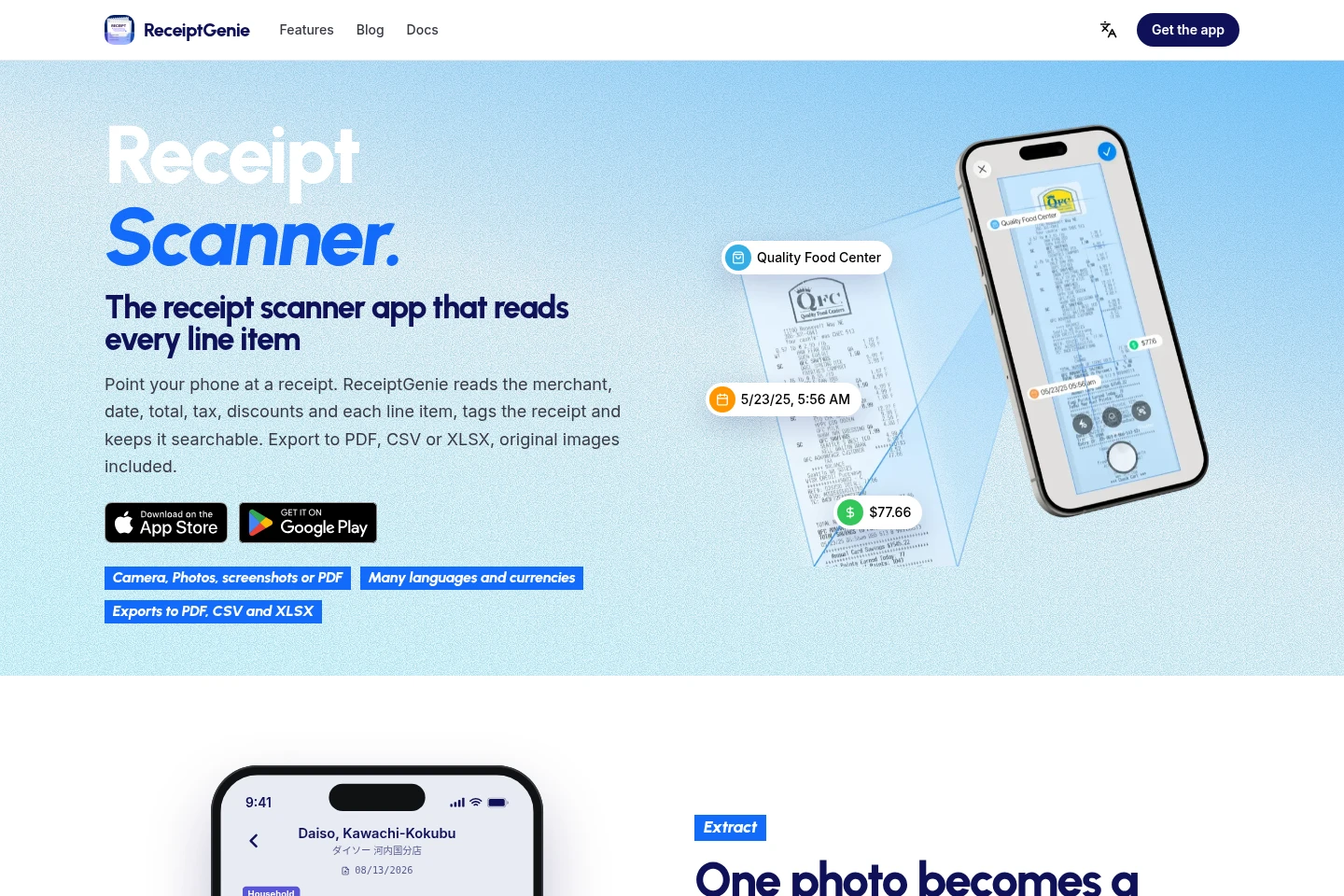
ReceiptGenie is an iPhone and Android app that scans paper receipts, photos, screenshots, and PDFs. It extracts merchant, date, totals, taxes, discounts, and line items into editable records you can tag, search, analyze, and export. Premium adds AI tag suggestions, currency conversion, translation, and report exports.

  • Cloud
  • Freemium
  • FreeFree
  • PremiumPaid subscription; price not stated
  1. SparkReceipt

    AI-powered receipt scanner and expense tracker for businesses

    Freemium
  2. Slip-Scan

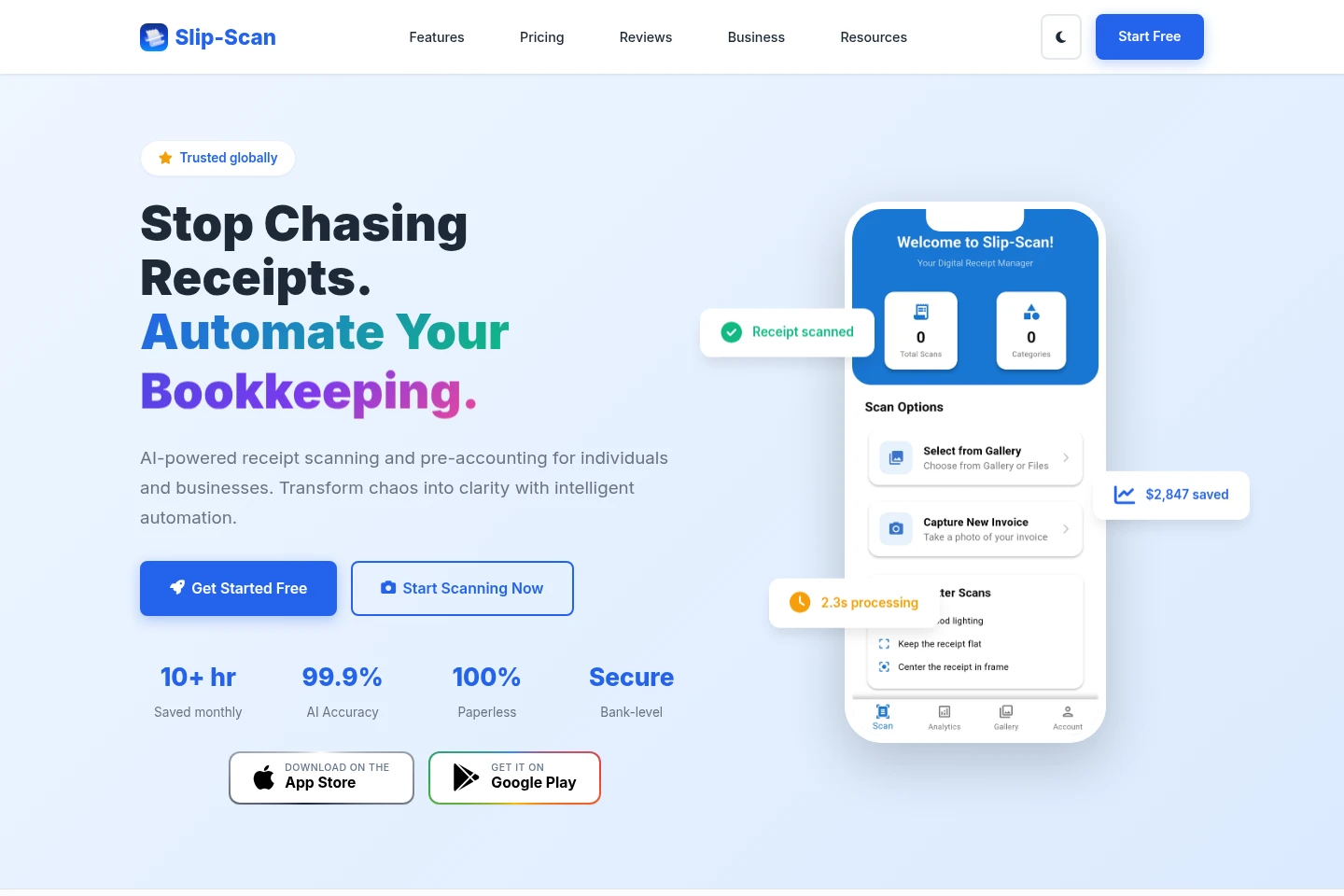
    Scan receipts and organize expenses with AI

    Free · $0/month
  3. ReceiptRecon

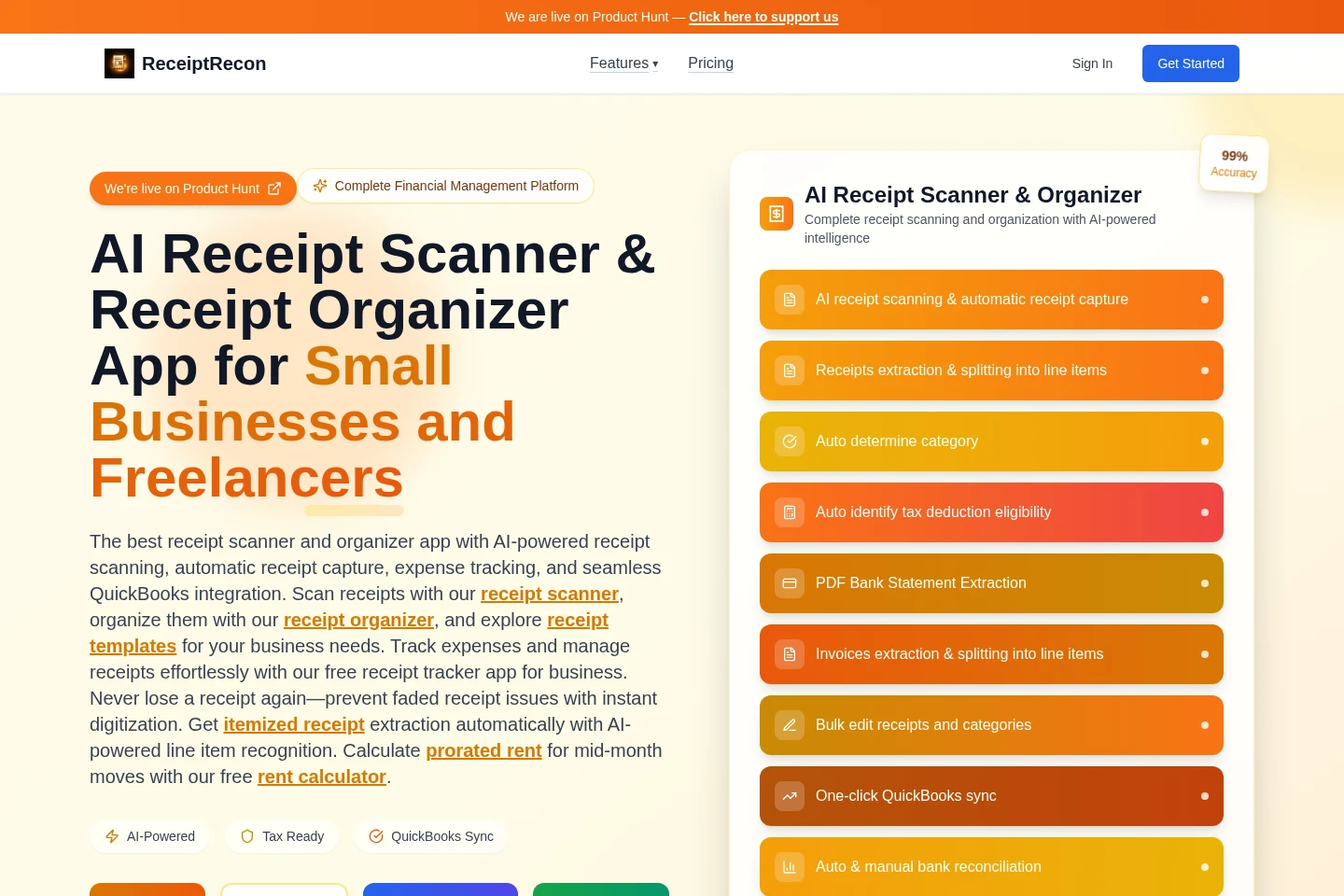
    Scan receipts and organize business expenses with AI

    Monthly · $10/month, billed monthly
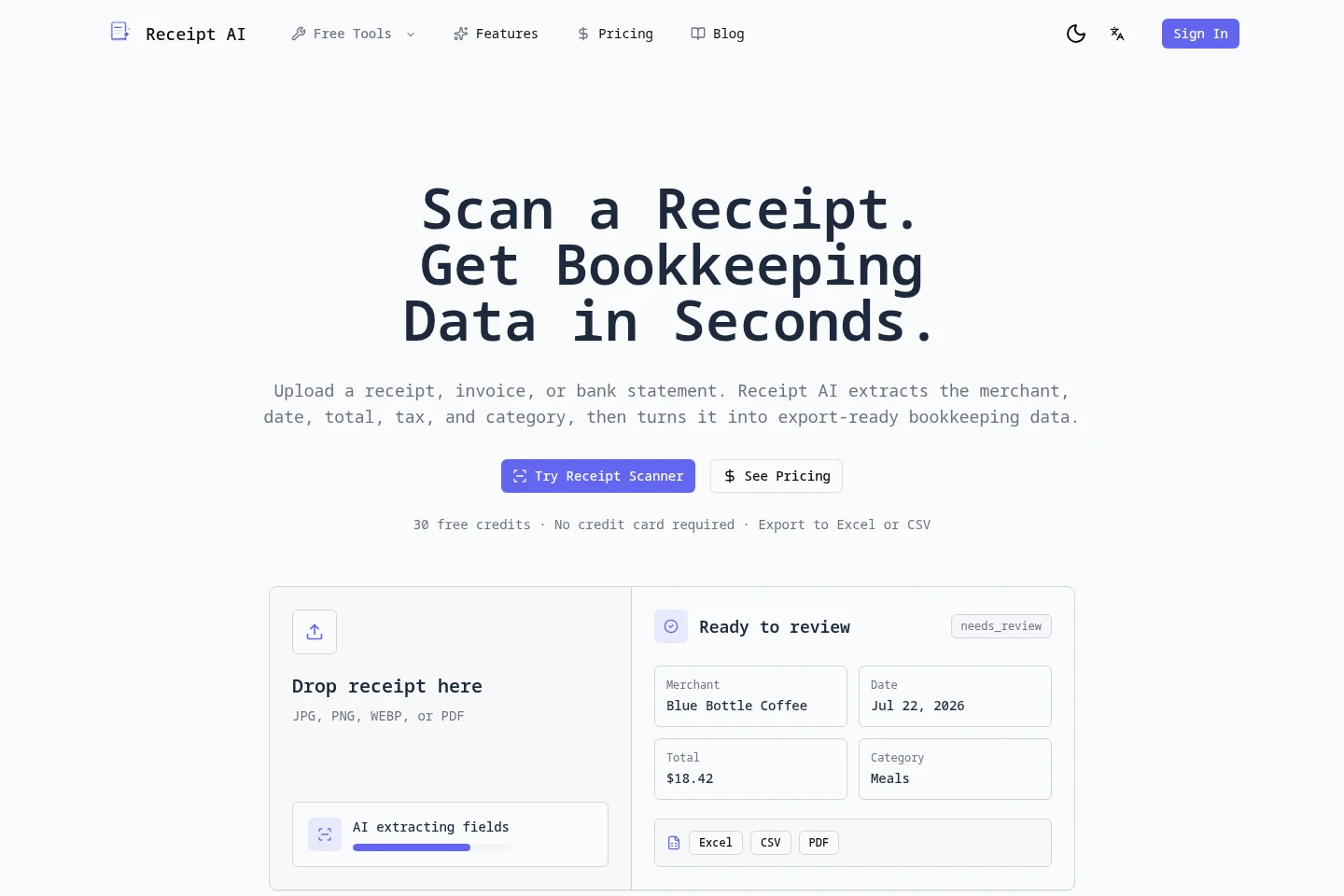
  4. Receipt AI

    Turn receipts and statements into categorized bookkeeping data

    Free · $0
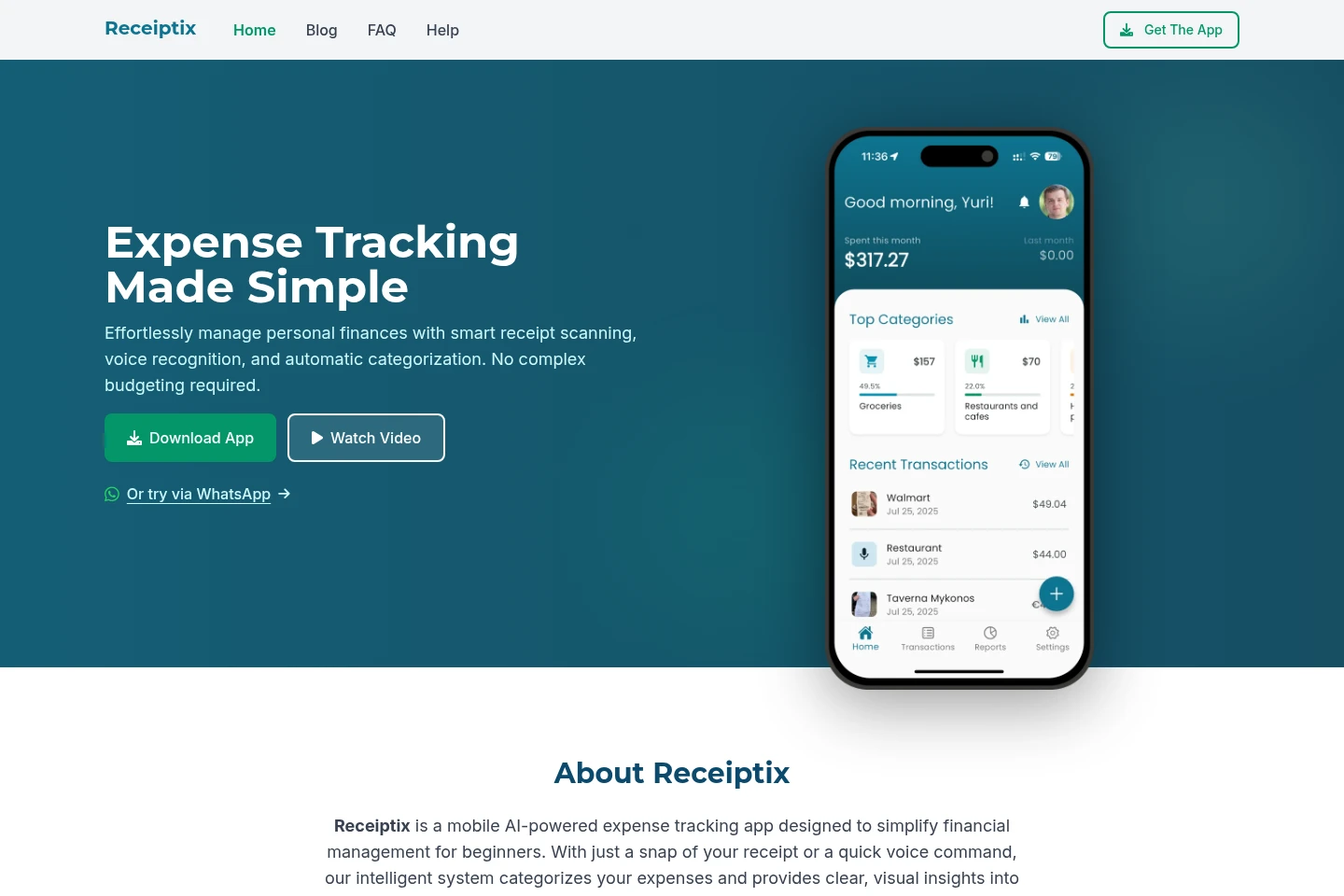
  5. Receiptix

    Track expenses by receipt, voice, chat, or manual entry

    Free · Free; price not stated

Who it is for

  • Freelancers and contractors organizing business expenses for tax preparation

  • Self-employed consultants and professionals who need categorized receipt records

  • Small-business owners and sole proprietors tracking receipts and tax categories

FAQ

What information can TaxLens extract from a receipt?

TaxLens extracts merchant, date, totals, tax, line items, and tax categories using AI. Users can review the extracted details, and confidence scoring flags ambiguous categorization for review.

Can TaxLens scan multiple receipts at once?

Yes. Continuous camera mode can capture up to 20 physical receipts in one session. Users can also import multiple images or multi-page PDFs, then review the batch before saving.

Can TaxLens export receipts for QuickBooks?

Yes. TaxLens exports categorized expenses as CSV files compatible with QuickBooks, Excel, and other accounting software. The CSV includes merchant, date, amount, category, and currency.

How does TaxLens handle foreign currencies?

TaxLens detects more than 30 currencies and converts amounts to the user's home currency using historical exchange rates based on the receipt date.

Where are receipts stored, and how are they scanned?

Receipts can be stored on the iPhone or synced to the user's iCloud account if sync is enabled. During scanning, the receipt image is sent over an encrypted connection to Google's Gemini AI.

Comments

Please sign in to leave a comment.
No comments yet. Be the first to share your thoughts!