
- Monthly visits
- 968
- 2026-10
Synopsule - Record and transcribe conversations locally across Apple devices
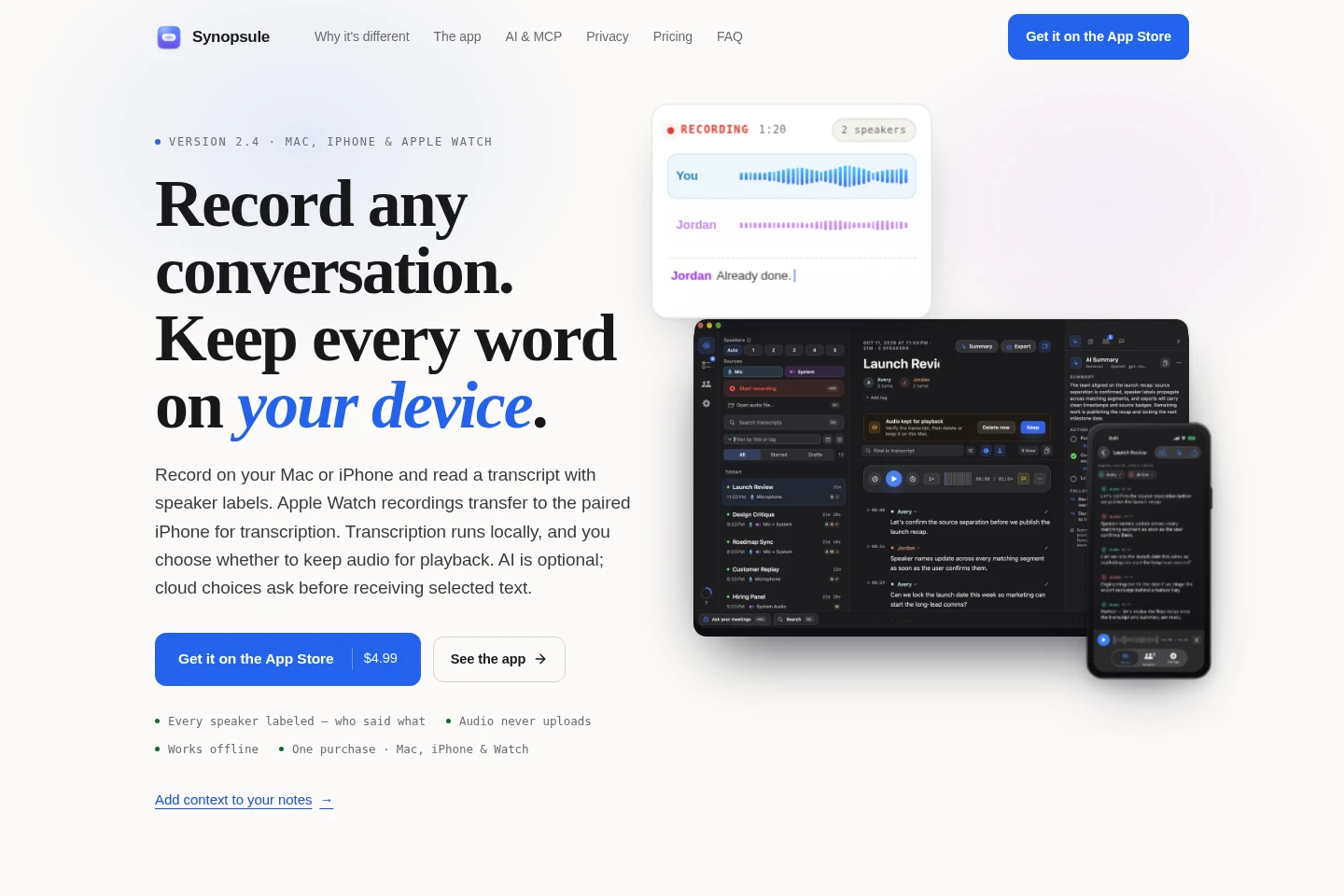
Synopsule records conversations on Mac and iPhone, then transcribes them on-device with speaker labels; Apple Watch recordings transfer to a paired iPhone for transcription. Search transcripts, notes, flags, and attached text, add context to notes, and export files. AI is optional, and cloud AI asks before receiving selected text.
- AI Audio
- Transcription
- Note-Taking Apps
- Knowledge Base
- local meeting transcription
- Mac call recorder
- Apple Watch voice recorder
Capabilities
Local recording and transcription
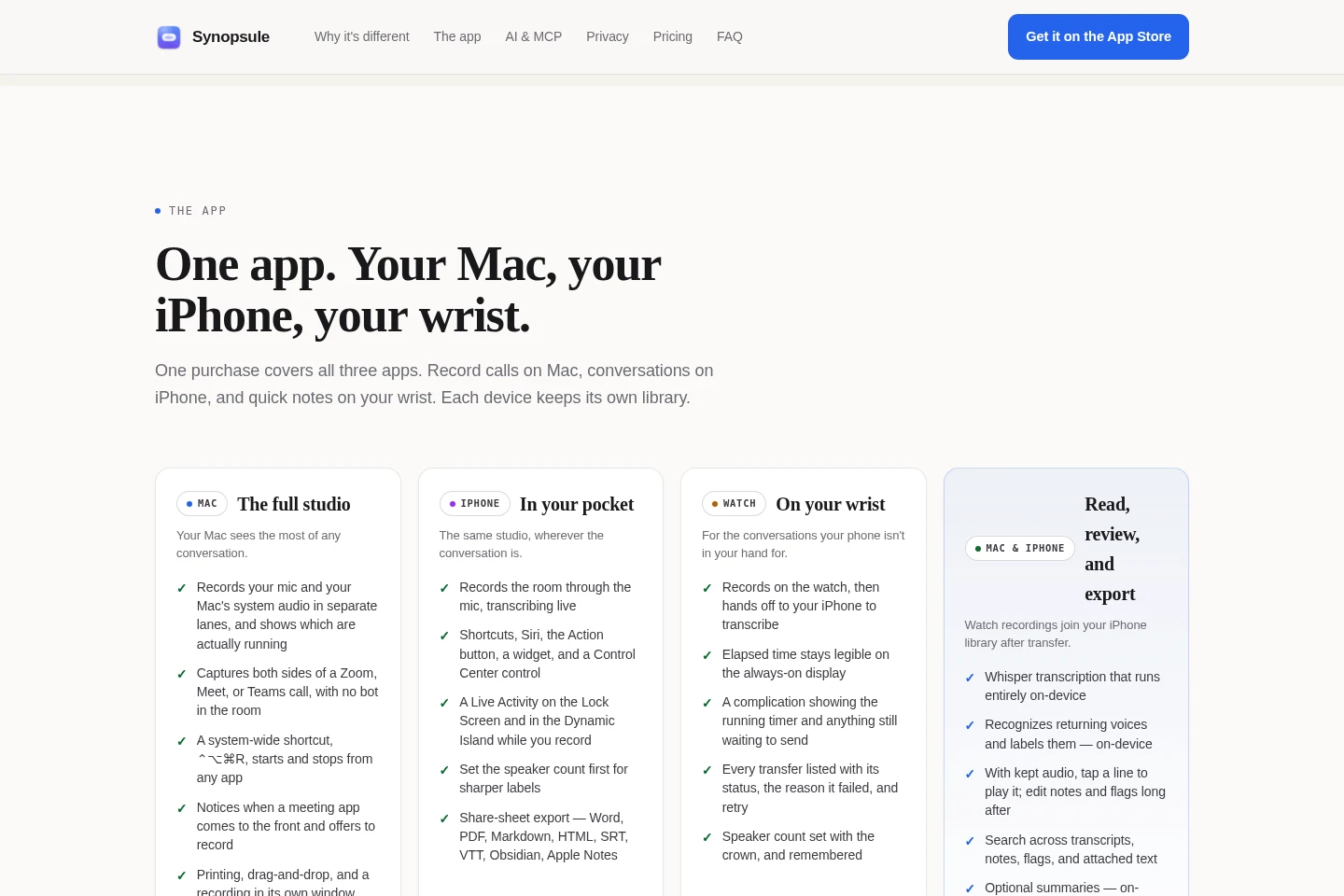
Records conversations on Mac or iPhone and creates transcripts with speaker labels on the device. Apple Watch recordings transfer to the paired iPhone for transcription; recording and transcription work offline.
Transcript and library search
Searches transcripts, notes, flags, and attached text across saved recordings. Speaker filters can narrow results, and optional on-device search can find related wording.
Meeting context and note support
Adds readable PDF, Markdown, or text files to recordings or recurring meeting series and can answer questions using saved library material. Source quotes are provided for checking, and cloud AI asks before selected text is sent.
Exports and library backups
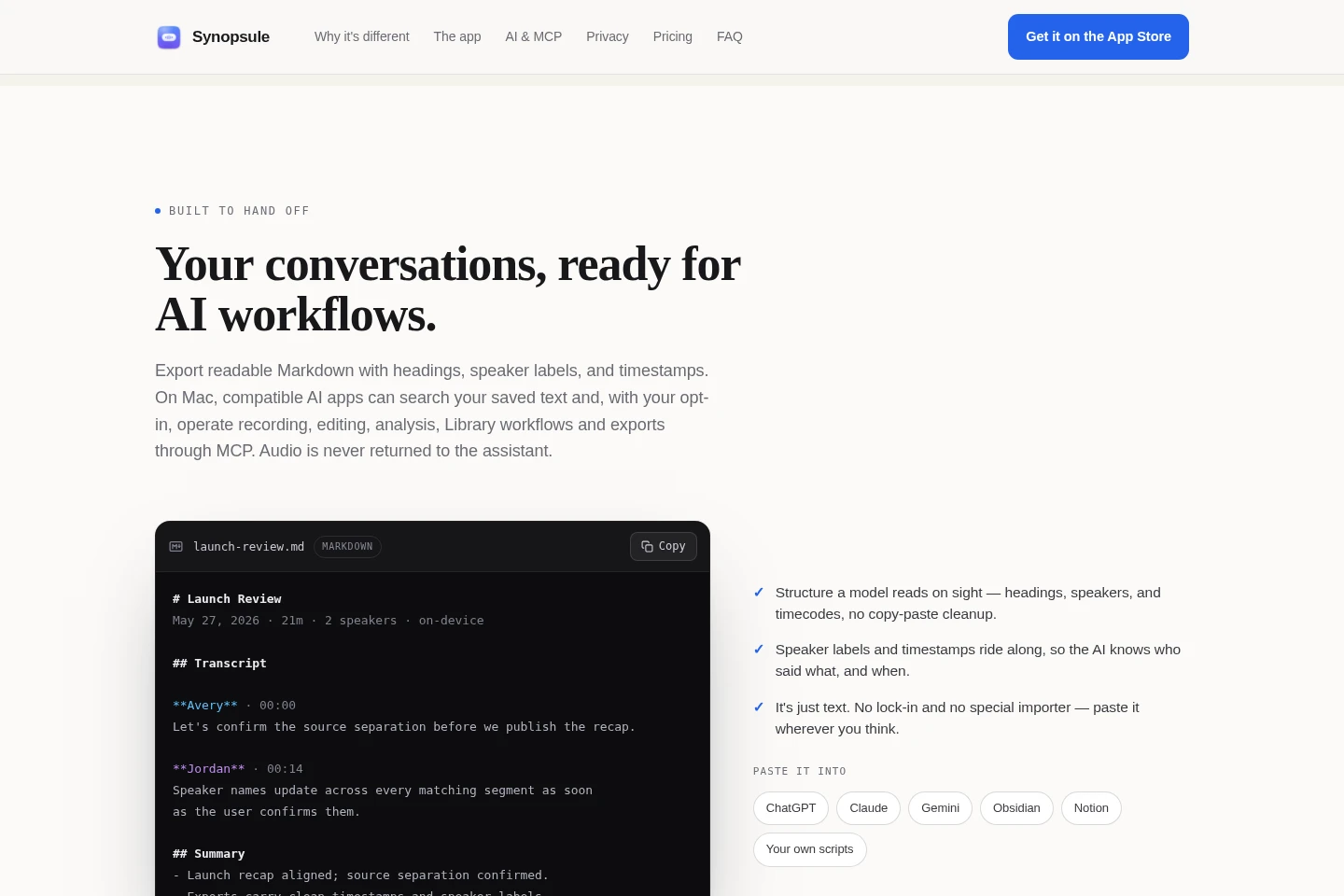
Exports transcripts to formats including Word, PDF, Markdown, HTML, SRT, and VTT, and supports backup and restore. A backup file is the way to move a library between devices.
Pricing
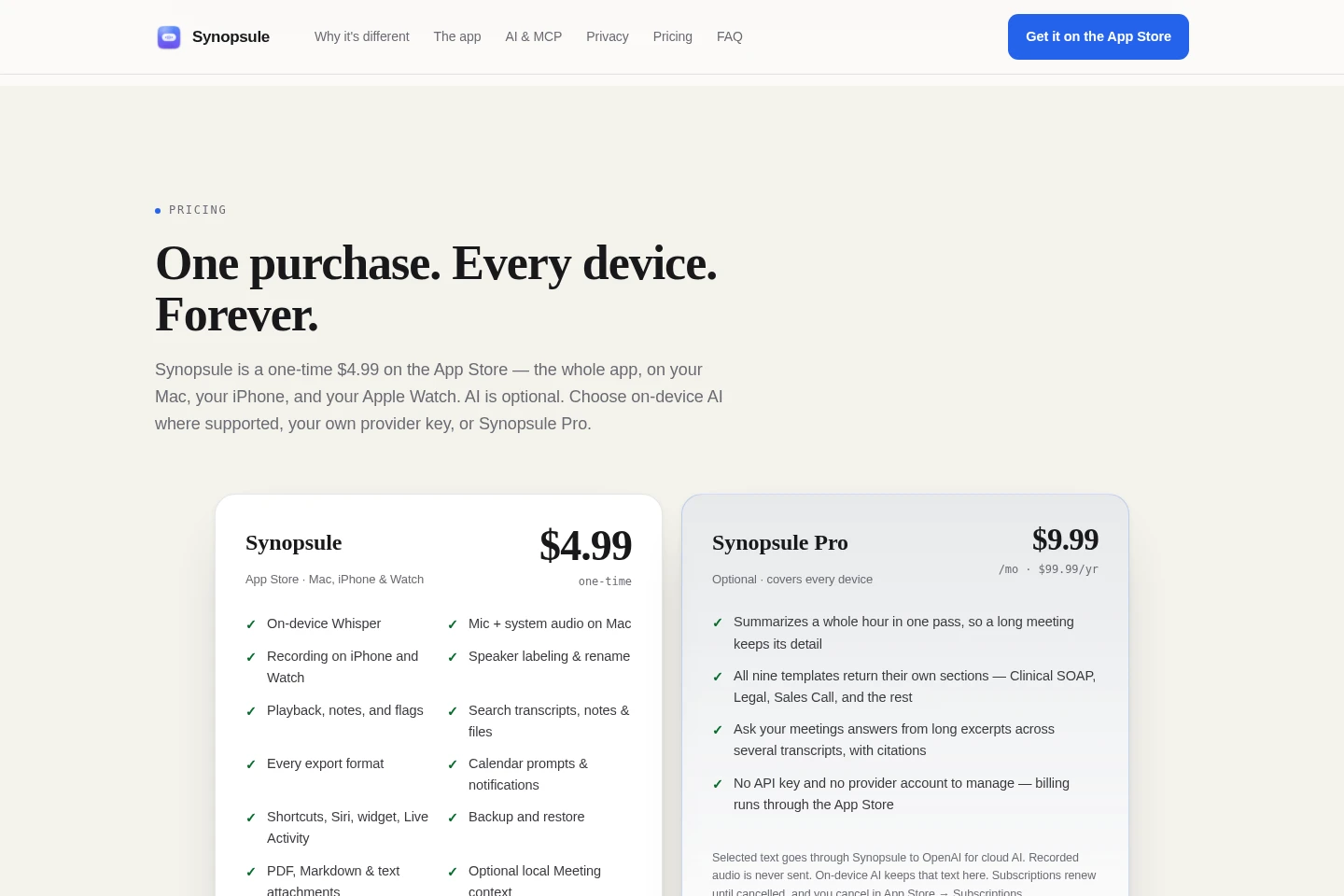
Synopsule is a one-time paid purchase, while Synopsule Pro is an optional recurring subscription. Compare whether you need the core recording app alone or Pro’s additional AI features.
| Plan | Price | Included features and limits |
|---|---|---|
| Synopsule | $4.99 one-time |
|
| Synopsule Pro | $9.99/month or $99.99/year |
|
Use cases
Record and transcribe a conversation
When you need a searchable record of a call or in-person conversation, record on Mac or iPhone for local transcription and speaker labels. Record on Apple Watch when useful, then transfer to its paired iPhone for transcription.
Find a detail in saved meetings
When recalling a statement or decision from earlier meetings, search transcripts, notes, flags, and attached text in the library. Open source quotes to check the relevant passage, meeting, or PDF page.
Add context to meeting notes
When an agenda or earlier decision is relevant to a recording, attach a readable PDF, Markdown, or text file, or use saved meeting context. Review source quotes and keep, edit, or discard suggested note context.
Limitations
There is no sync or cloud library between devices; each device keeps its own recordings, and moving a library requires making and restoring a backup file.
The app interface is English only.
Apple Watch recordings must transfer to the paired iPhone before transcription.
Audio is recorded locally; optional cloud AI receives selected transcript, note, or attached-file text only after asking, and recorded audio is not sent to AI.
Who it is for
People who want locally stored recordings and searchable meeting transcripts
Mac, iPhone, and Apple Watch users who want one recording workflow across devices
Conversation note-takers who want optional AI and control over selected text sent to cloud AI
FAQ
Where are recordings transcribed?
Transcription runs locally on Mac or iPhone using a speech model included with the app. Apple Watch recordings transfer to the paired iPhone for transcription.
Does Synopsule sync recordings between devices?
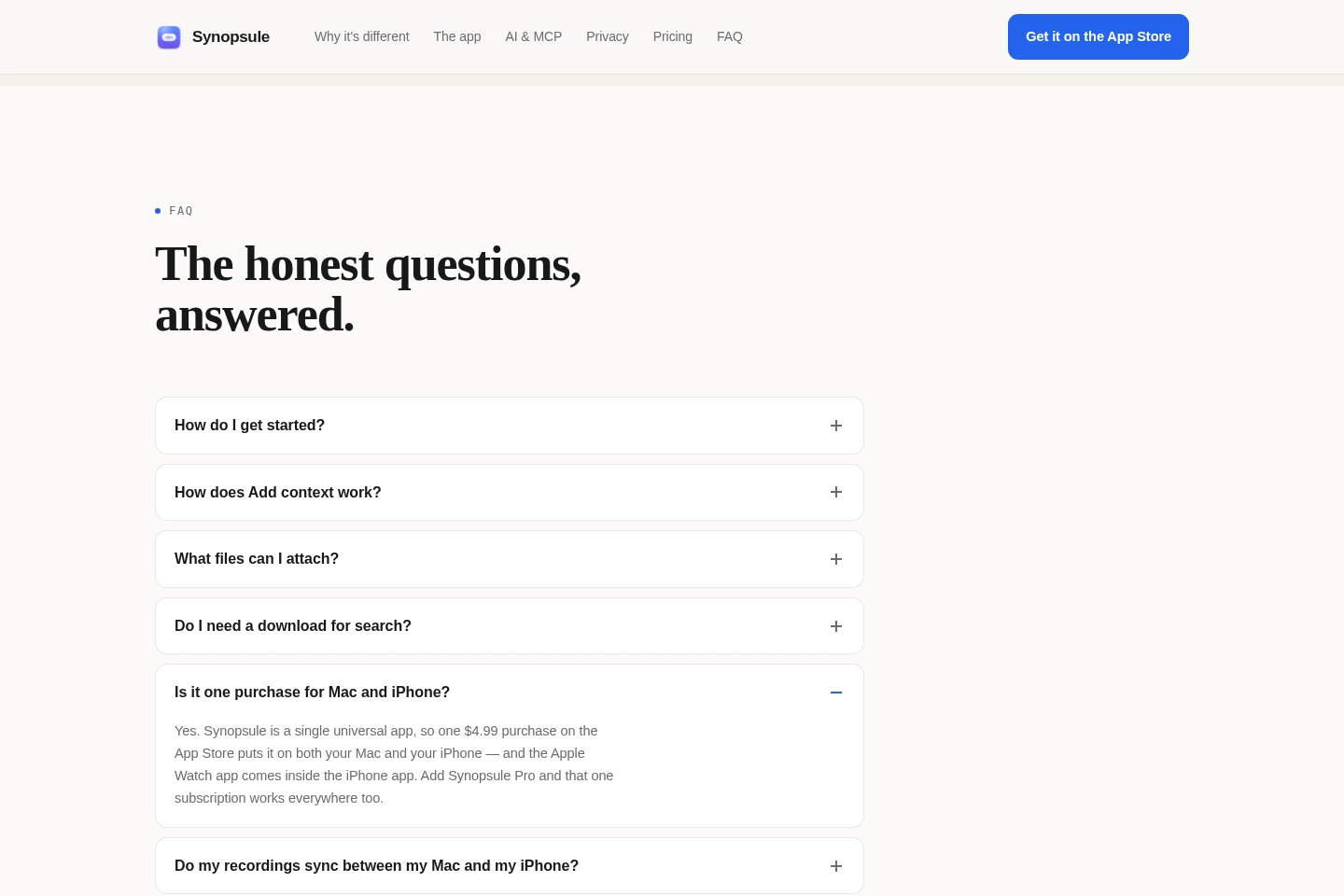
No. Each device keeps its own library, with no cloud library or device sync. To move a library, make a backup file and restore it on the other device.
Is AI required to record and transcribe?
No. AI is optional, and recording and transcription work offline. You can choose supported on-device AI, your own provider key, or Synopsule Pro for AI features.
Does cloud AI receive the recorded audio?
No. Recorded audio is never sent to an AI provider. Cloud AI asks before receiving selected transcript, note, or attached-file text.
Comments